


Birthdays are special times full of joy and great memories. Why not create something unforgettable instead of just sending a plain message?
You can quickly turn photos, text, and ideas into heartfelt birthday videos with insMind. This easy to use AI birthday video maker helps you to create videos that feel personal and fun with full of life. Whether it is for a friend, family member or coworker, insMind brings your birthday video ideas to life with beautiful animations and cool effects.
This tool gives you the freedom to celebrate in your own unique way from a simple photo to birthday video to an expressive AI birthday wishes video generator. Here is how you can make your own birthday video in just a few easy steps.
Table of Contents
Part 1: How to Make a Birthday Video with insMind AI Video Generator?
Making a birthday video with insMind is fast and easy as no editing experience needed. You can choose from three AI tools based on what you want to use. These are AI Video Generator, Text to Video or Image to Video.
Here is how to get started.
Step 1: Open the AI Video Generator
Go to the insMind website and open the AI Video Generator section. The layout is simple and easy to use. You can begin from scratch by uploading photos or type a birthday message to quickly create your animated video.
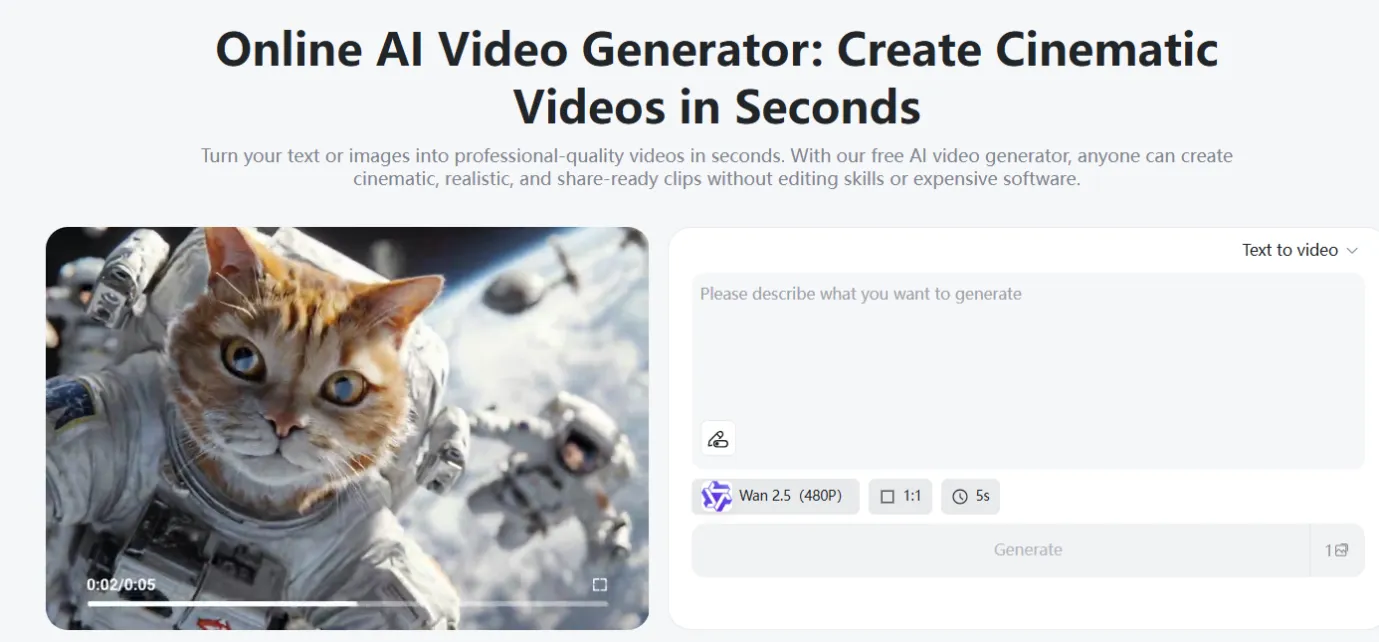
Step 2: Pick Your Video Style and AI Model
Select how you want your birthday video to look. insMind offers different ways to create animations.
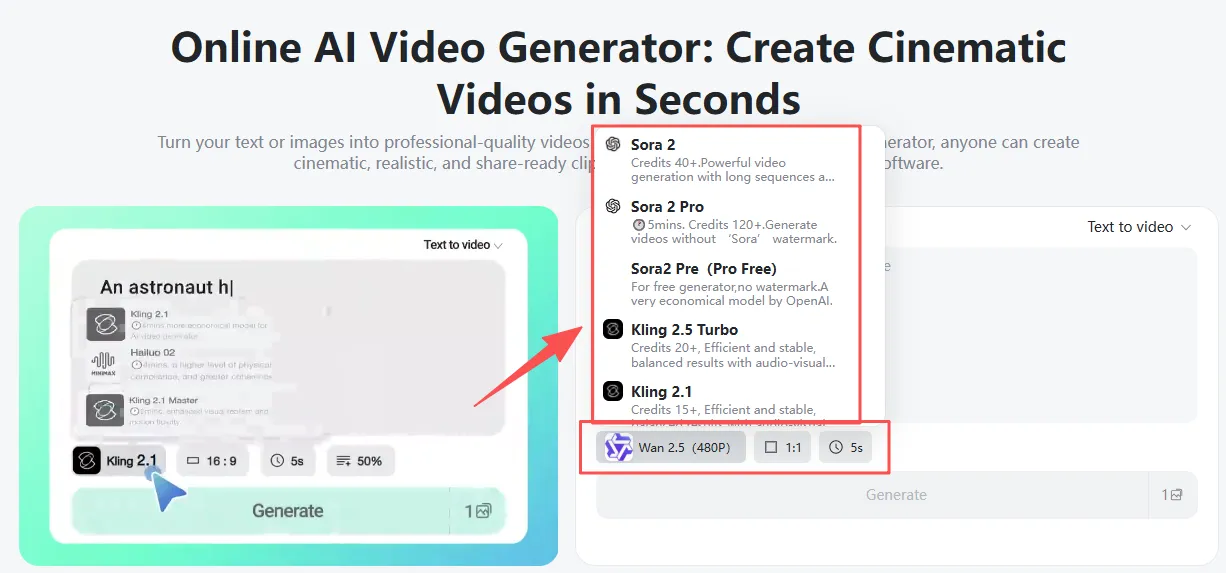
Text-to-Video (Using Your Words)
Write a short birthday message or describe the theme and mood. The AI reads your words and turns them into a fun cartoon or movie like scene.
Image-to-Video (Using Photos)
Upload one or more photos like pictures of the birthday person, pets or party moments. Then pick animation styles to bring the images to life.
Choose an AI Model
- Wan 2.5: Great for talking avatars with natural lip-sync. It is perfect for personal birthday greetings.
- Sora 2 / Hailuo 2.3: Best for anime or artistic styles.
- Kling 2.5: Creates cinematic and realistic videos with good details and quality birthday clips.
You can also pick the video format like 16:9 for YouTube or 9:16 for Instagram for the length and quality.
Step 3: Add Your Details
Whether you are using photos or text, add extra info to make your birthday video special. Include favorite colors and background music alongside animation tips or special characters. The AI can create a video that matches your idea better if your instructions are clear.
Step 4: Create and Download Your Video
Just click “Generate” when you are ready. In a few seconds, insMind will make your lively birthday video. Watch a preview to make any small changes if you want. If everything is fine, simply download your video in HD or 4K quality. Now, it is all set to share on social media and other digital communication platforms.
Part 2: Birthday Video Example Prompts
Here are a few prompts to spark your creativity.
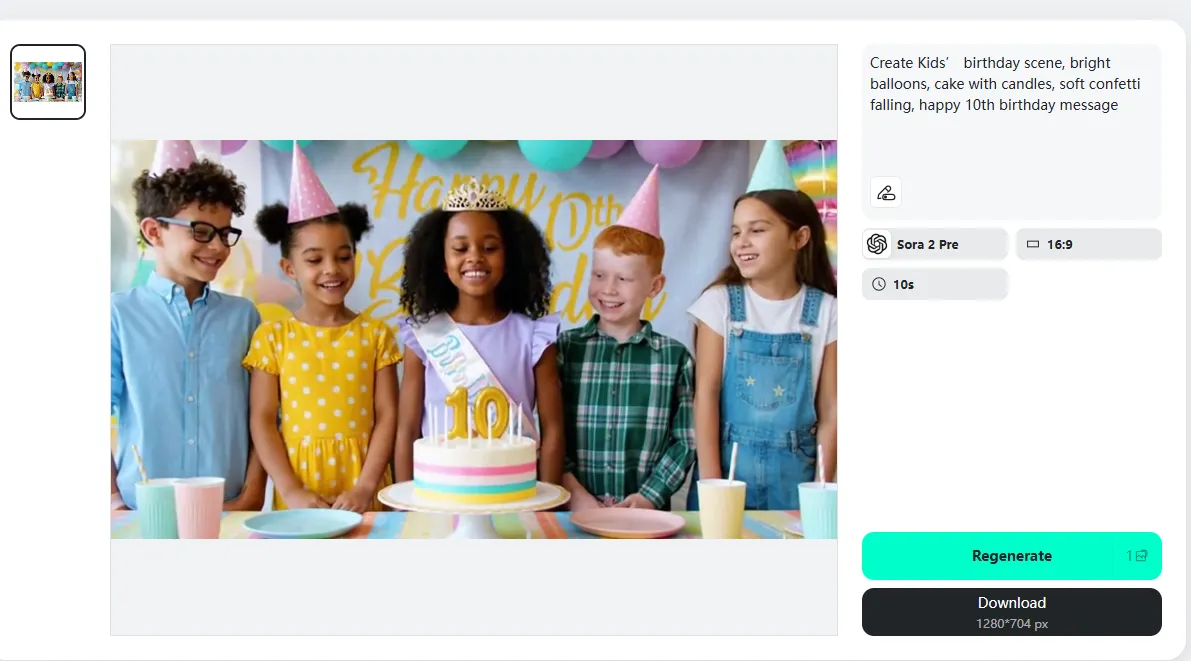
Kids' Birthday Party
A bright room filled with colorful balloons with a small cake with candles and kids cheering. Soft confetti falls as the birthday child smiles by the table. Warm lights and fun music play. Text on screen will be Happy 10th Birthday.
Dog Birthday Celebration
A happy dog wearing a party hat sits next to a bone shaped cake. Paw prints appear on the floor and treats float gently in the air. Soft pastel colors and smooth movements create a fun vibe. Text should day “Happy Birthday to My Sweet Pup”.
Office Birthday Greeting
A friendly office scene shows coworkers clapping around a decorated desk. There is a cake and coffee mugs alongside simple balloons for a casual party feel. The camera moves gently with a warm message on screen which will be “Happy Birthday from the Team”, calm, cheerful, and work appropriate.
Family Birthday Moment
A cozy living room decorated with soft lights and photos with a birthday banner. Parents and kids gather around the cake while smiling and talking. Sunlight shines through the window. Slow and warm movement with text saying, “Happy Birthday from the Whole Family”.
Part 3: Birthday Video Ideas to Inspire You
Making special birthday videos with insMind is simple and fun. Here are some ideas to get you started.
Kids Birthday Surprises
Use bright colors with fun animations and their favorite cartoon characters to make the birthday child feel extra special. Add little touches like popping balloons or swirling confetti to bring the scene to life.
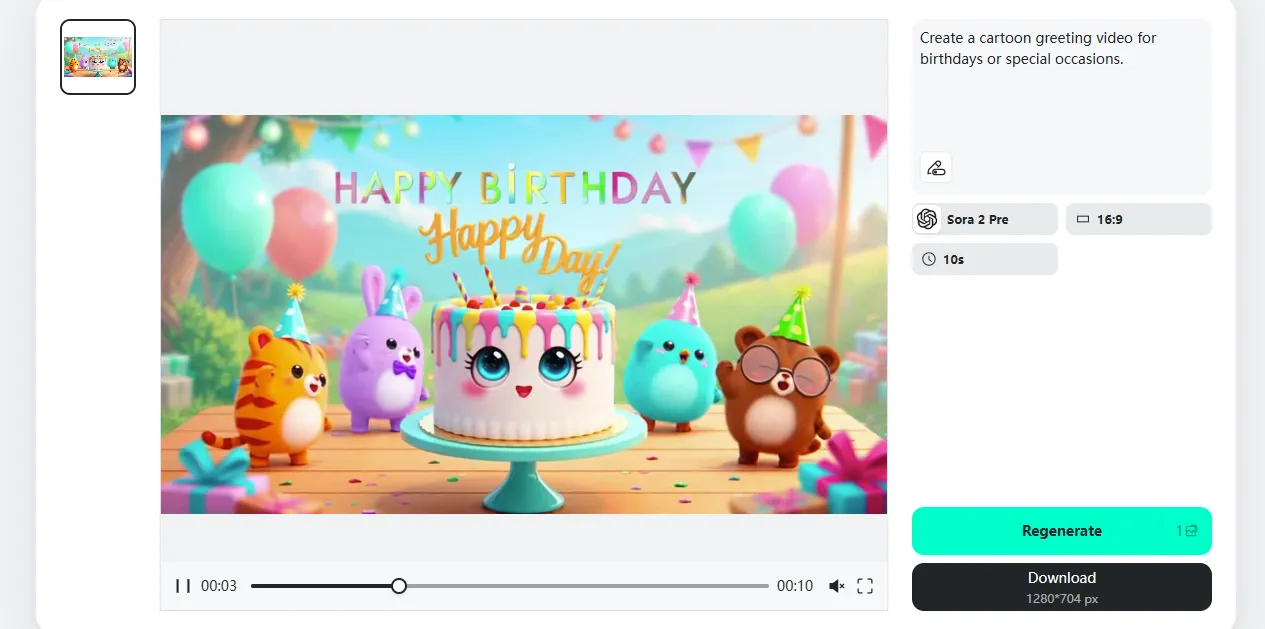
Pet Birthday Videos
Celebrate your furry friends with playful animations featuring treats and paw prints. Add small movements like wagging tails or happy jumps to make the video warm and cute.
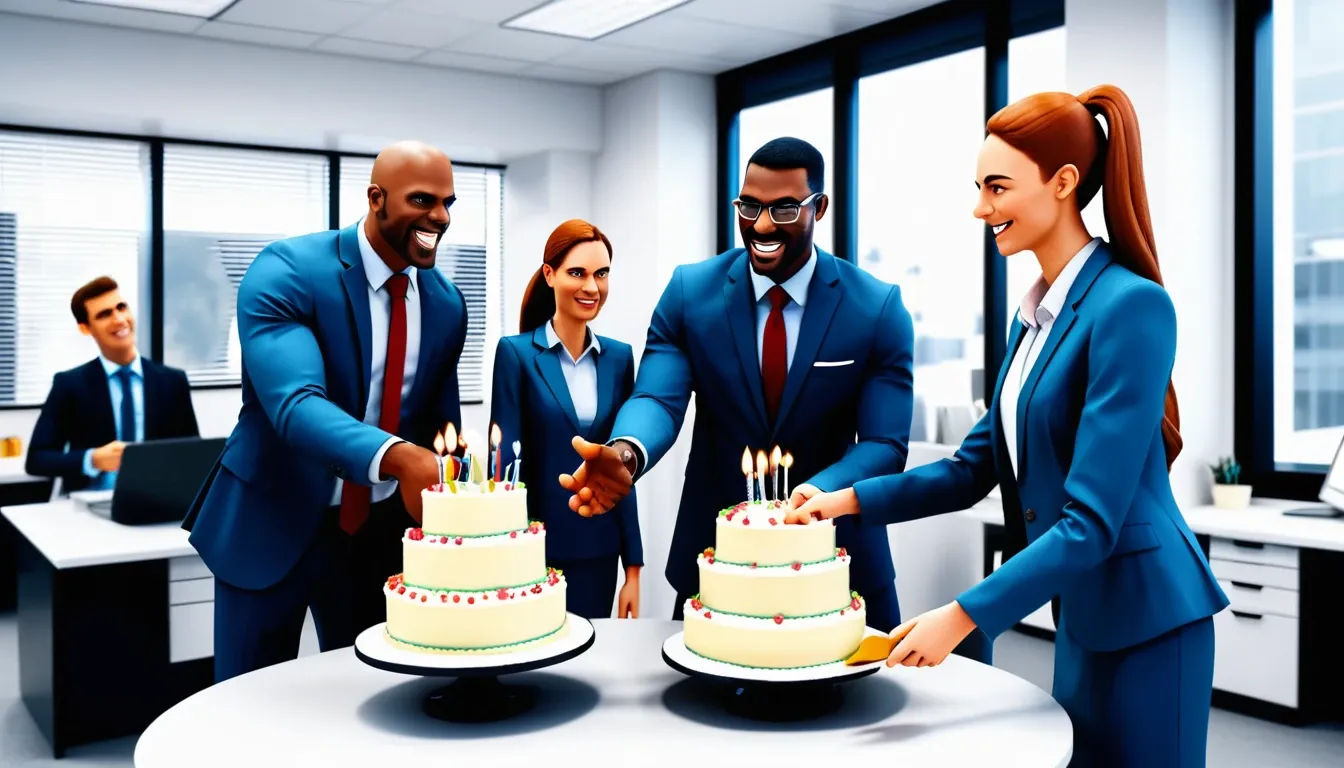
Office or Colleague Messages
Add some humor or motivation with animated office scenes or virtual cake cutting. You can also include team photos or short text messages to give it a friendly and work related feel.
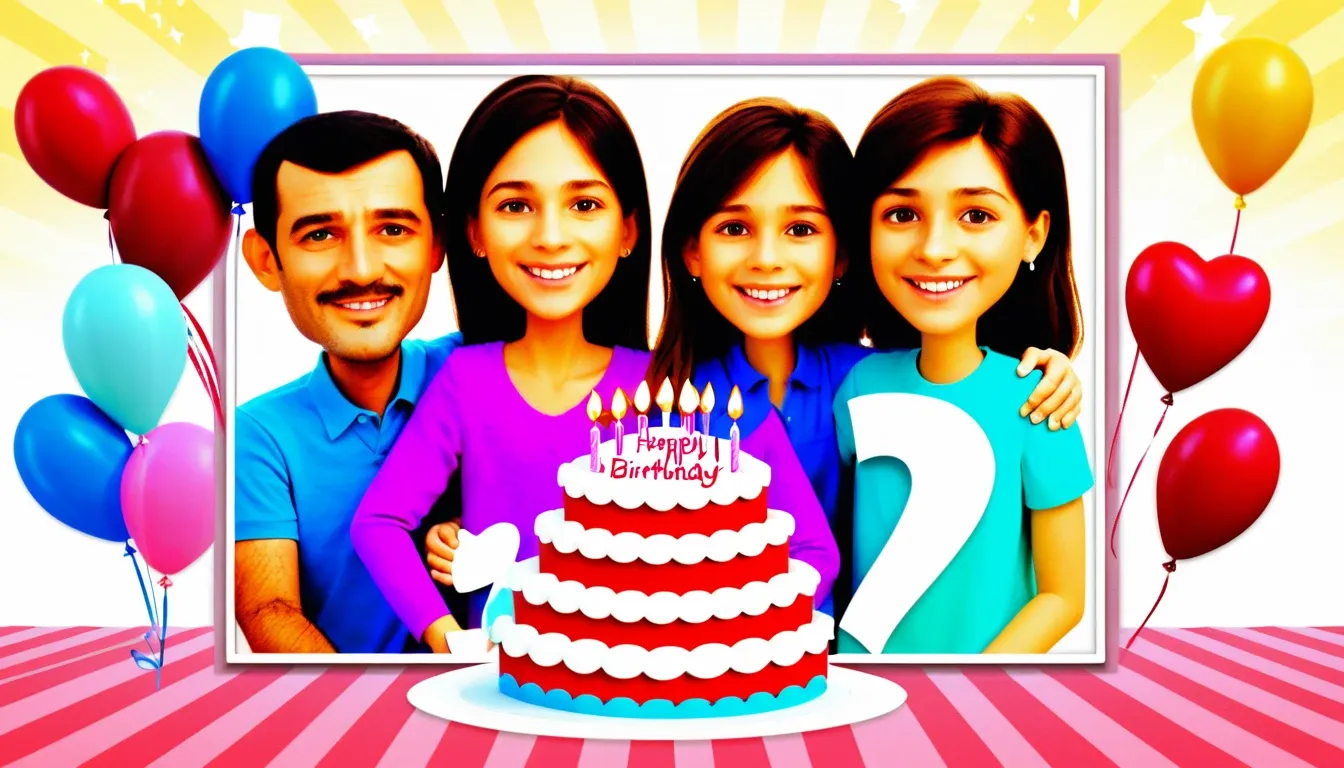
Family Birthday Greetings
Mix family photos with heartfelt messages and cheerful animations. Try adding warm lighting or gentle camera movement to make the video feel more personal and touching.
Part 4: Tips for Personalizing Your Video
Follow the below tips to get good results.
- Choose music that fits the mood. Soft, happy or upbeat tunes help set the right feeling for the video.
- Pick animation styles that match the person’s personality. Whether it’s anime, soft pastel colors, or bright party vibes, the style changes the whole tone.
- Add backgrounds with their favorite places or party decorations. Simple things like lights and banners with cozy rooms add extra character.
- Include characters like avatars and pets with friends. It makes the video feel like it was made just for them.
FAQs About Making AI Birthday Videos with insMind
What is the best AI tool for making birthday videos?
insMind is great for quickly creating birthday videos. It lets you turn text or photos into lively and quality animations using text to video, image to video, and ready-made templates.
How do I turn photos into a birthday video?
Just upload your pictures to the Image to Video tool and pick an animation style. You can also add a short description if you like. The AI will turn your photos into fun and moving clips to share with friends and family.
Can I make AI birthday wish videos for free?
Yes. insMind offers a free trial where you can try out different templates styles and models without paying. You can decide if you want to upgrade later.
Can I customize characters and messages in the videos?
Definitely. You can write your own text or upload images to create unique characters and scenes. You also control how the animations and expressions look to make the video personal.
Can I use my own photos in the birthday video?
Yes. You can add photos from parties, family events, or pets. The AI will animate them naturally and match them with your chosen style and music for a special video.
What are some good birthday video ideas to try?
Try making birthday montages, surprise party scenes, animated pets, office greetings, or family celebrations. For example, you could prompt as “Animated cake cutting with friends cheering with balloons, and confetti falling”.
How do I make sure the video fits Instagram or YouTube?
Pick the right video size and quality in the settings. Use 9:16 for Instagram Stories or Reels, 16:9 for YouTube, and choose HD or 4K for sharp, clear videos.
Conclusion
With insMind, making amazing birthday videos is easy, fun, and quick. Whether you are turning a photo into videos or using the AI birthday wishes tool, anyone can create lively and high-quality animations in just minutes. Just try different prompts, upload your photos, pick a style, and watch your birthday video come to life.
Make the special day of someone unforgettable without any hassle. Start creating birthday memories with AI today.

Sarah Michelle
I'm a freelance writer with a passion for editing and designing photos. Here at insMind, I strive to educate users on image creativity, photography, and enhancing product photos to help grow their businesses.


![How to Add Logo to Photos Online for Free [The Simplest Method]](https://static.xsbapp.com/market-operations/market/side/1718795949162.jpg?x-oss-process=image/resize,w_690,h_460,type_6/interlace,1,image/format,webp "How to Add Logo to Photos Online for Free [The Simplest Method]")
![How to Remove Tattoos from Photos [Ultimate Guide 2025]](https://static.xsbapp.com/market-operations/market/side/1718787534476.jpg?x-oss-process=image/resize,w_690,h_460,type_6/interlace,1,image/format,webp "How to Remove Tattoos from Photos [Ultimate Guide 2025]")


