
Turn Your Photo into Art with AI Online
Recreate Your Photos as Timeless Oil Paintings
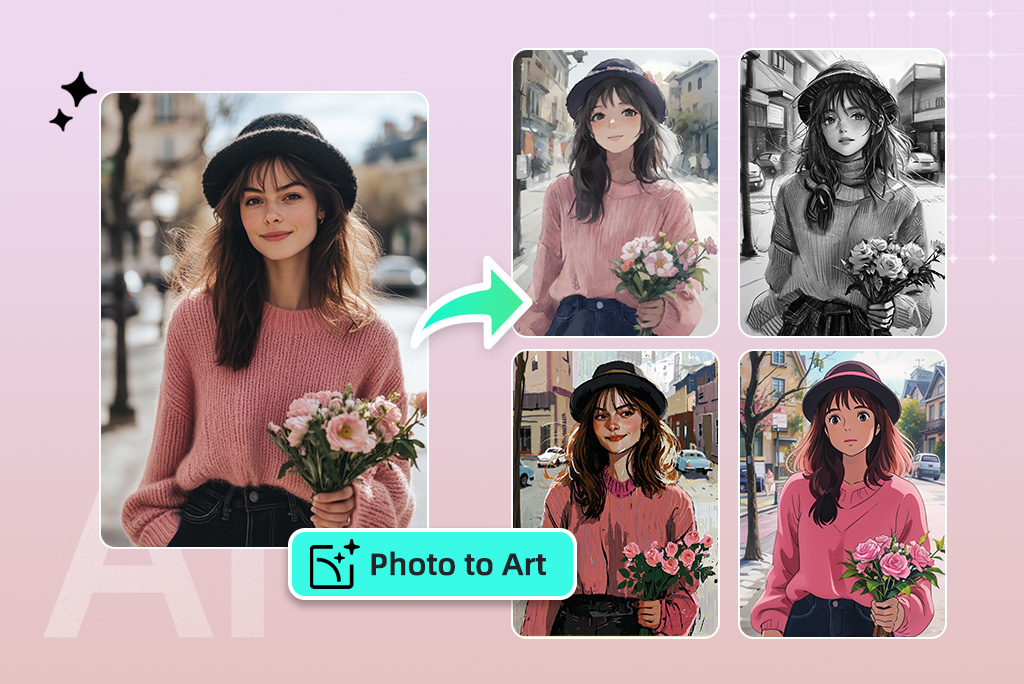
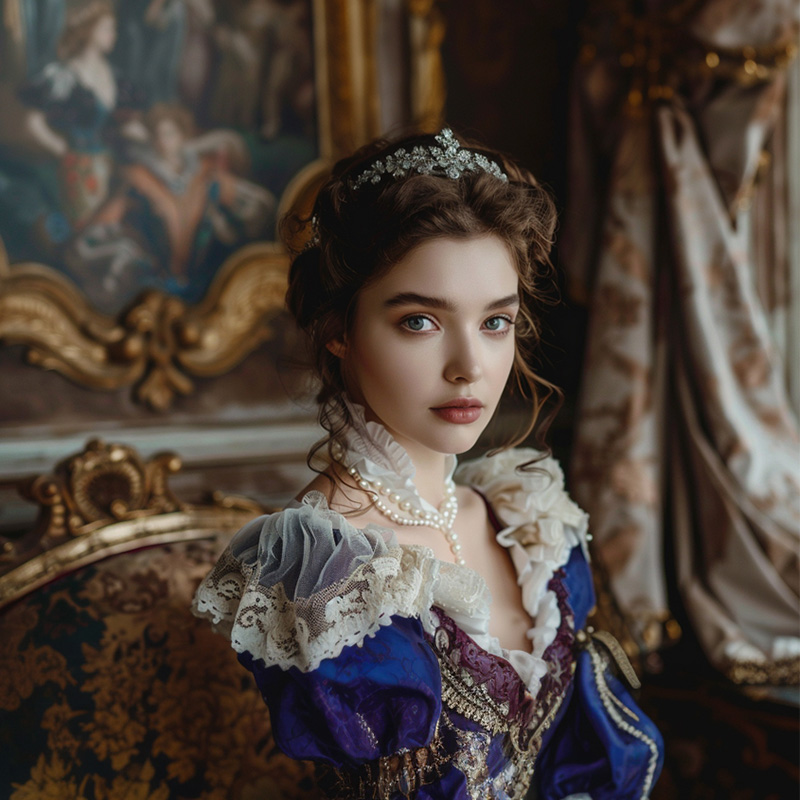
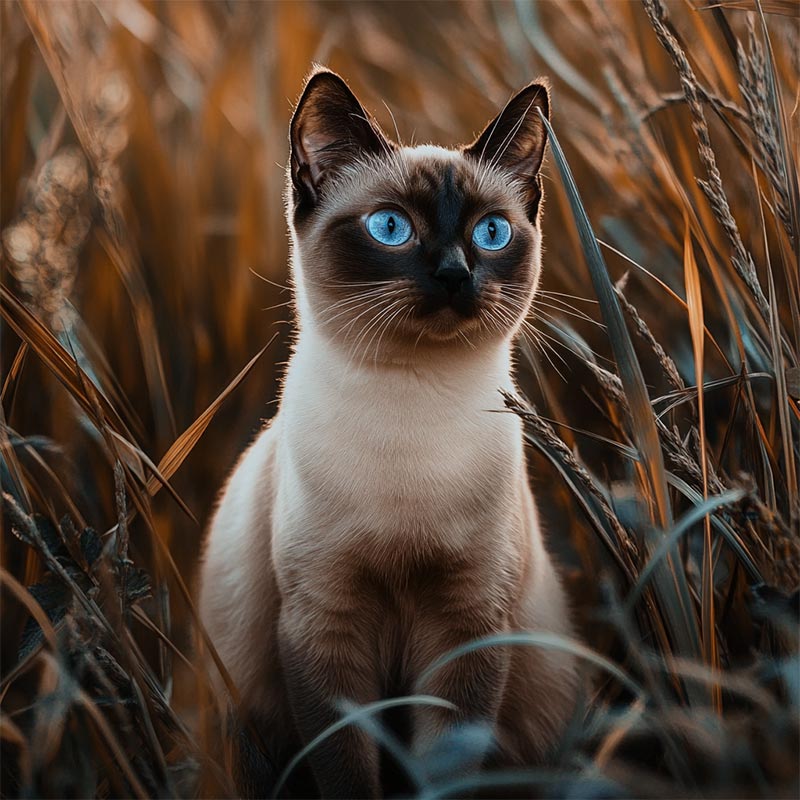
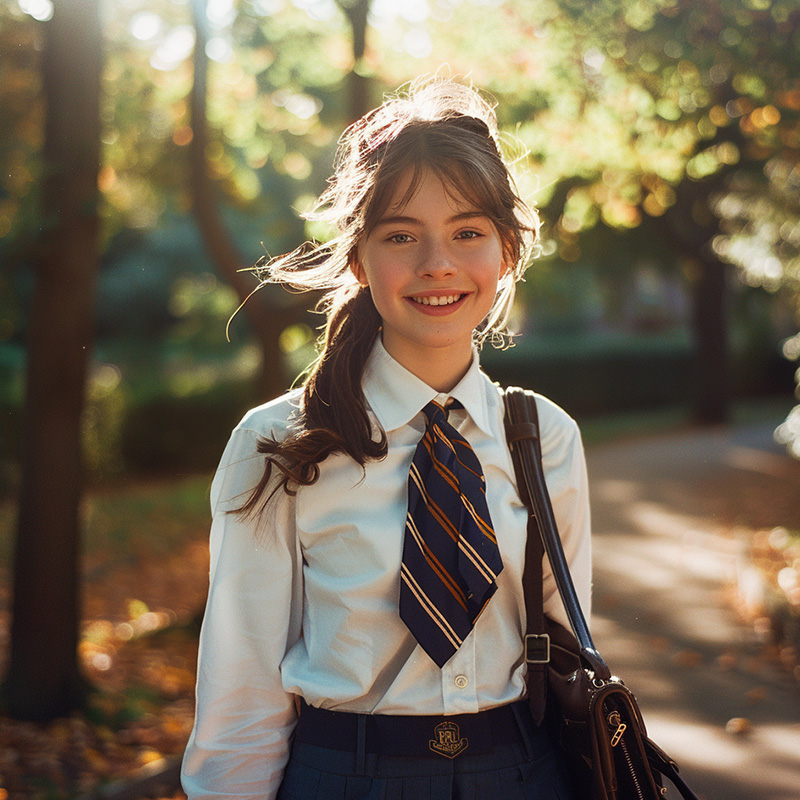
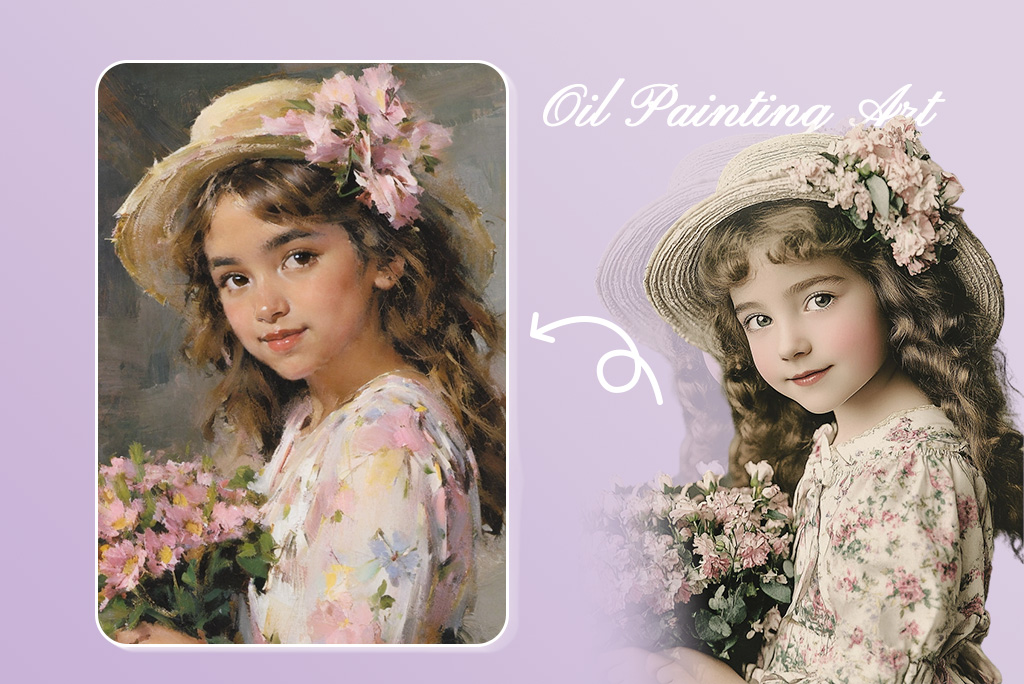
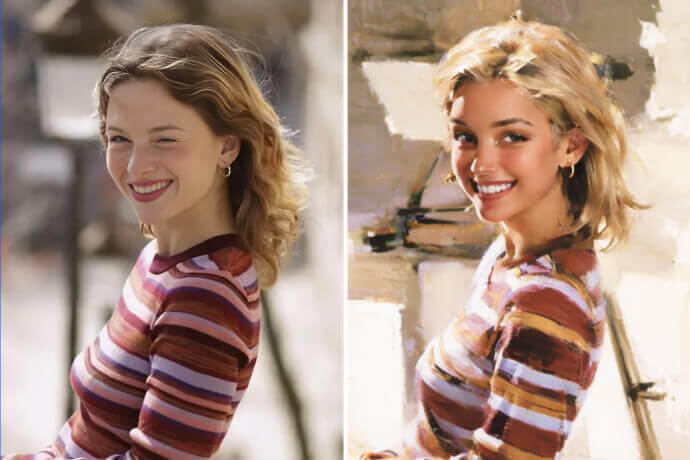
Bring the charm of hand-painted artwork to your digital photos. Transform your photos into realistic oil paintings with our AI photo to artwork filters. Recreate the depth, texture, and brushstroke effects of classic oil paintings.
Simply upload your photo, choose the painting filter and let our AI convert your photo into a spectacular piece of oil painting in no time. The entire process is simple and quick, with no need for any manual photo editing. Experience an innovative way of creating oil painting art today!
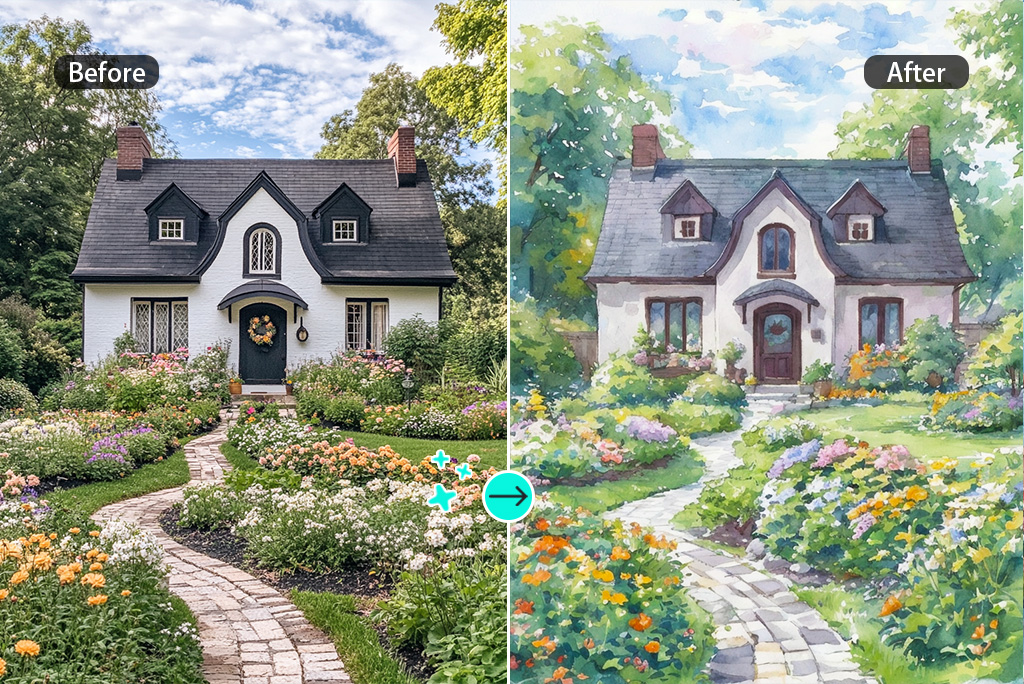
Turn Your Photo into Dreamy Watercolor Artwork
Watercolor paintings are special: the light diffusion around the subject, the soft washes of color, and the beautiful paper texture give a stunning feel. insMind provides a fluid and realistic watercolor painting filter to transform your photos into beautiful hand-painted artwork.
Give your portrait, landscape, or pet photo water painting effects with fluid brushstrokes and artistic textures. With just one click, your photos can have a dreamy, hand-painted look while preserving important details. Try it now and turn your memories into watercolor masterpieces!
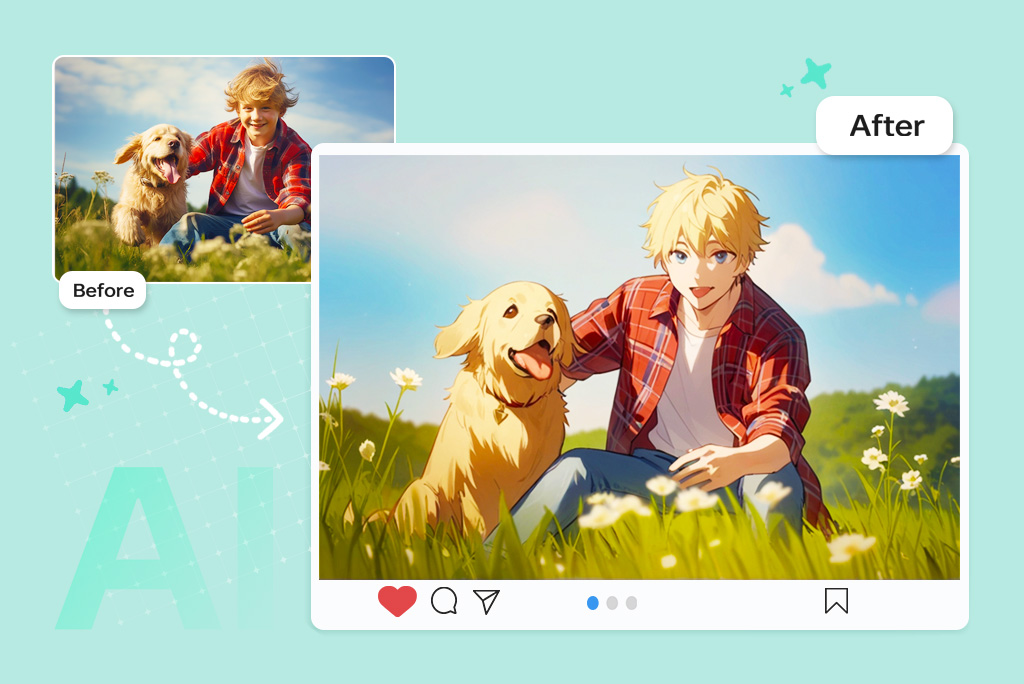
Make Your Photos Pop with Fun Cartoon Effects
Want to look like a character from an animated world? Our AI photo-to-cartoon filter transforms any photo into fun cartoon art in seconds! Apply cartoon photo effects to your selfies or other artistic shots and turn them into marvelous artwork.
Upload your image and let AI apply bold outlines, bright colors, and stylized details to create a unique cartoon version. Get a playful and artistic twist to your photos and bring fun and creativity to your social media content and personal projects.
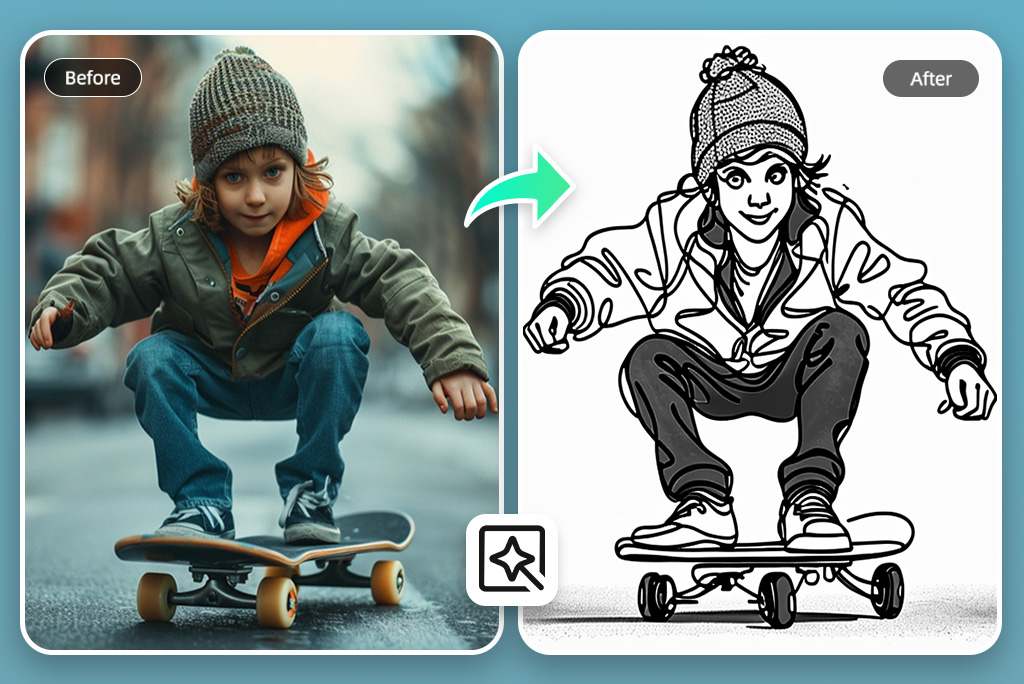
Convert Photos into Detailed Line Art
Get stunning line drawings, sketches, charcoal art, and more with one click. Our AI photo to art generator brings your artistic vision to life. Turn an ordinary photo into share-worthy sketch art.
Choose from various line art styles, including pencil drawings, charcoal sketches, needle pen, woodcut, and fine-line illustrations to match your creative needs. The AI produces realistic results while preserving the core elements of your photo. Try the AI art filter now and give your photos a timeless sketch effect.
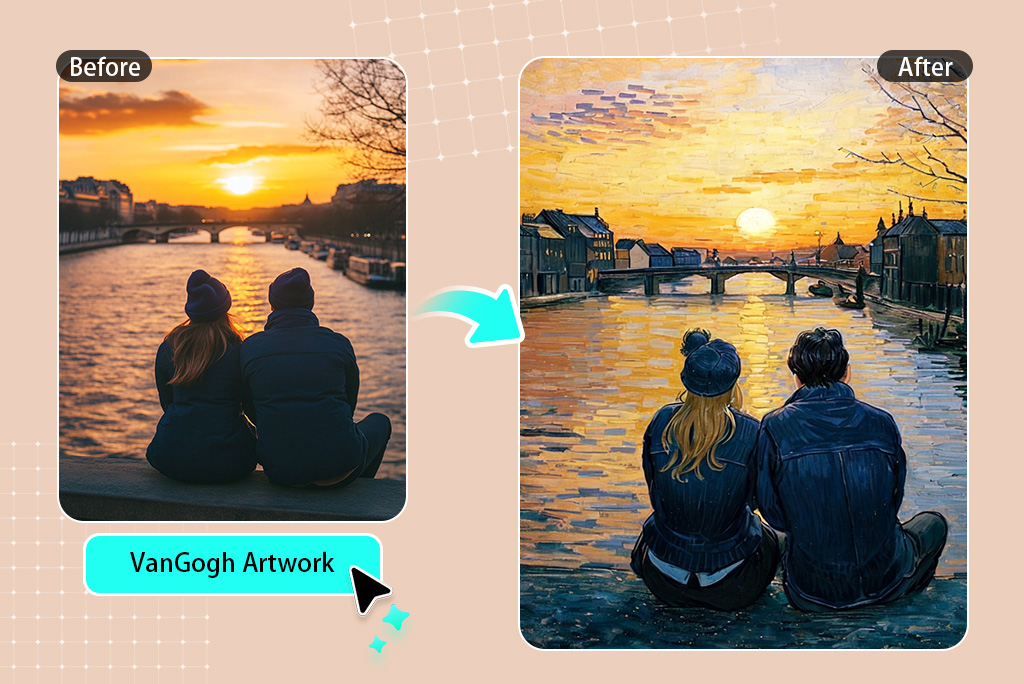
Reimagine Your Photos as Van Gogh-Inspired Art
Want to know how your photo would look if Van Gogh painted it? insMind AI photo to art editor enables you to transform your photo into a stunning iconic style of Van Gogh paintings.
Apply bold brushstrokes, swirling textures, and vivid colors that define Van Gogh's masterpieces. You can try for free to add a dreamy Starry Night effect or a sunlit touch like Van Gogh's Sunflowers. Experience the magic of Van Gogh's style with our AI and create your own Van Gogh-inspired masterpiece today!
Explore More AI Photo Filter Features
How to Turn Your Photo into Art with AI
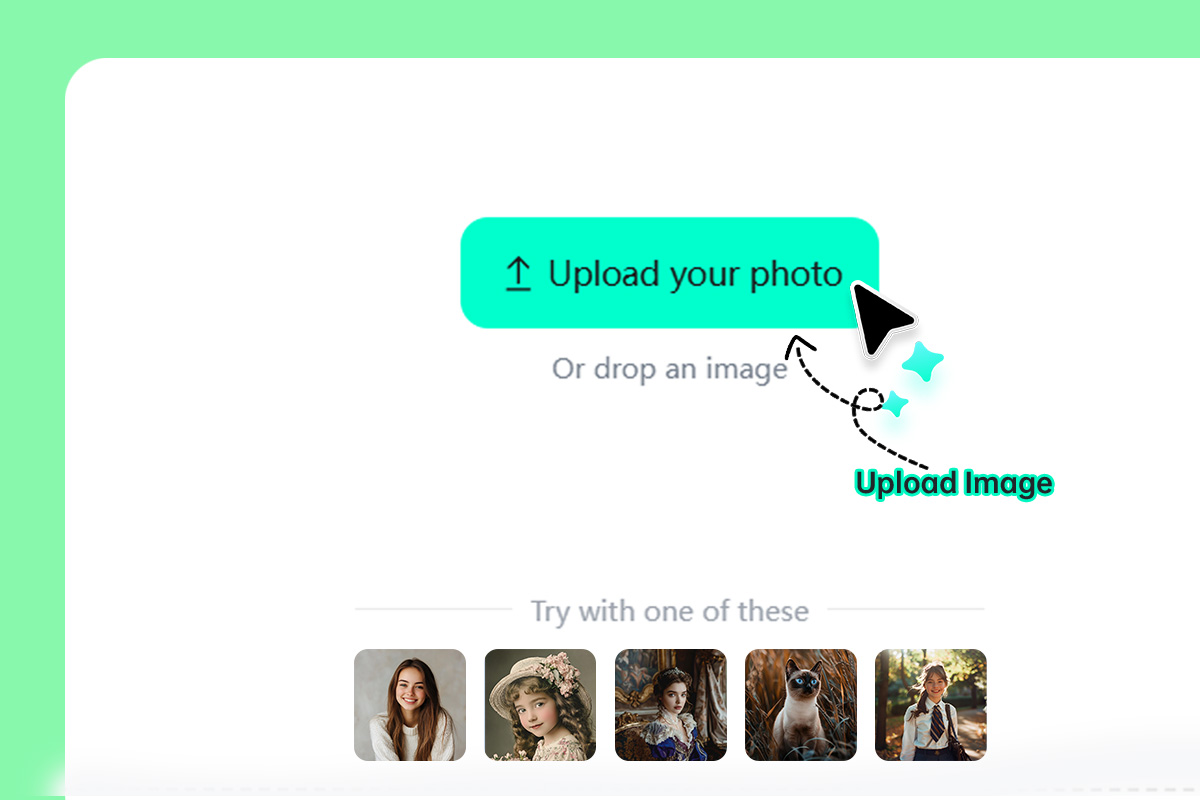
1 Upload Your Photo
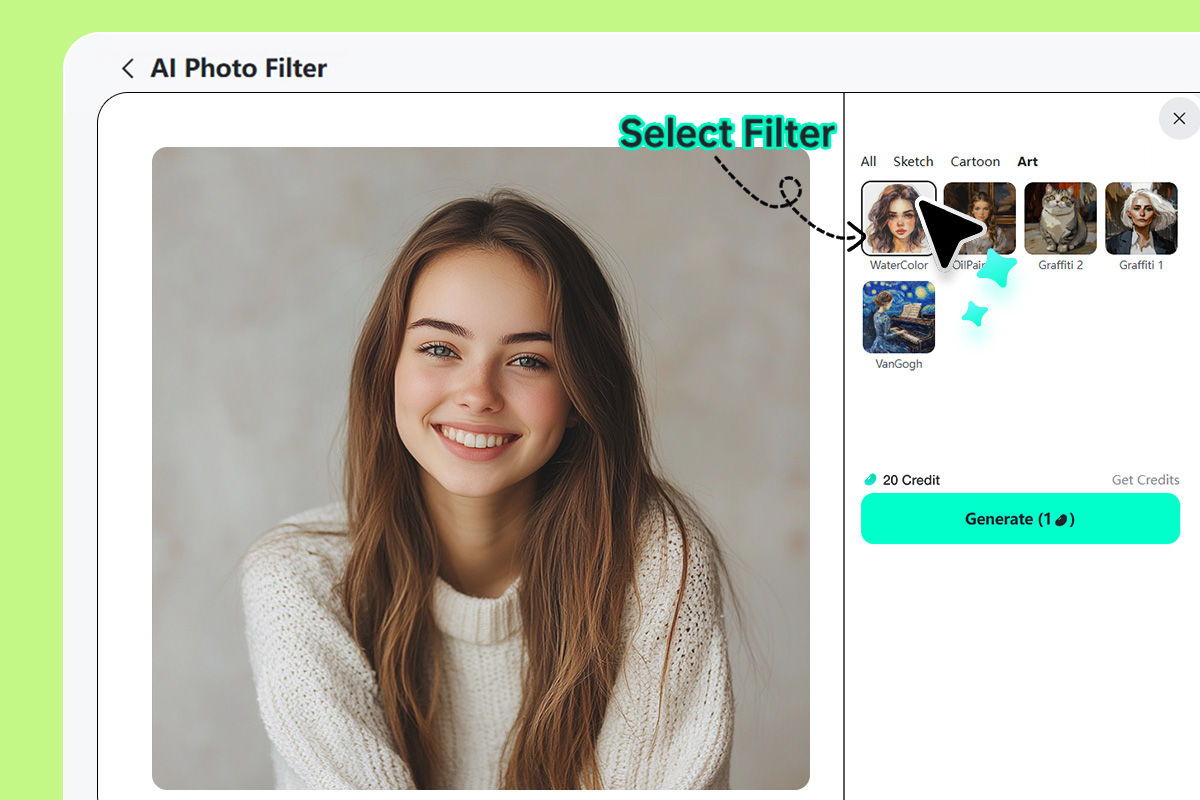
2 Select an Art Filter
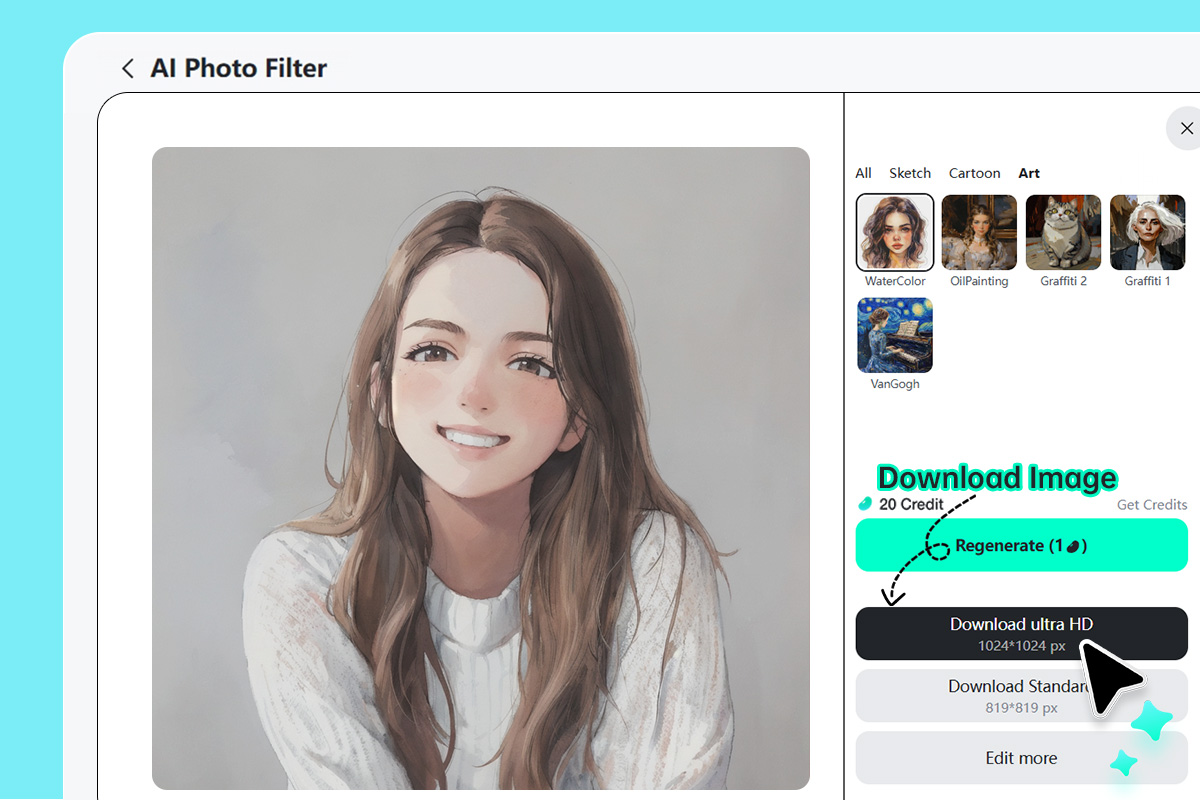
3 Download Your Photo
Discover More AI Photo to Art Filters
The artistic photo filters are evolving constantly. At insMind, you get endless AI photo to art filters to have more opportunities for customization and realism and remain aligned with emerging trends.
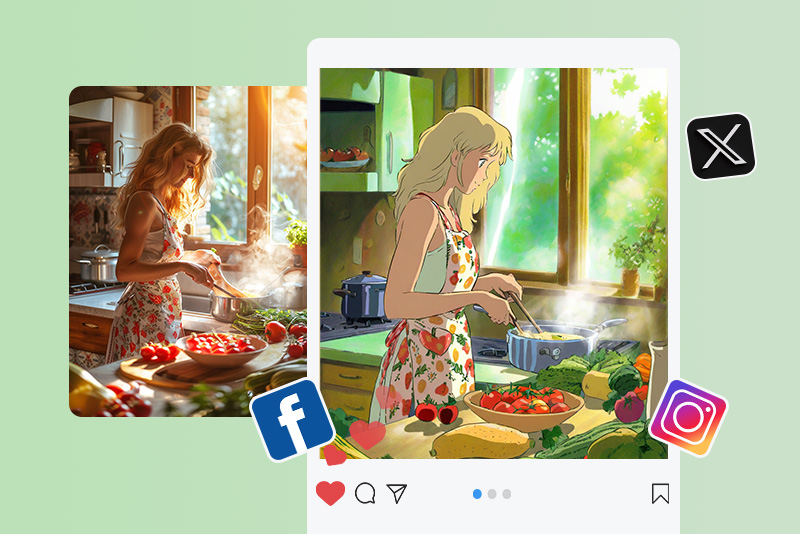
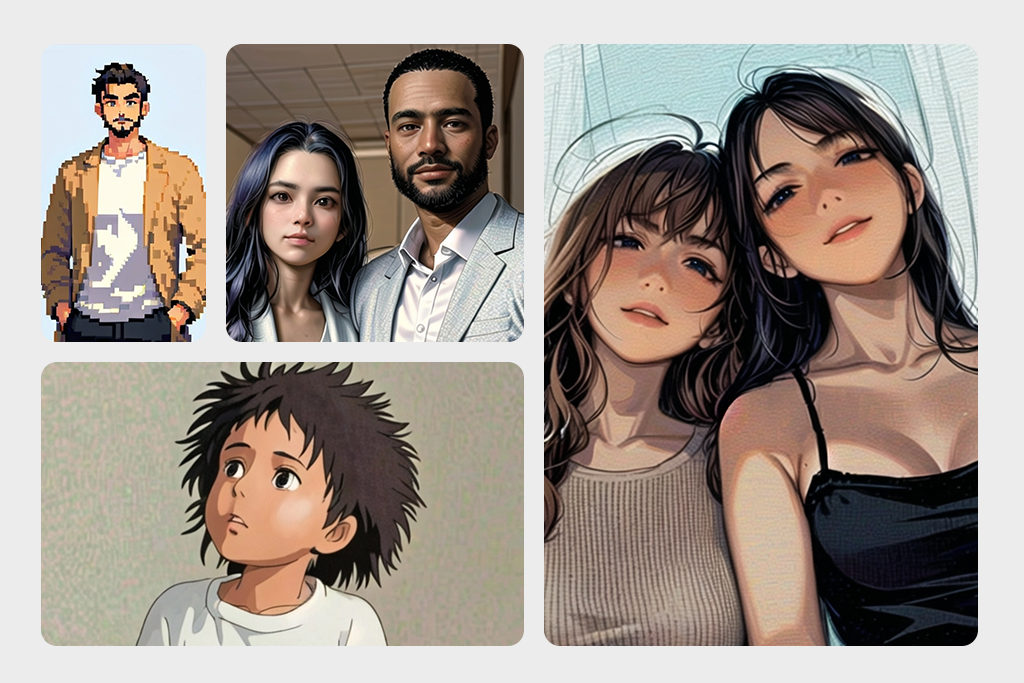
Recreate the enchanting world of Ghibli films with AI-powered soft lighting, pastel tones, and hand-painted textures. Enhance depth, detail, and a dreamy aesthetic to make your photos feel like they belong in an animated masterpiece.
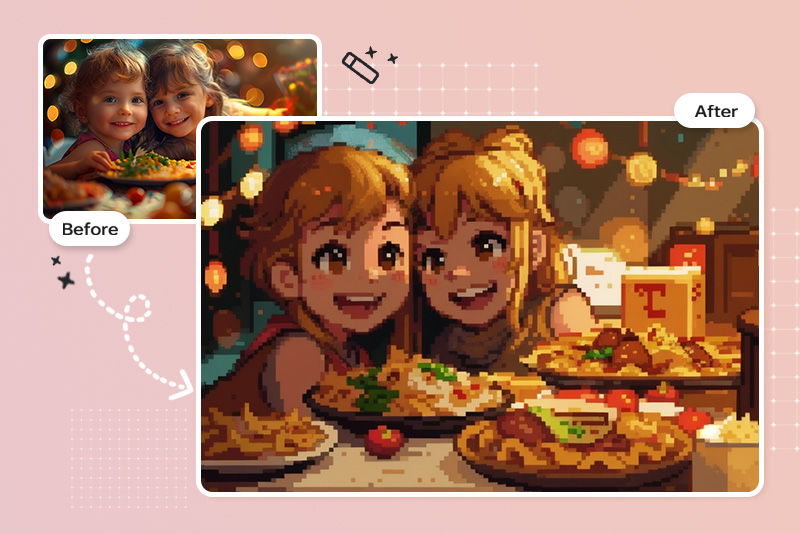
Convert your images into retro-inspired pixel art with precision. Simplify details into blocky, vibrant pixels using advanced dithering techniques and have nostalgic or gaming-themed designs.
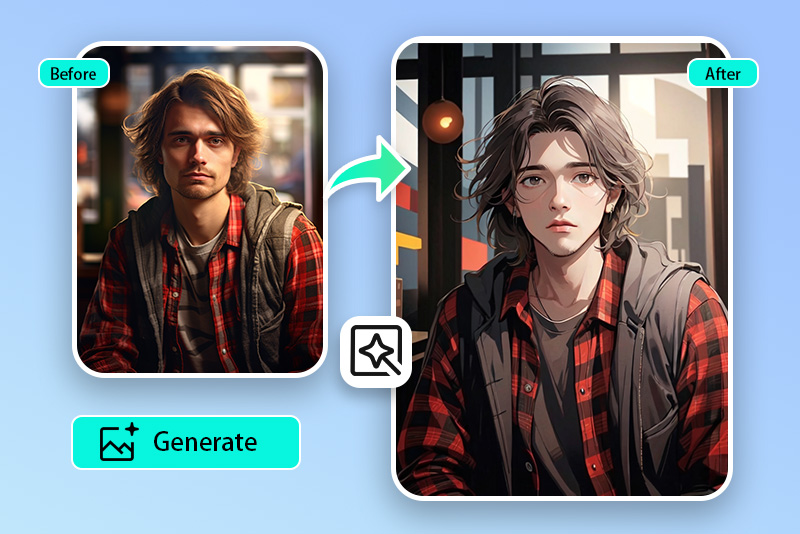
Transform your image into high-contrast black-and-white manga illustrations with bold outlines and screen-toned shading. AI intelligently detects facial expressions and details to match the signature manga aesthetic and recreate the visual storytelling style of Japanese comics.
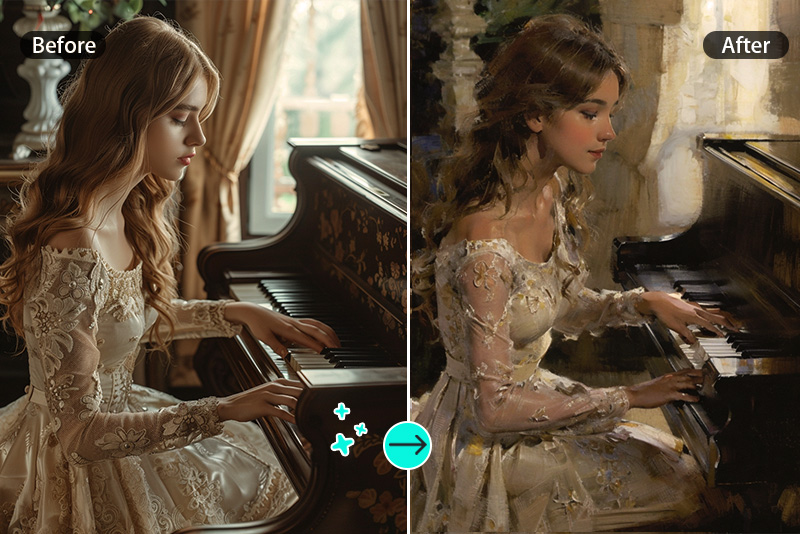
Give your photos a timeless touch with the Vintage Art filter. Apply aged textures, muted color palettes, and grainy overlays to mimic traditional vintage paintings.
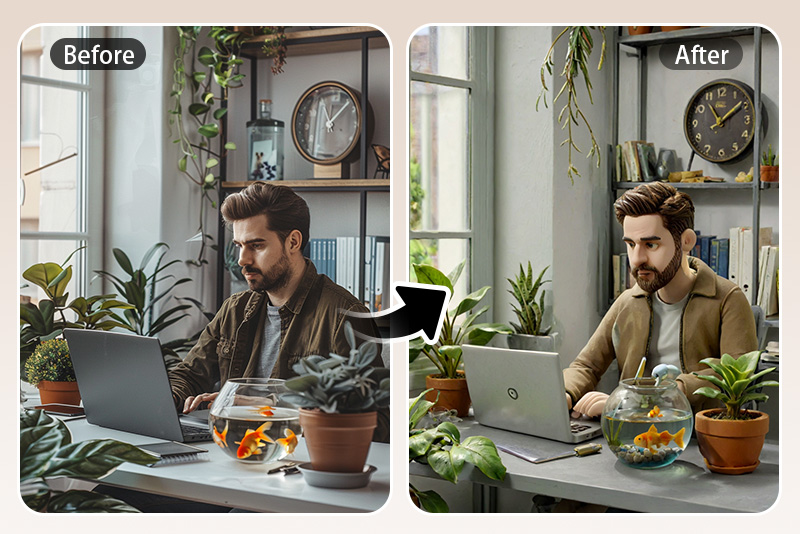
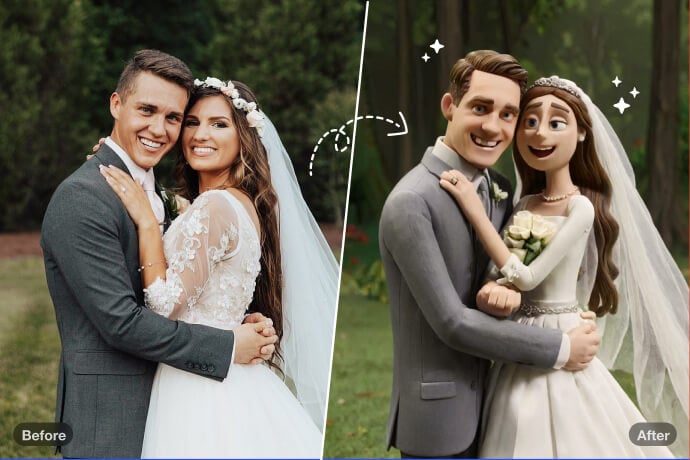
Turn your images into sculptural clay creations. The AI-driven texture mapping lets you generate a handcrafted, tactile appearance by simulating textured surfaces and earthy tones.
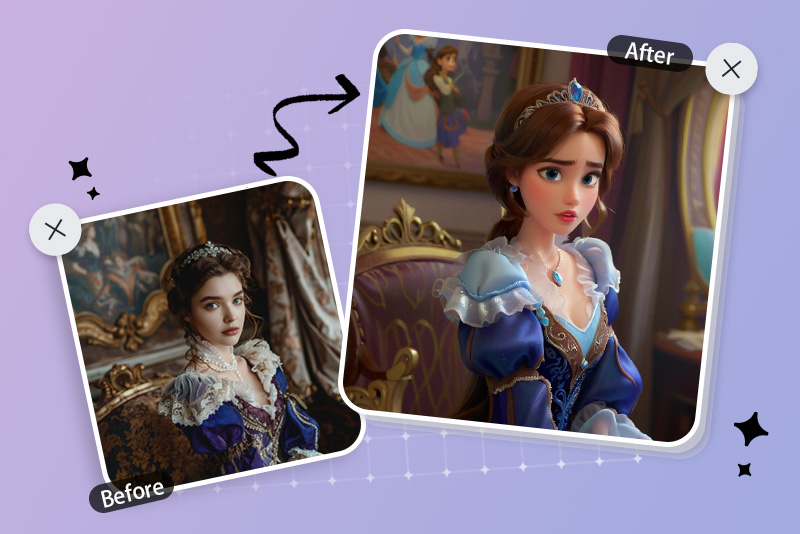
Bring a touch of Disney magic to your portraits with smooth gradients, expressive eyes, and soft features. Infuse vivid colors and charming character-like details reminiscent of Disney's animated classics.
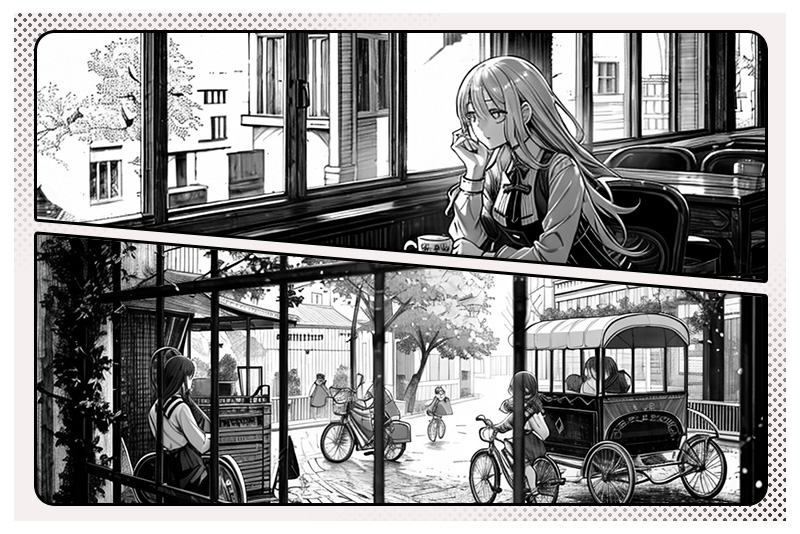
Transform your pictures into bold comic book panels. Add sharp outlines, halftone shading, and vibrant colors to recreate the dynamic aesthetic of graphic and action-packed novels.
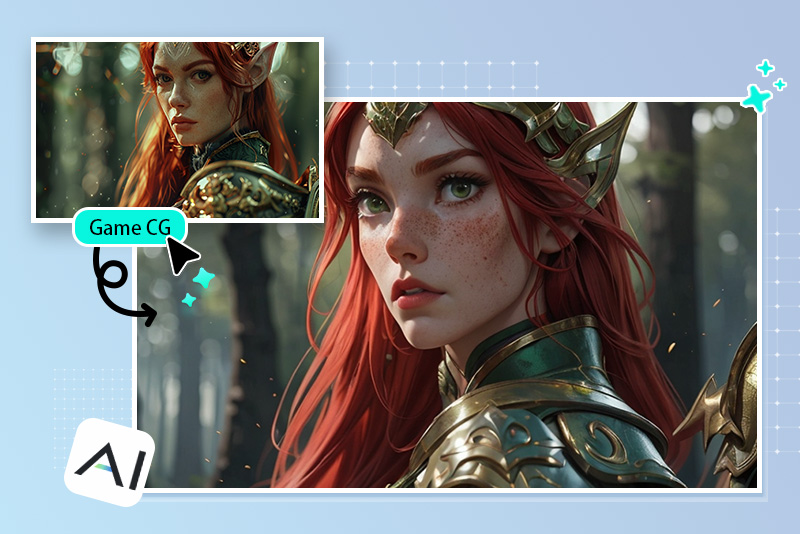
CG (Computer Graphics)
Achieve polished computer-generated visuals from your photos. Apply hyper-realistic textures, intricate lighting effects, and 3D-inspired depth to give your images a professional CG look.
Why Choose insMind AI Photo to Art Generator?

One-Click Transformation
Turn photos into art with just one click. Choose your preferred art style and create stunning visuals with no manual editing.

Diverse Art Filters to Choose From
Choose from a diverse range of artistic styles, including oil painting, cartoon, watercolor, sketch, manga, and more. Select and customize your images instantly.

High-Quality Output
Get high-resolution, detailed, and professional-grade artwork. Our AI enhances textures, colors, and other elements while maintaining the integrity of your original image.

Turn Photos into Art Online
Convert photos to digital art online with a free trial. Your photos are processed privately and never stored on servers or shared with third parties.
FAQs about Converting Photos to Artwork
Can I add an artistic touch to my photo?


How do I turn my photo into art?
Why should you use an art filter?
What kinds of AI art filters supported?
Is insMind AI art filter free?
You might be interested in
Make your pictures pop with creative AI tools you can explore during a free trial.
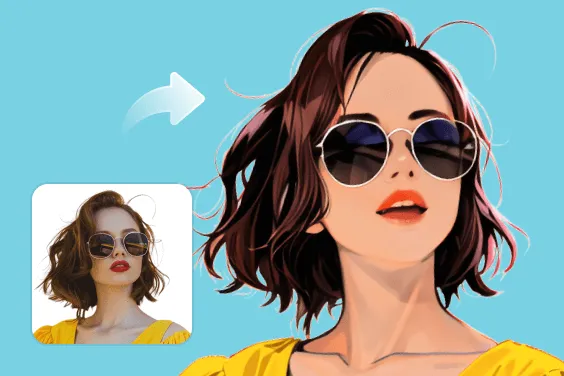
AI Filter
AI Clay Filter
AI Painting Filter
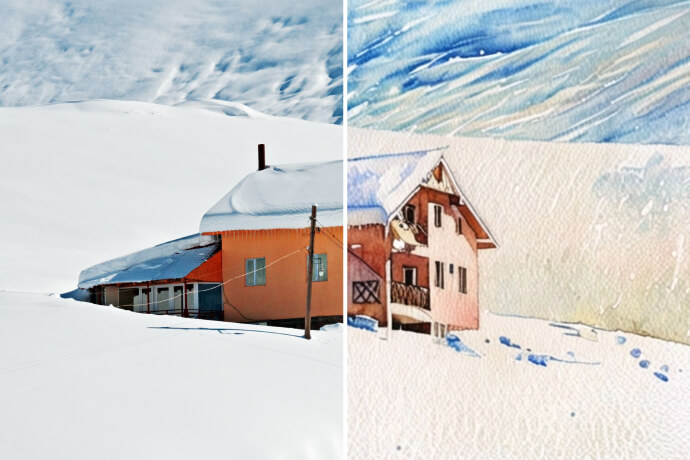
Photo to Watercolor
"I'm a wedding planner, and I use insMind to turn couples' wedding photos into watercolor-style art and create custom invitations. My clients love it!"
@Georgiana K.