
Image Overlay Tool – Overlay Images Online
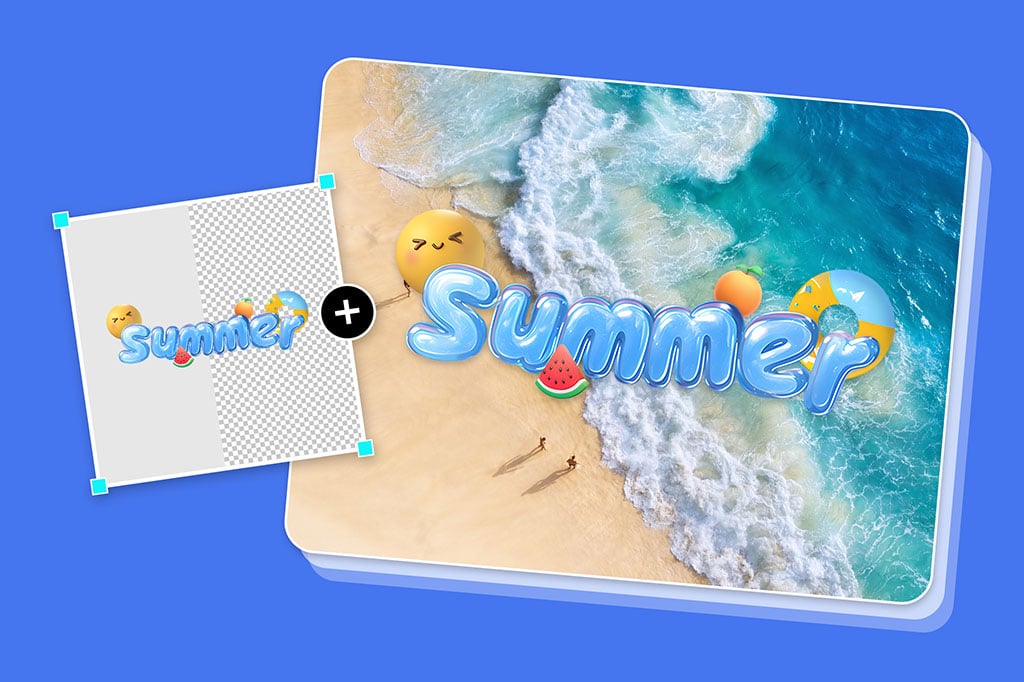

Overlay Images Effortlessly for Dynamic Compositions
With the ease of use they have with the insMind interface you can quickly overlay images. If you're interested in creating a double exposure effect, merging two photos, or giving your photos a little depth, insMind's tool simplifies the process of layer images to give a unique, eye-catching result.
You can also remove backgrounds so the overlay seems seamless and all layers work together in perfect harmony. You can fully control how images interact, due to adjustable features for positioning, alignment, and layering. It is the ideal feature to spice up personal photos, promotional pictures, or social media content with a little bit of style.
With insMind's overlay tool, users can combine all images into a single visual story that will reach out to the viewer in a more potent way than how each image alone would.

Adjust Transparency for Perfect Photo Overlays
Play with transparency on each layer to improve the way your overlays blend, so that your images don't overpower one another. Using transparency adjustments, you'll be able to add subtle effects, or strong highlights, all to your liking. Layering logos, and backgrounds, or adding subtle textures onto images is made all the easier by adjusting transparency.
It gives users the opportunity to give a more professional look to their photos, adding depth and sophistication. With insMind's transparent overlay, you can decide how much of the source image we display while adding text or logos, watermarks, base compositing, or anything else.
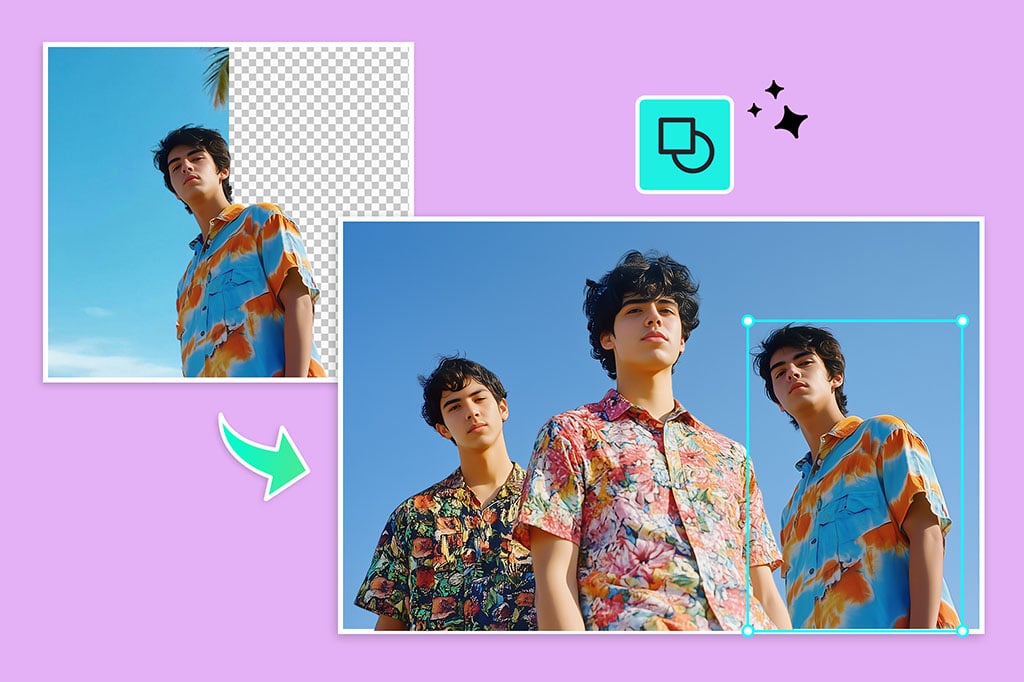
Add Picture to Picture for Custom Overlays Seamlessly
You can present a visual story by adding a picture to a picture or easily create a personalized collage. insMind lets you combine two or more images to build custom visuals with which to create personalized content for social media or capture memories in one frame. You can effortlessly switch out the image overlays for pictures of your own to produce something a bit more pleasing to the eye.
You can easily create collages that match the style or brand they have in just a few simple steps. Merging pictures of friends, family, or locations to make stylish keepsakes, or visually captivating social media posts and insMind's streamlined tools make it simple for everyone to get in and start making collages.
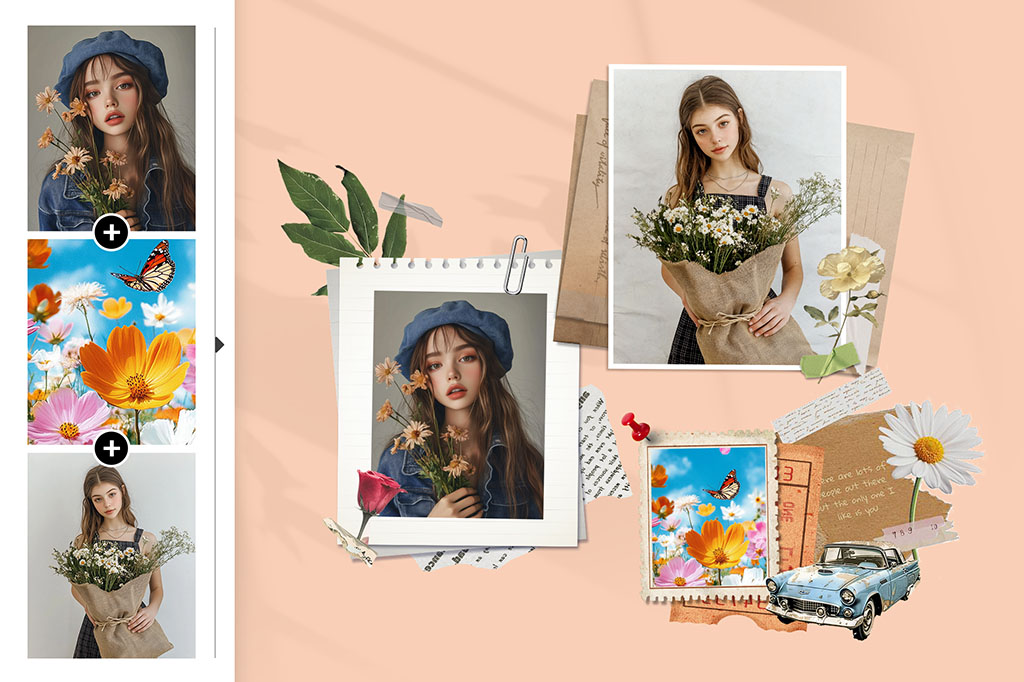
Overlay Multiple Images for Creativity Projects
Layering many images creates a most impressive and unique image composition. insMind's tool helps to overlay multiple images to better your visuals be it to create a photo collage, a promotional banner, or a graphic design. This feature is very helpful when you want to create a layout containing a bunch of images and it's very great for content creators and marketers.
You can position, transparency, and layer multiple images however you want, with controls. This tool has the potential to be used for professional projects as well as personal collages. Although such a composition can look terrific, it introduces a challenge, and if you need to combine more than one photo in a single frame, you may find that this isn't so simple.
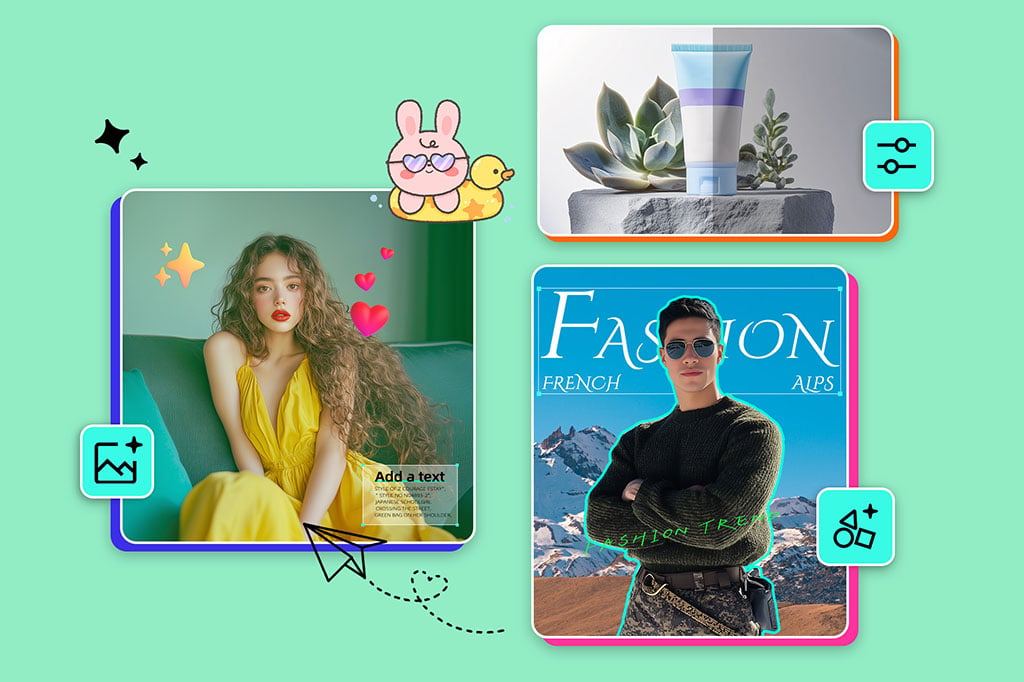
Make Your Overlays More Artistic with More Retouch
With insMind's Overlay Tool, users can transform basic overlays into artful compositions, and add AI filters, resize, rotate, or flip images. It helps to meet your design requirements by adding to the photo quality and boosting the prominence of each layer. With these extra options, there's a greater chance for people to tailor their visuals to the best of each element in the composition.
You add resizing and rotation features to help you create a balanced layout, as you can put in 3D effects or filters so that your image is a memorable one. You may use it for creating a warm aesthetic for social media or testing out visuals. insMind's options will ensure that whatever overlaid images you build look polished and professional.
Explore More Photo Overlay Features
How to Add Picture to Picture on insMind?

1 Access insMind Photo Overlay

2 Upload the Background Picture

3 Upload the Overlay Picture

4 Download the Final Image


Image Overlay Tool for Combining Photos Online
The image overlay tool of insMind allows users to overlay the images with creative layers to make them visually beautiful. Its flexibility and ease of use plus enough possibilities to express yourself creatively make it ideal for social media and brand visuals and much more.
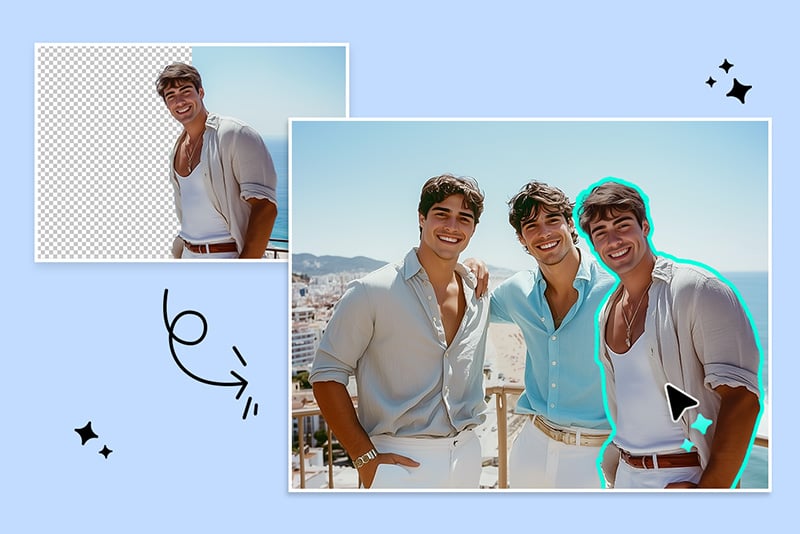
Add Someone to Photo for Social Media
You can overlay several people or elements into a single photo. This is perfect for social posts to allow users to make fun and engaging images by adding friends or images on real pictures.
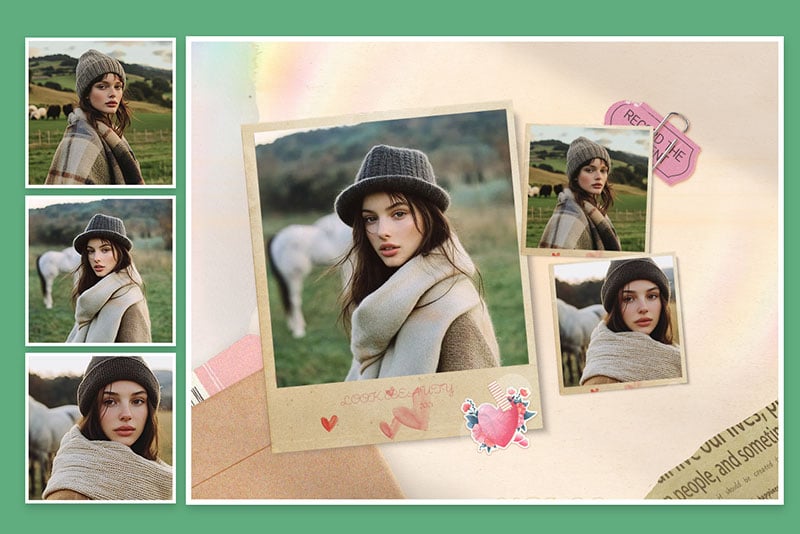
Create Visual Storytelling Collages for Marketing
Tell a story with multiple photos layered on top of each other to create storytelling collages that draw people's attention in marketing campaigns. Brands get to tell a cohesive story or a unified theme in a single striking visual by putting different images together.
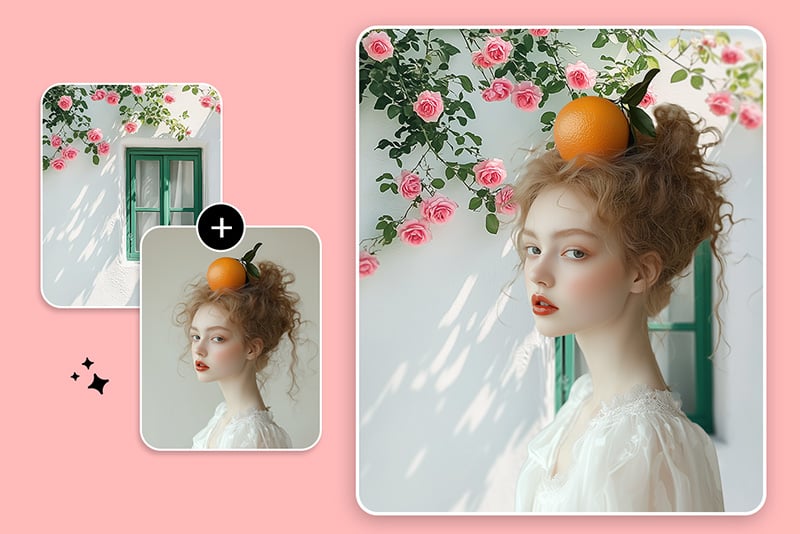
Personal Usage
Family photos, travel shots, or special moments to create keepsakes, overlayed on top of each other. This is a perfect use case for creating beautiful images that represent special moments in someone's life.
Why Choose insMind Image Overlay?

Effortless Image Overlay
You can create an attractive image overlay that is accurate and simple, insMind's image overlay tool is one of those.

Fine-Tune Transparency
Arrange the overlaid images by adjusting the transparency of each until all the elements appear virtually the same for a professional look.

High-Quality Output
Overlaid images stay crisp and clear during high-resolution exports, keeping images of that quality polished and precise.
Freguently Asked Questions
What is an image overlay?


How to add a picture to a picture?
How can I overlay pictures for free?
Why use the insMind Image Overlay tool?
You might be interested in
Make your pictures pop with creative AI tools you can explore during a free trial.

AI Background

Smart Resize

AI Expand

AI Image Enhancer

AI Filter

AI Shadows

"Overlay features from insMind allowed me to create stunning visual marketing. Highly Recommended!!! This tool makes it easy to design impactful marketing visuals, blending images seamlessly to captivate audiences and enhance branding with standout visuals."
@Daniel