
insMind Image Cropper – Crop Images Online


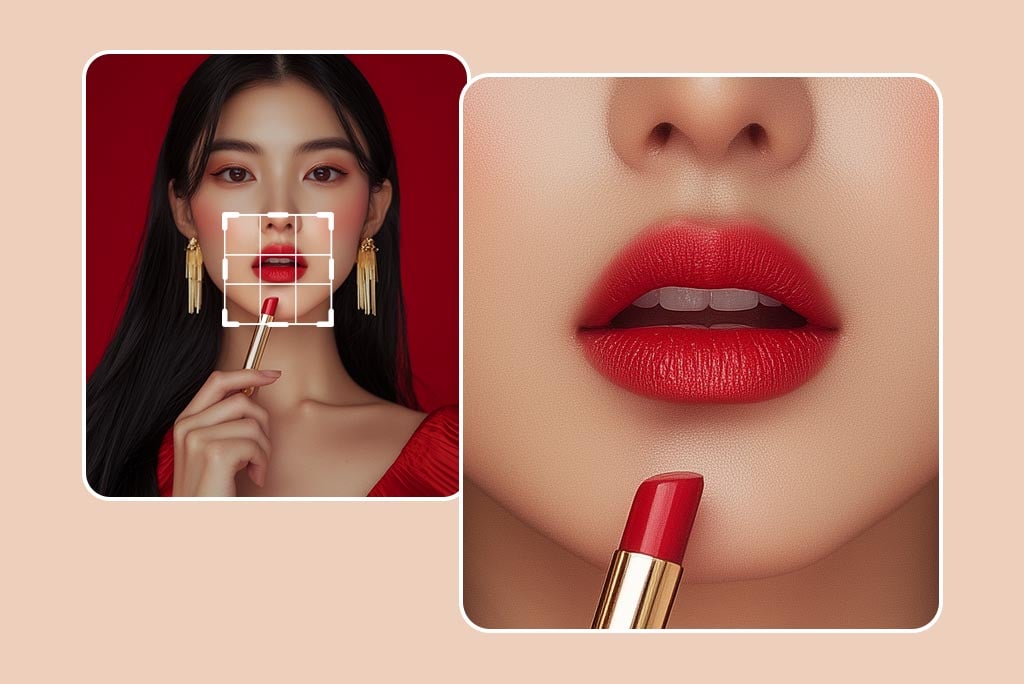
Crop a Variety of Images for a Perfect Composition
With insMind's AI image cropper, you will always have flawless composition. With the tool, users can filter out the things that aren't needed, while they keep the balance and proportion. Cropping is essential for any visual detail you are working on; whether that is a portrait, a landscape, or a product photo.
Pair this with the AI background changer for more customization options as well. As a tool for photographers, marketers, and casual users, the tool refines your frame around the image to better match your creative vision. Built-in background removal tools will further enhance your photos, making your designs clean by the professionals.
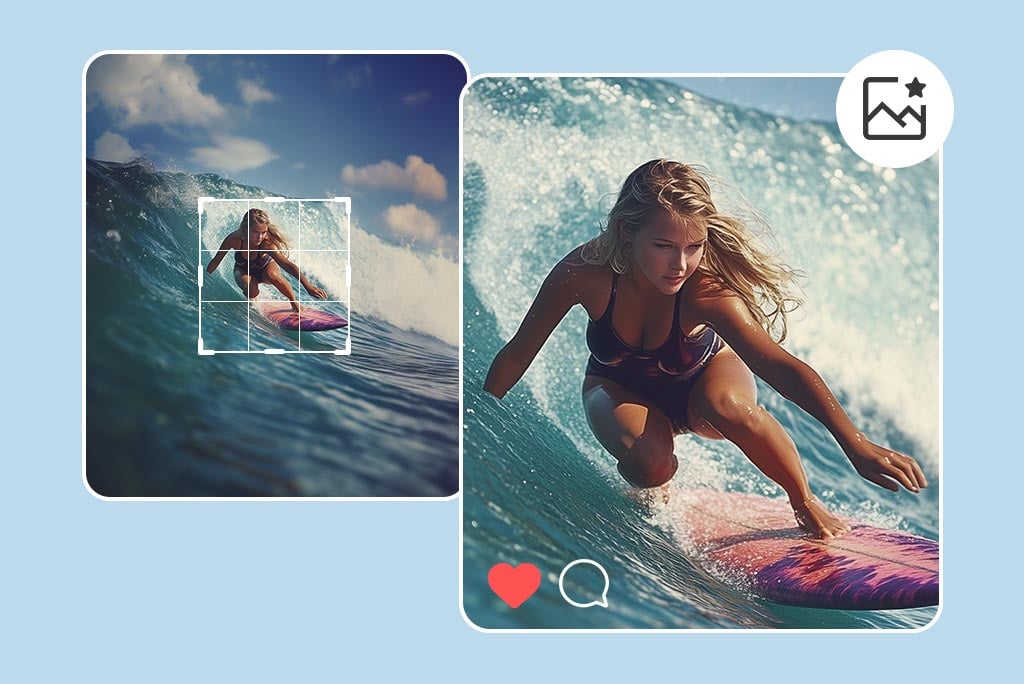
Crop out the Unwanted Parts of Your Image
insMind's photo cropper easily removes distractions from your images. From what unwanted objects you can cut out and refine your visuals to focus on what matters, this is a tool. Cropping is something you'll always want to include in your editing process, whether you're tidying up vacation photos or getting them ready for a portfolio.
You can apply further color, brightness, and sharpness adjustments after cropping too, via insMind's photo editor. If you remove unwanted objects from photos, you'll have them cleaner, more professional, and ready for any platform or presentation.
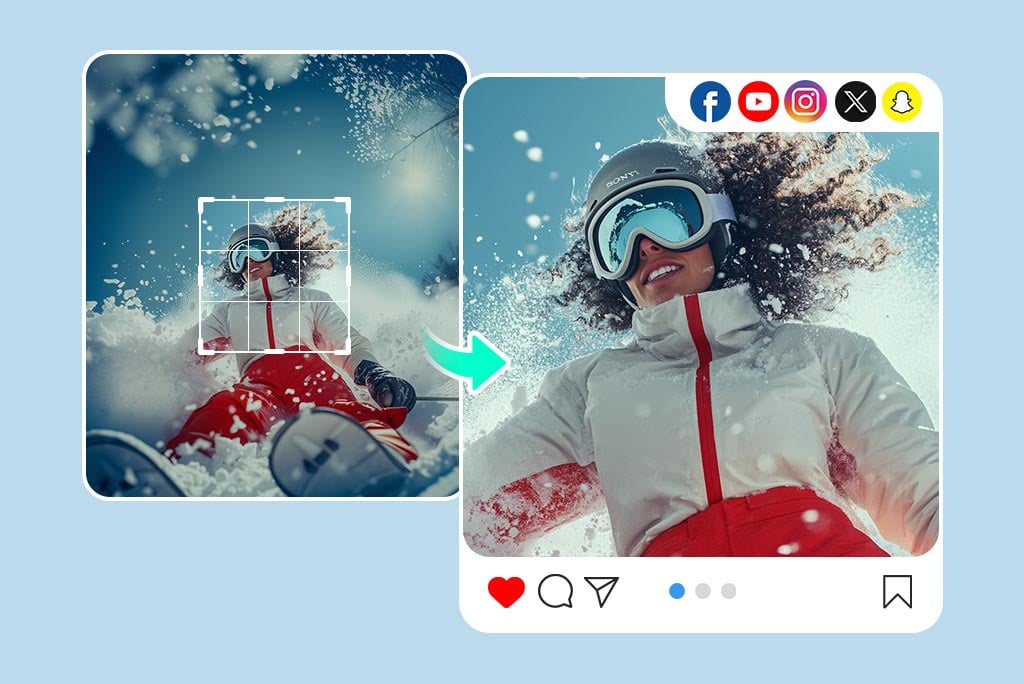
Crop Images for Social Media Effortlessly
insMind's smart image cropper will prepare your images for Instagram, Facebook, or Pinterest. Often social media platforms demand a strict aspect ratio for posts and stories. The other tool is a very simple tool to aid you resize and cut your photos perfectly so that they fit perfectly.
Choose from pre-set aspect ratios like square 1:1 For specific platforms, instead of 4:3 or 16:9 vertical. Smart resizing is included that will make sure the content looks professional and visually identical, generating more engagement, and more likes.

Crop Images to Certain Shapes and Sizes
Become a new shape with insMind's cropper feature to your images. You can quickly crop image images into circles for profile photos or choose the size you need for your work. Whether you're creating logos banners or cards, insMind has a great cropping feature that allows for more flexibility when it comes to the final dimensions of the shape and size.
It is most beneficial to those working on branding projects or, in general, designing outstanding visual content. For insMind, cropping is not just reducing the image size but creating visuals that will serve the desired purpose.

Crop Images without Compromising on Quality
Edit your images with insMind's cropping tool without losing image quality. Try the image cropper for free to keep your images sharp even after resizing.
Regardless of whether you're editing on a PC or a mobile phone, the process is as simplified as can be. User-friendly with powerful options perfect for the regular user or the business professional. The consumer can crop his/her image with the desired dimension of an object without distortion or bad image quality to the output, regardless of the size of the photo.
Explore More Image Cropper Features
How to crop an image?

1 Access Image Cropper in insMind

2 Upload your photo

3 Crop the image

4 Download your designs


insMind: The Perfect Choice to Crop any Type of Images
Crop your images so that the main areas of interest are focused on or so that they can fit the dimensions of a specific platform. Ideal for business, E-commerce, or individual assignments.
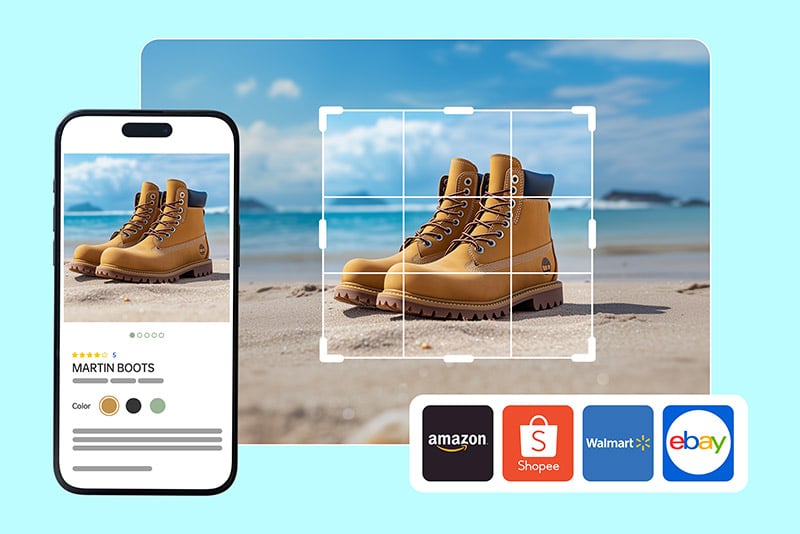
E-commerce
Crop product images to emphasize small parts of them, thus improving the corresponding listings and increasing the number of potential customers.
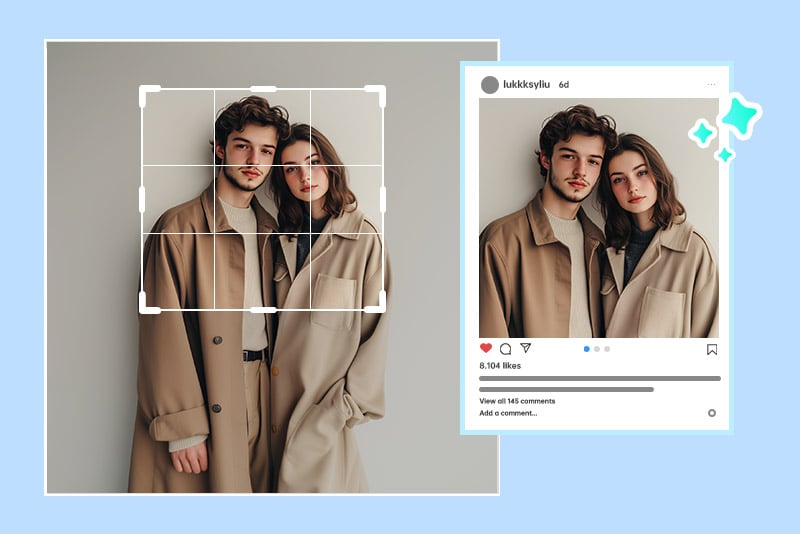
Social Media
Crop images to match the constraints of platforms you're active on, so your posts appear professional and well-formatted.
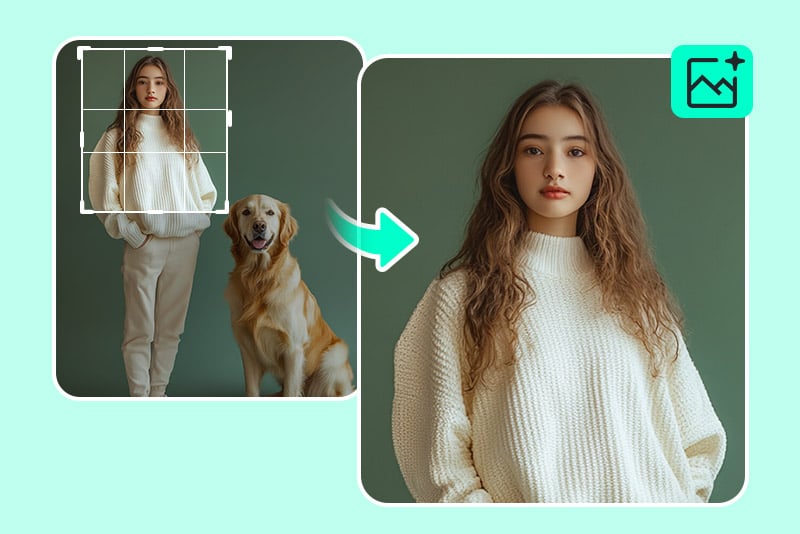
Crop out unwanted parts of your image
Enhance your images by deleting the unwanted elements surrounding them to arrive at smoother and more persuasive visuals.
Why Choose insMind Image Cropper?

Try Using Online
No charges or software installation needed. Edit your images right away in your browser with a free trial.

High-Quality Output
Cropping without losing quality, that is maintaining image resolution and edge after making the crop.

Customizable Crop Dimensions
Select crops based on the custom shapes, sizes, and aspect ratios to suit any requirement.
Freguently Asked Questions
How can I crop a photo for social media?


How to crop an image without losing quality?
Can I crop a photo on my phone?
What is the difference between crop and resize?
How do I cut out part of a picture?
Is the insMind image cropper tool free?
You might be interested in
Make your pictures pop with creative AI tools you can explore during a free trial.

Smart Resize
Circle Crop
Image Resizer
Darken Image

Image Brightener
“The Cropper from insMind ensures that I have very clear images, even when I resize my photos.”
@Mike