
Blur Background Online – Automatic Photo Editing
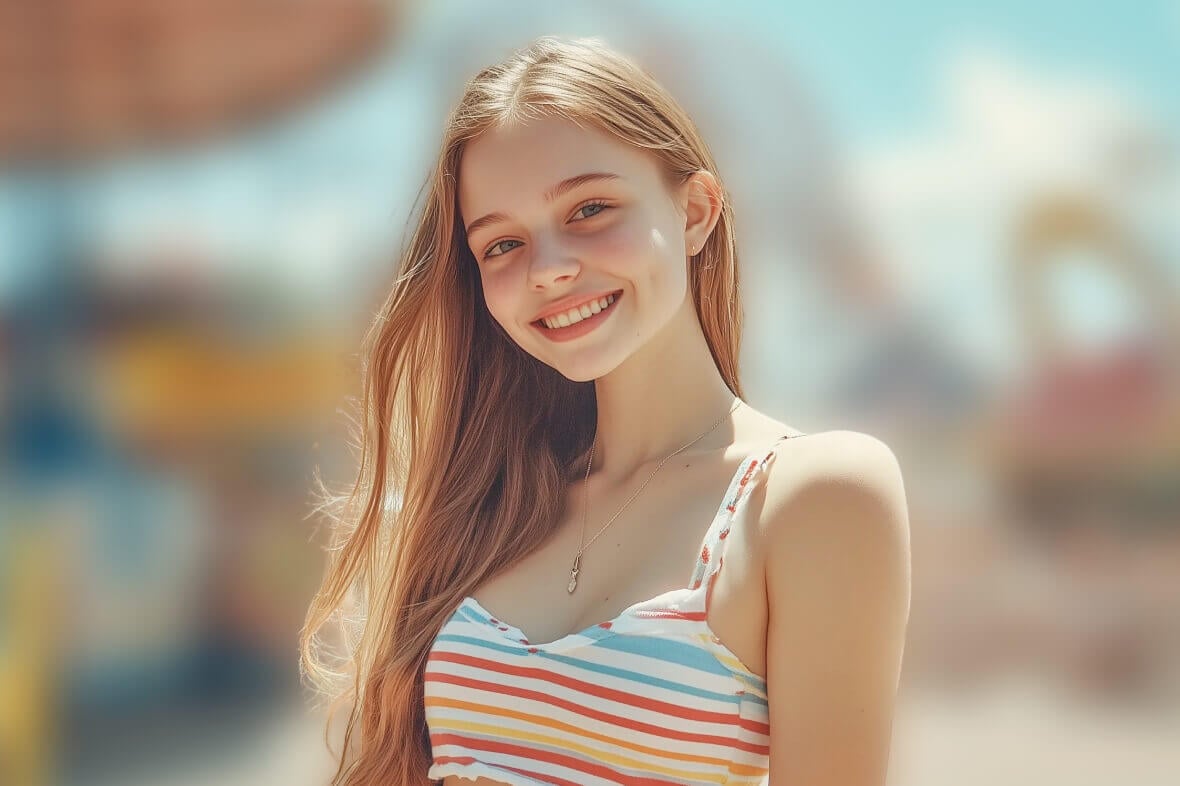
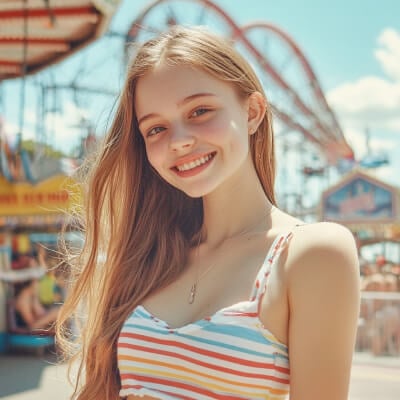



How to blur the background of a photo already taken?
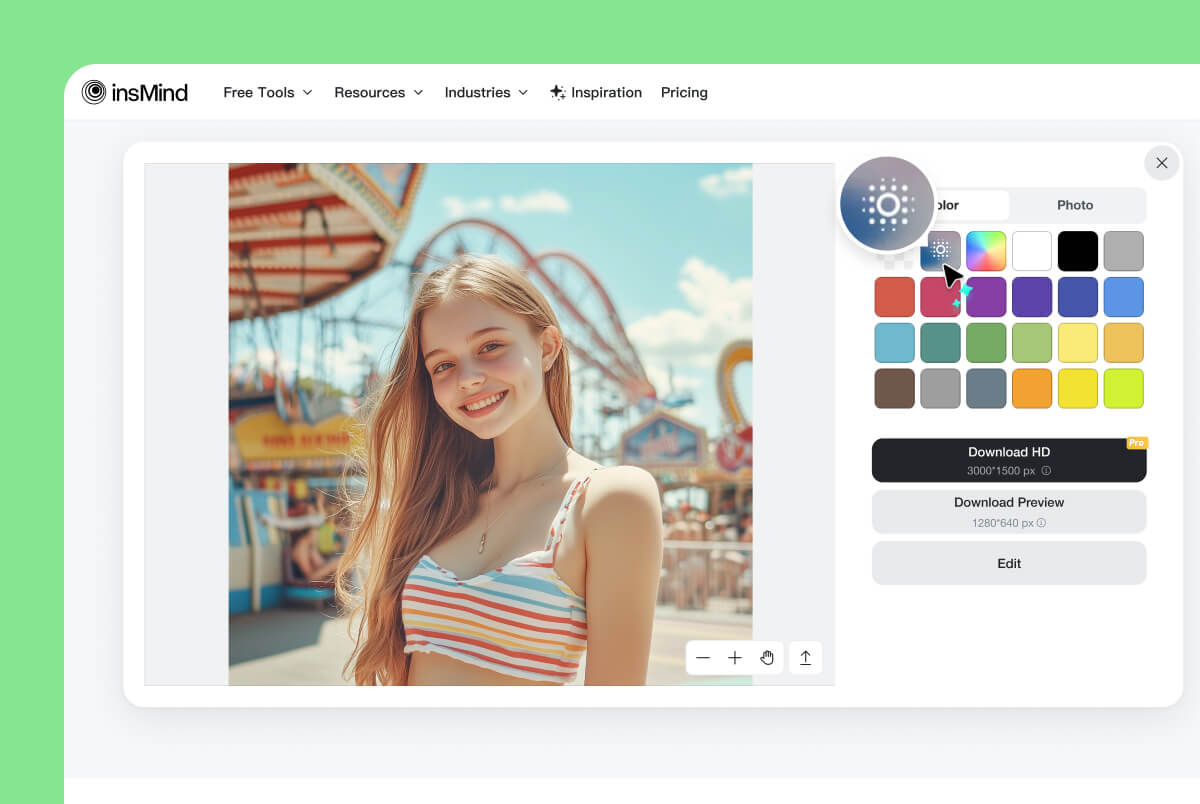
1 Select the Blur Background
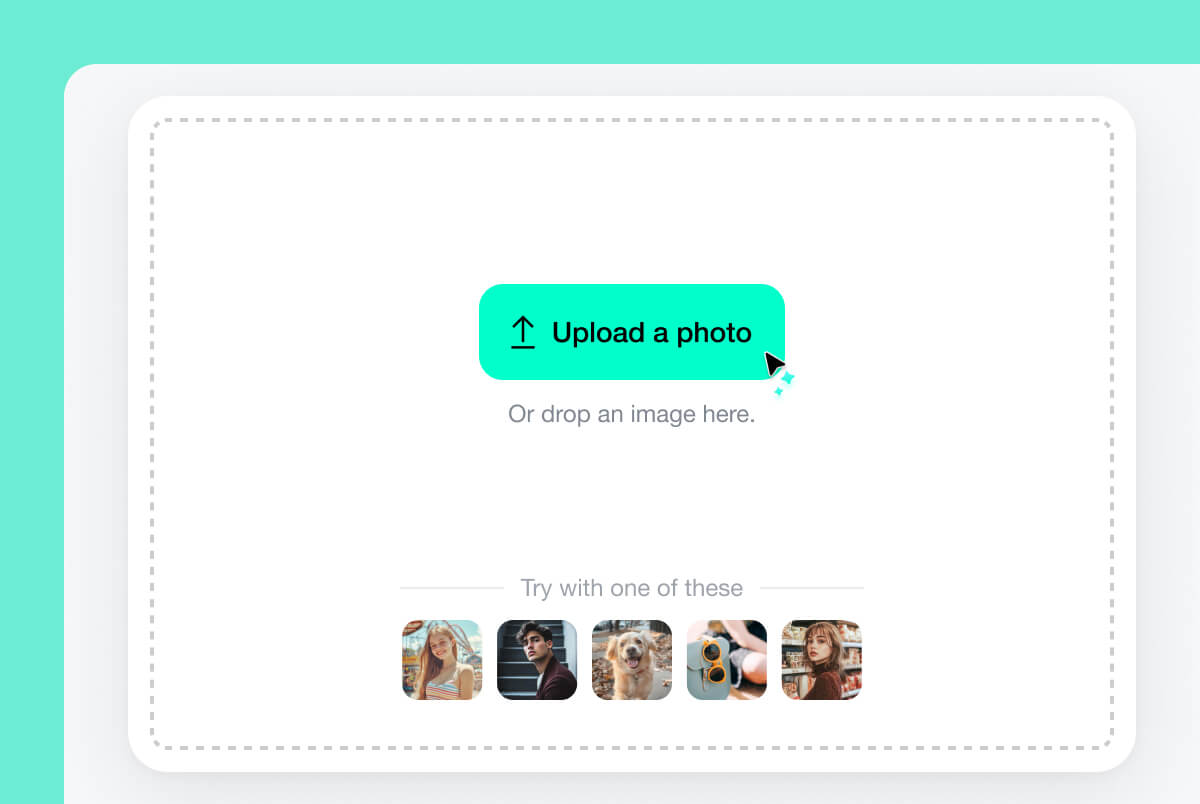
2 Upload Your Photo
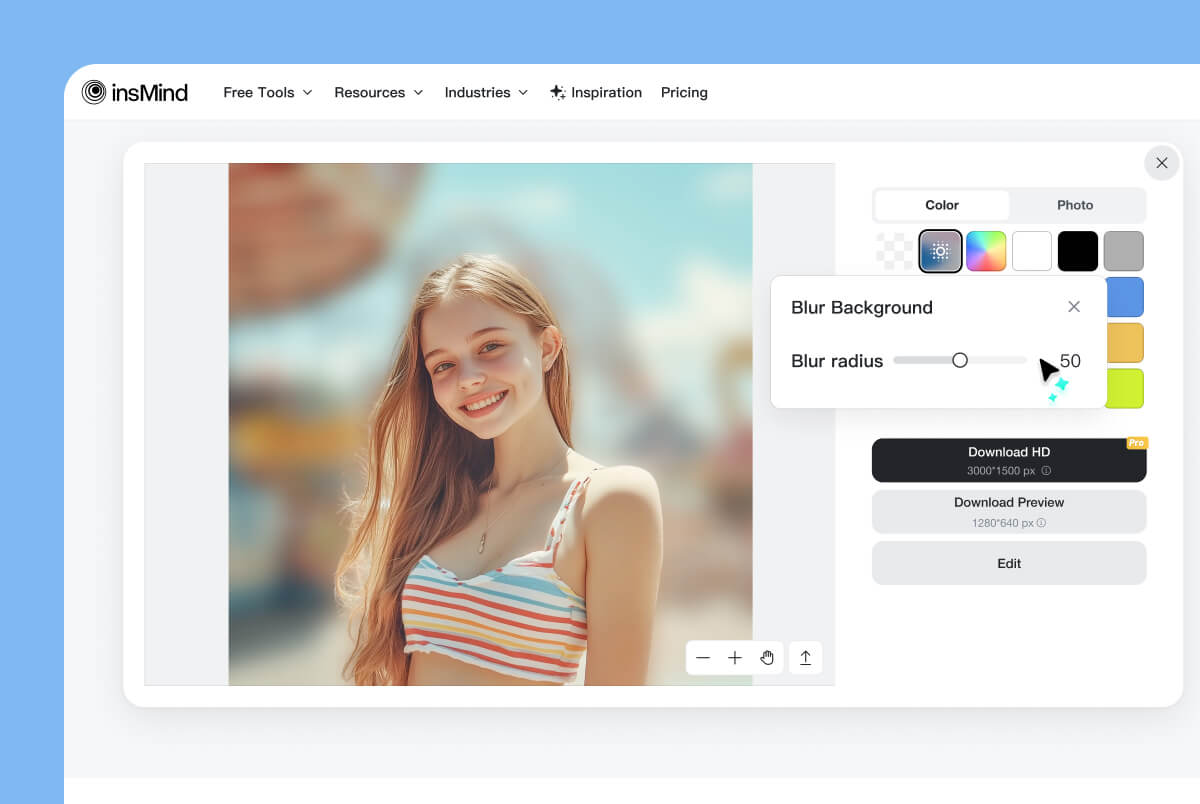
3 Adjust Blur Radius
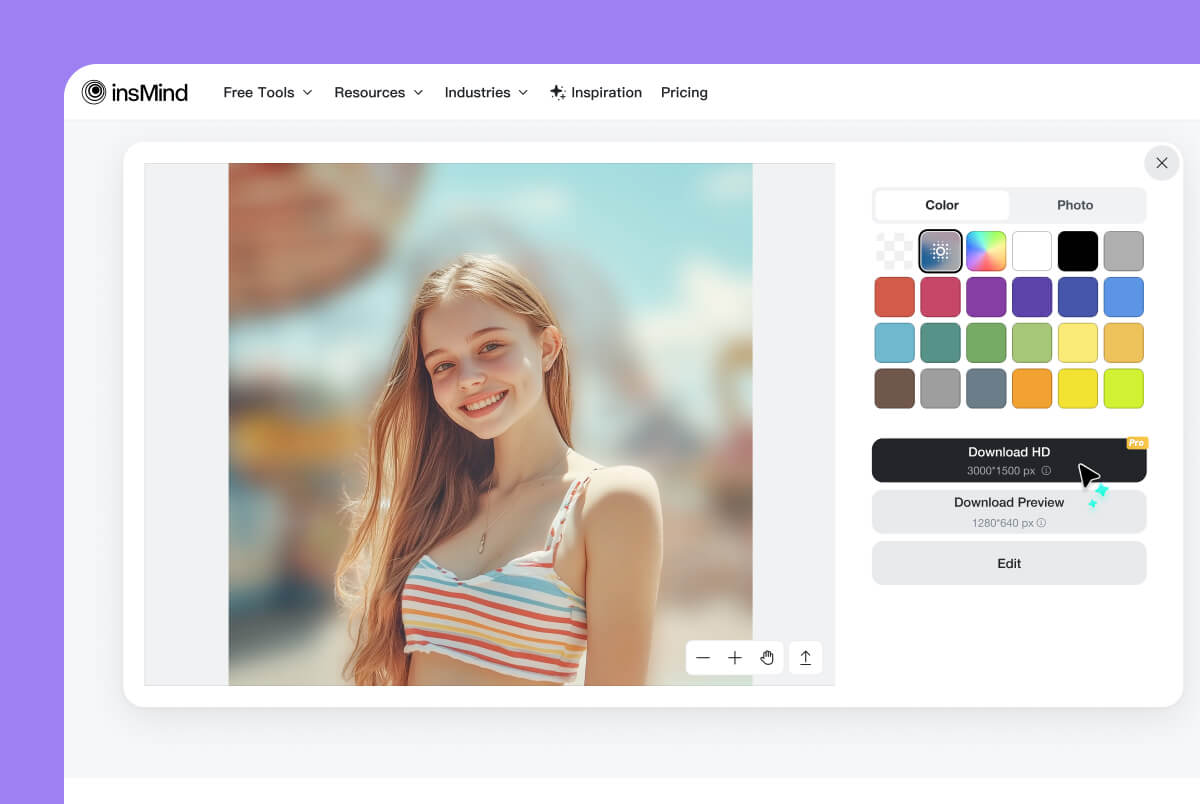
4 Download Your Photo
Auto Blur Background with AI in an Instant
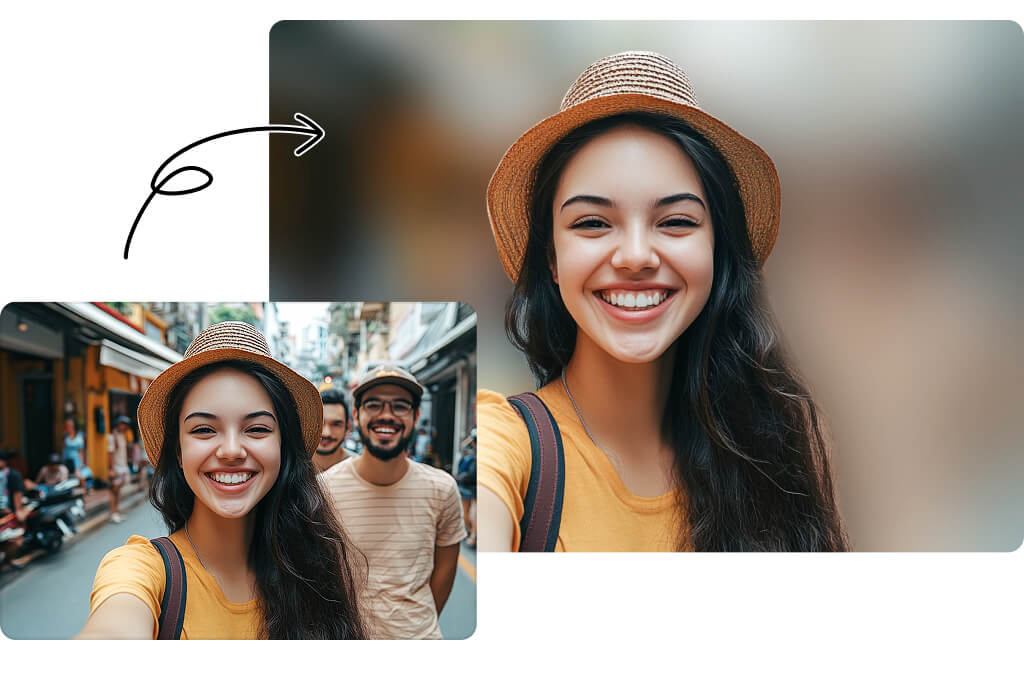
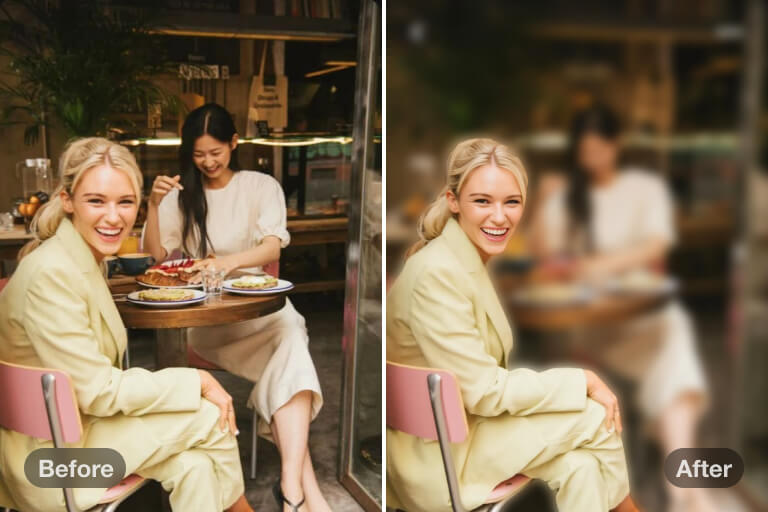
Ever wanted to blur the background of your images for better focus? Our AI smartly detects the foreground and background, blurring the background precisely in an instant.
Whether it's for a product shoot, a university project, or your freelance work, you can try blurring the background of your photo for free! Simply upload your photo and let our AI tool work its magic. The result? A high-quality, natural-looking blurred image.
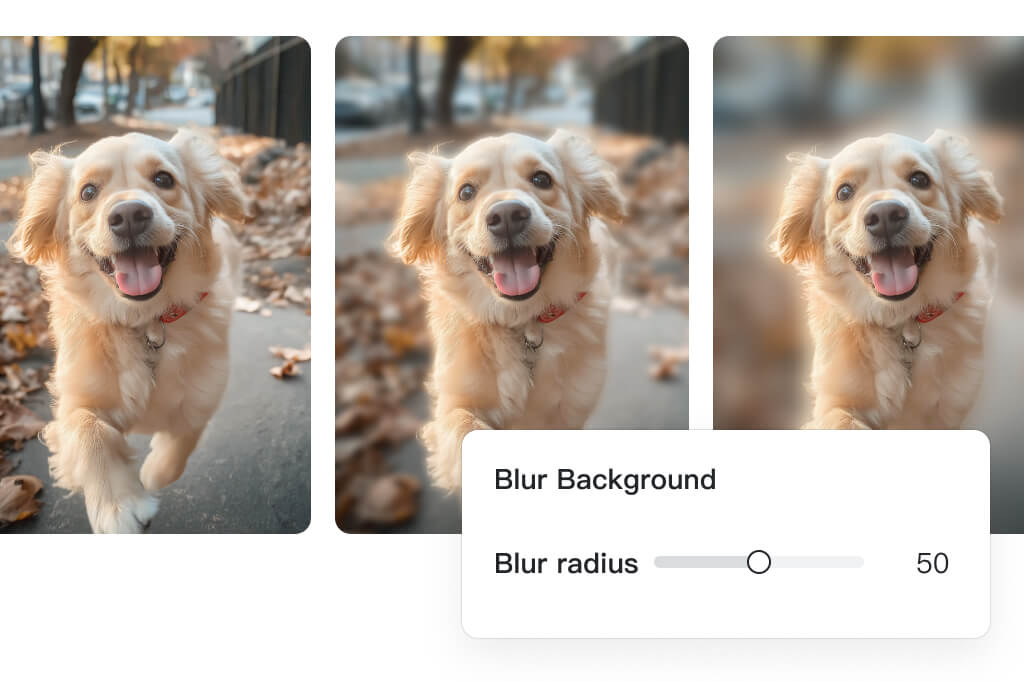
Easily Adjust Blur Radius to Control Intensity
Want to increase or decrease the blur intensity on your photos? insMind lets you customize the blur radius from 1 to 100, giving you full control over the final result. Set the perfect radius to make your main subject stand out.
Not only do you have complete flexibility with your background blur, but you can also create more natural, professional, and visually appealing blurred images. Upload your photo now and start adding a subtle depth of field effect.
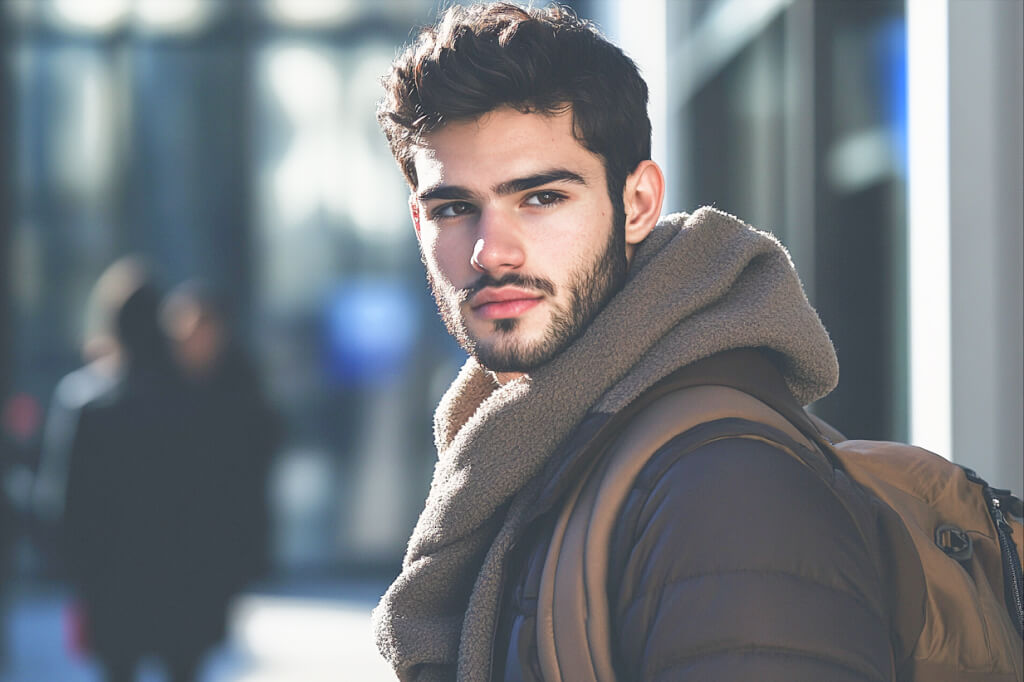
Realistic DSLR Blur That Replaces a Professional Camera
insMind works professionally in a way where every photo you blur looks like it has been taken by a DSLR camera. By blurring the background of a photo taken from a smartphone, you get the perfect results and depth of one of those expensive camera lenses.
Thanks to our powerful inbuilt AI, insMind automatically detects the ideal depths and blurs the background smartly in seconds. In short, you don't need to spend thousands of dollars on a camera. Just take a decent-looking photo with your phone and transform it into a professional masterpiece with insMind instantly.
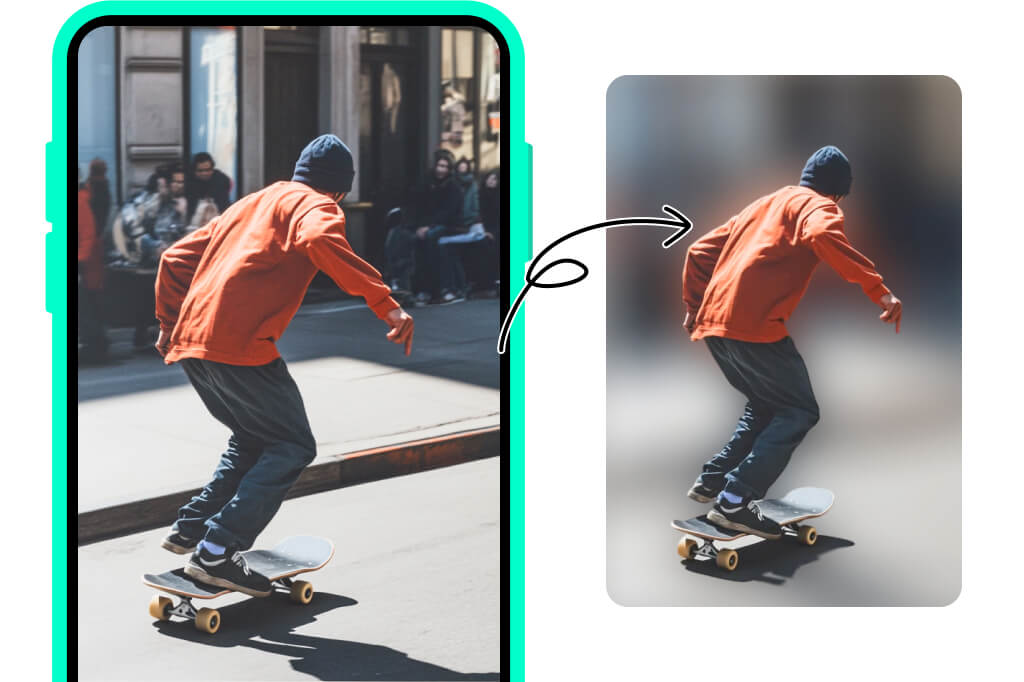
Easily Blur Backgrounds on iPhone, iPad, and Android
We don't just support desktop photos with blurred backgrounds, but also other devices like iPhone, iPad, and Android. Sometimes, you may not have access to your PC, and in those cases, your mobile device is all you need.
Use insMind's background blur tool on your mobile browser to upload your photo and try blurring it for free.
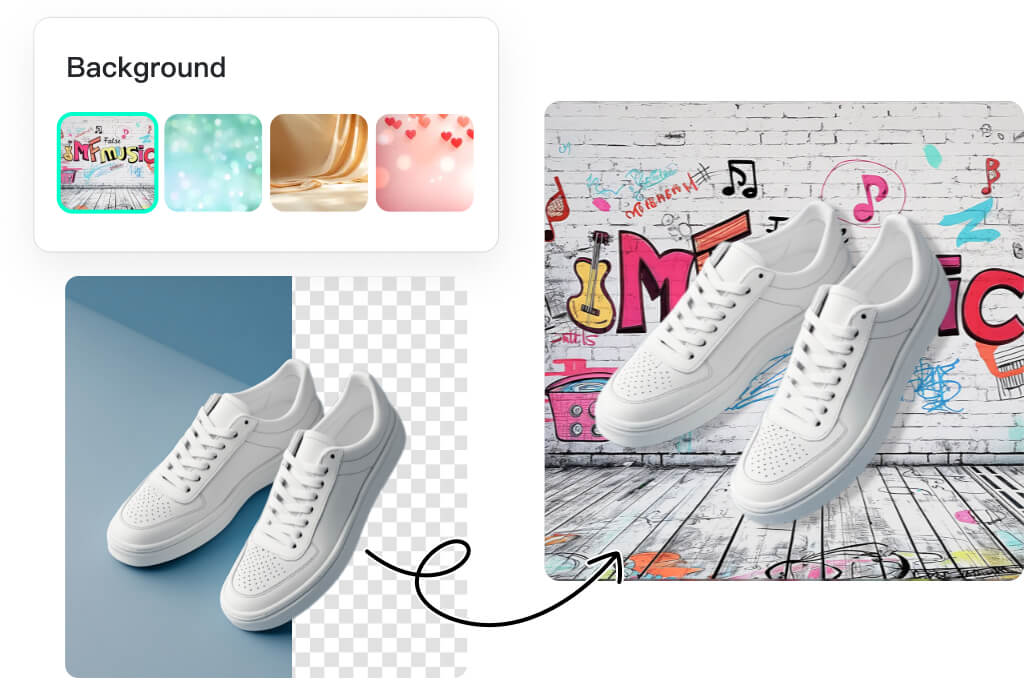
More Powerful and Flexible Background Editing Tools
Aside from simply blurring your images, insMind offers a wide variety of other editing options and tools. You can easily change the color of your background or take a more innovative approach.
insMind also provides an AI background tool that allows you to generate a new background that matches your subject perfectly. With complete versatility and control over your images, you can go beyond background blurring and become a photo editing expert.
Explore More AI Tools for Background Blur
Blur Background for All Kinds of Use Cases
No matter your use case, our AI background blur tool is the perfect solution for you. Here are some common ways to use background blur and the benefits it offers:
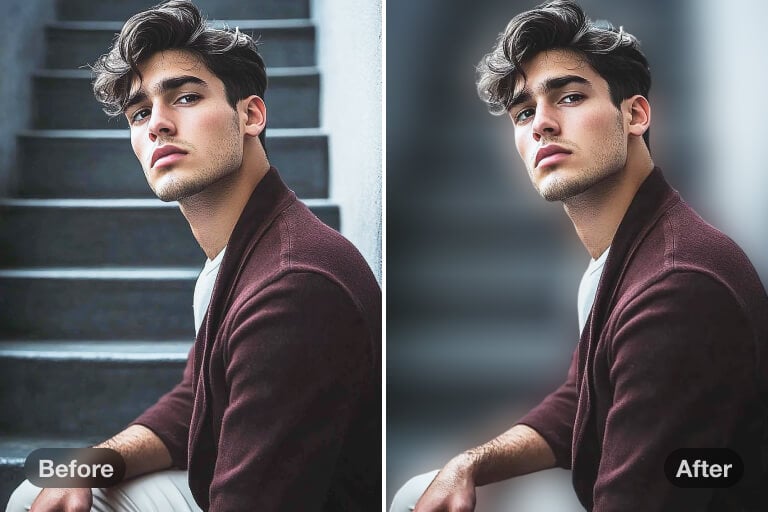
Give Your Portraits a Striking Pop
By blurring the background of a portrait, you can eliminate distractions and keep the focus on your subject. This will also make your portrait look more professional and high-quality.
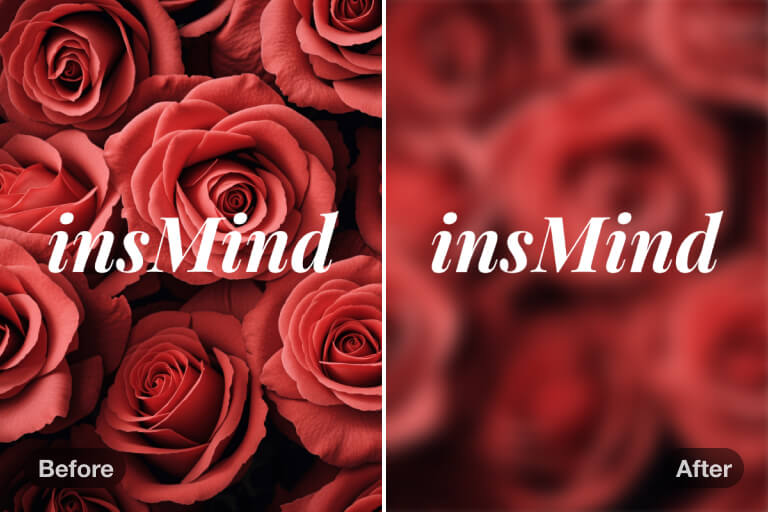
Increase Text Visibility
Sometimes, text can be overshadowed by a bright background. By blurring the background, your text stands out more, improving visibility. This enhances the impact of your images, whether for work or any other use.
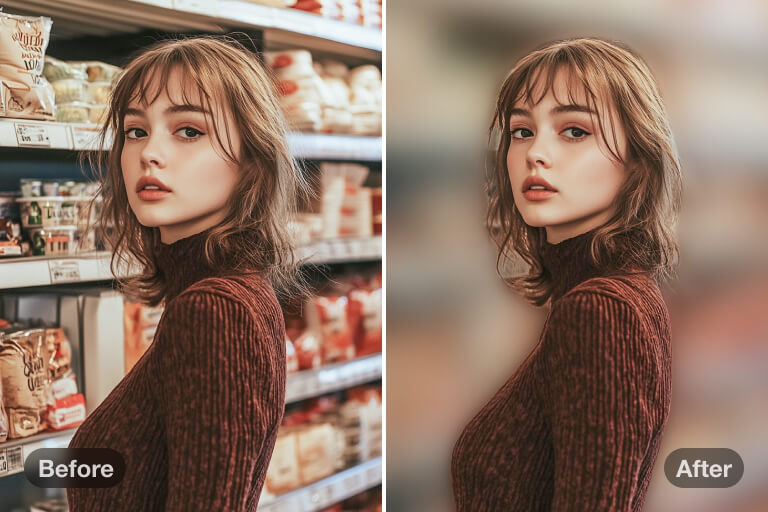
Blur to Hide a Cluttered Background
Love a photo but the background is cluttered? Not all backgrounds are clear and crisp. Some can have a distracting mess, but with our tool, you can easily blur the background and make your photo clearer.
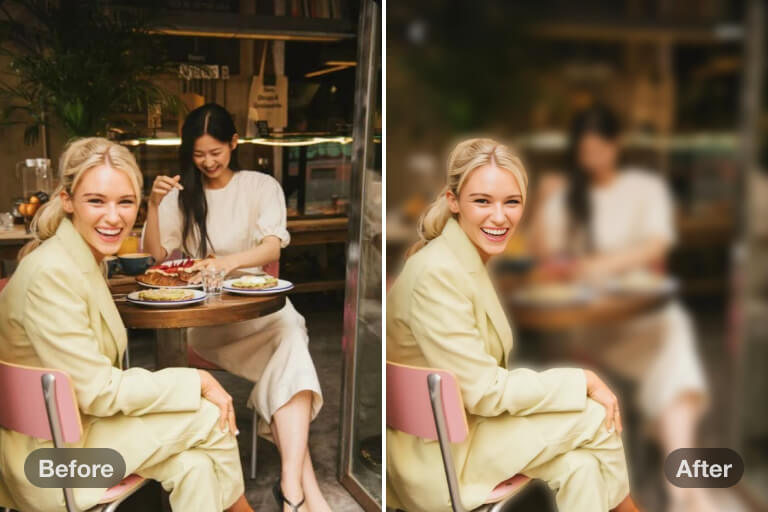
Blur Background to Protect Your Privacy
Want to share a photo but need to protect the privacy of your friends or objects you don't want others to see? With insMind's background blur tool, you can easily safeguard the privacy of your friends, family, or even passengers.
Why Choose insMind to Blur Photo Background?

Quick and Easy Image Blur
With just a single click, you can get a photo with the background blurred. Just upload your image and let our AI do all the work for you.

Adjust Blur Intensity Flexibly
Go beyond just blurring the background but also customize the intensity. Take your blurs to the next level and make your images more professional.

High-Quality Output
The blur effect is highly realistic, as if the photo was taken with a camera. Export high-quality images with minimal effort.
FAQs about Blurring the Background of Images
What is an image background blur tool?


Can I blur the background of any type of image?
Why do you need to blur the background of pictures?
Can I blur people in the background?
Can I customize the blur level of the background?
Is the background blur tool free to use?
You might be interested in
Make your pictures pop with creative AI tools you can explore during a free trial.
AI Background
Blur Image
Background Remover
HD Photo Converter
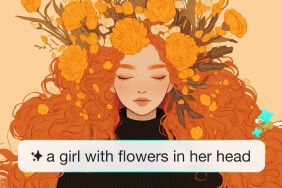
AI Image Generator
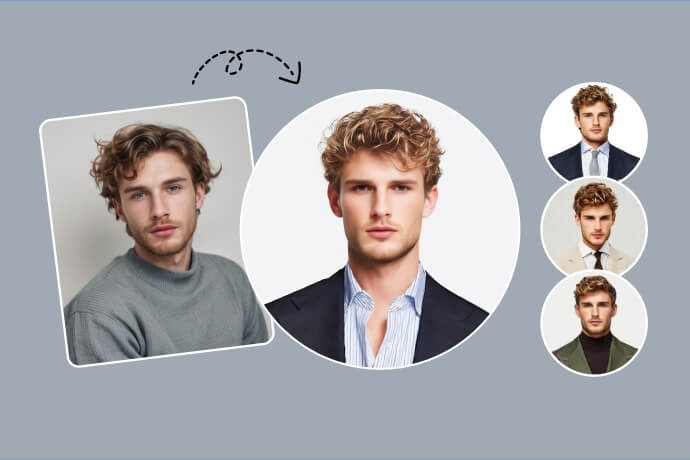
AI Headshot Generator
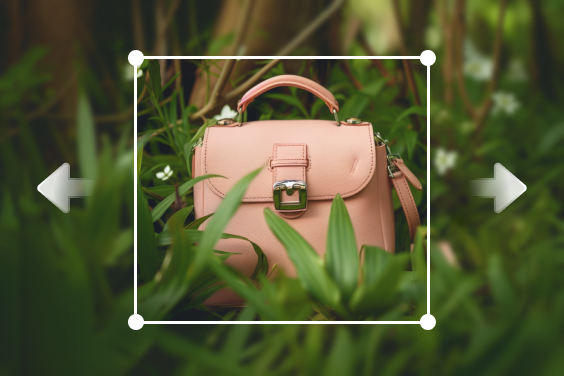
AI Image Expand
"I just needed a tool to quickly blur the backdrops of my portraits. This tool is highly recommended."
@Nathan Brown