Side by Side Photo Maker Online
Drag and Drop to Easily Create Side-by-Side Photos
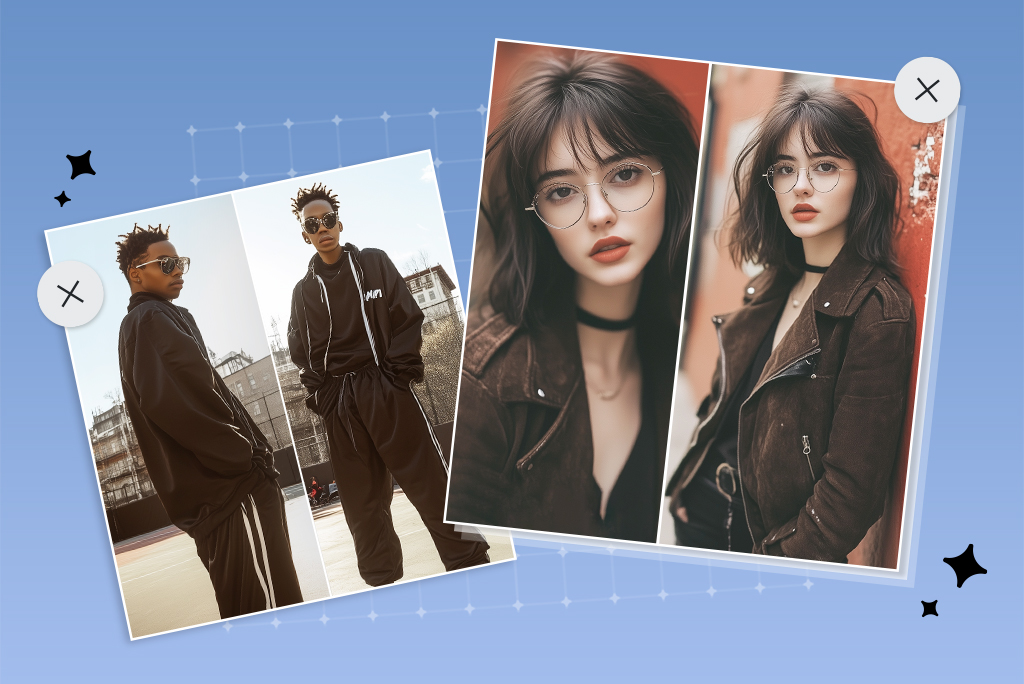
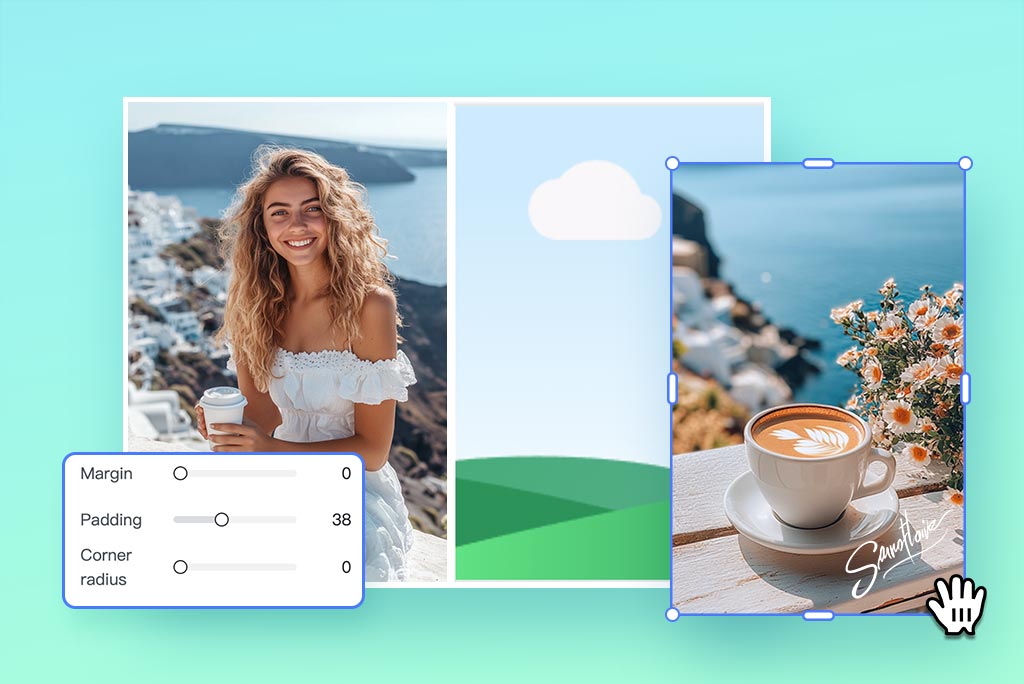
Create a side-by-side photo instantly with insMind's drag-and-drop interface. Simply choose a layout grid and drop your photos into the desired positions. No complex editing or design skills required.
Easily compare two images, showcase before-and-after shots, display different perspectives, or tell a visual story. Our photo collage generator makes it effortless to create perfectly aligned side-by-side collages. Ideal for personal projects, social media, or presentations. Try it now and make stunning photo juxtapositions with zero hassle.
Customize Your Side-by-Side Photo Flexibly
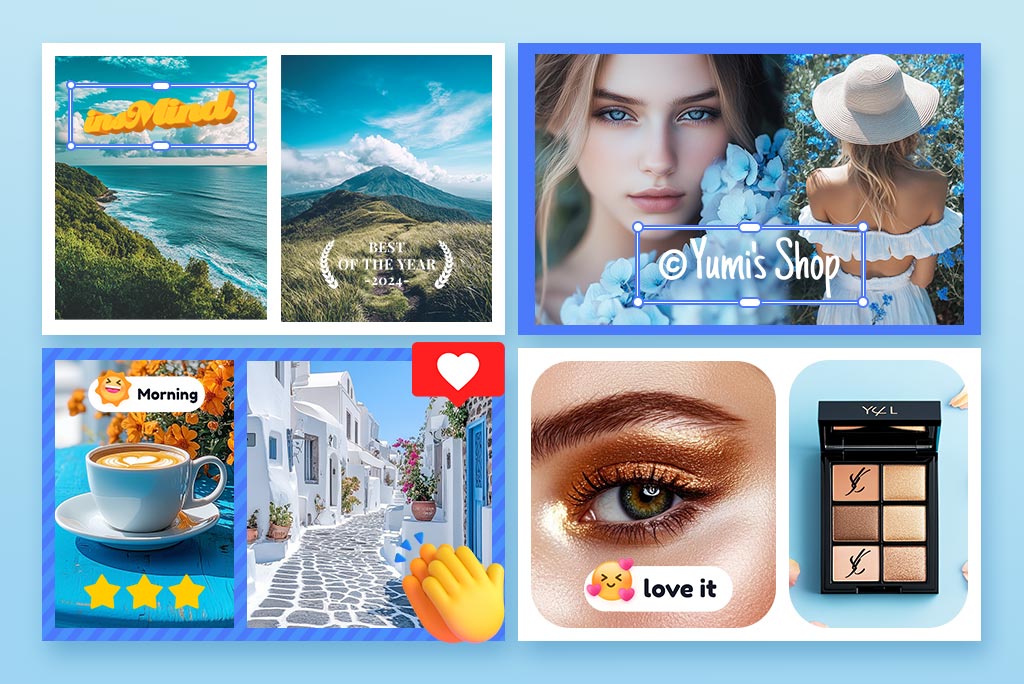
Want to give your juxtaposition photo a personal twist? Our side-by-side photo editor makes it incredibly flexible and fun to customize. You can fine-tune spacing, margins, corner rounding, background, outlines, positioning, transparency, etc. But that's just the start.
Make your photo stand out by adding stickers, cropping images into fun shapes like hearts, or adding curved or 3D text. You can even apply stunning AI filters like cartoon or Ghibli anime styles. Get the creative freedom you need to design a collage that truly reflects your style.
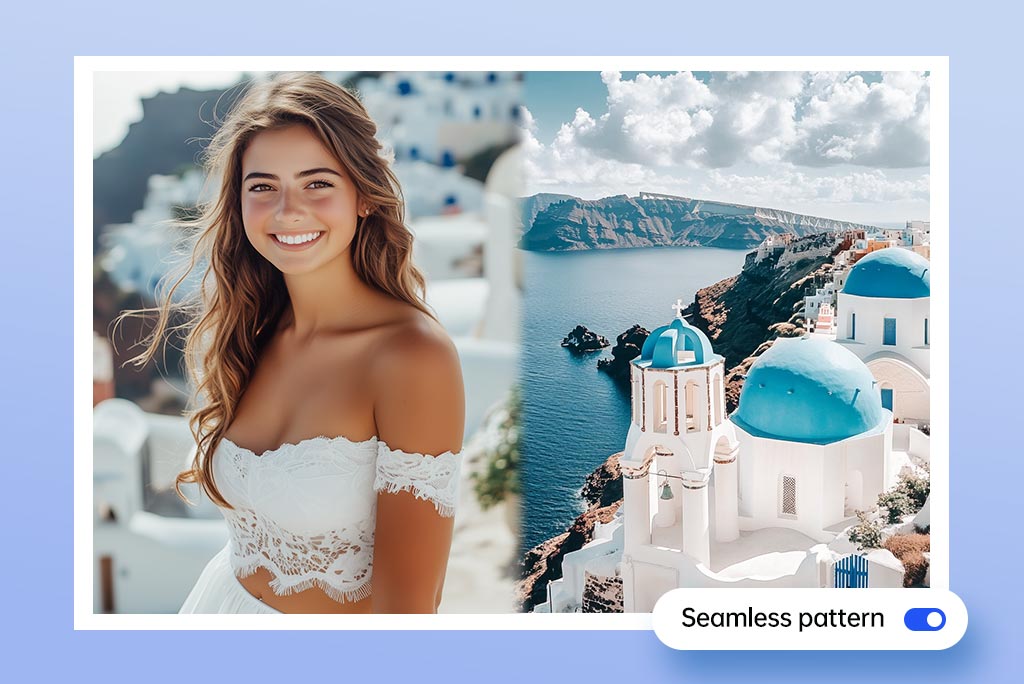
Design Side-by-Side Photos with Perfectly Blended Borders
insMind supports seamless border patterns that blend multiple photos into one smooth composition. Rather than prominent edges or harsh lines, the seamless pattern creates natural transitions that make your side-by-side collage look unified and elegant.
The border pattern adds a creative and artistic atmosphere to your photo, which is best for memory books, visual storytelling, and more. Transform your side-by-side photos into a cohesive masterpiece with a natural and beautiful flow that draws attention to the content, not the dividing lines.
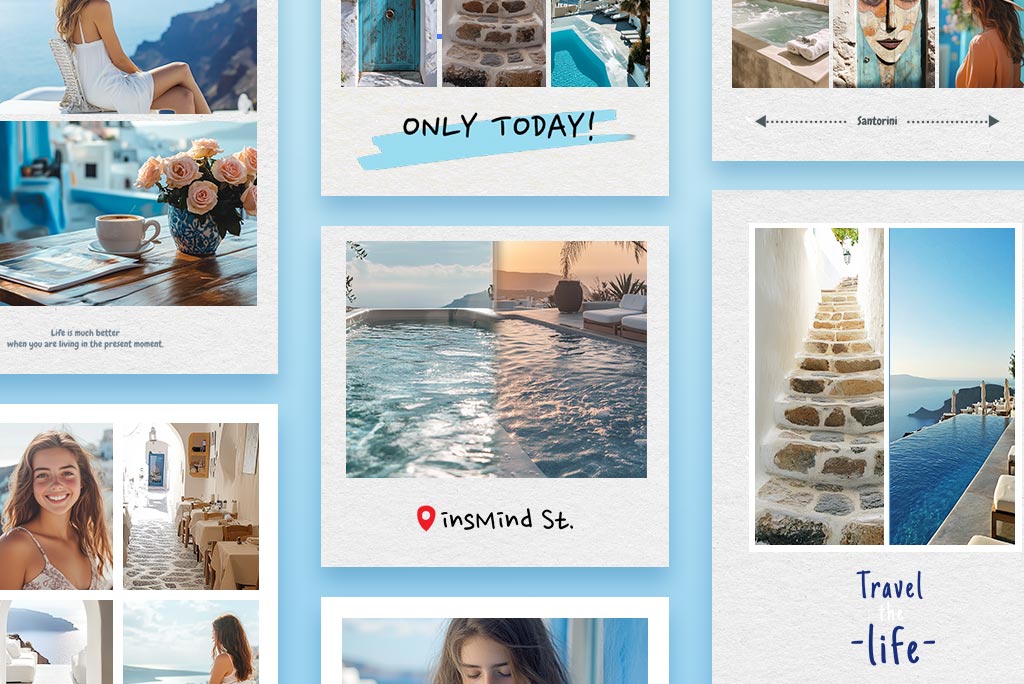
Choose from Multiple Side-by-Side Photo Templates
insMind offers more than just simple 2x1 side-by-side photo grids. You can also stitch together 3, 4, 5, or even up to 16 photos side by side with ease and create balanced, artistic, or boldly creative collages.
What's more? You can also choose from additional layouts like top-and-bottom stacking, offset storytelling formats, 2x2 frames, classic 9-grid arrangements, and more. With a wide range of photo grids and templates at your fingertips, you can organize and present your photos however you like.
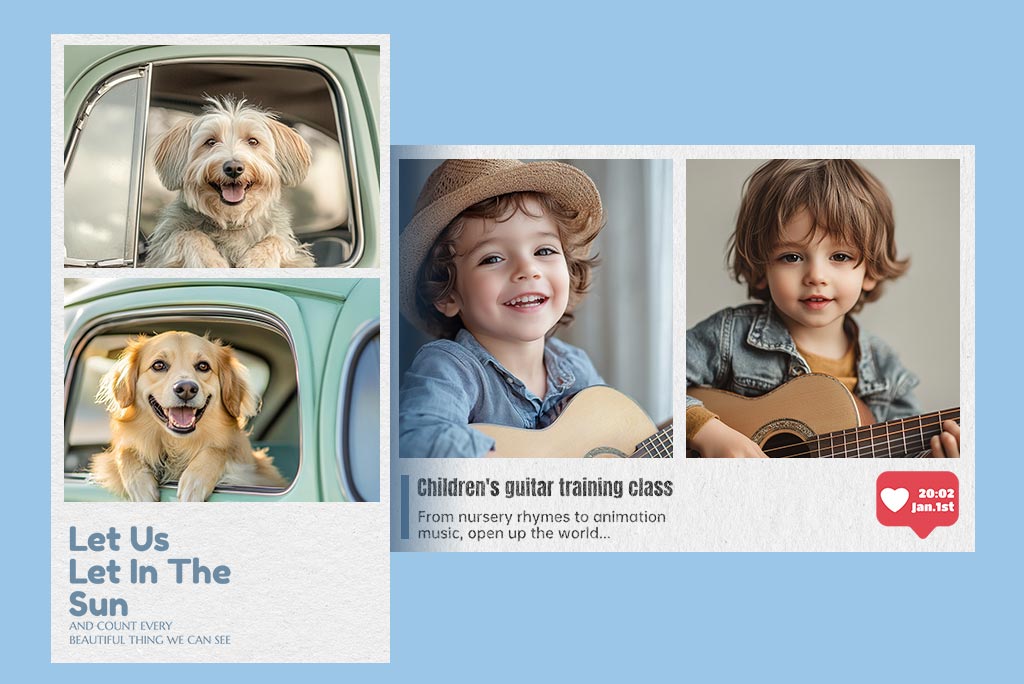
Create Side-by-Side Photos Horizontally or Vertically
insMind's side by side photo generator doesn't require all photos to fit the same side by side vertical layout. When painting two panoramic shots or stacking rectangular images, our editor supports horizontal above and below collages to have a better visual.
You can easily switch between vertical and horizontal arrangements depending on the visuals you are stacking. A vertical collage is perfect for square or portrait images, while a horizontal collage is best for rectangular photos to bring clarity and balance. Simply choose the layout and enjoy creative flexibility.
Explore More Photo Editing Features
Side by Side Photo Maker Online
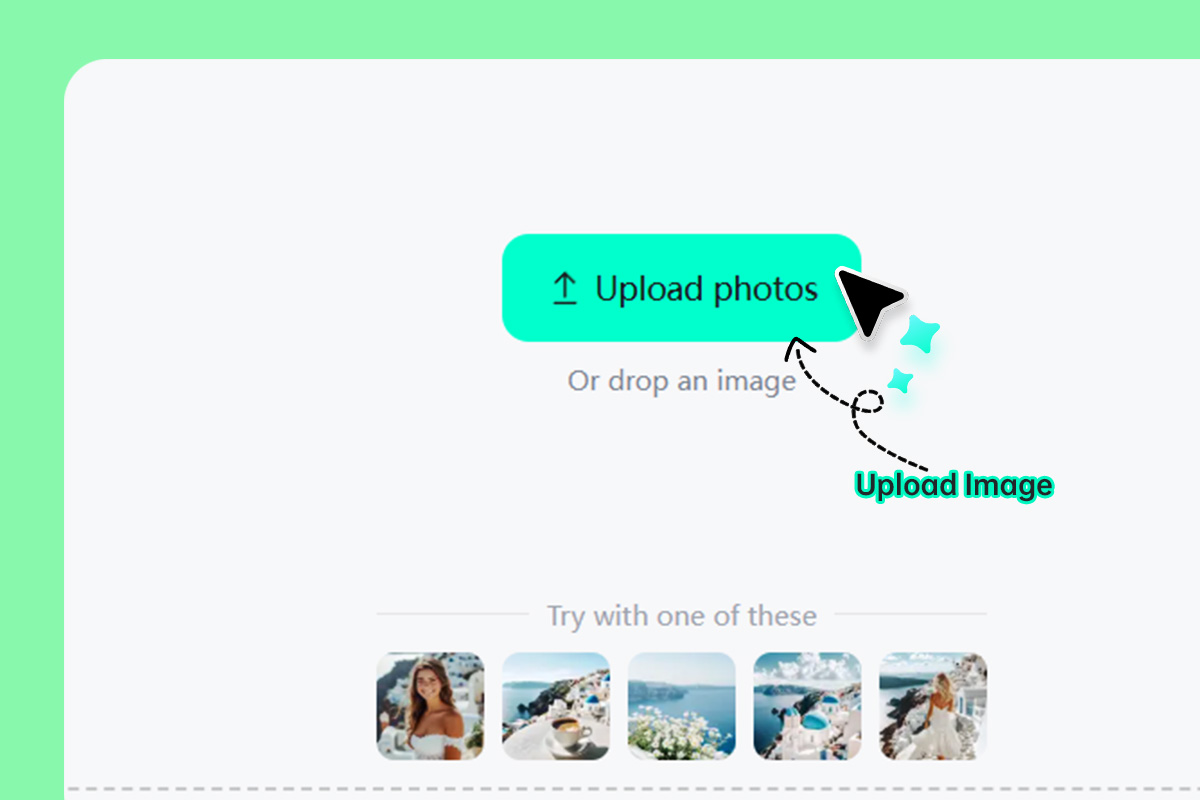
1 Upload Your Photos
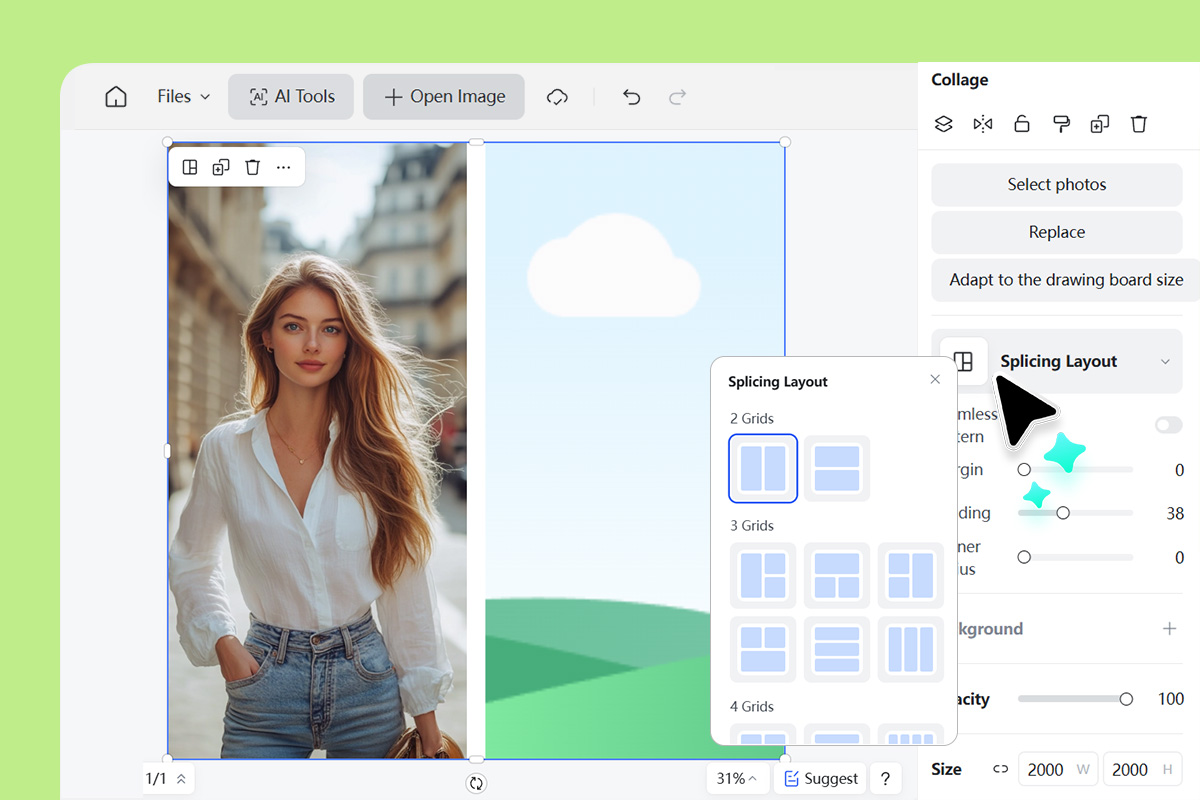
2 Choose a Side by Side Layout
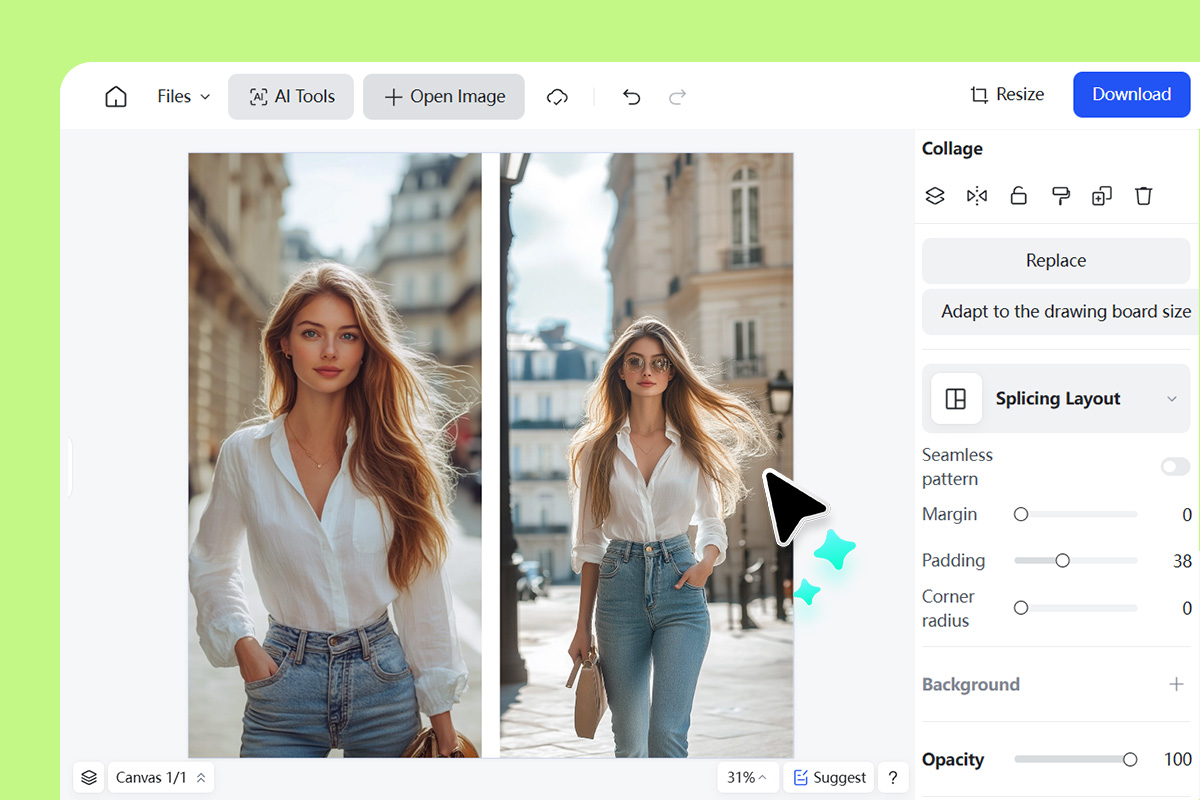
3 Customize the Photo
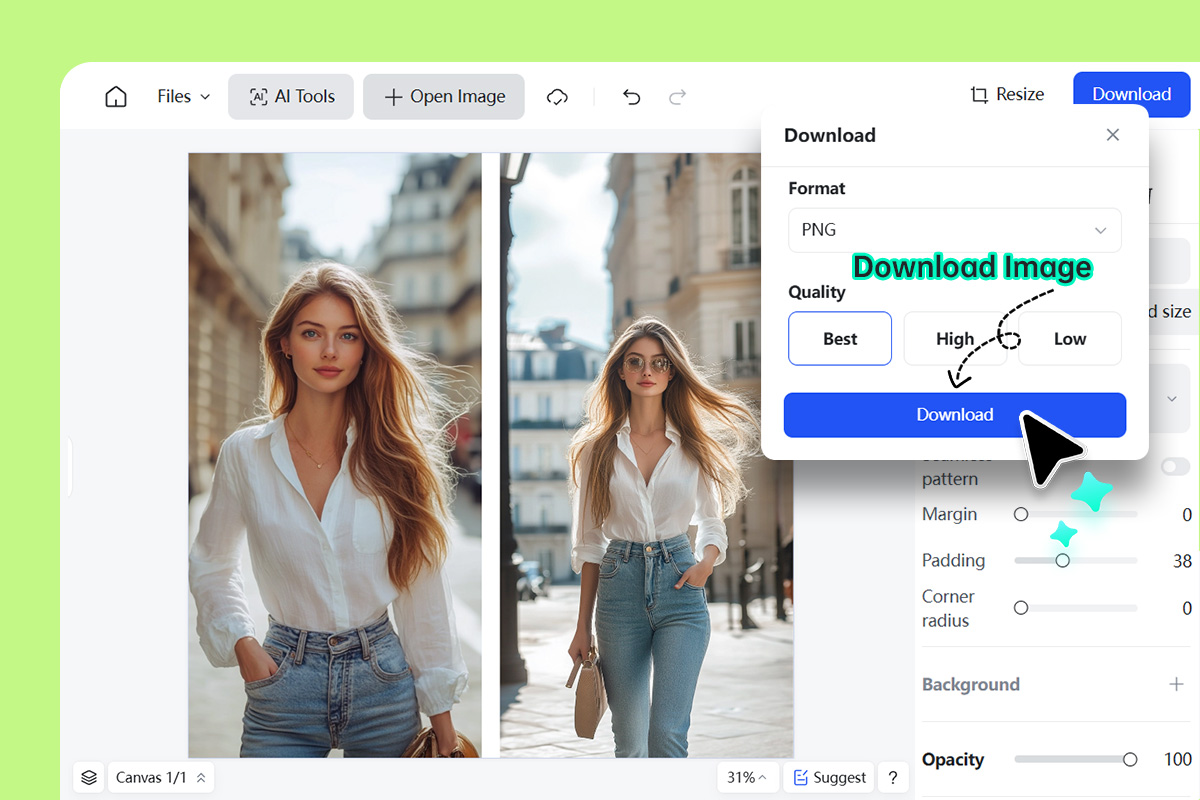
4 Download Your Photo
Side by Side Photo Collage Maker for Different Uses
Display, compare, and tell visual stories easily with insMind's side by side photo maker. You can showcase transformations, creative angles, processes, and more in a single frame in seconds. Bring multiple photos together in simple clicks and showcase memories, highlights, or creativity.
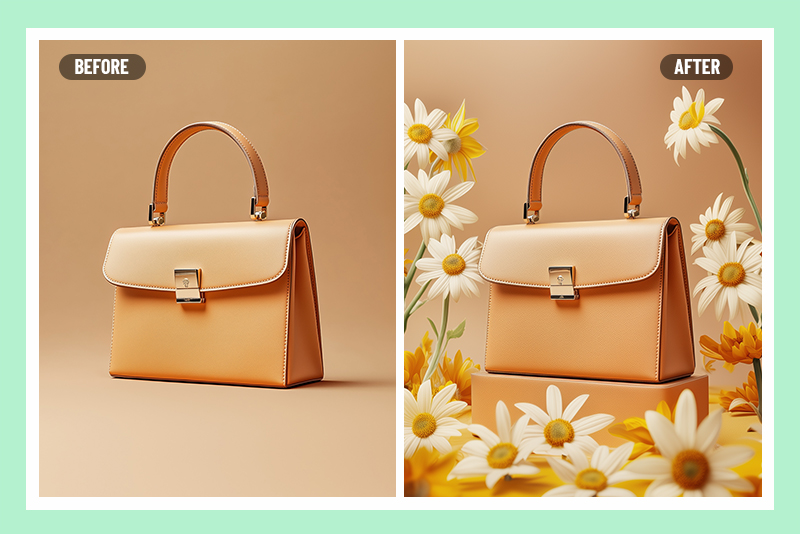
Compare Photos Side by Side
Highlight contrasts between two images by placing them side by side. Useful for showing before-and-after edits, style changes, or visual progress in a clear and engaging format. Let viewers instantly spot the differences and appreciate the progression.

Show Two Different Perspectives
Highlight multiple viewpoints in a single frame by placing two perspectives side by side. Great for storytelling, travel photography, or creative projects where one image alone can't capture the full context or feeling of a moment.
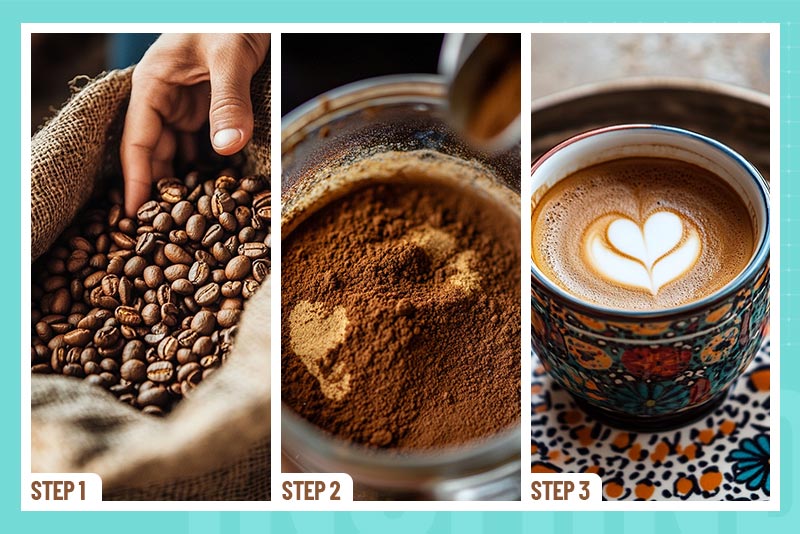
Sequential Steps in One Photo
Are you teaching a DIY craft, showcasing a skincare routine, or documenting a recipe? You can place each stage side by side to help audiences easily follow along and understand the entire process at a glance.
Why Choose insMind Side by Side Photo Editor?

Place Photos Side by Side Online
insMind is an online side by side photo generator and editor. Try for free with available credits to get vertical or horizontal photo collages in seconds directly from your browser.

Multiple Preset Grids
Choose from a wide range of preset grids, including 2x1, 2x2, 3x1, and so on. You can also stack top-and-bottom, get 9-grid arrangements, and more to arrange your visuals cleanly.

Fully Customizable
Easily adjust margins, spacing, background colors, corners, and more. You can also add stickers and text and apply artistic filters to match your creative vision.
FAQs about Side by Side Photo Editor
What is a side by side photo?


What are the benefits of using side by side photos?
Are side by side photos popular on social media?
How to do side by side Instagram photos?
Is the side by side photo maker free?
You might be interested in
Make your pictures pop with creative AI tools you can explore during a free trial.
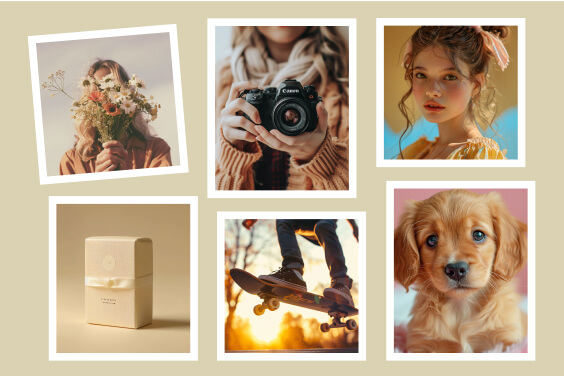
Add Border to Photo

Photo Grid Maker

Photo Montage Maker
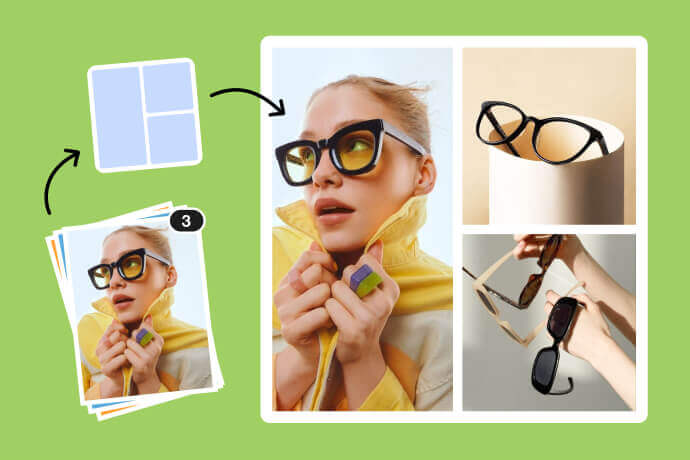
Combine Images
Product Image Collage