
Apply a Sepia Tone Filter to Your Photos Online

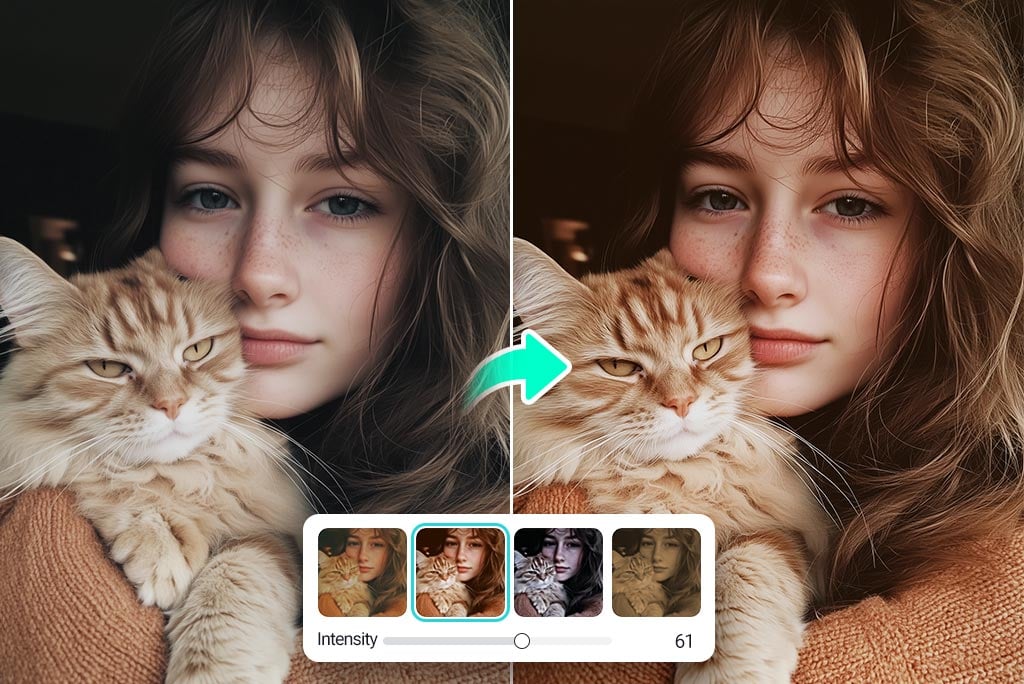
Add a Sepia Effect to Your Photos Instantly
Turn any photograph into a work of history with our sepia photo filter. The effect is soft and beautiful, reminding us of vintage photographs. With one press of the button, you can add a retro effect, refresh an old post, or give your portrait a timeless touch. Does the photo require some fine-tuning before proceeding?
Enhance the picture with the AI Photo Enhancer feature and then use the sepia tone effect so that the final image is clear and balanced. They work together to make professional videos without requiring any editing knowledge. Anyone wanting to give their pictures a unique touch should check out this tool.
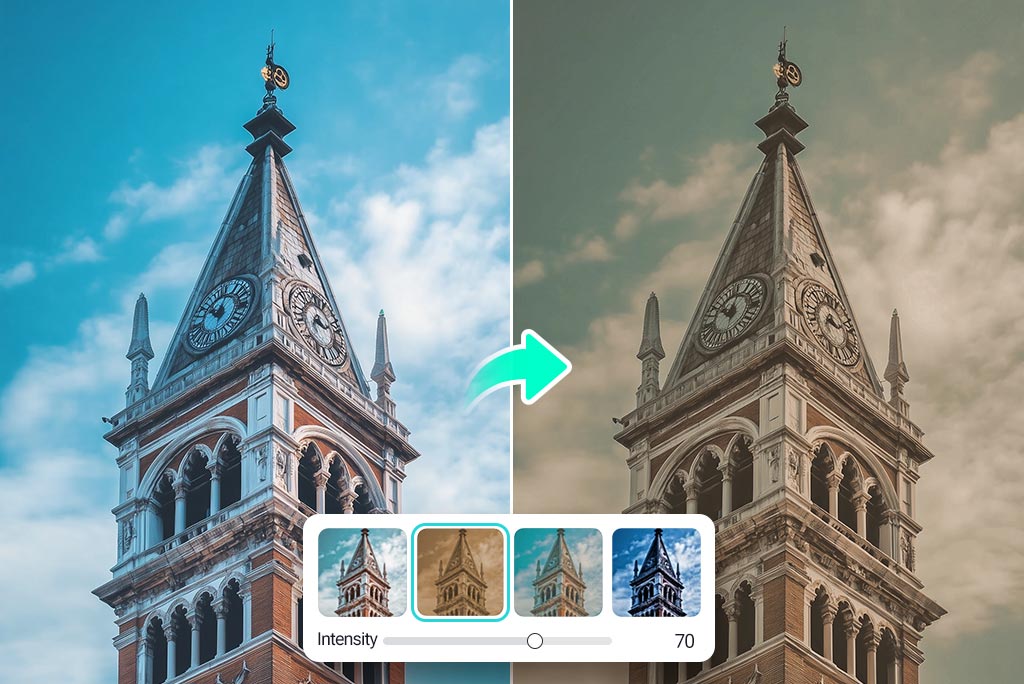
Get a Classic Vintage Vibe with a Sepia Filter
Add a touch of class to a modern photo using our sepia tone filter. As it imitates old photography, warming all colors, it is great for filmmakers, family albums, and brand campaigns. The brown filter highlights the film's feelings and gives more meaning to each scene. Looking to get a cleaner layer before you apply the filter?
Removing lines from your images is easy with our Remove Lines from Photos tool. After you get it smooth, the sepia color effect will really shine out. If you're putting together old travel pictures or recreating history, the vintage tone can make any shot unique.
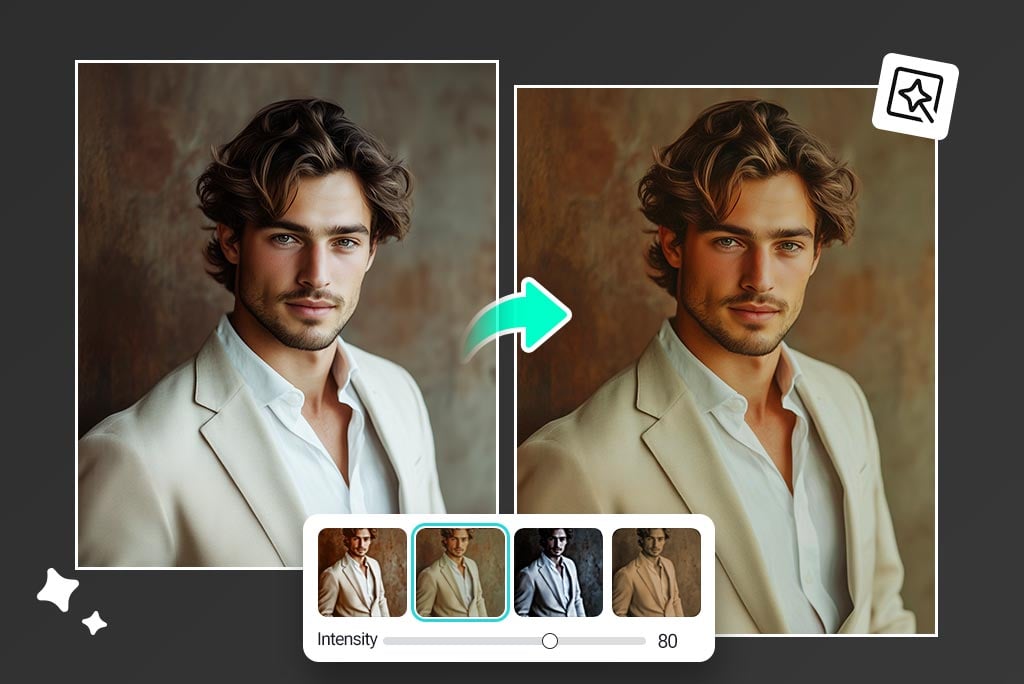
Give Photos a Warm, Emotional Touch with Sepia Color
Sepia color filter adds a warm, close feel to any image. The soft reds, oranges, and browns within this hue underline emotion and bring up memories. Using the sepia effect, portraits, views, or pet photographs will feel more heartfelt and have a vintage look.
The Vintage Filter from insMind is another way to enhance your photos and deliver a complete retro feel, along with the sepia filter. When you use them, your average shots can become pieces of art. Individuals who blog or create for the web can use the sepia tone effect to deliver pictures with a similar style
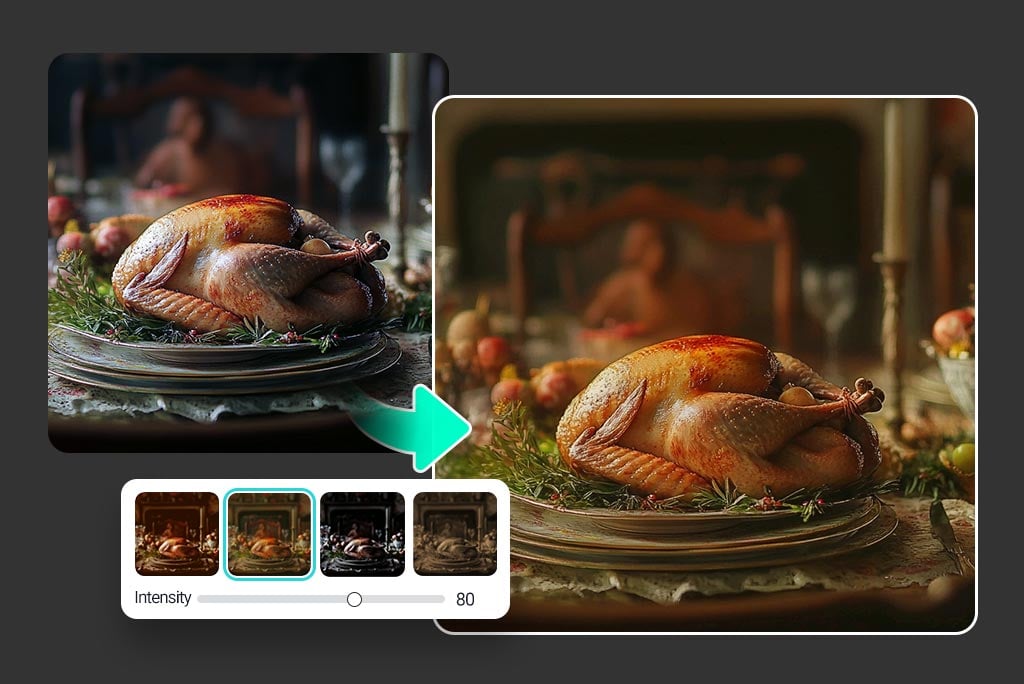
Enhance Mood with a Soft Brown Filter for Photos
You can soften your pictures by adding a brown filter that warmly envelops the scene without making it blurry. Using this tool, your work gains a film-like look and is excellent for still-life, city, or romantic portrait subjects. Rather than making everything black and white, this technique uses slight saturation to inject more life.
We can also mix sepia with color, making photos appear unique and artistic, especially with specific tones still shining through. Try combining it with the Color Splash Tool to highlight specific objects while maintaining that vintage sepia tone. The inclusion of soft sepia tones makes any picture feel more pleasant and comfortable.
Discover More Sepia Filter Features
How to Apply a Sepia Filter Online in 3 Steps?

1 Step 1: Upload your image
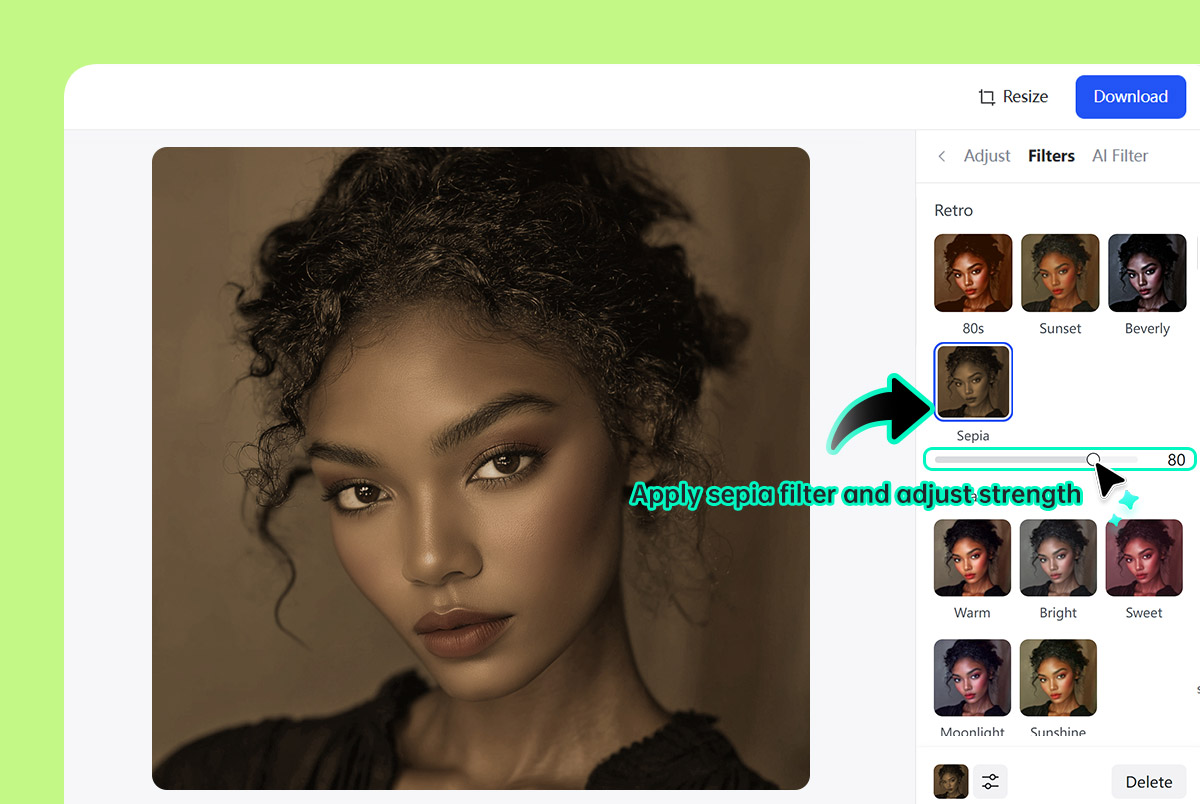
2 Step 2: Choose the sepia filter and adjust intensity
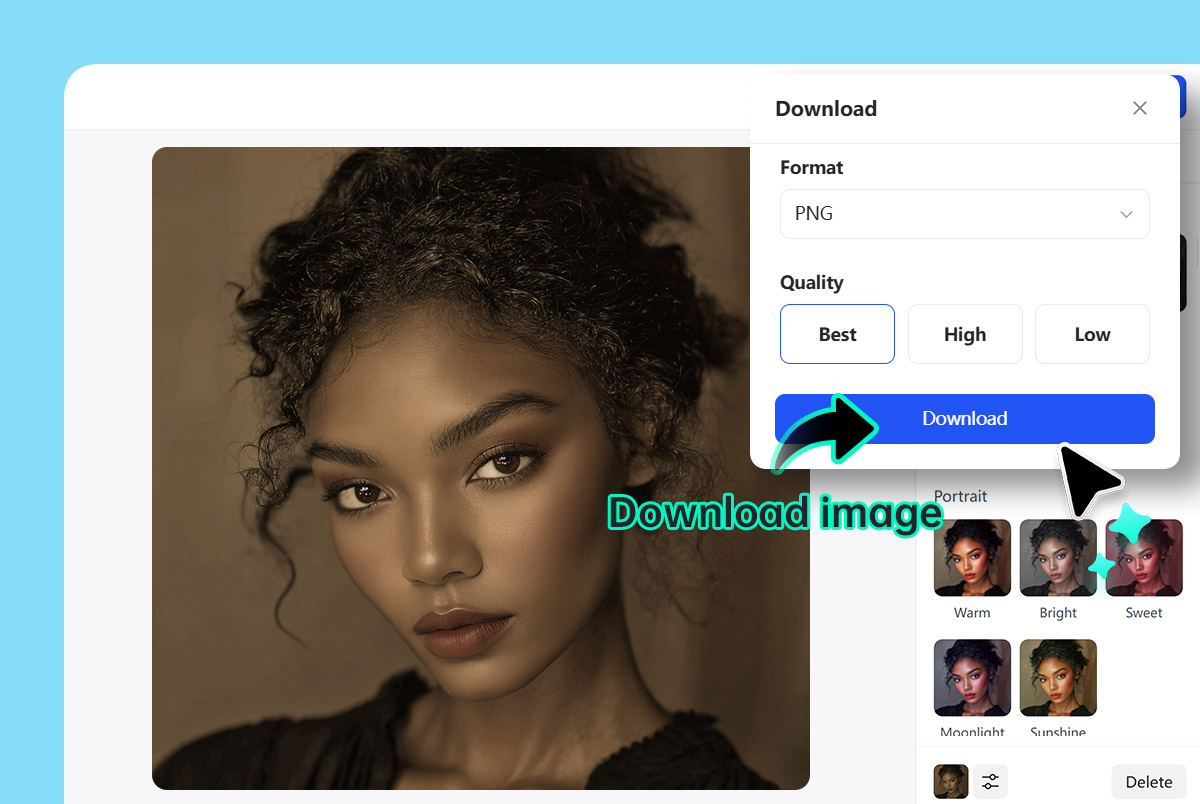
3 Step 3: Download your sepia-toned photo instantly
Why Use insMind's Online Sepia Filter?

No app download required
You don't have to install anything; editing happens in your browser. Hence, you get the same consistent experience everywhere.

One-Click Sepia Tone
Make your photos sepia with just one step, avoiding complicated photo software. It does not require any manual editing or editing skills.

Works with Any Photo
Whenever you take a selfie, shoot a landscape, or photograph a product, the sepia filter fits right in.
FAQs About insMind Sepia Filter
What is a sepia filter?


Can I adjust the intensity of the sepia effect?
Is this sepia photo editor free to use?
Do I need to download an app?
Will the sepia filter reduce photo quality?
Can I use this tool on mobile?
Is the sepia tone good for portraits?
You might be interested in
Make your pictures pop with creative AI tools you can explore during a free trial.
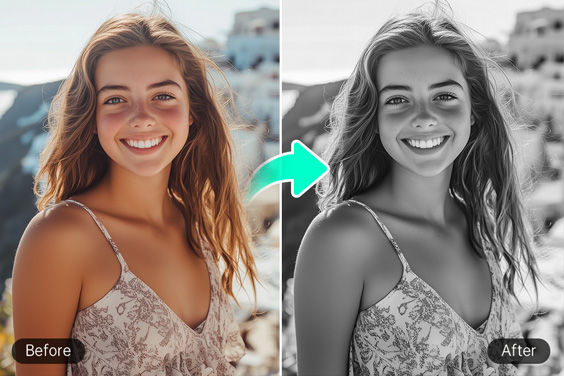
Black and White Filter
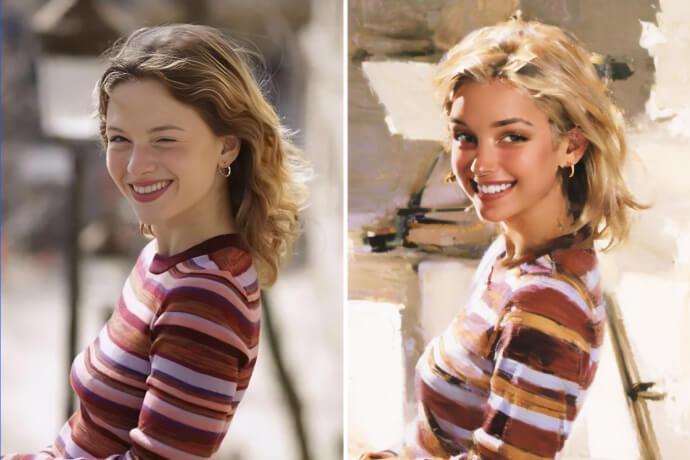
Vintage Filter
Film Grain Filter
Disney Pixar Filter
AI PS2 Filter
Comic Book Filter
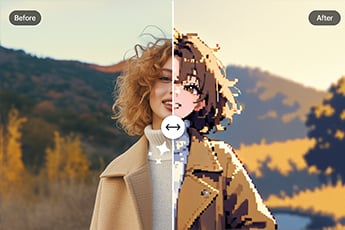
Photo to Pixel Art
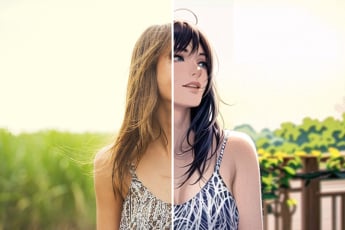
Photo to Anime
Photo to Painting
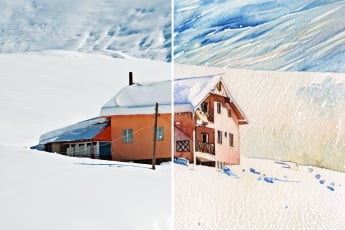
Photo to Watercolor
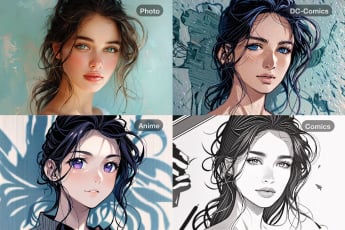
Photo to Cartoon
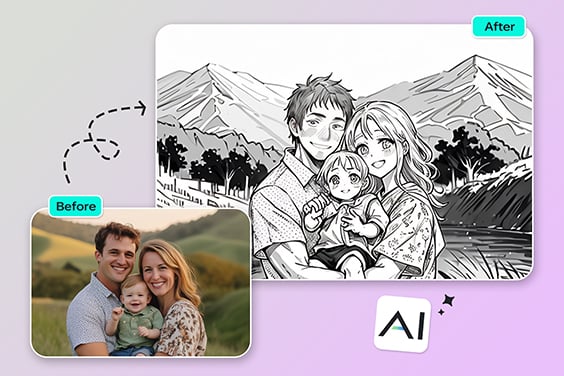
Photo to Outline

"I think this is the best online sepia filter I have used. Fast services and excellent quality."
@Drake