
Turn a Photo into a Manga Character Online


Create Similar
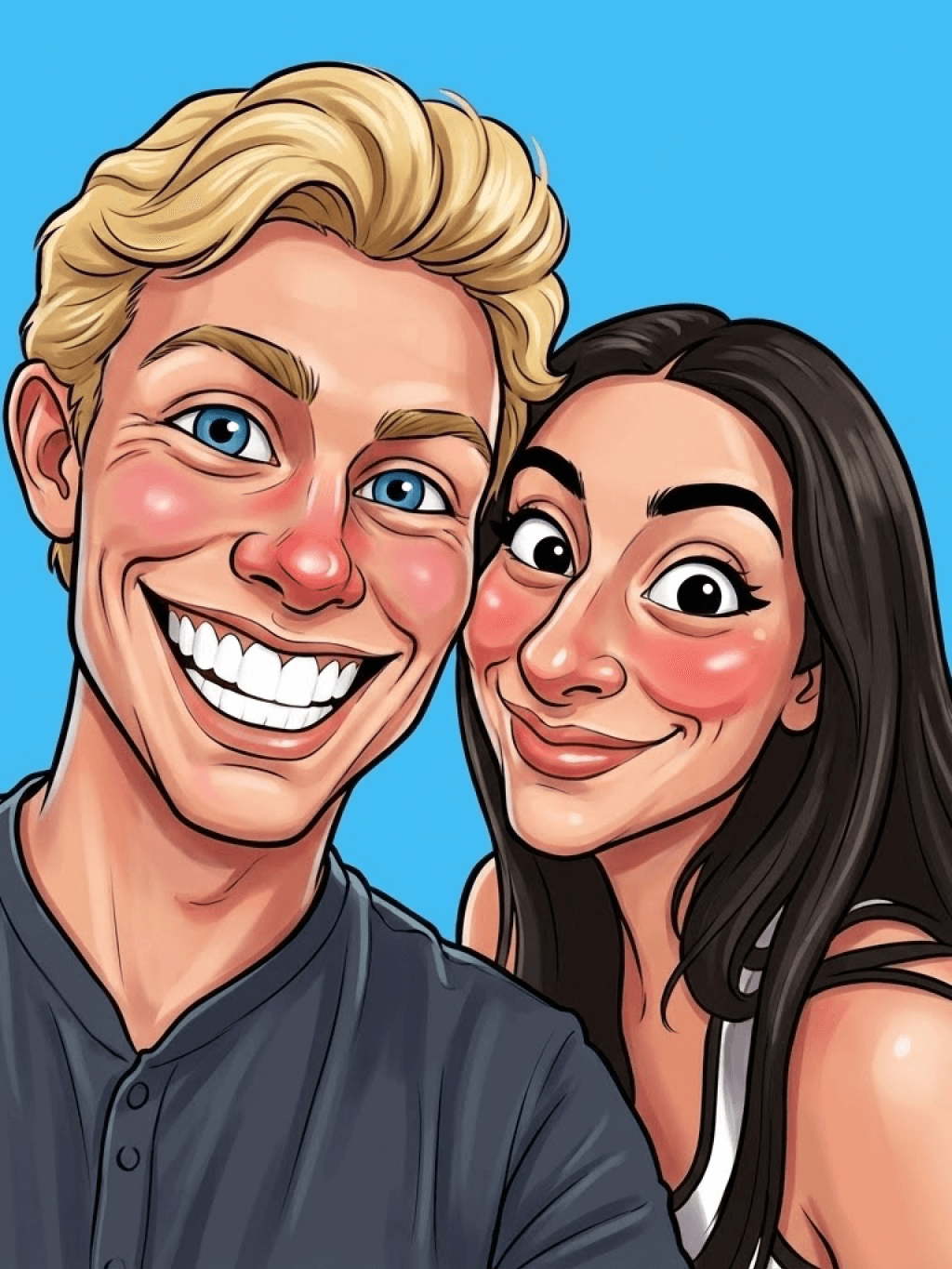
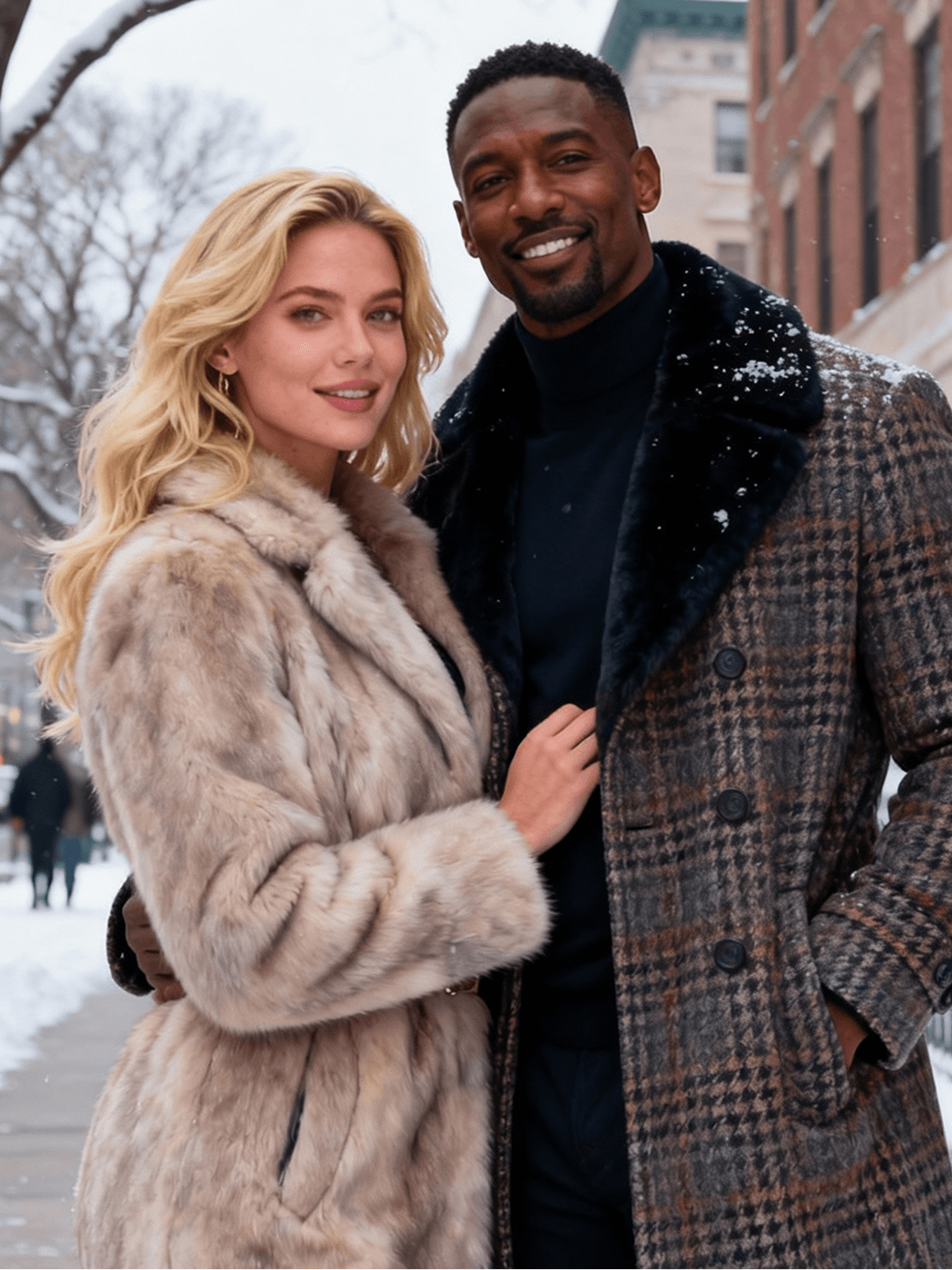
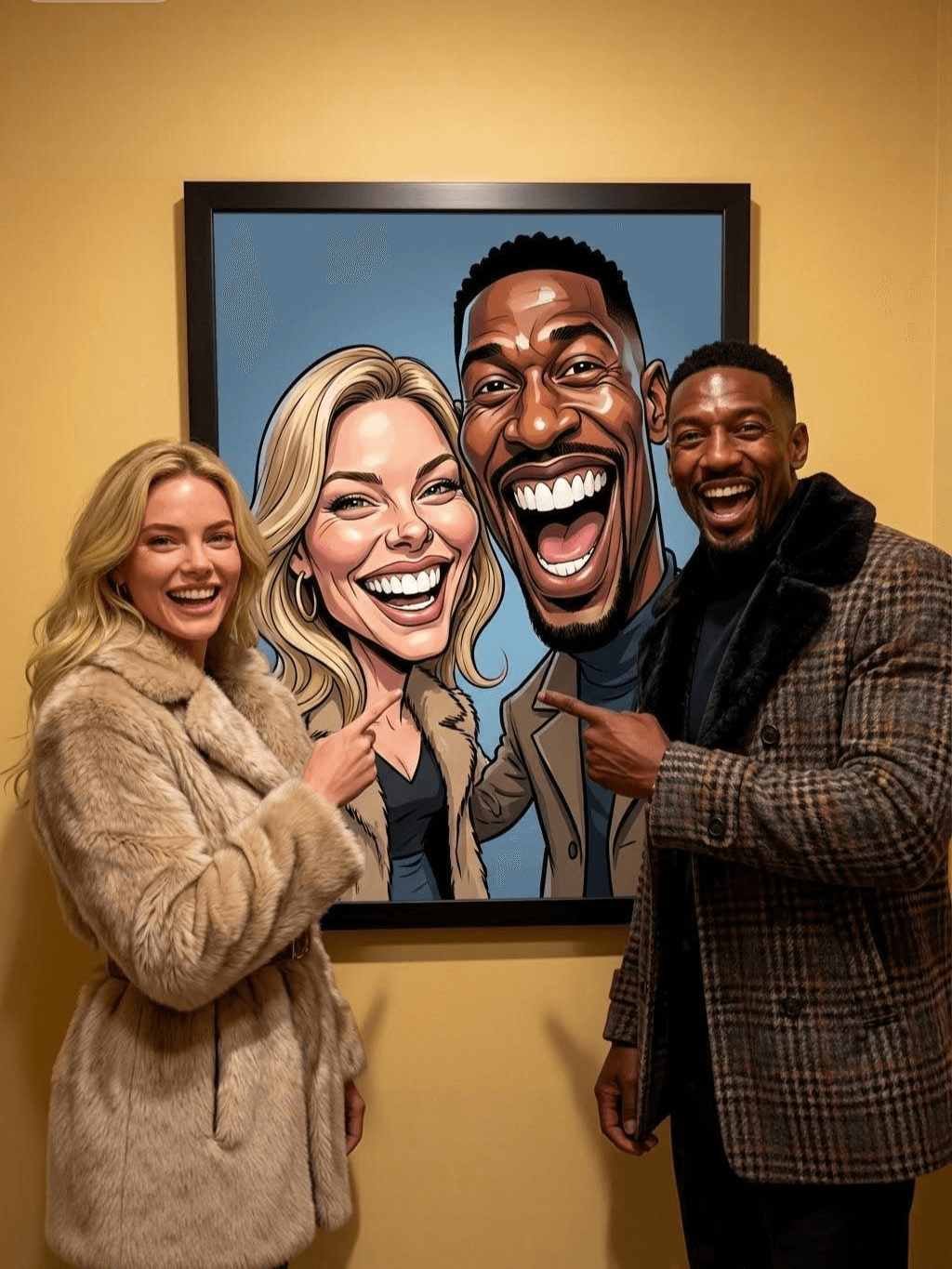
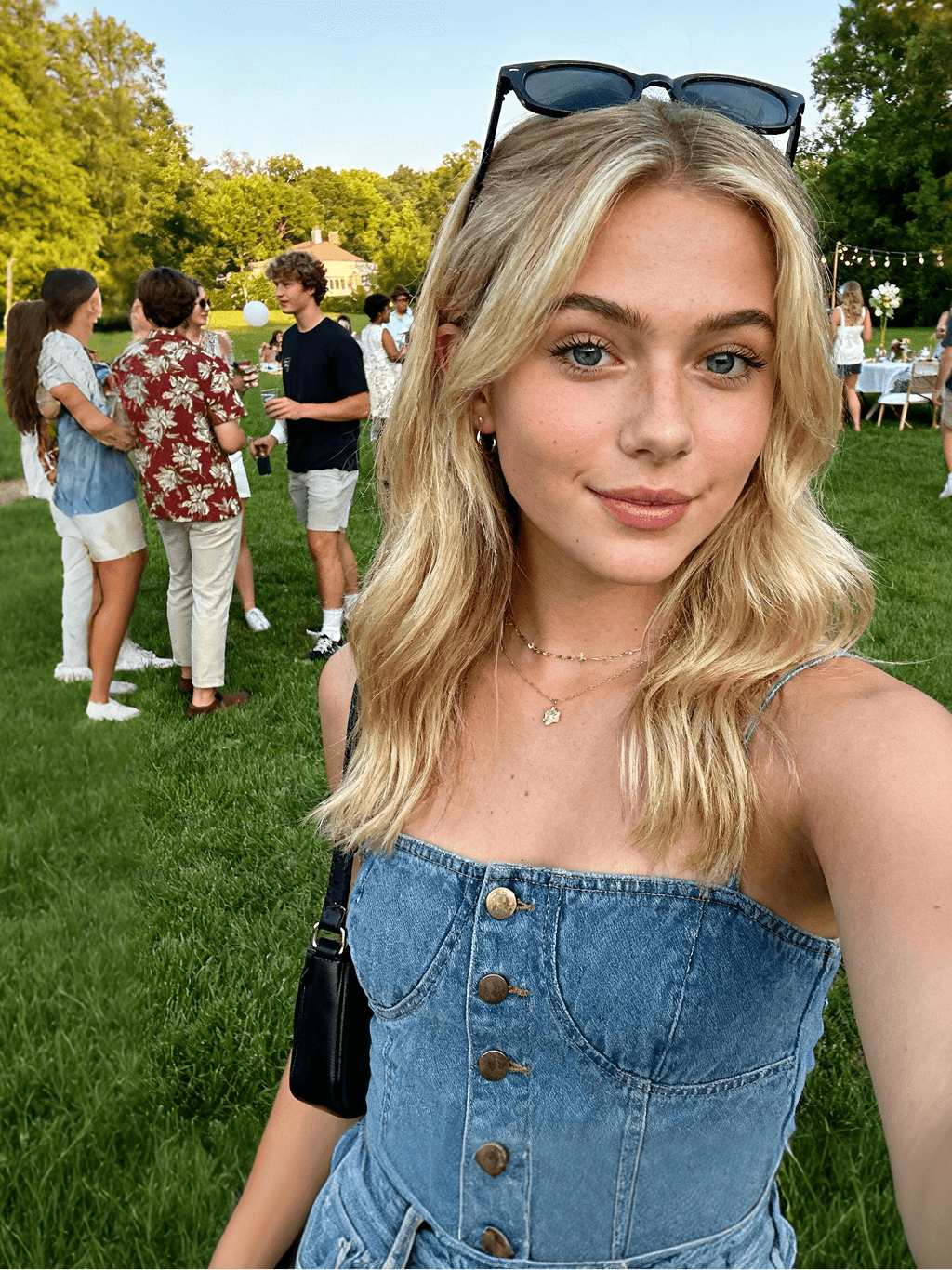
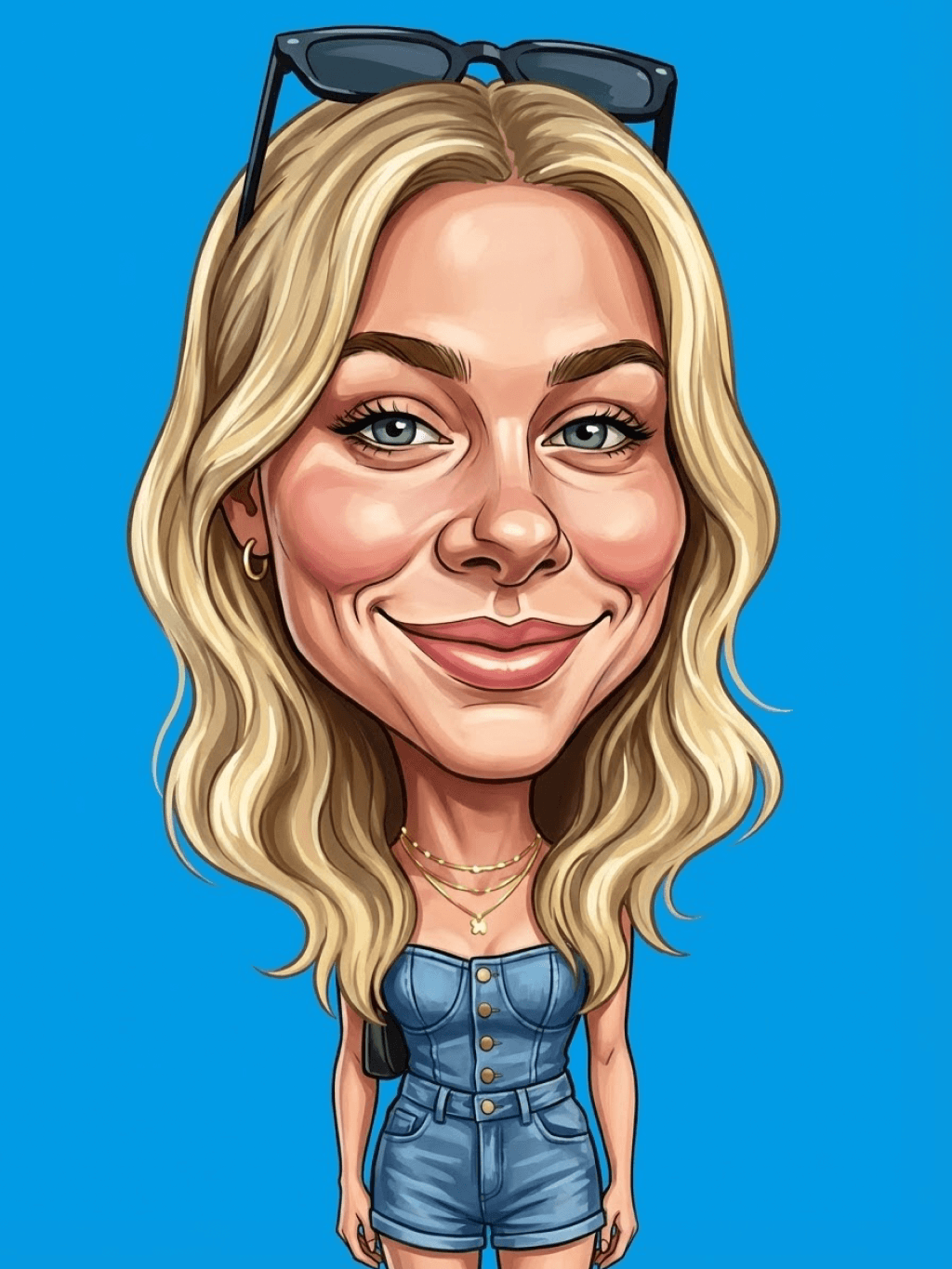


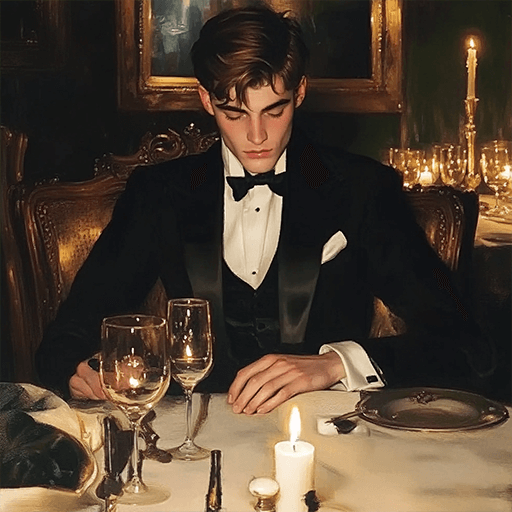
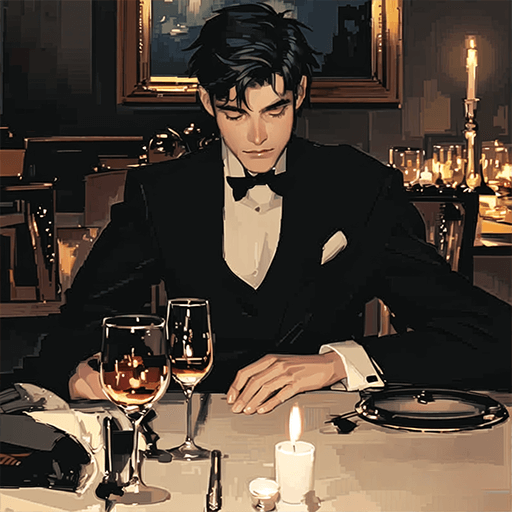
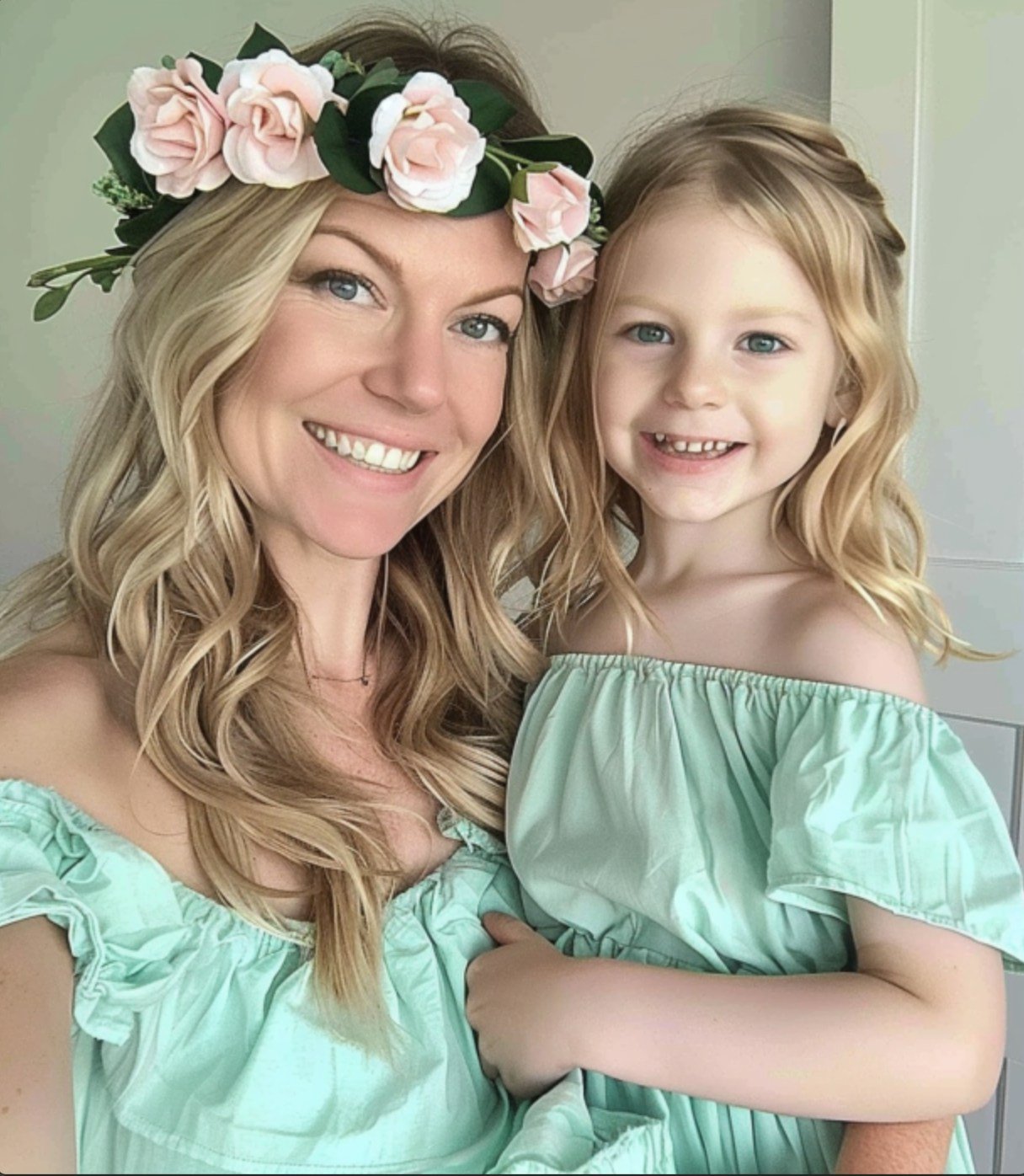
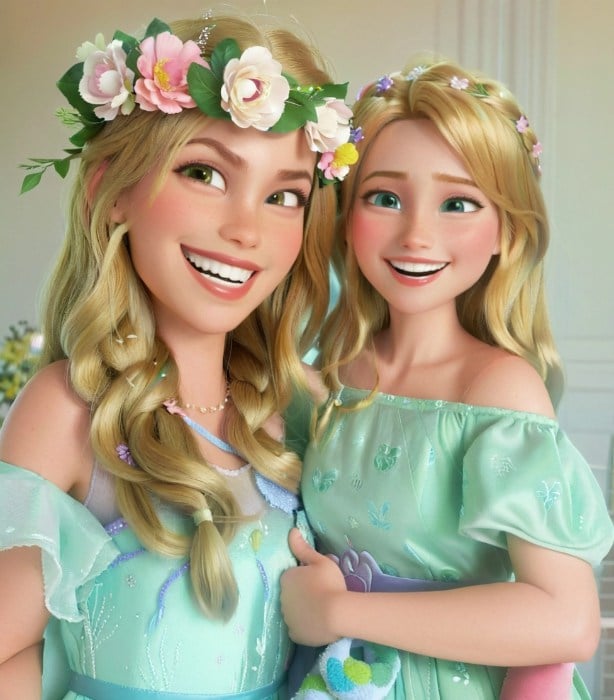
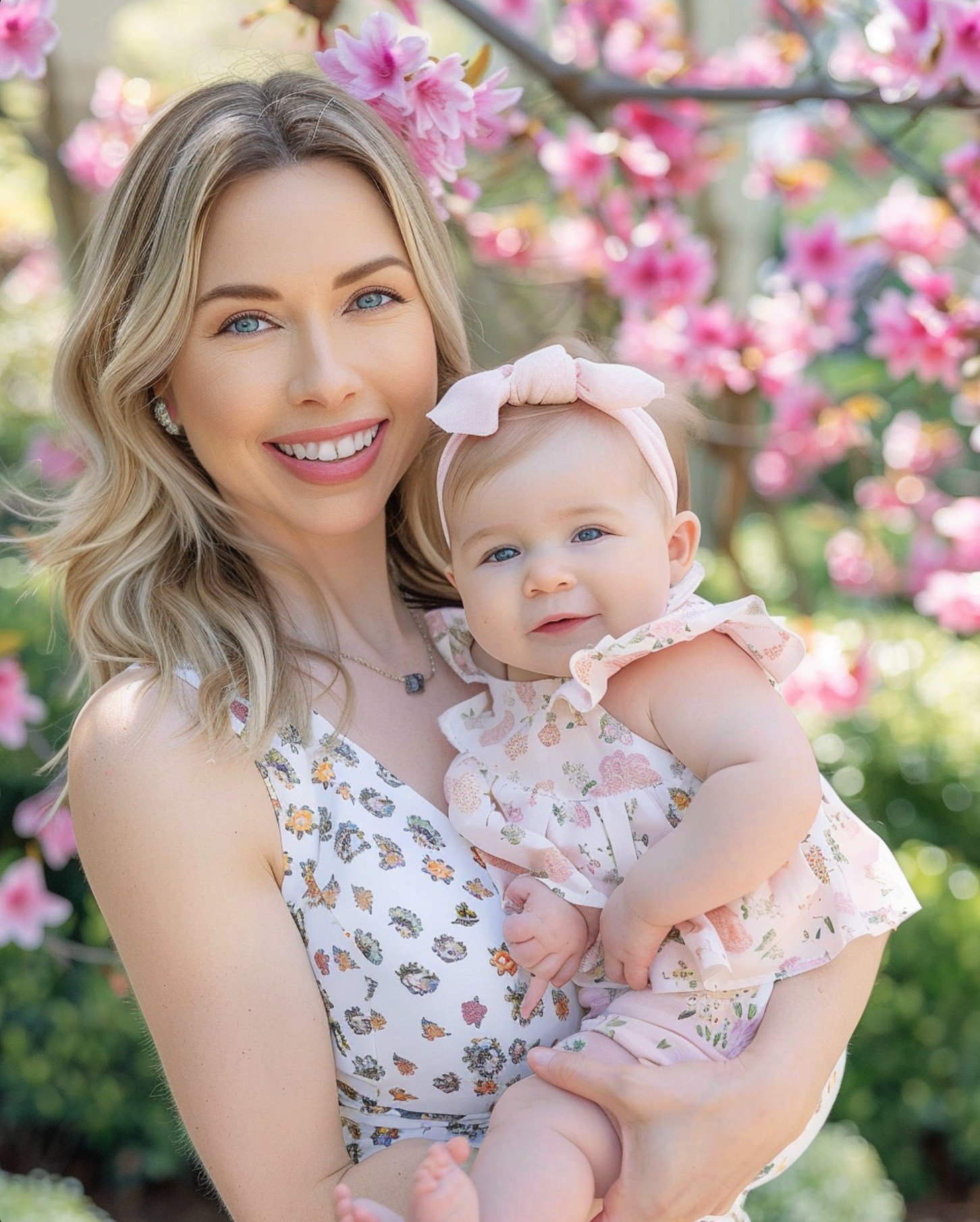
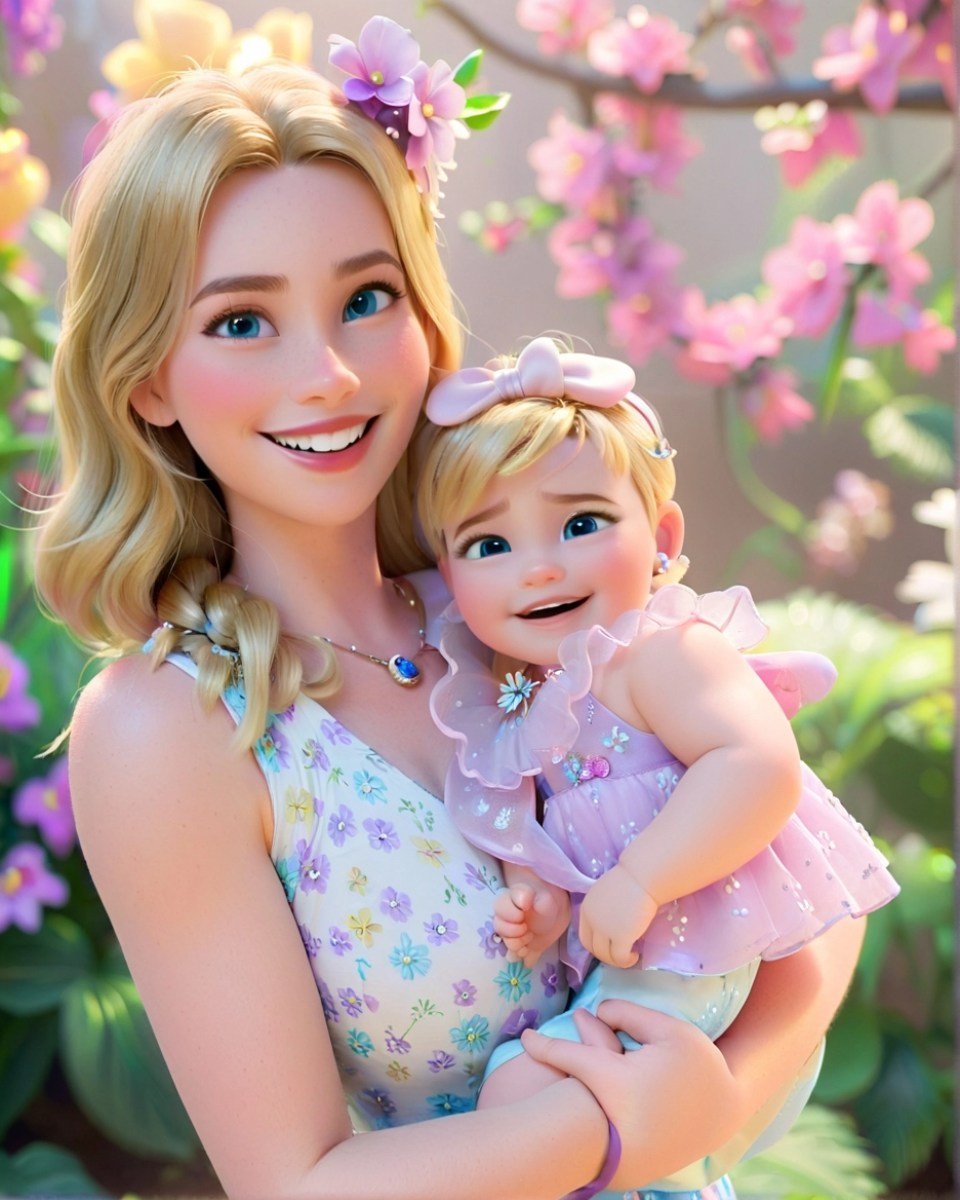
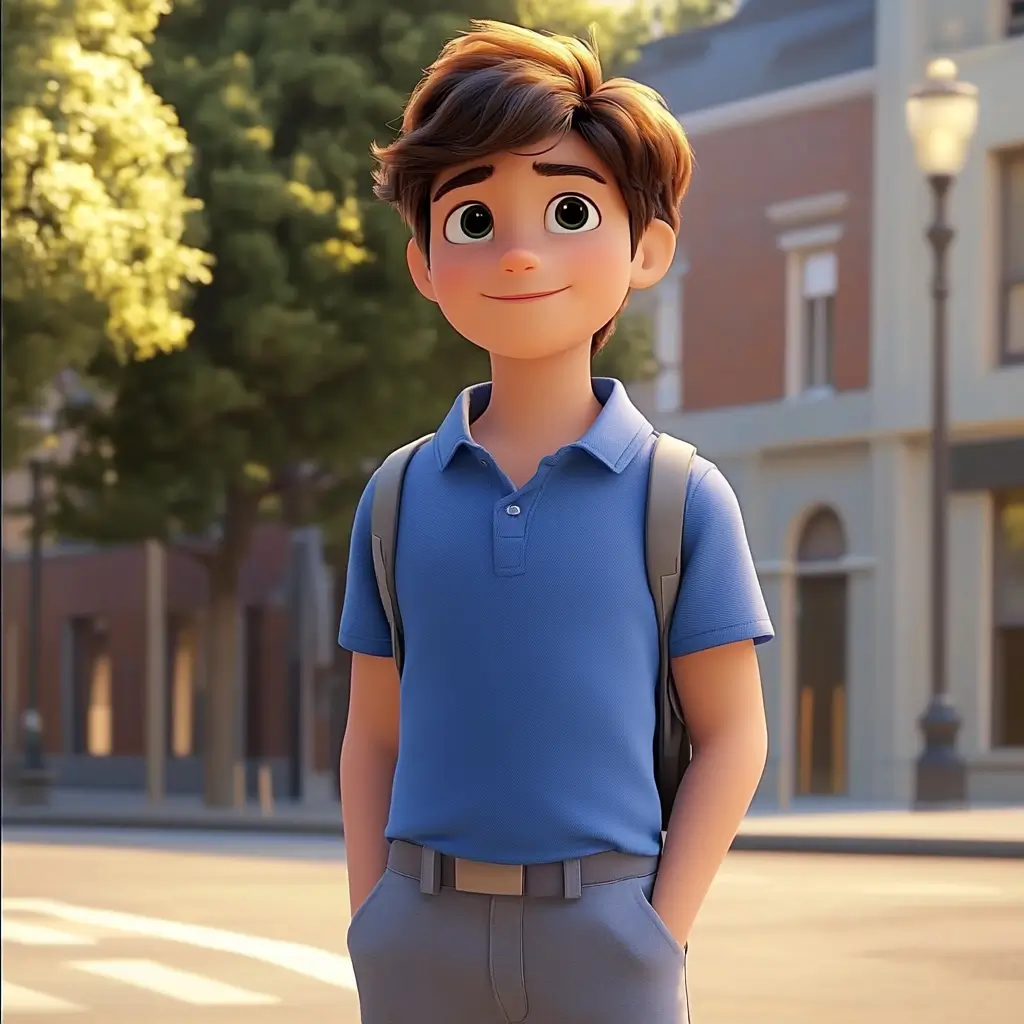
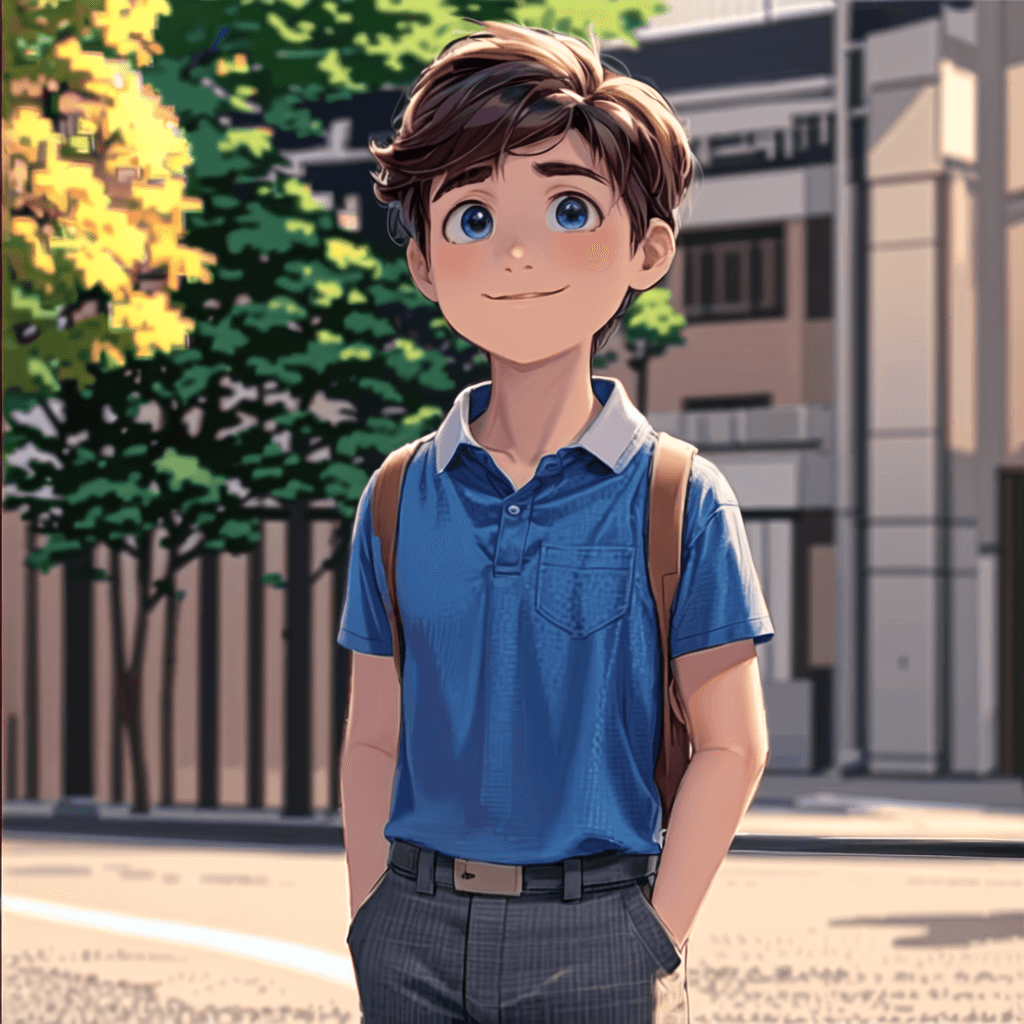


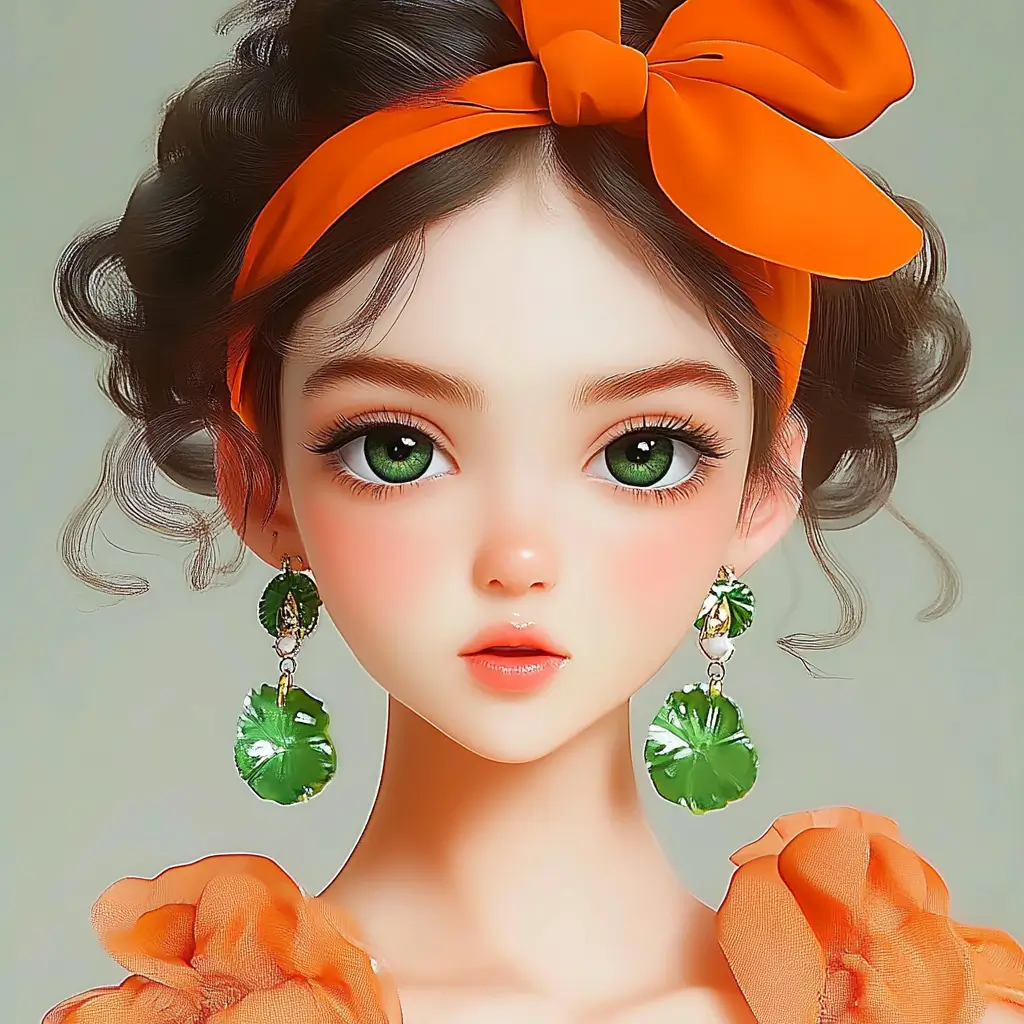
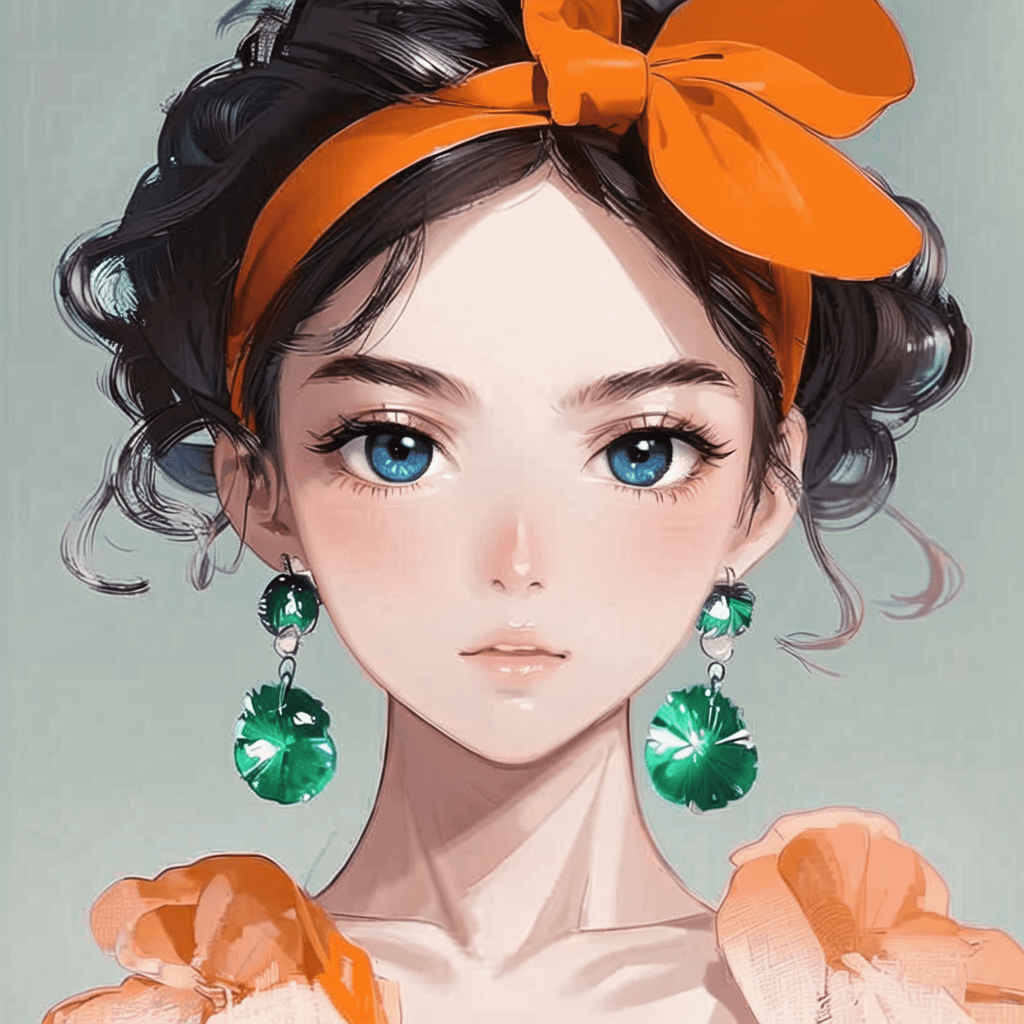


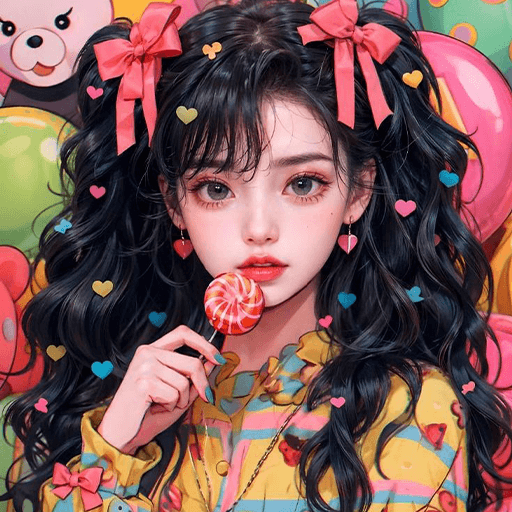
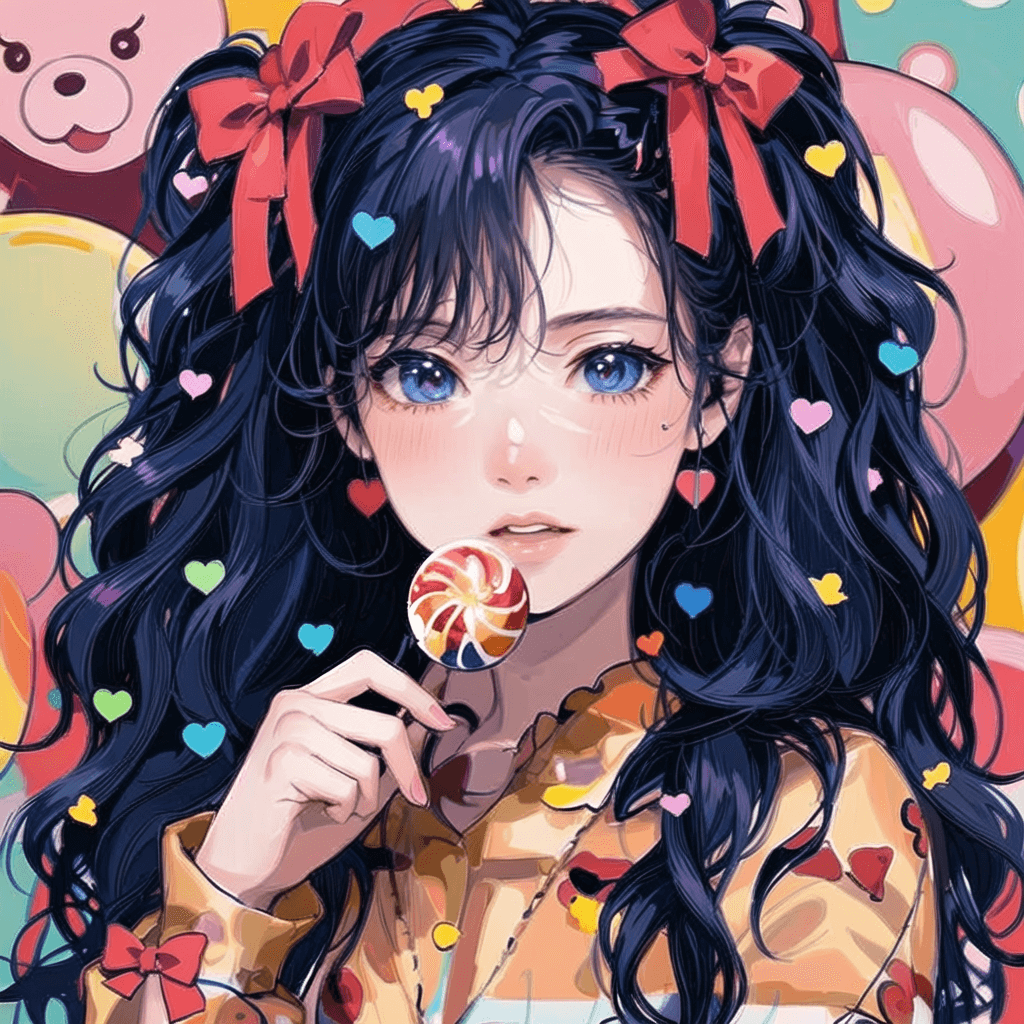


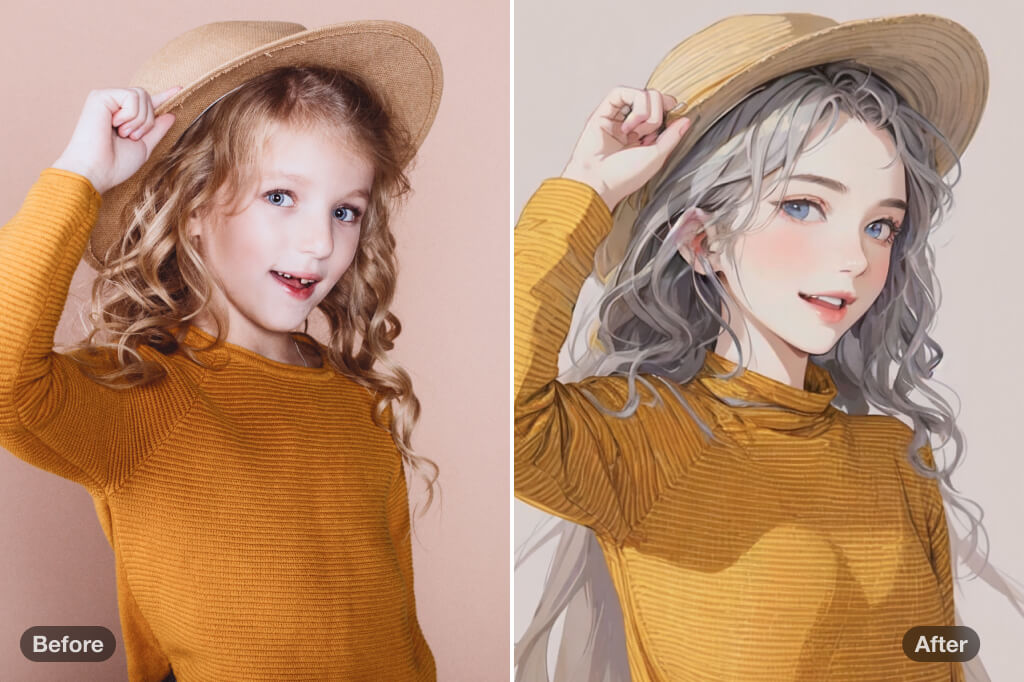
Convert a Portrait into Manga-Style Art
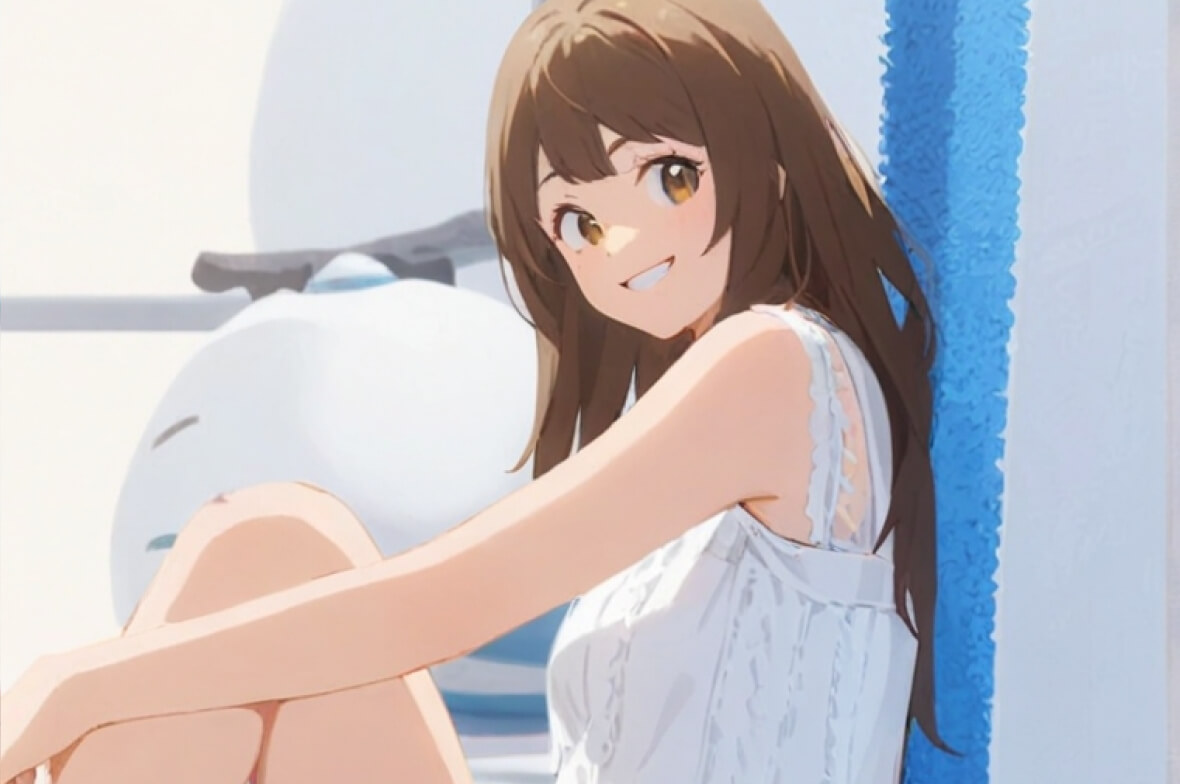
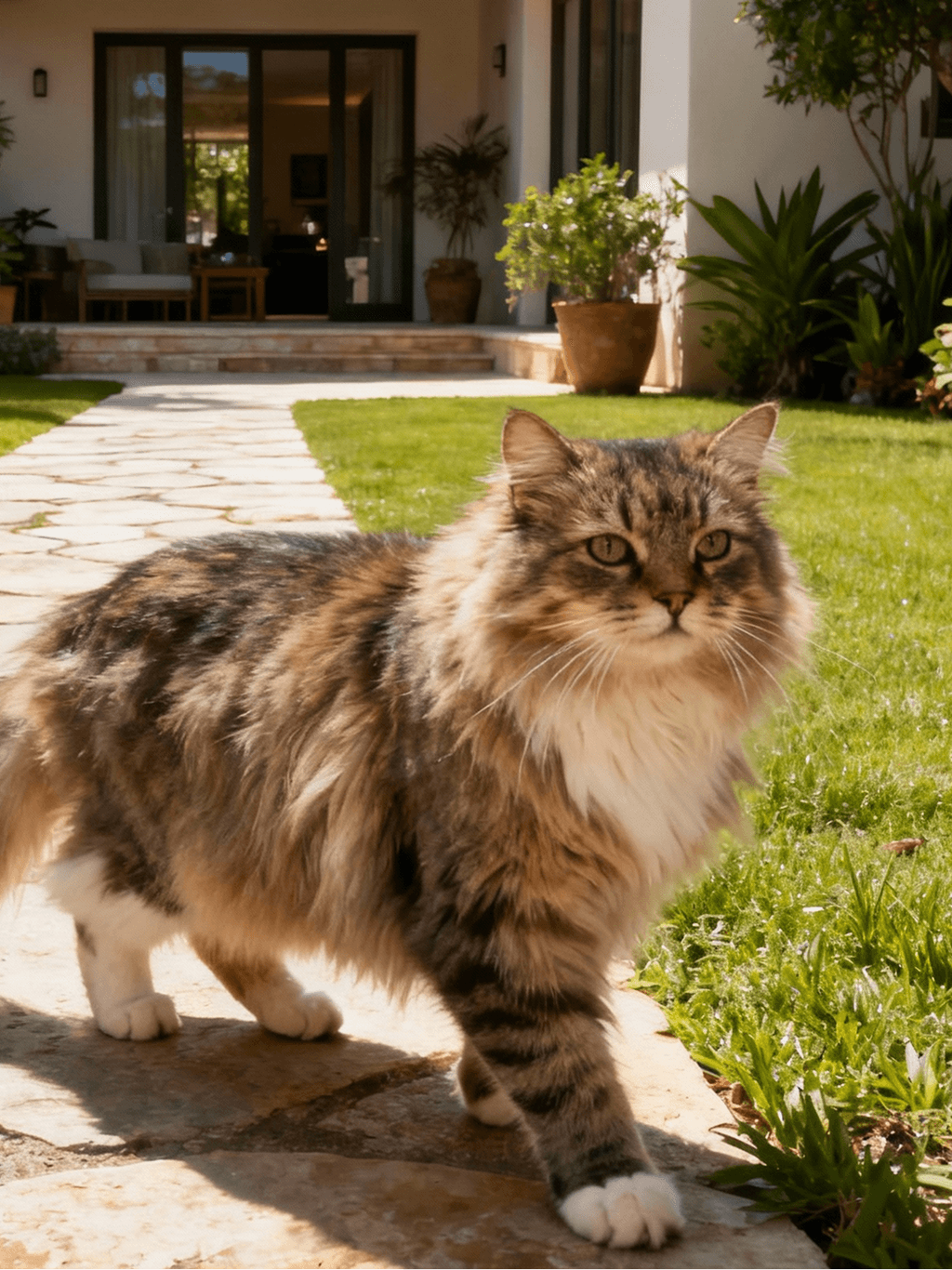
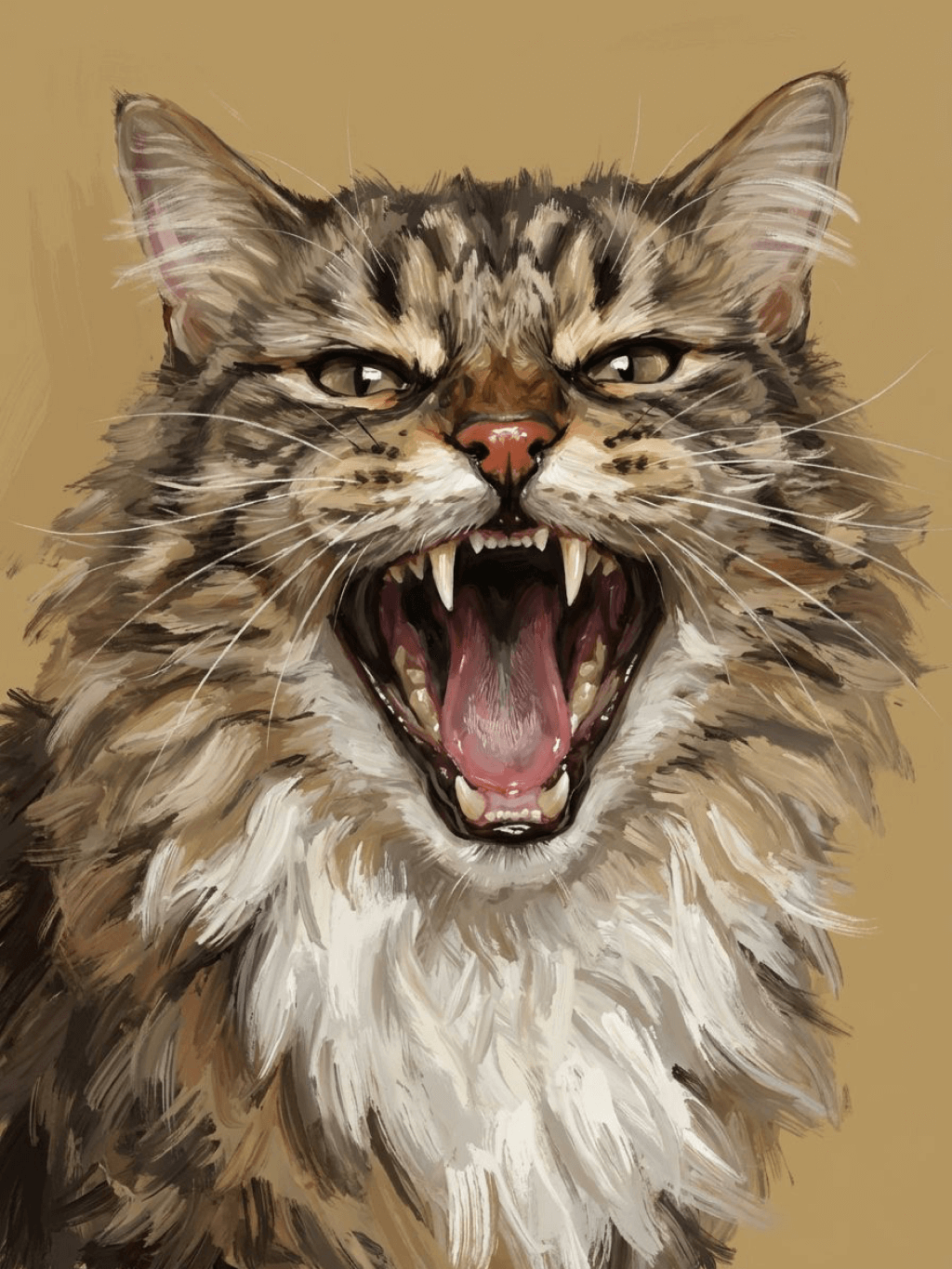
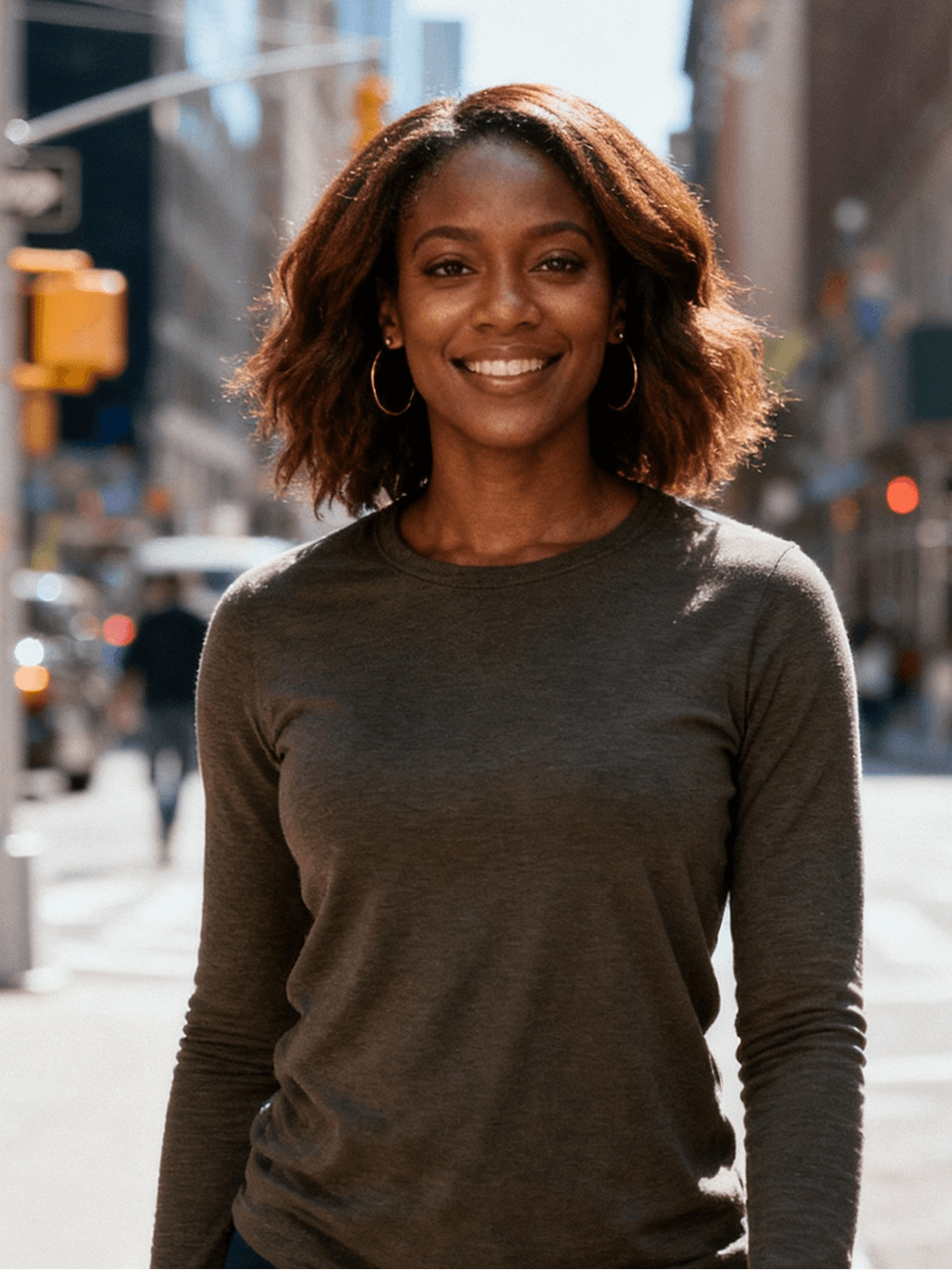
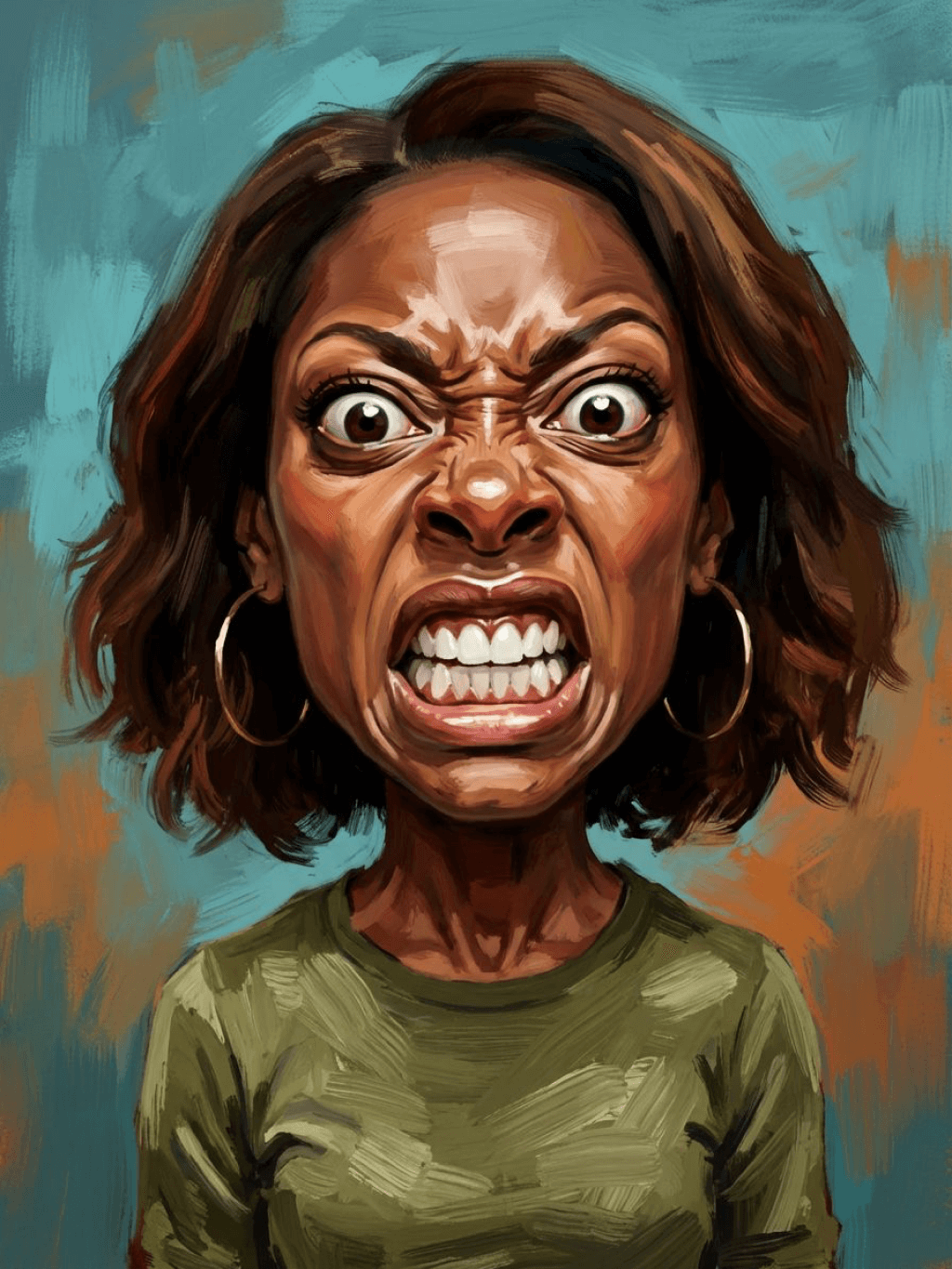
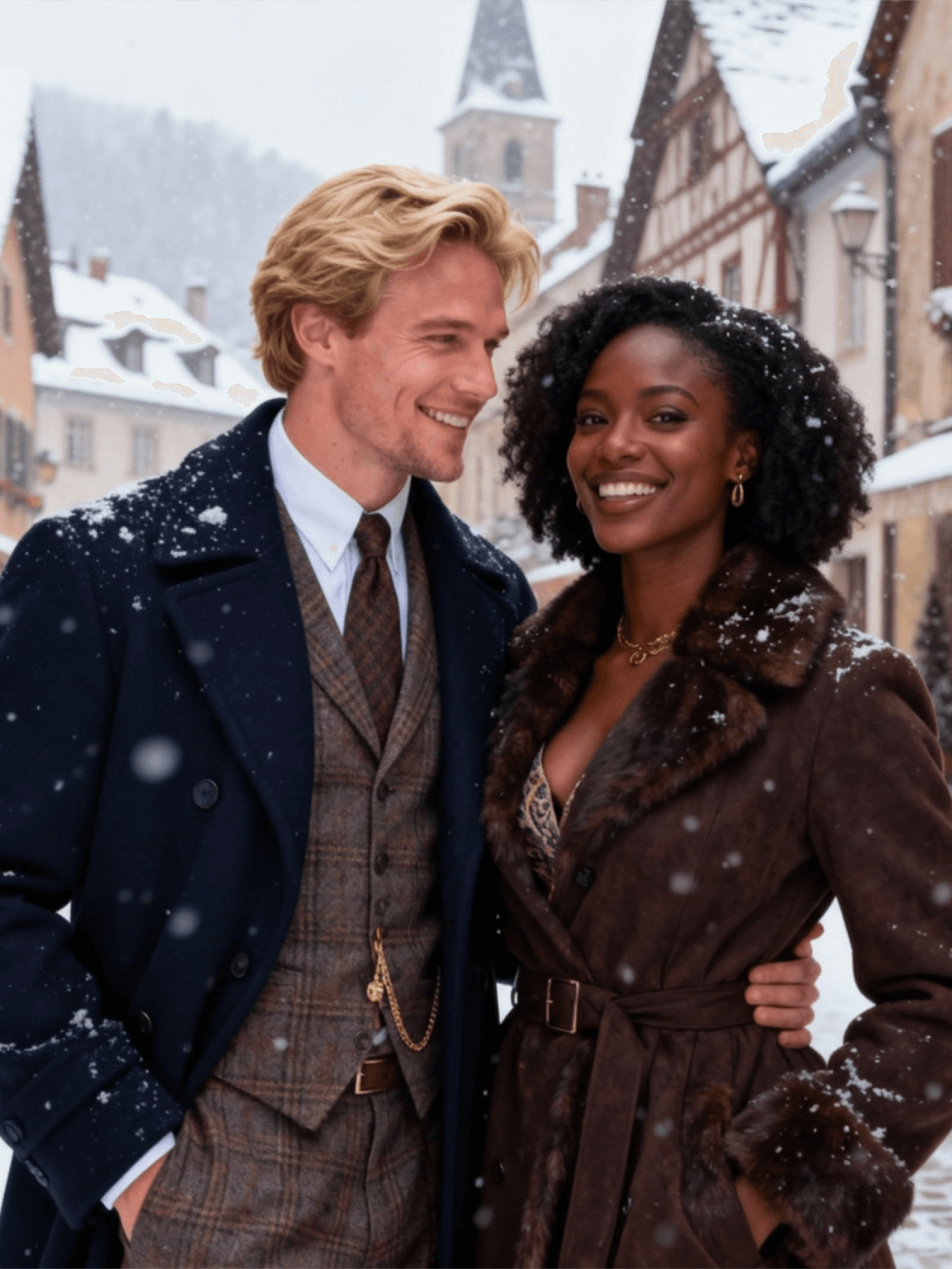
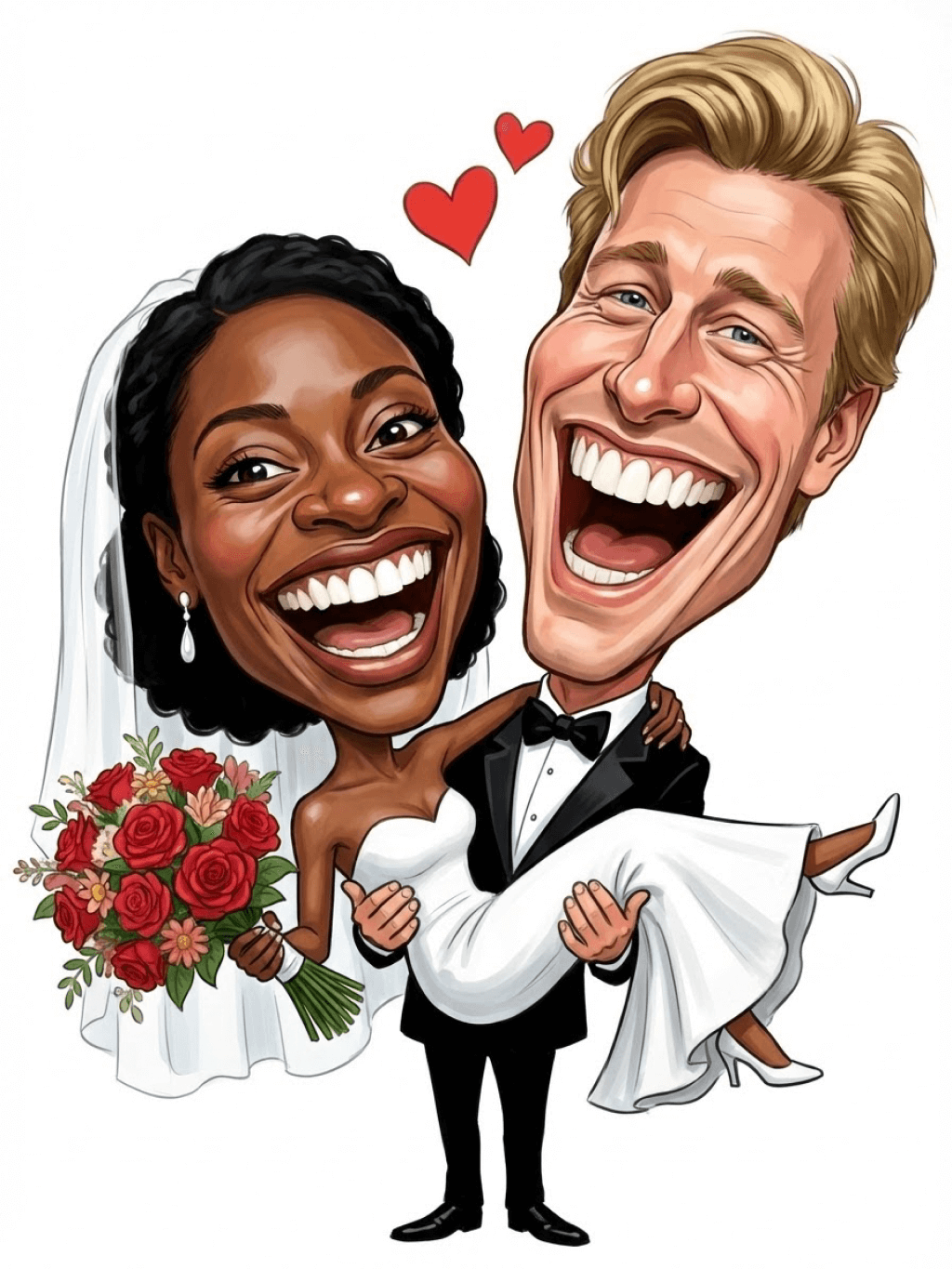
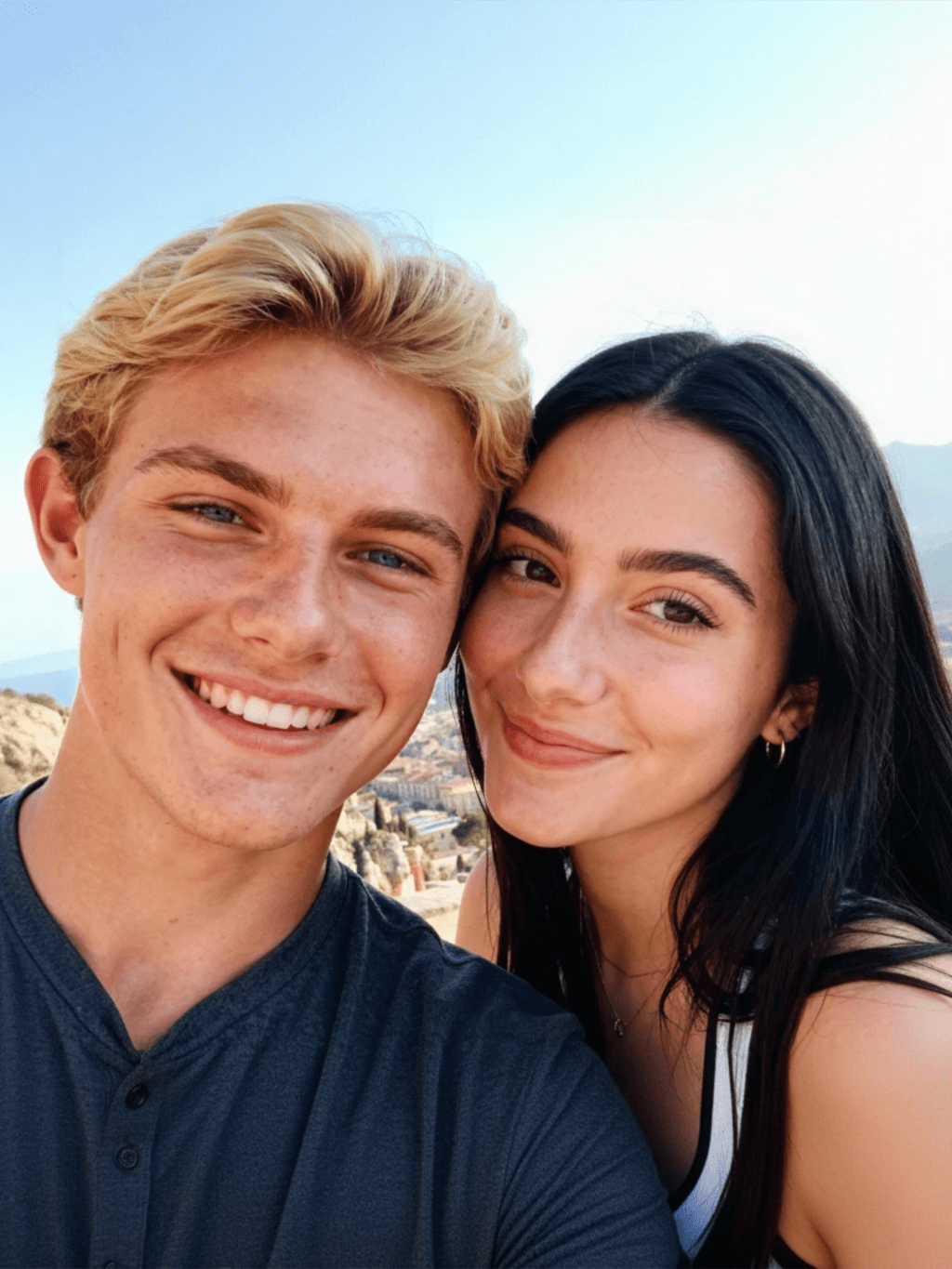
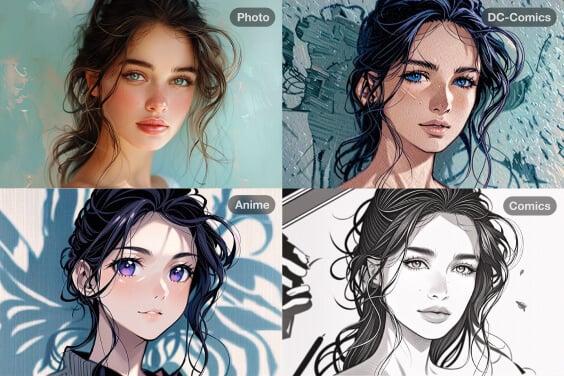
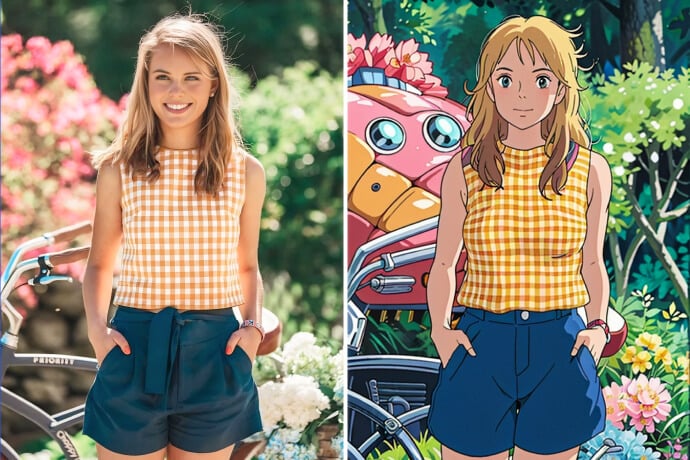
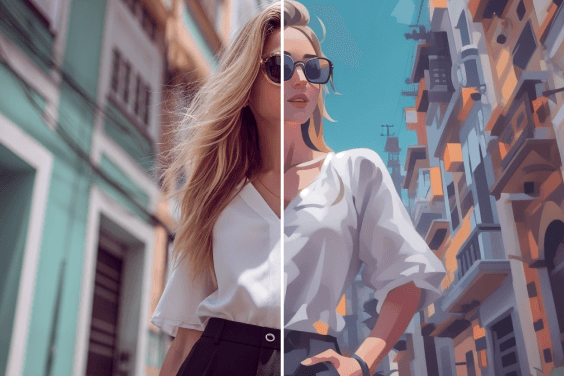
This page is strongest when the user already has a photo. Upload a selfie, profile image, or character photo and let the manga filter reinterpret the face with ink-like lines, contrast, and comic-inspired styling.
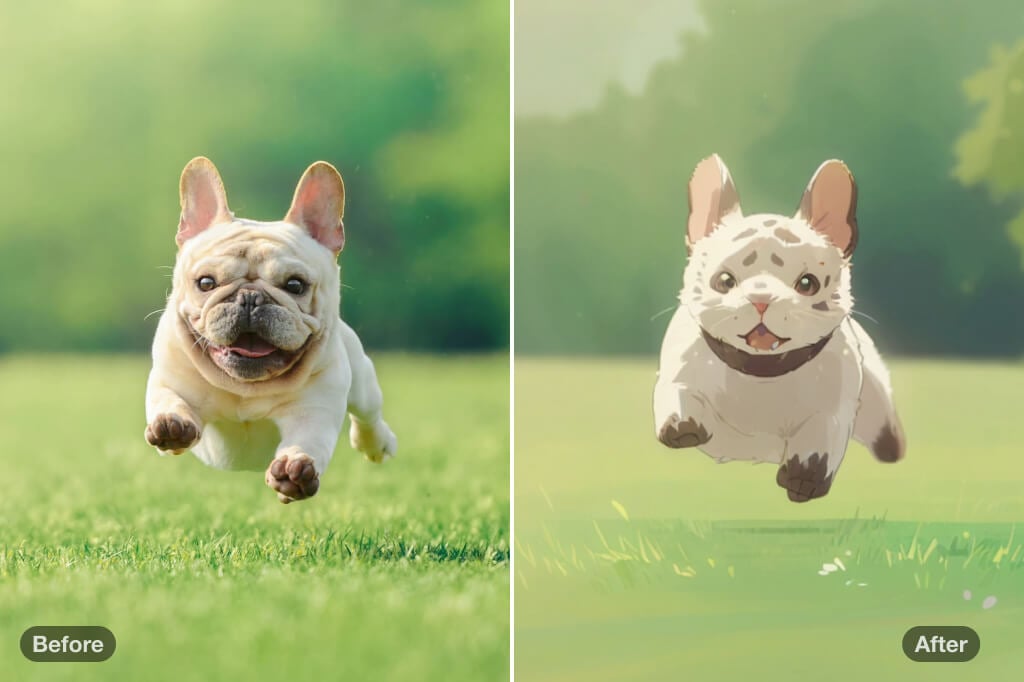
Keep the Face Recognizable
For a better photo-to-manga result, use a clear image where the face, hair, and main features are visible. Heavy shadows or covered eyes can make the character drift away from the original.
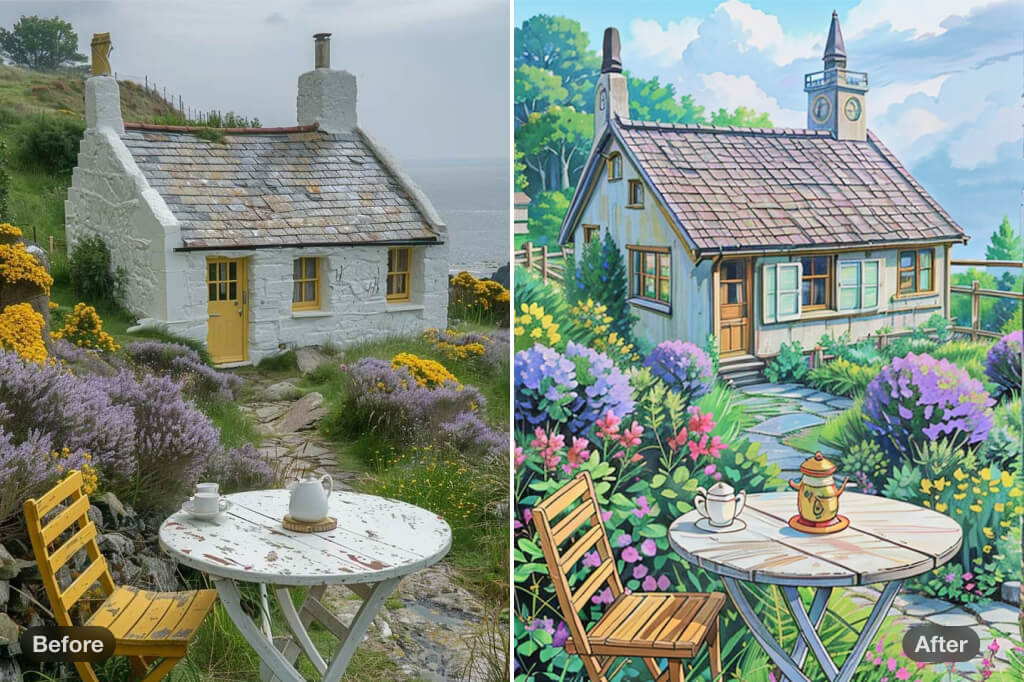
Create a Manga Character from Your Photo
Use the result as a profile picture, concept sketch, story avatar, or social post. If you need a full manga panel or multi-scene story, use a dedicated comic or image generator workflow.
Choose the Right Manga Look
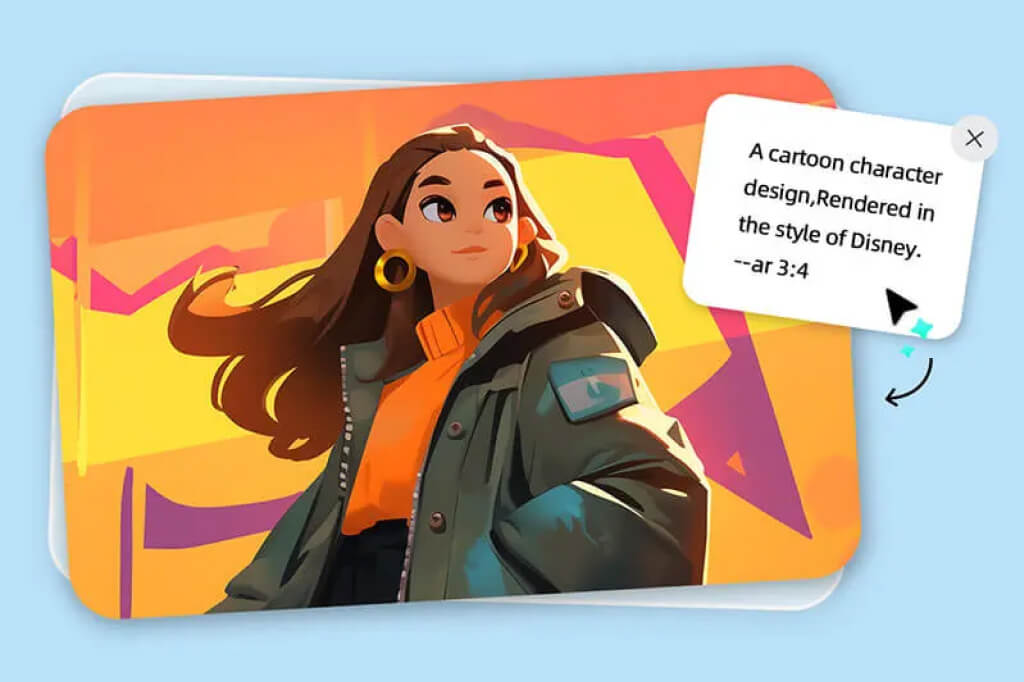
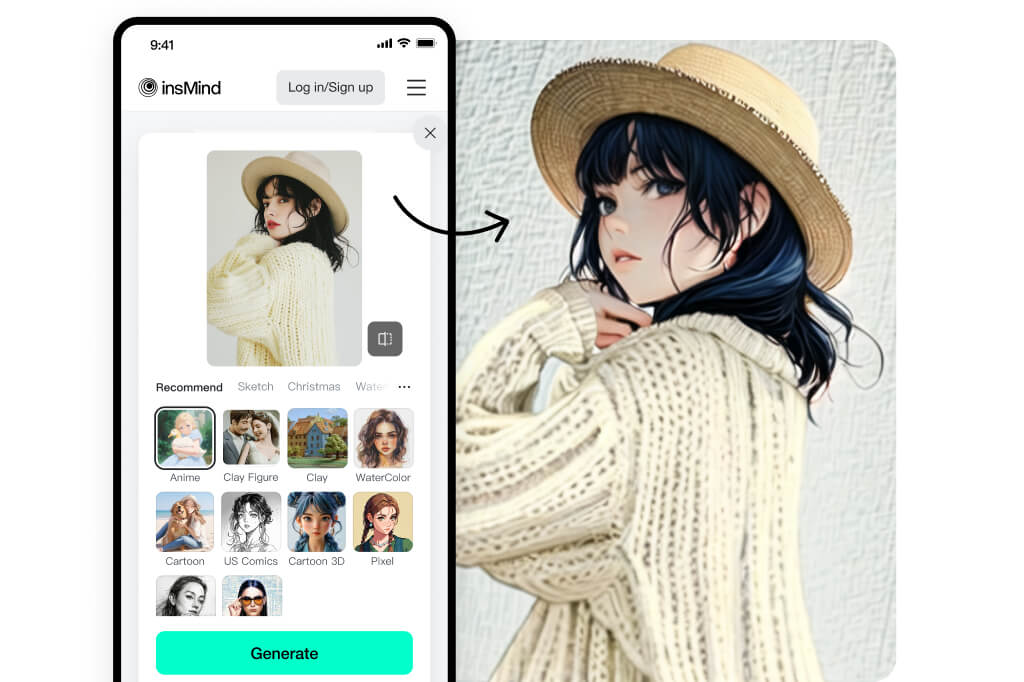
A high-contrast ink style works for dramatic portraits, while softer manga styling is better for avatars. Try more than one style before downloading.
Check Details Before Sharing
Look at eyes, hair edges, hands, and text in the background. If the generated manga image feels too harsh, use another source photo or a softer filter.
More Anime, Manga, and AI Filter Tools
How to Turn a Photo into a Manga Character
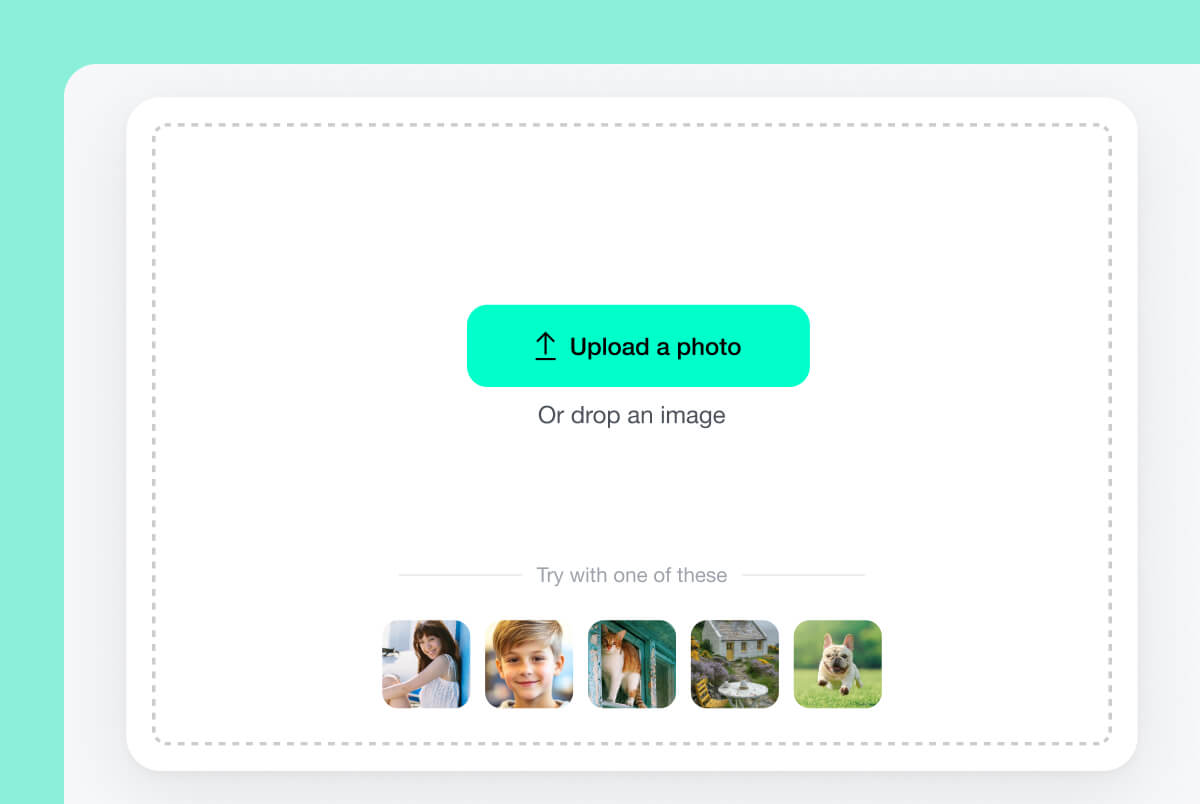
1 Upload your photo
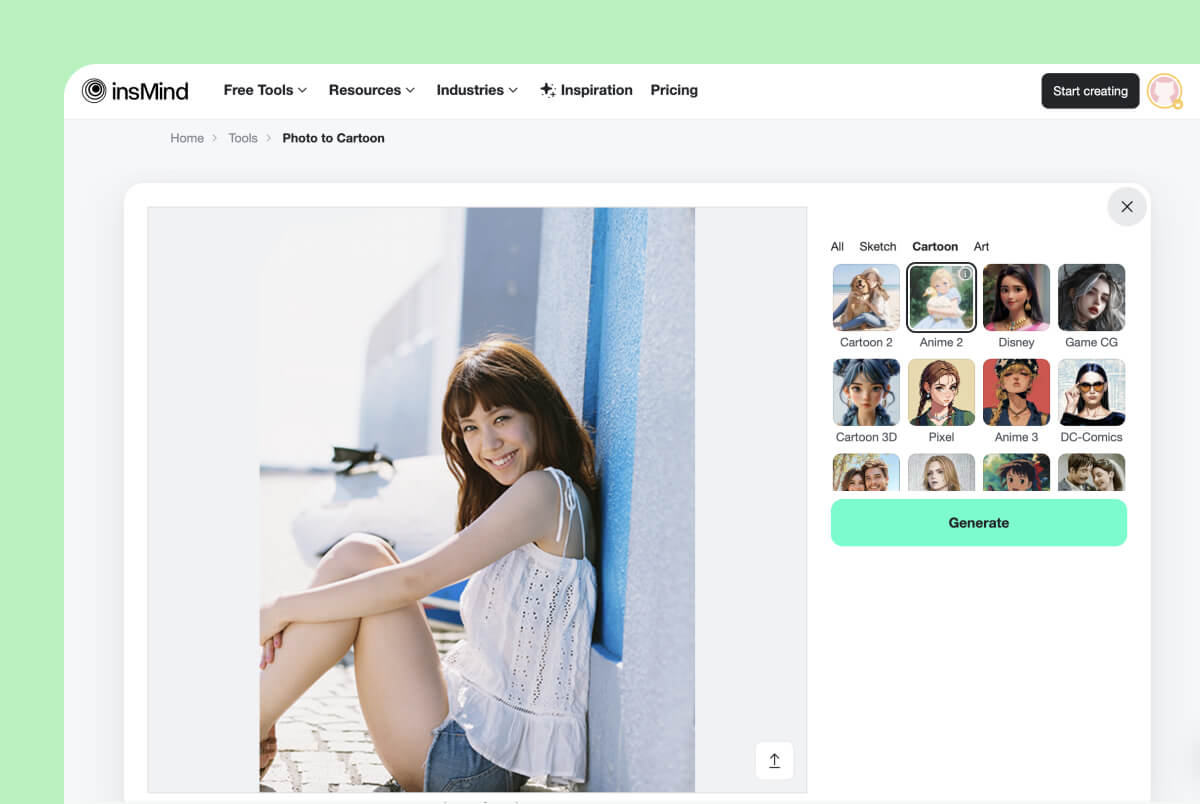
2 Apply the manga filter
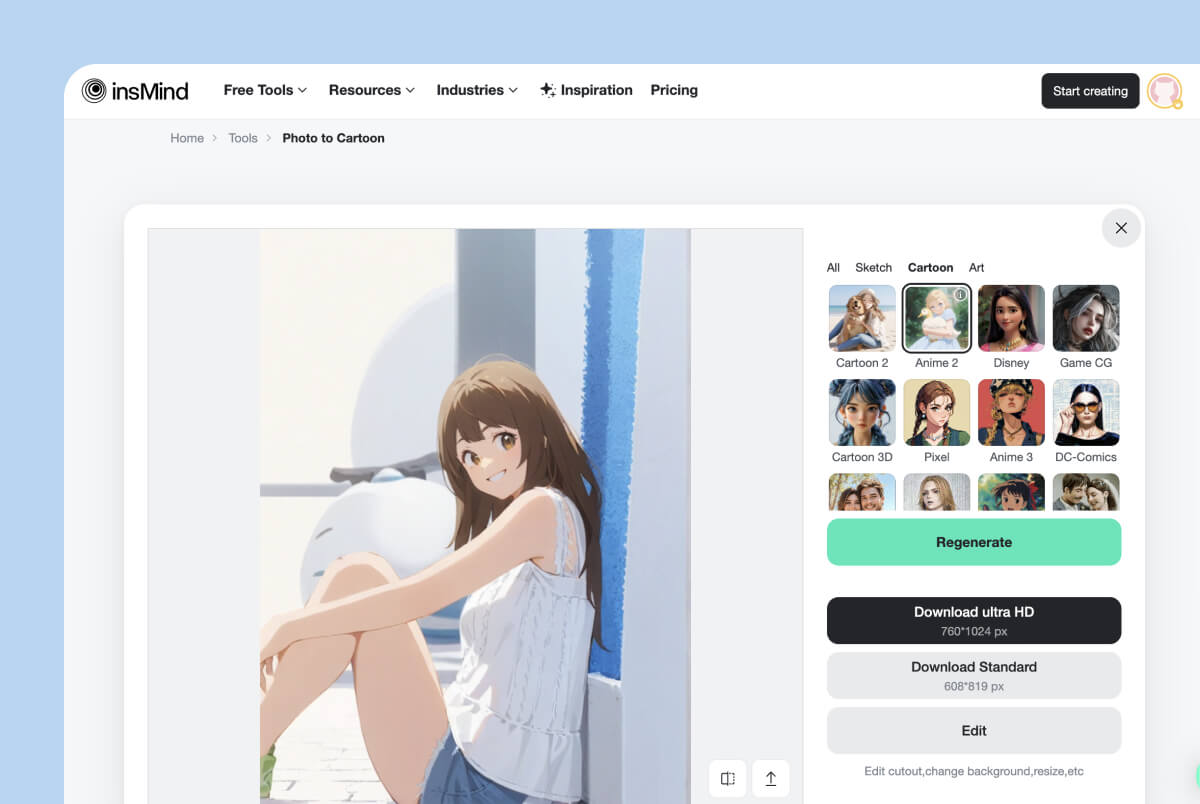
3 Review and download
Ways to Use a Photo to Manga Result
Use this page for photo-based manga styling. Keep pure text-to-comic, story panels, and consistent multi-character manga projects for a dedicated generator workflow.
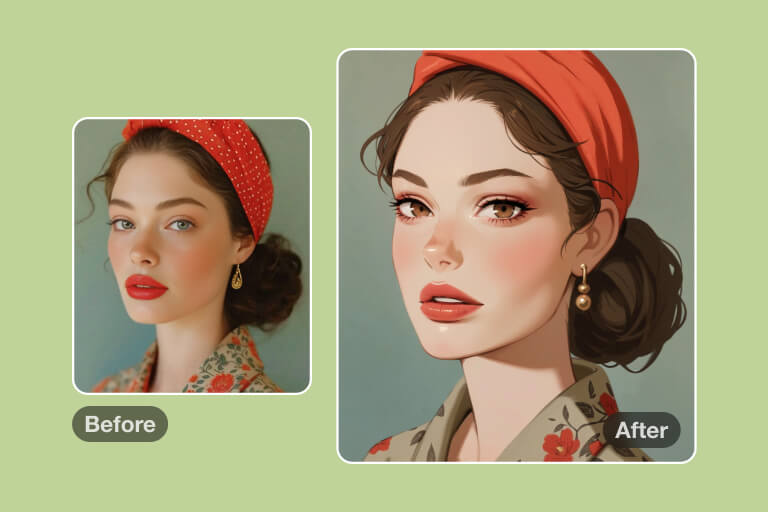
Profile Avatars
Turn a selfie into a manga-style profile image for social accounts, gaming profiles, or creator pages. Choose a style that keeps your face recognizable.
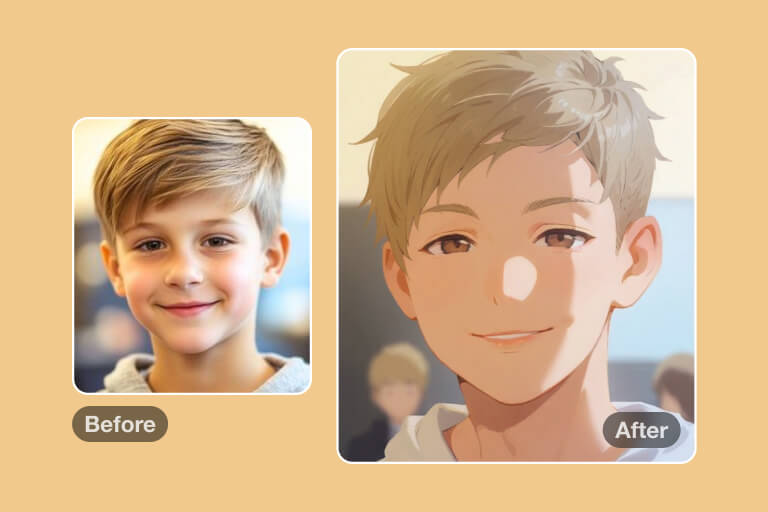
Character Concepts
Use a real photo as a base for a manga character concept. The output can help with hairstyle, mood, and silhouette ideas before further editing.
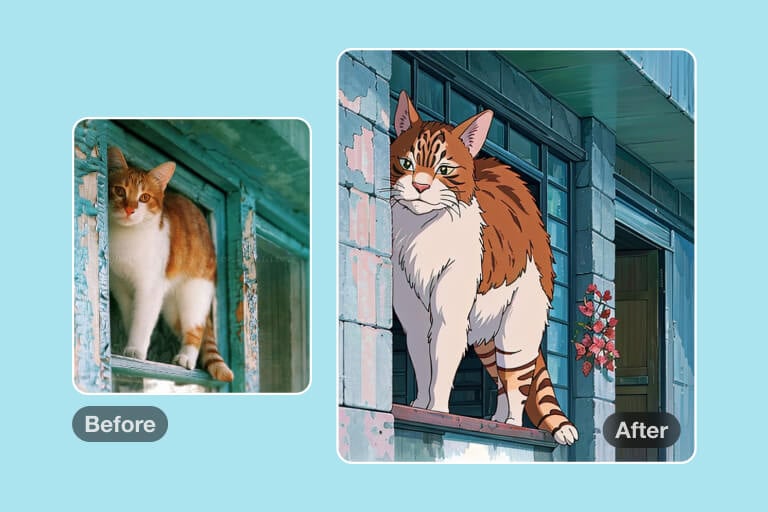
Fan Art and Social Posts
Create a manga-inspired version of a portrait, pet photo, or casual scene for posts and reaction images. Check copyright and likeness rules when using public figures.
Why Use insMind's AI Manga Filter?

Photo-Based Manga Styling
Start from an actual photo instead of writing a long prompt. This helps the result keep the subject's pose and main features.

Useful Style Range
Try different manga-like looks, from softer avatar styling to stronger comic contrast, then choose the version that fits your purpose.

Simple Online Workflow
Upload, generate, inspect, and download in the browser. For best results, review the details before publishing the image.
FAQs About Photo to Manga
What is a photo to manga filter?


Can I turn my photo into a manga character?
Is this the same as an AI manga generator?
What photo works best?
Can I use the manga result as an avatar?
Related Anime and Manga-Style Tools
Try these if you want a softer anime look, a cartoon version, or a broader AI art workflow after the manga filter.

"Creating manga characters for my book has never been easier with the help of AI. It allows me to craft detailed illustrations in less time while achieving even better results."
@Frances Carver, Comic Book Designer