
AI Smooth Transition Video Generator
00:00
00:00
00:00
00:00
00:00
00:00
Generate Cinematic AI Smooth Transition Videos
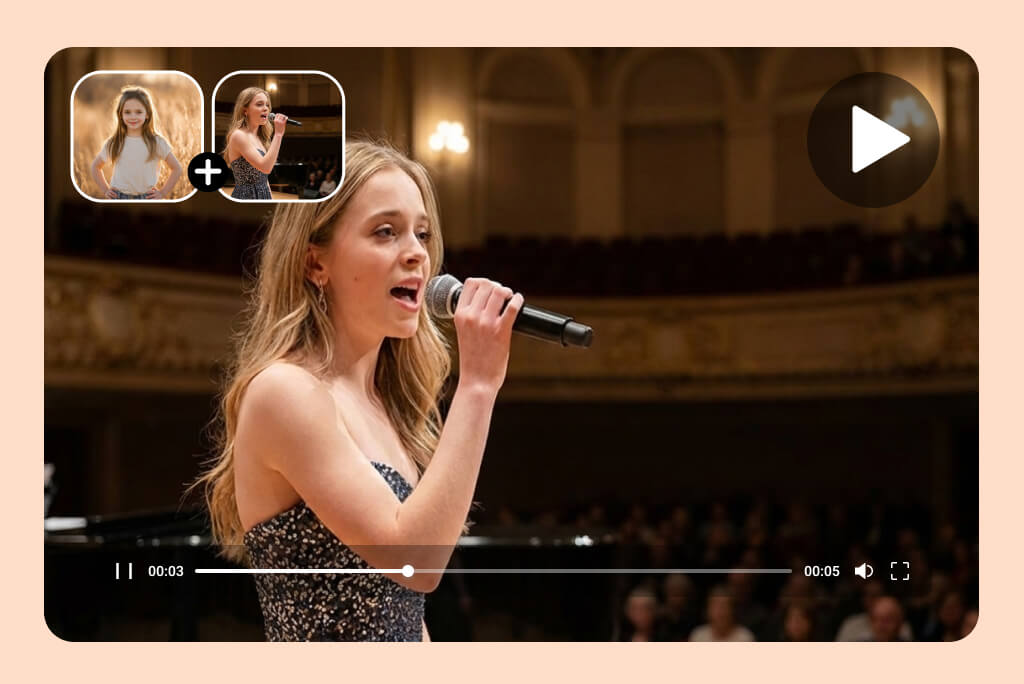
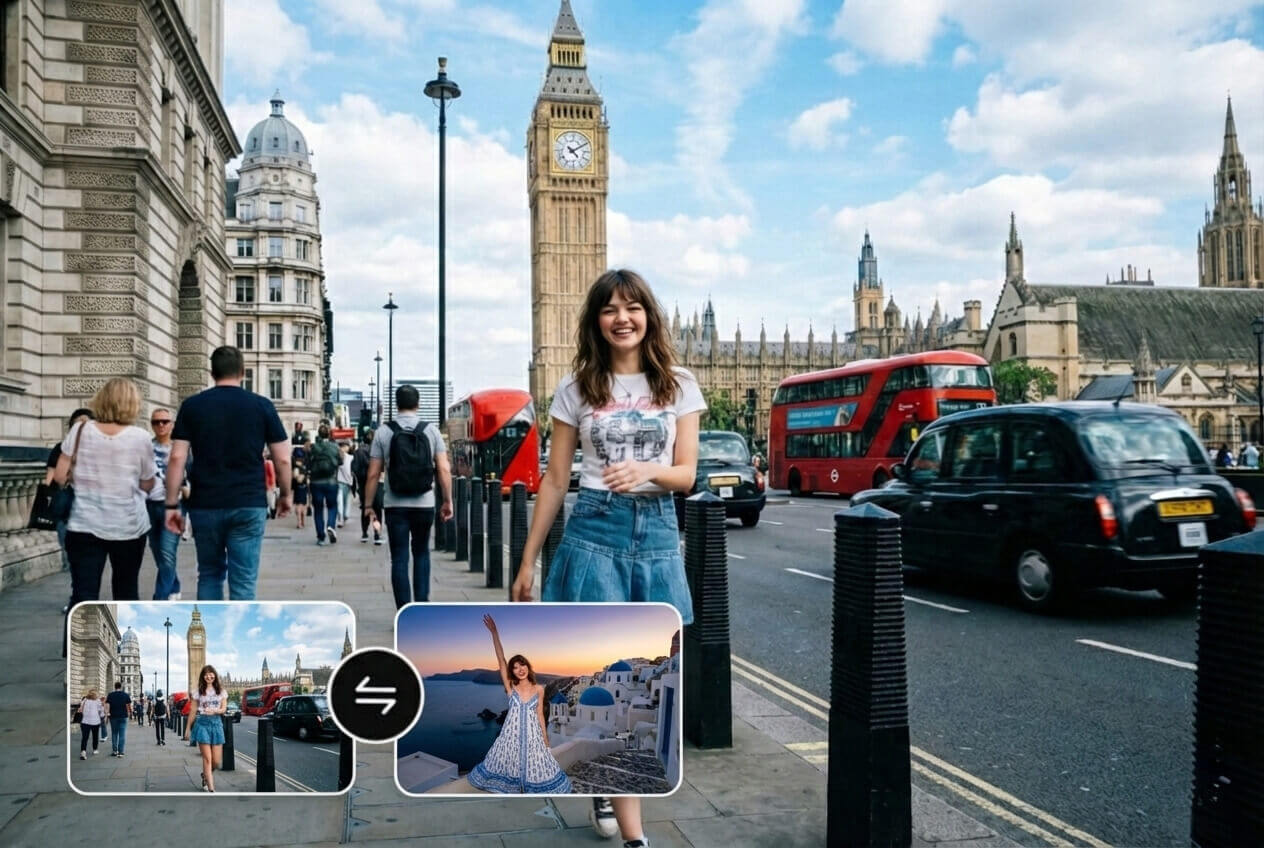
With one click, insMind generates an AI smooth transition video that flows naturally from Image 1 to Image 2. The AI maintains visual coherence, motion continuity, and realistic pacing throughout the video.
This makes it easy to create professional-looking transitions that elevate content beyond simple video transitions.

Customize Smooth Transition Styles with AI Prompts
Control how your transition feels by describing it in natural language. Choose cinematic camera movement, subtle morphing, or dynamic motion effects to match your creative intent.
This smooth image transition AI workflow allows creators to guide style and pacing without keyframes or manual animation tools.
How to Generate a Smooth Transition Video with AI?

1
1 Step 1: Upload Start and End Images
Upload two images—your start frame and end frame. These define the exact beginning and ending of your video transition.

2
2 Step 2: Enter Your Prompt
Describe how you want the transition to look and feel. Use a short prompt to guide motion style, camera movement, and overall visual flow between the start and end frames.

3
3 Step 3: Adjust Video Settings
Choose your video length, aspect ratio, and resolution. These settings help tailor the transition video for different platforms and viewing formats.

4
4 Step 4: Generate & Download Your Video
Click Generate to let the AI create smooth, natural transitions between images. Preview the result, then download or share your video instantly for social media, ads, or creative projects.


Why Choose insMind AI Smooth Transition Video Generator?

Precise Start-to-End Control
Define exactly how your video begins and ends using start and end frames.

True AI-Generated Motion
Intermediate frames are generated by AI, not preset fades or slides.

Designed for Image-to-Video Transitions
Built specifically for AI image and photo transition videos.
FAQs About insMind AI Smooth Transition Video Generator
What is an AI smooth transition video generator?


An AI smooth transition video generator creates fluid motion between two images by generating intermediate frames automatically, producing a continuous video instead of a slideshow or hard cut.
How is this different from normal video transitions?
Traditional video transitions rely on fades or cuts. insMind uses AI-generated motion, creating more natural, cinematic transitions between images.
Can I generate video from two images only?
Yes. Uploading a start image and an end image is all you need. The AI builds the transition video between them.
Is this suitable for social media videos?
Absolutely. The tool supports vertical, square, and horizontal formats optimized for Reels, Shorts, and TikTok.
Can I customize how the transition looks?
Yes. You can describe motion styles like cinematic movement or morphing to guide the AI transition.
Can I combine visuals online without software?
Yes. insMind lets you combine images into videos online without installing any editing tools.
Explore More Video Tools from insMind
00:00
00:00
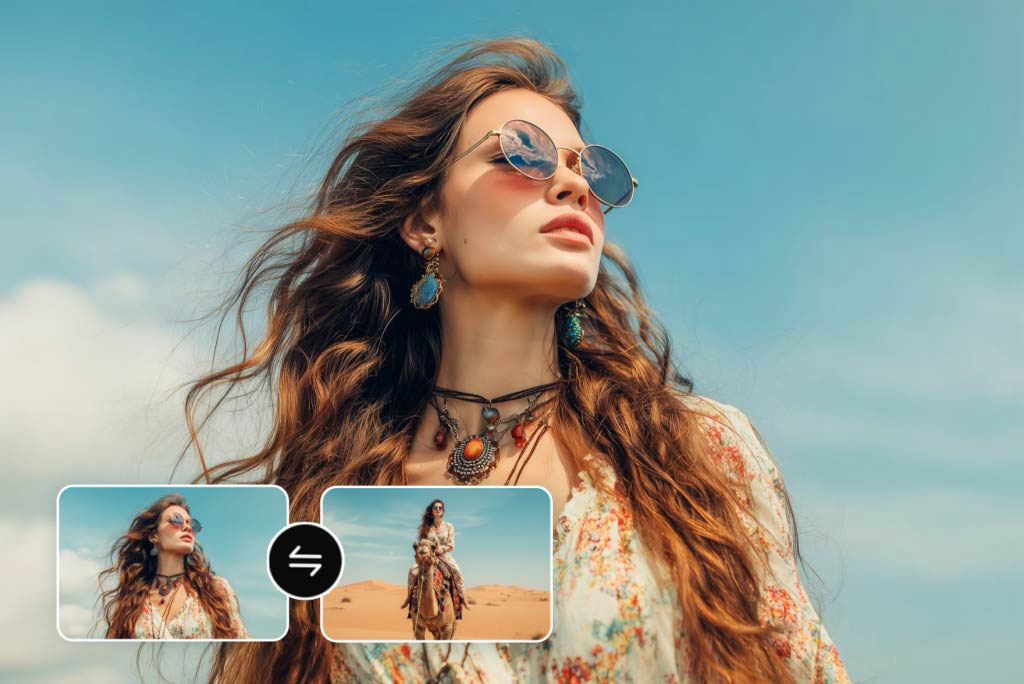
Video Start-End Frame Generator
Transform your images into seamless videos with AI start and end frame generation.
00:00
00:00
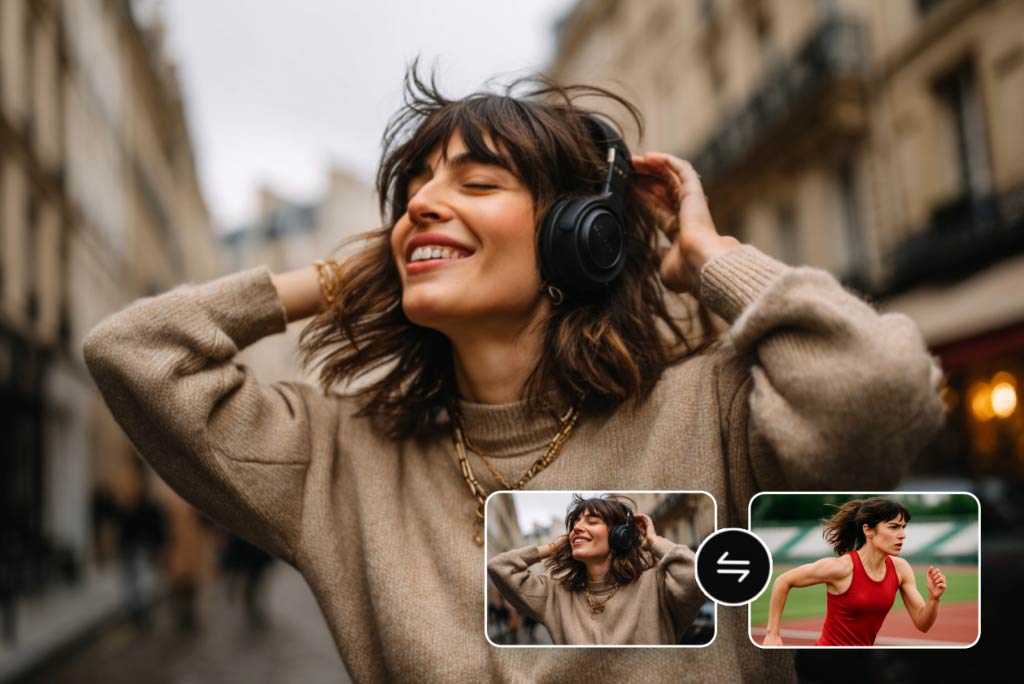
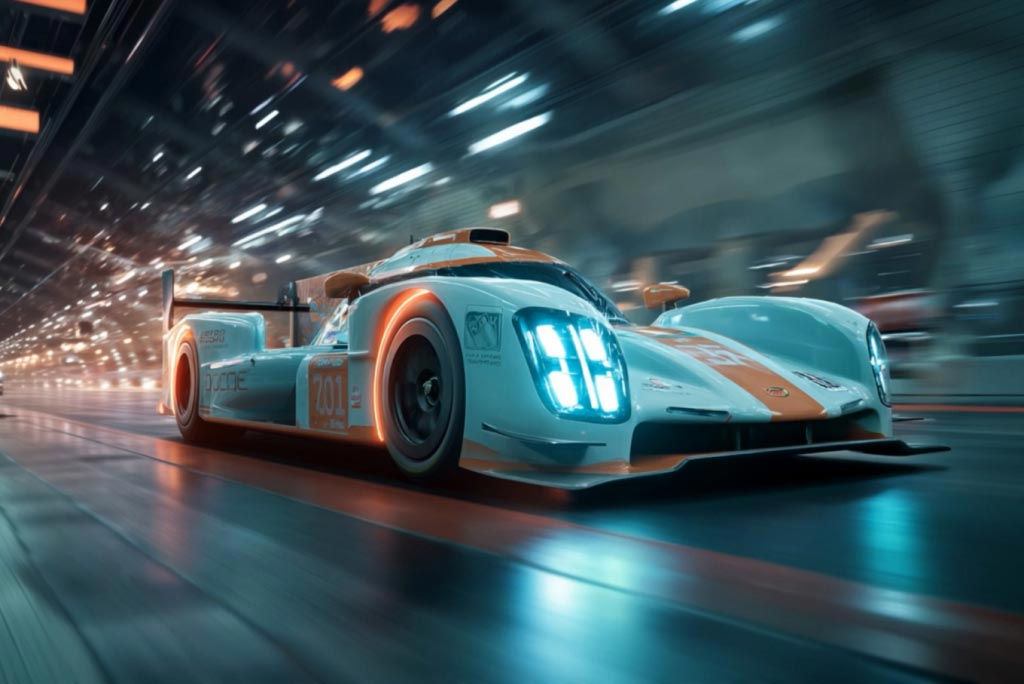
Kling AI Start End Frame
Create smooth videos from start and end frames with Kling AI.
00:00
00:00
AI Video Generator
Create high-quality videos from text and images with AI tools.

00:00
00:00
Image to Video
Create custom videos from your photos with AI.

00:00
00:00
Text to Video
Turn any text prompt into high-quality videos in minutes.

00:00
00:00
AI Video Upscaler
Instantly Upscale your video resolution to 4K or 1080p with AI.
00:00
00:00
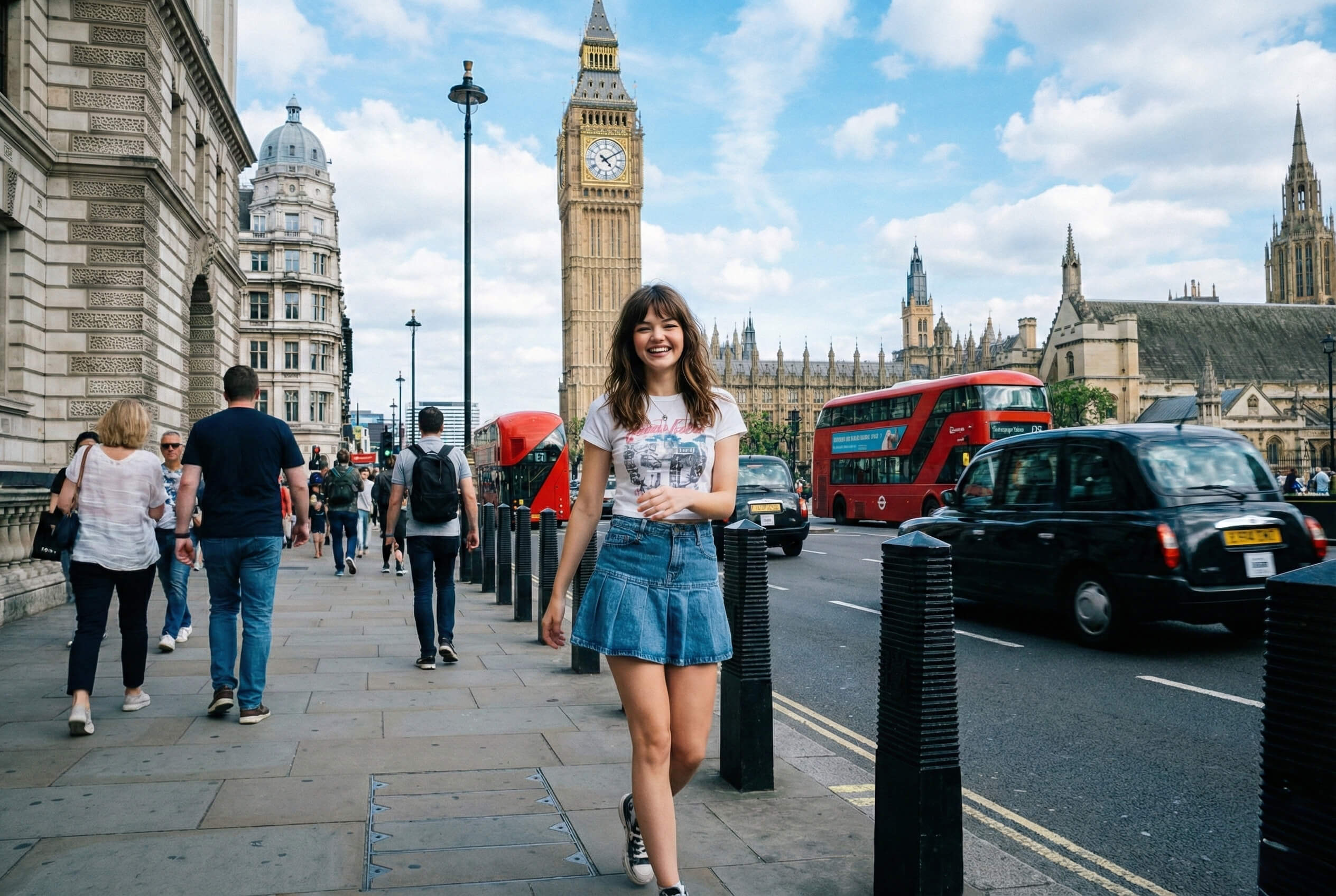
Travel Video Maker
Turn travel photos and clips into cinematic videos with AI.

AI Influencer Video Generator
Create virtual influencer videos without filming or real creators.