
AI Hairstyle Changer – Preview New Looks Online
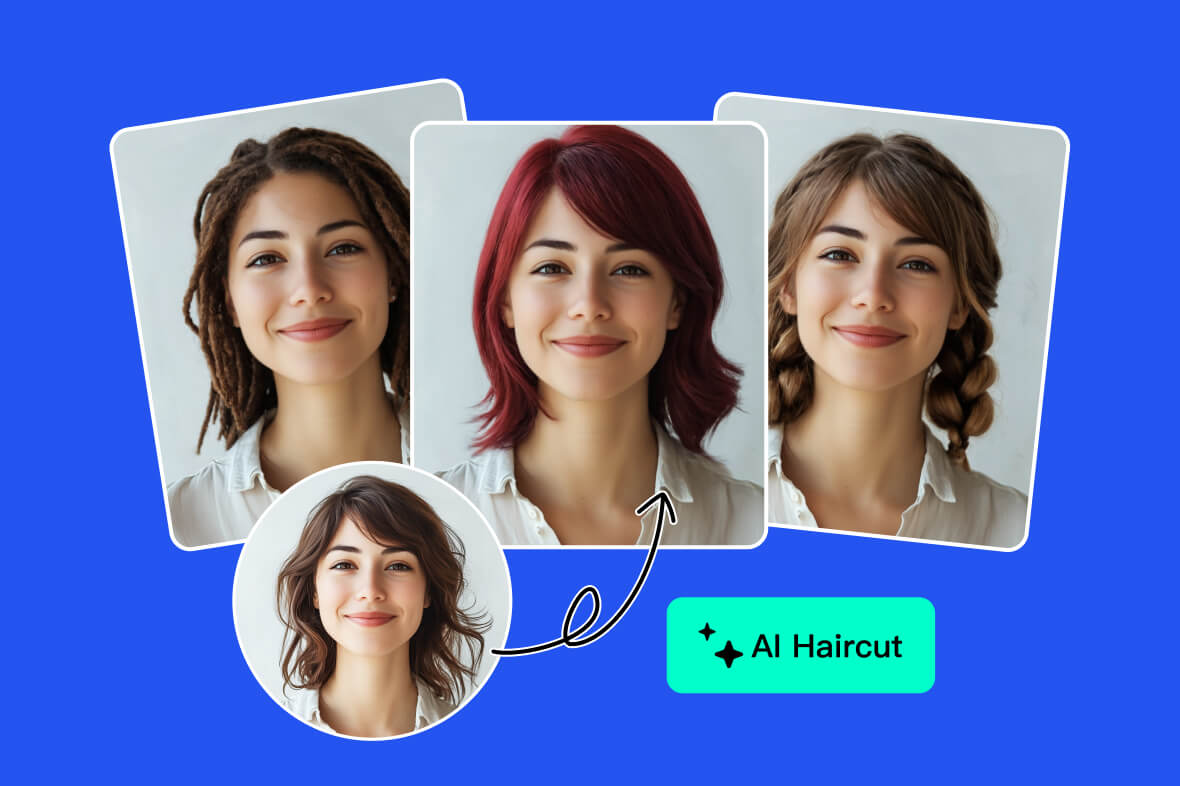



How to Change Hairstyle with AI
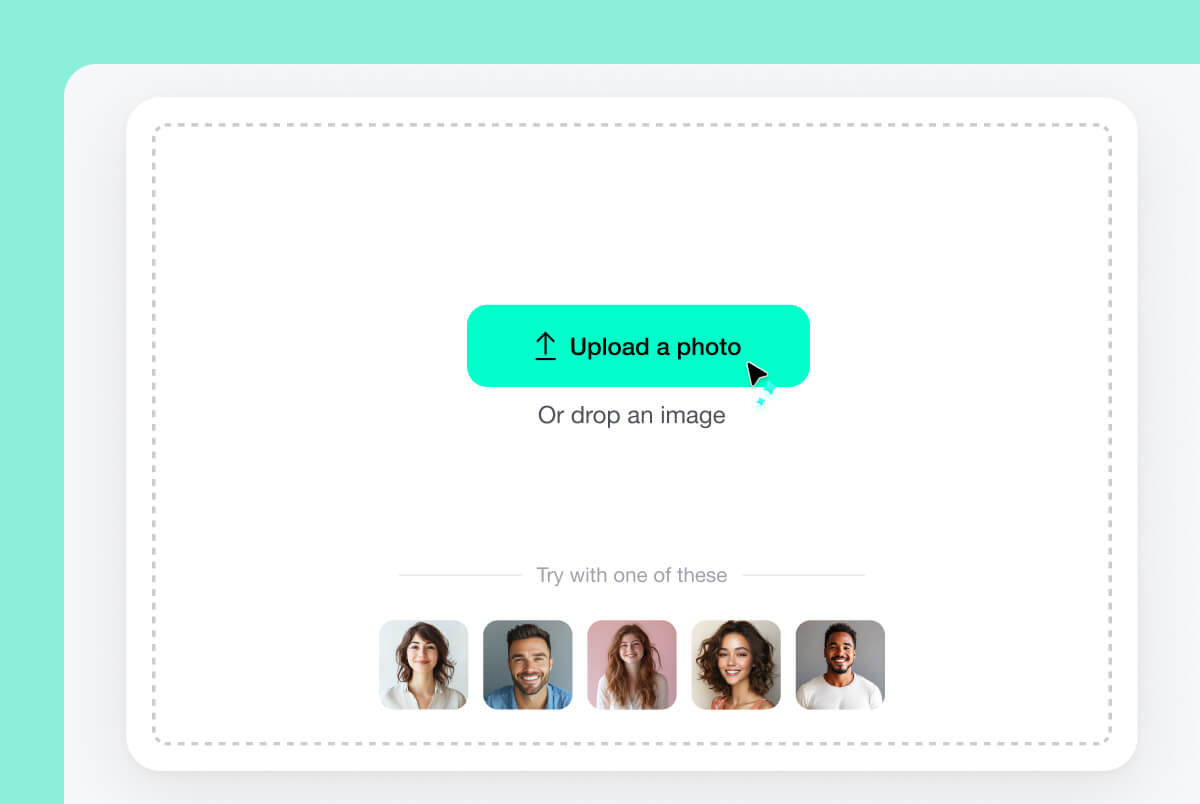
1 Upload Your Photo
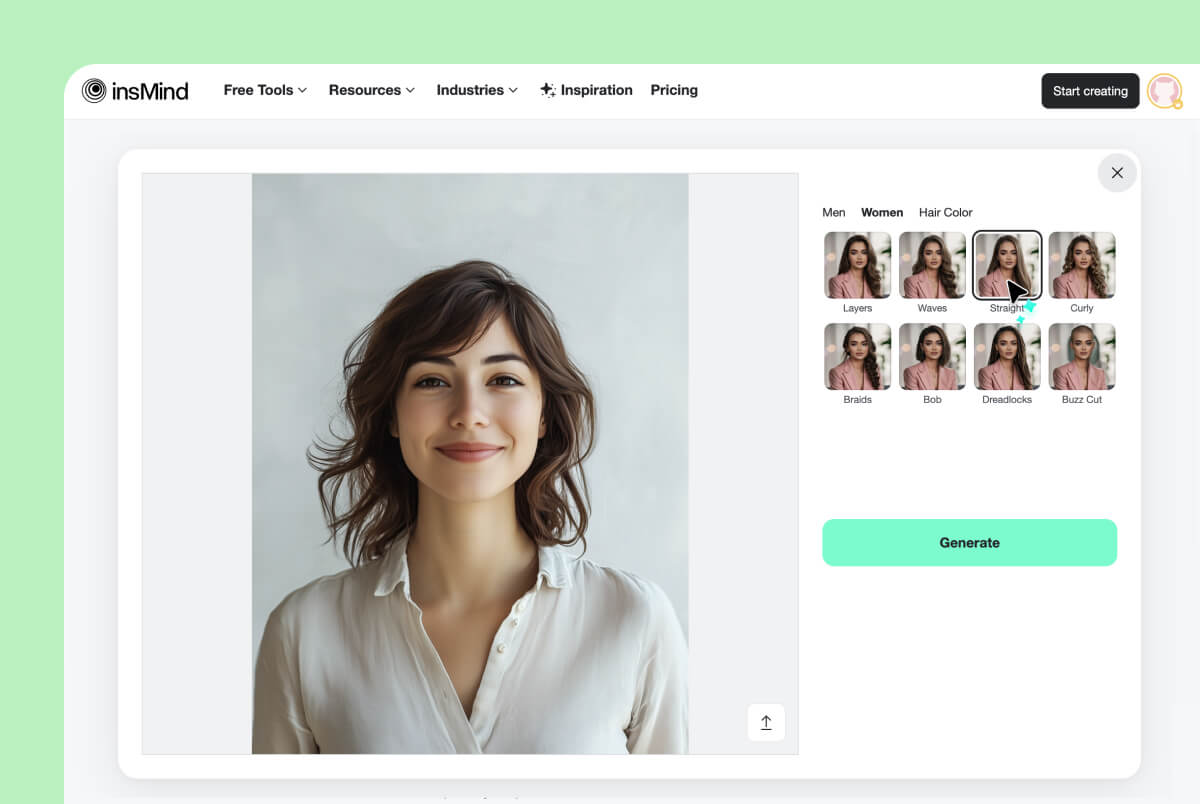
2 Choose a Hairstyle or Haircut Filter
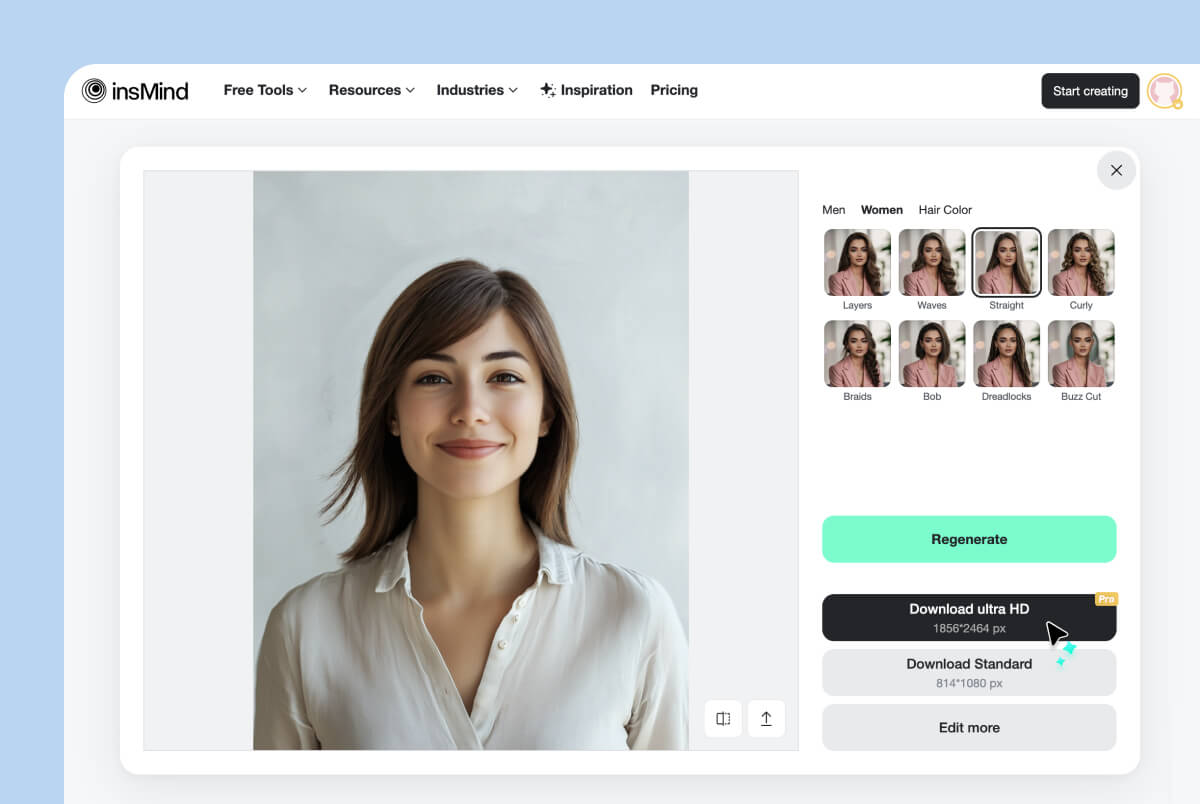
3 Generate, Compare & Download
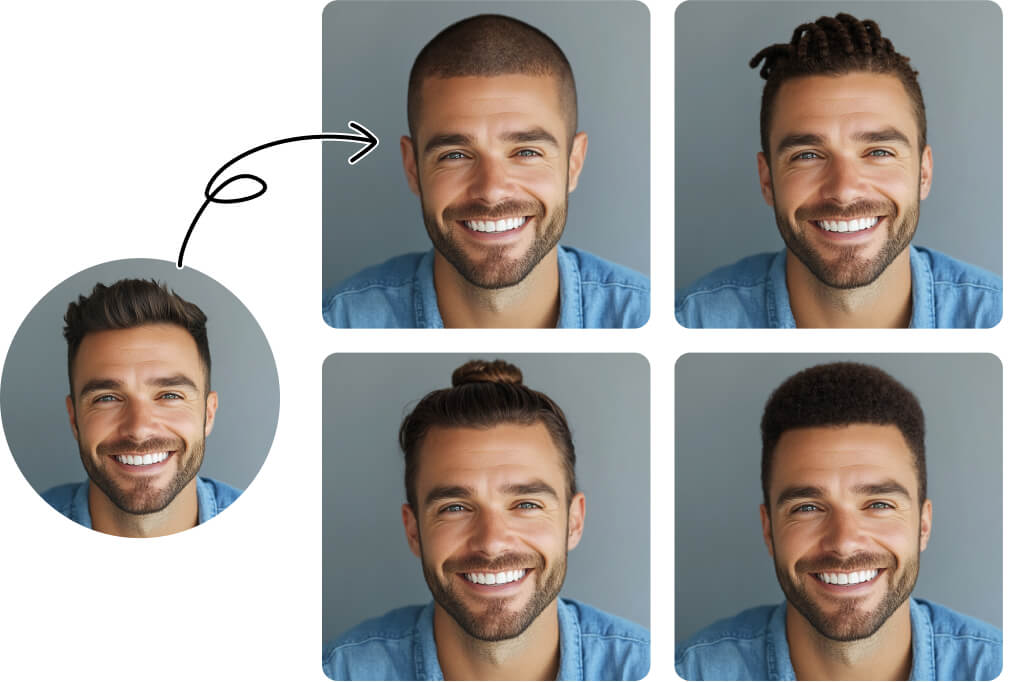
Try AI Hairstyles on Your Own Photo
Wondering what you would look like with a new haircut? Upload your photo and use insMind's AI hairstyle changer to preview a new look before making a real change.
Keep the same selfie while you test short hair, long hair, curls, bangs, layers, and other AI hairstyles. Comparing each result on your own face makes it easier to shortlist ideas for your next haircut.
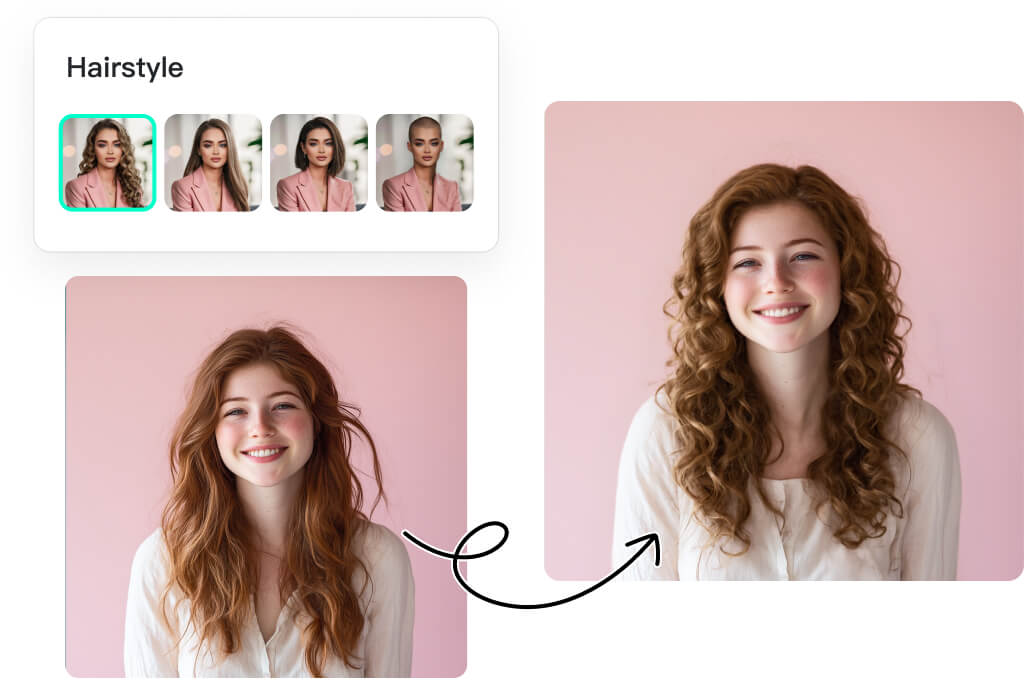
Compare Haircut Filters, Lengths, and Textures
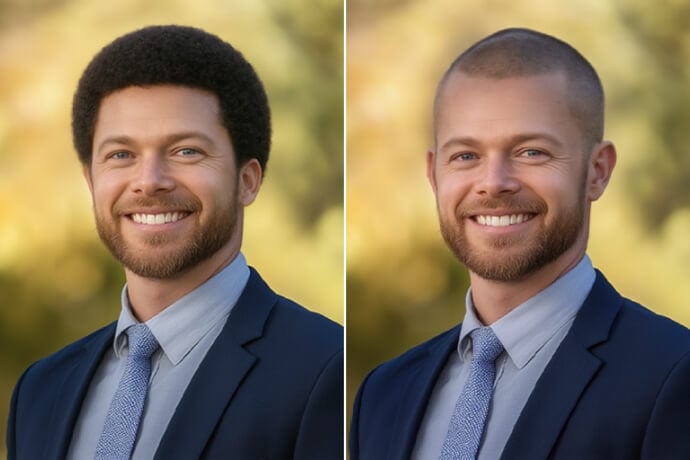
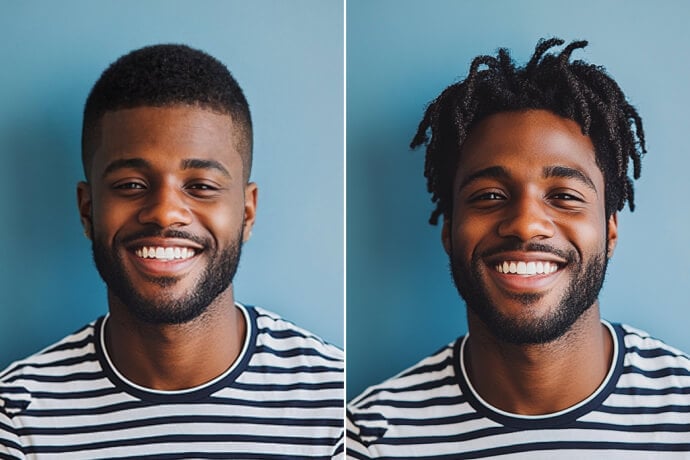
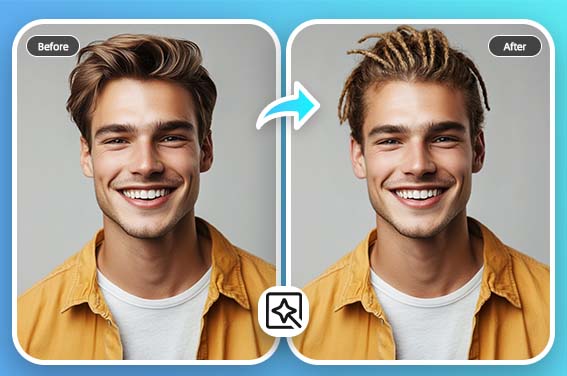
Use the AI haircut simulator to compare everyday cuts, bold styles, and color ideas on one photo. Preview layers, waves, straight hair, curls, bob cuts, crew cuts, buzz cut filters, and dreadlocks.
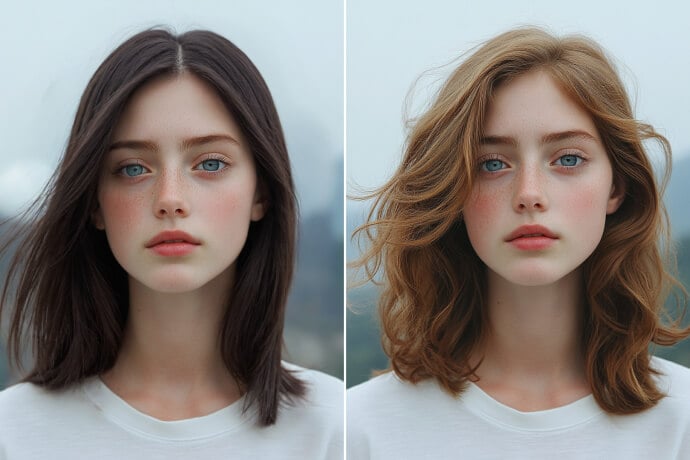
For a specific length or texture, continue with the long hair filter, red hair filter, or perm filter. These dedicated tools help you explore one change in more detail.

Realistic Hairstyle Changer for Women and Men
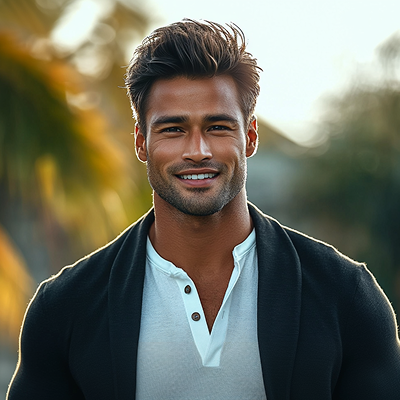
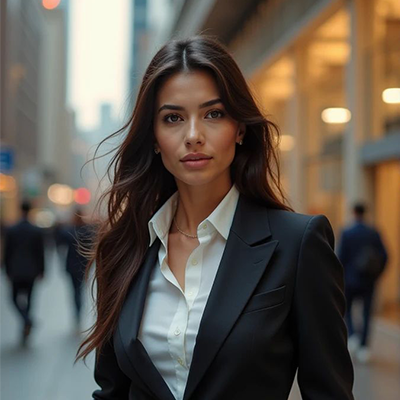
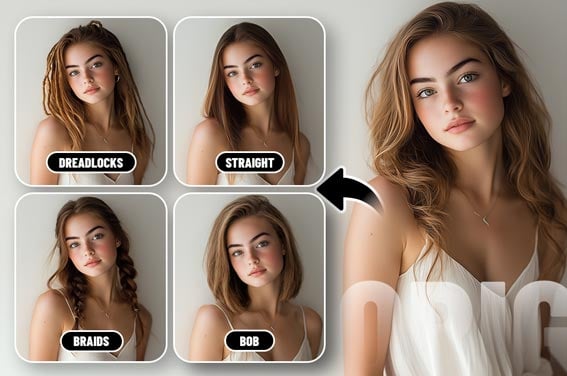
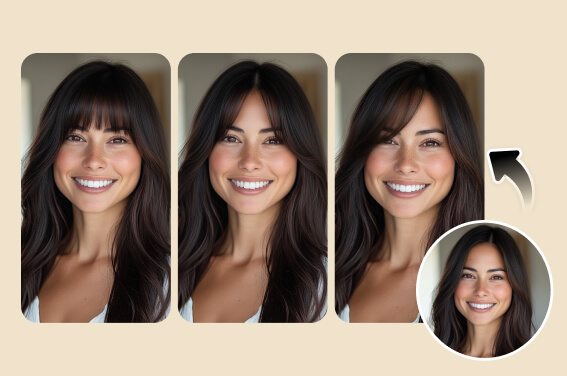
Women can compare bobs, bangs, curls, layers, and longer styles, while men can try crew cuts, quiffs, buzz cuts, fades, and man buns. Use the same clear photo to judge length, volume, and how the style frames your face.
For a more focused selection, open the online hairstyle changer for women or the haircut simulator for men.
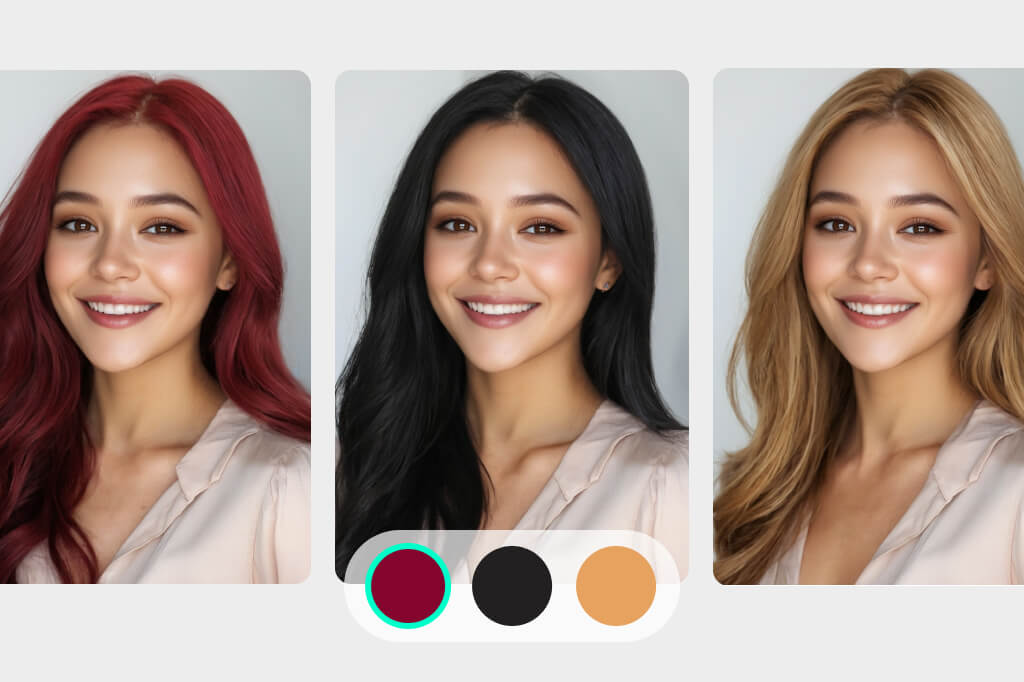
Preview a Haircut and Hair Color Together
A haircut can feel different when the color changes too. Preview the overall shape first, then compare black, blonde, red, and other shades before taking an idea to your stylist.
If color is your only goal, use the dedicated hair color try on tool instead of changing both variables at once.
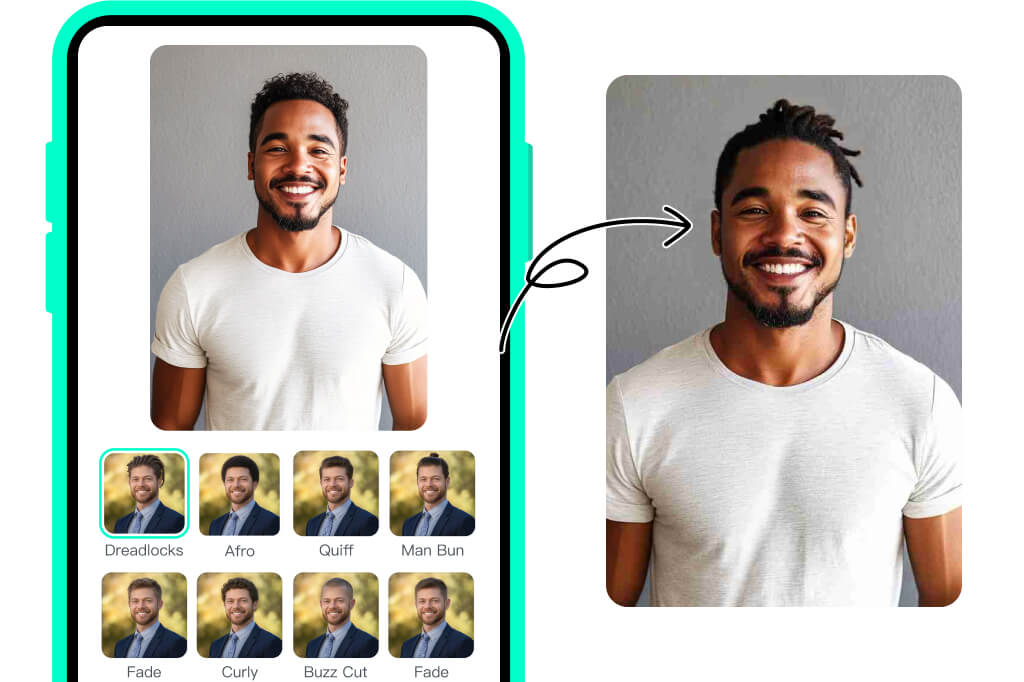
Use an AI Haircut Simulator Online on Any Device
Open insMind in your browser on desktop or mobile, upload a picture, choose a haircut filter, and generate a preview without installing a salon app.
You can start trying the AI hairstyle changer online for free, save the looks you like, and return to compare more options before committing to a haircut.
Discover More AI Filters & Effect Tools
Popular AI Hairstyles and Haircut Filters to Try
Compare classic cuts, trending textures, and bold looks on your own photo. Use the examples below to choose a starting point, then test several options before your next salon visit.
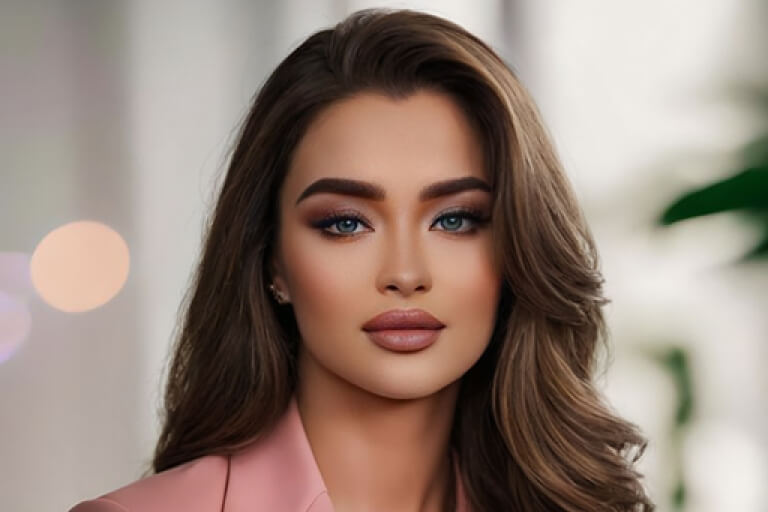
Layered Hair
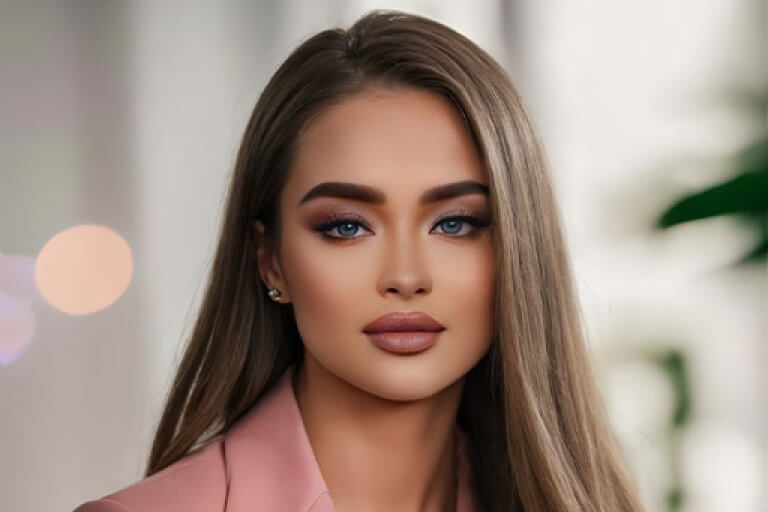
Straight Hair
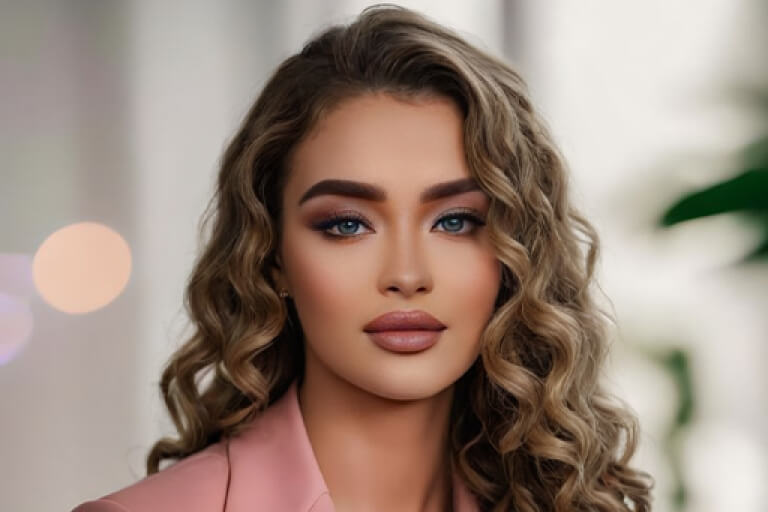
Curly Hair
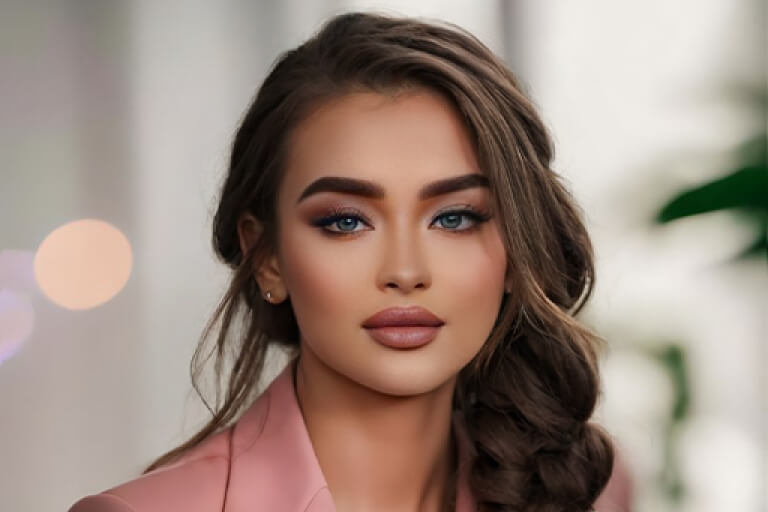
Braids

Bob Cut
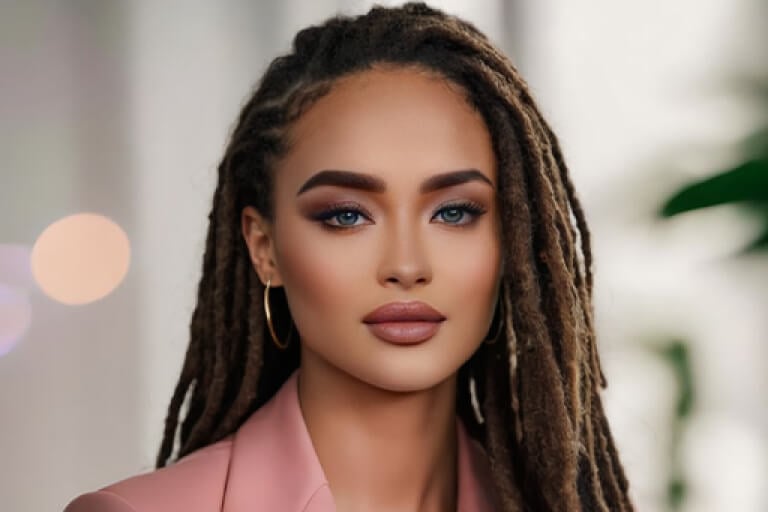
Dreadlocks

Afro

Quiff

Buzz Cut Filter

Crew Cut Filter

Man Bun

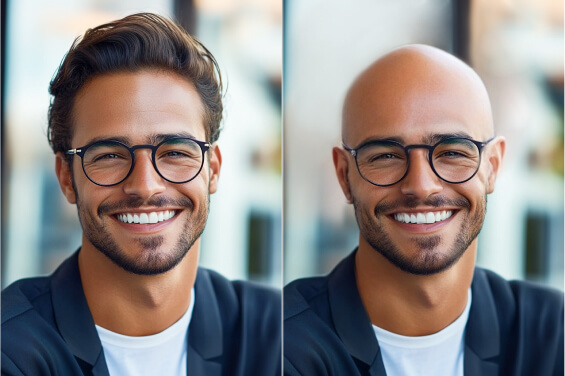
Bald Filter
What People Are Saying About Our AI Hairstyle Changer
Why Choose insMind AI Hairstyle Simulator?

One-Click Hairstyle Generation
Upload one photo, choose a hairstyle, and generate a preview in a short, clear workflow. You can repeat the process with the same selfie to compare different haircut ideas consistently.

AI Haircut Filters for Your Photo
The AI applies the selected haircut filter while keeping your face visible. A front-facing image with a clear hairline gives the simulator better visual context for the preview.

Multiple Haircut Lengths, Textures, and Colors
Compare short and long cuts, straight and curly textures, bangs, braids, buzz cuts, and color ideas. The range makes it easier to move from a broad idea to a smaller set of styles you would actually consider.

Realistic Haircut Simulation
Use the result as a visual reference, then check the hairline, volume, length, and face framing before deciding. An AI haircut simulation is useful for comparison, but the final salon result still depends on your hair texture, density, and styling.
FAQs About AI Hairstyle Changer and Haircut Try-On
Can I try on hairstyles online?


Is the AI hairstyle changer realistic?
Can I use the AI hairstyle changer without logging in?
What hairstyle suits me if I upload a photo?
Is this an AI haircut simulator or a hair color changer?
Is the AI hairstyle changer free?
Explore More AI Hairstyle and Haircut Filters
Try a specific cut, texture, or color with a dedicated hairstyle tool.
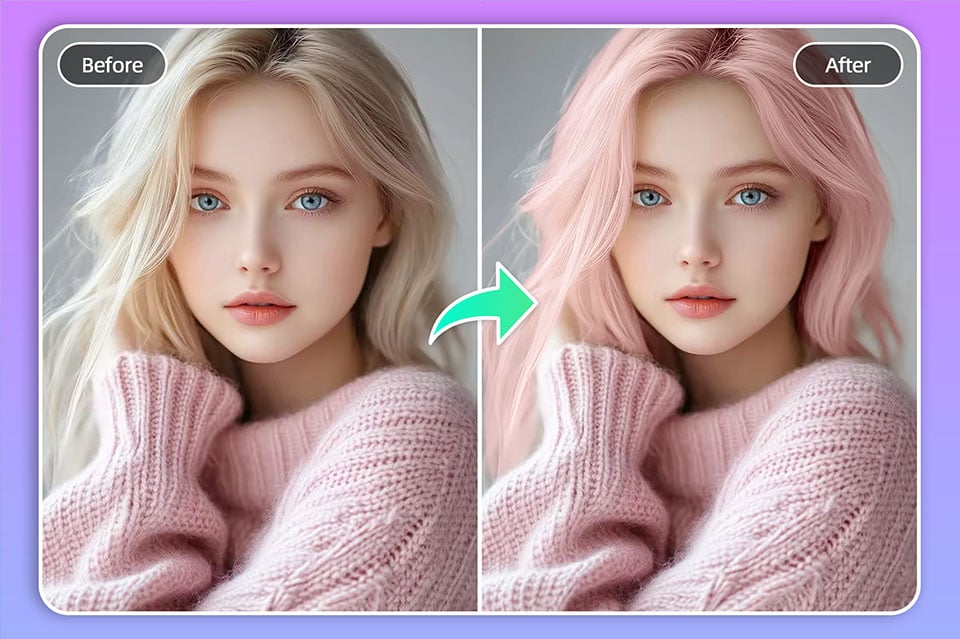
Hair Color Changer
Buzz Cut Filter
Bald Filter
Dreadlocks Filter
Female Hairstyle Changer
Virtual Hairstyle Try On
AI Perm Hairstyle Filter
AI Bangs Filter
"As a student who changes hairstyles frequently, this tool truly saved me from so many unnecessary splurges! Being able to see myself the way I wanted before actually making the change was amazing."
@Chris Fang, Student