
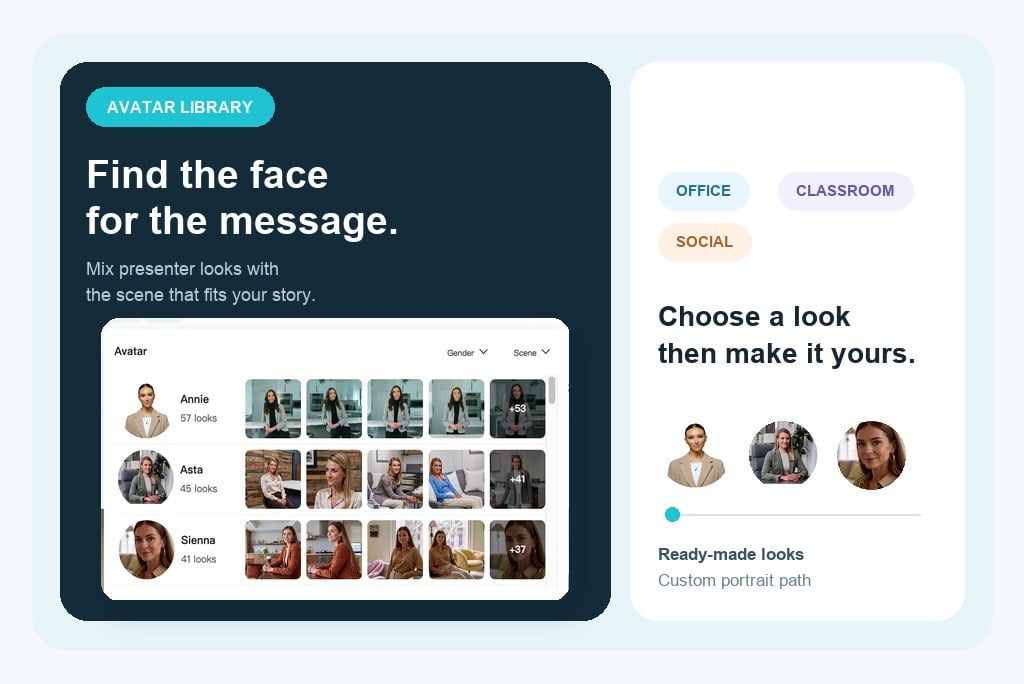
Choose an AI Avatar for Any Role or Scene
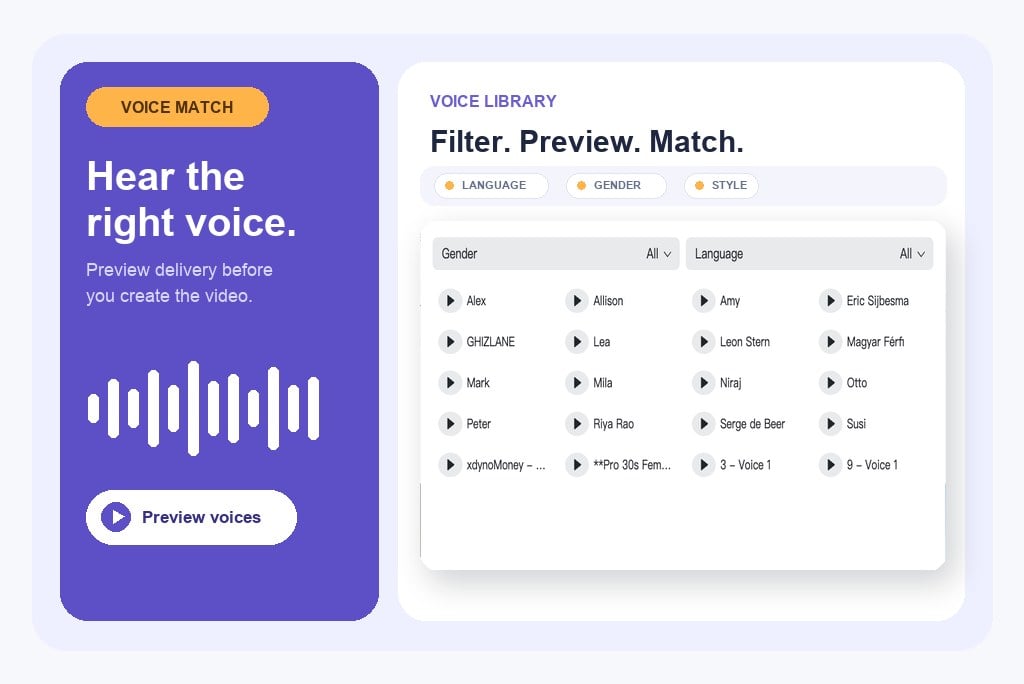
Match Your Script with the Right AI Voice
How to Create a Talking Avatar Video
Step 1: Choose an Avatar or Upload a Portrait
Start with a built-in AI avatar that matches your role, look, and scene. You can also upload a clear portrait when you want to create a talking avatar with a custom appearance.
Step 2: Add Your Script
Type or paste the words you want your avatar to say. Keep the script concise for social clips, or use a fuller explanation for product demos, training, presentations, and lessons.
Step 3: Choose and Preview a Voice
Open the voice library, filter by language or gender, and preview different options. Pick the voice that best matches your avatar, audience, and preferred speaking style.
Step 4: Generate, Download, and Share
Generate the video and let AI create the voice, facial movement, and lip sync. Preview the result, then download a ready-to-share avatar video for social media, marketing, presentations, learning, or online content.
Create Talking Avatar Videos for Every Message
Match the right avatar, scene, script, and voice to product stories, lessons, global campaigns, and faceless content.

AI Spokesperson and Product Explainer Videos
Choose a confident presenter, professional scene, and clear voice to explain features, launch offers, or answer common buying questions. The result gives product pages and campaigns a human-style presenter without repeated filming.

Training and Micro-Lesson Videos
Pair a friendly teacher avatar with a suitable classroom or office scene and an easy-to-follow voice. Turn scripts into short lessons, onboarding clips, and repeatable training content.

Multilingual Presenter Videos
Reuse one message with voice options for different languages while keeping a consistent avatar and scene. This helps global teams localize product updates, support content, and AI explainer videos more efficiently.

Faceless Talking-Head Content
Publish commentary, tips, stories, or social updates with a built-in avatar instead of appearing on camera. When you want a custom look, the optional talking photo generator path keeps portrait-based creation within reach.
Why Choose insMind AI Avatar Video Generator

Diverse Avatars for Different Stories
Choose from AI avatars with different looks and presentation styles instead of forcing every message into the same talking-head format. It is easier to match the presenter to your brand, audience, and content goal.

Scenes That Fit the Message
Use scene options such as offices, classrooms, kitchens, living spaces, and more to give each avatar the right setting. A relevant environment makes product explanations, lessons, and social videos feel more intentional.

Voice Options You Can Preview
Filter voices by language or gender and preview them before generating. This makes it easier to find a natural match for the avatar, script, and audience rather than accepting a one-size-fits-all narration.

Script-to-Video Speed Without Filming
Move from written copy to a presenter-led video without cameras, microphones, casting, or retakes. Update the script, choose another avatar or voice, and generate a new version in the same workflow.

Multilingual Content from One Workflow
Choose language-appropriate voices while keeping the same message structure and visual direction. Teams can create consistent regional versions for campaigns, training, presentations, and customer communication.

Ready for Social, Marketing, and Learning
Create AI presenter videos for product highlights, explainers, short lessons, social posts, and faceless channels. Start with a built-in avatar today, while keeping portrait upload available for a more custom appearance.
FAQs About AI Talking Avatar Videos
What is an AI talking avatar?


An AI talking avatar is a digital presenter that delivers your script with a generated voice, facial movement, and synchronized lip motion. It can be used for marketing, education, presentations, support, and social media without recording a live presenter.
How do I create a talking avatar video?
Choose a built-in AI avatar or upload a portrait, add the script you want it to say, select and preview a voice, then generate the video. After previewing the result, download and share it on your preferred platform.
Can I choose an avatar instead of uploading a photo?
Yes. You can start with a ready-made AI avatar and choose a look that suits your message. The avatar library is the fastest path because you do not need to prepare a portrait before creating your video.
What avatar scenes can I use?
The avatar library includes a variety of everyday and professional settings, such as offices, classrooms, kitchens, living spaces, lounges, and more. Available scenes may vary as the library grows.
Can I choose and preview different AI voices?
Yes. Open the voice library to browse and preview different voice options before you generate. You can use filters such as language and gender to narrow the choices and find a voice that fits your avatar and script.
Can AI avatars speak different languages?
Yes. You can filter the voice library by language and choose a suitable voice for localized content. This is useful for regional campaigns, training, explainers, presentations, and customer communication.
Can I upload my own portrait for an avatar video?
You can use a portrait-based path when you want a more custom appearance. For the clearest result, use a well-lit, front-facing portrait where the face is easy to see. Built-in avatars remain the quickest way to start.
Can I make AI presenter or spokesperson videos?
Yes. Choose an avatar, scene, and voice that match your brand, then add a script for product introductions, offers, tutorials, onboarding, explainers, or campaign messages.
Can I create talking-head videos without appearing on camera?
Yes. Built-in AI avatars let you publish presenter-style and talking-head content without filming yourself. This is useful for faceless creators, busy teams, or anyone who wants a consistent on-screen presenter.
Where can I share an AI avatar video?
You can use avatar videos on social media, product pages, marketing campaigns, presentations, online courses, training libraries, and other digital channels that benefit from clear presenter-led communication.
More Avatar Video Tools from insMind
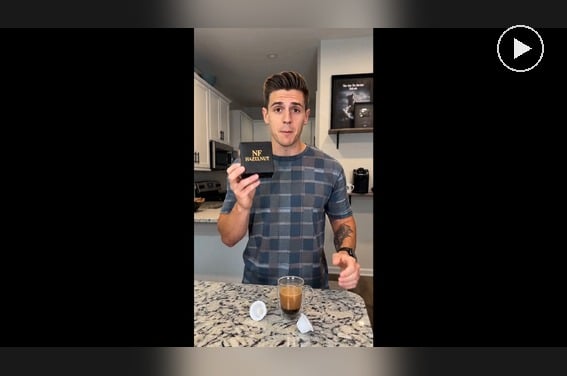
AI Spokesperson Video Generator
Create spokesperson videos with realistic avatars and natural voice sync.
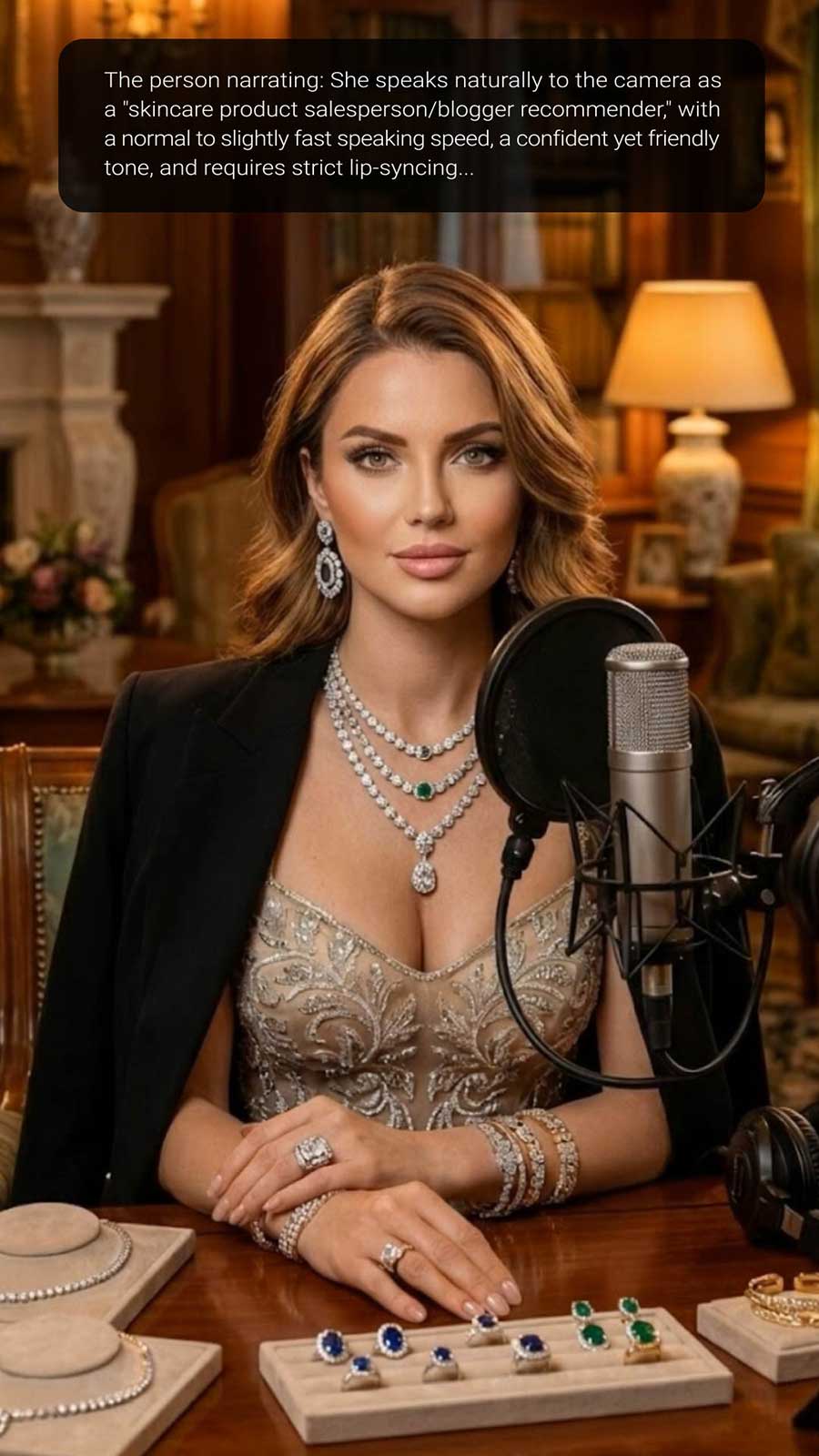
00:00
00:00
AI Influencer Video Generator
Create virtual influencer videos without filming or real creators.
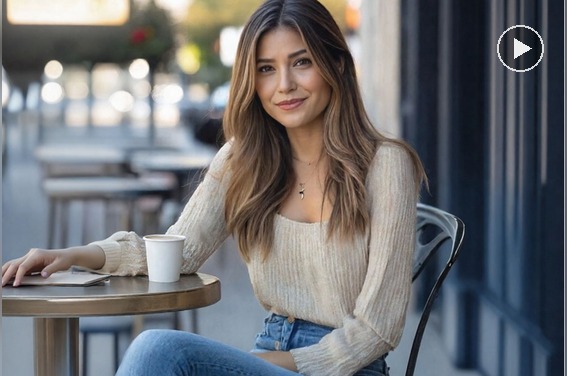
AI Talking Photo Generator
Turn any photo into a talking video with realistic facial movement and natural lip sync.
00:00
00:00
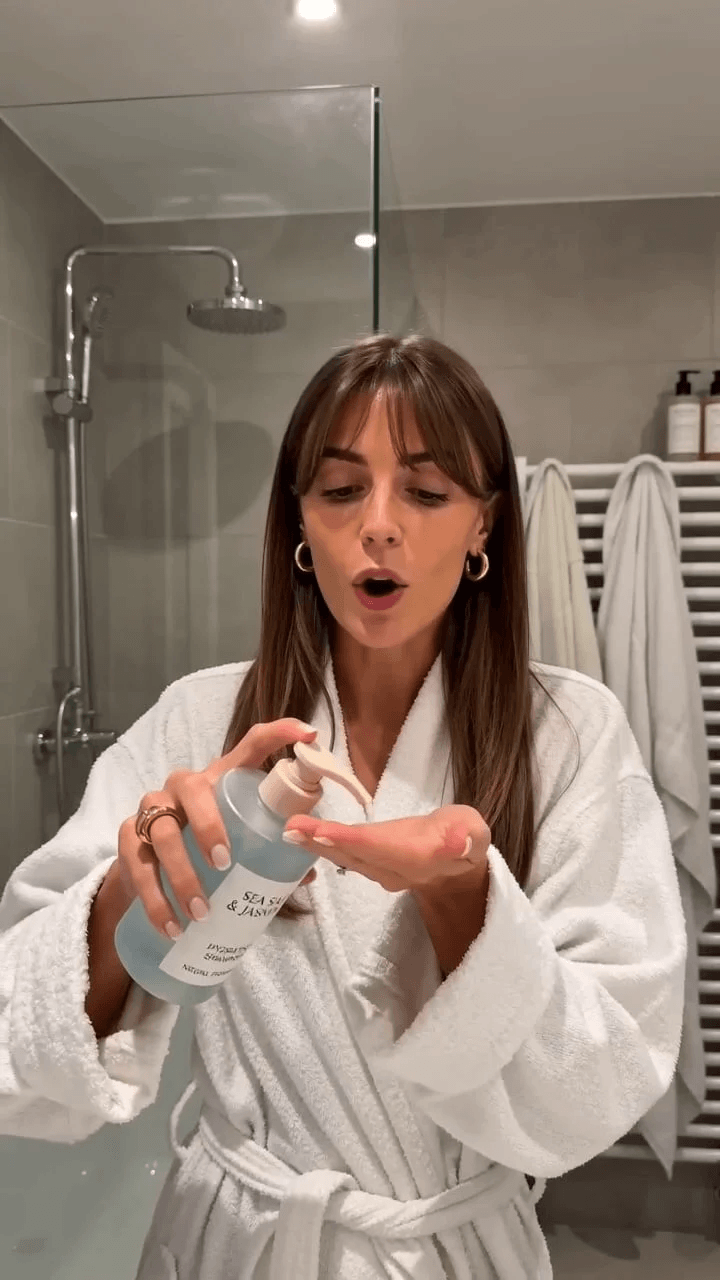
AI UGC Video Generator
Create authentic UGC-style video ads with AI in minutes.
00:00
00:00
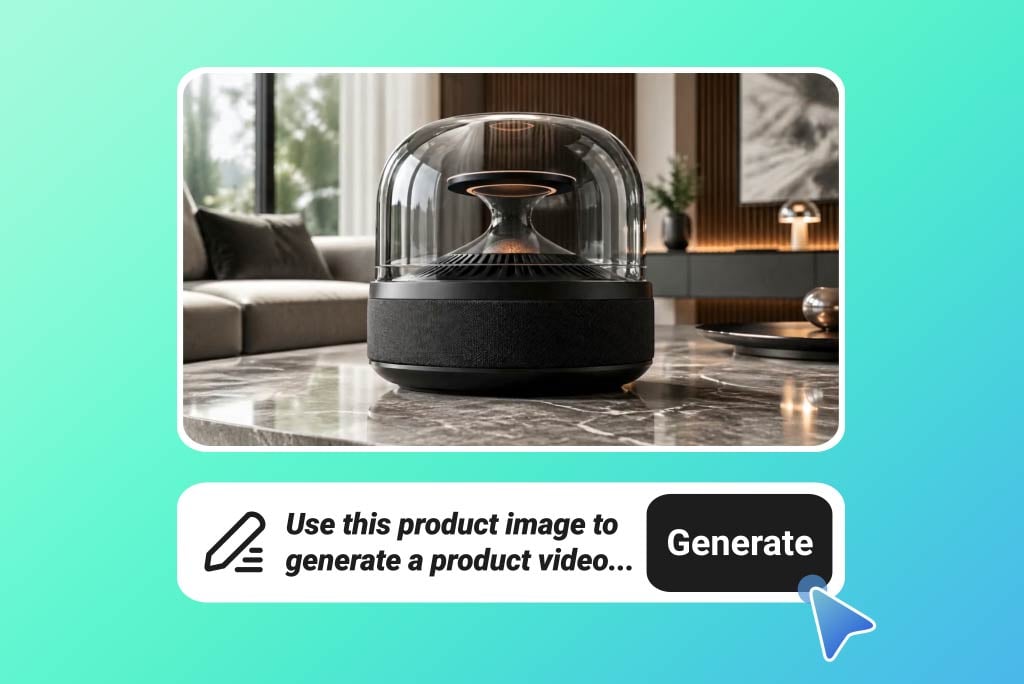
AI Product Video Generator
Turn static product visuals into engaging video ads in seconds.
00:00
00:00
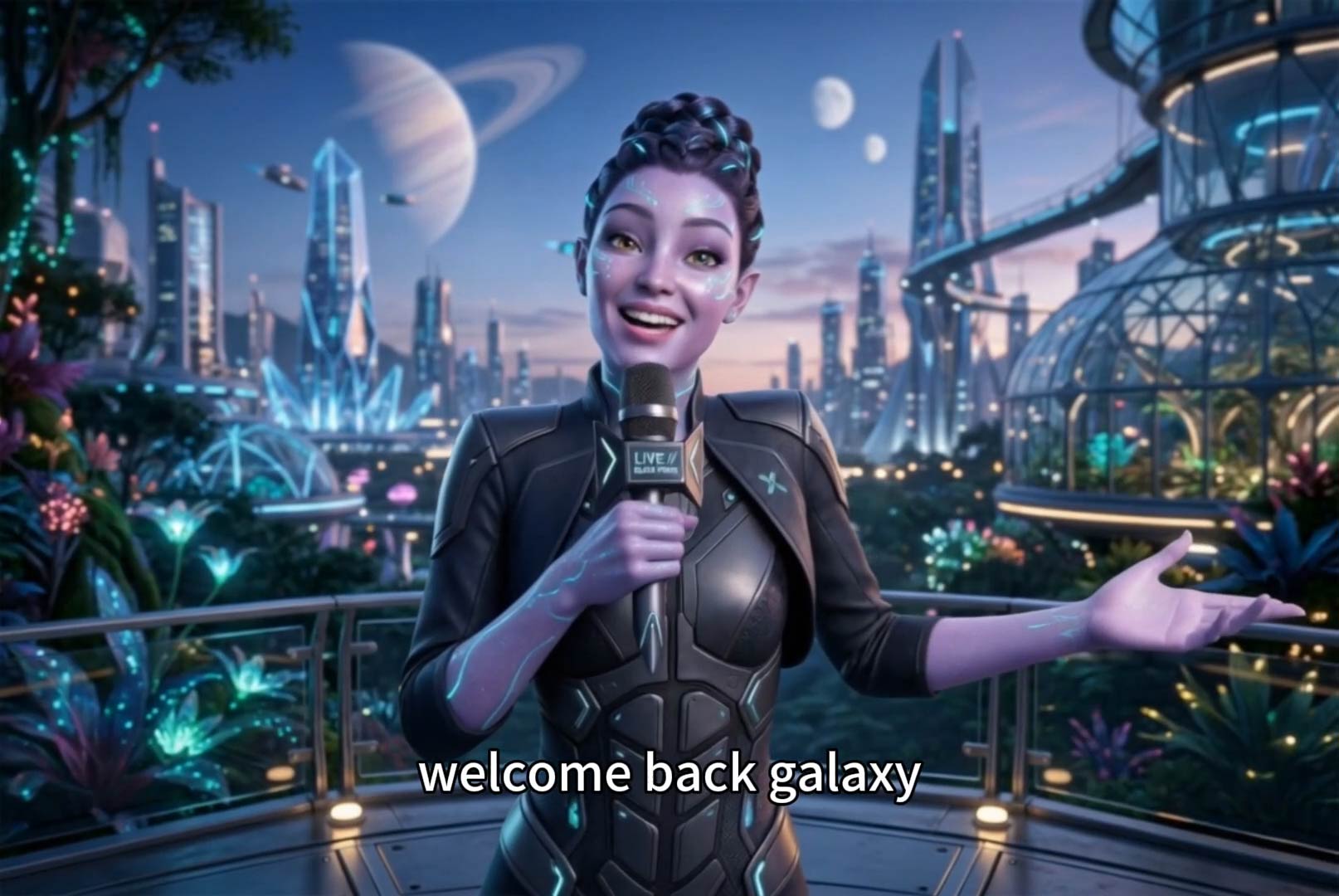
AI Faceless Video Generator
Create engaging videos without appearing on camera using AI.
00:00
00:00
Text To Video Generator
Turn any text prompt into high-quality videos in minutes.
00:00
00:00
AI Video Generator
Create high-quality videos from text and images with AI tools.