
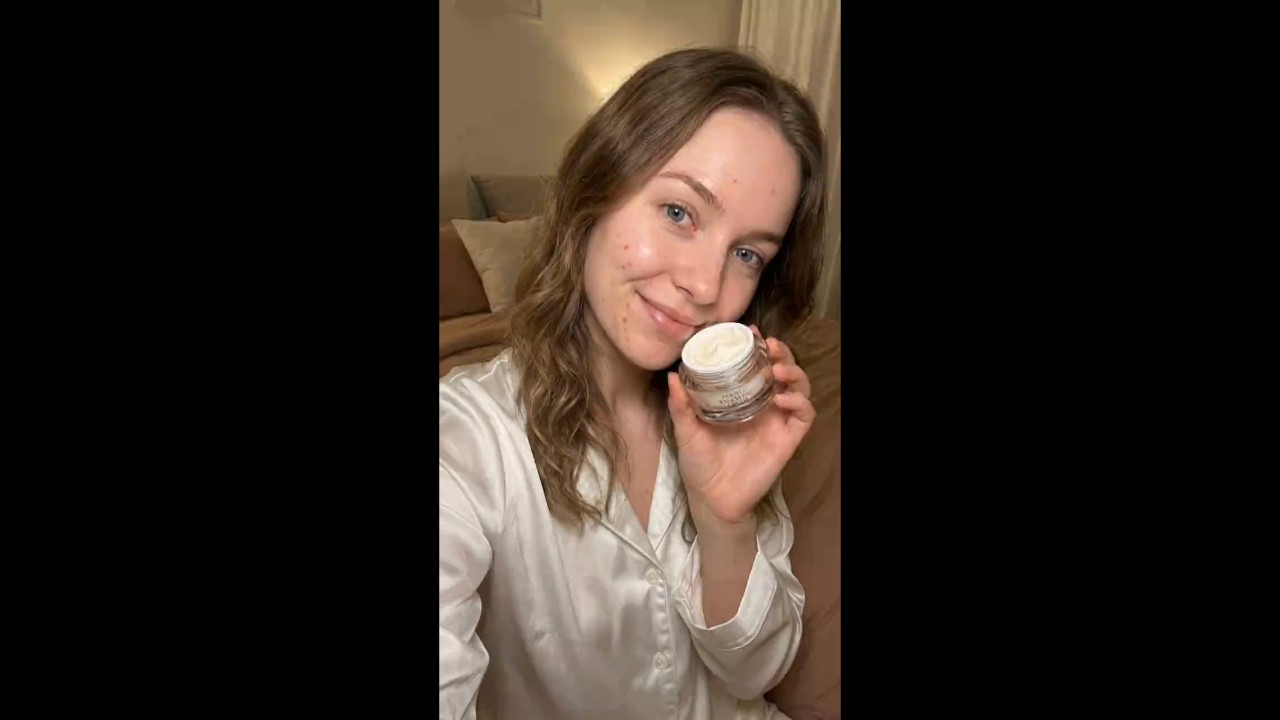
Turn Your Photo Into a Talking Video
Upload a portrait, selfie, product spokesperson image, or character photo, then turn it into a digital-human talking video. insMind helps you make a photo talk for social posts, lessons, product intros, and personal messages without filming a new clip.
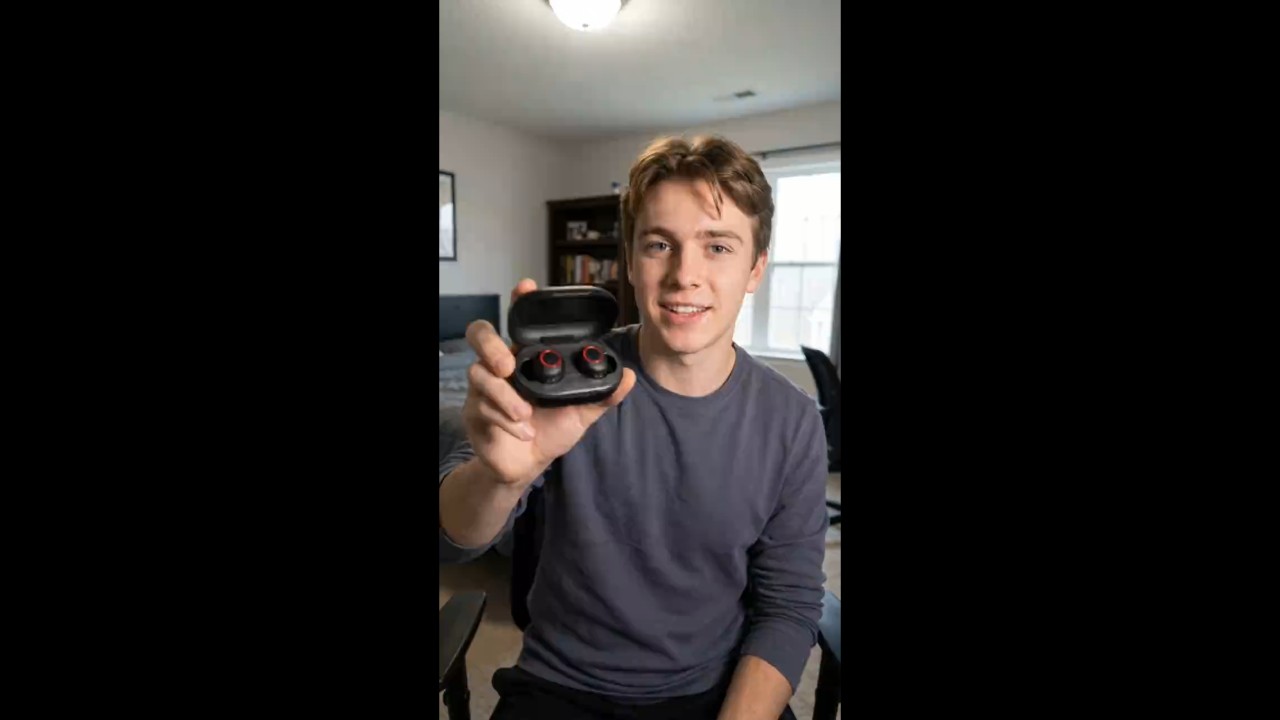
Create AI Talking Heads With Prompts
Start from a prompt, text idea, or script when you do not have a finished photo setup. Add wording such as "AI talking head" to trigger the right skill, or use insMind as an AI talking head video generator with template prompts to make pictures talk with less setup.
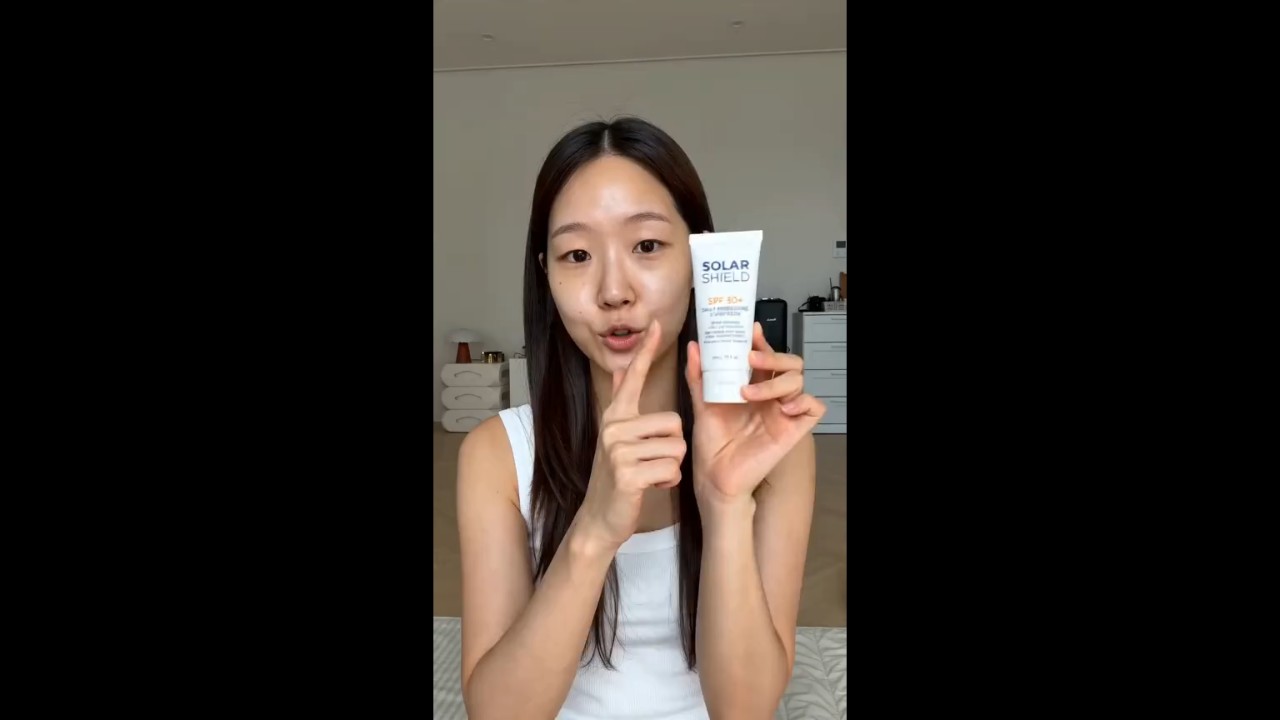
Let Your Photo Talk in 100+ Languages
Create multilingual talking photo videos for announcements, lessons, product intros, social posts, and personal messages. Your photo can speak in 100+ languages, helping one image reach more audiences as an AI video talking head.
How to Make a Talking Photo Video with AI
Step 1. Enter Your Prompt or Upload Your Photo
Step 2. Send Your Prompt
Step 3. Generate the Talking Video
Step 4. Download Your Video
Why Choose Our AI Talking Head Video Generator?

Multiple Video Models
insMind can route talking photo generation through multiple video models, including Seedance 2.0 and Google Veo 3.1, allowing your prompt, photo, or script to be matched with the most suitable generation workflow.

Fast Video Generation
Move from idea to talking video quickly. Use prompt templates, short briefs, or uploaded photos to reduce setup and create shareable clips faster.

Template Prompts Included

High-Quality Talking Motion

Simple Chat Workflow
The talking photo AI can ask follow-up questions before generation, helping you clarify message, language, style, and output goal without complex controls.

Download and Share
Who Should Use an AI Talking Photo Generator?
Content Creators
Turn a portrait, selfie, or character image into a short talking video for Reels, Shorts, TikTok, or personal updates. It is useful when you want a face-led clip without recording on camera.
Online Educators
Create simple talking photo explainers for lessons, course intros, vocabulary practice, or training tips. A still image can deliver the message clearly while keeping the video lightweight.
Ecommerce Sellers
Make product photos, brand mascots, or founder images speak for store announcements, product highlights, and sale messages. This helps add a human touch to product communication.
Social Media Managers
Produce quick talking visuals for campaigns, holiday greetings, FAQs, and community updates. It is a fast way to turn static brand assets into more engaging video posts.
AI Talking Photo: Frequently Asked Questions
What is a talking photo?


How do I make pictures talk with insMind?
Can I start without uploading a photo?
What should I write in the prompt?
Can the AI ask follow-up questions before generating?
Is an AI talking photo the same as an AI talking head video?
Can I download the generated talking video?
Explore Other Hot Video Tools from insMind
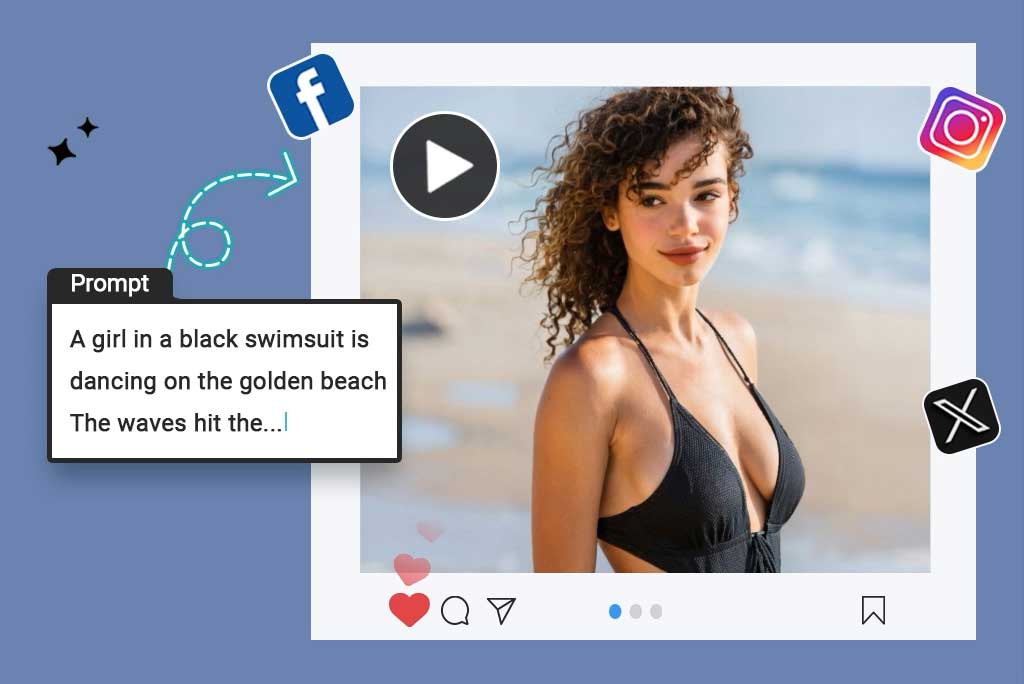
Script to Video AI
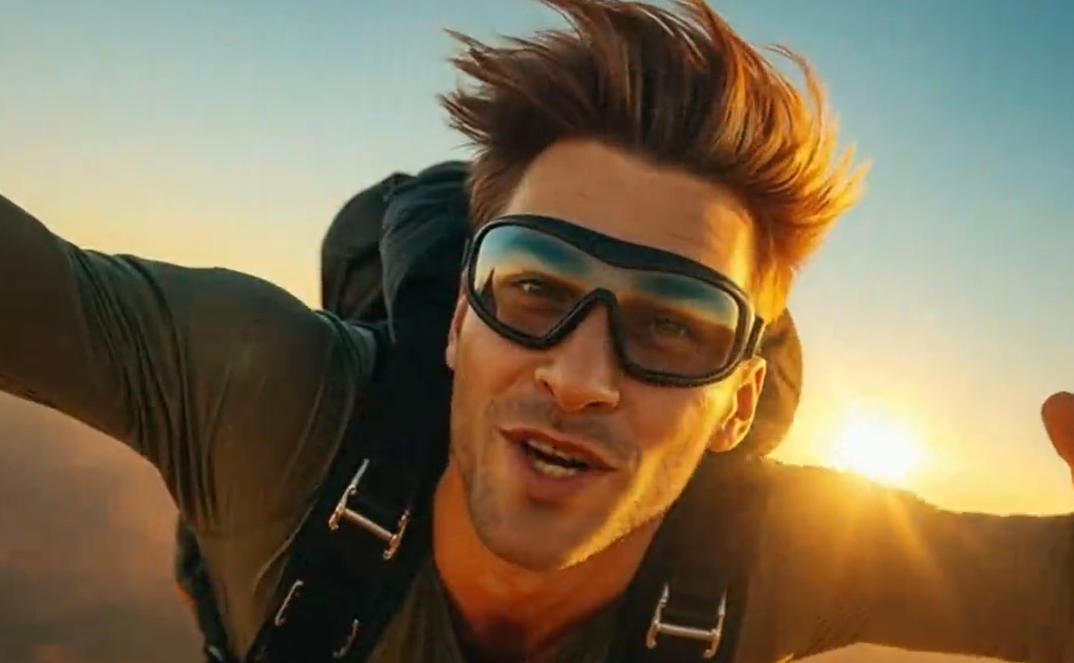
AI YouTube Shorts Generator
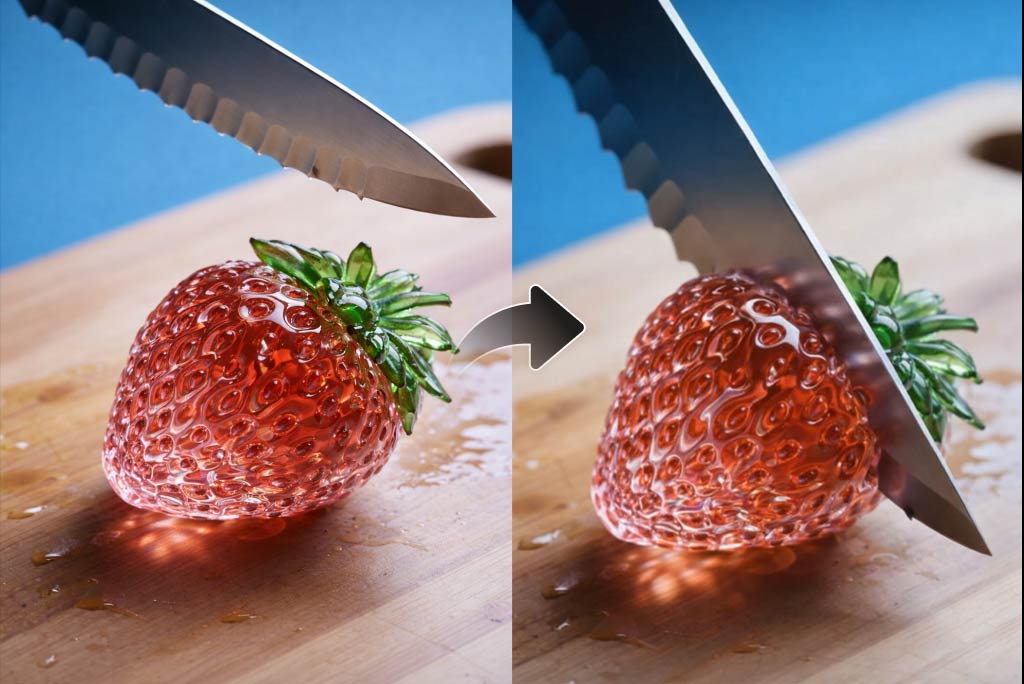
AI ASMR Generator

AI Video Editor
AI Video Enhancer

AI Cartoon Video Generator
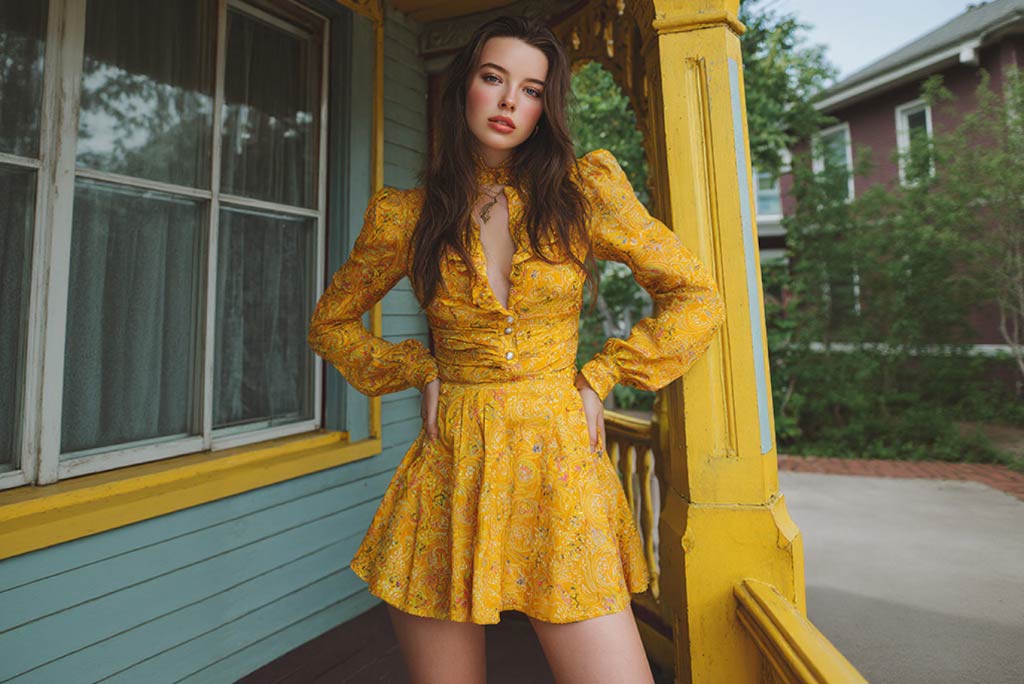
AI Character Animation
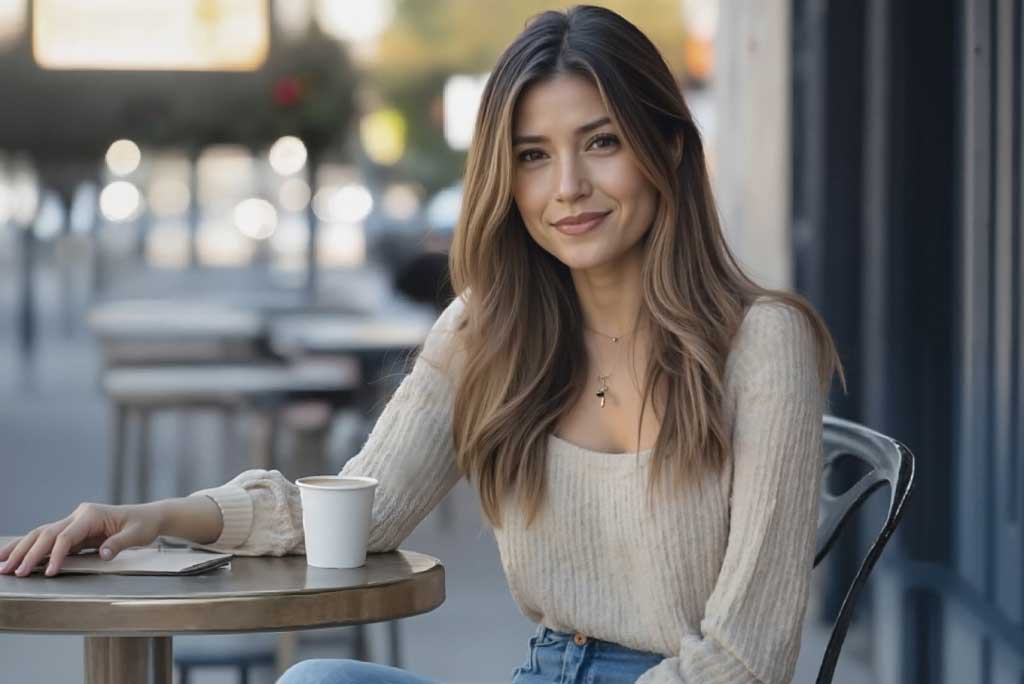
Image to Video
