
AI Cartoon Video Generator
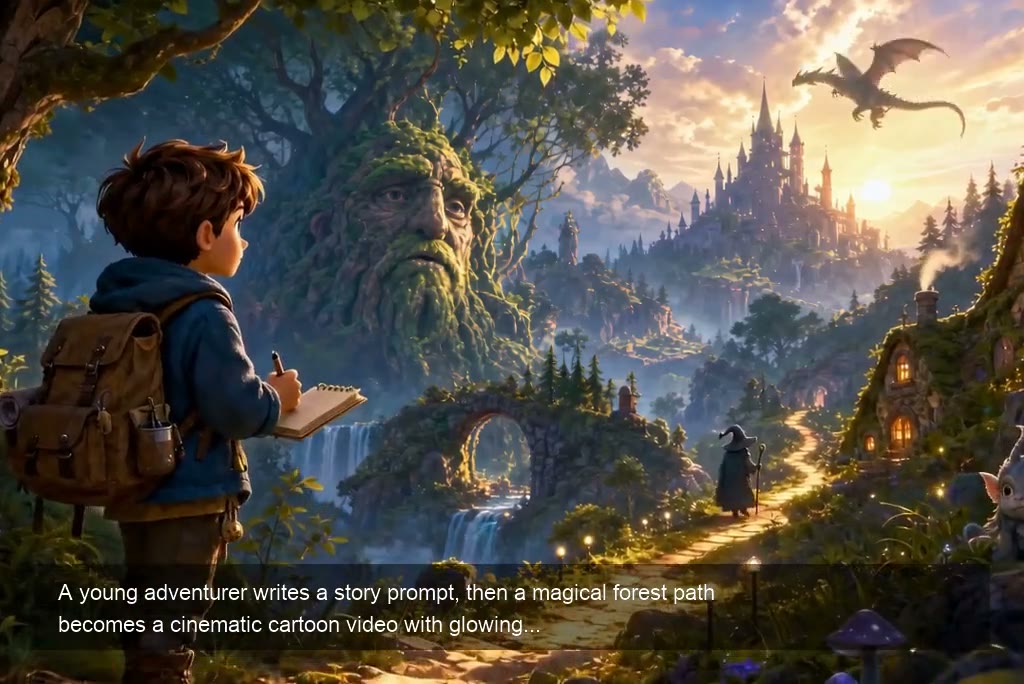
Turn Text Prompts into Cartoon Videos
Describe a scene, character, action, and mood, then let insMind turn your idea into a short cartoon video. You can also start with the AI text to video generator when your source is a written prompt. Use it for simple stories, funny scenes, social posts, or visual concepts when you want a fast animation without drawing frame by frame.
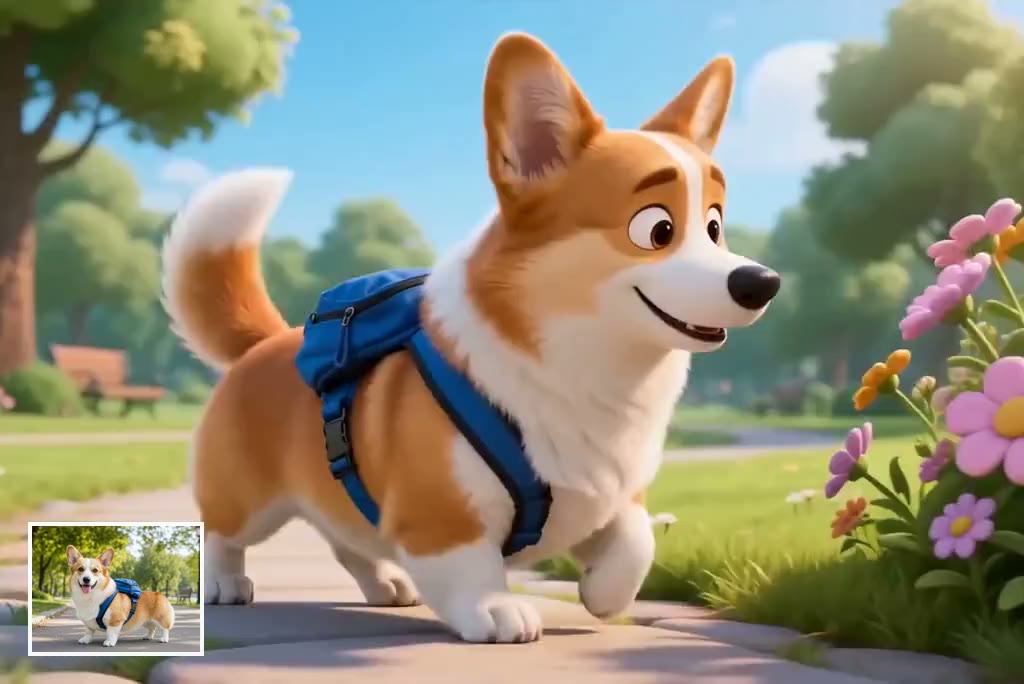
Animate Photos in a Cartoon Style
Upload a portrait, pet photo, product image, or character reference and create a cartoon-inspired animation from it. For general photo motion, try the image to video generator as a related workflow. This helps you turn still images into playful clips for intros, memes, lessons, and social content while keeping the subject easy to recognize.
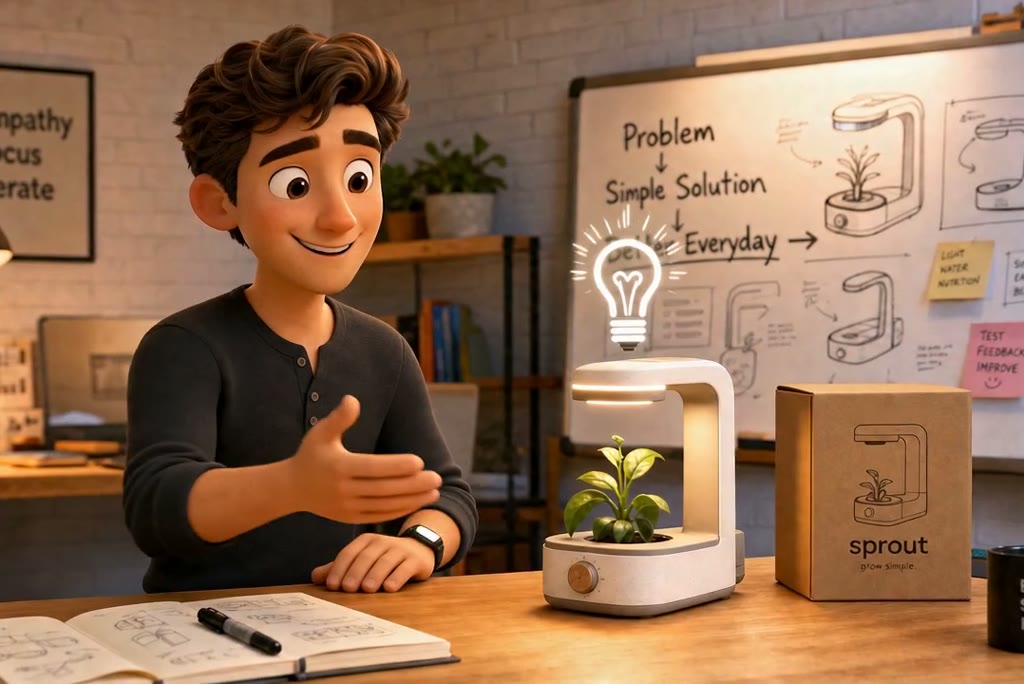
Create Cartoon Clips from Scripts
Paste a short script or scene idea and shape it into a cartoon video with clear action, tone, and pacing. It is useful for explainers, story snippets, teaching content, and ad concepts that need a visual first draft fast.
Create Cartoon Videos for Social, Lessons, Brands, and Stories
Explore practical ways to use AI cartoon videos across social content, education, explainers, and personal projects.
YouTube Shorts and Social Clips
Turn a funny idea, reaction, or short scene into a cartoon-style clip for Shorts, Reels, or TikTok. Keep the scene simple, focus on one action, and choose vertical framing for mobile feeds.
Animated Lessons for Teachers
Explain a classroom topic with a simple cartoon scene. Create visual examples for science, language learning, history, or safety lessons without filming students or building complex animations.
Brand Explainer Videos
Turn a product benefit, app feature, or service idea into a light cartoon explainer. If your project needs a wider set of styles or models, pair this page with insMind's video creation tools for concept tests and ad drafts.
Photo-to-Cartoon Moments
Animate a portrait, pet, or character reference into a short cartoon moment. It is a quick way to make personal content, greetings, memes, or playful profile videos.
What People Are Saying About insMind AI Cartoon Video Maker
Why Choose insMind AI Cartoon Video Generator

Text, Image, and Script Inputs
Start from the material you already have, whether it is a prompt, a photo, or a short script for a cartoon scene.
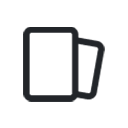
Cartoon Styles for Different Ideas
Explore playful, story-driven, educational, and anime-inspired looks to match social videos, explainers, and creative drafts. You can also make matching static artwork with insMind's cartoon image generator.

Fast Short-Form Video Creation
Create quick cartoon clips for TikTok, Reels, Shorts, lessons, or campaigns without building a full animation workflow.

Prompt Control for Better Results
Guide the character, action, setting, camera movement, and mood with clear prompts, then refine the output as needed.

Beginner-Friendly Online Workflow
No animation timeline is required. Open the tool online, describe your idea, generate, preview, and download your cartoon video.

Useful for Work and Play
Make cartoon videos for stories, classroom visuals, brand explainers, social posts, greeting clips, and early creative concepts.
FAQs About insMind AI Cartoon Video Generator
What is an AI cartoon video generator?


How do I create a cartoon video with AI?
Can I turn an image into a cartoon video?
Can I create cartoon videos from text prompts?
Can I make cartoon videos from scripts?
What prompts work best for cartoon videos?
Can I use AI cartoon videos for TikTok or YouTube Shorts?
How long can my cartoon video be?
Can I keep the same cartoon character across multiple videos?
Can AI cartoon characters talk or lip sync?
Can I use AI cartoon videos commercially?
Is the AI cartoon video generator free?
Explore More AI Video Tools
AI Toy Figure
Become Emoji
AI Video Generator

Image to Video
Text to Video
Video Start-End Frame Generator


"I use insMind cartoon video generator to make fun videos for my lessons. My students really enjoy the cute Chibi animations."
@Laura Stevens: Elementary Teacher