
Make Photos Black and White with Online Filter
Convert Images to Black and White Online
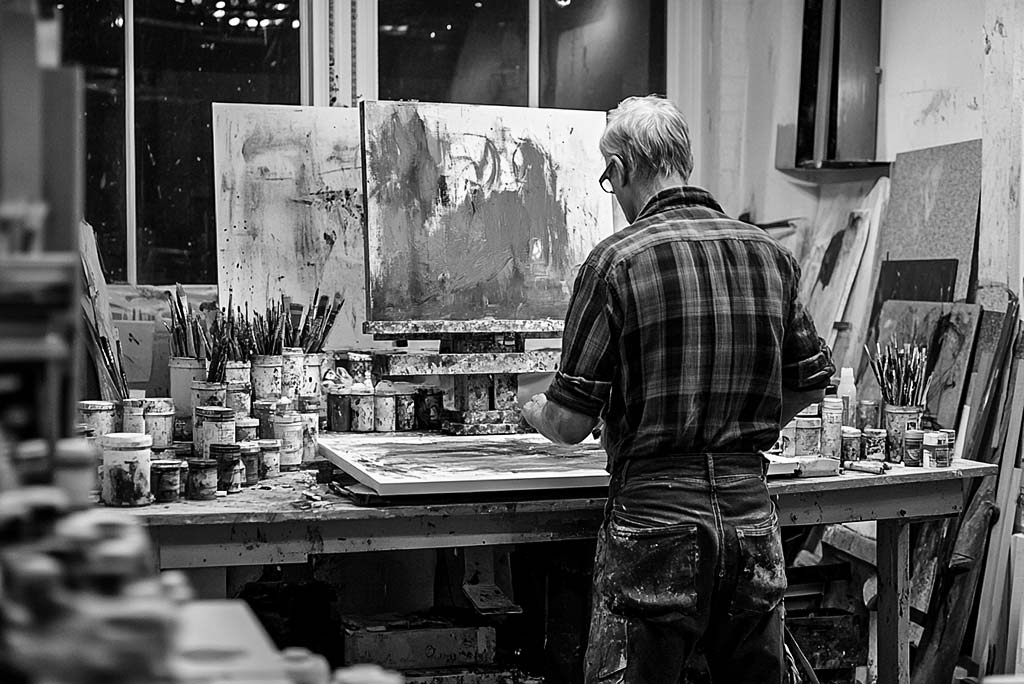
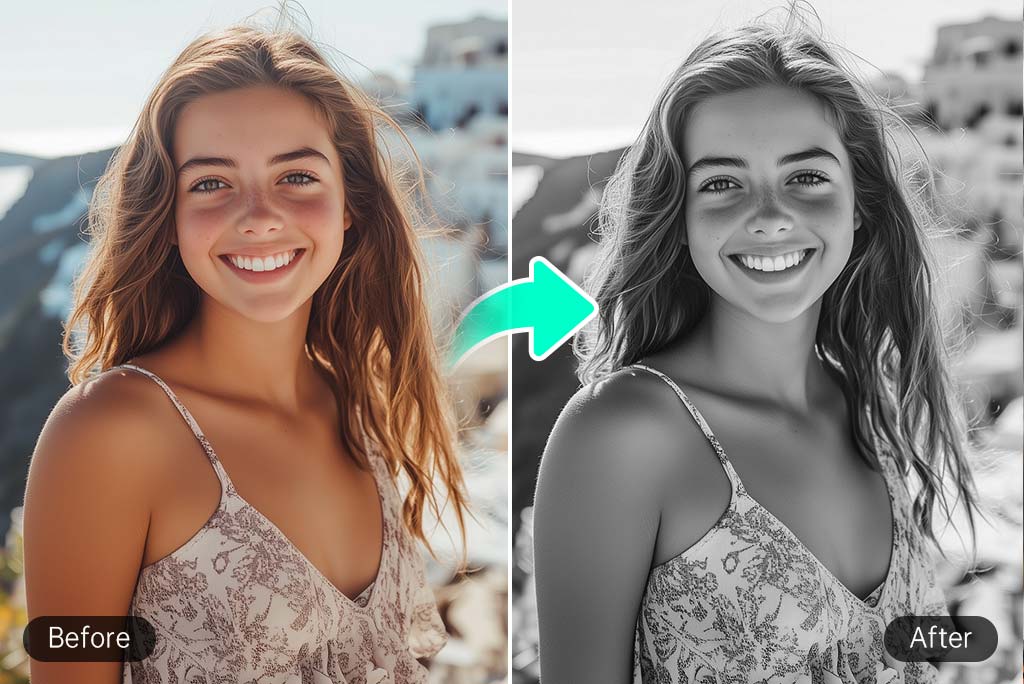
Our black and white image converter lets you easily change any picture to a monochrome format. With our quick service, you can try converting images to black and white with classic or contrasting styles during a free trial. No complex software is needed as you can apply the black and white filter directly to your photos online.
Using our black-white filter provides high-quality image results and maintains vital details in every transformation. No matter what type of image you work with, our AI-powered tool delivers refined monochrome results throughout personal photos and professional images as well as artistic ones. You can experience the easy online editing process after several effortless clicks.
Enhance Marketing Visuals with the Black and White Image Converter
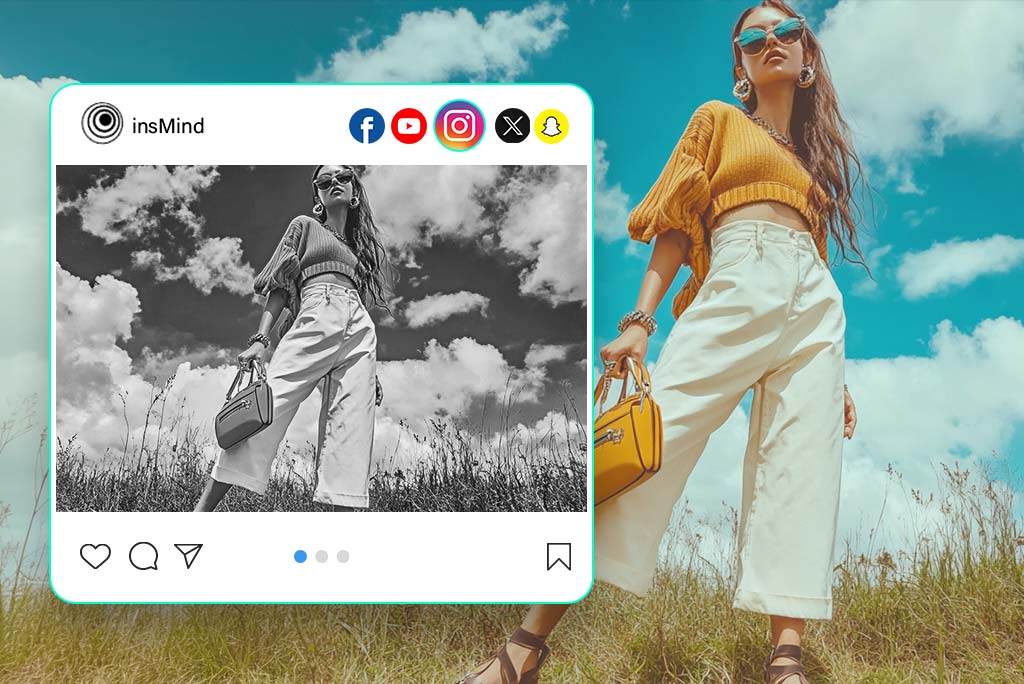
Our Black and White Image Converter stands as the ideal marketing tool for businesses together with content developers. Monochrome photography finds its primary applications in product imagery and branding together with advertising because it produces everlasting sophisticated aesthetics.
Conversion into black and white format enhances important image elements such as texture contrast and shape details which leads to better visibility of your content. Users who need to create social media content promotional designs or website visuals can use our tool to maintain consistent professional designs. You can obtain optimal effects from black and white images through contrast and tone adjustments that match exactly your brand vision and creative direction.
Enjoy a Wide Range of Black and White Filters for Every Style
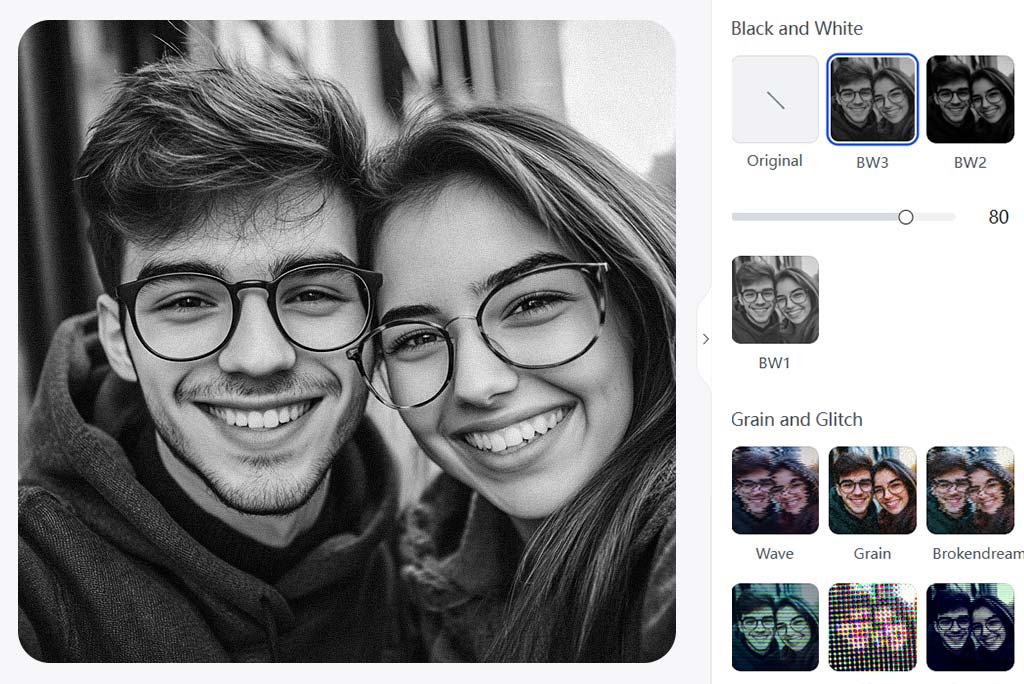
Different black and white images have distinct characteristics. Our tool enables you to pick from various black and white filters for creating artistic styles that suit your vision. Our tool presents different preset filters for instant enhancements which allows users to select between high-contrast vintage and soft grayscale effects.
Your image processing includes unique filters that enhance graphic elements either by deepening shadow tones brightening highlights or establishing balanced grayscale color tones. Check different black and white options to find the one that matches your subject before making final modifications to achieve your intended result.
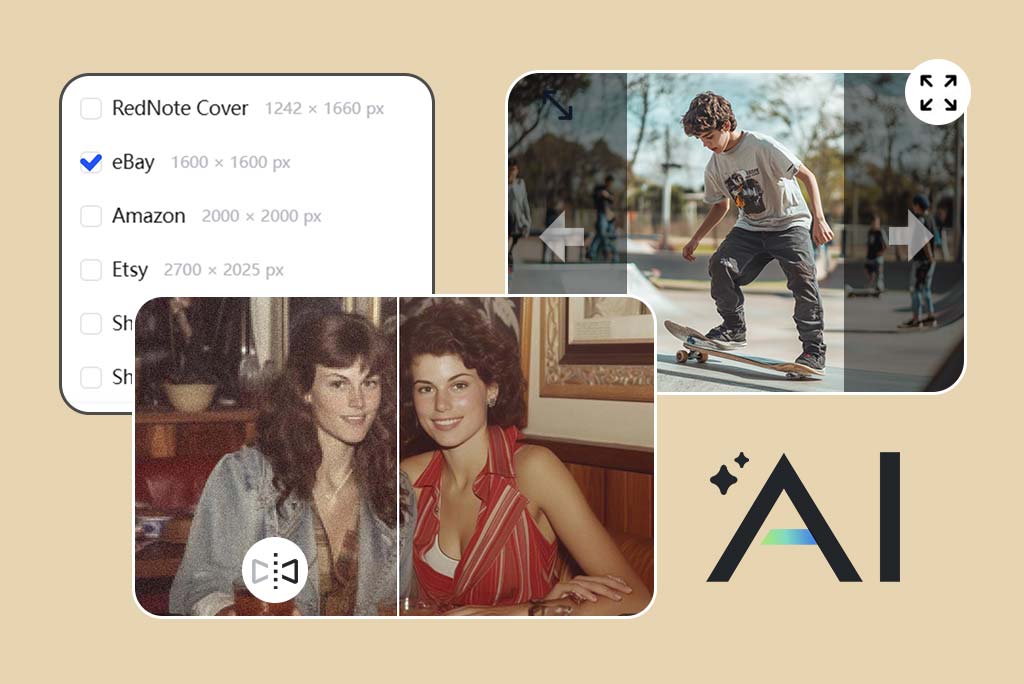
Go Beyond B&W Filters with insMind's Photo Editor Features
After applying a black-white filter proceed with more photo refinements through our professional editing features. Through professional features such as image cropping as well as cartoon effects together with AI-powered image extension tools, you have the power to boost your black and white work.
Old images will benefit from our photo restoration tool which restores historical photos into clean versions. You can gain complete creative freedom when editing your black and white photos beyond the typical filtering options.
Explore More Black and White Filter Features
How to Convert a Photo to Black and White?

1 Upload your photo
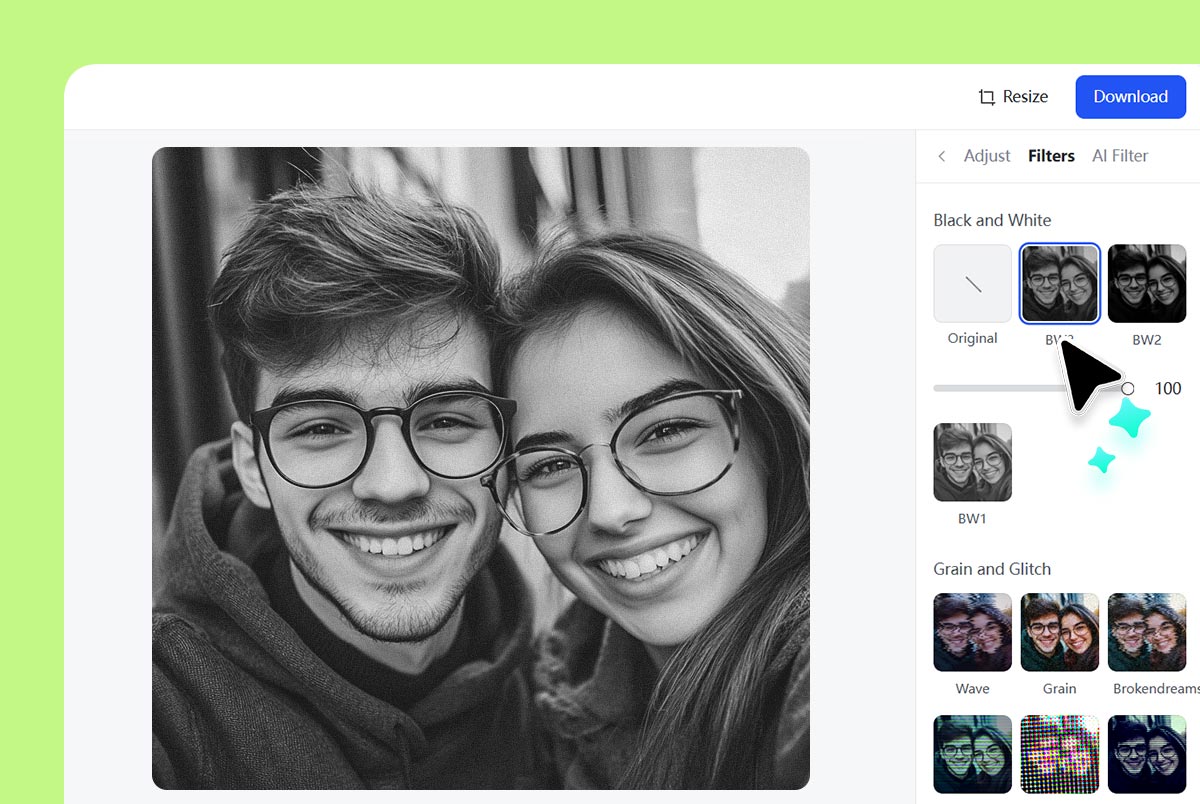
2 Select a black and white filter
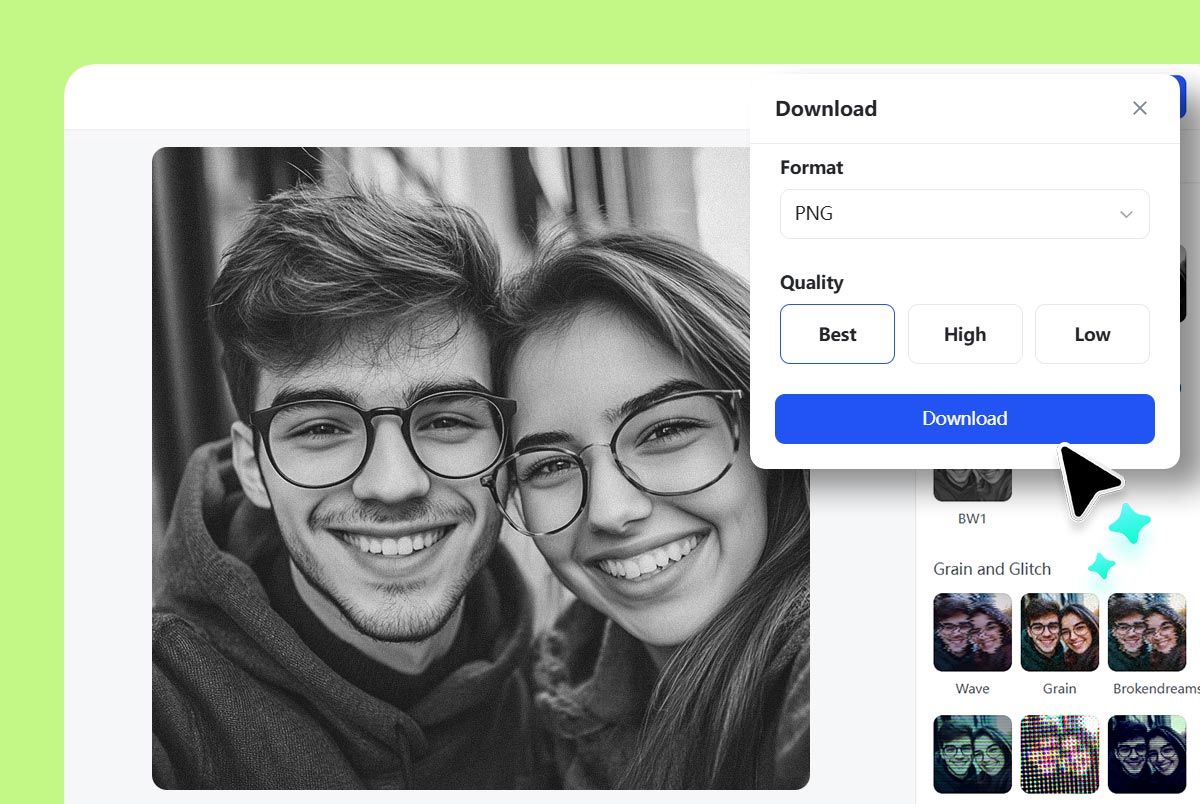
3 Download and Share
Online Image Black and White Converter
Do you have some product photos or your images that do not look as vibrant? Use our Black and White filter and make them look classy and stunning with insMind.
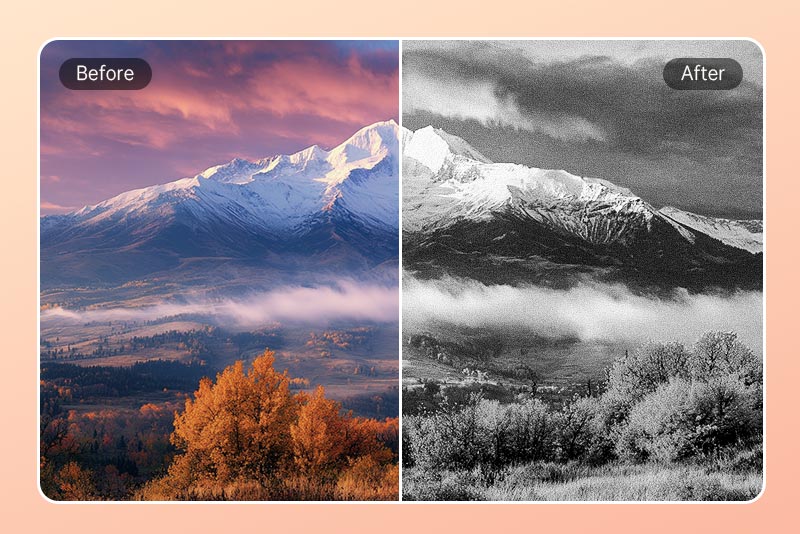
Give Your Social Media a Vintage Aesthetic
Using black and white filters on your social media posts creates either an artistic or retro visual effect. Your monochrome visuals will become timeless portraits that make others notice you while drawing their emotional response.
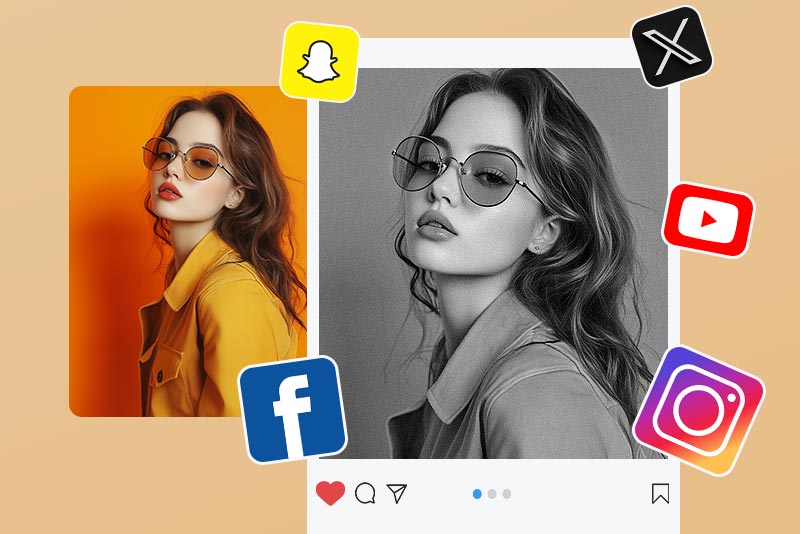
Make Artistic Black & White Portraits
The black and white filter enhances expression and features in portrait images because of its ability to strengthen their appearance. You can develop strong contrasting portrait images that maintain their timeless classic look.
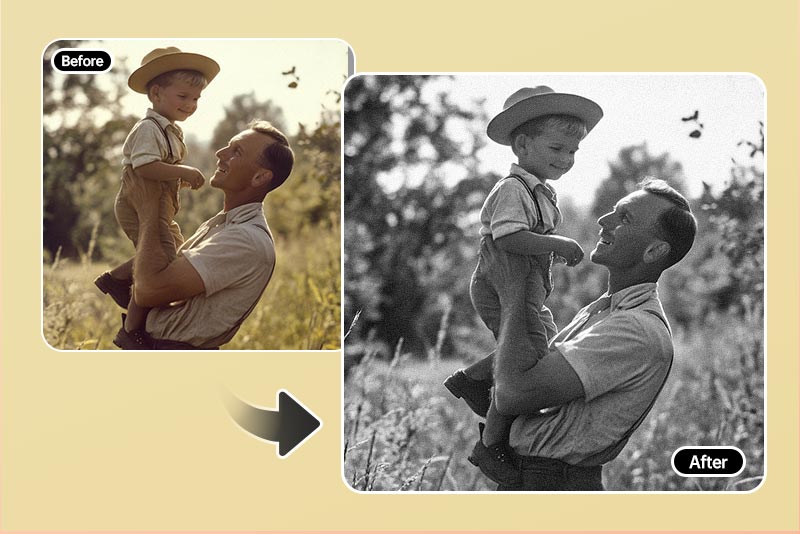
Convert Old Photos to Black & White
Black and white conversion of old pictures returns them to their authenticity. Our tool provides users with an effortless method to transform images to black and white pictures at precise levels regardless of their original vintage or modern state.
Why Choose the insMind Black White Photo Converter?

Convert images to black and white with insMind
No hidden expenses or applications are needed to convert images into black and white.

One-Click Simplicity
Our platform enables users to add black and white filters through automatic processing which requires no special skills.

Customizable Styles
Our option selection lets you access multiple black and white filters that suit artistic as well as professional requirements.
Freguently Asked Questions
How to turn an image black and white online for free?


How to make a photo black and white effortlessly with AI?
What is the best black and white filter?
Can I convert an image to black and white without losing quality?
Can I create a custom black and white filter with insMind?
You might be interested in
Make your pictures pop with creative AI tools you can explore during a free trial.

Photo to Sketch
Photo to Cartoon
Photo to Watercolor
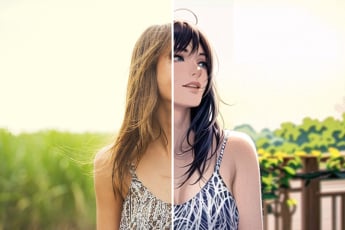
Photo to Anime

AI Filter
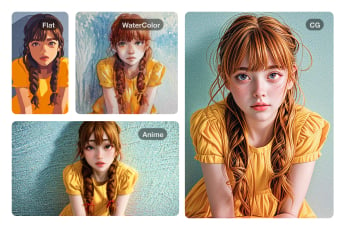
Photo to Painting
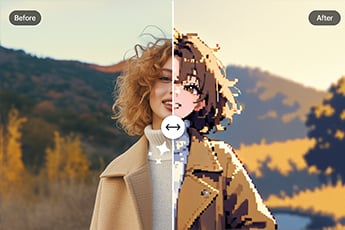
Photo to Pixel Art
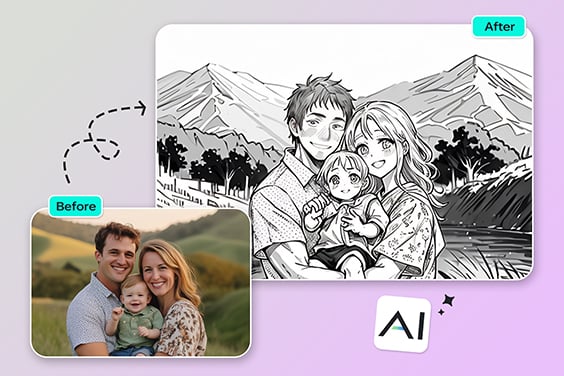
Photo to Outline
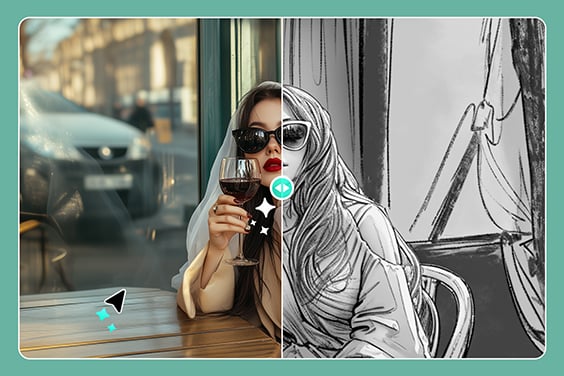
Photo to Pencil Drawing
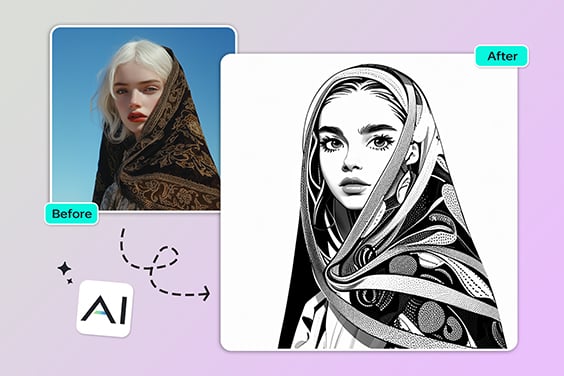
Comic Book Filter
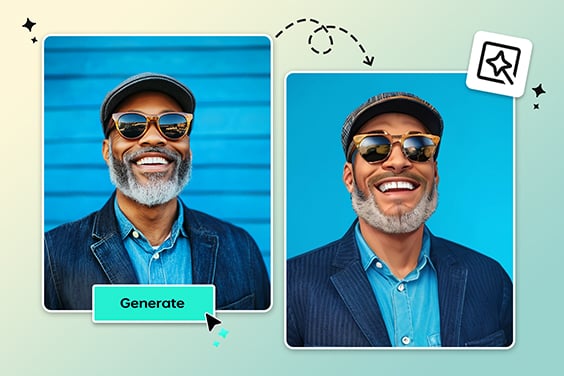
Quick, simple, and easy to try! The filters of this tool provide exclusive effects for my social media photographs during a free trial.
@Dany