
AI Replace: Erase and Replace Objects in Photos




Replace Objects Without Rebuilding the Whole Photo
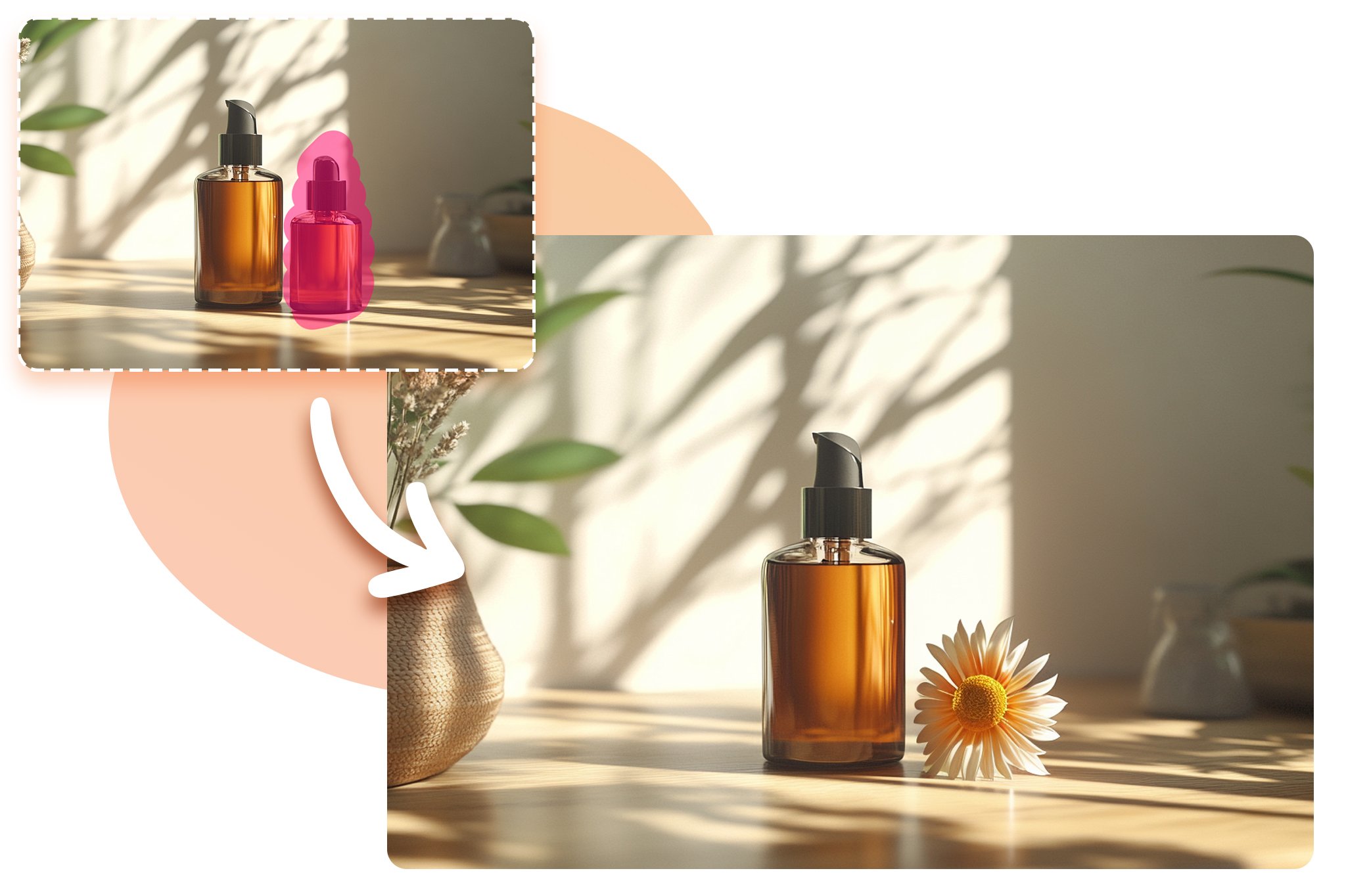
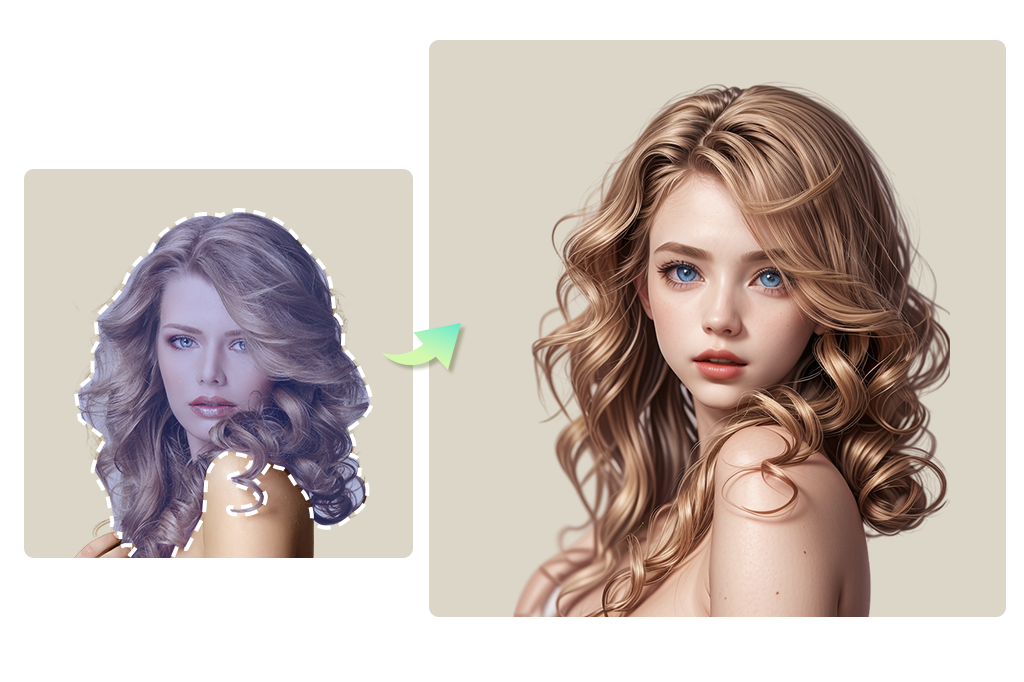
Use AI Replace when one part of a good image is wrong: a prop, label, background object, piece of furniture, or distracting detail. Mark only the area to change, then describe what should appear there instead.
Use Prompts to Tell the AI What to Insert
A good replacement prompt is specific: “replace the plastic cup with a white ceramic mug” works better than “make it better.” Mention color, material, size, angle, and whether the new object should match the original lighting.

Refresh Product, Lifestyle, and Marketing Images
Swap props, remove a mismatched background item, test seasonal decorations, or create campaign variants without reshooting every scene. Always review shadows and edges before using the image in a listing or ad.
Edit Creatively, But Keep the Result Believable
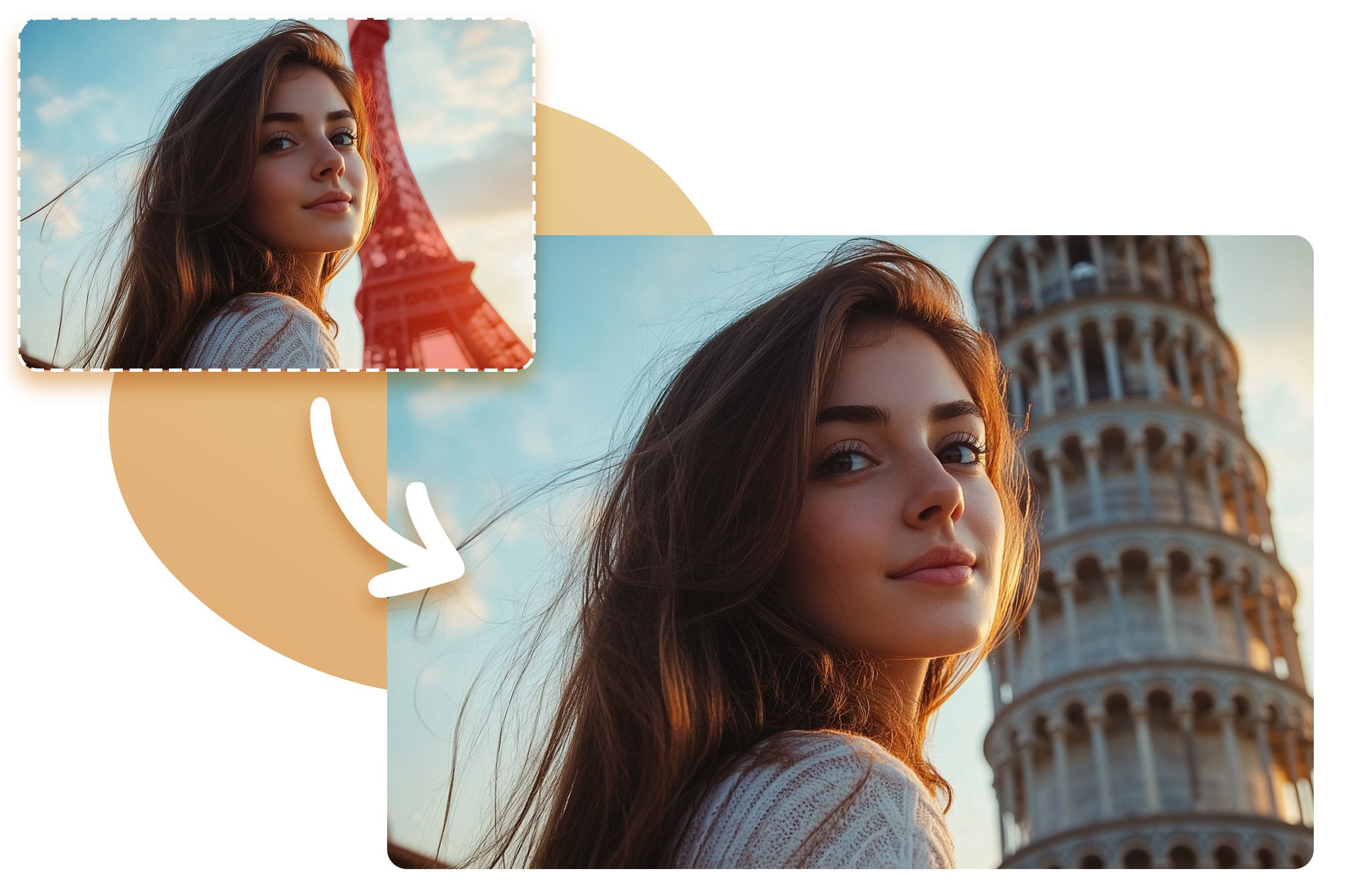
AI image replacement can be playful or practical. For believable results, choose an object that fits the photo angle, lighting, and scale. If the first version looks pasted in, narrow the brush area and make the prompt more concrete.
Related AI Erase, Replace, and Cleanup Tools
How to Erase and Replace an Object with AI

1 Upload the photo

2 Brush over the area to replace

3 Describe the replacement
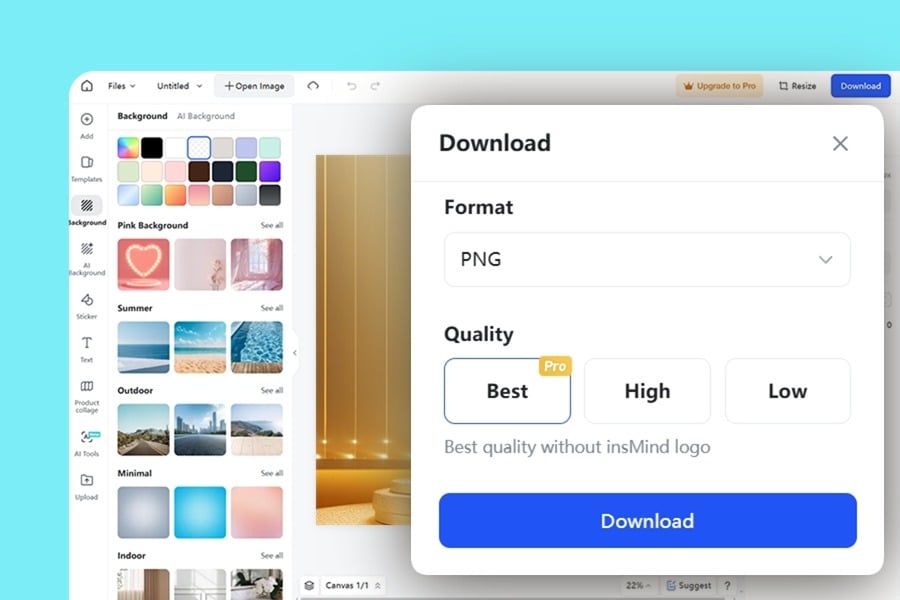
4 Preview and download


Where AI Object Replacer Works Best
The strongest use cases have a clear area to edit and a simple replacement goal. For complex scenes, work in smaller selections and check the result after each change.
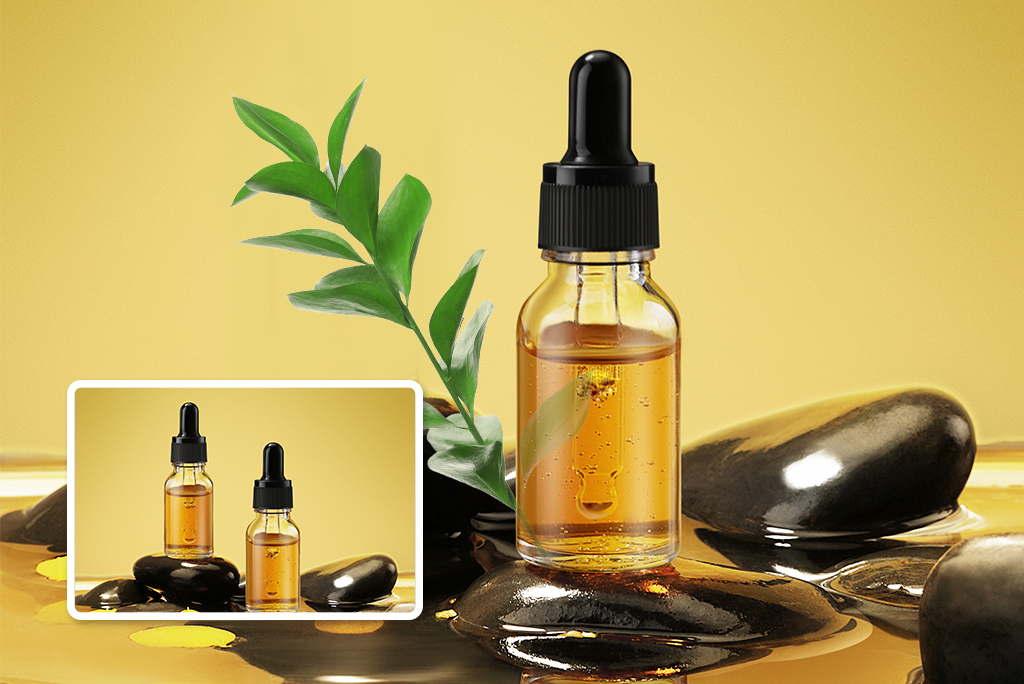
Product Photos
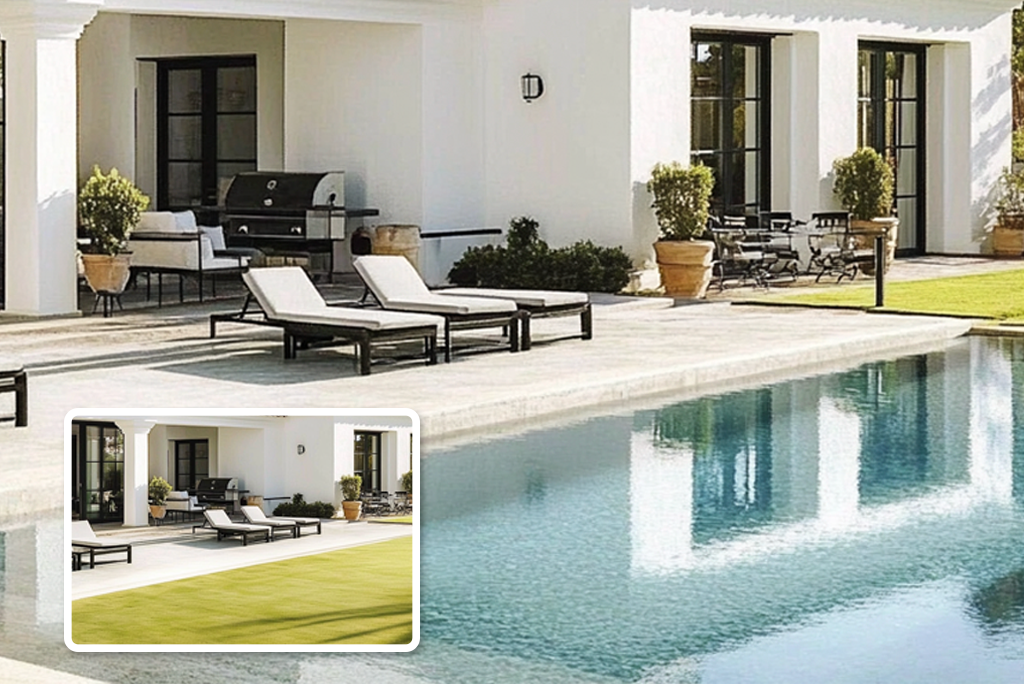
Marketing Visuals
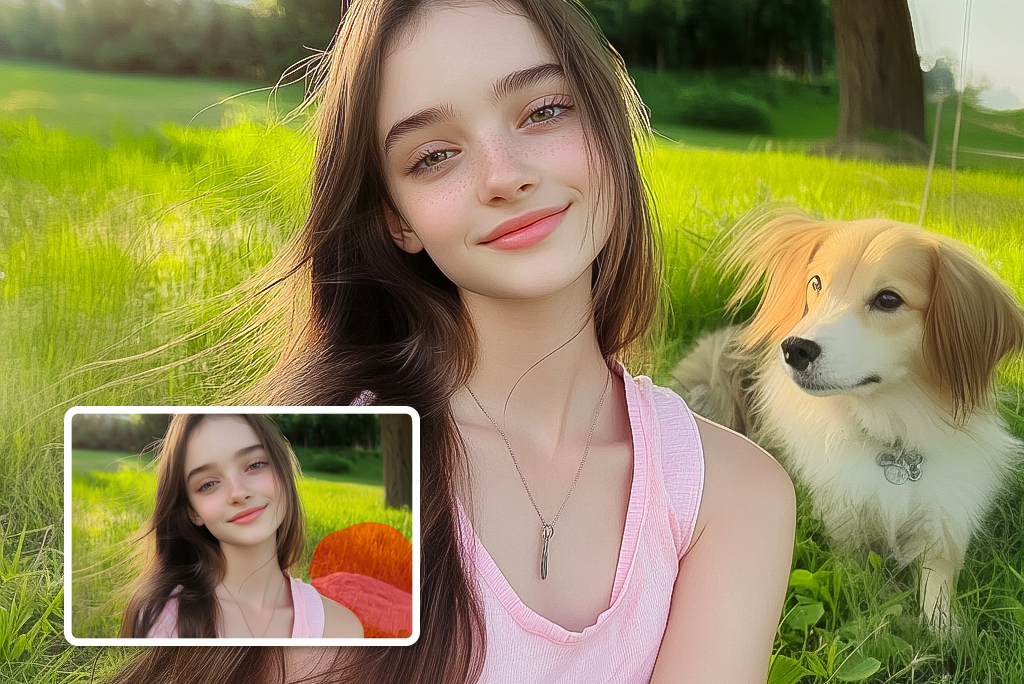
Personal Photos
Why Use insMind AI Image Replacer?

Mask and Prompt Control

Fast Creative Iteration

Works for Practical Fixes and Creative Edits
Frequently Asked Questions
What is AI Replace?


How do I get better AI object replacement results?
Can I use AI Replace for product photos?
Is erase and replace AI the same as object removal?
Can I replace backgrounds with this tool?
More Tools for Removing, Replacing, and Refining Photos
Use these tools when you need cleanup, background edits, expansion, enhancement, or AI-generated image ideas.
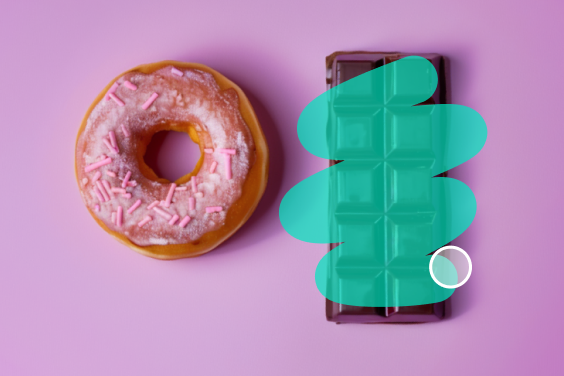
Magic Eraser

Background Remover
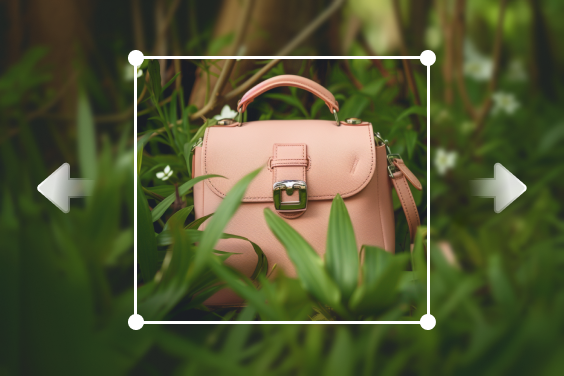
AI Image Expander
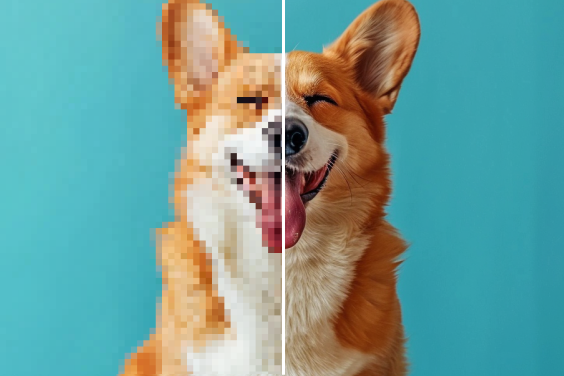
AI Image Enhancer
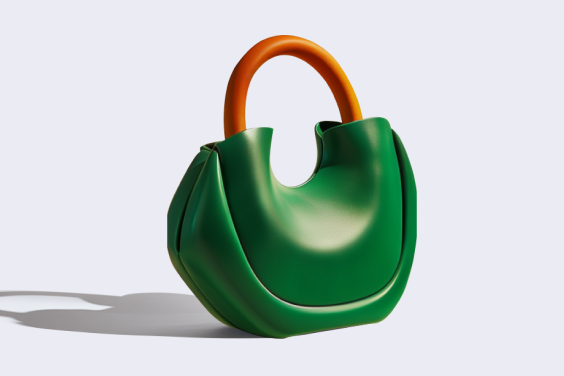
AI Shadows
"This tool is amazing for photography. I was able to replace some distracting objects in my landscape photos with more fitting elements, and the final images looked fantastic. insMind's AI Image Object Replacer has definitely become a staple in my editing toolkit."
@Jacob M