
Change Background Color of Any Photo Online Effortlessly
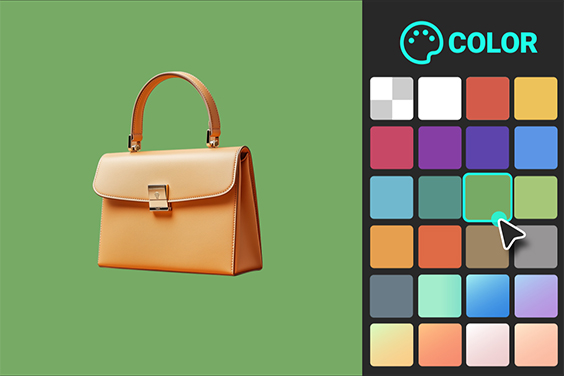





Boost Visual Appeal by Changing Background Color
Using insMind's professional tools, change your image's background color to make your image look visually appealing. Our AI-powered background changer lets you change the background whether you want a white background to get clean product photography or a black background for drama. First, remove the background and then choose any color according to your needs.
Look at the AI Background Generator to use incorporated AI built or custom-made to provide visual flair. For eCommerce, this is a great feature, as it helps users associate product images with branding or platform-related requirements. Your products will stand out, grab attention, increase click-through rates, and boost your visual marketing campaigns on clear, vibrant backgrounds. Background color transformation is a breeze with insMind.

Enjoy Zero Hassle When Changing the Background Color of Photos
insMind will make it easy for you to change the photo background color. You can take away image backgrounds and give them colors that accentuate a subject or suit your branding with a single click. You can customize your photo with solid colors, gradients, or unique patterns.
This is a tool that can be used for personal and professional use such as changing the color of the background of a picture for social media or making the images look perfect on websites. No matter how much black goes white or how many bright colors get added, the process is all quick and straightforward.
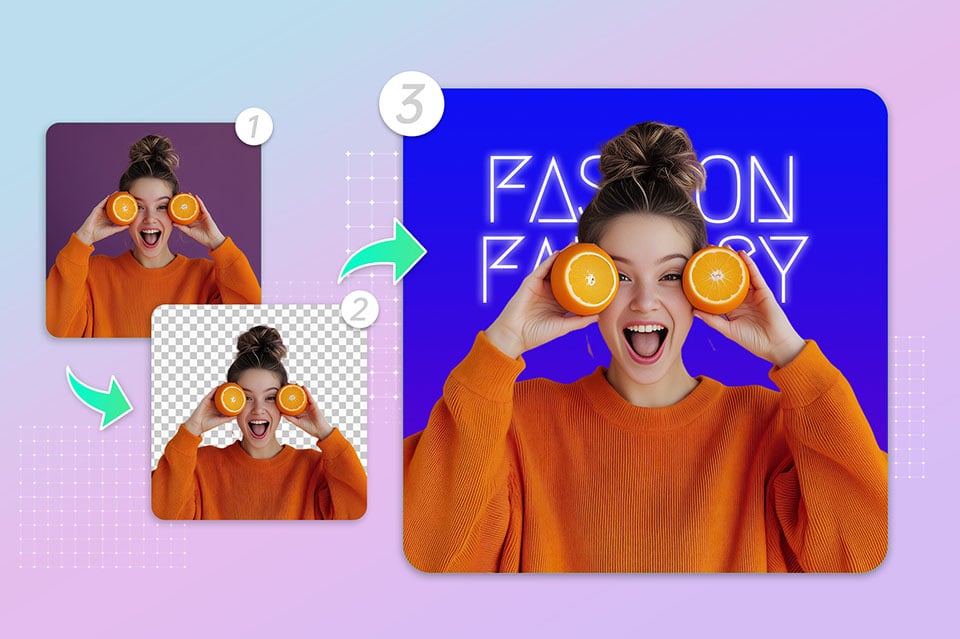
Customize Background Colors for Portraits, Graphics, and More
Change the background colors of portraits, text-based images, or creative graphics to enhance. Crop, rotate, flip, resize images on insMind, and be sure that you have grated and refined every bit of your image. The AI Magic Eraser method lets you make fine adjustments to your photo giving them a nice, professional finish.
In addition, if you enjoy adding text to your images, or else elements over your photos you can customize the background for this. The tool offers endless possibilities whether you need to work on presentation graphics, social media banners, or professional portraits. It's never been easier to adjust the backdrop color to match your vision.

Explore Perfect Backgrounds for Every Occasion
You can customize your image background color as per any required need. insMind's tools are used to focus on the background for official identification photos to make them more professional. Tweak the colors to fit campaign themes and use them for marketing purposes such as Instagram posts, Facebook ads, and email graphics.
It also allows the creation of personalized profile pictures or the addition of vibrant backgrounds to social content. As shown by insMind, elevating the color of your background within your photo makes your time and effort a lot more professional and appealing, regardless of the level of preciseness needed.
Explore More Background Color Changer Features
How to change the image background color?

1 Access insMind Background Color Changer

2 Upload Your Photo

3 Change the background color

4 Download designs


All-in-one Image Background Changing Solution for All Your Needs
Drag and drop photo backgrounds to modify them fast and easily for any use, from highlighting a product in the photo to personalizing it for social media. Get vibrant professional results in seconds.
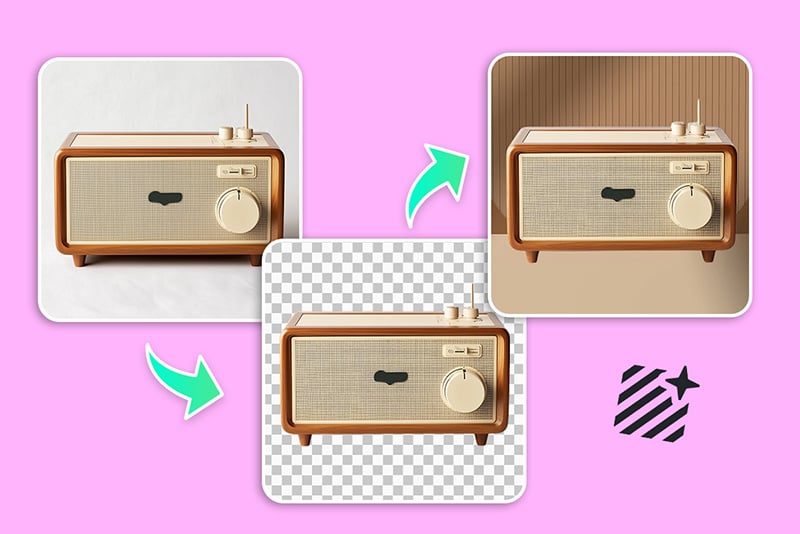
Product Photography Enhancement
When you replace cluttered backgrounds with clean, solid colors, your product photos will start to make an impact. Perfect to be used on eCommerce platforms.
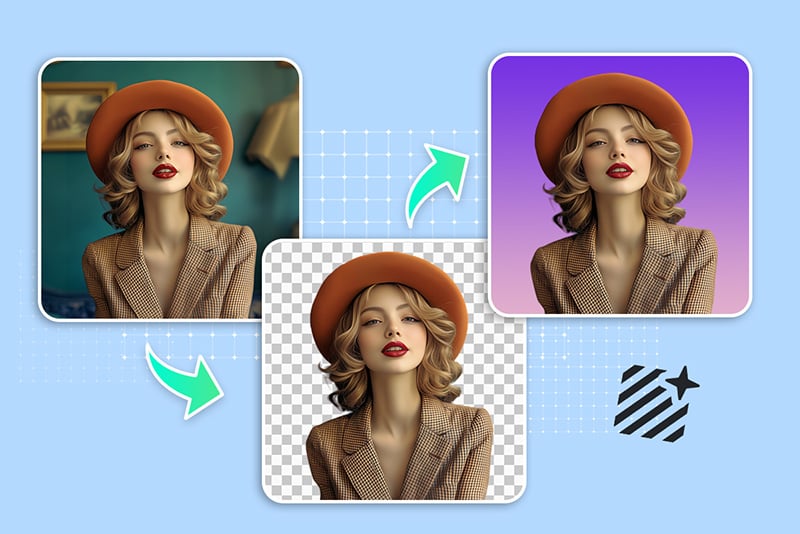
Social Media Content Creation
Add background customization to your brand colors, to ensure coherence and professionalism on Instagram, Facebook, or LinkedIn.
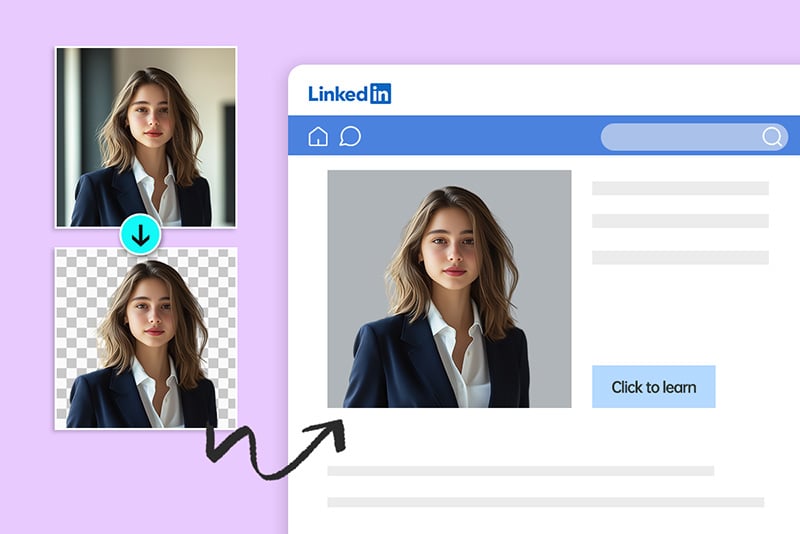
Profile Picture Personalization
You can edit the background of your profile photo to suit professional and creative use from LinkedIn to personal blogs making it suitable for use in either one or the other.
Why Choose insMind Background Color Changer?

AI-Powered Precision
With high accuracy and minimal effort, automate background changes. No need to do anything manually and no need to worry about the results either.

Effortless Customization
Enjoy easy-to-use tools to change image background colors in seconds. Now there is no need to go through extensive and steep learning curves to customize your images.

Wide Range of Customization Options
Solid, gradient, or AI-enhanced backgrounds to choose from for various projects.
Freguently Asked Questions
Can I change the background color of any type of image?


Is it free to change the background color?
How to change the background color from black to white?
What is the best tool to change the background color of the photo?
Can I add a new background with the background color changer?
You might be interested in
Make your pictures pop with creative AI tools you can explore during a free trial.

AI Background

Smart Resize

AI Expand

AI Image Enhancer

AI Filter

AI Shadows

“I owe this tool hours of saved time as I worked through the images for our ad campaign.”
@Mark