
AI 360° Rotation Video Generator from One Image
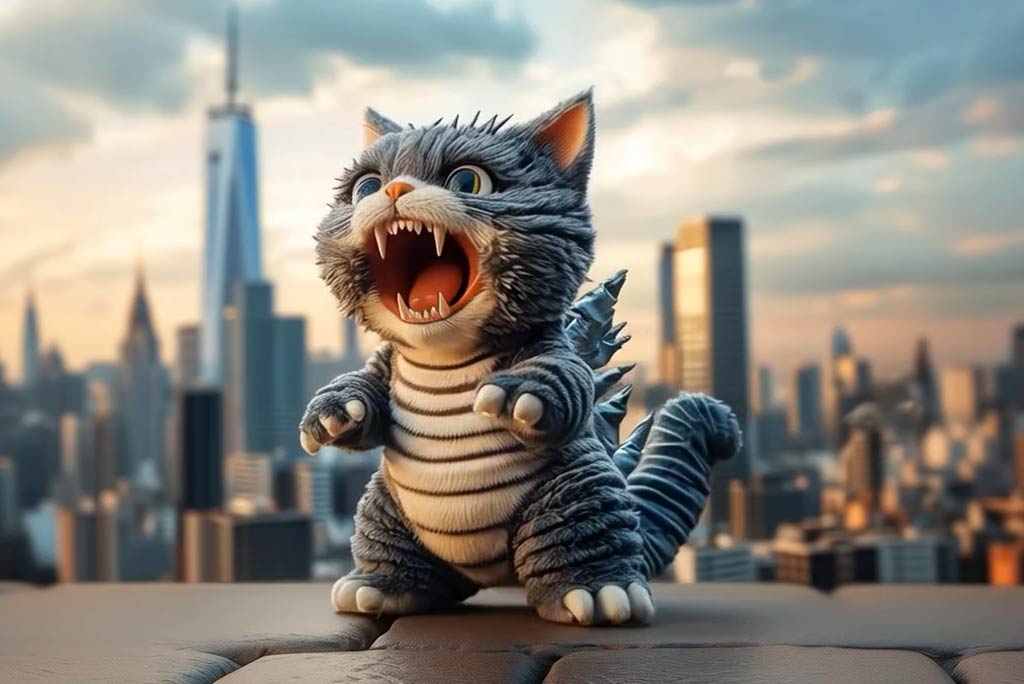
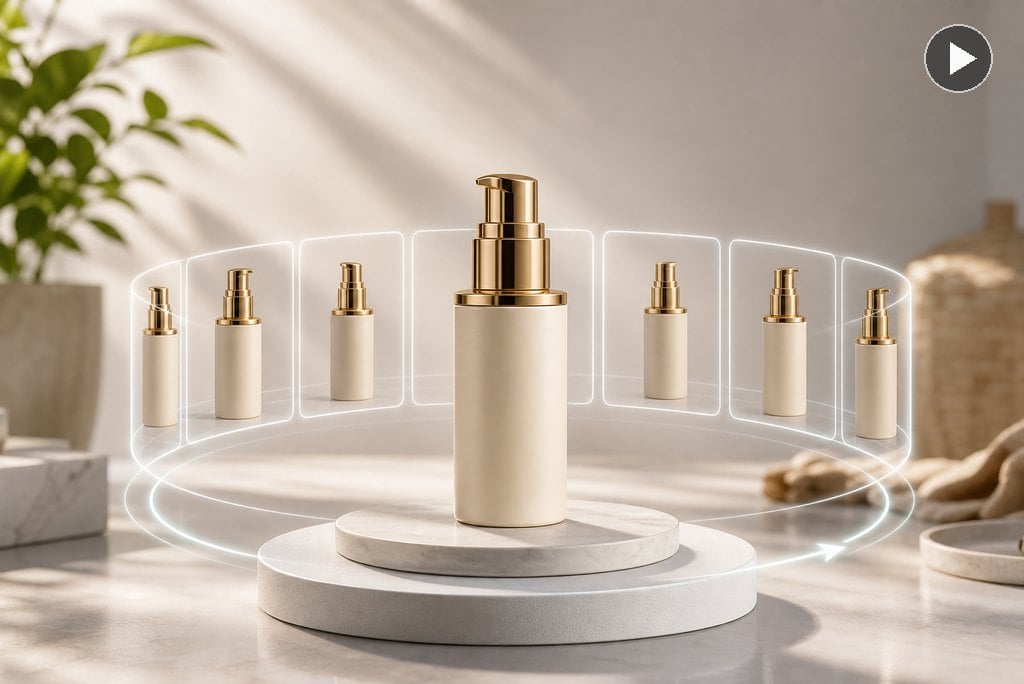
Create 360° Spin Videos from One Image
Upload a clear product, object, artwork, or character image and turn it into a smooth 360° rotation video. AI adds polished motion so a flat image feels ready for product pages, ads, and visual showcases.
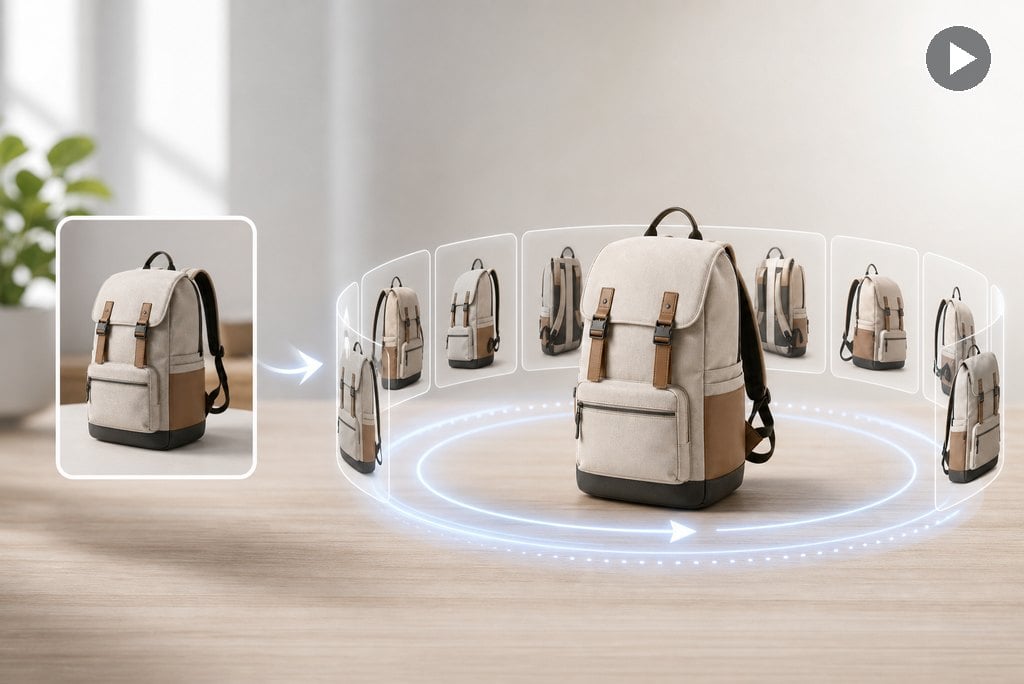
No Turntable, Camera Rig, or 3D Model Needed
Skip physical product shoots and manual animation. insMind simulates the spin effect from one image, helping sellers and creators make clean rotation clips without extra equipment.
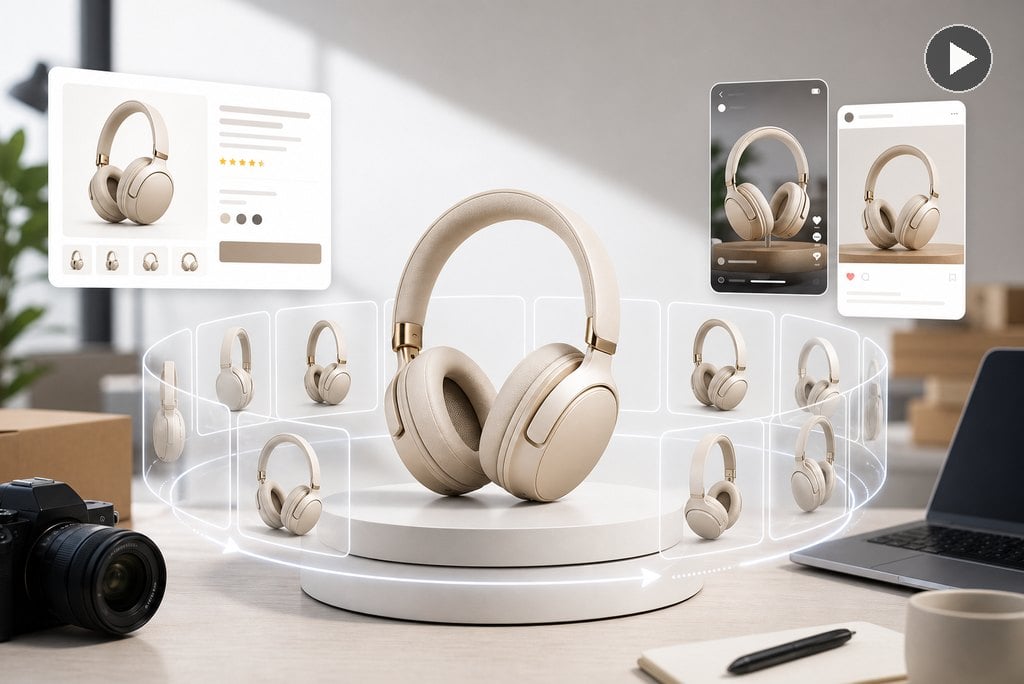
Ready for Product Pages and Social Reels
Use the generated spin video for e-commerce listings, launch pages, ads, TikTok, Reels, Shorts, and campaign teasers. The motion helps viewers understand the product faster than a static image.
How to Create a 360° Rotation Video from One Image
Step 1: Upload a product or object photo
Upload a high-quality photo of your subject, whether it's a product or a portrait, or anything else you'd like to rotate smoothly.
Step 2: Choose the Spin360 effect
Select the "Spin360" effect from the list of video effects, as it gives you a clean and professional spin that represents a full circle well.
Step 3: Generate the rotation video
Let the AI do the magic. You hit the Generate button, and in a few seconds, you will have a professional 360-degree rotation video from your image.
Step 4: Download for product pages or social posts
Once the video is ready, download the high resolution video and show it off on your website, e-commerce platform, or social media for instant attention.
Explore More Spin AI Video Effect Features
Create 360° Product Videos and Smooth Spin Showcases
Turn one image into a professional 360° rotation video for products, design work, furniture, characters, and social content.
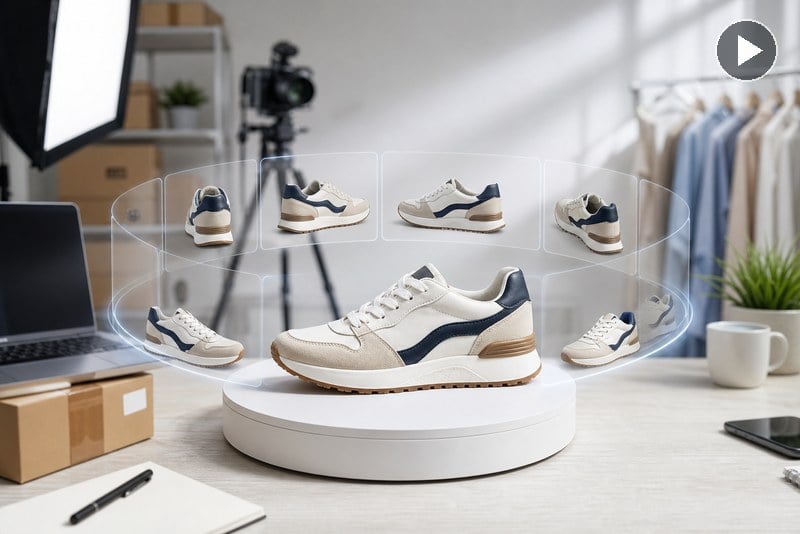
E-commerce sellers
Create smooth 360 rotation videos for Amazon, eBay, Shopify, product pages, and ads so shoppers can inspect more angles from one product image. Start with clean AI product photos when your source image needs a more polished look.
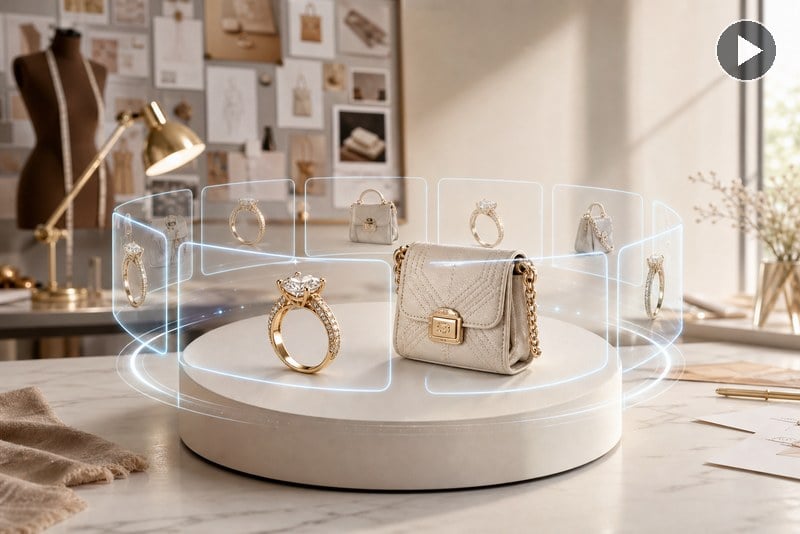
Jewelry and fashion designers
Show rings, watches, handbags, shoes, clothing, and accessories with polished spin motion that feels more premium than a static product photo. For store-ready edits before creating the spin, use the e-commerce photo editor to clean up product visuals.
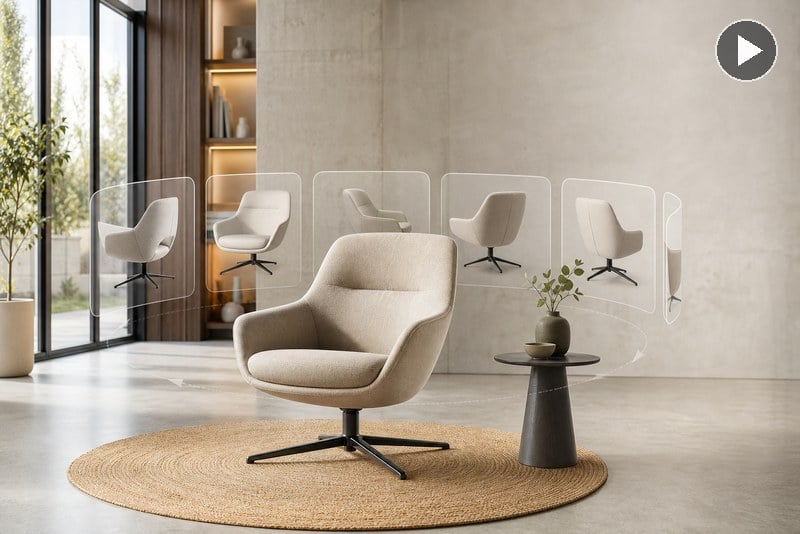
Furniture and interior display
Turn furniture, decor, and room objects into clean rotation videos so viewers can understand shape, volume, and style before they buy or approve a design.
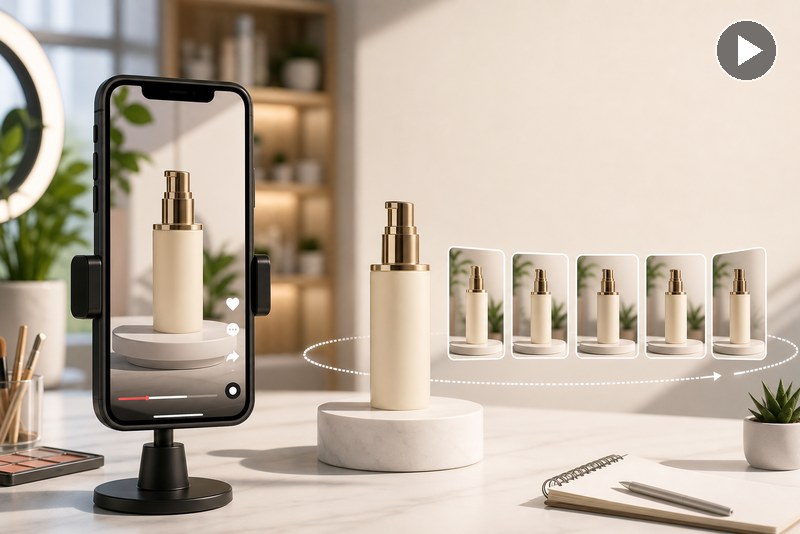
Social media product reels
Make short product spin clips for TikTok, Reels, Shorts, launches, and campaign teasers from a single image without a turntable or 3D model. For broader photo animation beyond spin showcases, try the image to video workflow.
What Users Say About AI 360° Rotation Video Generator
Why Use insMind AI 360° Rotation Video Generator?

Create 360° Rotation from One Image
Turn a single product photo, object image, portrait, or artwork into a smooth 360° spin video with AI.

Made for Product and E-Commerce Videos
Create clean rotation clips for Amazon, eBay, Shopify, websites, ads, and social product showcases.

No Turntable or 3D Model Needed
Generate a polished spin effect without studio equipment, manual keyframes, or 3D modeling software.
If the goal is a playful social trend rather than a product showcase, use the microwave AI filter to make a faster, meme-style spin.
FAQs About AI 360° Rotation Video Generator
Can I create a 360 rotation video from one photo?


Is it good for product videos and e-commerce?
Do I need a 3D model or camera rig?
What images work best for 360° rotation?
Can I use the 360° spin video on Amazon, eBay, or Shopify?
How is AI 360 rotation different from the microwave AI filter?
More AI Video Effects to Try

AI Inflate Video Effect

AI Squish Video Effect
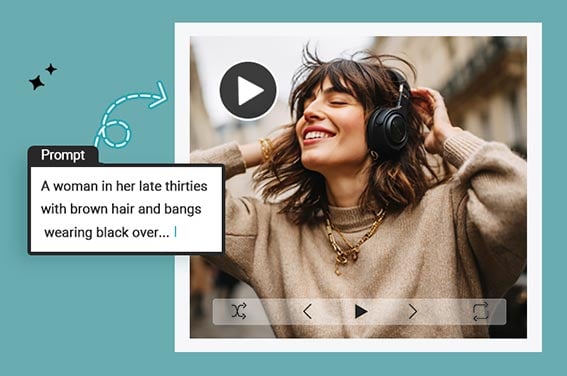
Text To Video Generator
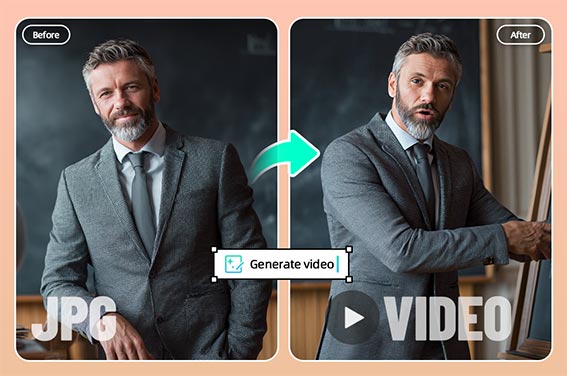
Photo to Video
AI Logo Animator

AI Face Animator
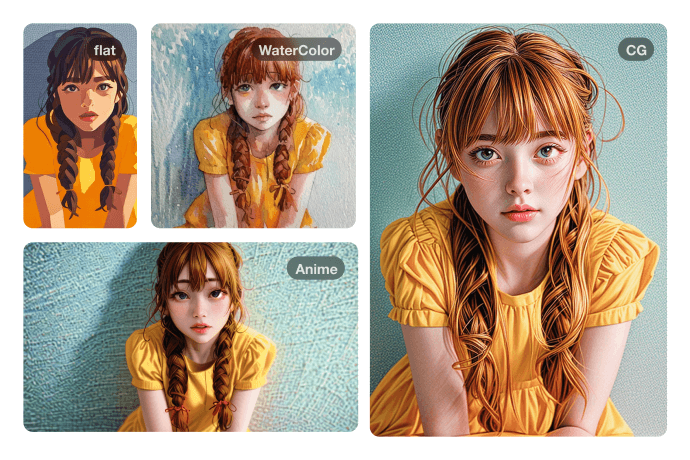
Ghibli AI Video Maker
AI Dance Generator
"As a small business owner, this tool helped me showcase my products more effectively. The smooth rotation instantly grabs customer attention."
@Vanessa L.