
AI Age Filter Online: See Your Older or Younger Self
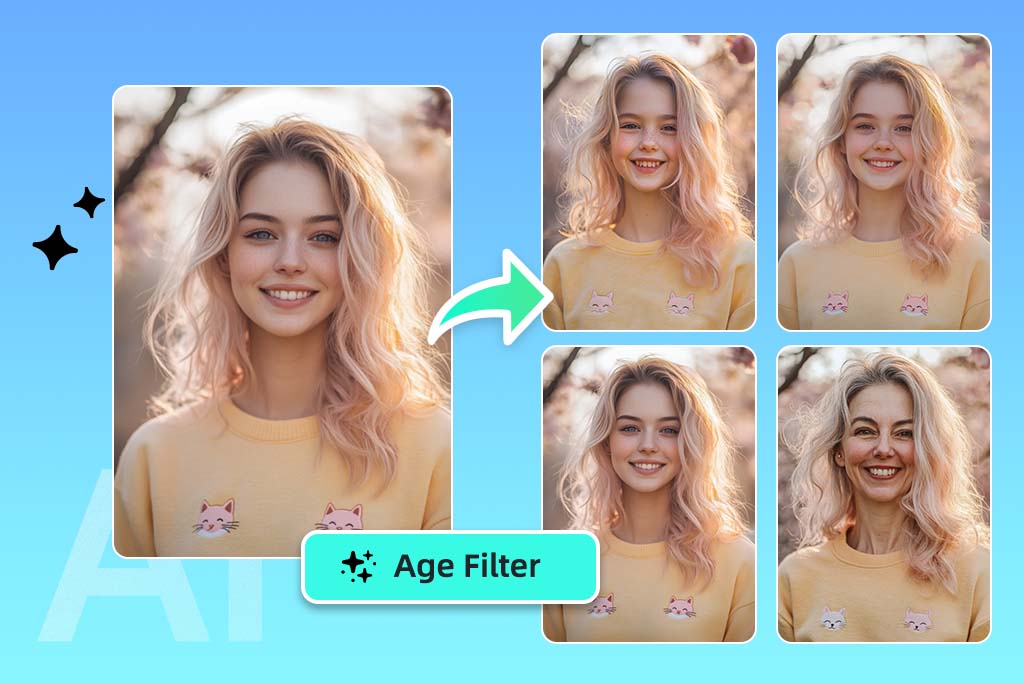
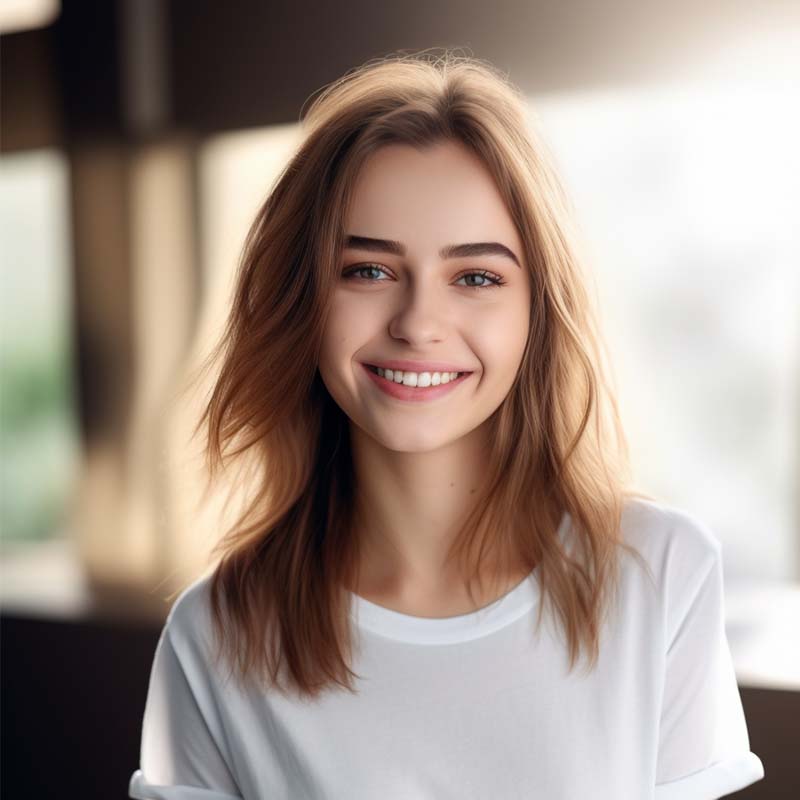
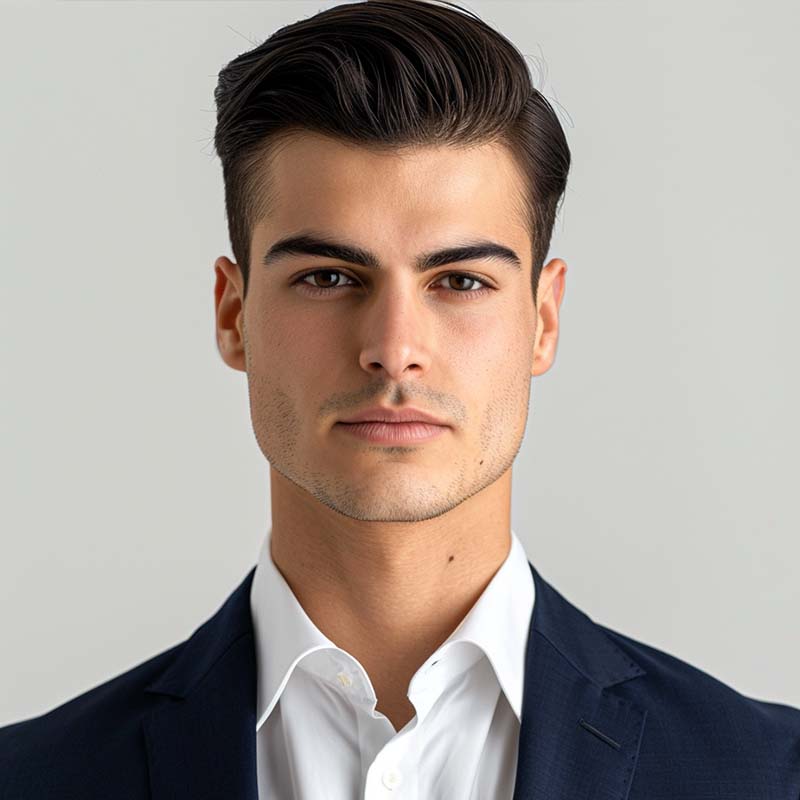
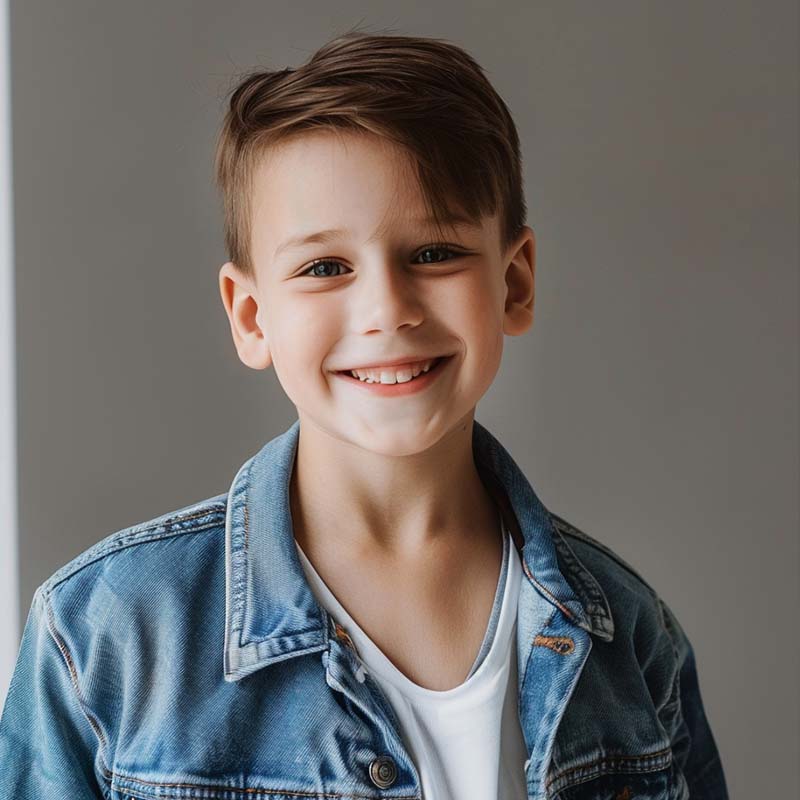
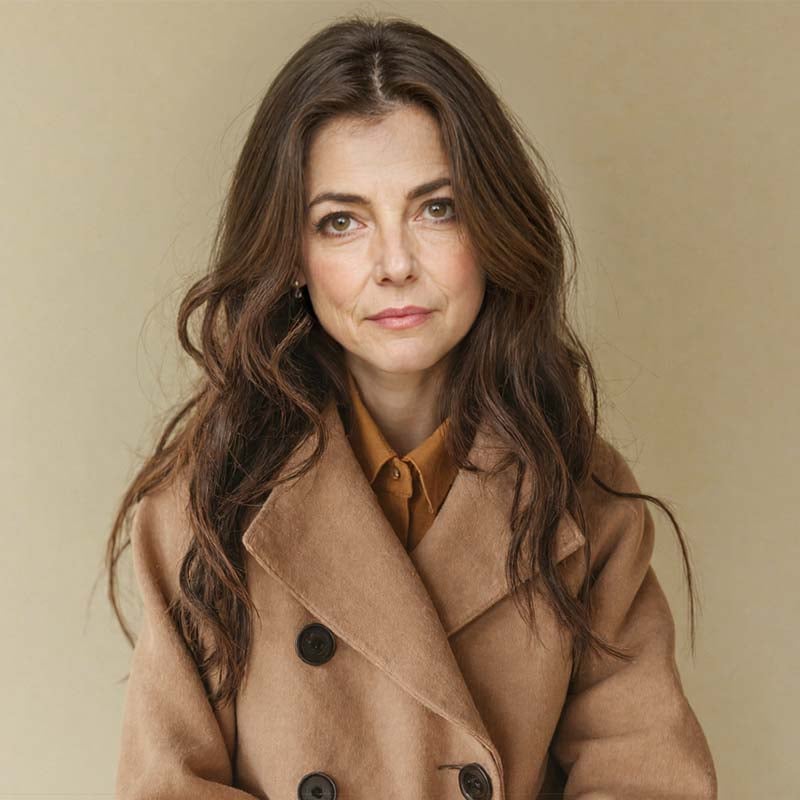
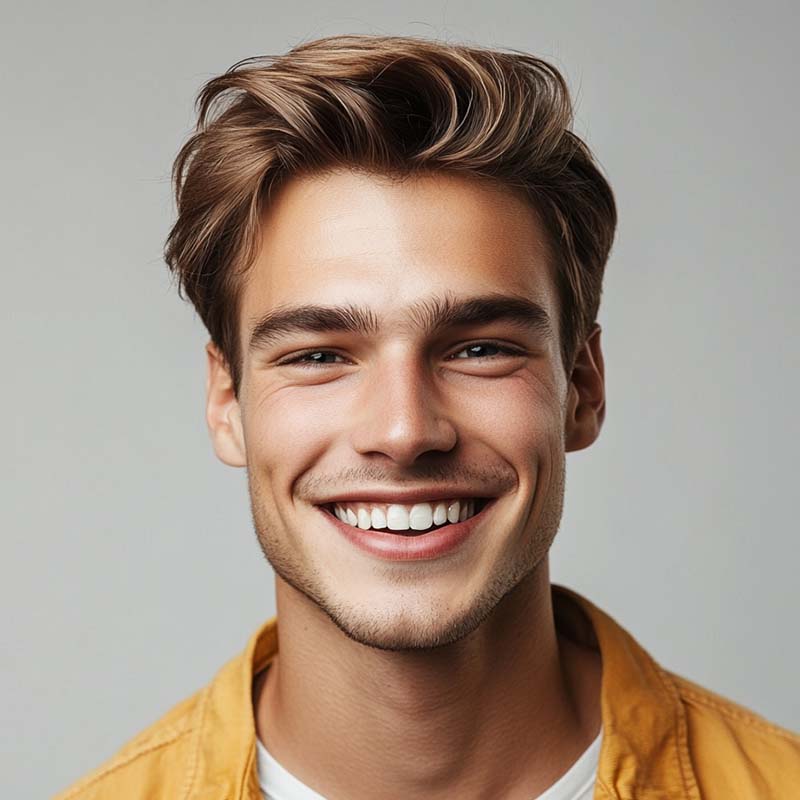
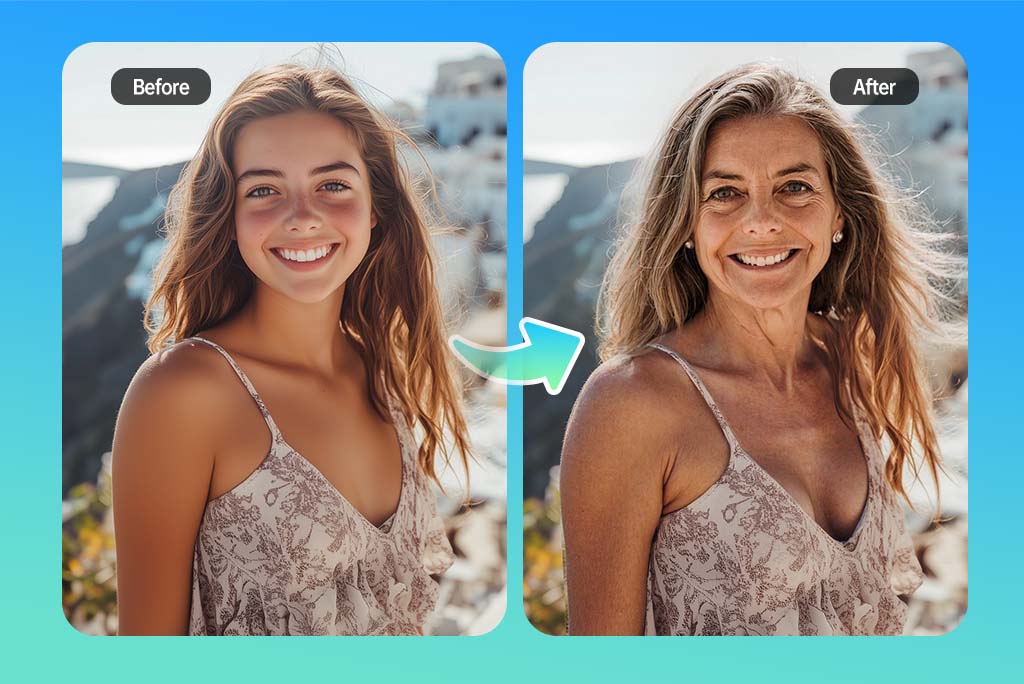
See Your Future Self with an AI Age Filter
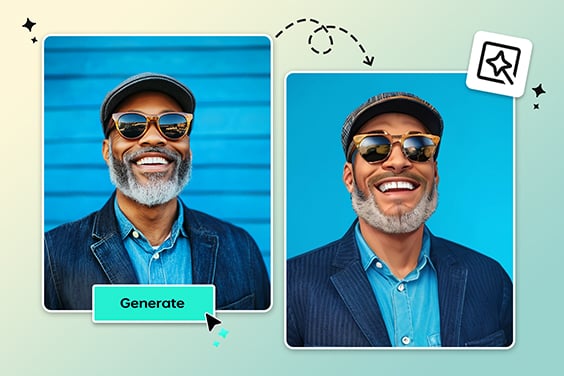
Wondering what you might look like years from now? Upload a portrait and use the AI age filter to create an older or younger version of the same face. It is useful for social posts, profile ideas, creative projects, or simply satisfying the question: what will I look like when I'm older?
The result is a visual age effect, not a real prediction. For the best face aging result, start with a front-facing photo where the eyes, mouth, and hairline are easy to see.
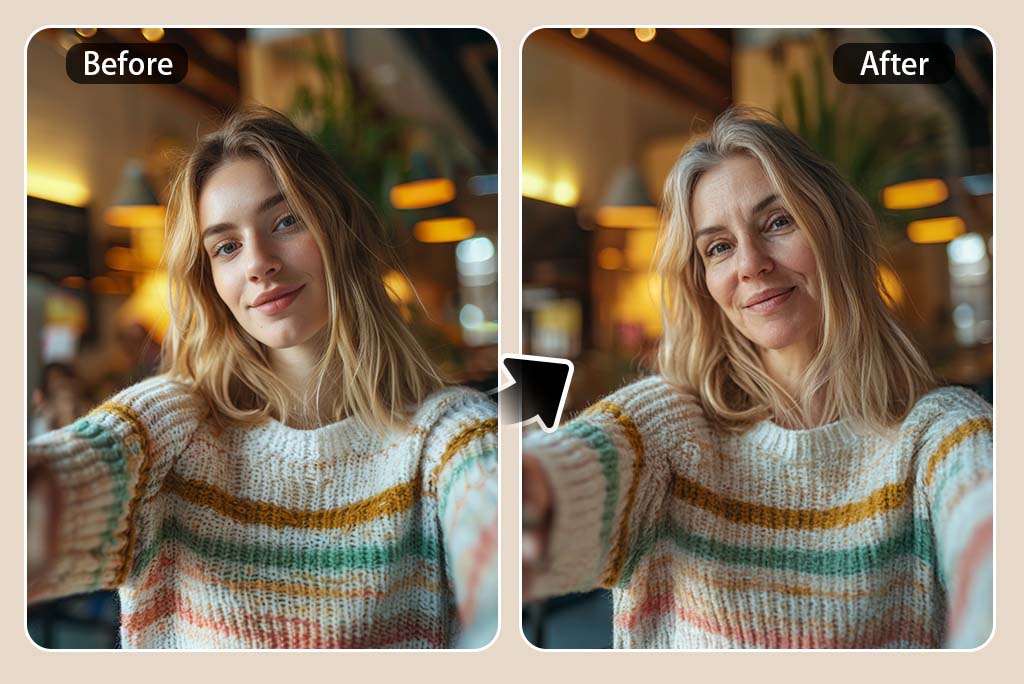
Preview Age Progression from Child to Adult
Age progression works best when the face is clear and not covered by sunglasses, heavy shadows, or large accessories. If you only want an elderly look, try the focused old age filter. For broader age progression, choose an age stage, generate a preview, and compare how the face shape, skin texture, and hair details change.
Use it for a quick future-self preview, a family comparison, or a creative portrait idea. The clearer the original photo is, the easier it is for the age progression effect to keep the person recognizable.
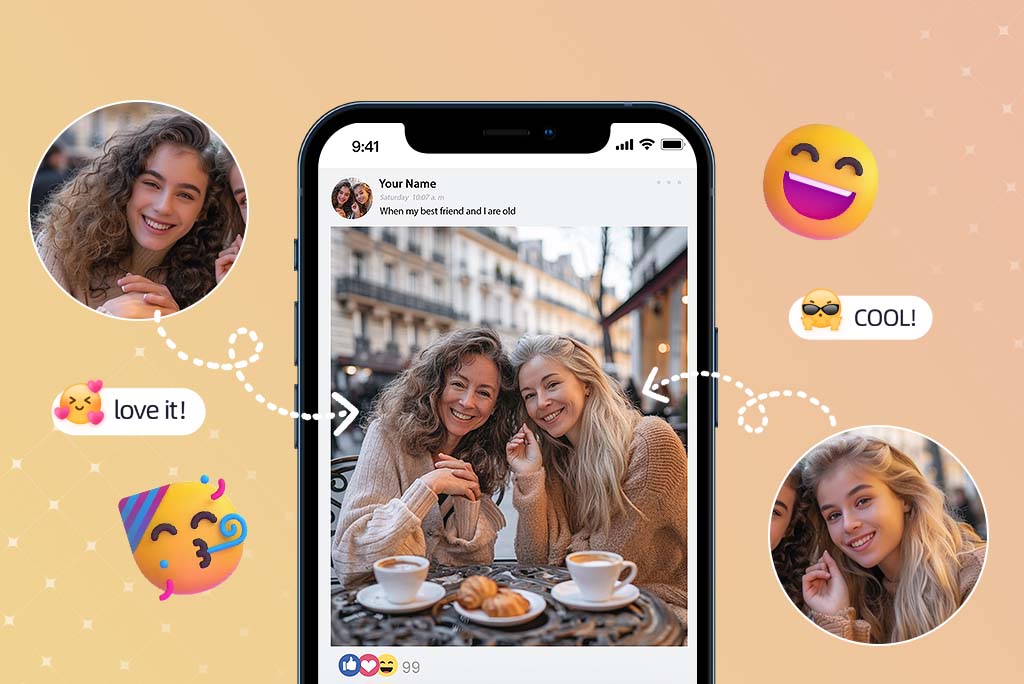
Try an Aging Filter for Fun Face Edits
Use the aging filter when you want a quick old-age look for a joke, a trend, or a before-and-after post. You can age a photo without opening a complex editor, then download the image and decide whether it needs extra retouching.
It also works as a simple face ager or photo ager when you want to test an older look from one portrait. Start with a natural expression and good lighting for a cleaner result.
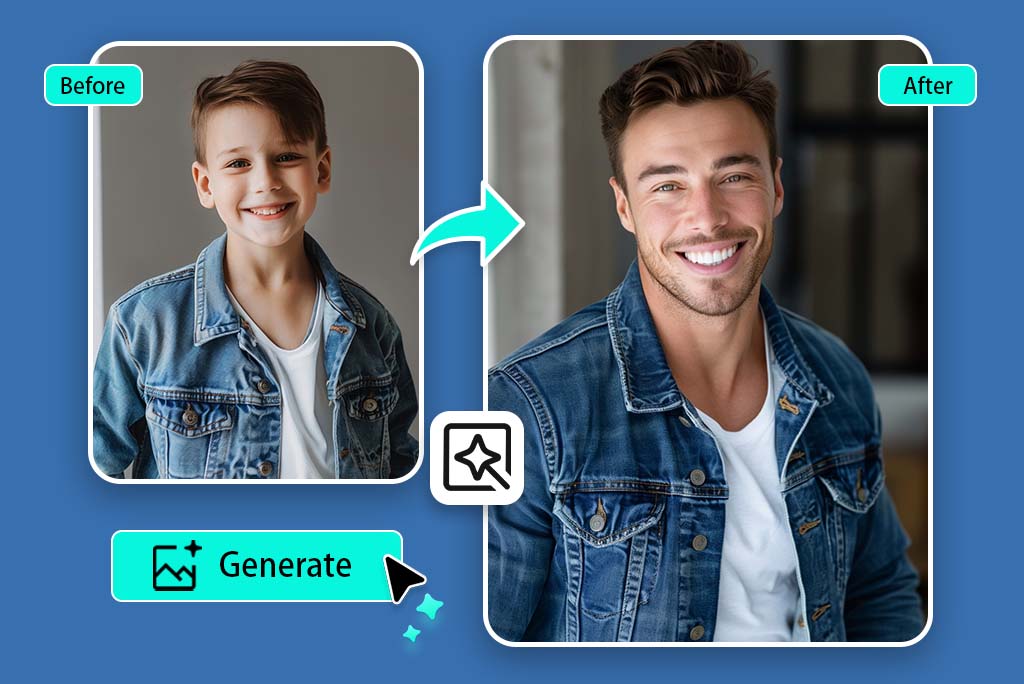
Try the Age Filter Online to Age My Child's Photo
Parents often search this page because they want to see a playful child-to-adult preview. Upload a child photo, choose an older age style, and generate a version that imagines how the face could look later.
Keep the wording careful: this is an AI photo effect for fun, not a scientific forecast of how a child will actually grow up.
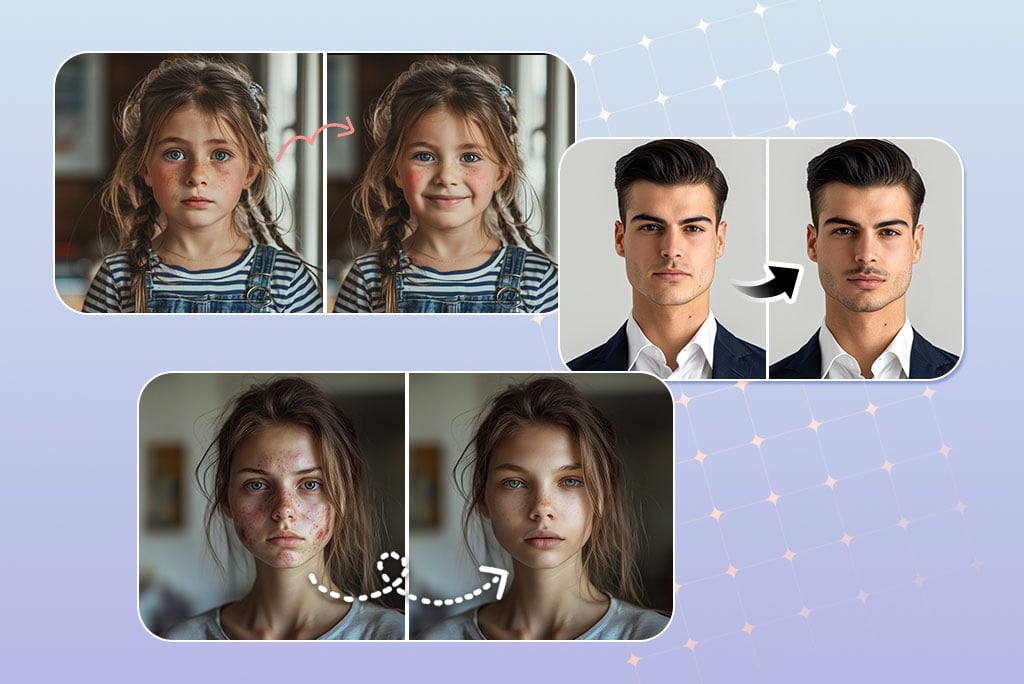
Use insMind for More Than Just AI Age Filter
After trying the age filter, you can keep editing the portrait with related face tools. Add a smile, test a beard, or try another AI filter for a different style.
Explore More Age Filter Features
How to Use the AI Age Filter Online
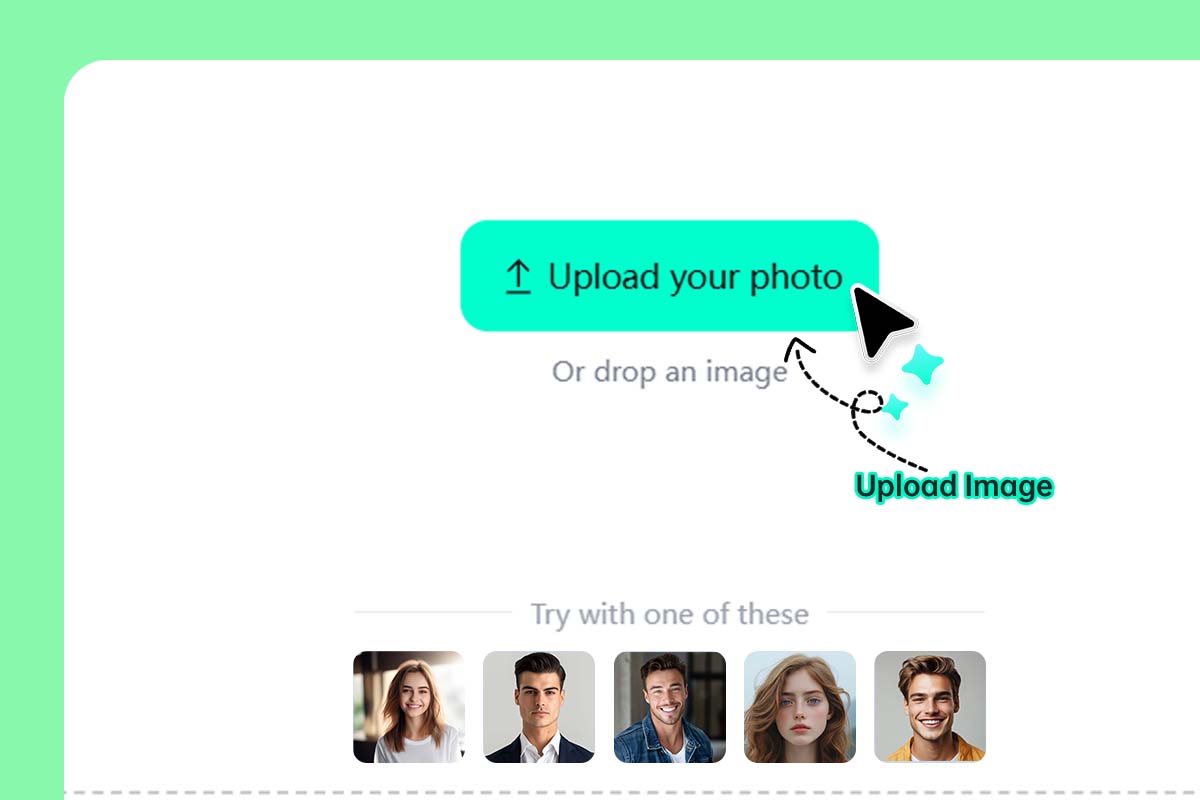
1 Upload a clear face photo
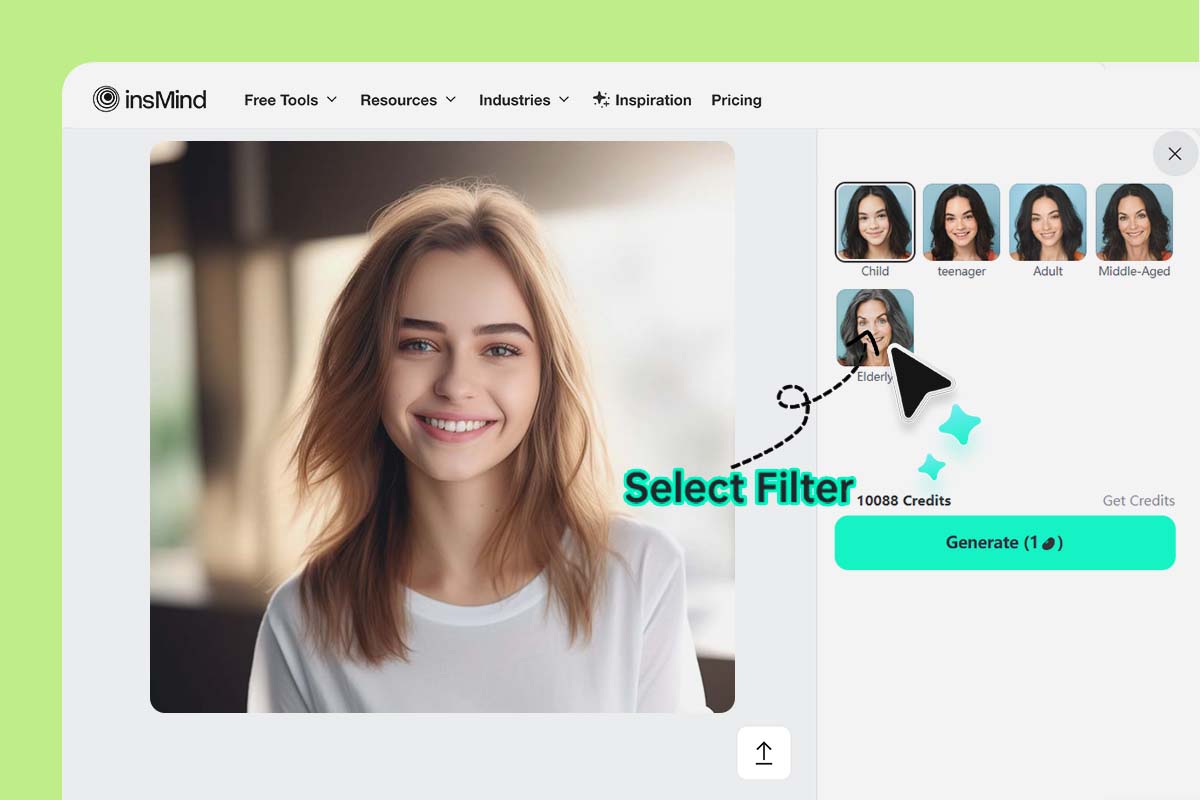
2 Choose an age style
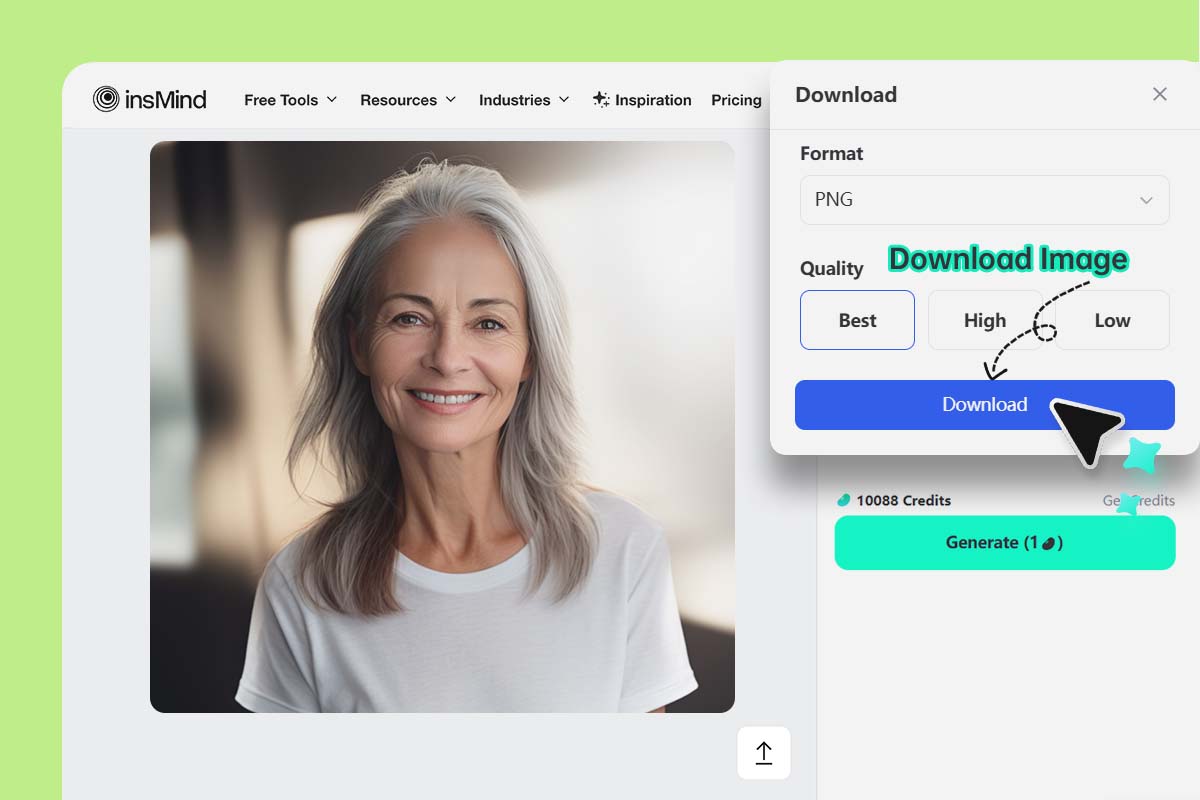
3 Generate, preview, and download
AI Age Filter for Realistic Age Transformation Effects
Try older, younger, and age progression looks from one uploaded photo.
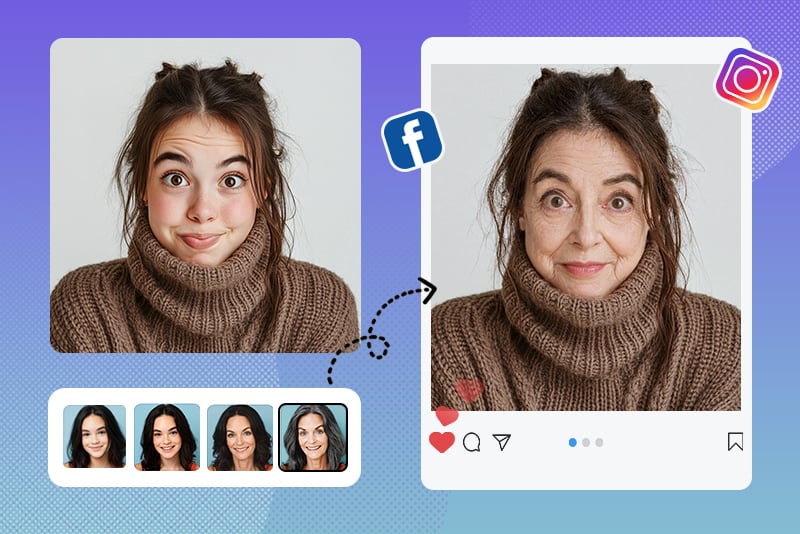
Aging Filter for Social Media Fun
Create an older or younger version of your face for a trend, a birthday post, or a quick comparison with friends. The image should still look like you, just shifted into another age range.
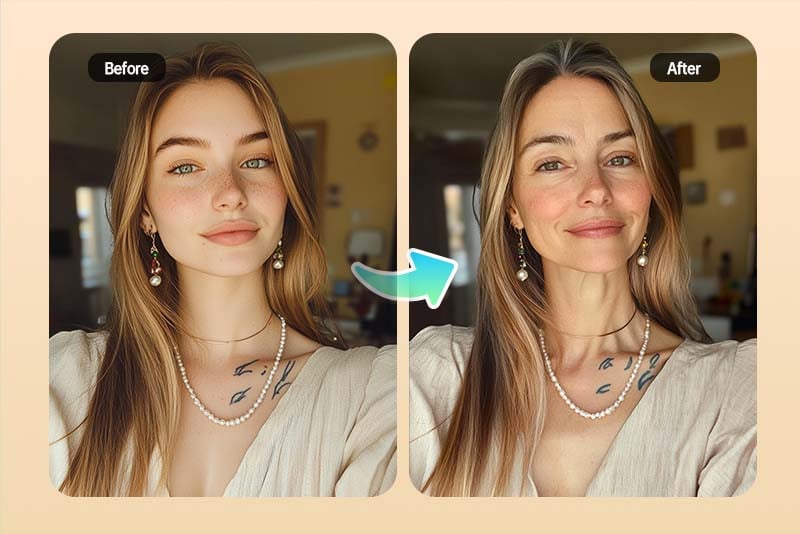
What Will I Look Like When I'm Older?
Use the age progression AI tool when you want a quick visual answer to that question. Upload a current portrait, choose an older age option, and compare the preview with your original photo.
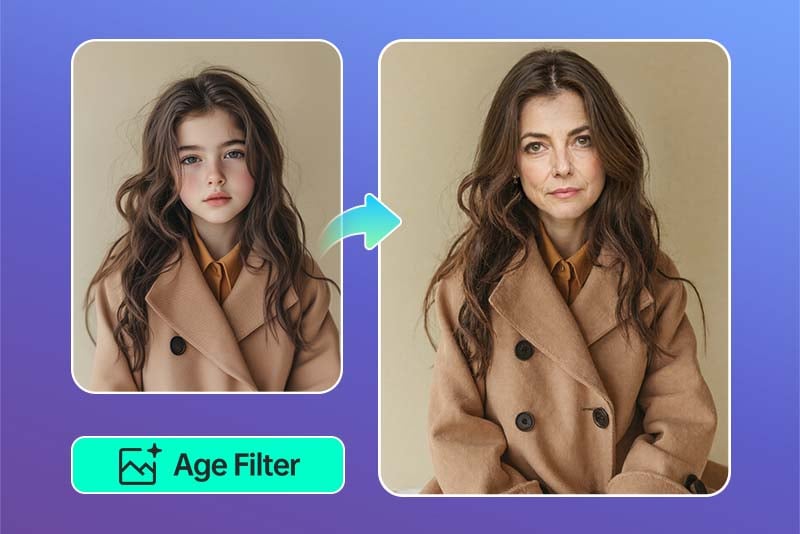
Age My Child Photo Online
Use the child age progression option for a fun future-look preview. This is best for playful family edits, not for serious prediction. A clear solo portrait gives the AI more useful face detail to work with.
Why Choose insMind AI Age Filter?

Realistic Face Aging Effects
insMind changes age-related details such as skin texture, face shape, and hair tone while keeping the person recognizable. The goal is not to make a random old face, but to keep the original portrait's main features.

Simple Online Workflow
You do not need to mask the face by hand. Upload a portrait, choose an age style, generate the preview, and download the version you like.

Multiple Age Options
Try younger, adult, middle-aged, or elderly looks from the same photo. This makes the tool useful for old age filters, age progression ideas, and quick creative face edits.
FAQs About AI Age Filter
How do I use an AI age filter online?


What will I look like when I'm older?
Can I age my child photo free online?
Is this the same as an old age filter?
Can I make my face look younger too?
You might be interested in
Make your pictures pop with creative AI tools you can explore during a free trial.
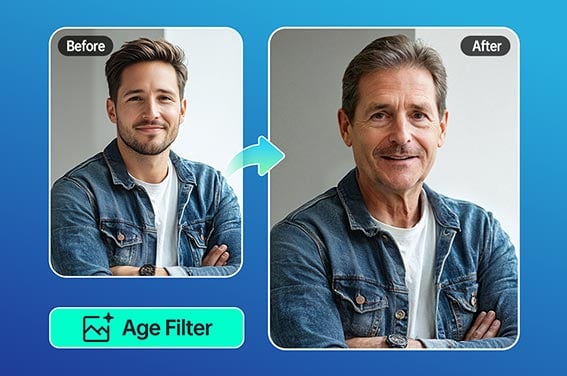
Old Filter
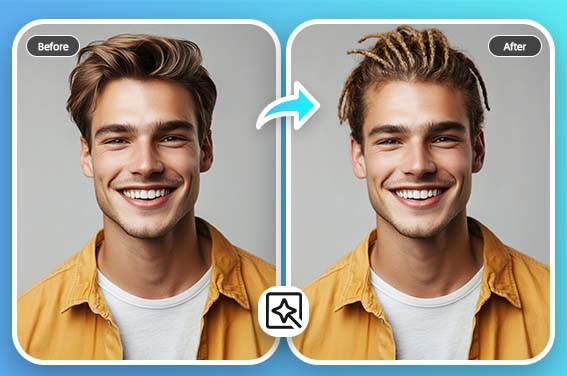
Virtual Hairstyle Try On
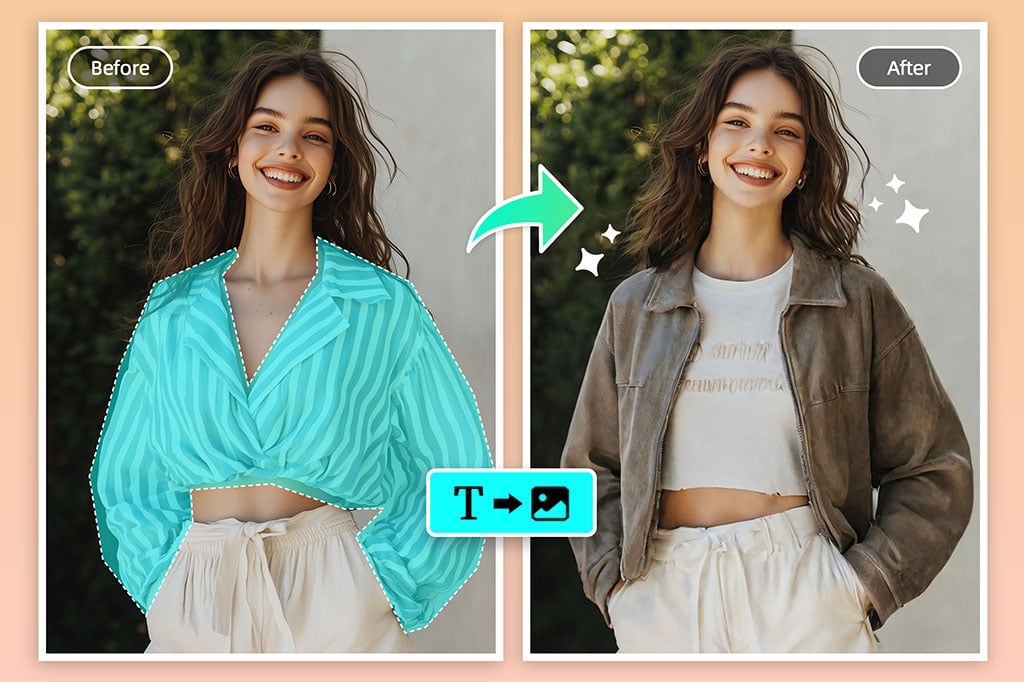
Virtual Try On Clothes
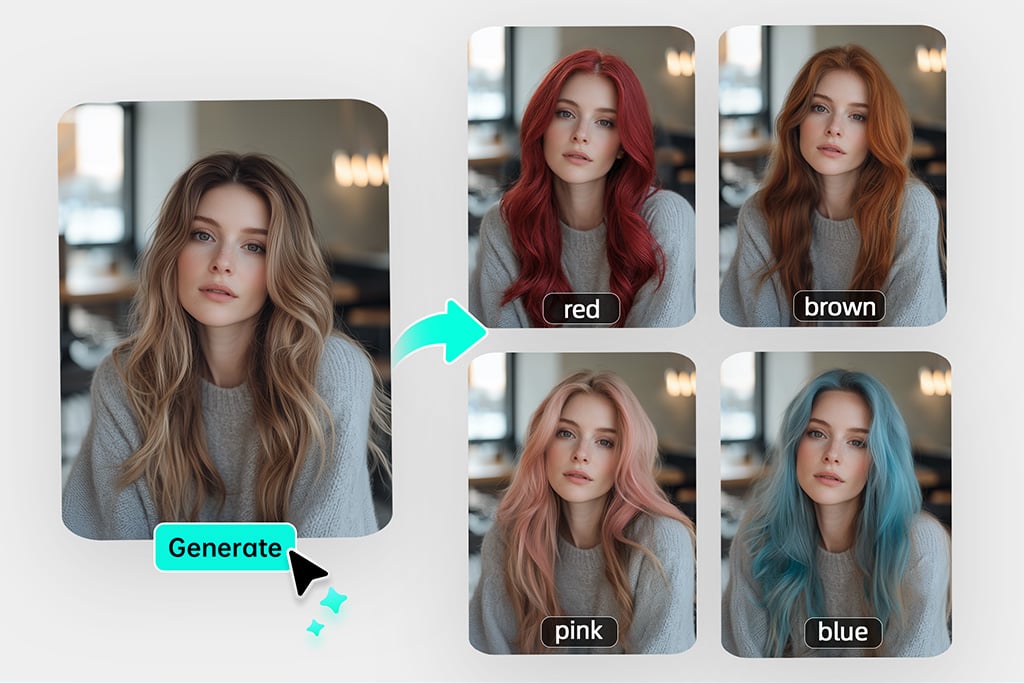
Virtual Hair Color Try On
Photo to Anime
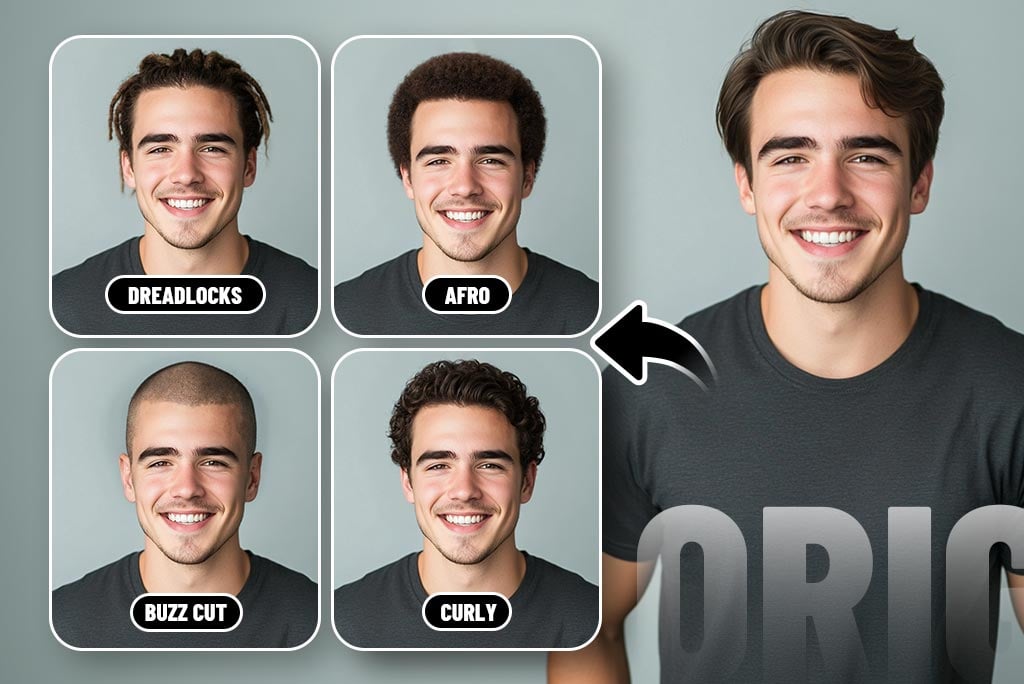
Hairstyle Changer for Men
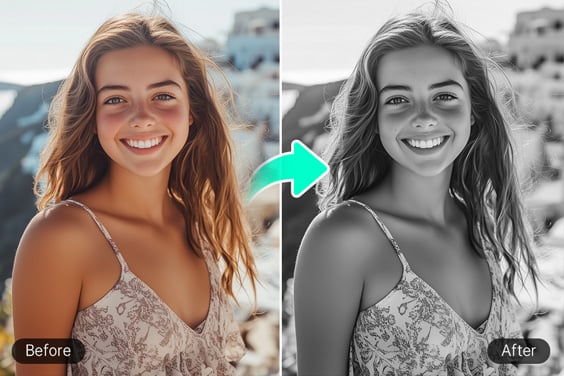
Black and White Filter
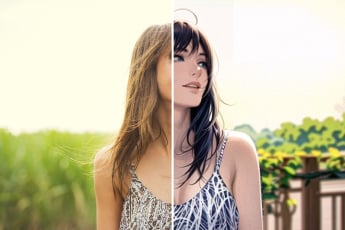
Photo to Anime
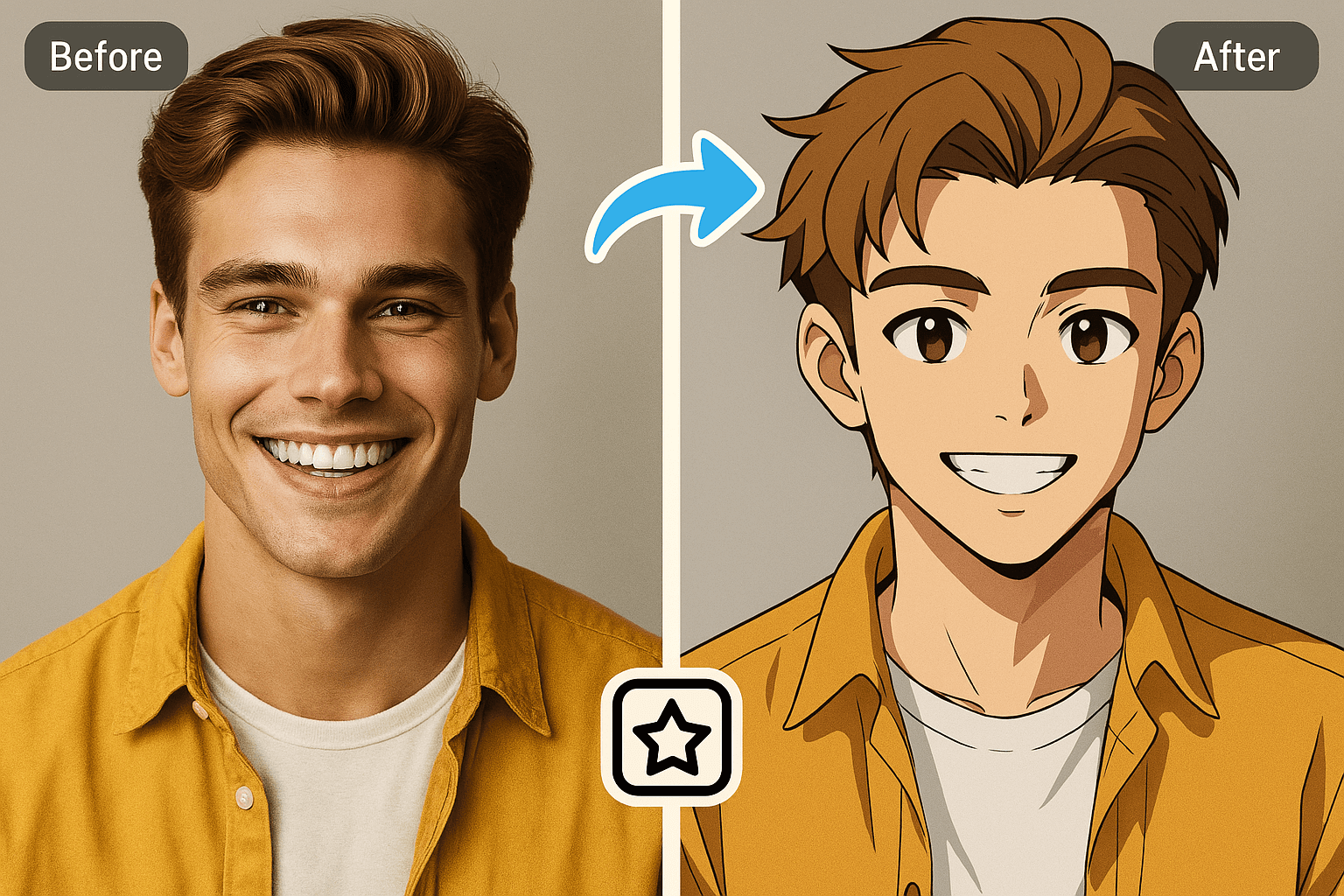
Anime Character Creator
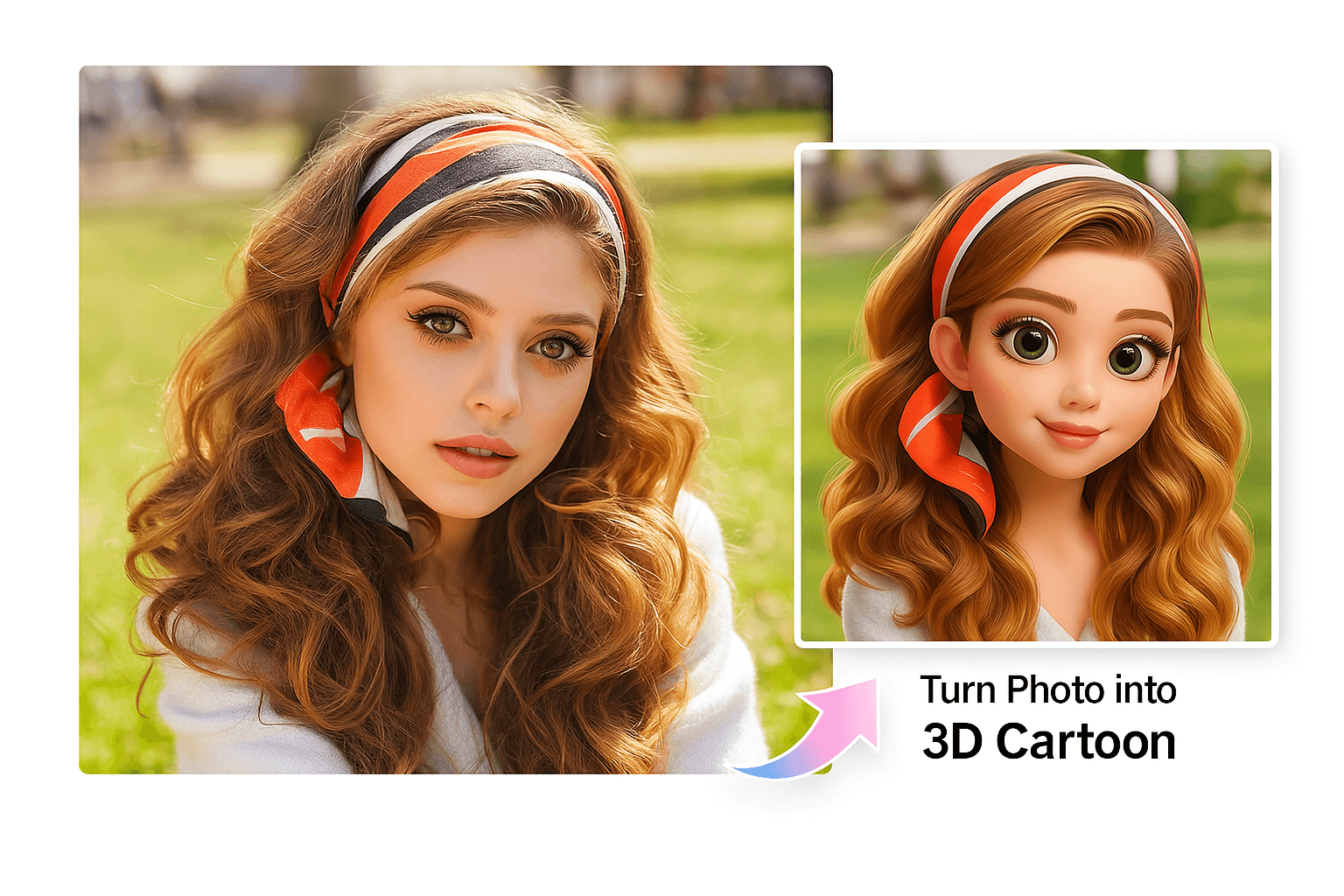
Photo to 3D Cartoon
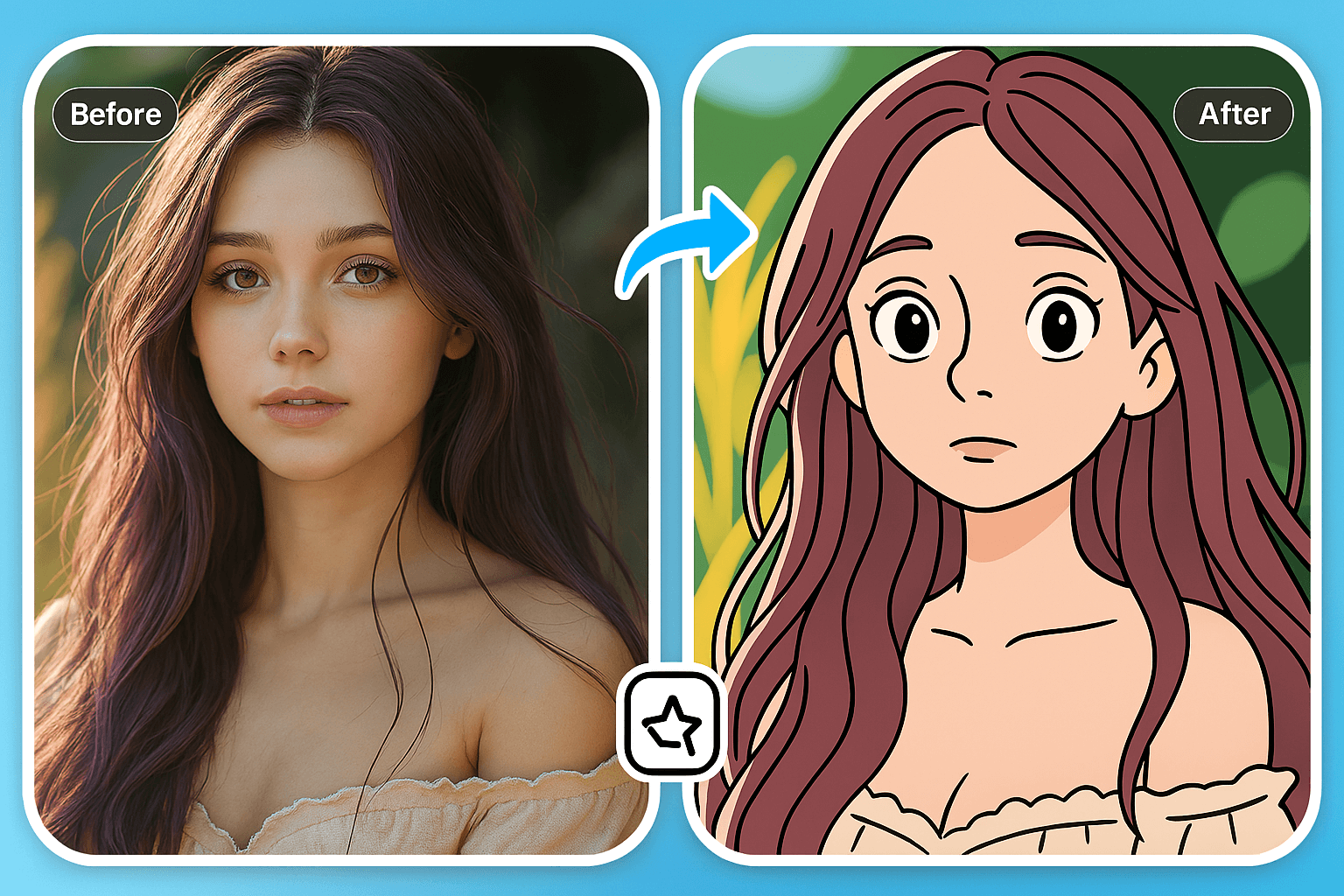
Cartoon Character Maker
"I used it on a family photo to compare different age looks. A front-facing picture gave me the best result."
@Tonya