Make high-quality videos wherever inspiration strikes—online or on mobile. With insMind's AI video creator, you can turn ideas into polished videos in just a few taps, no desktop or editing skills required.

Start Faster with AI Video Generator Presets
Choose a ready-made video direction and start from a prompt that already matches the scene.
Meet Our All-in-One AI Video Generator Models
Find Your Favorite Video Effects & Templates
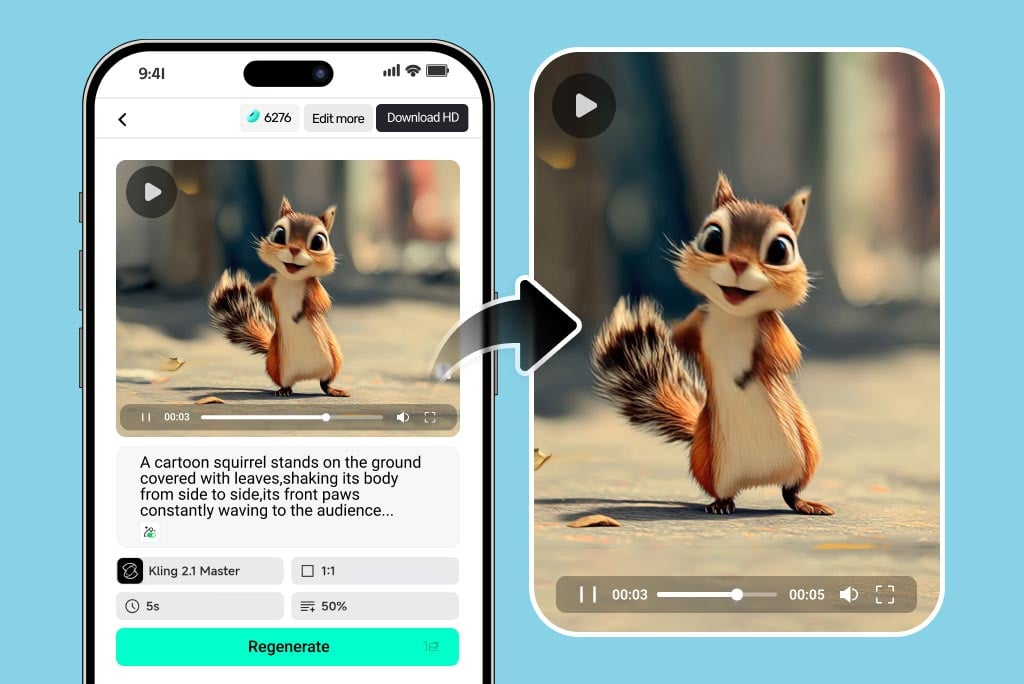
Create AI Videos Anywhere, Anytime
How to Generate Videos with insMind AI Video Maker

1
1 Enter Text Prompt or Upload Your Image
Start by deciding whether you want to create a video from text or images. For text-to-video, simply type a detailed prompt describing your idea, scene, or concept. For image-to-video, upload a high-quality photo first and then add a descriptive prompt. The more specific your prompt, the better the AI-generated video will match your vision.

2
2 Choose Video Settings
Next, customize your video by selecting the preferred AI model, adjusting the aspect ratio to match your platform (Instagram, TikTok, YouTube, etc.), setting the video length, and controlling prompt strength. These settings give you full control over the final output, ensuring it meets your creative and professional needs.

3
3 Generate, Preview, and Download the Video
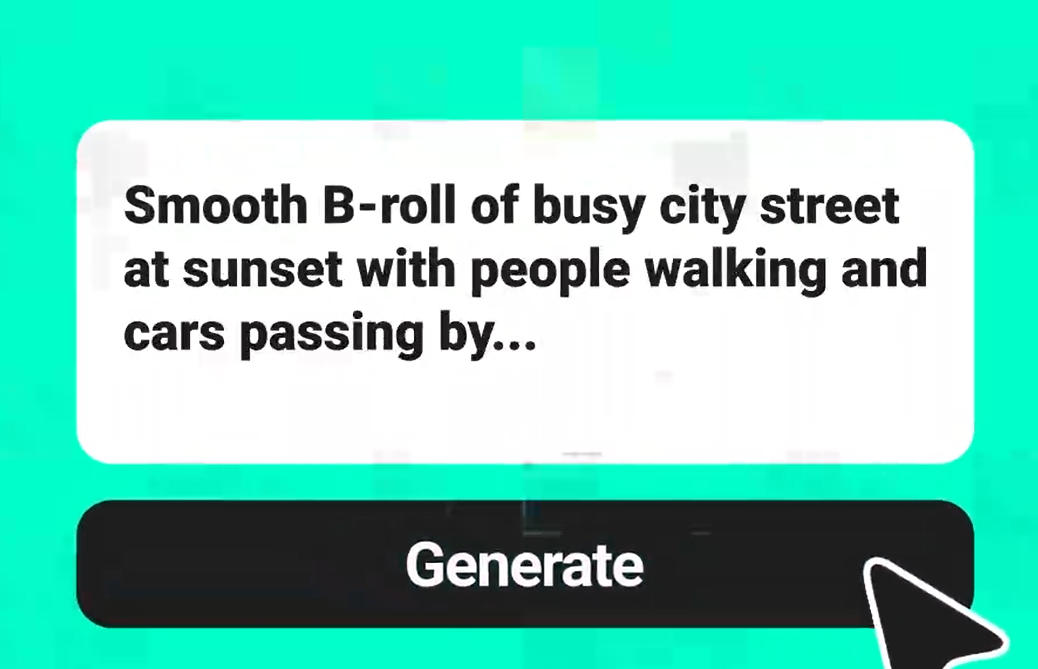
Click the "generate" button to start the AI video creation process. Once the video is ready, preview it to ensure it matches your expectations. You can make adjustments if needed. After finalizing, download your AI-generated video in high quality, ready to share on social media, marketing campaigns, or personal projects.


AI Video Generator for All Kinds of Uses
Our AI video generator adapts to every need, whether personal, professional, or creative. From fun social clips to serious business projects, this tool unlocks endless opportunities for storytelling.
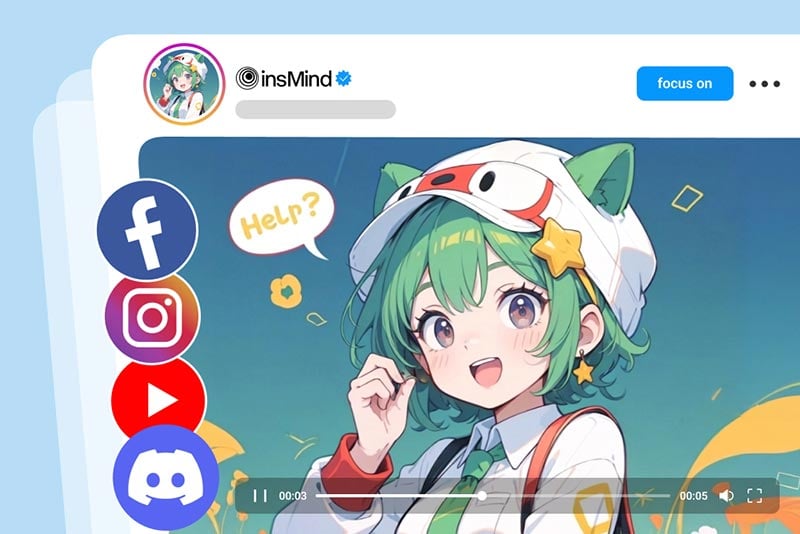
Content Creation for Social Media
The AI video maker makes it easy to create content for TikTok, Instagram Reels, and YouTube Shorts. Instead of spending hours editing, you can generate professional-quality videos in just minutes. It helps creators stay consistent, boost engagement, and grow their following with content that's always fresh and shareable.
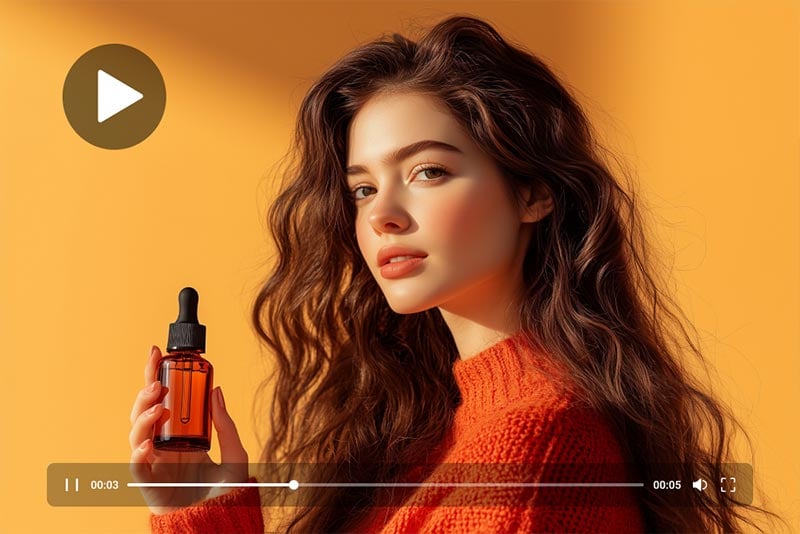
Product & eCommerce Demos
eCommerce brands can use the AI video generator to instantly turn product images into sleek demo videos. Highlight product benefits, show usage scenarios, and create stunning ads without hiring a production team. This helps online sellers capture attention, build trust, and increase conversions through engaging video marketing that looks professional.
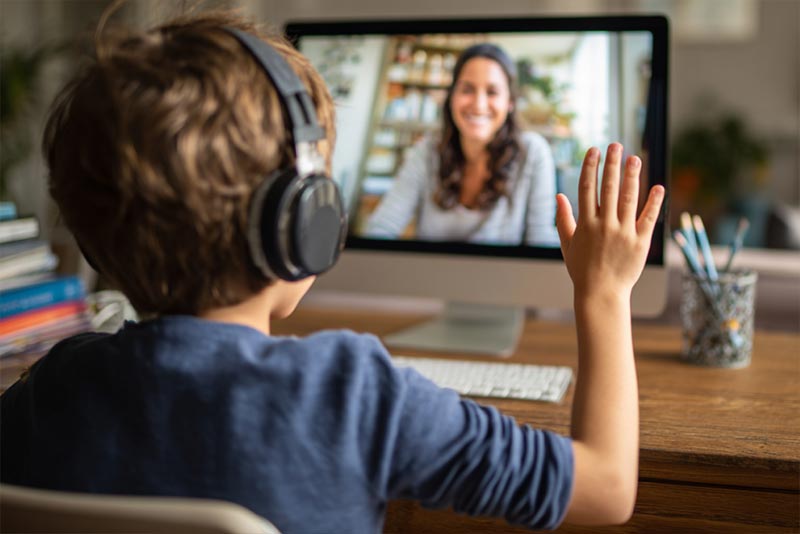
Education & Explainer Videos
Teachers, trainers, and online educators can rely on the AI video generator to create simple, effective tutorials. Whether it's explaining a complex topic or walking through a step-by-step guide, the tool ensures lessons are clear and engaging. Students learn better with visual explanations, making it a cost-efficient teaching resource.

Gaming & Fan Content
Gamers and fans can use the AI video creator to showcase highlights, create funny edits, or remix gameplay footage into entertaining short videos. It's perfect for expressing creativity and sharing passion with a community. From epic wins to fun meme edits, the AI tool captures gaming culture in an engaging format.

Special Event Videos
Whether it's a wedding, birthday, or graduation, the AI generated video tool helps you make unforgettable memory reels. Simply upload your photos or clips, and the tool creates cinematic edits in minutes. It's a simple way to share emotional, story-driven videos that celebrate milestones with family, friends, or wider audiences.

Marketing Campaigns
Businesses can supercharge their marketing with the AI video generator. It enables small teams to create professional-quality promotional videos without expensive software or agencies. From social media ads to product launches, the tool delivers polished videos that boost brand awareness, attract attention, and convert viewers into loyal customers.
What Users Say About Our AI Video Generator
Why Choose insMind AI Video Maker

All-in-One Access to Top AI Video Models
insMind brings multiple leading AI video models into one platform. Create videos with Veo 3.1, Sora 2, Kling AI, Wan AI, Hailuo AI, and more—no switching tools or workflows.

Native Audio and Visual Synchronization
Supported models generate video, voice, music, and sound effects together. This ensures natural timing, smoother playback, and accurate lip sync—without manual audio editing.

Text, Image, and Reference-Based Creation
Start from text prompts, images, or reference visuals. insMind supports flexible input methods so you can turn concepts, photos, or styles into complete AI videos easily.

Advanced Video Editing by Prompt
Edit videos with simple text commands: replace objects, remove elements, change backgrounds, adjust angles, or apply color correction. All changes are applied automatically, letting you refine videos effortlessly.

Try the AI Video Generator Online
Get started online with no downloads required. insMind offers a free trial so you can explore AI video creation before scaling your projects.

Professional Results Without Editing Skills
No timelines, no complex settings, no post-production. insMind handles motion, transitions, and composition automatically, making professional-quality video creation accessible to everyone.
FAQs About insMind AI Video Generator
What is insMind AI Video Generator?


insMind AI Video Generator is an all-in-one online platform that transforms images or prompts into cinematic AI videos using Veo 3.1, Sora 2, Kling AI, Wan AI, Hailuo AI, and more.
How do I create videos from text?
Our AI text to video generator lets you describe scenes, actions, and moods, and instantly produces cinematic videos—perfect for storytelling, marketing, or social media content.
Can I turn a single photo into a video?
Yes! Upload a portrait, product image, or artwork, and insMind animates it with motion, transitions, and effects to create dynamic image-to-video content instantly.
Can I generate multi-shot videos with consistent characters?
Yes. Our AI handles multi-shot sequences, keeping character appearances, motions, and audio consistent across scenes for professional-quality narrative videos.
Are videos generated suitable for social media?
Absolutely. Videos are optimized for TikTok, Instagram Reels, YouTube Shorts, and other platforms, ready to download or share without additional editing.
Which AI models can I use on insMind?
You can access Veo 3.1, Sora 2, Kling AI, Wan AI, Hailuo AI, PixVerse AI and more. This flexibility allows users to try different styles and achieve professional results.
Is insMind AI Video Generator free to use?
You can try this tool online for free. Available features and usage limits may vary by account and permissions.
Can I generate text-to-video for marketing campaigns?
Yes. Our AI video generator is ideal for creating promotional videos, ads, product demos, and social media content directly from text descriptions.
How do I edit videos with prompts?
Simply type instructions for object replacement, removal, angle adjustment, background swap, color correction and more. The AI processes your edits instantly without manual video editing.
Does insMind support AI audio and voice synchronization?
Yes. insMind supports AI audio and voice synchronization for supported models. Audio, voice, and visuals are generated in sync, ensuring natural timing and smooth playback, including lip-sync when available.
Can I generate AI videos from multiple images?
Yes. You can combine several images to create multi-shot, story-driven videos with smooth transitions, consistent characters, and synchronized audio.
What formats can I download videos in?
Videos are typically available in high-quality MP4, ready for social media or professional presentations. Premium users can access higher resolutions or cinematic outputs.
Explore Powerful AI Video Tools for Unique Creations
00:00
00:00
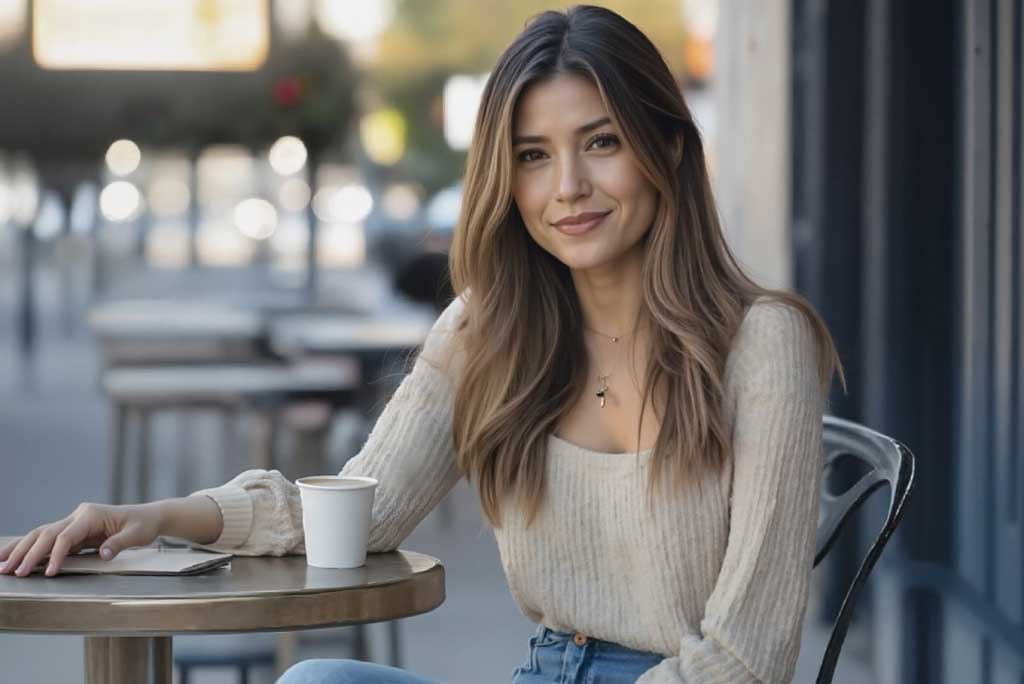
Image to Video
Create custom videos from your photos with AI.
00:00
00:00
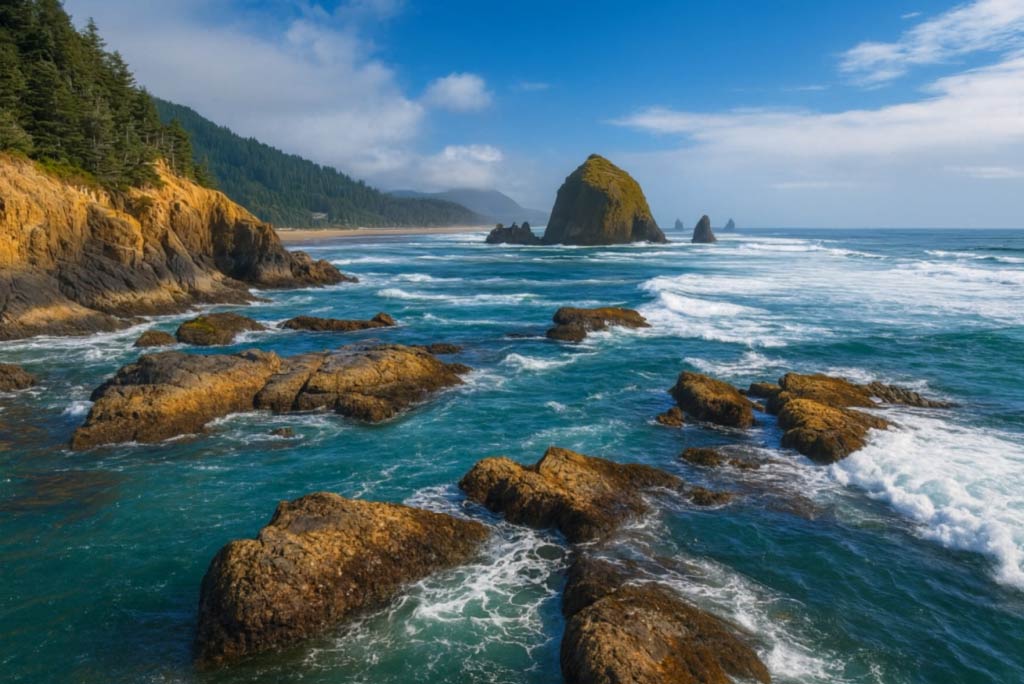
Text to Video
Turn any text prompt into high-quality videos in minutes.
00:00
00:00
AI Video Editor
Edit videos naturally using AI—no timeline or manual tools.
00:00
00:00
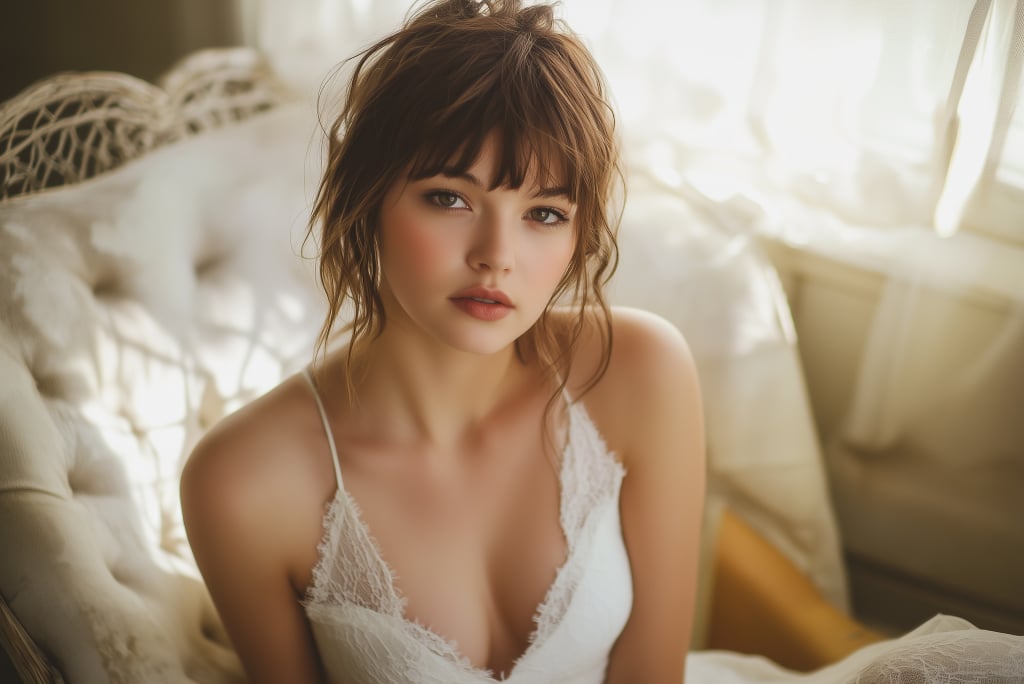
Animate Photos
Animate your still photo with AI online and try it for free
00:00
00:00
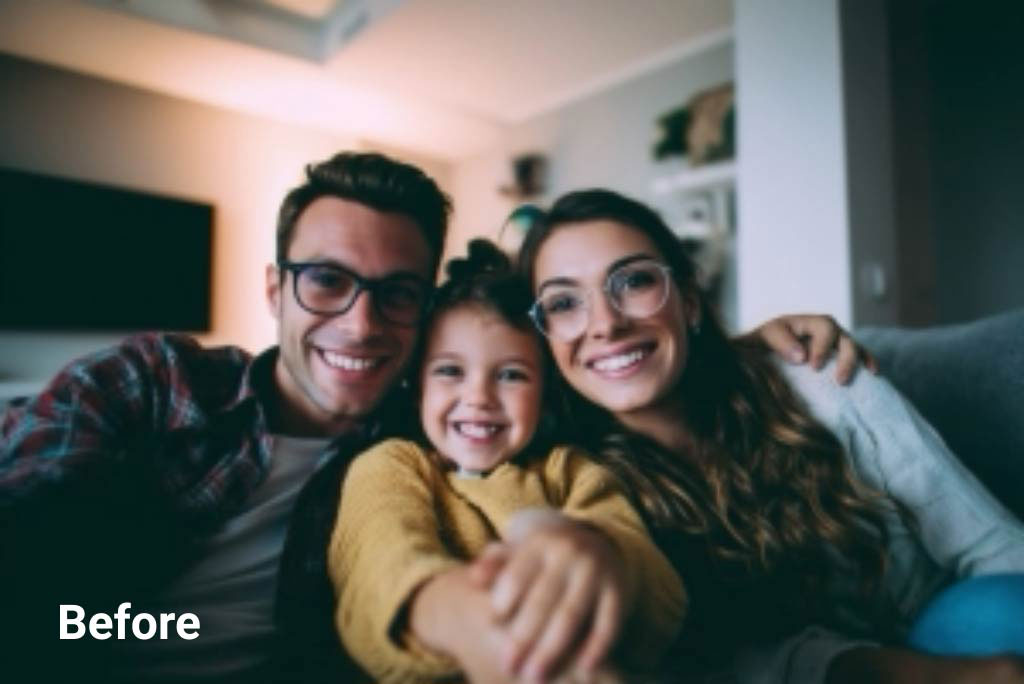
AI Video Enhancer
Easily improve your video quality with AI video enhancer.
00:00
00:00
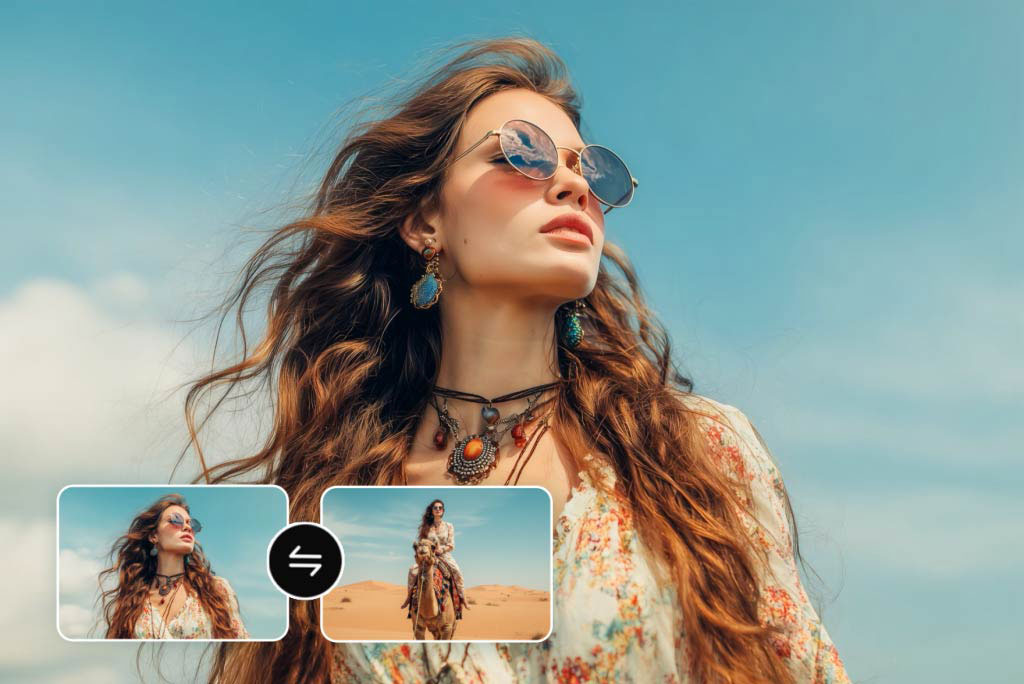
Video Start-End Frame Generator
Transform your images into seamless videos with AI start and end frame generation.
00:00
00:00
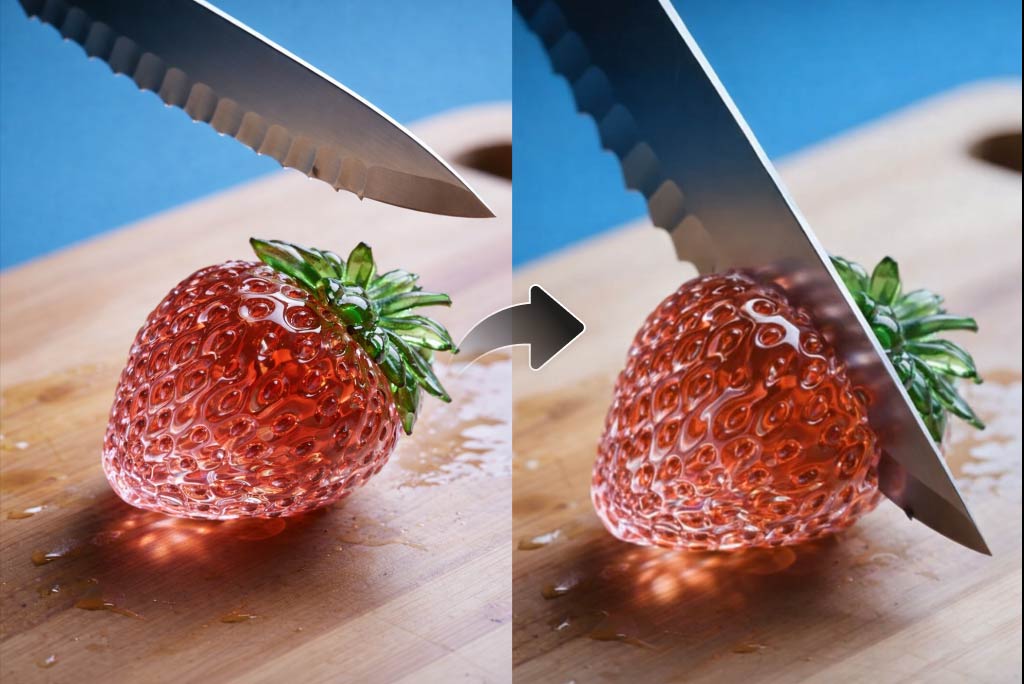
AI ASMR Generator
Create calming AI ASMR videos with perfectly synced sound.
00:00
00:00
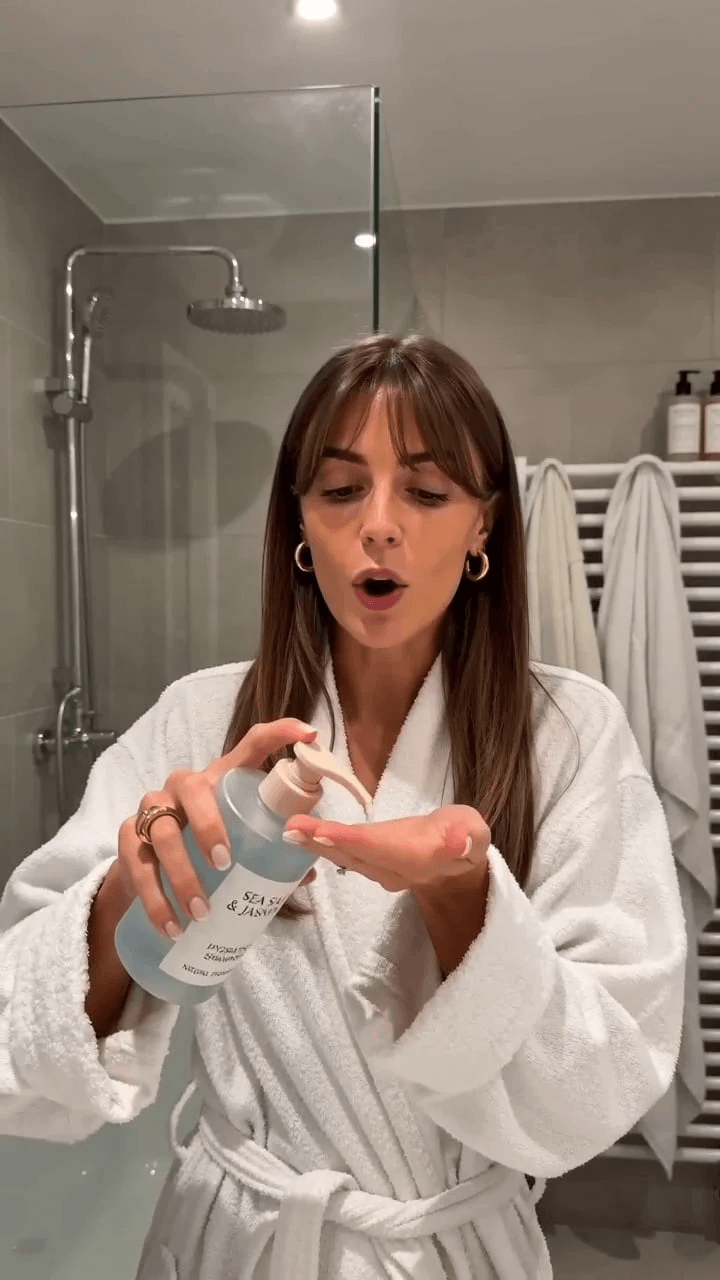
AI UGC Video Generator
Create authentic UGC-style video ads with AI in minutes.
00:00
00:00
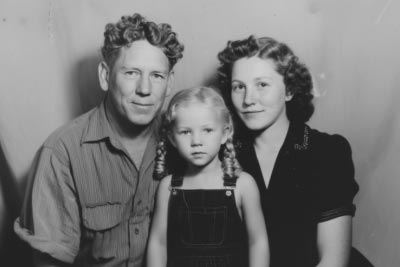
AI Old Photo Animation
Transform old photos into lifelike AI animations with ease.
00:00
00:00
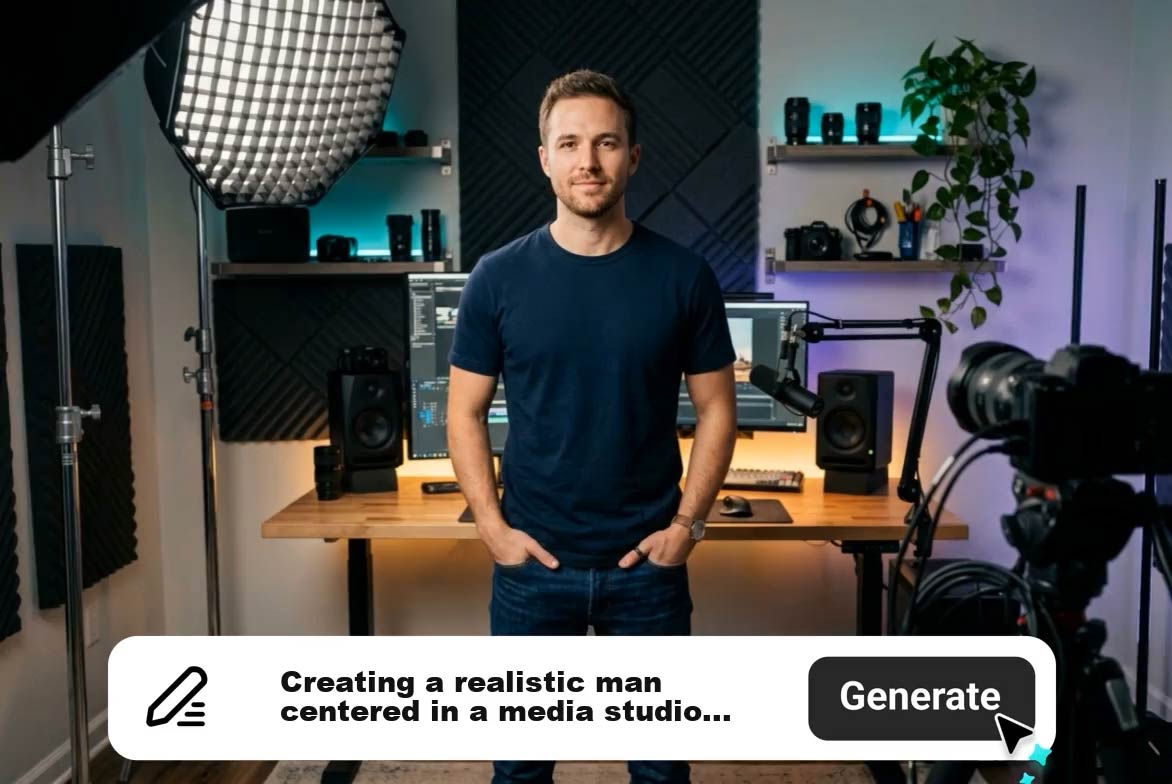
AI Explainer Video Generator
Create AI explainer videos from text or scripts instantly.
00:00
00:00
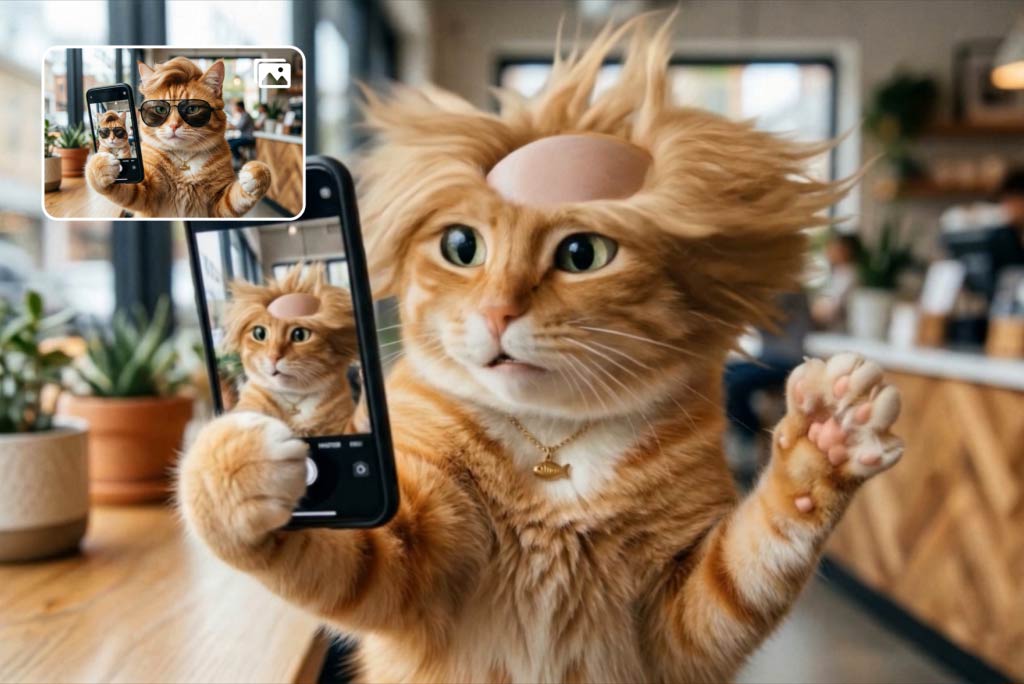
Funny Video Generator
Create hilarious AI funny videos from text and images instantly.
00:00
00:00
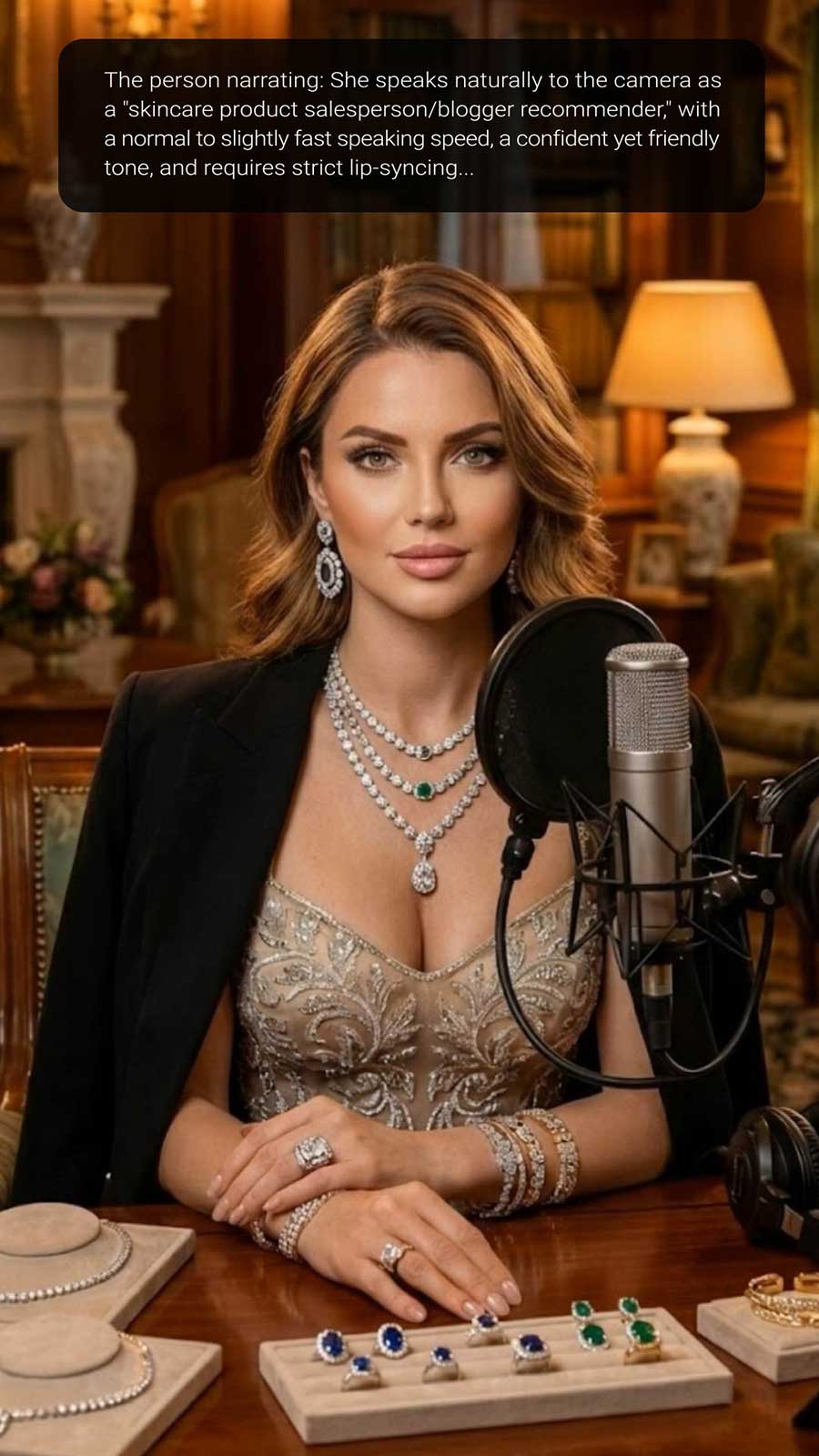
AI Influencer Video Generator
Create virtual influencer videos without filming or real creators.
"The AI video maker is a lifesaver for social media creators like me. It's fast, easy to use, and produces videos that look like professional productions. My followers noticed the upgrade instantly and engagement skyrocketed."
@Laura Gomez, Content Creator