Sora 2 Alternative AI Video Generator
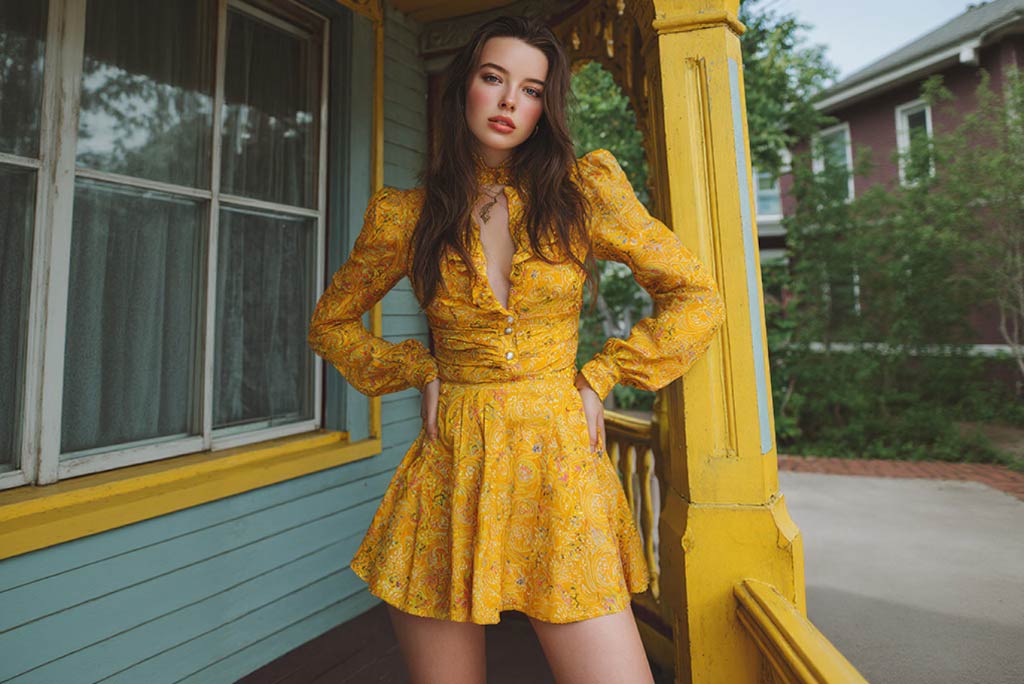
Compare More AI Video Models on insMind
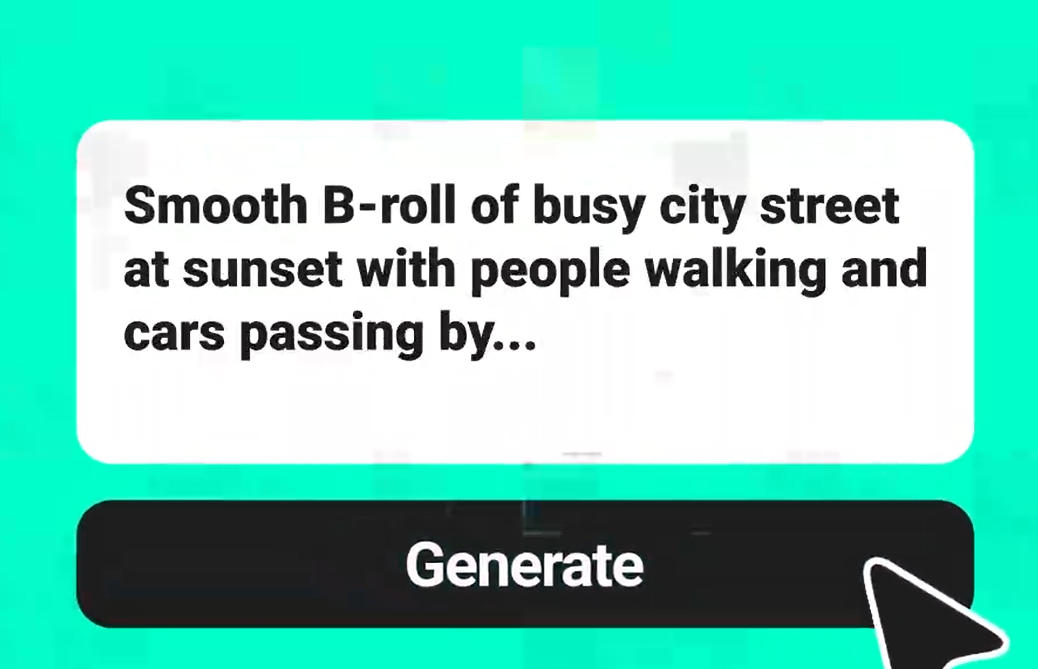
Create Sora 2-Style Videos from Text Prompts
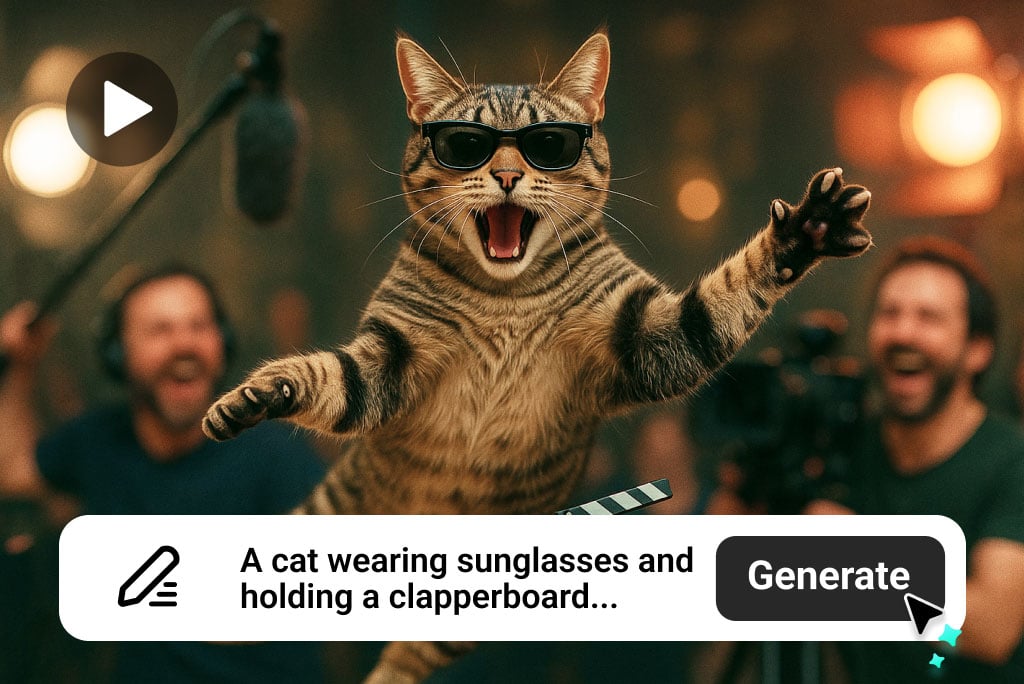
Use insMind as an online Sora 2 alternative when you want a practical text to video workflow. Describe the subject, camera movement, lighting, timing, audio mood, and final scene so the generator can build a clearer clip.
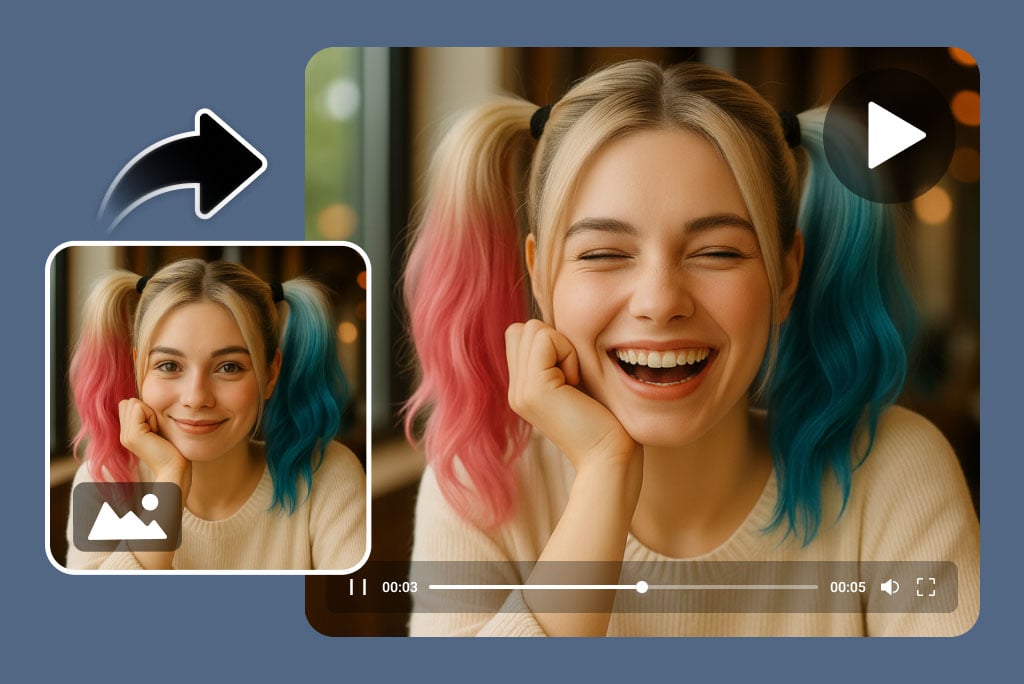
Turn Images into Sora 2-Style Motion
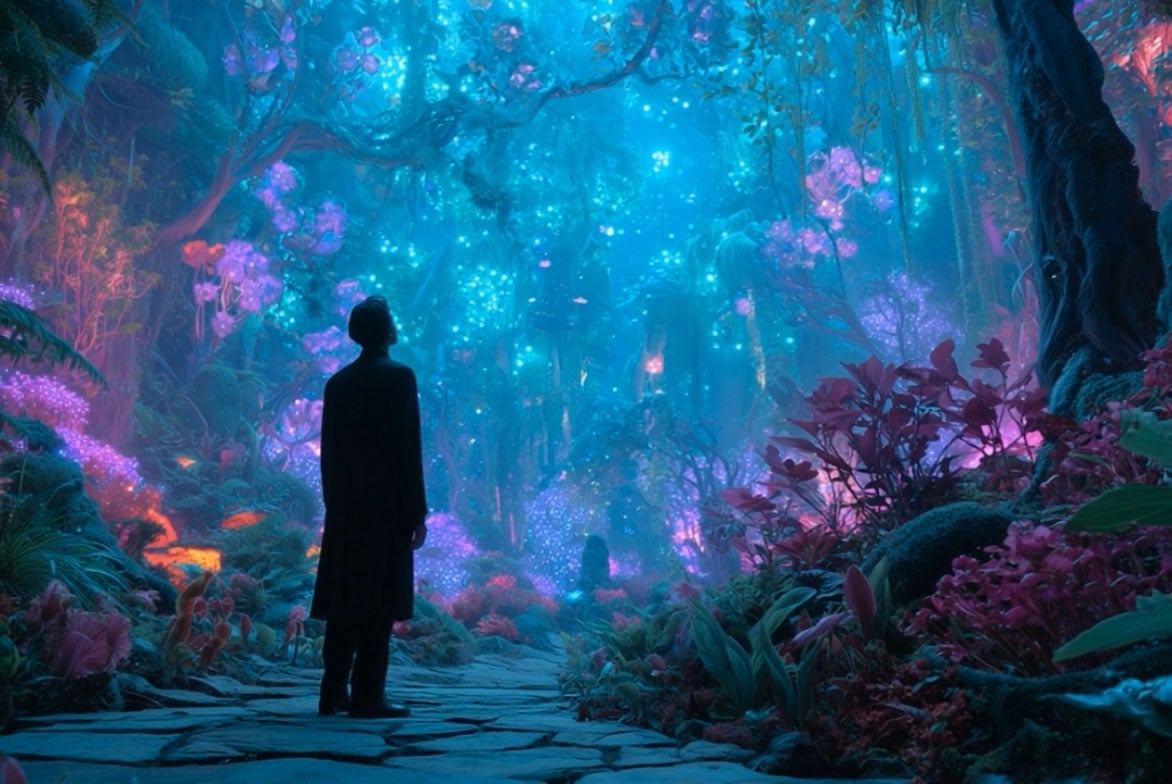
Upload a product image, portrait, artwork, or brand visual and tell the AI how it should move. This supports Sora 2 image to video and free trial image to video searches, connecting naturally with insMind's platform.image to video generator.
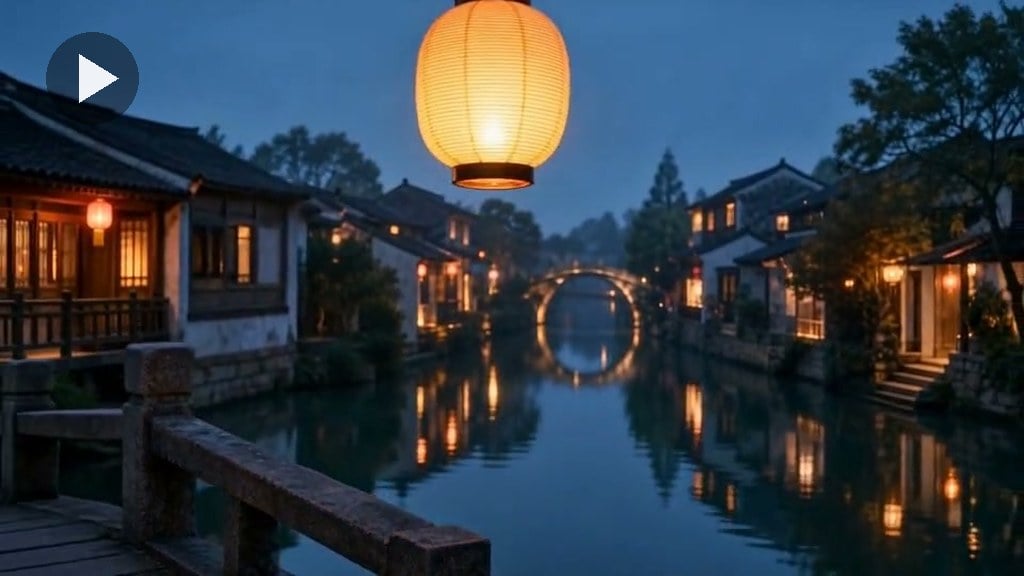
Compare Models for Audio, Faces, and Control
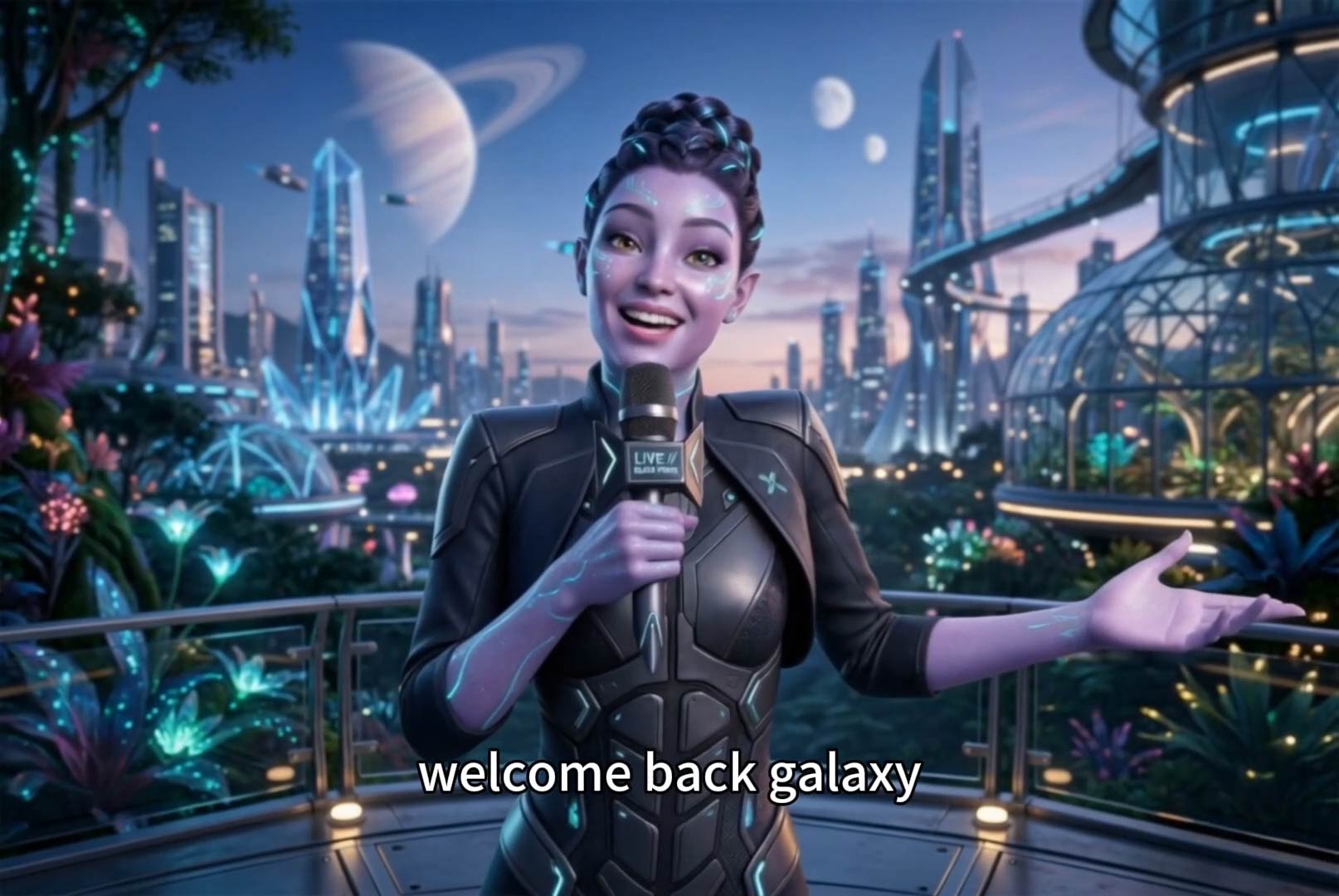
Sora-style prompts are not all the same. Use Seedance 2.5 for cinematic motion, Google Veo 3.1 for model comparison, and Kling AI when the scene includes a realistic human face or talking presenter. Seedance 2.0 and Wan 2.7 are also useful comparison points, but are not repeated as links on this page.
How to Create Sora 2-Style AI Videos on insMind
Step 1: Start with a Prompt or Image
Write a Sora 2-style prompt or upload a reference image. Include the subject, motion, camera direction, lighting, audio mood, and intended use.
Step 2: Pick the Workflow
Choose prompt-to-video for full scene creation, image-to-video for animating a reference, or Kling for face-forward presenter and lip-sync videos.
Step 3: Generate and Review
Check the output for motion quality, subject consistency, audio fit, and framing. Refine the prompt when the scene needs clearer direction.
Step 4: Export for Your Channel
Use horizontal clips for websites, ads, and story scenes, or vertical clips for TikTok, Reels, Shorts, and mobile-first campaigns.
What Can You Create with a Sora 2 Alternative?
Use insMind for Sora 2-style AI video generation across social content, product ads, music visuals, explainers, and cinematic stories.
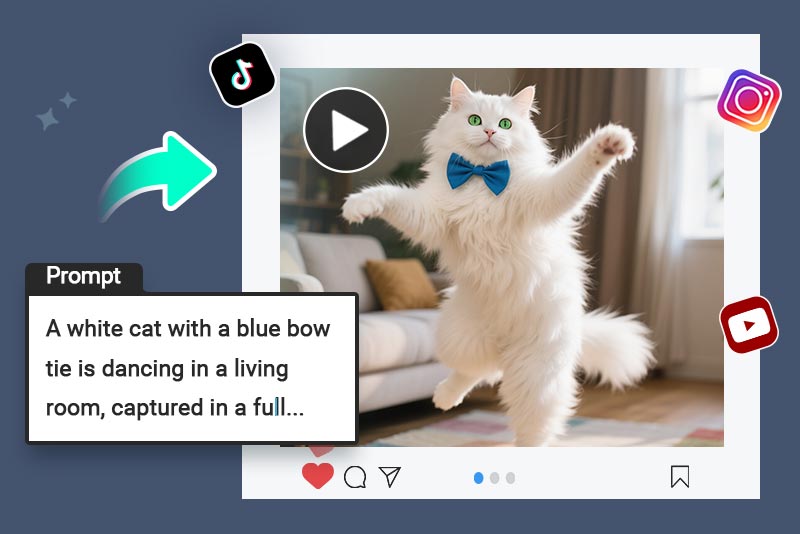
Social Media Videos
Create short AI videos for TikTok, Instagram Reels, and YouTube Shorts with fast openings, strong motion, and audio-ready pacing.
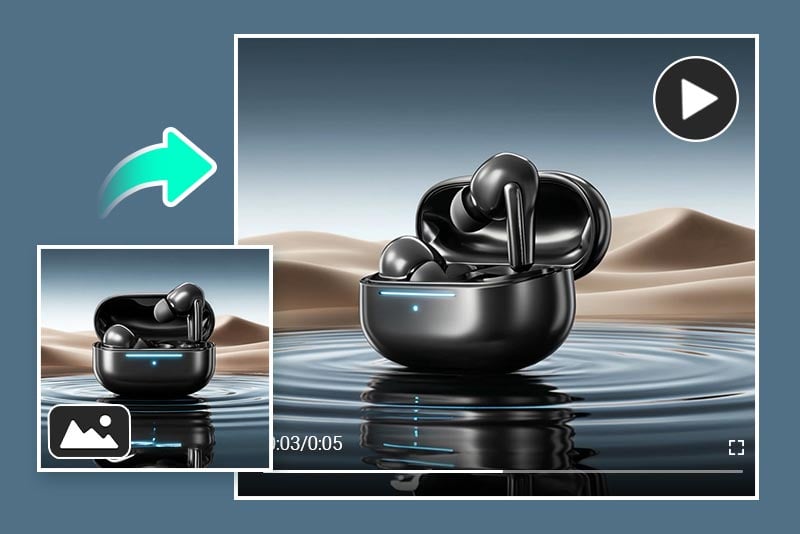
Marketing Videos
Turn product photos, campaign prompts, or brand concepts into launch ads, demos, and paid-media creatives.
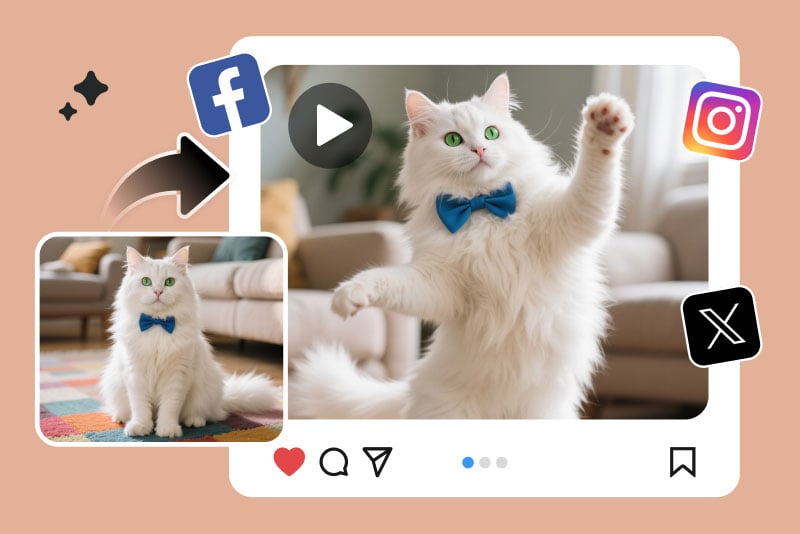
Entertainment and Memes
Generate funny, surreal, or trend-inspired clips that feel native to social feeds.
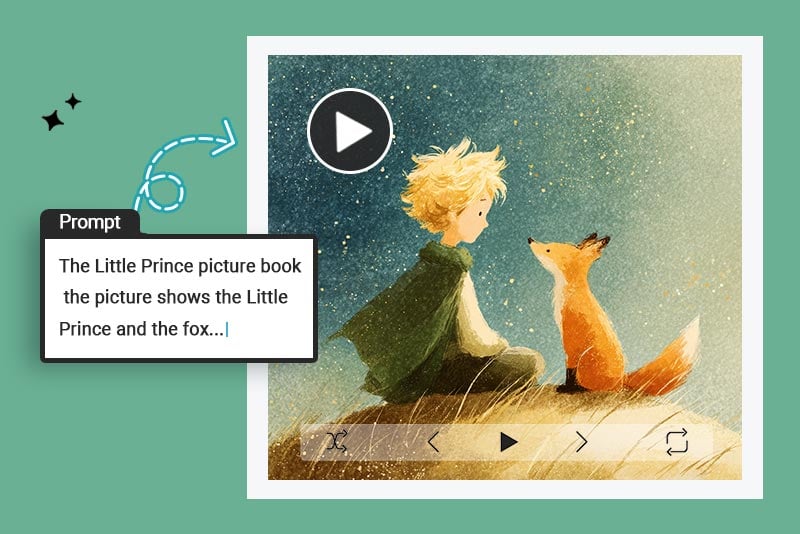
Creative Storytelling
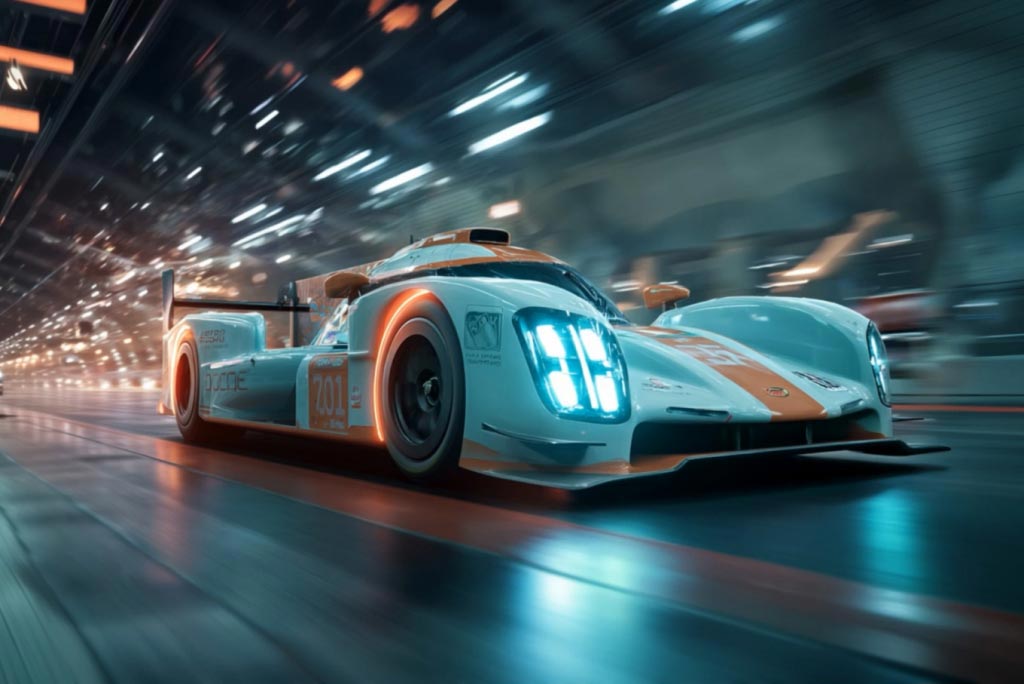
Build cinematic scenes with planned camera movement, dramatic lighting, realistic motion, and clear story beats.
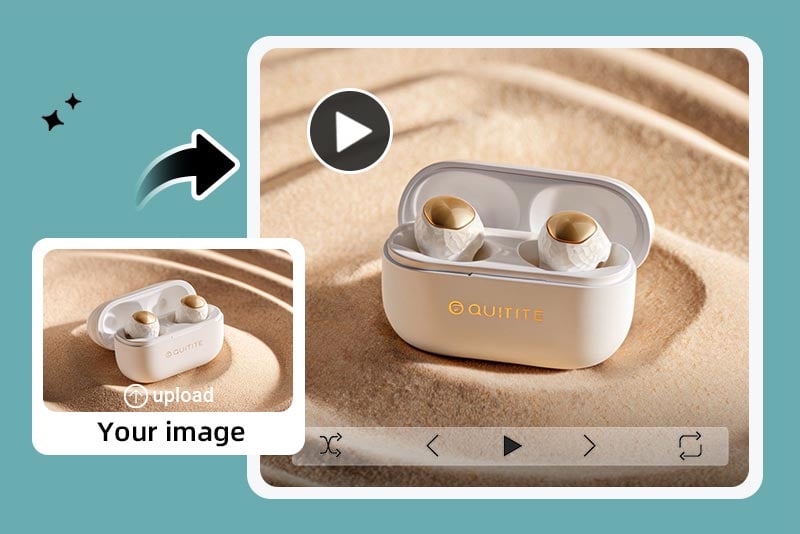
Product Demos and Ads
Show product details, reflections, use scenarios, and premium motion without a studio shoot.
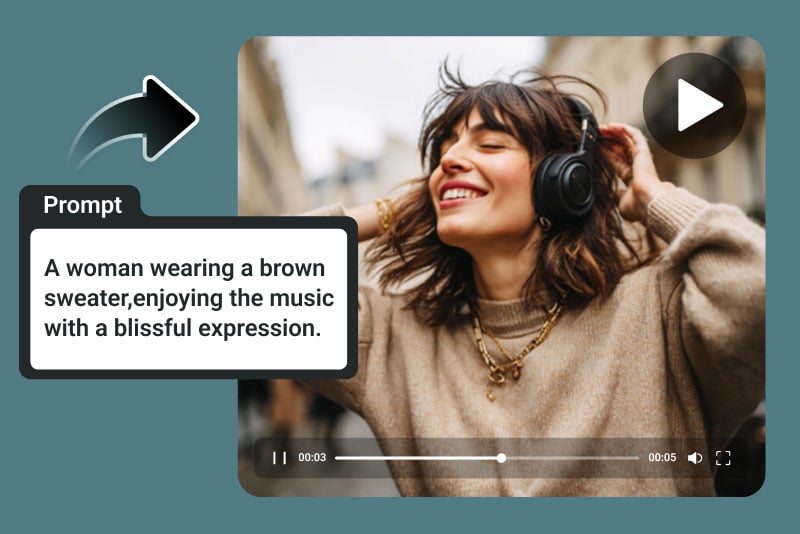
Music Videos
Match a music mood with beat-driven visuals, animated atmosphere, and native audio-ready video ideas.
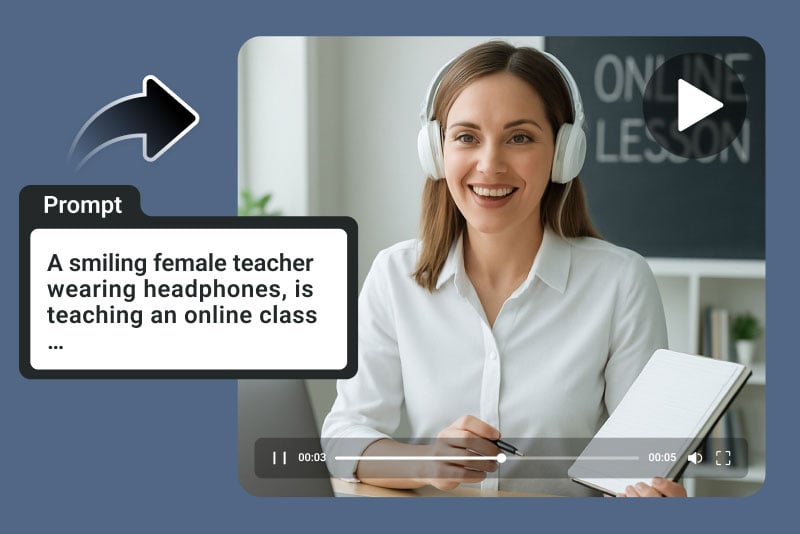
Educational and Explainer Videos
Explain concepts with short scenes, simple motion, and clear visual storytelling.
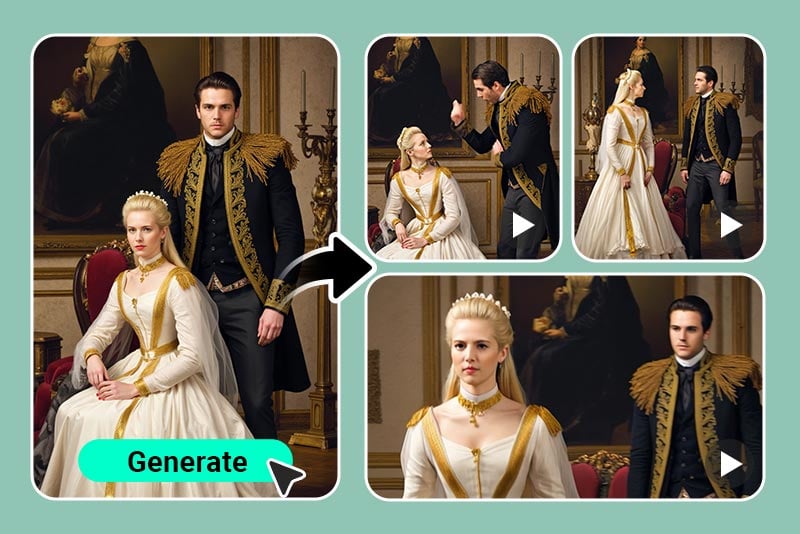
AI Art Animation
Animate illustrations, concept art, and still creative assets with smooth camera transitions.
Why Use insMind as Your Sora 2 Alternative?

Prompt-to-Video Scene Planning
Turn detailed prompts into cinematic AI videos by describing the subject, camera movement, lighting, motion, pacing, and audio mood in one workflow.

Image-to-Video Reference Control
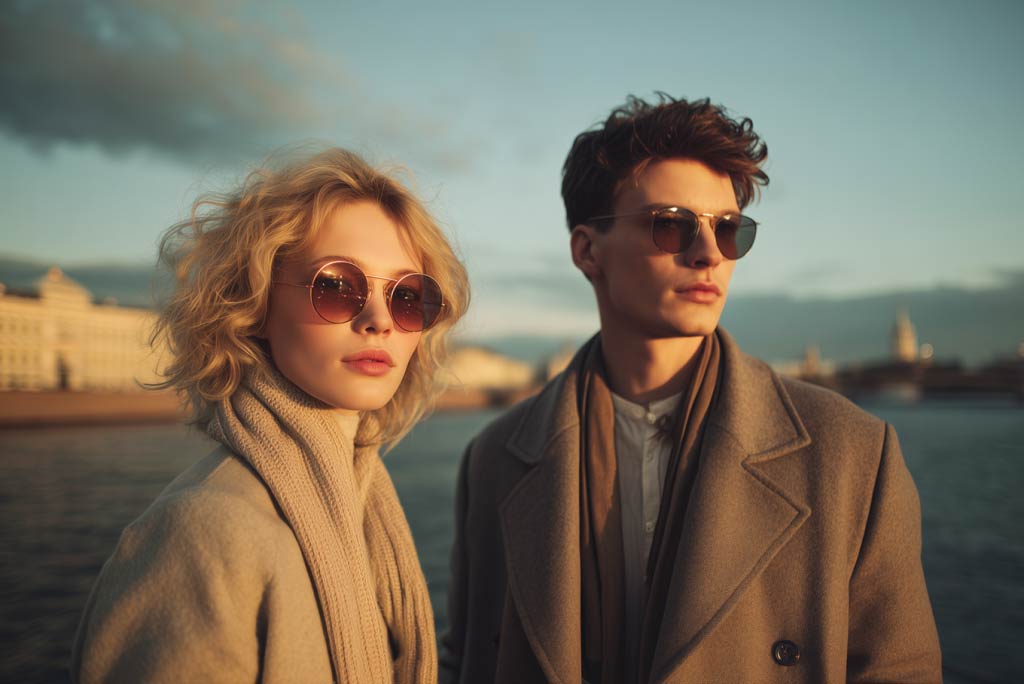
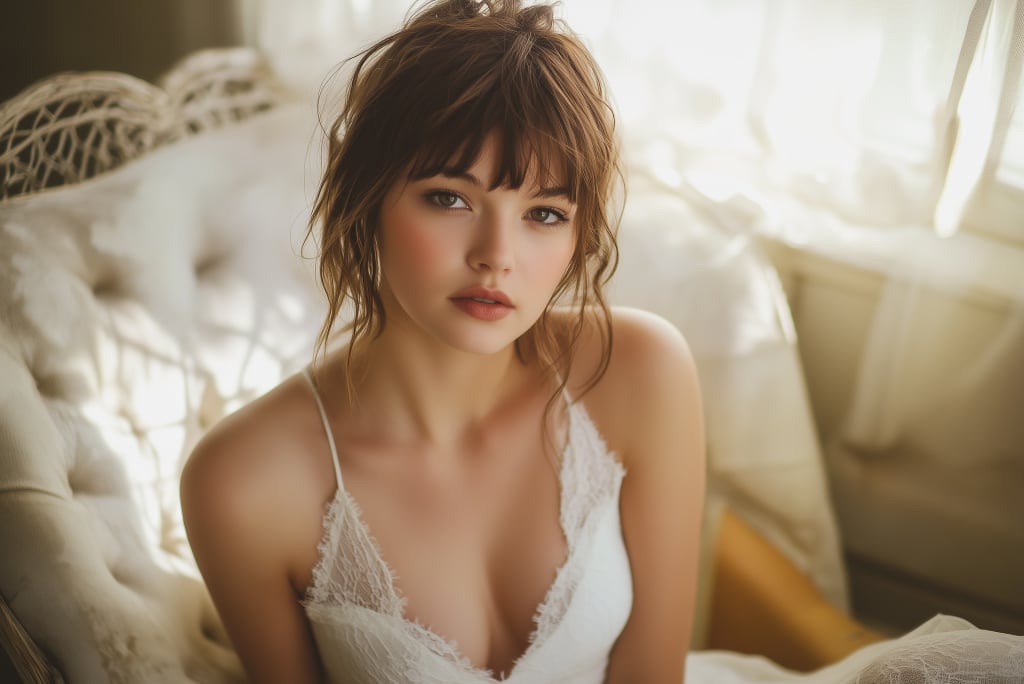
Animate product photos, portraits, artwork, or visual concepts while keeping the key subject recognizable from the uploaded image.

Native Audio and Model Choice
Create audio-ready ads and story clips, then compare Seedance 2.5, Google Veo 3.1, Wan 2.7, and Kling AI when you need different motion, realism, or face-video strengths.
FAQs About Sora 2 Alternative
What is a Sora 2 alternative AI video generator?


Can I create Sora 2-style videos online from text prompts?
Can I make Sora 2 image to video clips?
Does this Sora 2 alternative support audio?
Which workflow is better for human faces or talking videos?
How does it compare with Seedance 2.5, Veo 3.1, Wan 2.7, and Kling?
Is this useful for MindVideo AI Sora 2 searches?