
Kling AI Video Generator for Text, Image, Frame, and Multimodal Video
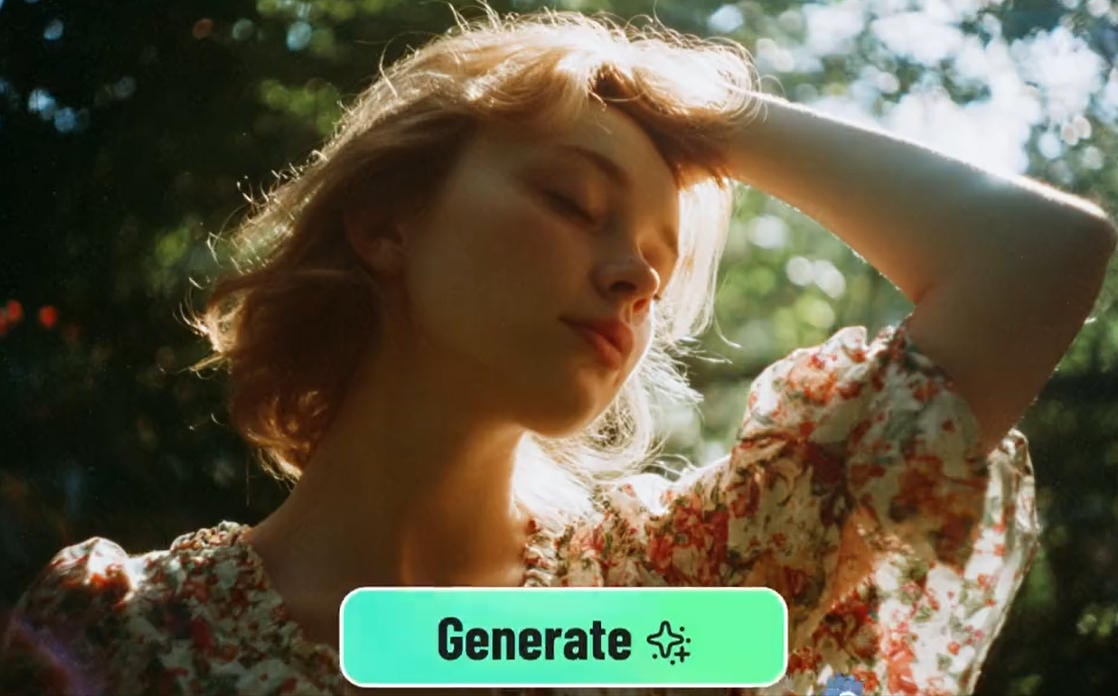

Turn Detailed Prompts into Kling Videos
Start with a written scene instead of an uploaded image. Describe the subject, action, camera movement, lighting, duration, and mood, then use Kling AI to explore prompt-first video ideas. If you mainly need a broader prompt-to-video workflow, compare it with insMind's text to video generator.
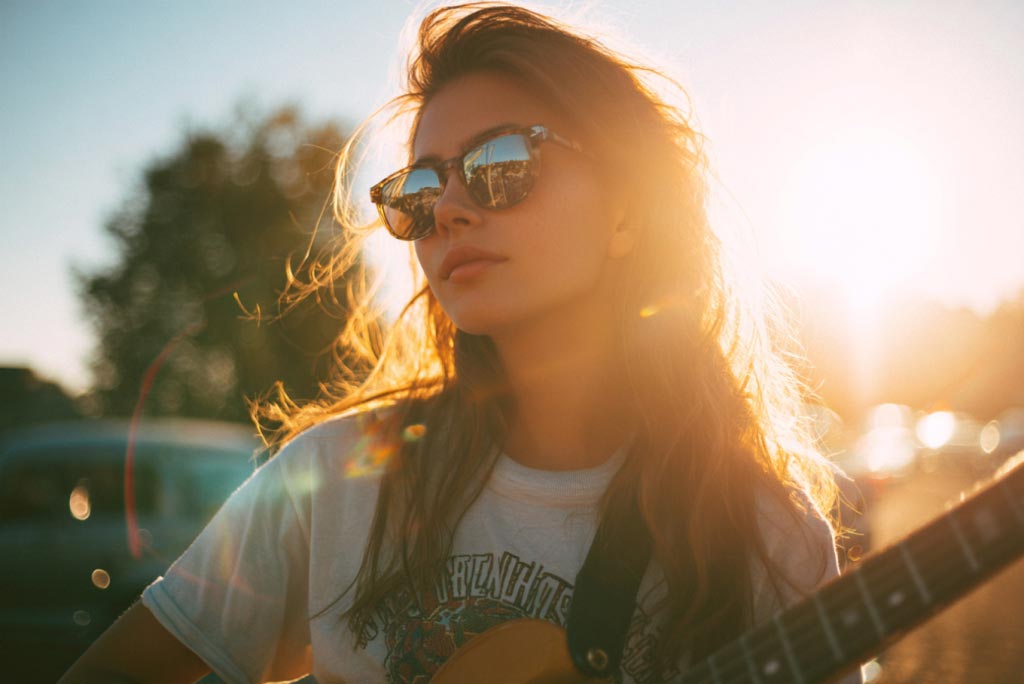
Animate Images with Kling AI Motion
Upload a clean photo, product shot, portrait, or character reference, then explain how the subject should move. This is the best path when the visual identity already exists and the output needs camera motion, expression, or product movement. For a general photo animation entry point, use the image to video generator.
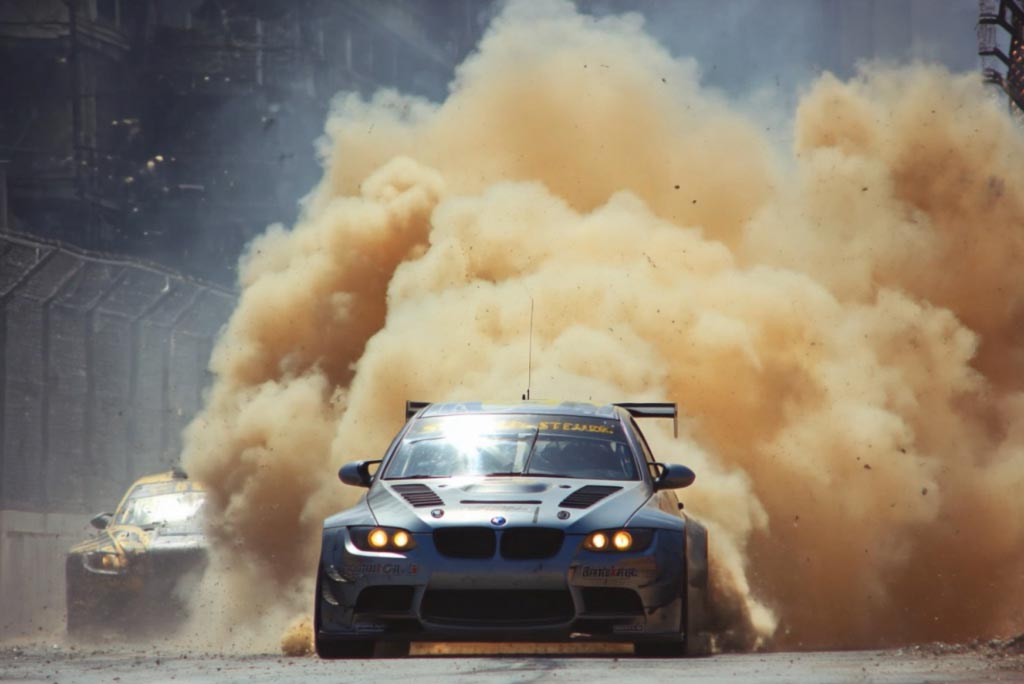
Guide Motion with Start and End Frames
Use two frames when the opening and final result must stay predictable, such as product reveals, outfit changes, travel transitions, or story beats. For that dedicated workflow, open the Kling AI start end frame video generator page instead of looping back to this hub.
How to Create a Video with Kling AI
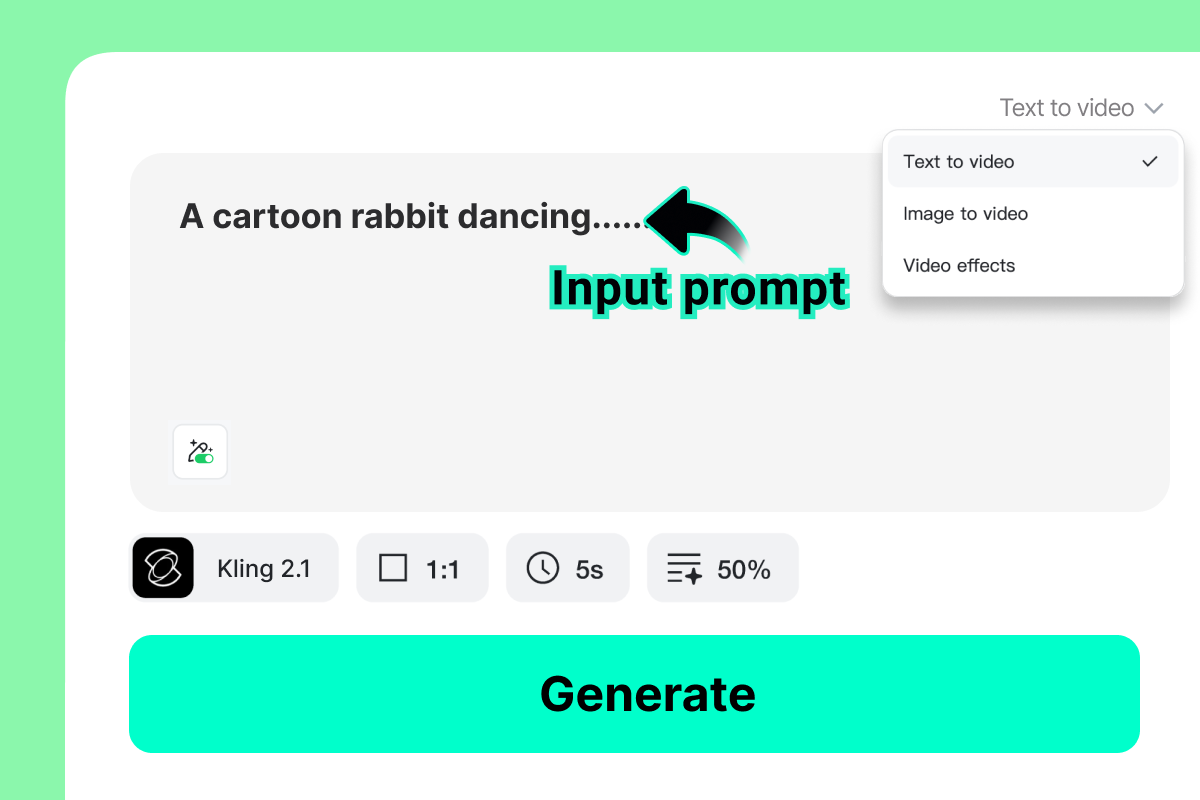
1 Step 1: Enter a Prompt or Upload an Image
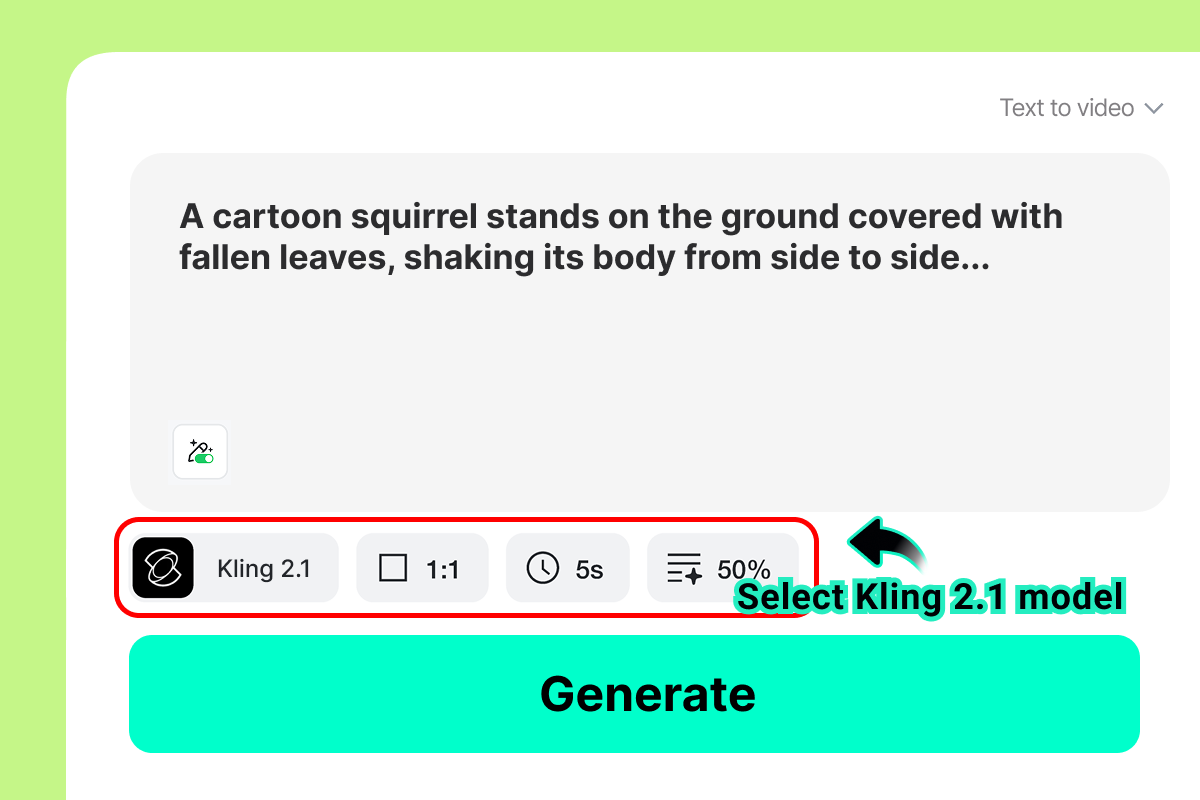
2 Choose a Kling Model (e.g., Kling 2.1 or 2.5)
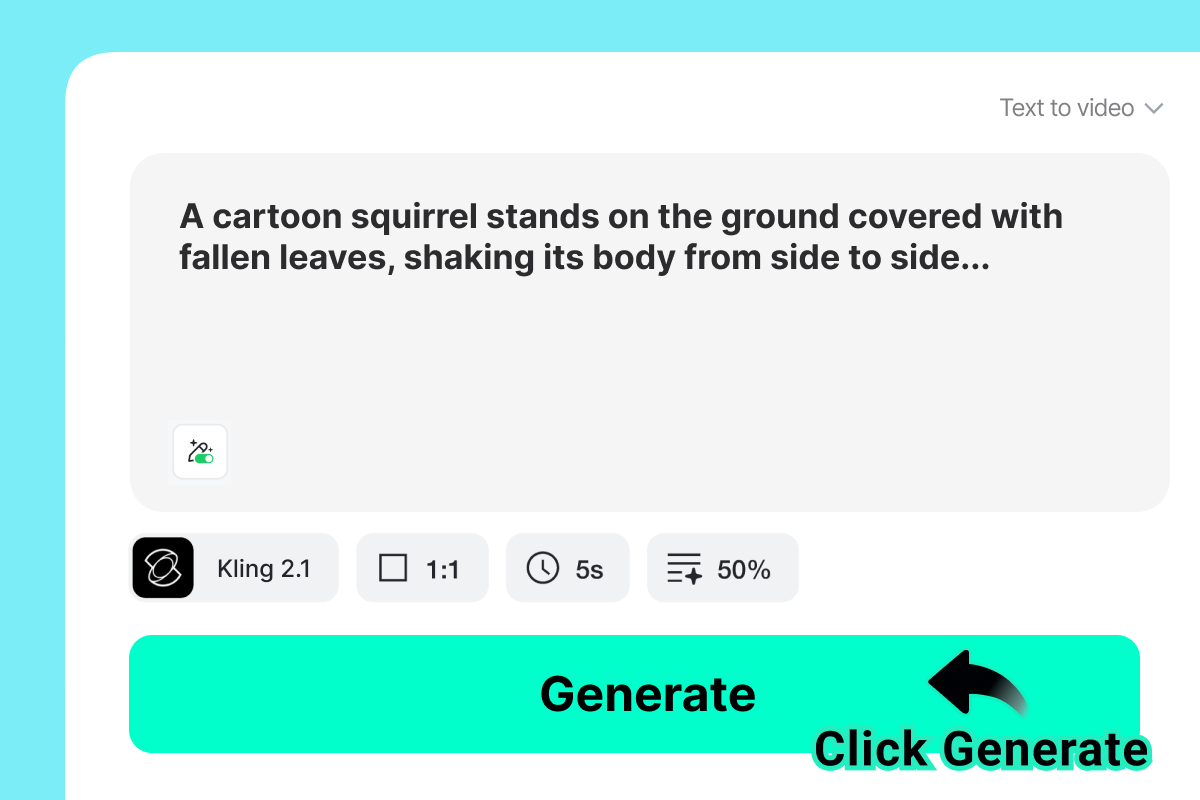
3 Step 3: Generate the Video
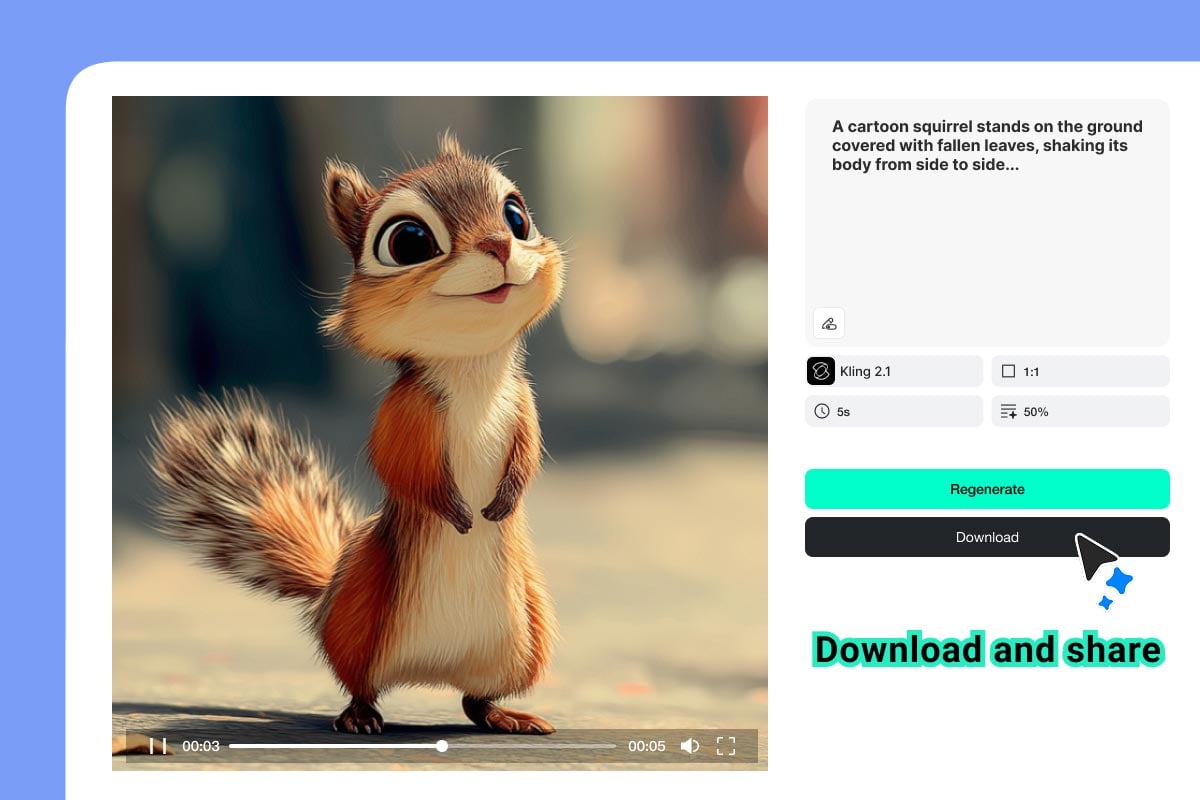
4 Step 4: Download and share
Compare More AI Video Models on insMind
Top Use Cases for Kling AI Video Generator
From content marketing to personal entertainment, Kling AI adapts to every creative need. Whether you're building a brand or telling a story, this AI video tool helps bring your vision to life with cinematic quality.
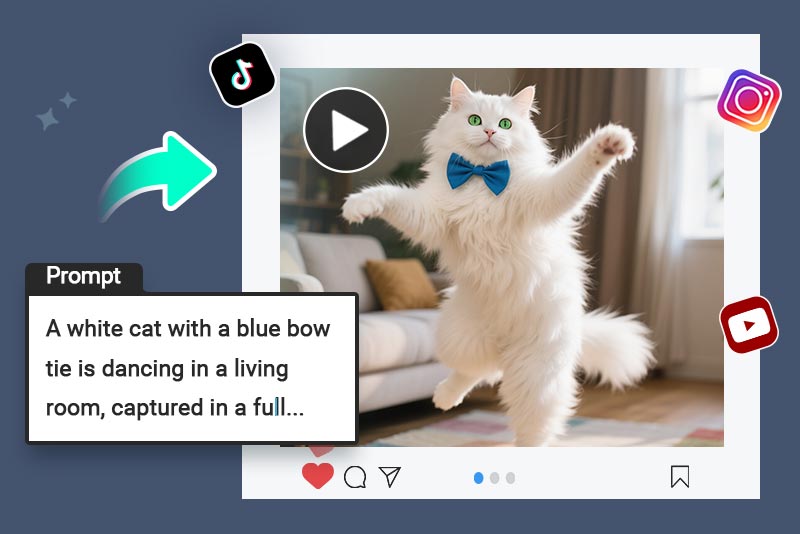
Short Videos for Social Media
Use Kling AI to generate scroll-stopping content for TikTok, Instagram Reels, and YouTube Shorts. Craft engaging micro-videos that match current trends, promote your brand, or entertain followers, no filming or editing skills needed. Just input your prompt or image and let Kling do the rest.
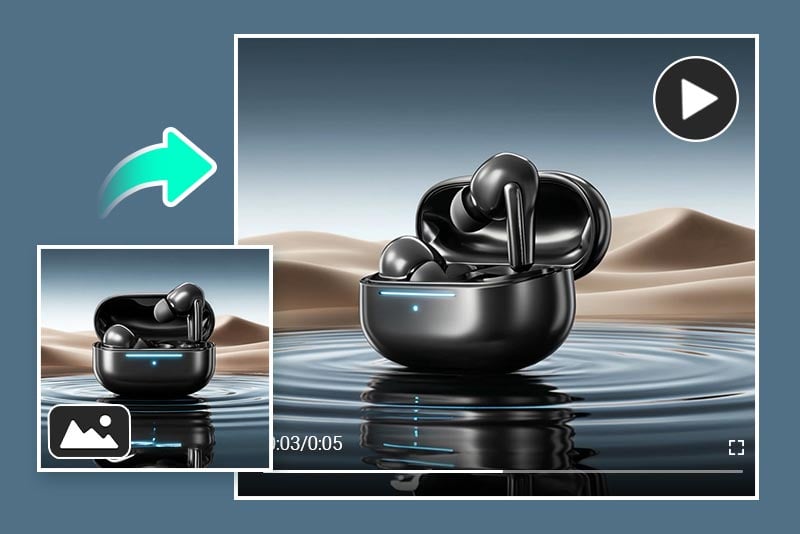
Product Demos for Business
Easily showcase product features with Kling AI's text-to-video and image-to-video tools. Create sleek, modern demo videos without hiring a crew. Perfect for eCommerce, app launches, or SaaS walkthroughs, communicate your value in a visually powerful way that keeps your audience hooked.
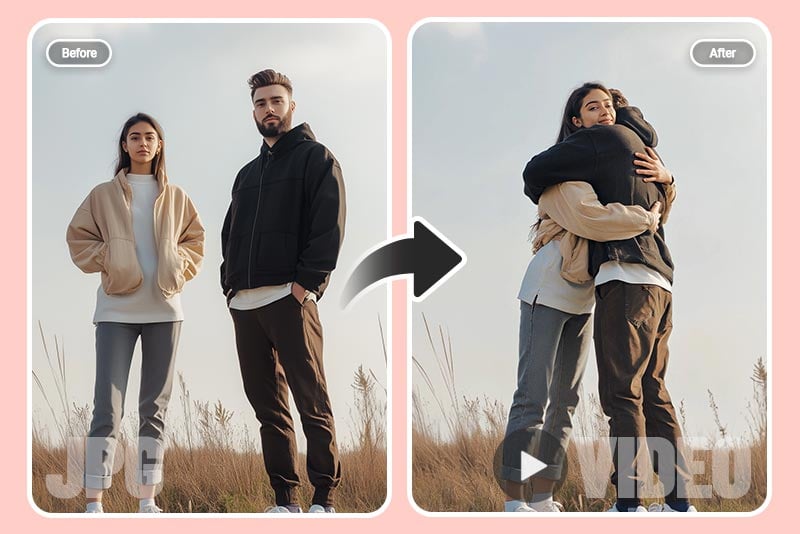
Fun Videos for Entertainment
Want to make your photo dance or perform a creative gesture? Kling AI makes it fun and effortless. Turn simple images into animated clips for personal entertainment, memes, or surprise messages. Perfect for birthdays, jokes, and viral content, your imagination is the only limit.
Why Choose Kling AI Video Generator?

Cinematic Multi-Shot Generation
Kling models are built for polished motion, camera movement, and story-driven clips. Use them for cinematic scenes, product reveals, creator videos, and short narrative shots where pacing and visual continuity matter.

Multimodal Creative Control
Newer Kling versions can work beyond simple prompt-only generation, supporting image references, frame-guided motion, and multimodal workflows for more precise subject, scene, and editing direction.

Native Audio, Lip Sync, and Character Consistency
Advanced Kling workflows can pair video generation with audio, dialogue, and face-forward motion, helping creators produce presenter clips, avatar-style videos, and character scenes with more believable expression.
FAQs About Kling AI Video Generator
What is Kling AI Video Generator?


Can I use Kling AI for text-to-video?
Can I generate Kling AI videos from images?
Does Kling AI support start and end frame videos?
Which Kling model version should I choose?
Is Kling AI free to try on insMind?
What makes a good Kling AI prompt?
How is Kling different from Wan, Sora, or Veo models?


"As a solo creator, Kling AI lets me turn ideas into polished videos without any gear or crew. It's professional, powerful, and helps me stay ahead in the fast-paced content world."
@Ananya Patel, Video Content Creator