
AI Headshot Generator – Create Professional Photos
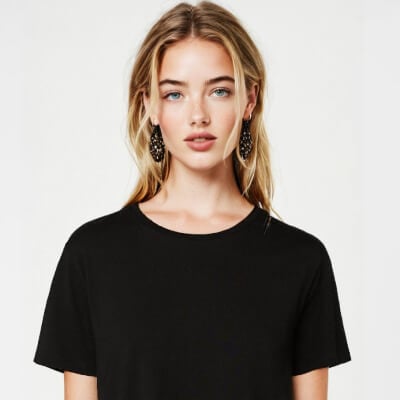
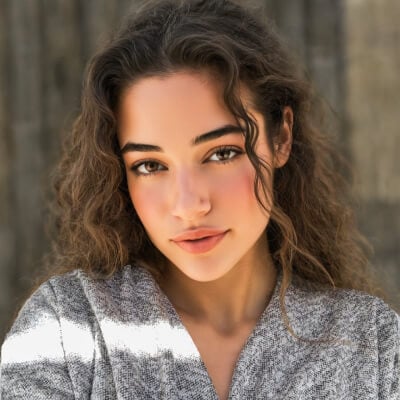
Create Similar
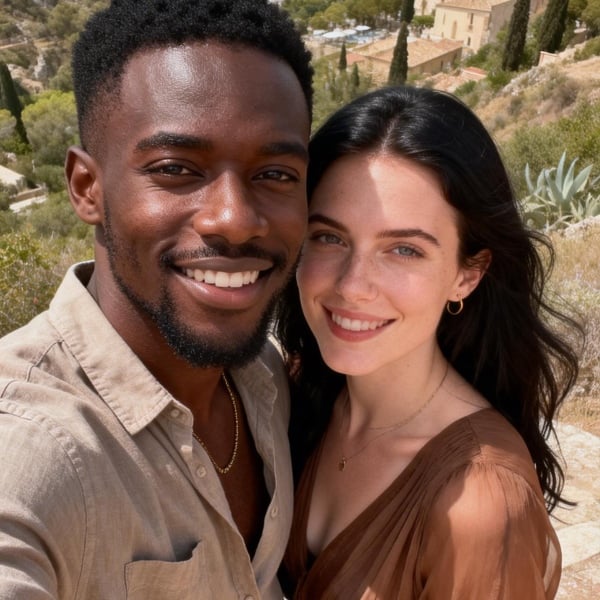
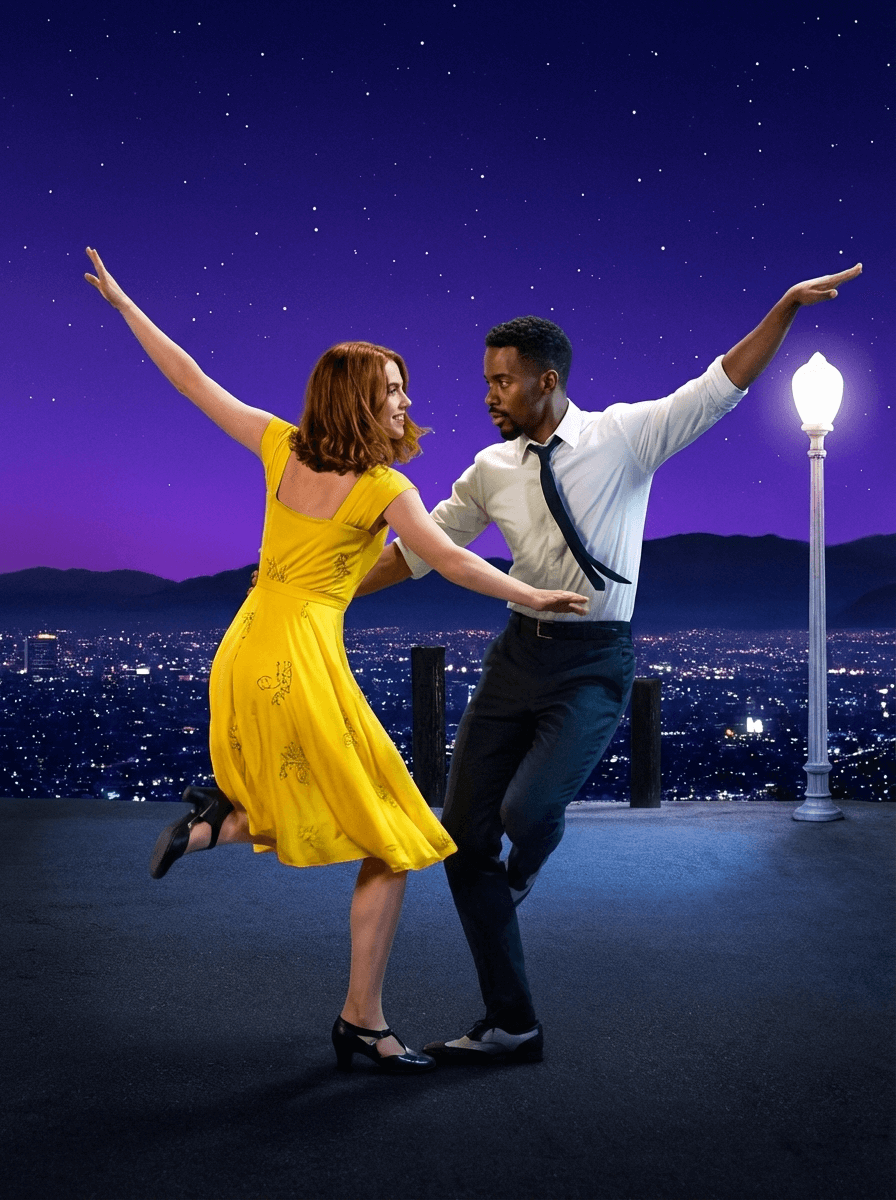
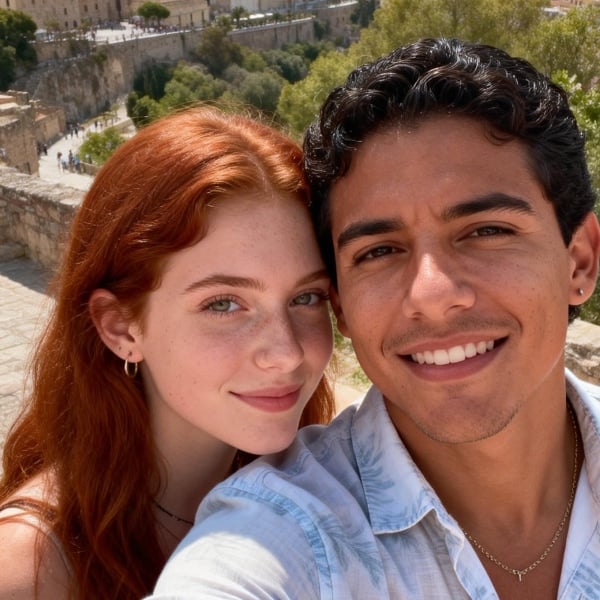
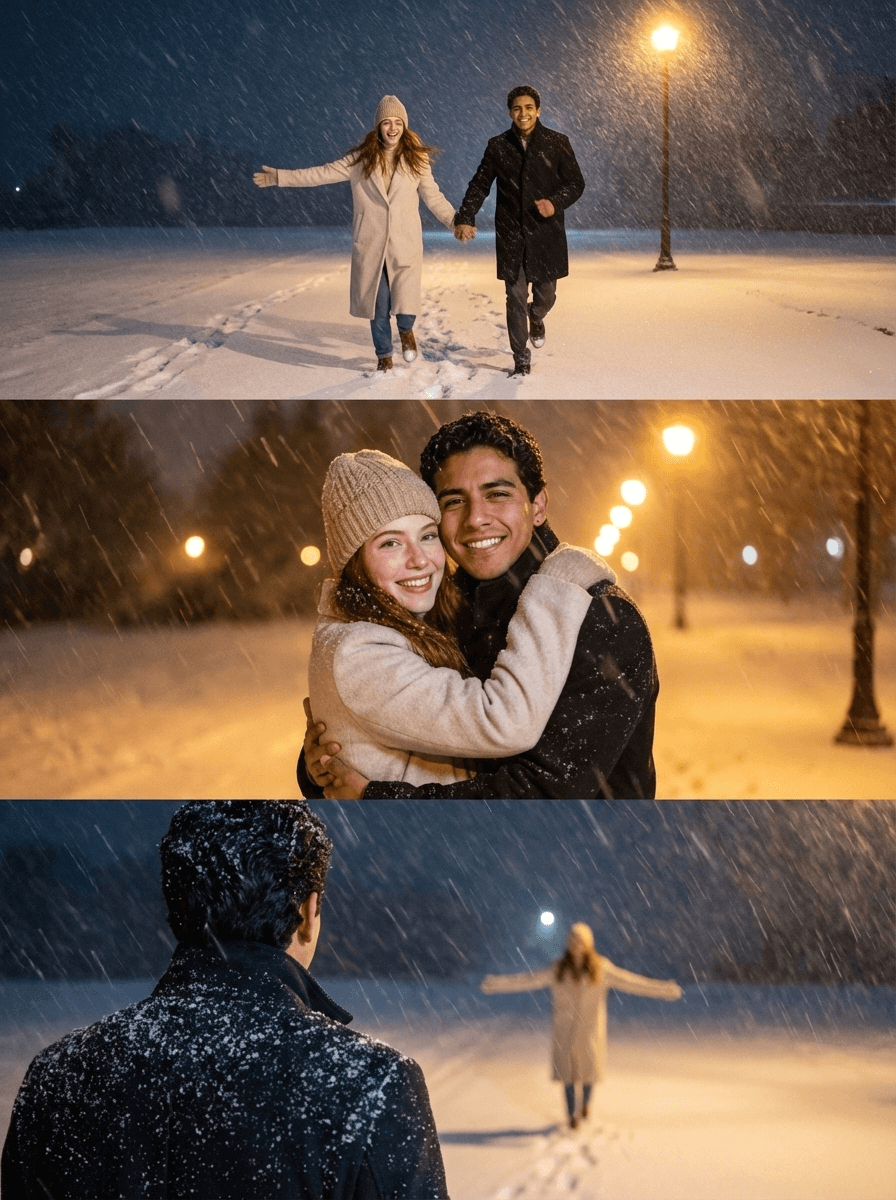
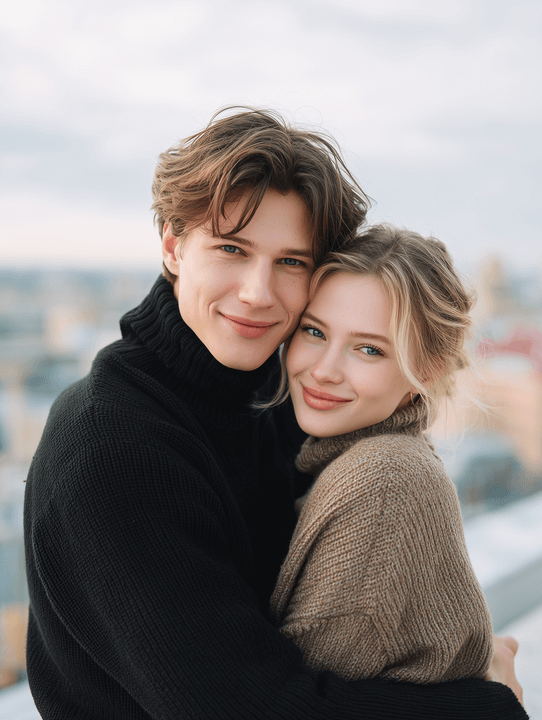
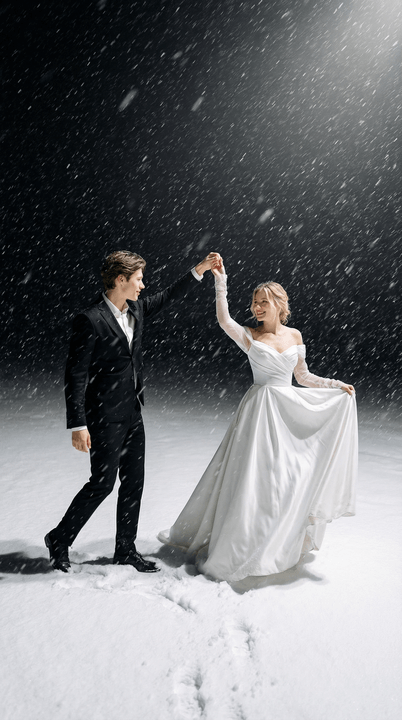
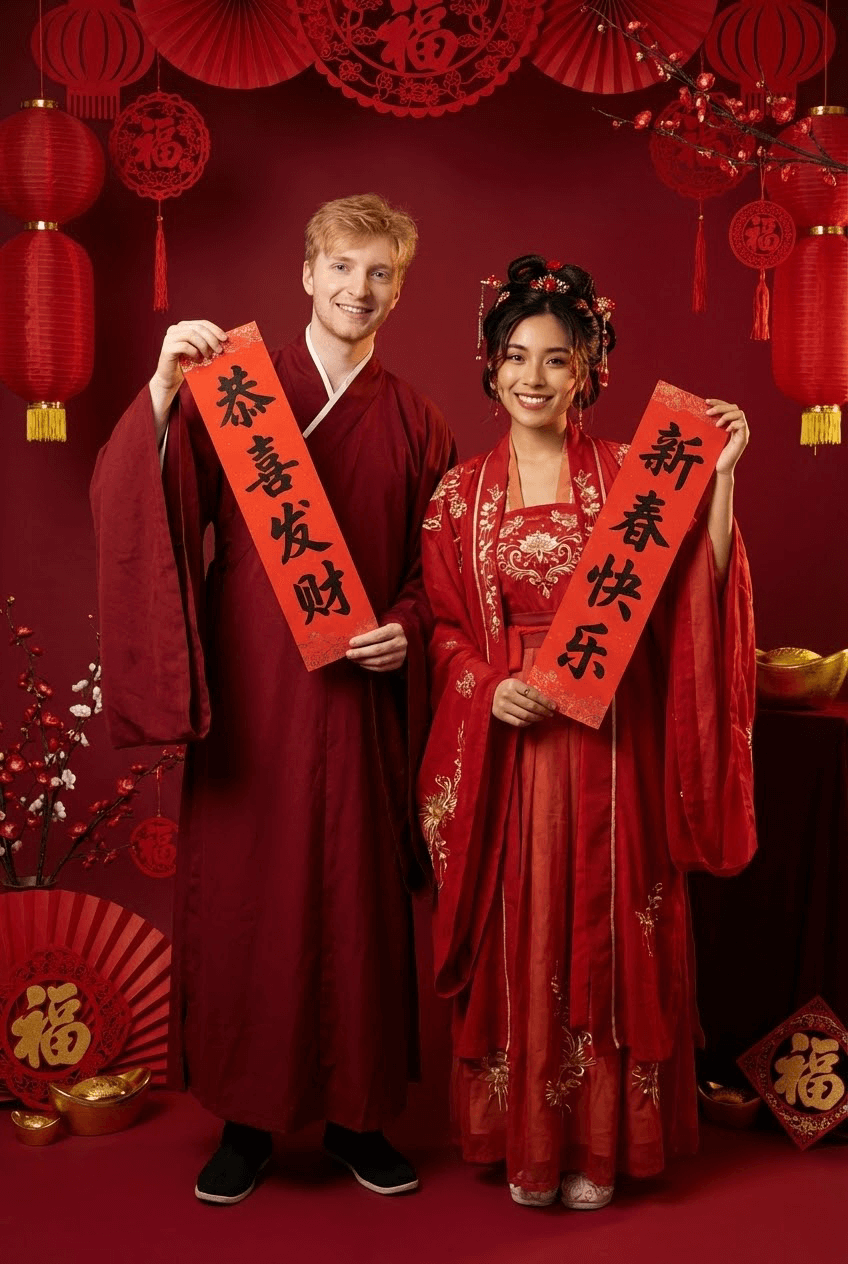
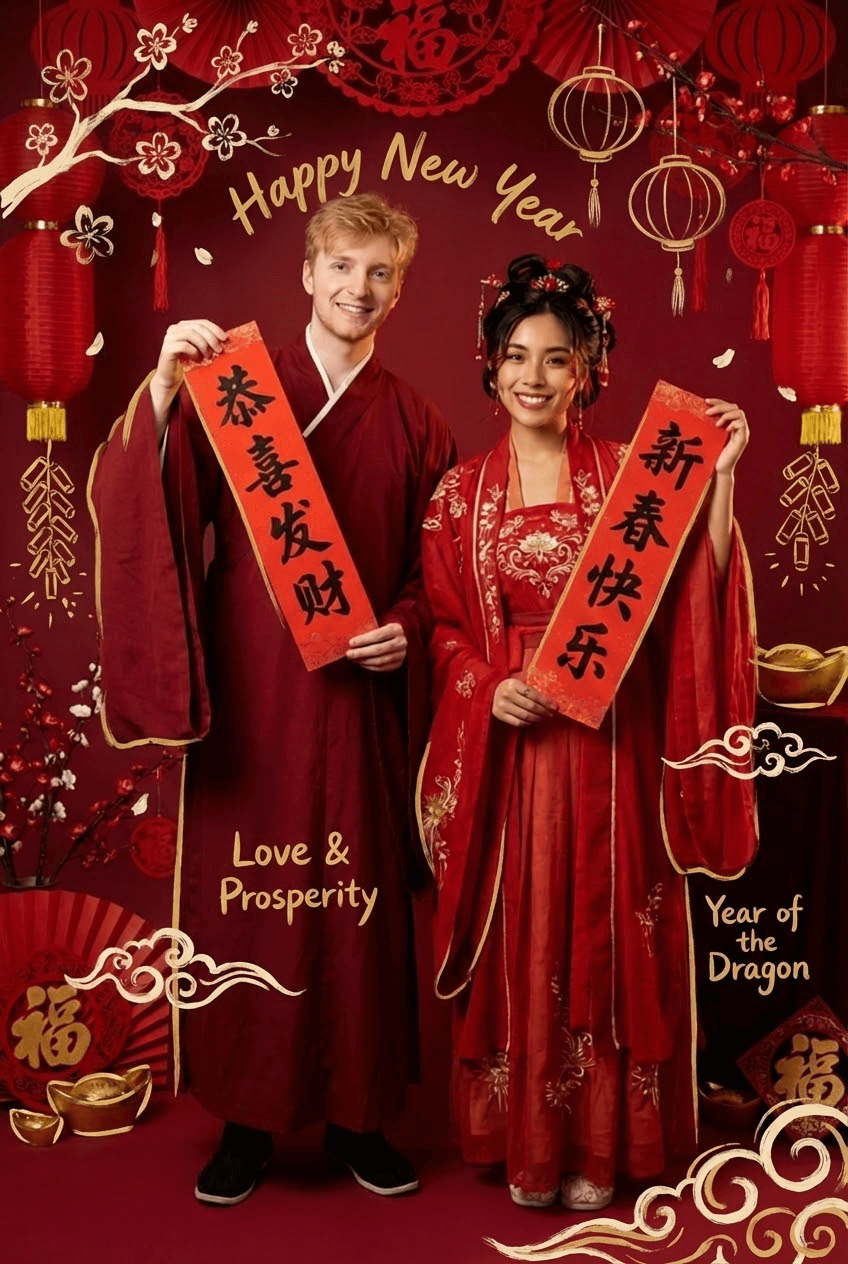
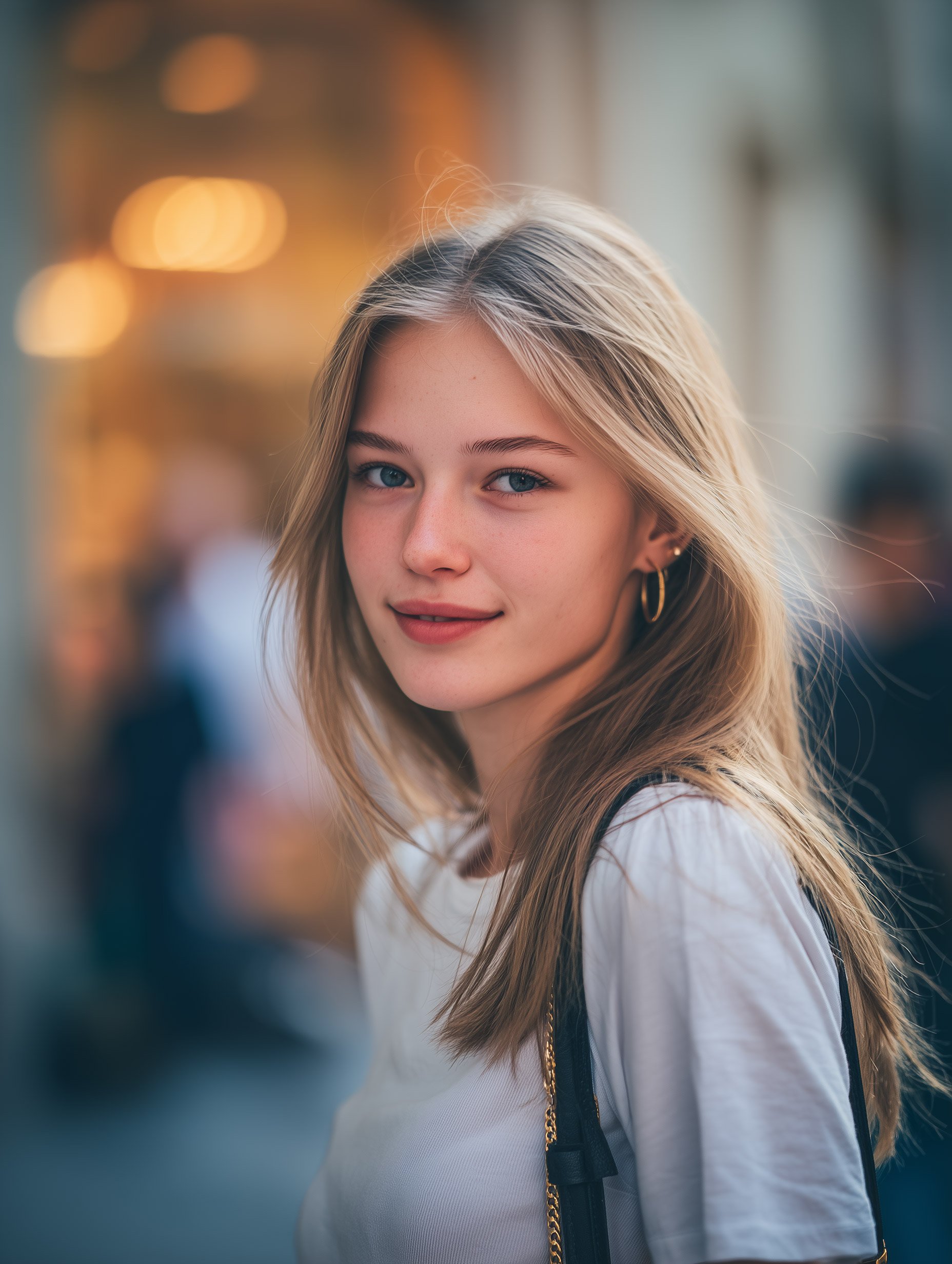
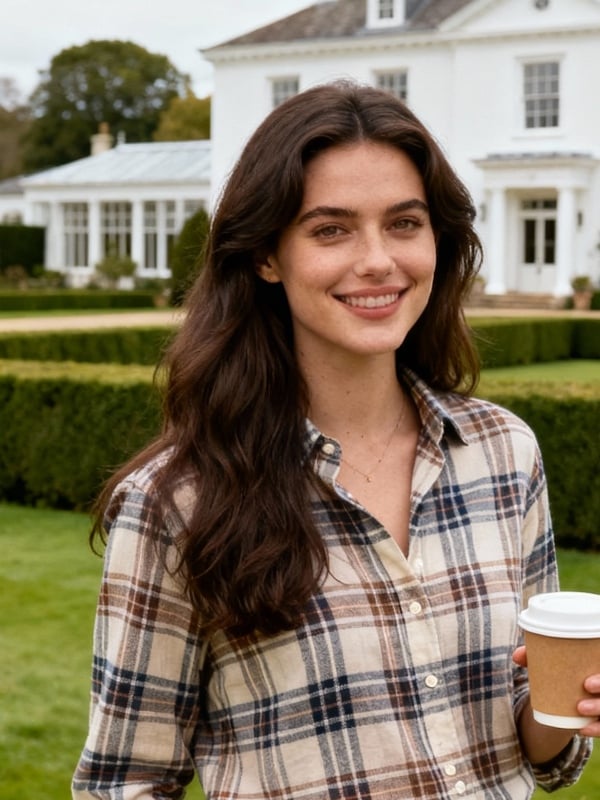
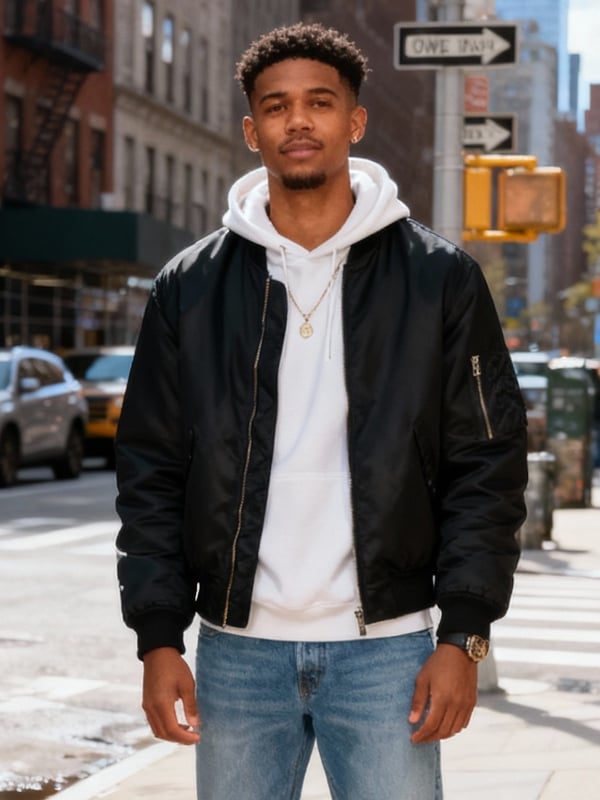
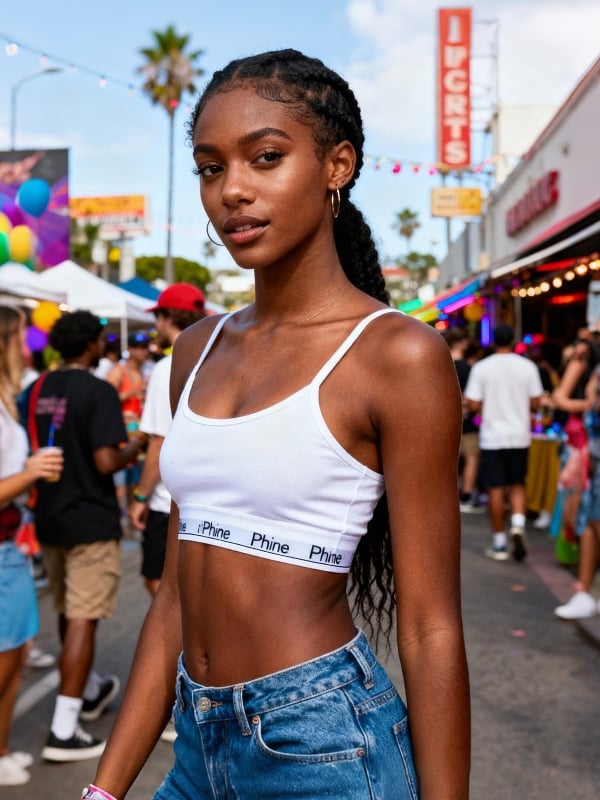
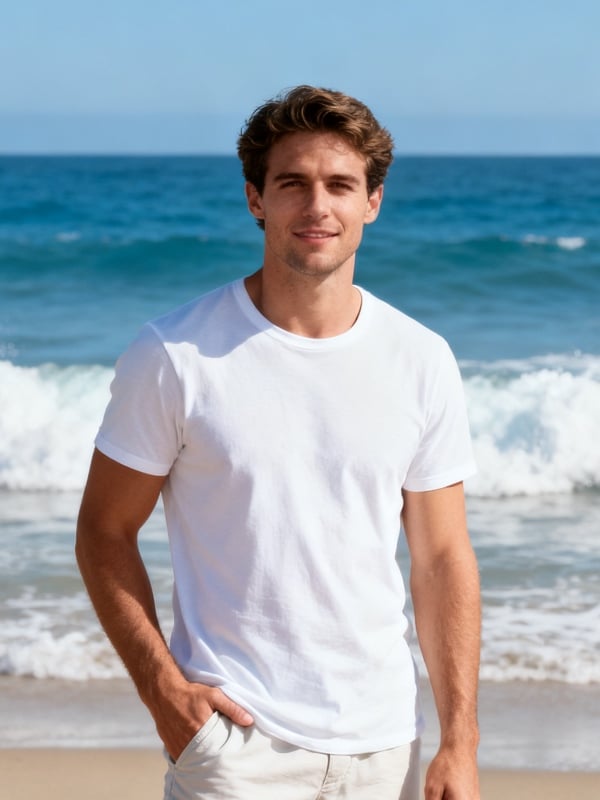




Compare AI Headshot Styles Before You Generate
Choose the style for the place where the portrait will appear. Studio and office looks suit professional profiles; outdoor and casual options work better for creator pages and personal brands. Start with one well-lit, front-facing photo so each style has a clear reference.
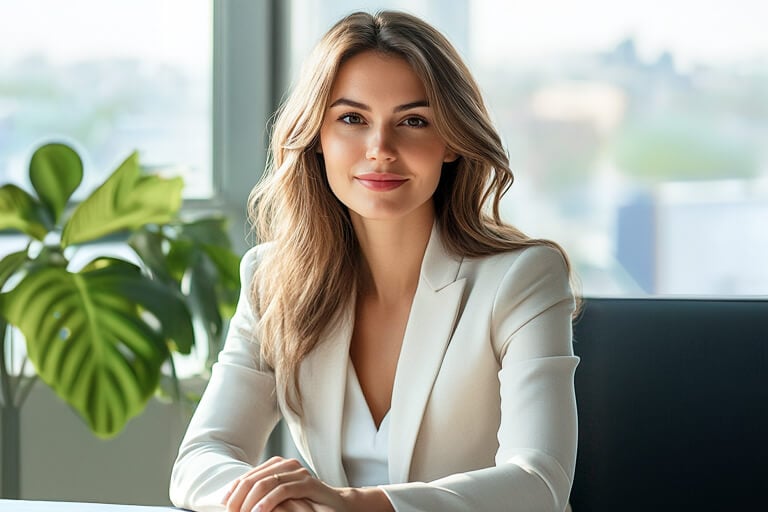
Indoor
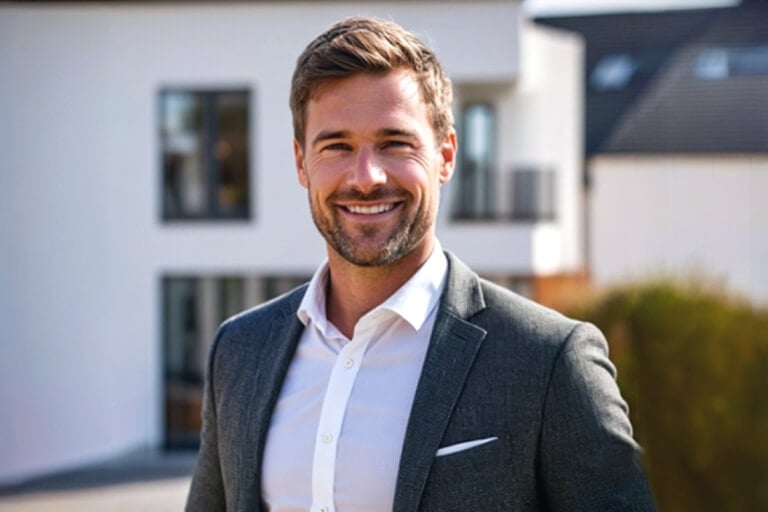
Outdoor
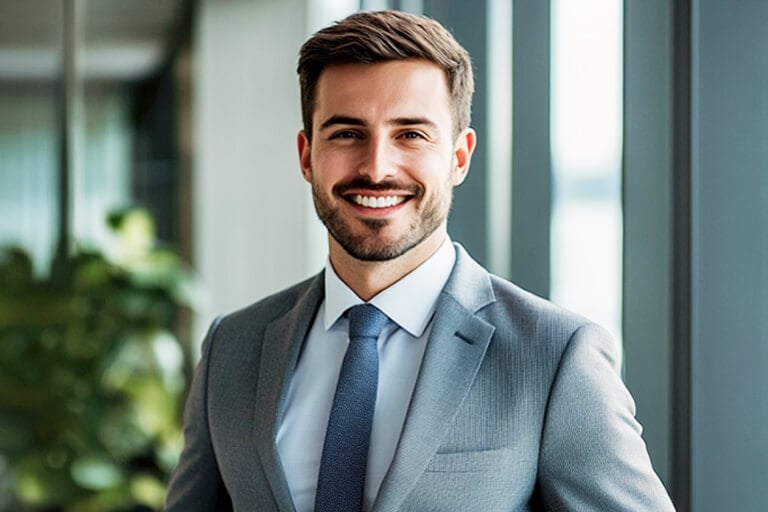
Office
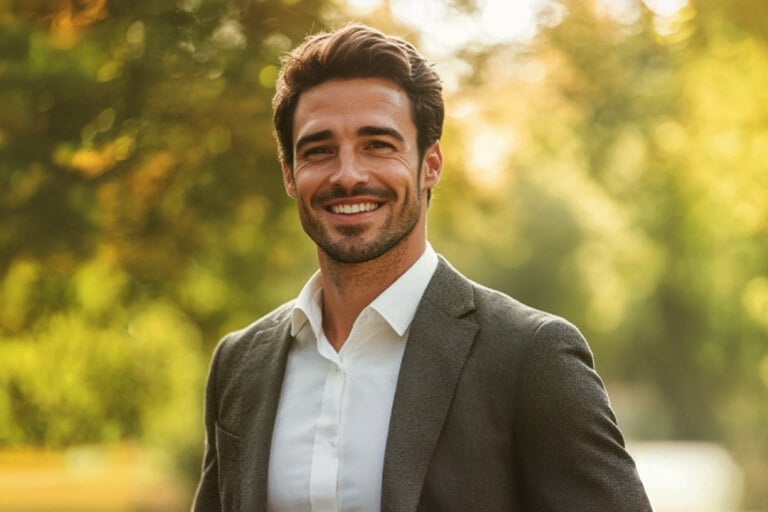
Park
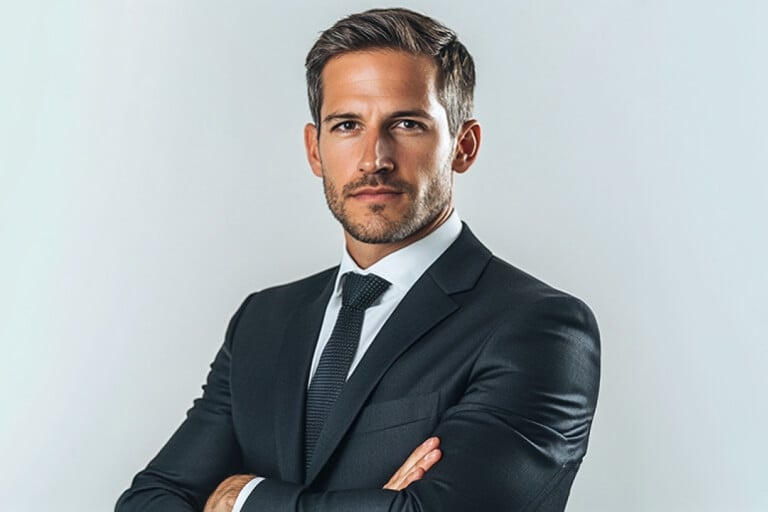
Studio Blue
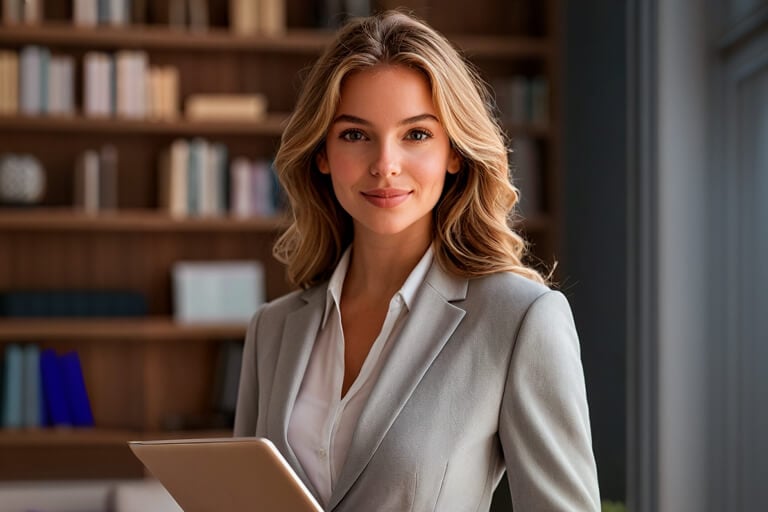
Study
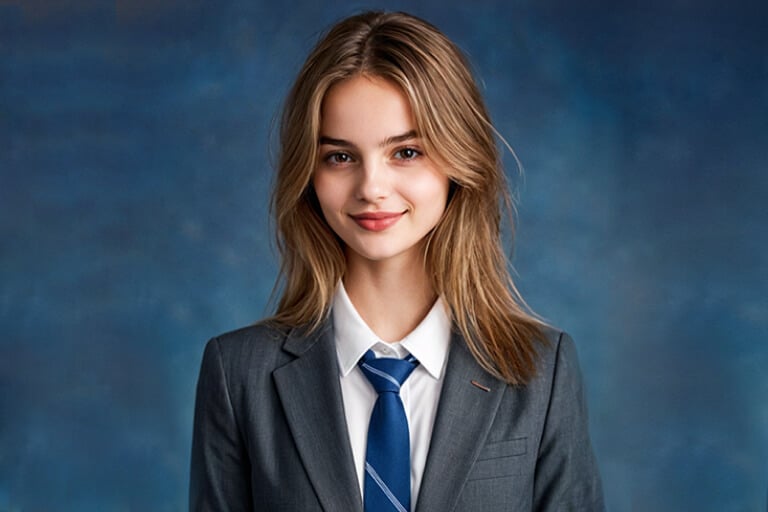
Graduation
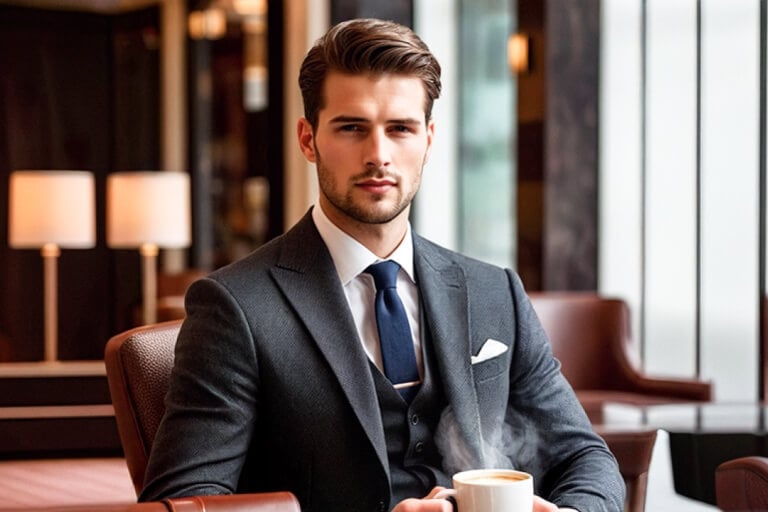
Coffee Shop
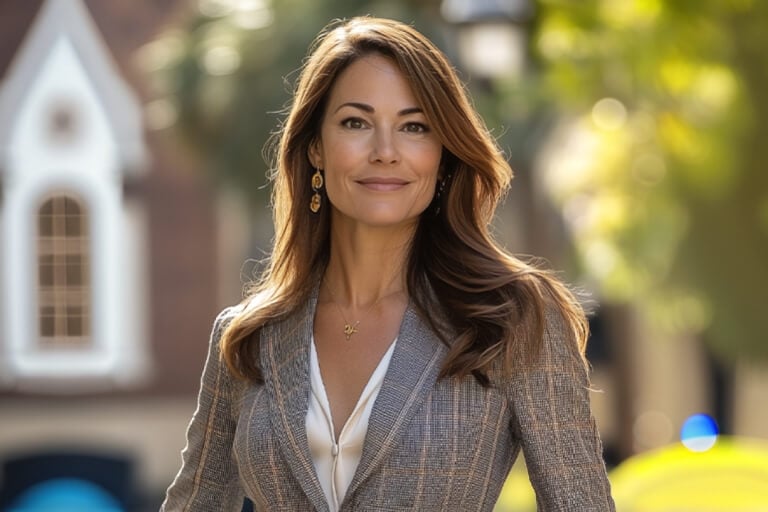
Outside the House
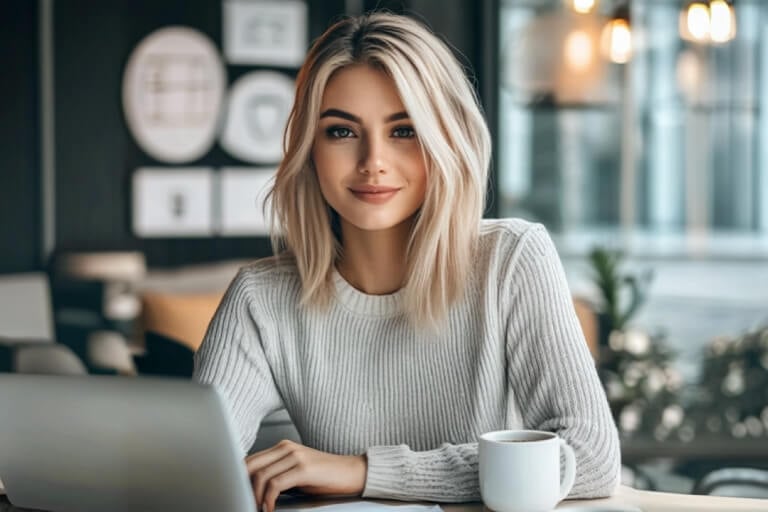
At the Desk
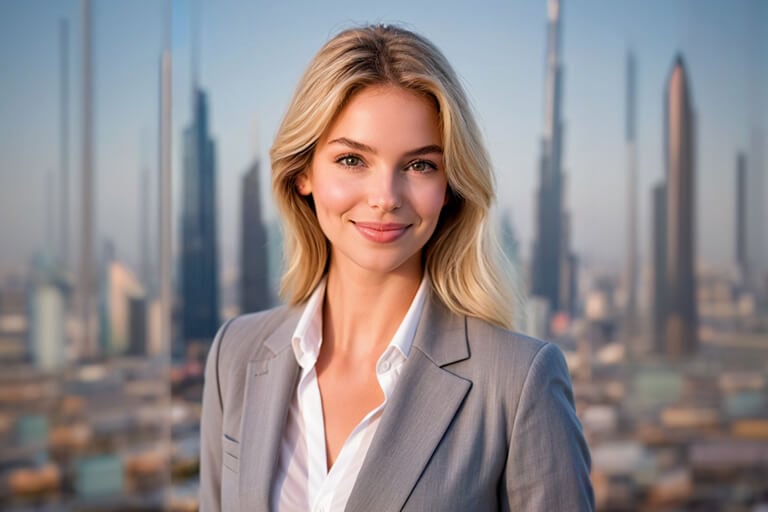
High Building
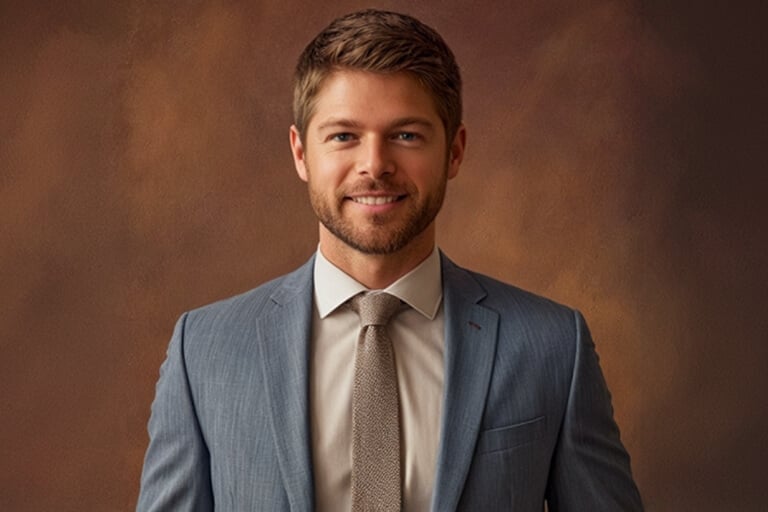
Studio Brown
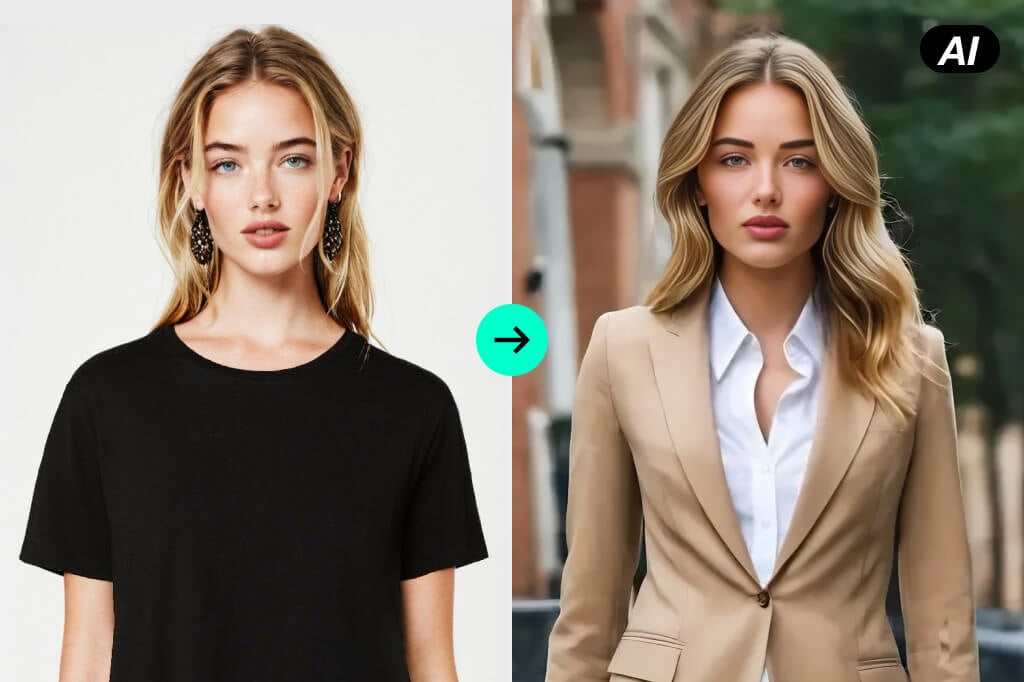
Turn One Clear Selfie into a Professional Headshot
A phone photo can be enough when the face is sharp, evenly lit, and not hidden by sunglasses, hair, or a tight crop. The AI headshot generator uses that visible detail as the reference for the portrait.
After generation, compare the result with the source. Pay attention to the eyes, hairline, jaw, glasses, earrings, and other identity details before choosing the version you want to keep.
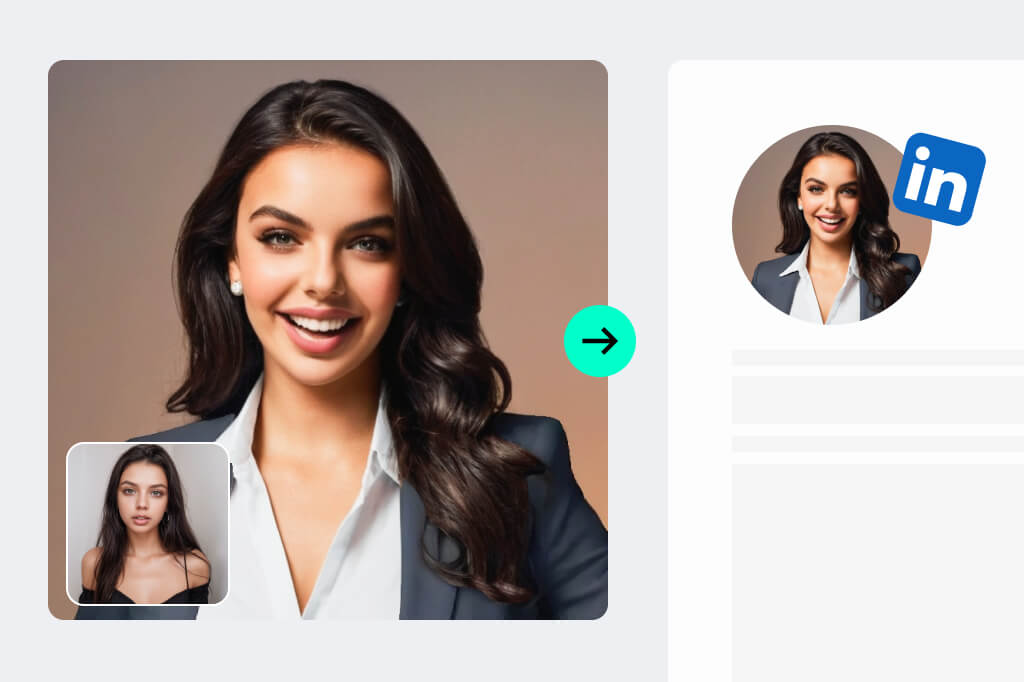
Create Headshots for LinkedIn, Resumes, and Company Pages
Use a neutral studio or office style for job searches, staff directories, speaker bios, and company websites. Keep the crop consistent and leave enough space around the head and shoulders for the final layout.
For a platform-specific result, use the LinkedIn headshot generator. When resume dimensions and presentation matter most, continue with the CV photo editor.
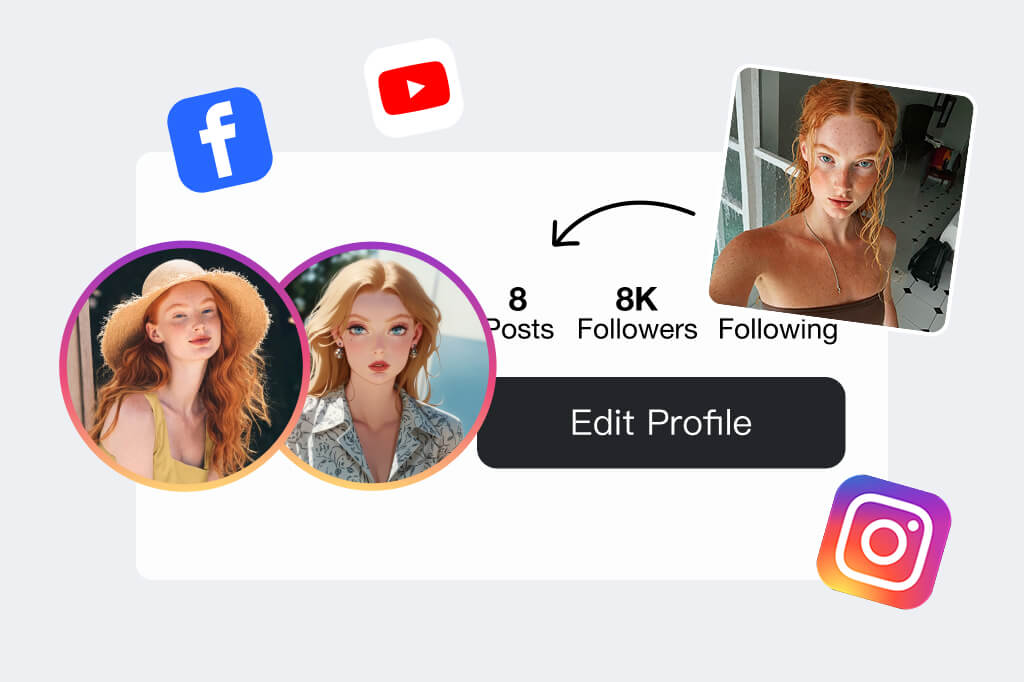
Make a Less Formal Headshot for Personal Branding
Consultants, founders, authors, and creators may need a portrait that feels approachable rather than corporate. Try an outdoor, coffee-shop, or study setting while keeping the face clear enough to work at profile-picture size.
If the final image is mainly for a social account or community profile, the profile picture maker offers a broader set of layouts than a business headshot workflow.
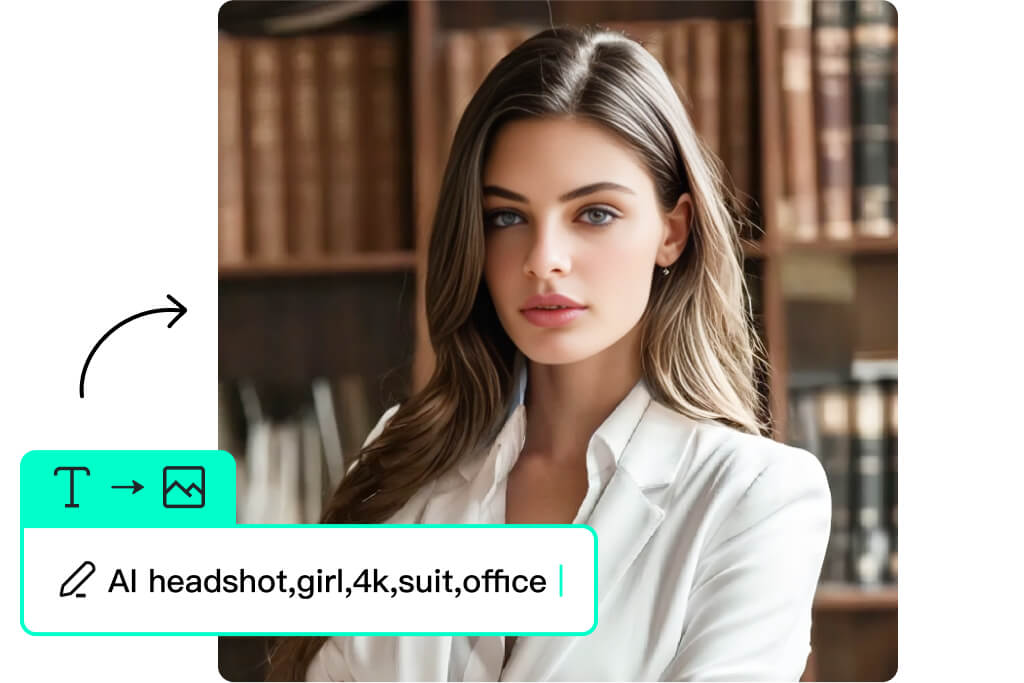
Keep Team Headshots Consistent Across a Directory
Choose one style, crop, and background direction for the whole team before generating. Ask each person for a similar source photo: front-facing, evenly lit, and framed from roughly the same distance.
Generate each portrait separately, then compare them side by side. Similar shoulder position, head size, lighting, and background tone matter more to a staff page than giving every person a different dramatic look.
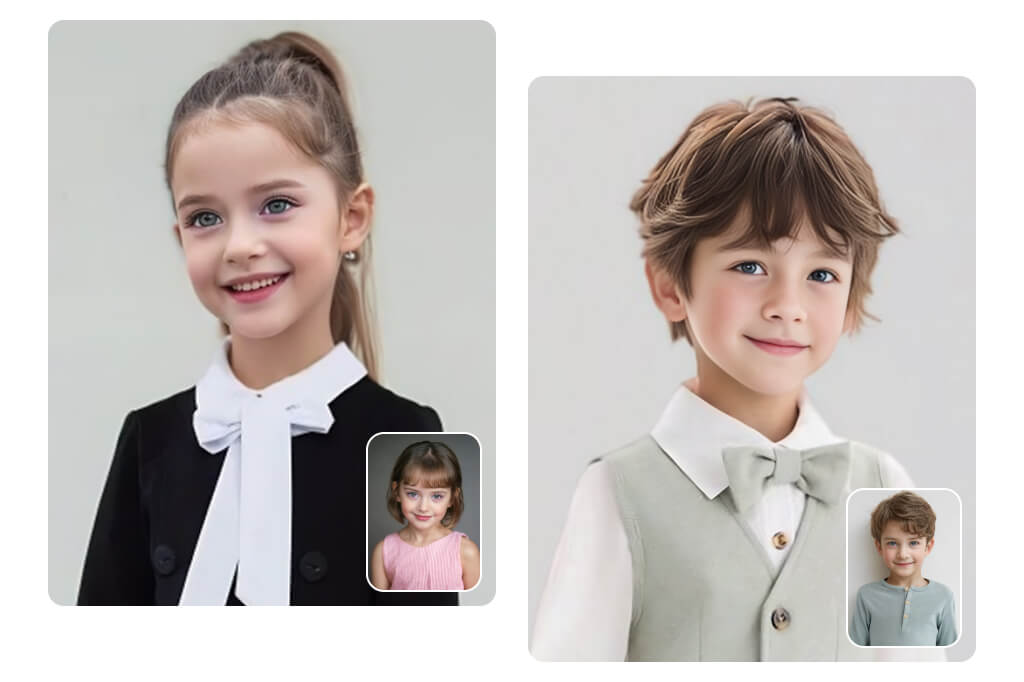
Match Clothing and Background to the Role
A professional headshot does not require the same outfit for every field. A plain blazer and studio background may fit finance or consulting, while a softer setting can work for education, design, wellness, or a personal website.
When clothing is the only part that needs changing, try adding a suit to the photo instead of regenerating the entire portrait. This keeps the task focused and makes comparison easier.
How to Create an AI Headshot from One Photo
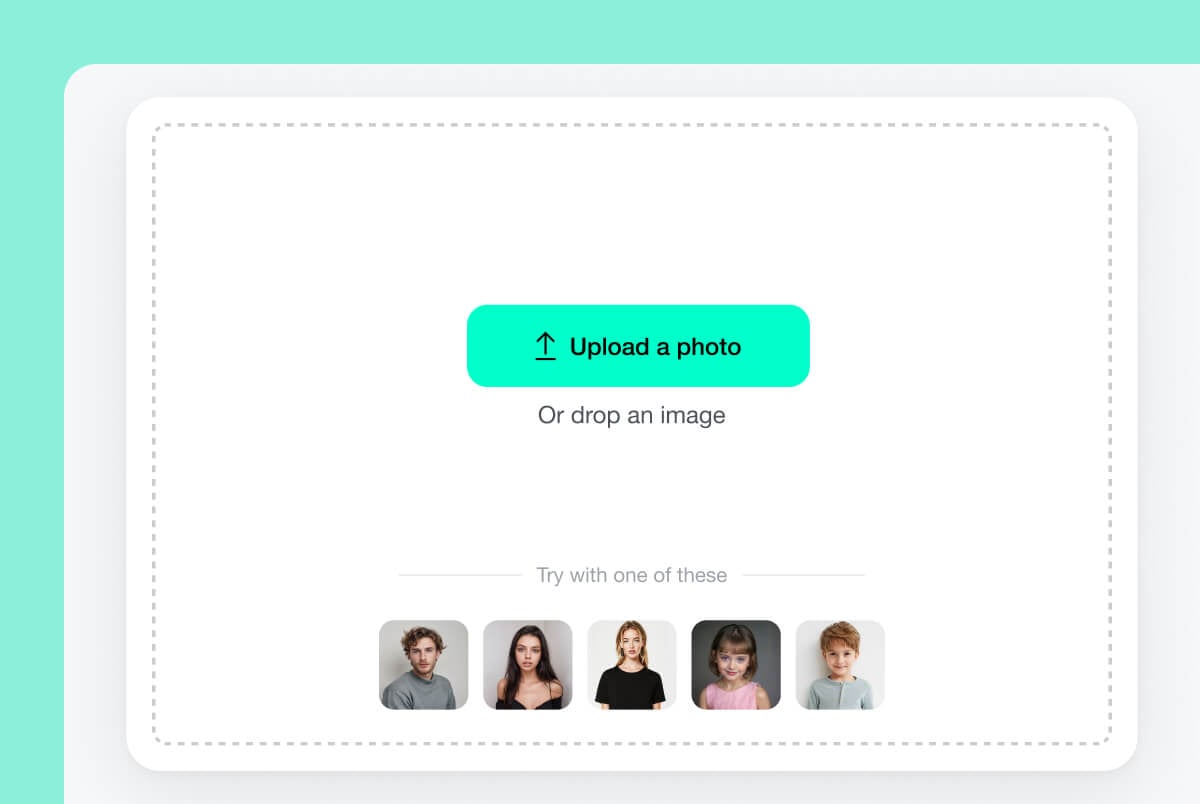
1 Upload a clear portrait
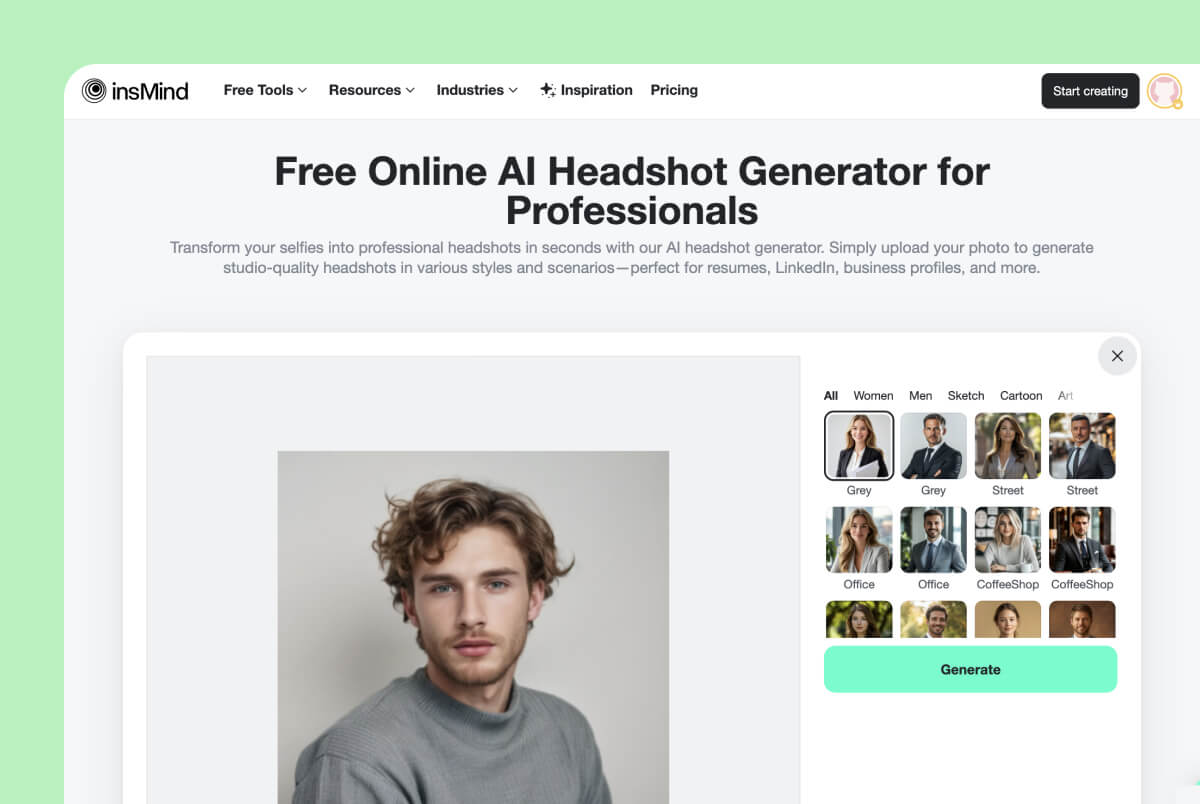
2 Choose a headshot style
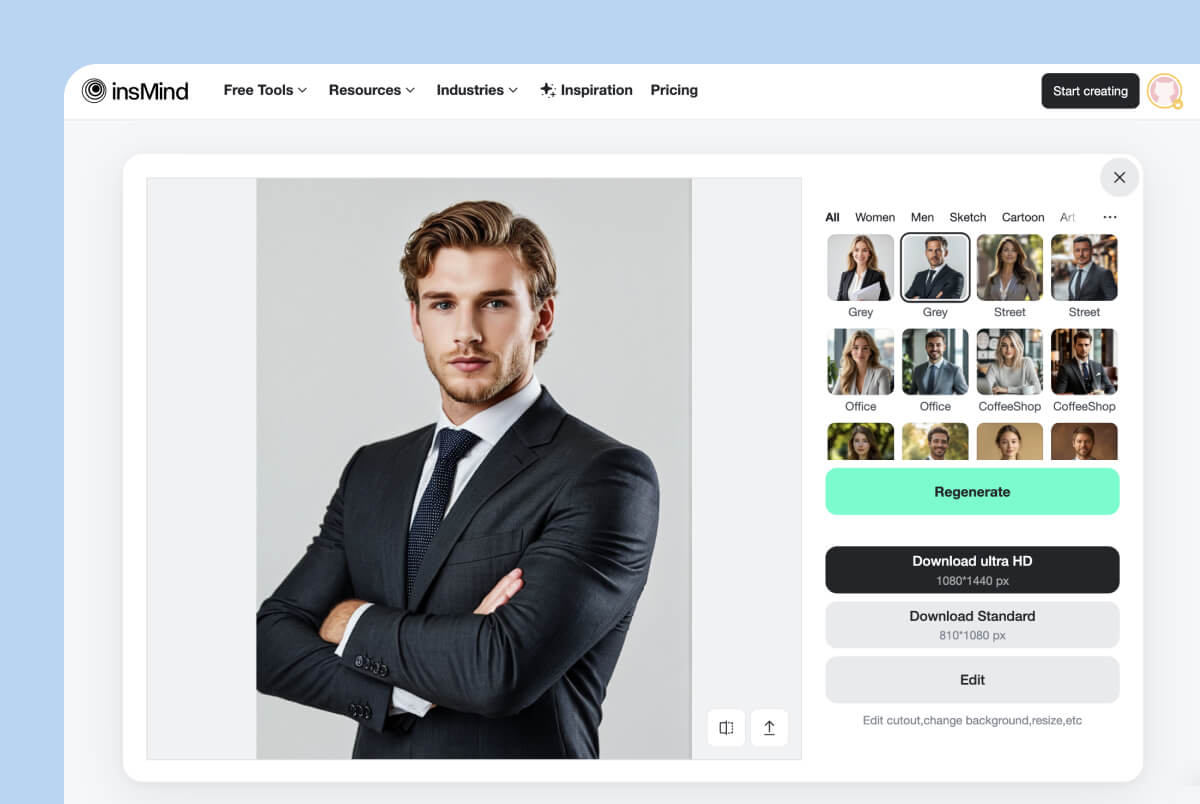
3 Generate, compare, and download
Prepare and Refine Your Professional Headshot
AI Headshots for Careers, Teams, and Personal Brands
Use the same upload-first workflow for a job search, staff directory, client-facing profile, or creator page, but choose the crop, clothing, and background for that specific context.
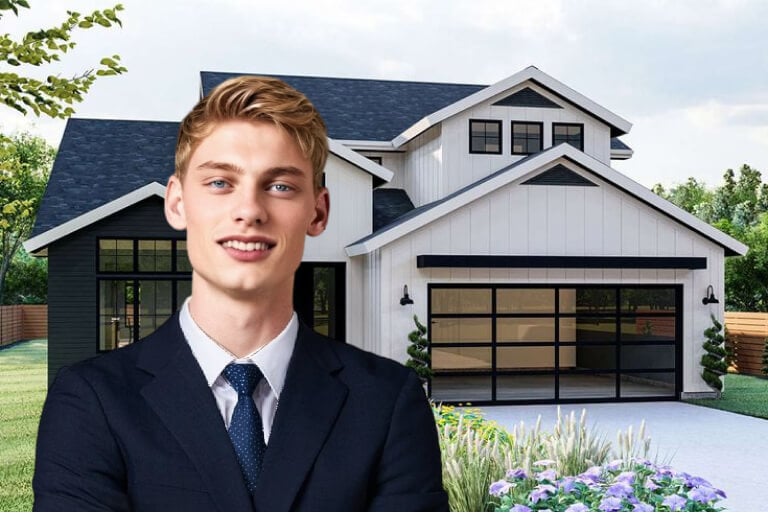
Realtors, Consultants, and Client-Facing Professionals
Create a clear portrait for property listings, email signatures, proposals, booking pages, and business cards. A simple background and approachable expression usually travel better across several client-facing formats.
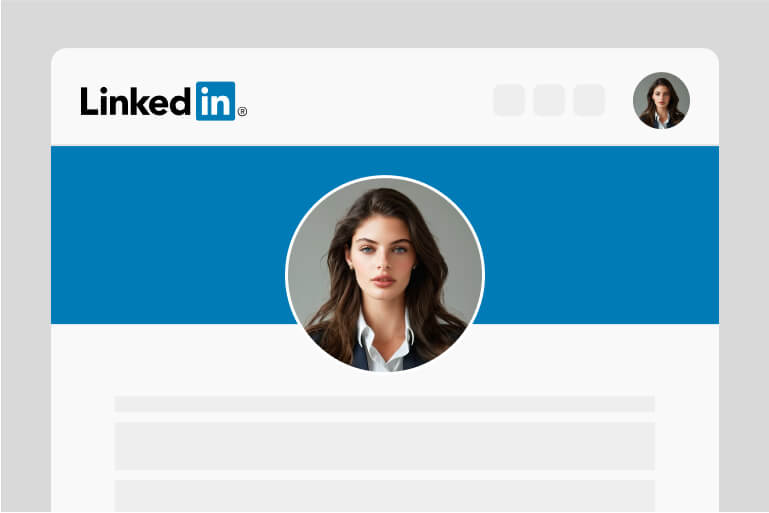
LinkedIn Profiles and Resume Photos
Choose a neutral style with clear eye contact and enough space for a square or circular crop. Check the employer, platform, or local application rules before using an edited photo in a formal hiring process.
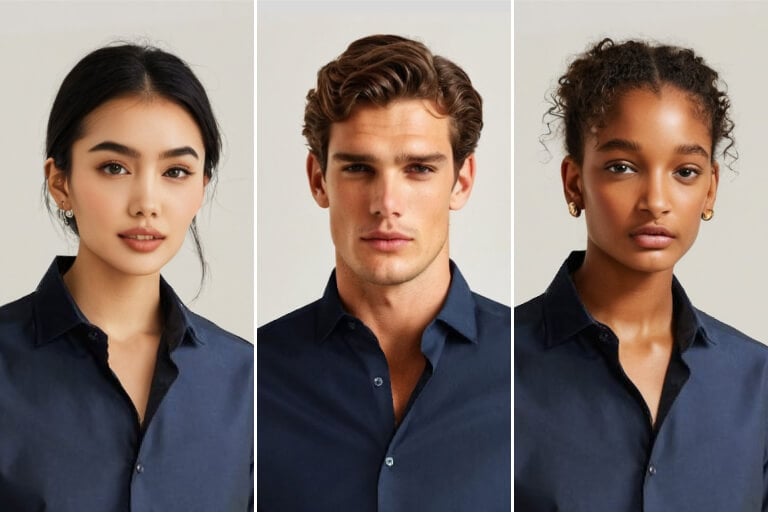
Team Directories and Company Websites
Use one preset and similar source framing for every teammate. Review the set together before publishing so head size, shoulder position, background tone, and overall formality feel consistent.
What Makes a Good AI Headshot Generator?
Preserves Recognizable Facial Details
Use an AI professional headshot generator when you need a clean profile image for work. A clear source photo and a simple background usually matter more than a dramatic style change.
Offers Styles That Match the Final Use
For resumes and job applications, choose a neutral style that keeps the face clear and the background quiet. If the resume format has strict photo rules, check those requirements before using an edited image.
Lets You Review and Try Another Result
Use the same preset style across team members so the final directory feels consistent. Similar lighting and framing in the original photos will make the results easier to align.
Fits the Crop and Rules of the Destination
Creators, consultants, and small business owners can use a less formal headshot for social channels. Pick a style that still looks like you and matches the tone of the platform.
Why Use insMind as Your AI Headshot Maker?

Start with One Photo
Upload one clear portrait instead of assembling a large photo set. This makes the page useful when you need to test a professional headshot style from an image you already have.

Compare Professional and Casual Presets
Choose among studio, office, outdoor, graduation, study, and other settings. The preset gallery helps you judge the context before generating instead of treating every headshot as the same corporate portrait.

Keep Editing in the Same Workspace
After generating, review the portrait and continue editing when the final channel needs a different crop, background, size, or outfit. The headshot can remain part of a broader profile-photo workflow.
FAQs about AI Headshot Generator
What is an AI headshot generator?


Can I use the AI headshot generator for free online?
What should I look for in the best AI headshot generator?
What kind of photo works best for an AI headshot?
Can I use an AI headshot for LinkedIn, a resume, or a company profile?
More Tools for Professional and Profile Photos
Create a LinkedIn or resume-specific portrait, prepare formal clothing, or choose a more creative profile format after generating your headshot.
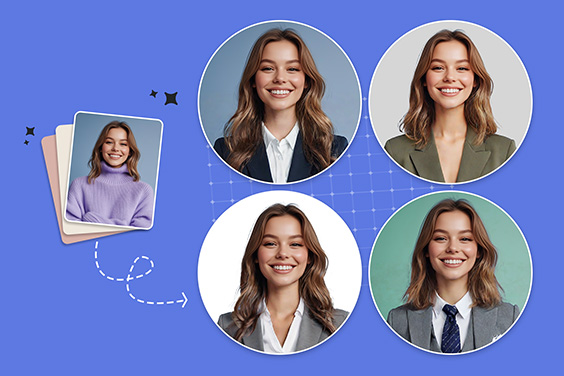
Profile Picture Maker
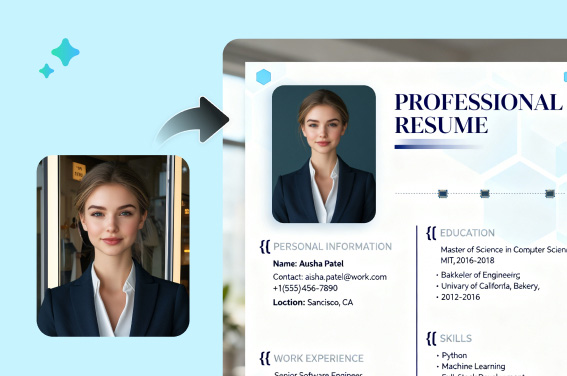
CV Photo Editor
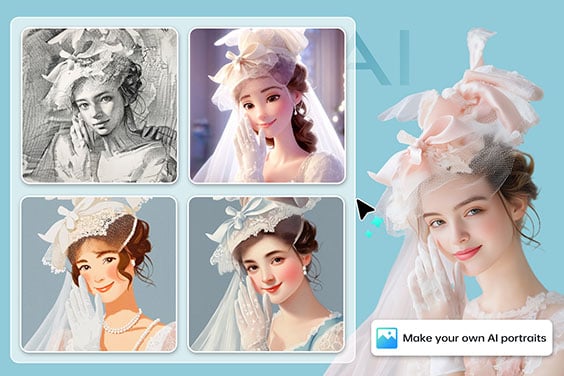
AI Portrait Generator
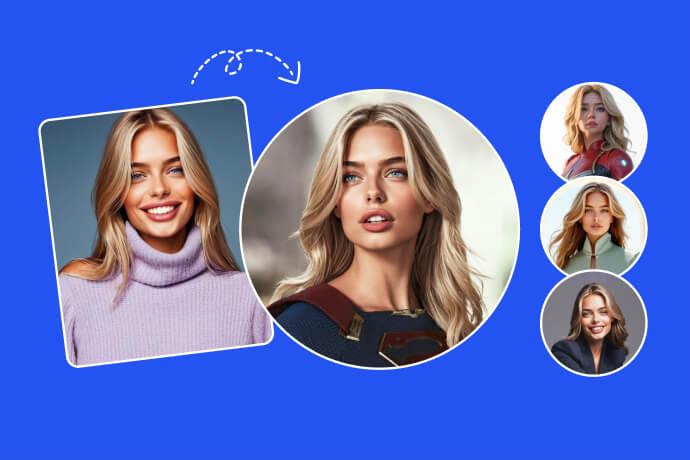
Avatar Maker
"I use it to create professional and uniform headshots for every staff member in my company. The results look very polished and are great for our company image. I use them on our website and company wall."
@Mark Fergeson, Business Owner