
Photo to Anime Converter Online
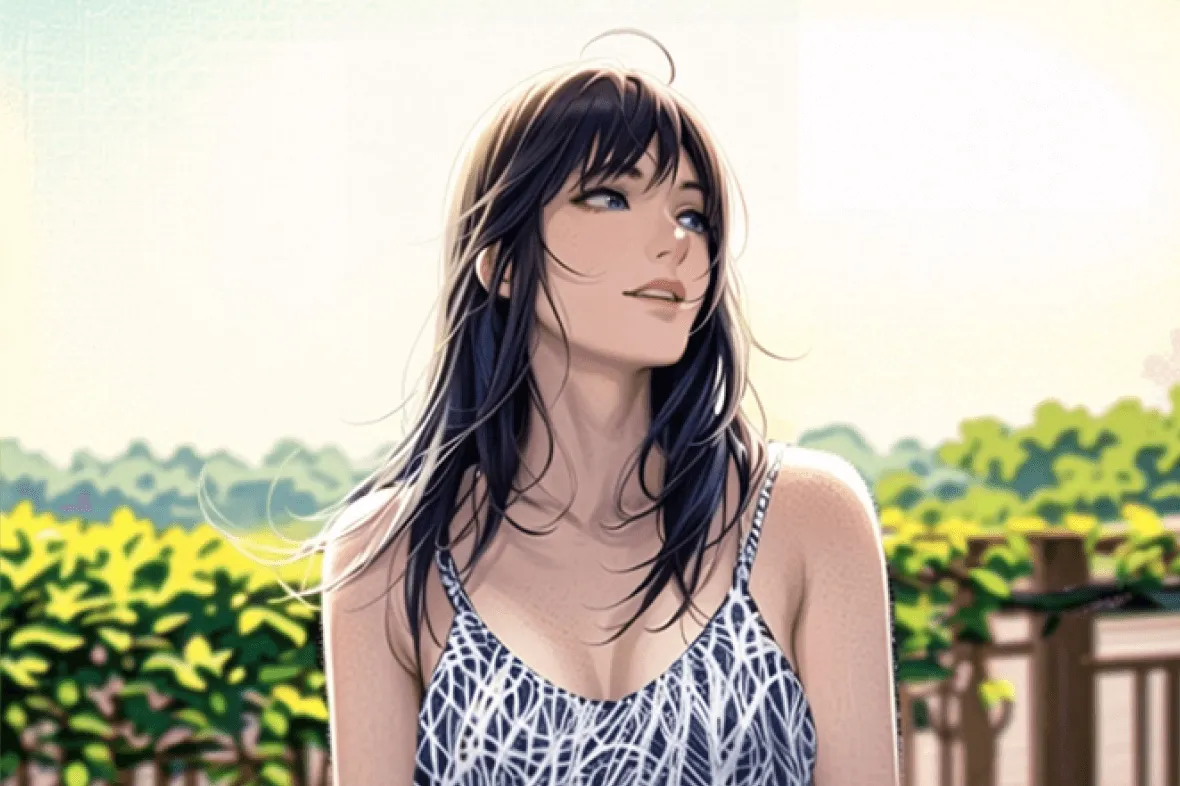


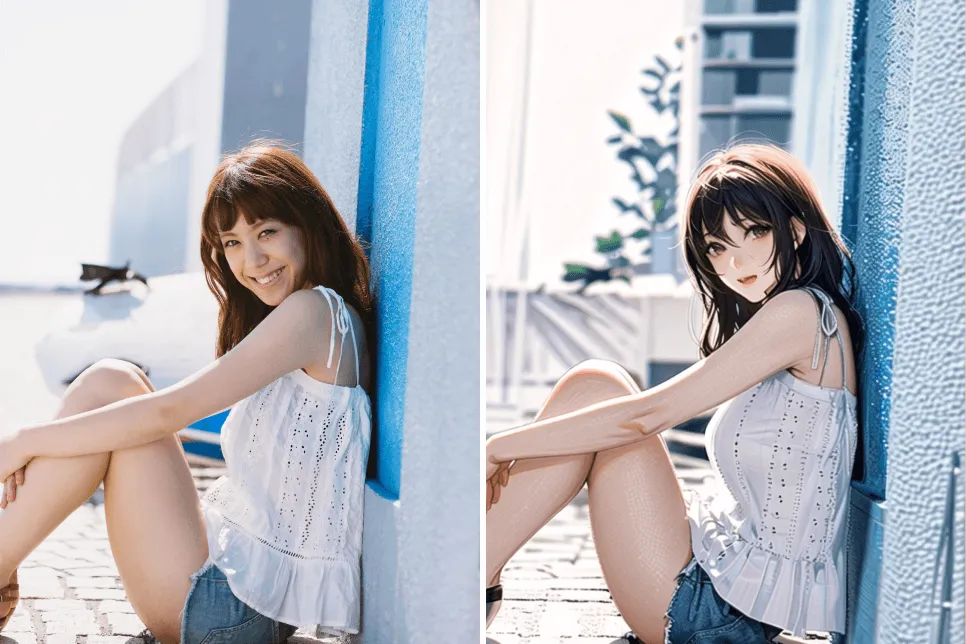
Turn a Selfie or Portrait into Anime Art
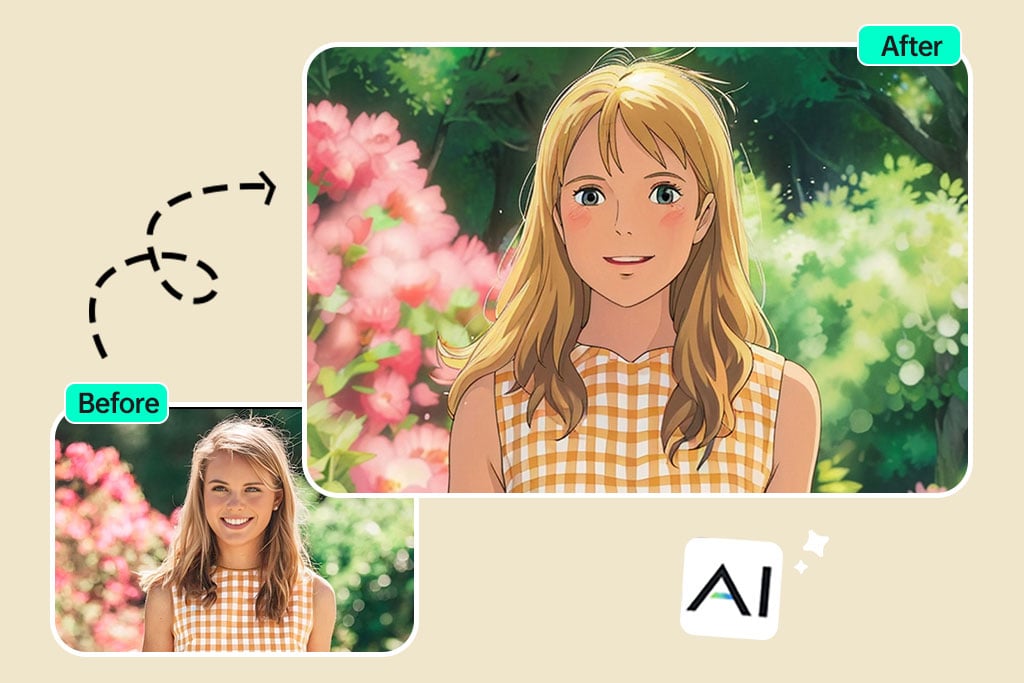
Upload a selfie, headshot, couple photo, or portrait when you want an anime version based on a real face and pose. The converter uses the visible expression, hair, outfit, and framing as the reference for the new illustration.
A close, well-lit portrait usually gives the face more useful detail than a distant or heavily blurred photo. Check the eyes, hairline, hands, and accessories in the preview before using the result as an anime selfie, profile picture, or avatar.

Convert Pictures of Places and Objects into Anime Scenes
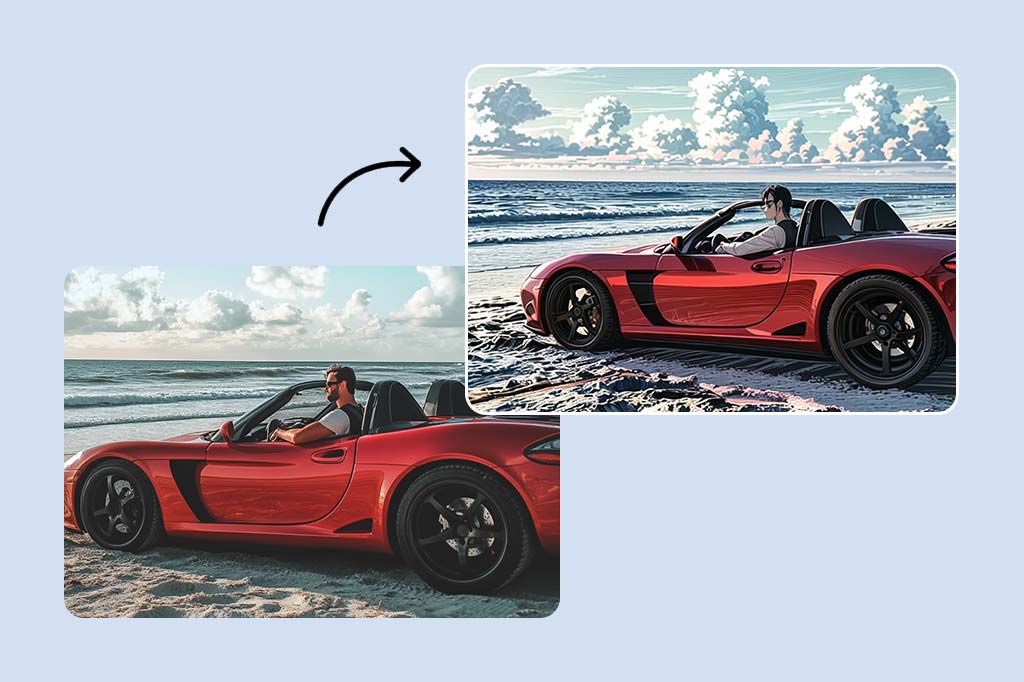
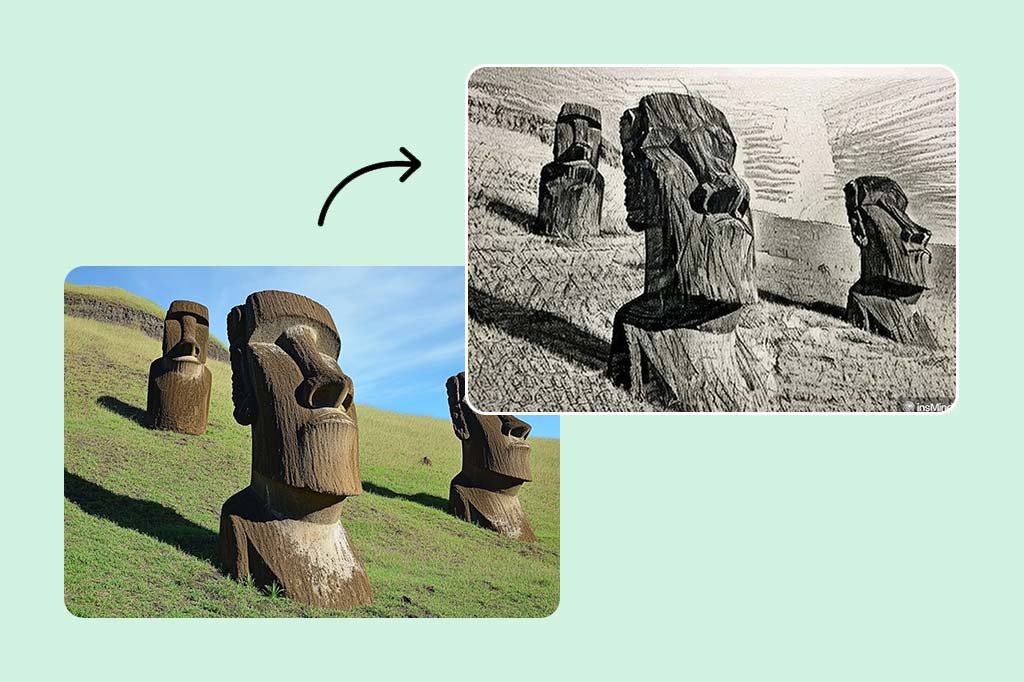
A picture to anime converter can work with more than portraits. Try a travel photo, room, street, product, vehicle, food image, or landscape when you want the original composition redrawn as an illustrated scene.
Keep the main subject easy to identify and avoid very dark or crowded source images. Strong edges and clear foreground-background separation help the anime effect read the scene instead of flattening small details together.

Make an Anime Pet Portrait from a Clear Photo
Turn a cat, dog, or other pet photo into anime art for a profile icon, post, sticker idea, or personal gift. A front-facing image with visible eyes, ears, and fur pattern gives the converter a clearer reference.
If the pet occupies only a small part of the frame, crop closer before converting. Compare the preview with the source and try a second crop when the expression or distinctive markings need more emphasis.
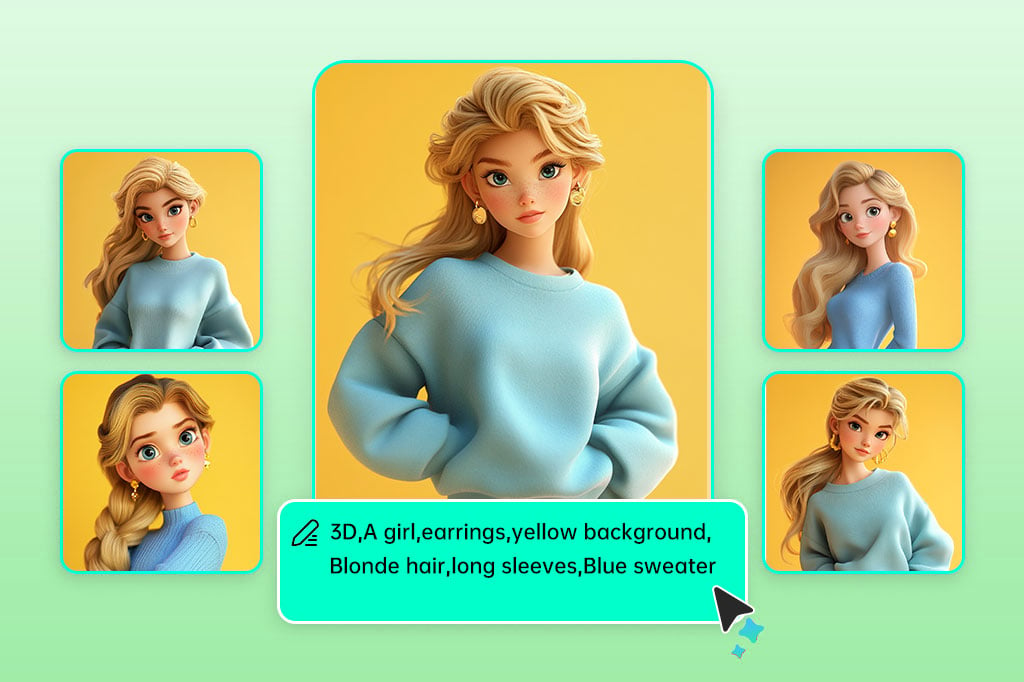
Photo to Anime or AI Anime Generator: Choose the Right Start
Use this photo to anime AI tool when you already have the person, pet, object, pose, or setting you want to preserve as a reference. Uploading the source keeps the task grounded in an existing image.
Use the AI anime generator when you want to invent anime art from a written prompt instead. Separating those two workflows keeps a reference-led conversion from being confused with a text-only anime art generator.
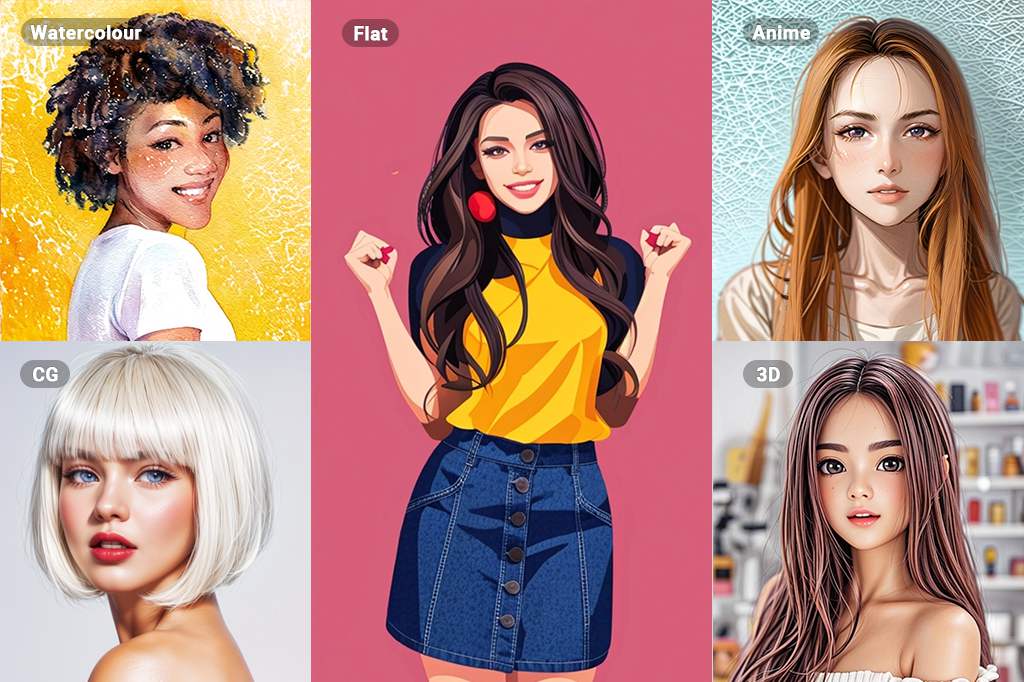
Compare Anime, Manga, Cartoon, and Ghibli-Inspired Looks
Anime is one illustration direction, but it may not be the best fit for every source. Use Photo to Manga for stronger comic-page cues, Photo to Cartoon for a broader cartoon treatment, or the Studio Ghibli filter for a softer cinematic look.
Compare the same source photo across effects when style matters more than speed. Keep the version whose facial detail, line weight, color, and background treatment best match the final avatar, post, scene, or gift you are making.
Explore Anime and Illustrated Photo Effects
How to Turn a Photo into Anime Online
Upload one clear image, select the Anime filter, generate a preview, and check the important details before downloading. The workflow runs online in your browser.

1 Upload a clear source photo

2 Select the Anime filter

3 Generate and inspect the preview

4 Download or refine the anime image


Ways to Turn Photos into Anime Art
Start with a real image when the subject and composition matter. Choose a close portrait for an anime selfie, a clear pet photo for a character portrait, or a wider image for an illustrated scene.
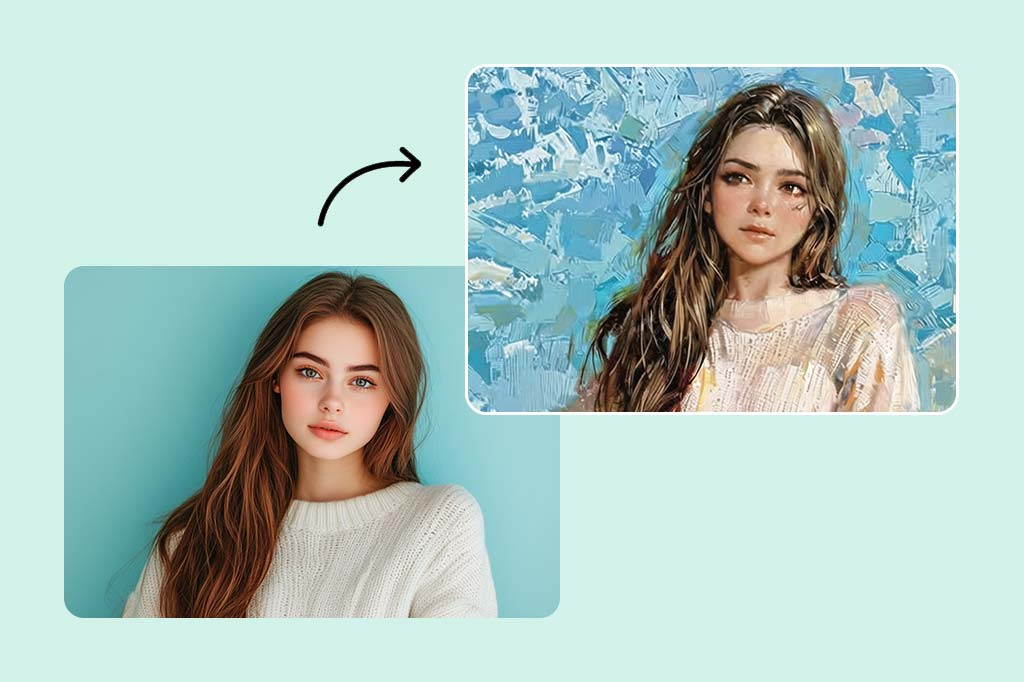
Anime Selfies and Profile Avatars
Turn a selfie or headshot into an anime avatar for a social profile, gaming account, community, or creator page. Use a close crop and even lighting so the expression remains readable at a small profile-picture size.
Anime Pet Portraits and Gift Ideas
Convert a pet photo into a character-style portrait for posts, stickers, cards, or gifts. Pick an image that shows the eyes, ears, face shape, and distinctive markings instead of relying on a distant full-scene shot.
Anime Scenes, Covers, and Story Concepts
Turn a travel photo, room, street, product setup, or landscape into an illustrated scene for a cover, thumbnail, mood board, or story concept. Check small objects and text because detailed backgrounds can simplify during conversion.
Why Use insMind as a Photo to Anime Converter?

Starts from the Photo You Choose
The source image provides the face, pose, pet, object, colors, and composition. This makes the workflow suitable when you want to reinterpret an existing picture rather than create an unrelated anime scene from text.

One Browser-Based Workflow
Upload one image, apply the Anime filter, inspect the preview, and download from the browser. You do not need drawing software to test whether a portrait, pet photo, or scene works in an anime style.
Continue Editing after Conversion
Keep working on the result when the final channel needs a different crop, background, size, or level of clarity. The anime conversion can be the first creative step instead of a file that must be moved into a separate editor.
Photo to Anime Converter FAQs
How do I turn a photo into anime online?


Can I use the photo to anime converter online for free on my phone?
What is the difference between photo to anime AI and an AI anime generator?
What type of photo works best for an anime conversion?
Can I convert selfies, pet photos, and landscapes into anime art?
More Ways to Create and Refine Anime Art
Start from a prompt, try a more specific illustrated style, or prepare the converted image for its final profile, post, cover, or scene.
AI Anime Generator
Photo to Manga
Studio Ghibli Filter

AI Image Enhancer

AI Photo Filter

Smart Resize

“I've tried other anime art generators, but this one is definitely the best. The results are incredible."
@Maria Khan