
Kling O1 AI Video Generator for Multimodal Creation


Choose the Right Kling O1 Workflow
Use this page to match prompt-only generation, image animation, and frame-guided motion with the task instead of treating every AI model page the same.

See Kling O1 Inputs Before You Generate
The rebuilt output examples now show exact input shapes, prompts, and output videos so users can understand what the page supports before clicking create.

Compare Kling O1 with Nearby Model Pages
This page now links naturally to the AI video generator and adjacent model pages so it supports model-selection intent instead of repeating generic AI video copy.
How to Create With the Kling O1 Video Model?
Step 1: Upload Your Input
You can start from text only (text-to-video), an image with prompts (image-to-video), or by uploading a beginning frame, ending frame to guide the camera path. Kling O1 understands all input types and uses them as the visual foundation for your video.
Step 2: Add Your Visual or Text Prompts
Use natural language to define motion, scene details, mood, characters, or camera behavior. You can also specify visual styles such as anime, cartoon, cinematic, or artistic looks.
Step 3: Generate and Download Your Video
Click generate, and Kling O1 automatically creates your video with coherent motion, consistent lighting, and smooth transitions. Then download your video in high quality—ready for sharing or publishing.
Step 4 (Optional): Edit Your Video With Text Prompts
Switch to Video Edit mode, upload any existing video, and simply describe what you want to change. You can replace characters, remove or swap backgrounds, adjust lighting, change scenes, or apply styles like anime or cartoon—all using text prompts.
Popular Ways Creators Use Kling O1
The Kling O1 video model is used for many types of projects by people. It has great use for school videos, fun stories, business posts, and filmmaking. The Kling video O1 system enables you to create smooth and clear scenes from simple inputs.
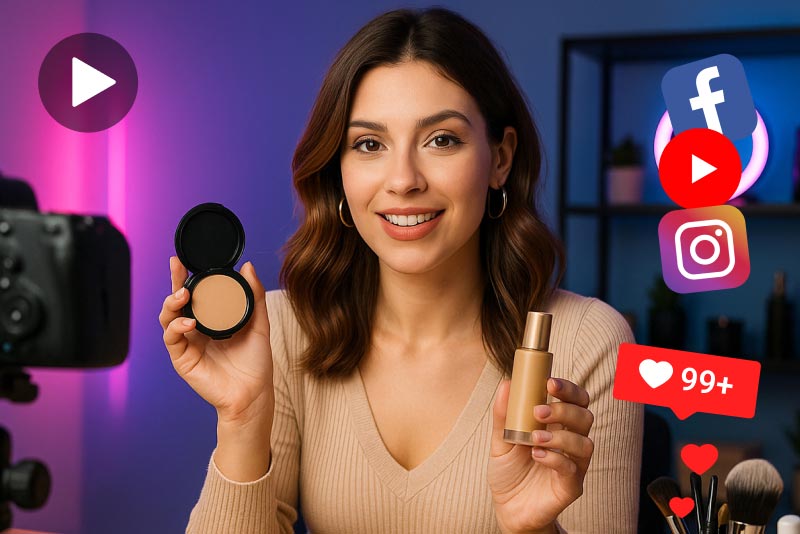
Social Ads
Create bright and eye-catching videos that align with your brand and allow your message to stand out - in tiny, funny clips.
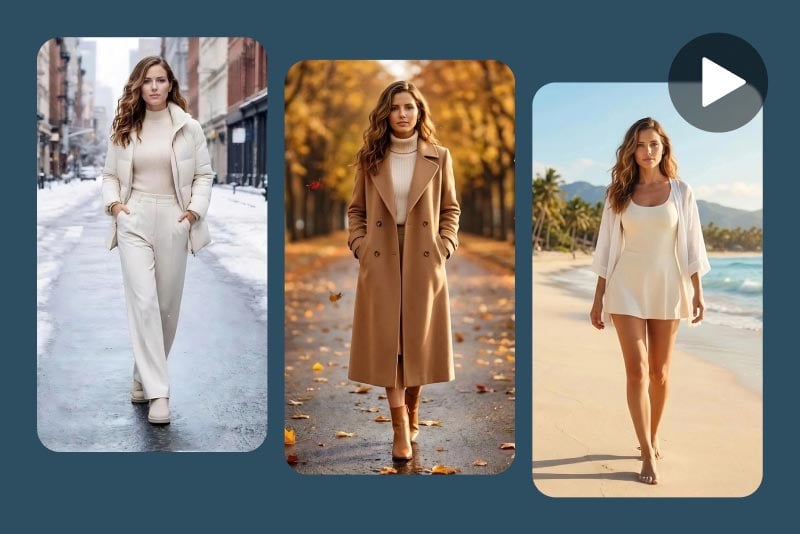
Character Videos
Create characters that remain the same throughout each scene, which will make your stories clear and easy for the viewer to follow.

Product Demos
Turn boring product photos into smooth, simple videos about how something looks or works.
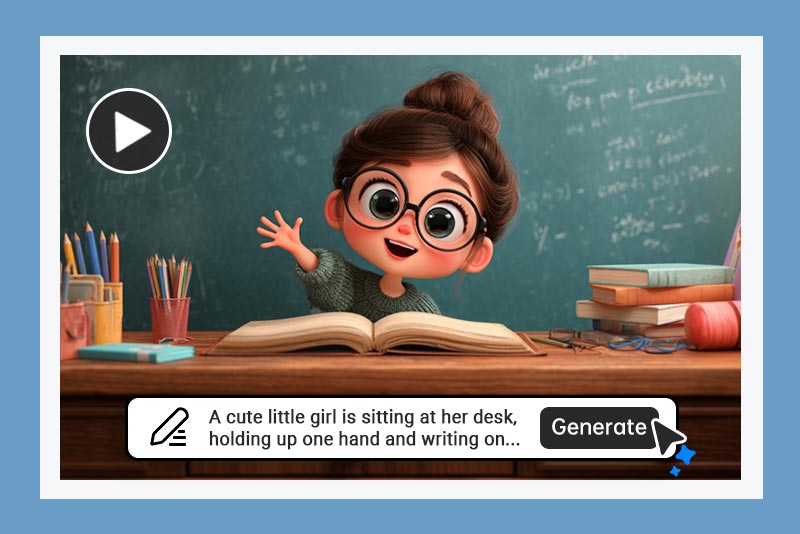
Storyboarding
Quickly transform your ideas or short notes into simple scenes, allowing you to plan out your story.
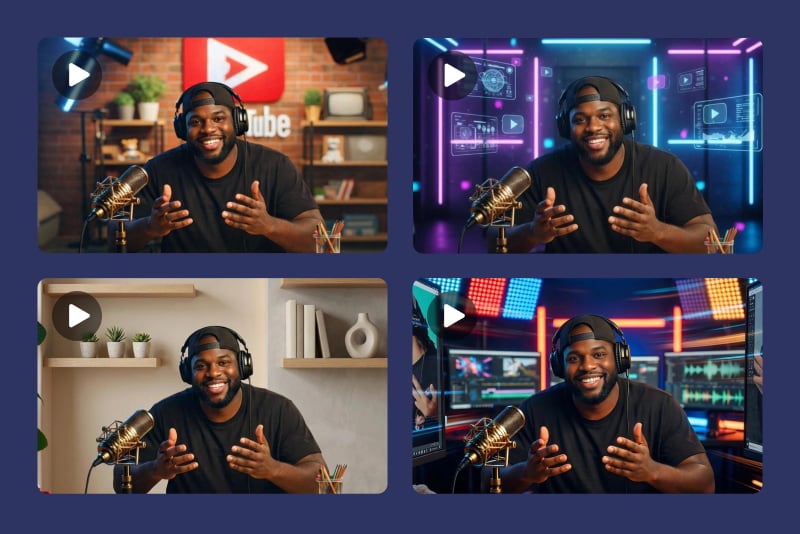
YouTube B-Roll
Equip with additional video clips to fill up space or extend a scene while maintaining the same look and style.
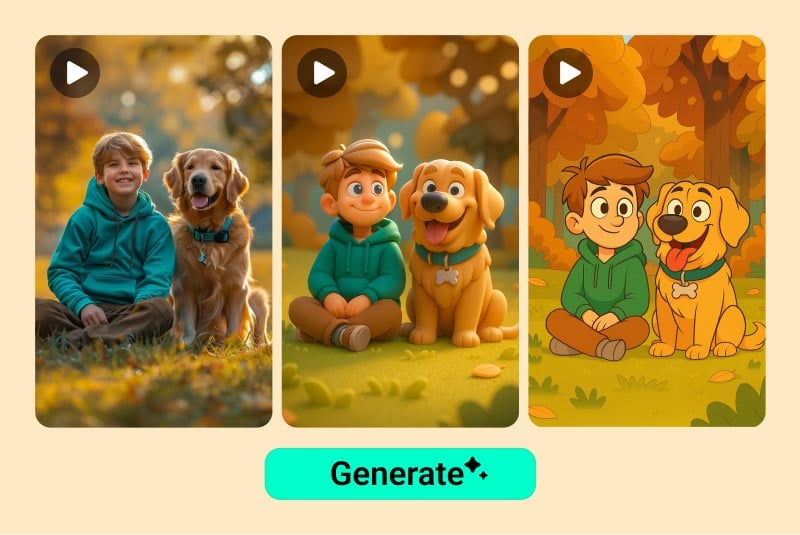
Animation Style Transformation
Turn real video into cartoon, sketch, or other fun styles with just a few simple steps.
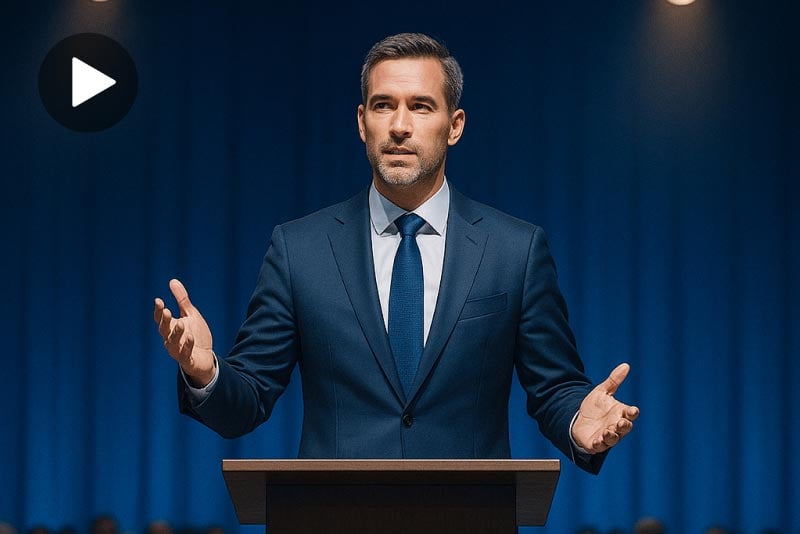
Corporate Training
Create easy-to-understand training videos from short text directions or basic images.
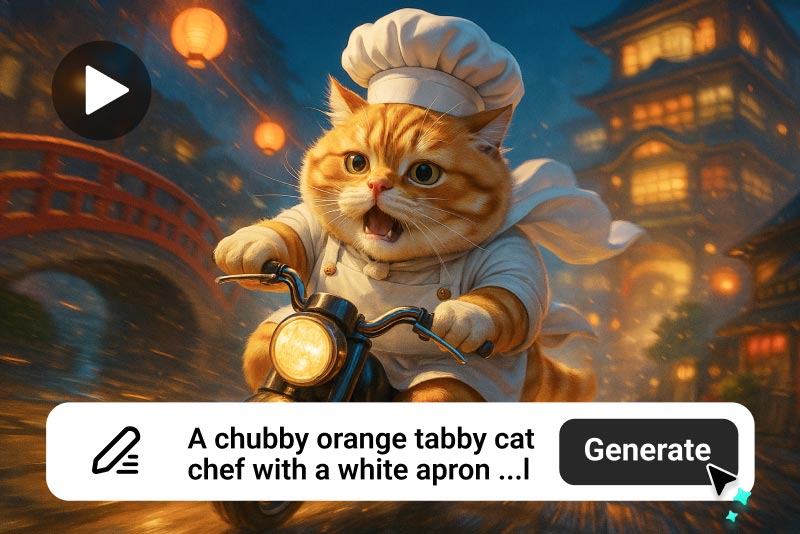
Short Films
Create clean scene transitions, opening shots, or creative looks to help tell your story.
What Creators Are Saying About Kling O1
Why Creators Choose the Kling O1 Video Model on insMind

Real Model Differentiation
Kling O1 now has a model-specific compare table and output examples instead of another reused generic video block.

Input Shapes Are Visible
Users can now see prompt-only, single-image, and two-image frame workflows directly in the table instead of guessing from reused assets.

Cleaner Module Order
The page order has been normalized so tables, how-to steps, FAQs, and related model links appear in the intended reading flow.
FAQs About Kling O1
What is Kling O1?


Can I create text-to-video clips with Kling O1?
Can I use Kling O1 for image-to-video?
Does this page support start and end frame examples?
How is Kling O1 different from other AI video models?
What images work best for AI video generation?
Can I use the generated videos for TikTok, Reels, or product pages?
Can I try Kling O1 online for free?
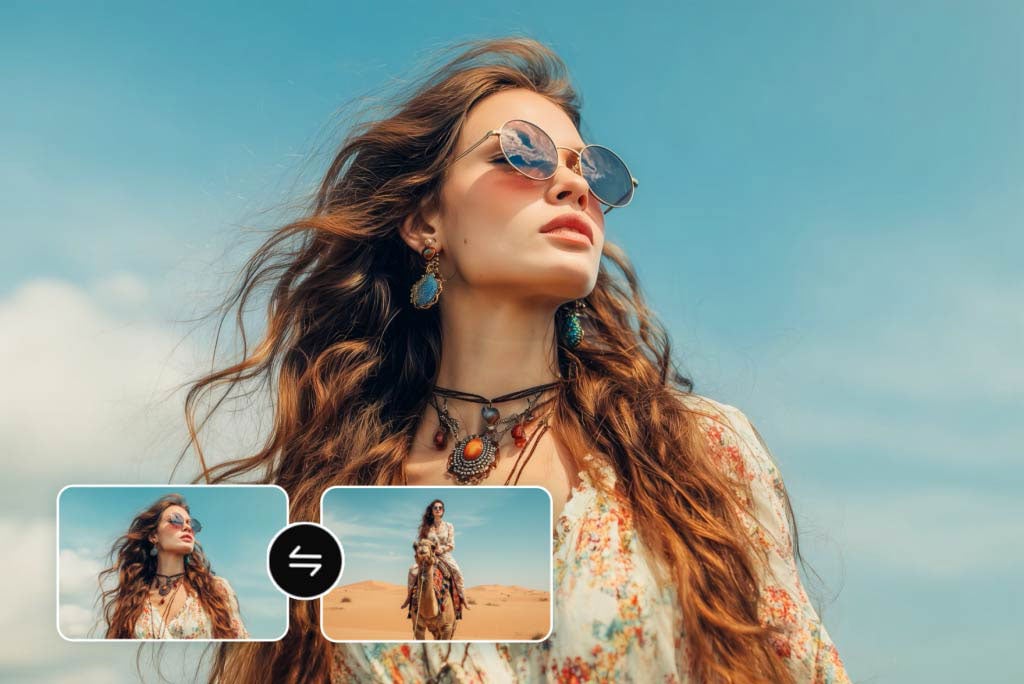







“I love changing scenes with simple text. It cuts hours off my editing work.”
@Sarah Bennett, Marketing Producer