
Image to Pixel Art Converter Online
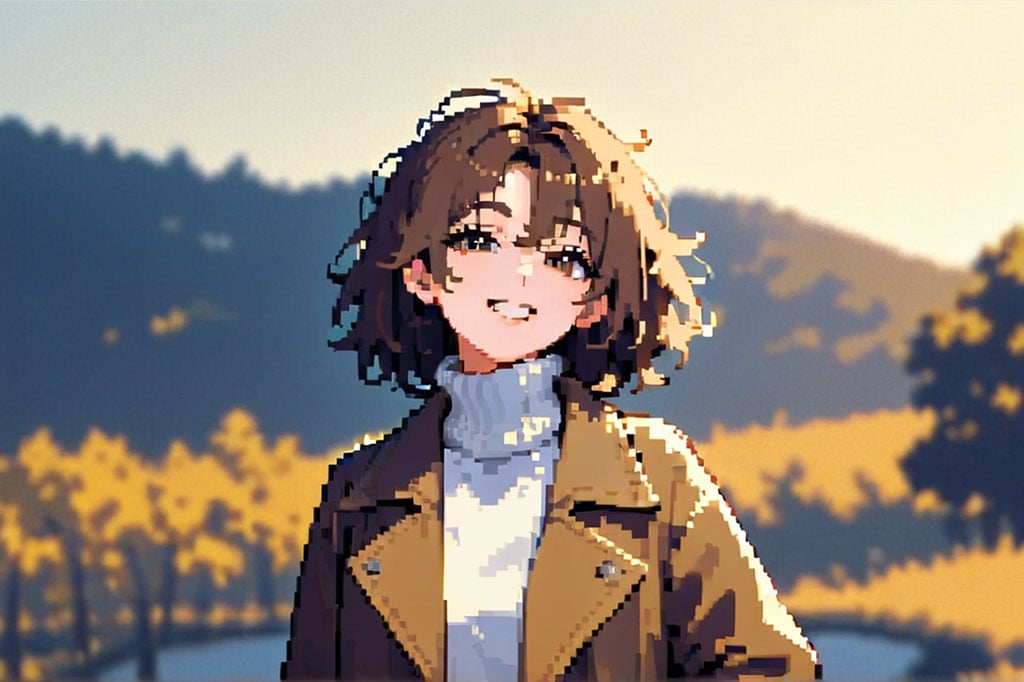
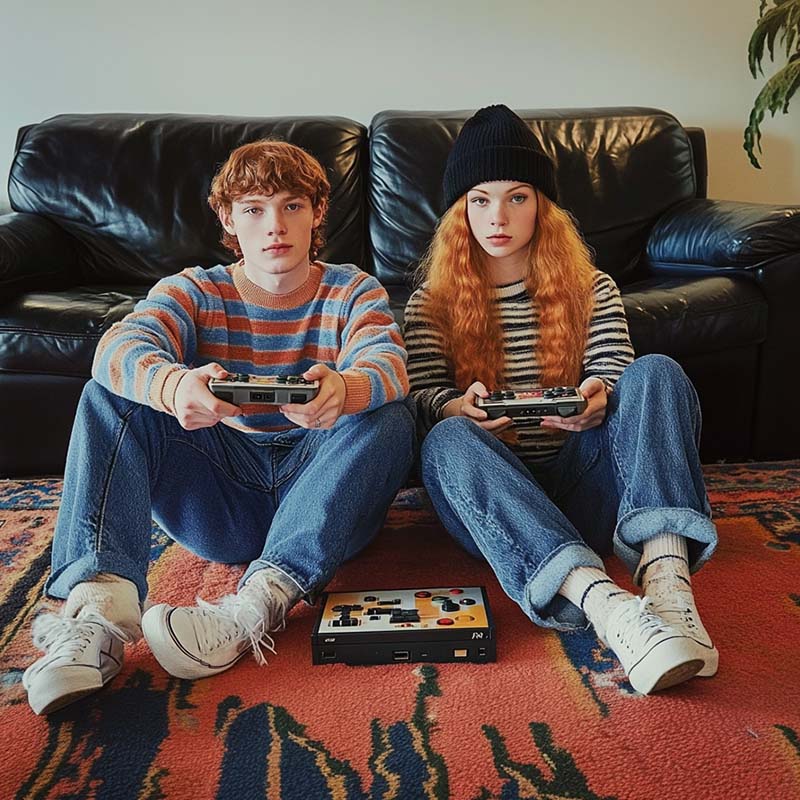

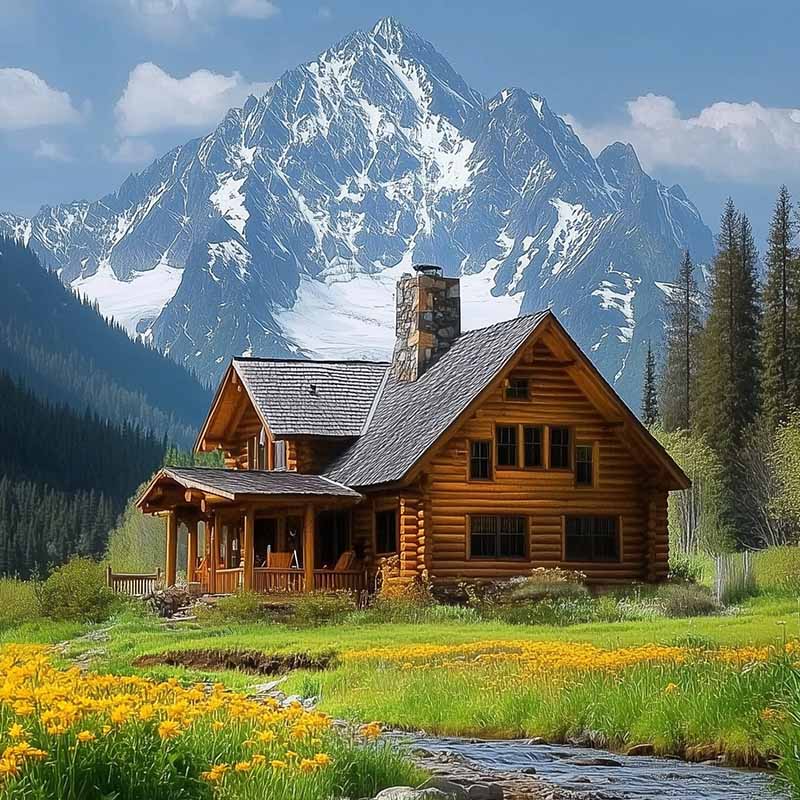
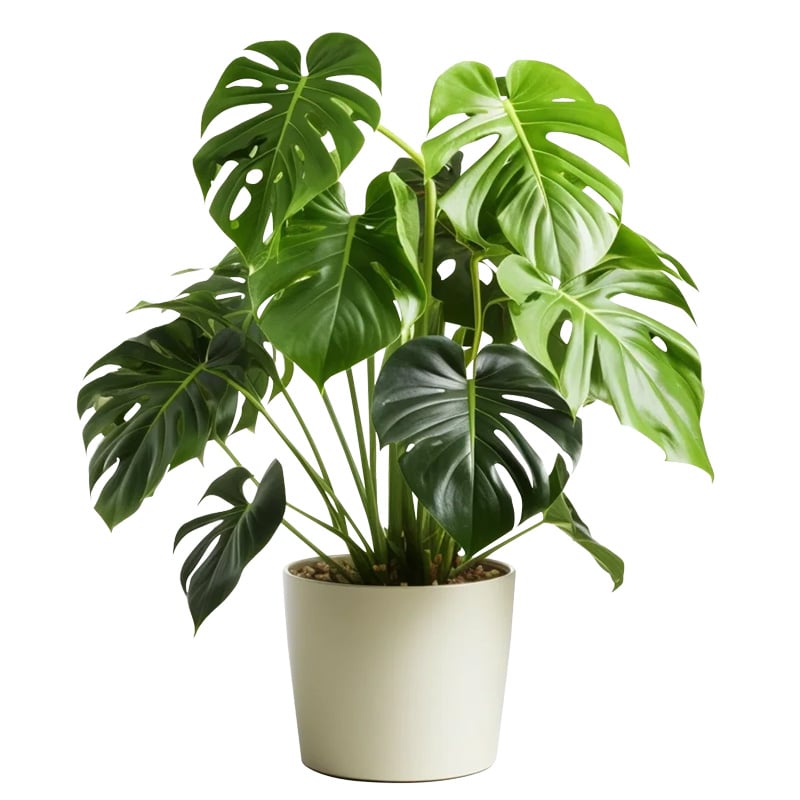
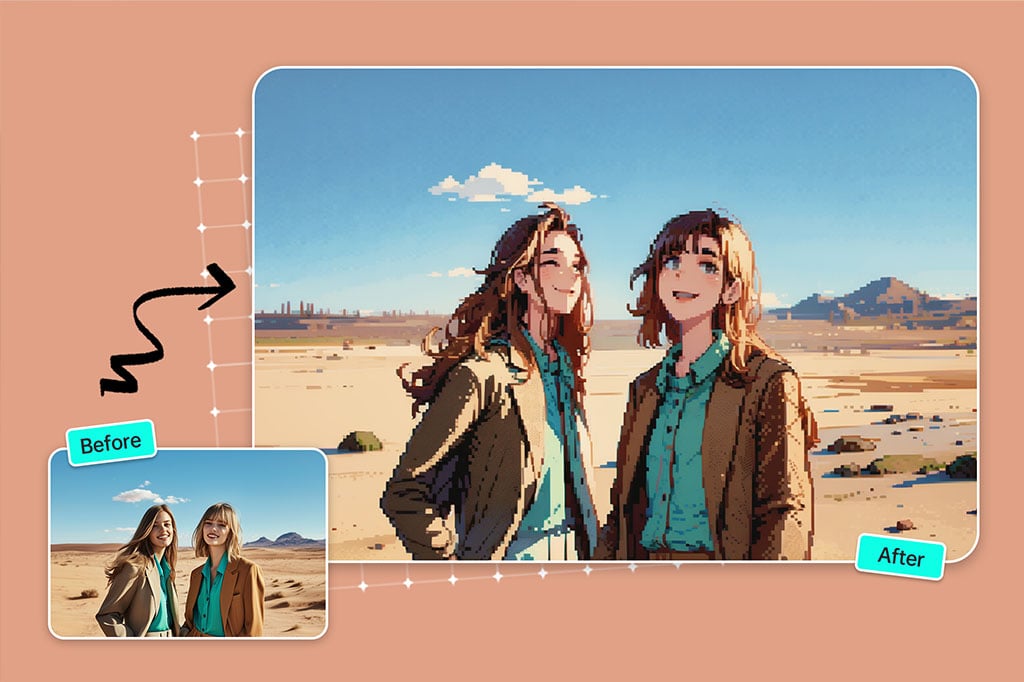
Convert an Image to Pixel Art Without Drawing Every Block
Use this page when you already have a source image and want a pixel-art version quickly. The best inputs have one clear subject, visible edges, and enough contrast; crowded photos can still work, but they may need a tighter crop before conversion.
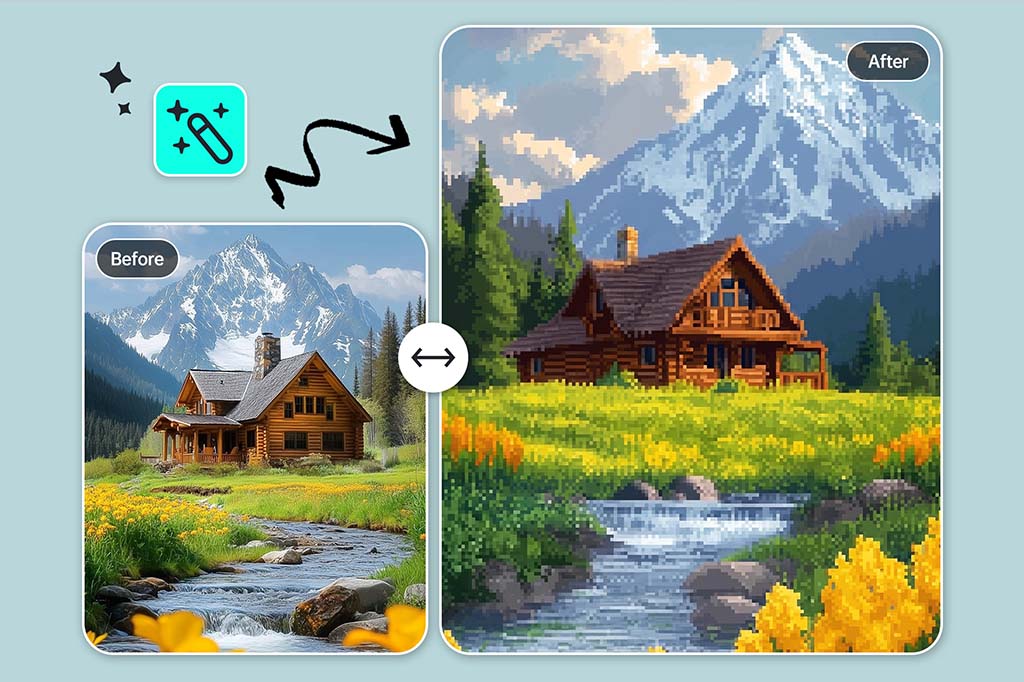
Pixelate Photos While Keeping the Subject Recognizable
A useful pixel result should still show what the original image was. After applying the Pixel filter, check the face, product outline, pet shape, or landscape silhouette. If those details disappear, crop closer or use a simpler source image.
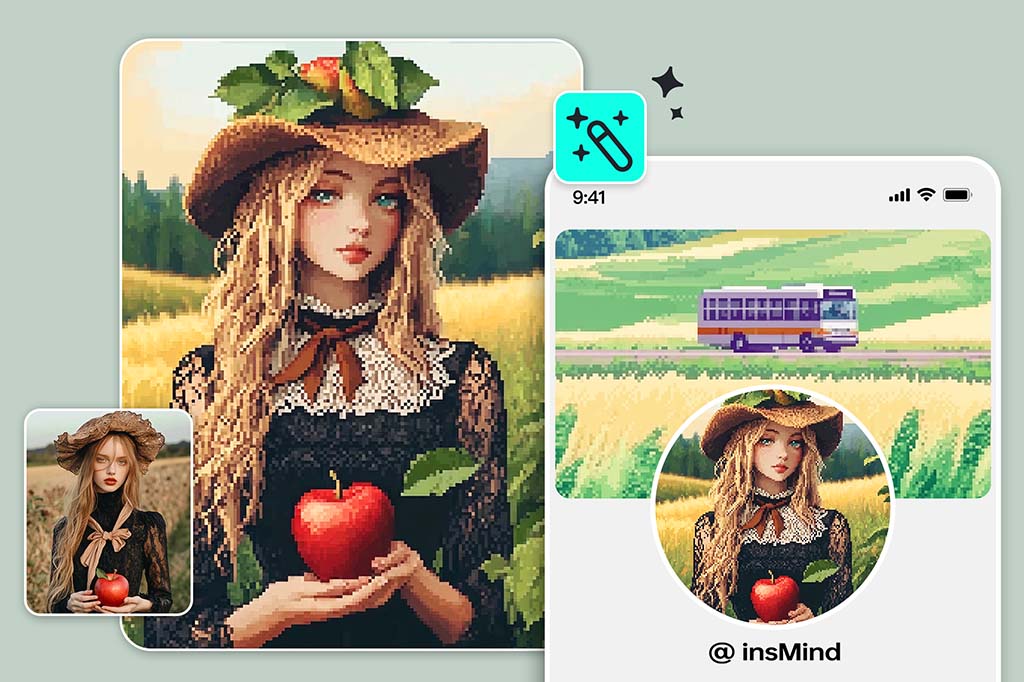
Make Pixel Avatars and Profile Pictures from Real Photos
Headshots, pet photos, and centered portraits are strong candidates for pixel avatars. Use the result for gaming profiles, Discord icons, YouTube thumbnails, creator branding, or retro social posts.
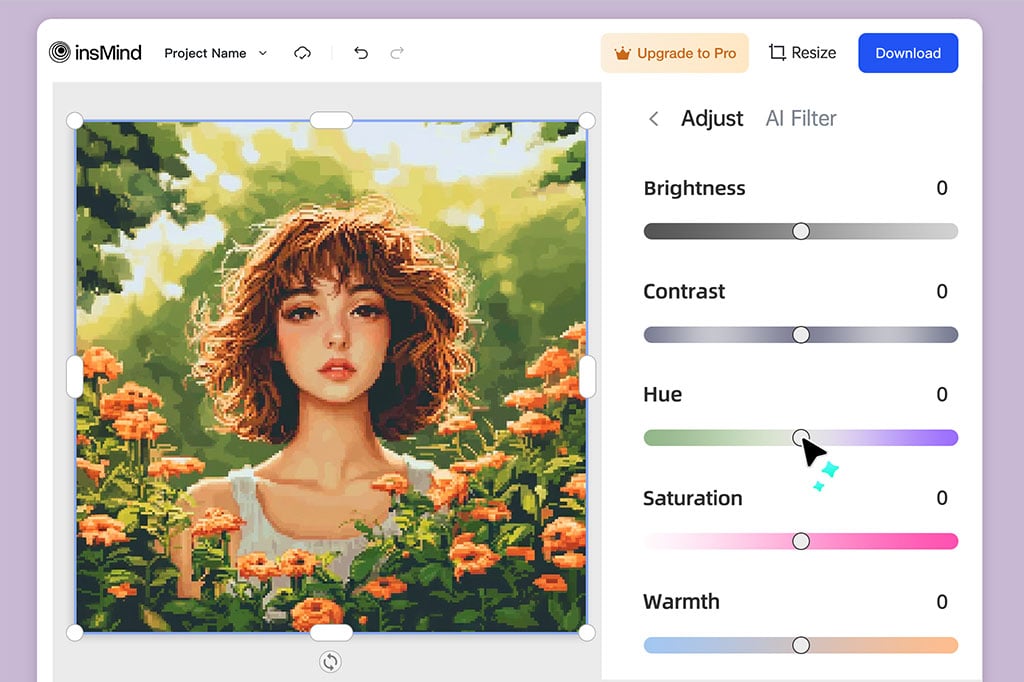
Create Quick Pixel-Art Drafts for Creative Projects
Use the converter for sticker ideas, poster drafts, merch mockups, mood boards, or early game-style concepts. If you need production-ready sprites with exact palettes or frame-by-frame control, treat this as a fast concept step before manual refinement.
More Photo Effects for Stylized Edits
How to Turn an Image into Pixel Art
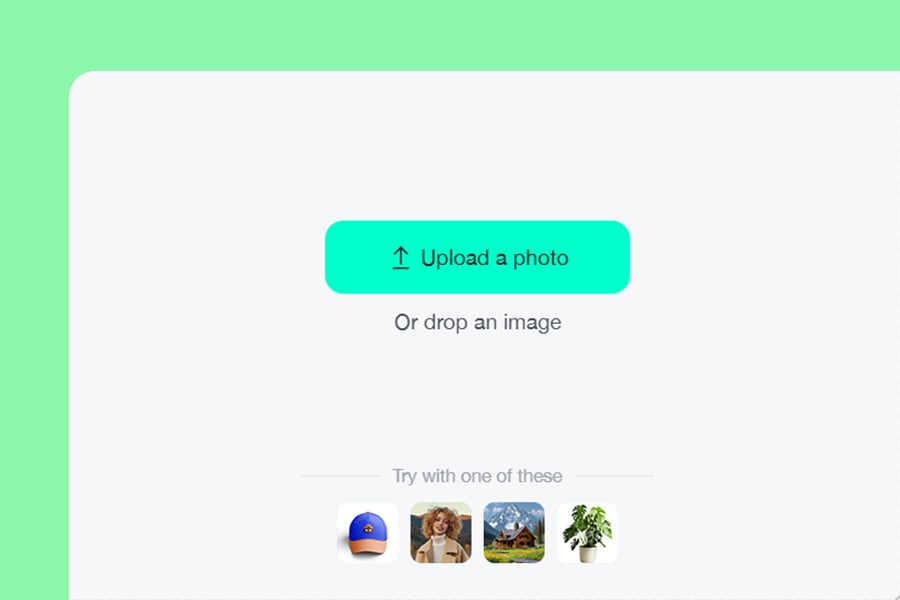
1 Upload your image
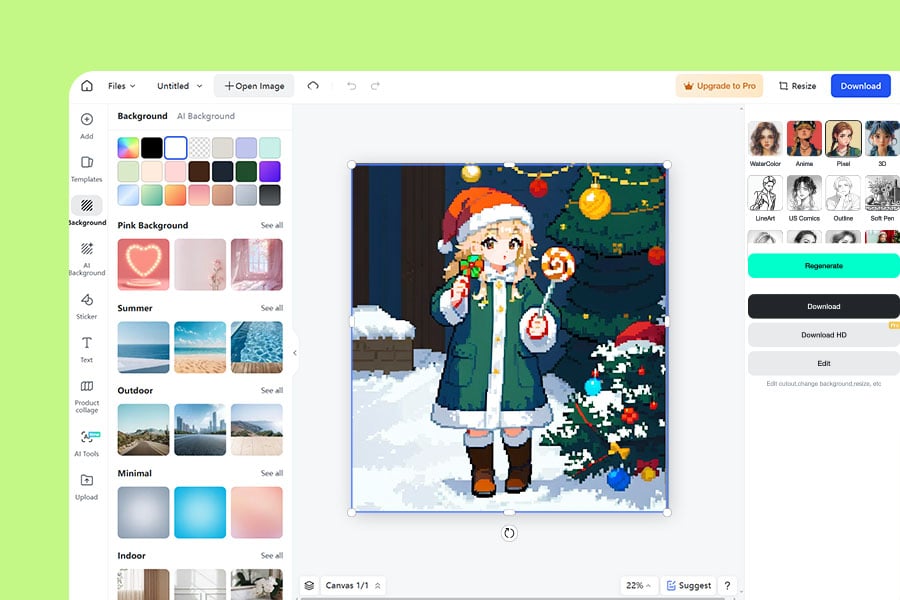
2 Apply the Pixel filter
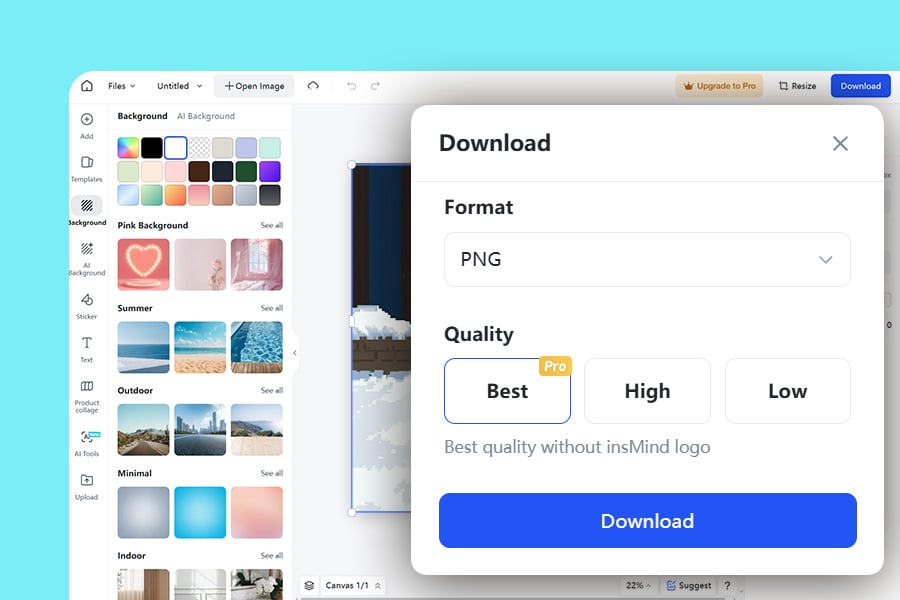
3 Preview and adjust the result
What Can You Make with a Photo to Pixel Art Converter?
Use pixel conversion when you want a retro visual style without drawing every block from scratch. The best outputs start from a clear subject and a simple composition.
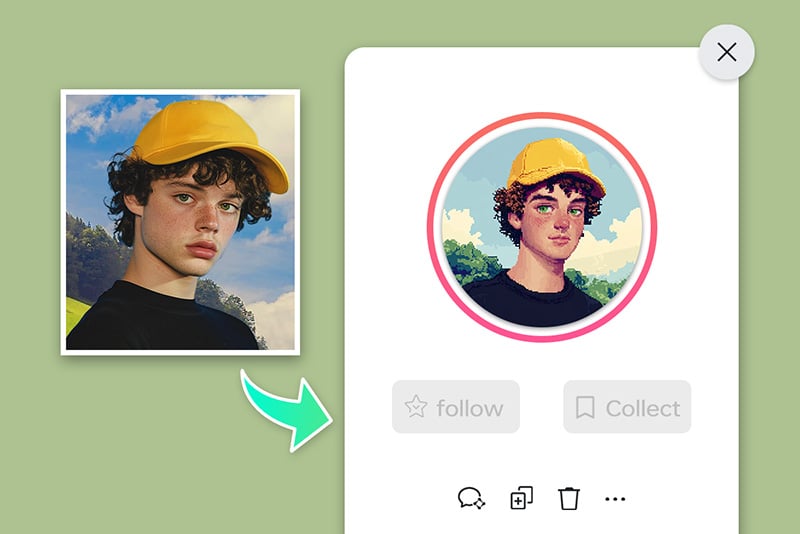
Social media avatars and profile art
Turn a selfie, pet photo, or creator portrait into a pixel-style avatar for Instagram, TikTok, Discord, YouTube, or gaming profiles.
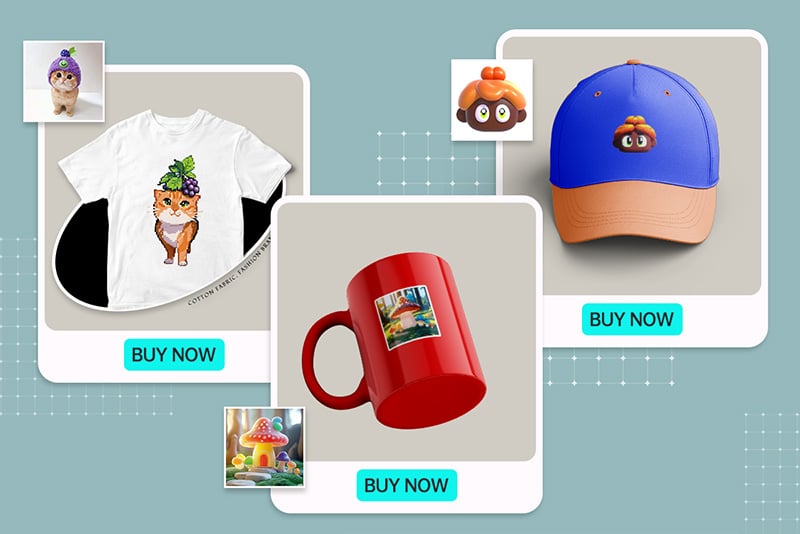
Gift and merch design drafts
Create a pixel-art version of a photo before placing it on a poster, mug, sticker, card, or T-shirt mockup. Use it as a draft and check the final print requirements separately.
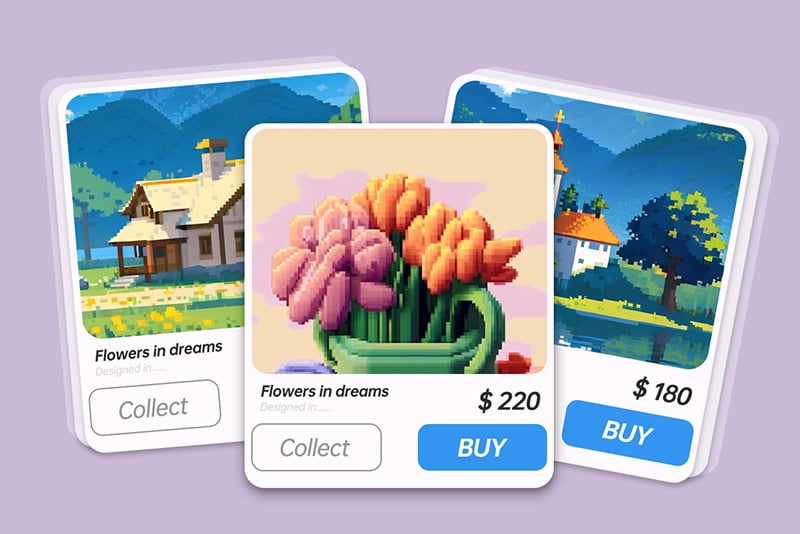
Retro design and game-style concepts
Convert objects, characters, or scene references into pixel-style visuals for mood boards, game ideas, thumbnails, or creative campaigns.
Why Use insMind as Your Image to Pixel Art Converter?

Fast Photo-to-Pixel Workflow
Upload an image, apply the Pixel filter, and get a preview without setting up a design file or drawing pixels manually.

Readable Retro Results
The goal is a pixel-art look that still keeps the main subject clear. Start with a clean image and review the result before downloading.

Easy for Quick Creative Drafts
Use it for avatars, posts, design references, and early ideas when you need a pixel style quickly, then refine the final asset if your project needs exact pixel-level control.
Frequently Asked Questions
How do I turn an image into pixel art online?


What is the difference between pixel art and a pixelated image?
Can I make pixel avatars from photos?
Can I convert JPG or PNG images to pixel art?
Is this a sprite editor for game assets?
Keep Editing with Related Photo Effects
Try sketch, cartoon, anime, watercolor, or painting styles when pixel art is not the right finish.
Photo to Sketch
Photo to Cartoon
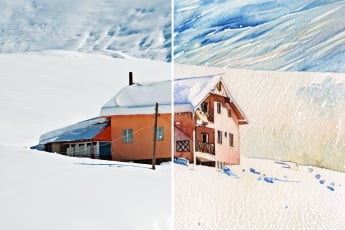
Photo to Watercolor
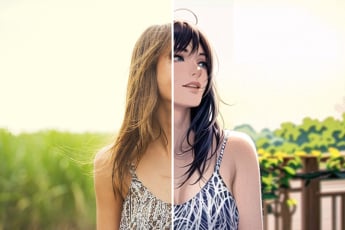
Photo to Anime

AI Filter
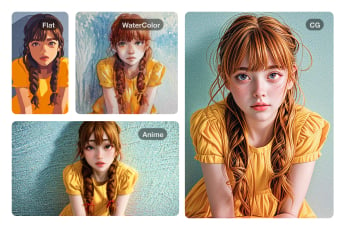
Photo to Painting

“This tool is a game changer, with easy customization, and high-quality results!”
@Jack