
Add Text to Photos Online with Text Editor


Enhance Product Images To Boost Your Brand with Text Editor
Add text to photos to create attention-grabbing product photos, particularly to highlight essential information or unique brand qualities. Using insMind's image-based text generator on the image, users can add professional-looking text to images that not only look good but also reinforce their brand message by adding text like product names, key benefits, or special promotions.
It allows you to adjust colors, fonts, and positioning of each text element to match your brand's look and feel and the added ability to position text elements on the image exactly where you want them with ease. This will permit your images to stand out on online marketplaces, as well as social platforms.

Tell Your Story with Style and Clarity by Adding Text
insMind helps you add text to photos to tell a great visual story. A well-placed caption has the power to give an image depth and context for personal, professional, or branded content. Social media storytelling is awesome with Voice because it adds context and engages followers with a narrative.
Text is important whether it's a vacation photo with a quote, a family memory with details, or a professional image with a call to action as it adds dimension and connection. This also makes it perfect for influencers and content creators who need to communicate in images.
Users with insMind can customize text styles to fit the tone from bold headlines to humble captions. Today each image is a part of trying to create your unique brand in cleverer ways.

Choose From Hundreds of Fonts for Any Occasion
Choose from a large variety of fonts in insMind's library allowing you to personalize your photos with soft elegant scripts to bold promotional captions to names. You might want captions for social posts, text overlays for holiday themes, or product features in an eye-catching design, and insMind has them all.
These fonts perfectly match the mood of your image, and ensure your message is clear. Regardless of your need, you can make each photo look unique and intentional by choosing options for special needs like Black Friday sales, festive emojis, or product descriptions.
The wide choice of fonts is a valuable resource, on one hand making things very creative, and on another, extremely flexible for any kind of project.
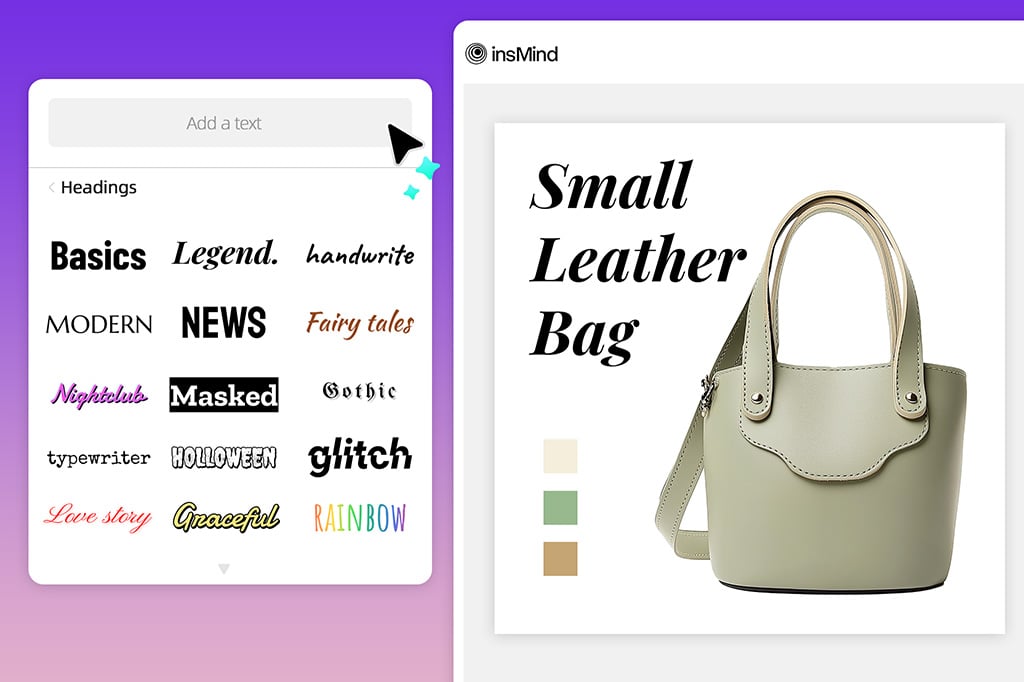
Customize the Fonts and Styles So They Suit Your Needs
Change the style, tone, and format of your text to create visuals that relate to your message. Users can personalize every detail, from font styles and sizes, colors, and placement to make the text match the image's mood, with insMind.
With this customization, you get a polished, professional look for your photos while you can tailor each visual to the particulars of certain audiences or purposes. The fonts that go with the insMind's text generator are completely customizable, so it's very easy to make and then use it for everything from minimalist captions to lively announcements on images.
With this flexibility, brands can build a strong visual voice that is consistent across campaigns and promotes their identity.

Try Dynamic 3D Text Effects to Make Your Photos Pop
Use insMind to add some extra flair to your images with 3D text effects. If you're shooting an image to post it online, this feature will do wonders for making sure your words don't get lost in the volume and bring a nice depth and dimension to every shot.
3D text, product labels, captions, or quotes can make your content visually exciting and memorable, generating a bounce effect from the screen, and making your content go boom. Ideal for social media posts, marketing visuals, and other content with a need for creativity, the 3D effect animates two to three dimensions so your images pop and command attention.
With 3D text, there are other customization options you can combine with 3D text to give you modern, professional-looking visuals that give your message more impact.
Explore More Add Text to Photo Features
How to Add Text to a Photo on insMind?

1 Access the photo text editor Tool in insMind

2 Upload Your Image

3 Add and Style Text

4 Export and Share


Online Tool to Add Text to Photos
Adding text to some photos gives us various forms of creativity including the caption, and further, promotional, form of writing that gives us the various purposes behind putting the text. Users with insMind's tools can quickly mark interesting moments, add personal captions about products, or place sales tags on product images.
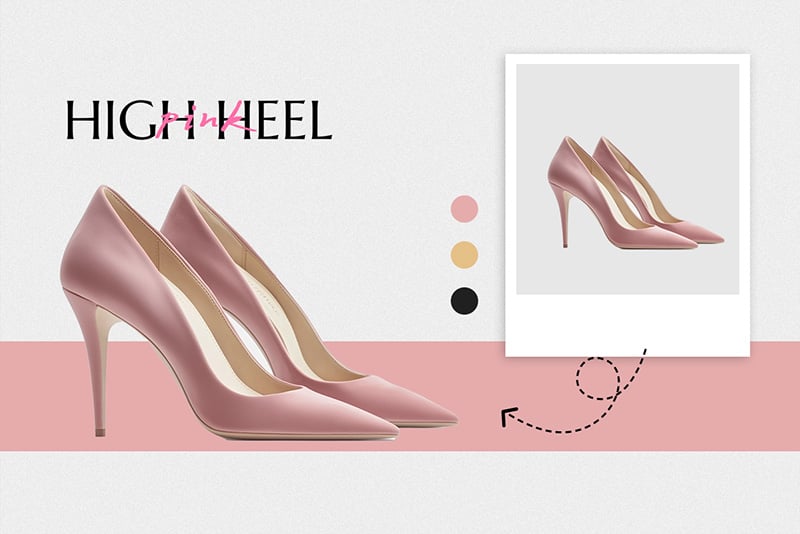
Add Caption to Photo
You can easily add captions to summarize or highlight the image in the photo. This comes in handy when you've got a caption in social posts to help establish context and the scene, so users get context on what they are 'seeing' when they see your social posts.
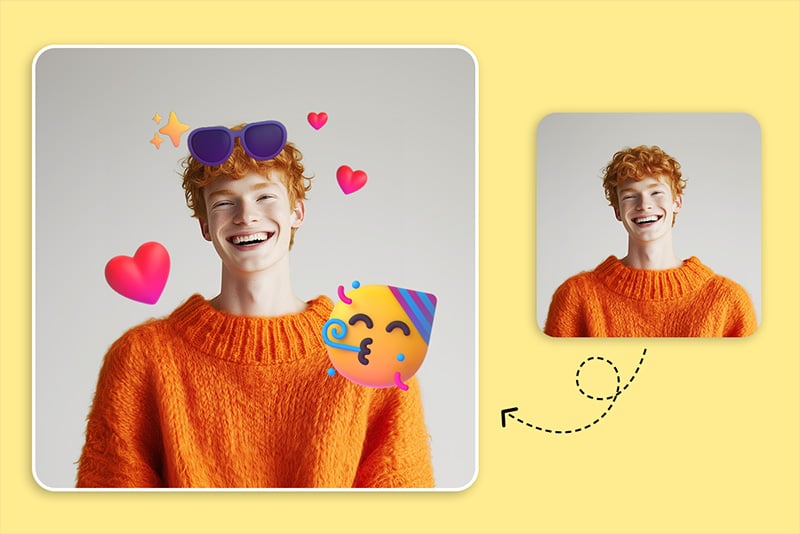
Add emojis or other fun stickers alongside lines of text to let photos speak for themselves in an informal and relatable way. These are best suited to personal social media accounts or branding campaigns for brand owners that target youth demographics.

Use your product images to quickly add bold text such as 'Sale' or 'Limited Edition' to your product images. This use case lets the online stores grab the customer's attention to the images by turning out to be more impactful on the e-commerce platforms.
Why Choose the insMind photo text editor?

Logo Background Remover Online
The insMind photo text editor is available online and available for everyone to use, so there is no need to download and install anything, which makes it suitable not only for personal usage but also for use in professional needs.

With Thousands of Fonts to Choose From
You get a vast font library so that you can choose from a variety of tones and styles to match the feel of your photos.

Customizable Fonts and Styles
Users get options to tweak colors, sizes, and effects, so they can perfect text to whatever option suits their content perfectly, giving versatility and a professional look to your text.
Freguently Asked Questions
How to Add Text to a Picture on insMind?


What Customization Options Are Available for Adding Text to Photos?
Can I Add Multiple Text Elements to One Photo?
Can I Use insMind to Add Text to Photos for Social Media?
Is the insMind Text Generator on Images Free to Use?
You might be interested in
Make your pictures pop with creative AI tools you can explore during a free trial.

AI Background

Smart Resize

AI Expand

AI Image Enhancer

AI Filter

AI Shadows

“It's a great tool to add captions on my product images as well as quick promotional tags. Highly recommend it!”
@Jack