
AI Shadows: Add Realistic Shadows to Images Online
Add shadow to photos with 10+ shadow effects and 360° angle options. insMind AI shadow editor makes your photos natural, realistic and professional.
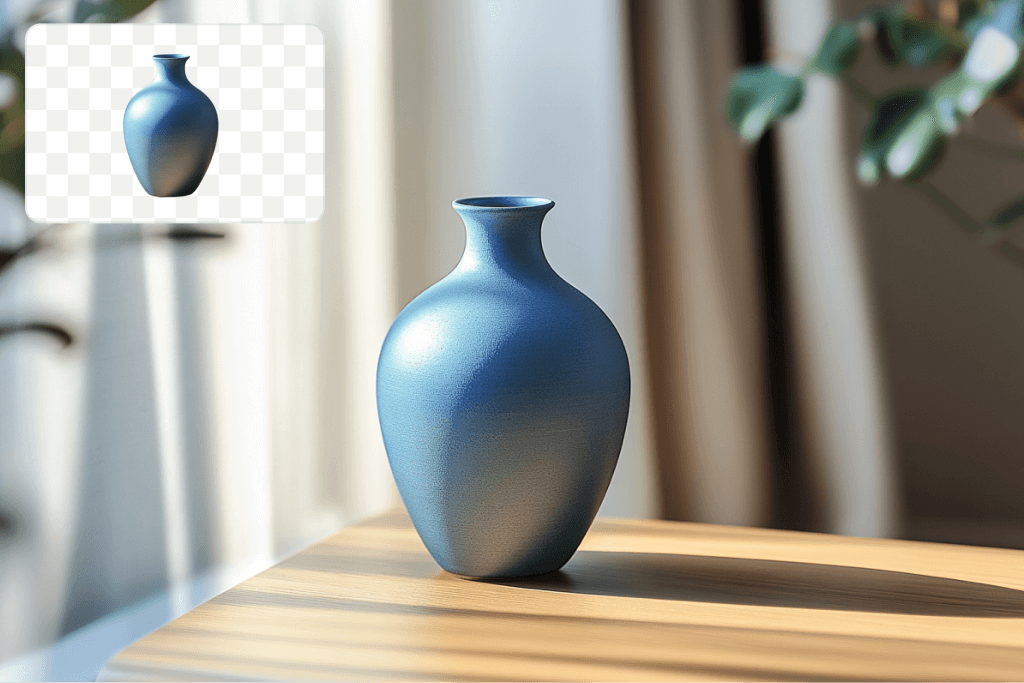
Use Photo Shadow Effects To Enhance Your Product Photos
AI Shadow is a tool meant to enhance the look of your product pictures. If your business is small, such as an Etsy store or a big store, we can assist you to add shadow to picture. You can quickly apply natural-looking drop shadows to your pictures using AI Shadow.
Adding this simple feature can dramatically enhance the look of your product images and make them appear more professional and attractive to shoppers. If you are adding new items to an existing picture, AI Shadow can assist you in merging it well.
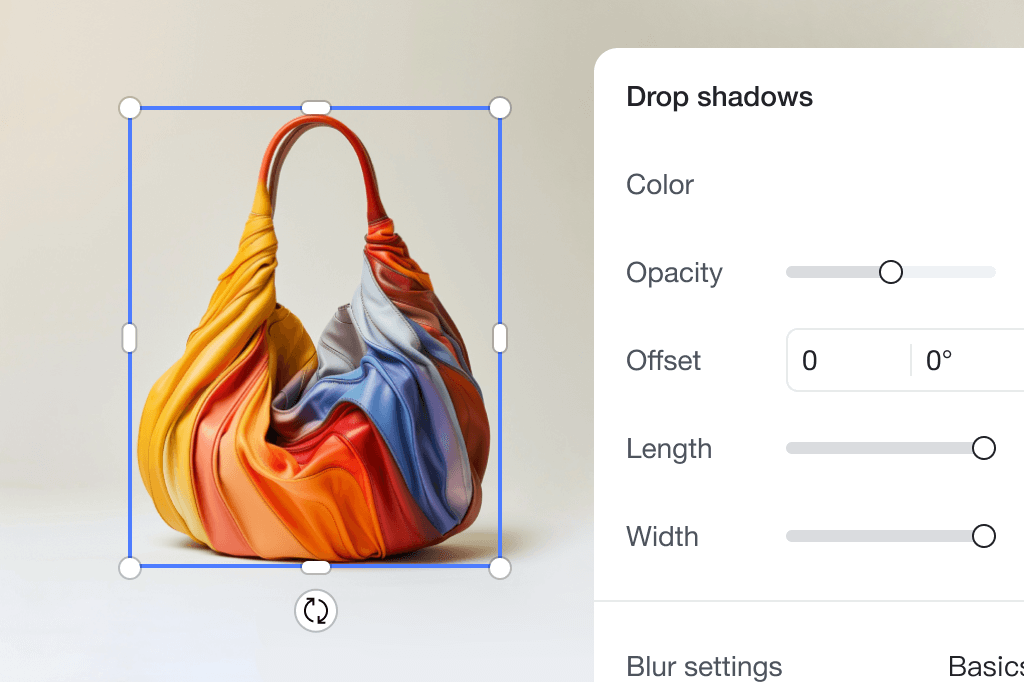
Make Your Products Look Realistic With Drop Shadow
Every online store understands that the first thing customers notice is the images. Another technique that could be used to make the products look more realistic and attractive is adding shadows.
Applying our AI Shadow Generator tool to your product images creates realistic shadows that add depth to your images. This improves customer interest and sales by making your products more natural and attractive to your target clientele. Watch how beneficial high-quality shadows can be for your business.

Transform Your Photos with Studio-Quality Shadows
Would you like your product photos to resemble those in a professional studio? Our AI Shadow tool can help you avoid this process's high cost and hassle.
It only takes a few clicks to add shadow to a photo to make it look professional. Whether selling goods online or developing promotional content, creating stunning visuals to attract customers is necessary. Forget about touch-ups and image blending and get effortless, professional-quality photos.
Explore More AI shadow Features
FAQs About Photo Shadow Generator
What is AI Shadow, and how does it work?


Will AI Shadow work with any picture?
How long does it take to make shadows?
Can I change how the shadows look?
Can I use AI Shadow for many pictures?
How to Easily Add Shadows to Photos with insMind AI

1 Upload your photo

2 Add shadow to pictures

3 Download your designs


You might be interested in
Make your pictures pop with creative AI tools you can explore during a free trial.
Picture Outline Maker
AI Background
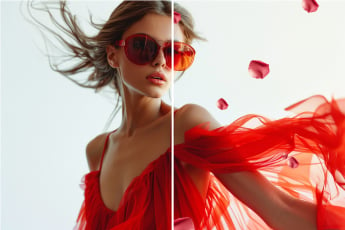
Add Stickers to Photo
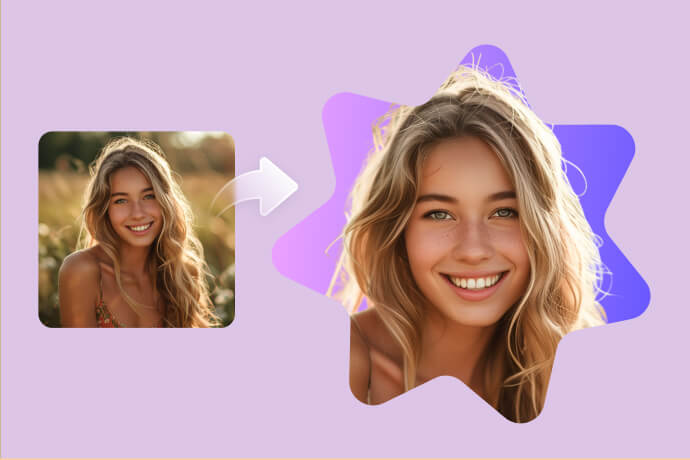
Cut out Shape from Image

Add Text to Photo
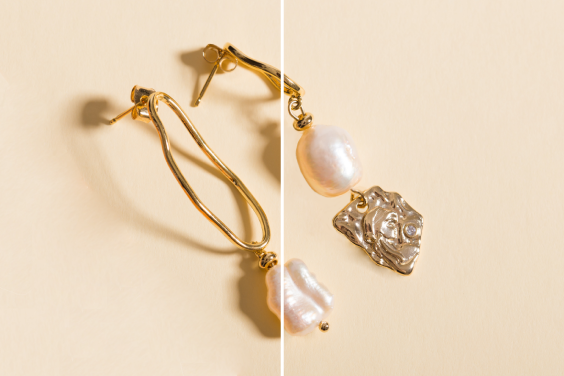
Remove Shadow from Photo
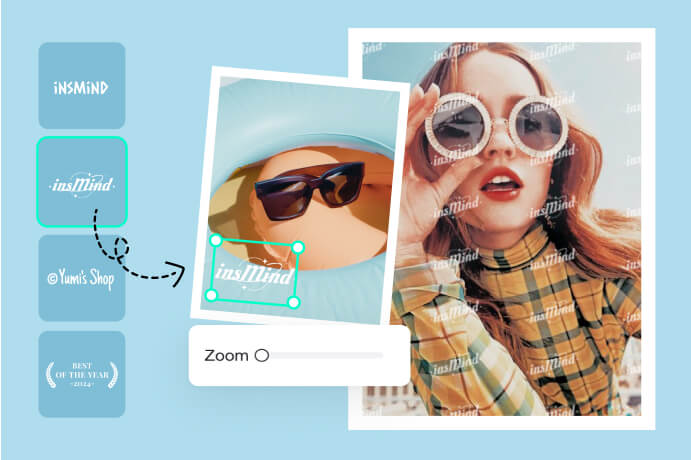
Add Watermark to Photo
Add Border to Photo
Product Image Collage
Add Speech Bubble to Photo
AI Photo Filter
AI Magic Eraser
AI Design Generator
Make Your Pictures Stand Out For All Purposes
Our Picture Shadow Generator can make your pictures look much better. It can be used for online stores, social media, and making things look good. Easily make your products look natural, your social media posts look fantastic, and your ads look professional.
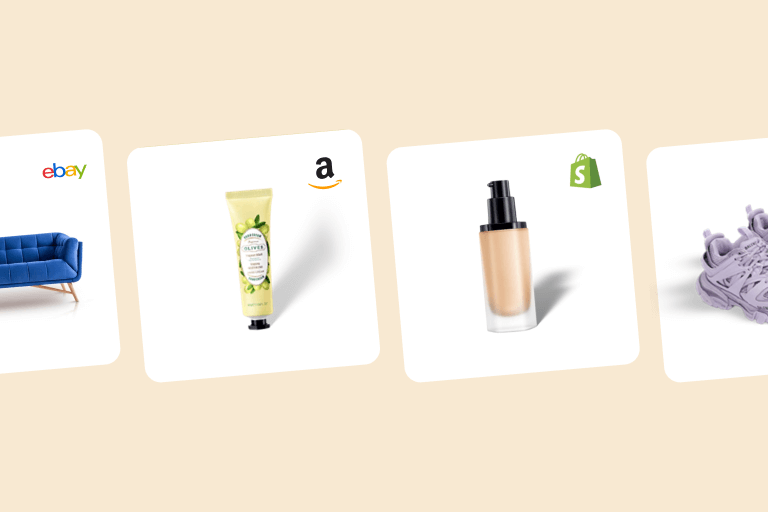
E-commerce Product Images

Marketing & advertising
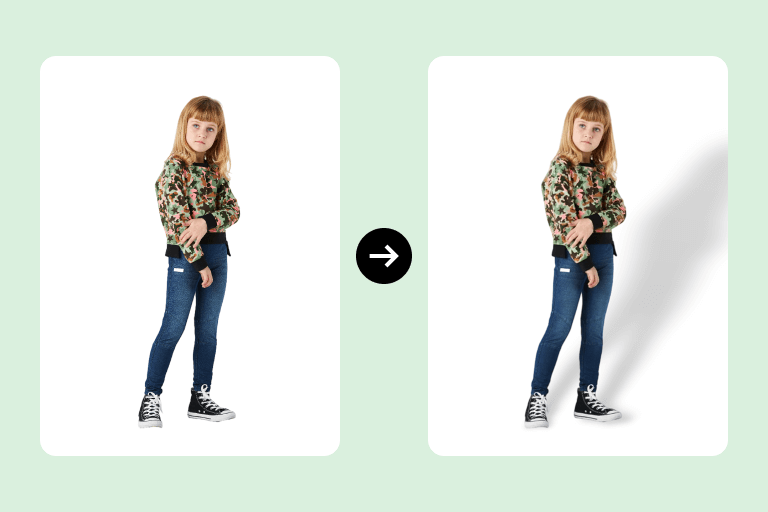
Photographers
Why Choose insMind Picture Shadow Generator?

Save Time and Money

Get Great Results

I'm amazed by the variety of shadow templates.
Izzy