
Annotate Images Online – Highlight Text with AI

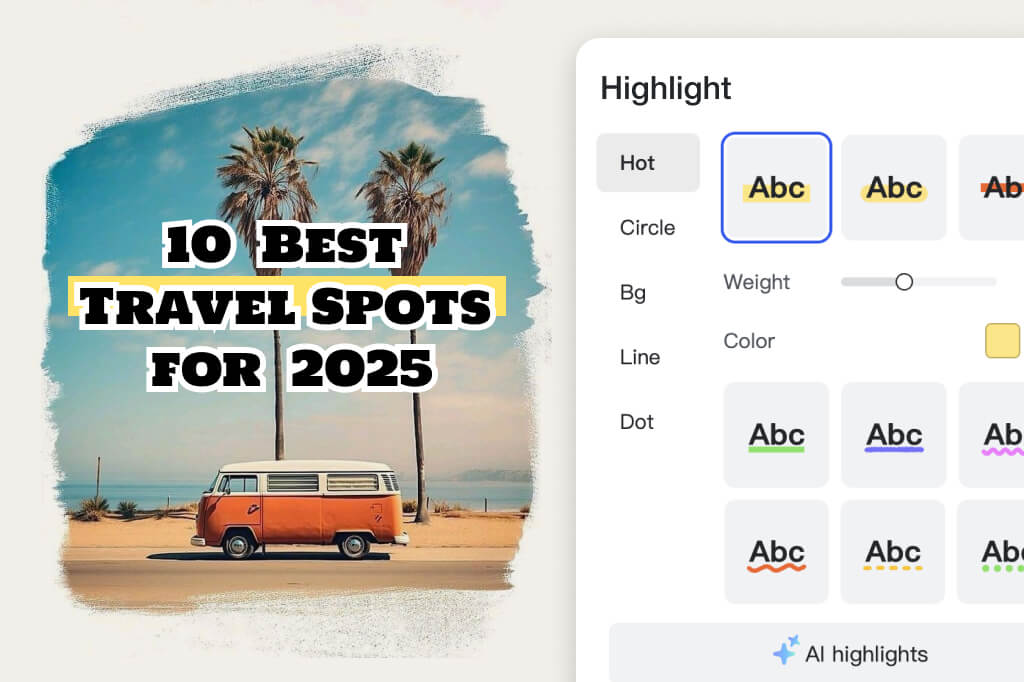
Countless Image Annotation & Markup Tools to Highlight Key Details
Let your readers know what exactly to focus on with image labeling by using insMind's picture annotation tools. From underlines, dotted lines, wavy lines, highlights, circles, stamps, and more, everyone and anyone can highlight important information.
There's always something for any task with personalization options such as different colors for picture annotation and brush thickness adjustment. Not to mention, highlighting text in pictures can be done by everyone and anyone. Simply upload your photo, add the text, choose your desired markup tool, and you're done!
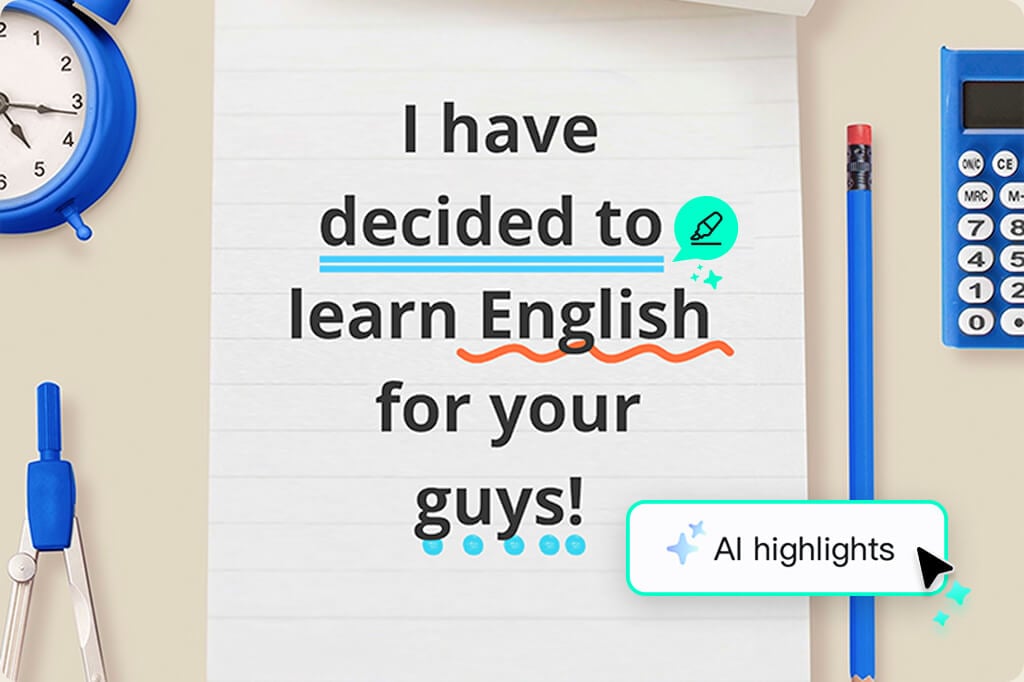
Let AI Automatically Highlight Text in Your Pictures
Unlike common picture annotation tools, insMind supports users with an advanced AI feature that adds comfort and efficiency to your workflow. You no longer need to manually select or annotate text—our AI can identify and highlight key information with just one click. Save time while improving your image quality at the same time.
It's a smart solution that you rarely see online. It's especially useful for professionals who work in fast-paced environments who need to annotate images quickly without having to sacrifice quality and precision.

Markup Photos with Custom Stickers, Labels, and Text
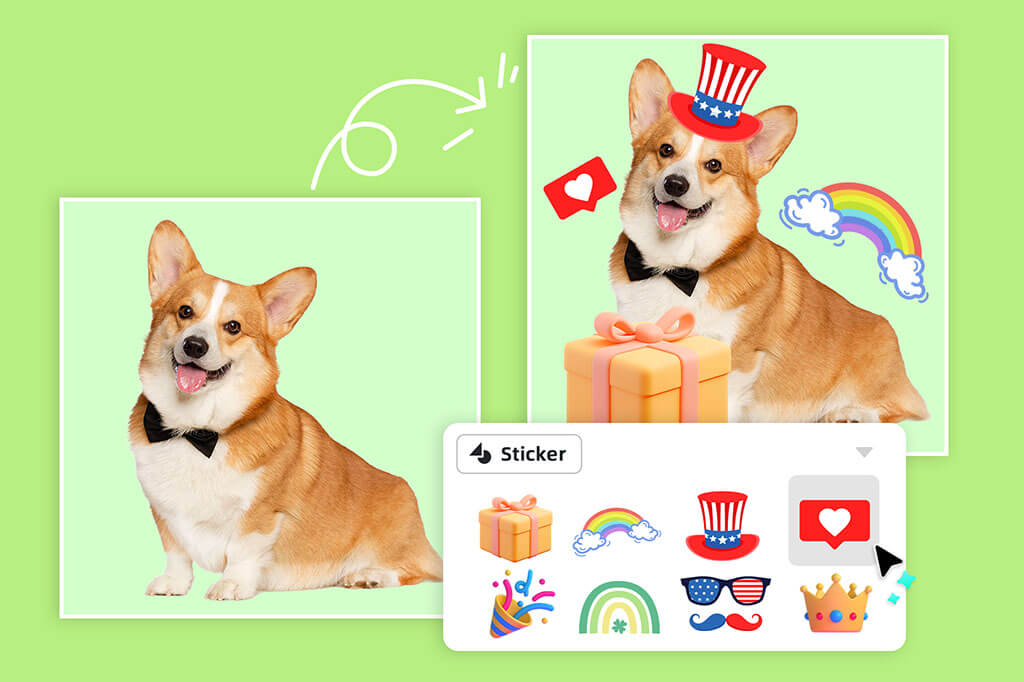
Using our extensive library of stickers, labels, and customizable text, you can make your images stand out. From playful stickers to professional labels, we offer endless possibilities to help you express yourself and clearly convey your message to clients or readers.
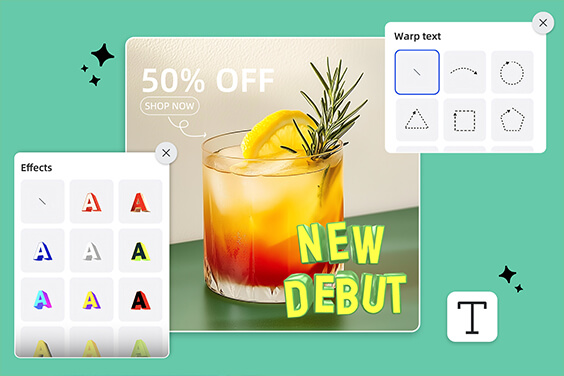
Additionally, our resource library includes 3D text art styles, curved text, and special fonts and effects. Content creators, marketers, and anyone else can create visually compelling images using insMind's picture annotation tool.
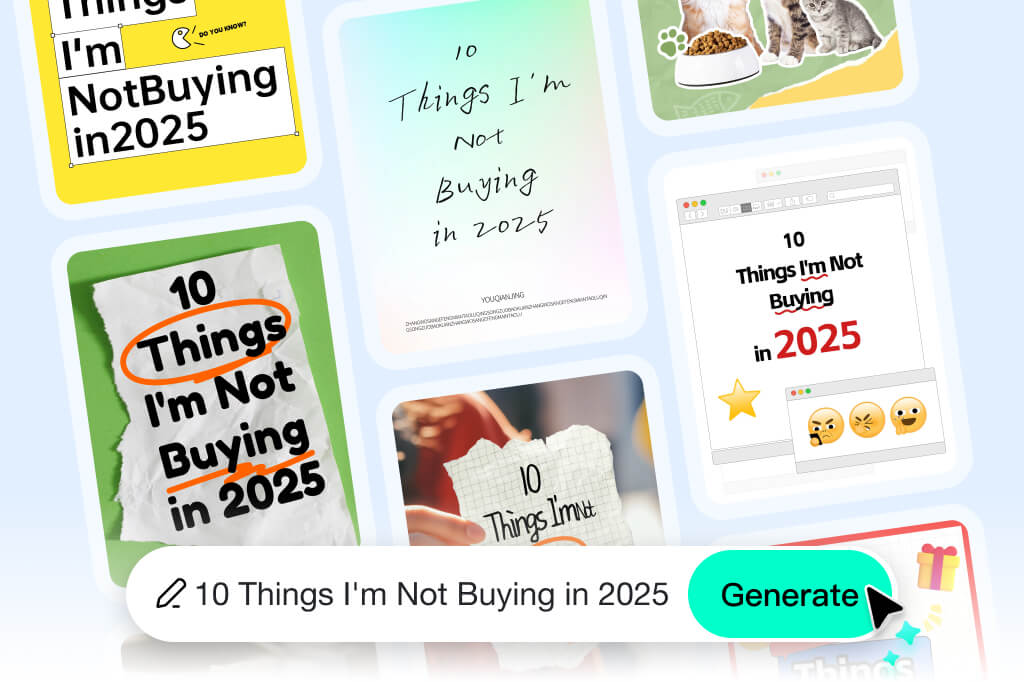
Make Your Social Media Posts Stand Out with Our AI Cover Generator
Are your Instagram, Pinterest, or Facebook posts struggling to get views and engagement? Highlight key details and make your message stand out with our powerful markup tools. Add stickers, backgrounds, and labels to personalize your images and capture attention instantly.
Take it a step further with our AI-powered RedNote Cover feature. In just one click, you can generate bold, eye-catching covers that boost your brand’s visibility and make your content unforgettable.
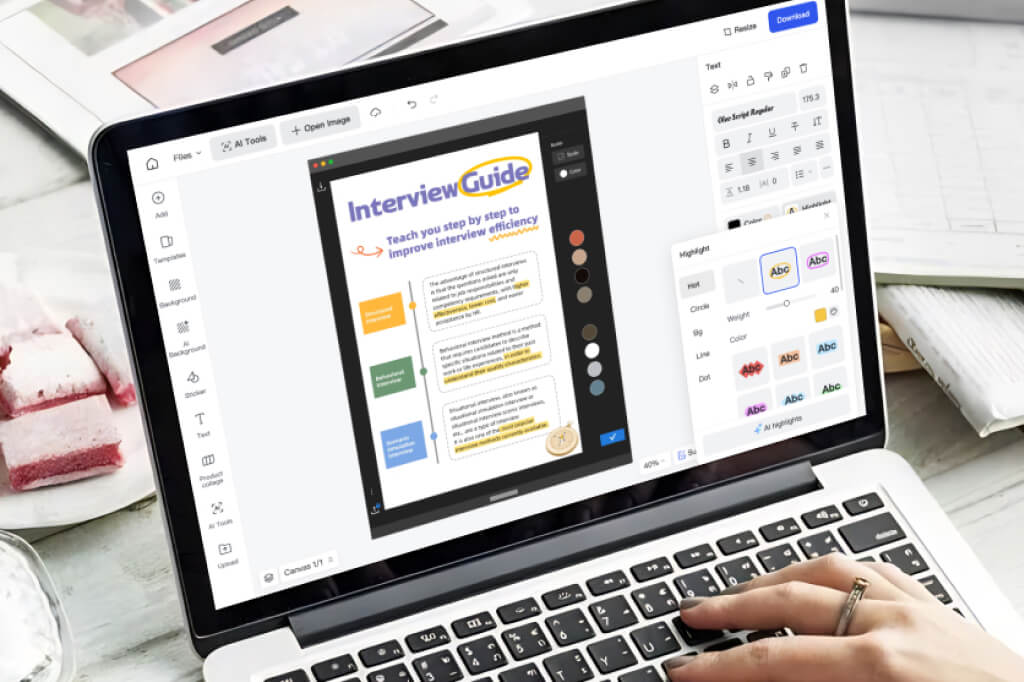
Simplify Learning with Advanced Picture Markup & Note-Taking Tools
Learn faster and more effectively by adding notes and highlights to your educational materials, such as knowledge boards and mind maps. insMind's photo annotation tool simplifies the process, enhancing both comprehension and learning retention.
By annotating travel plans, calendars, books, and more, you can focus on key details that matter, making your study or research sessions more efficient. Best of all, you can embrace a smarter way of learning—without spending a single dollar.
Discover More Photo Annotation Features
How to Annotate an Image Online
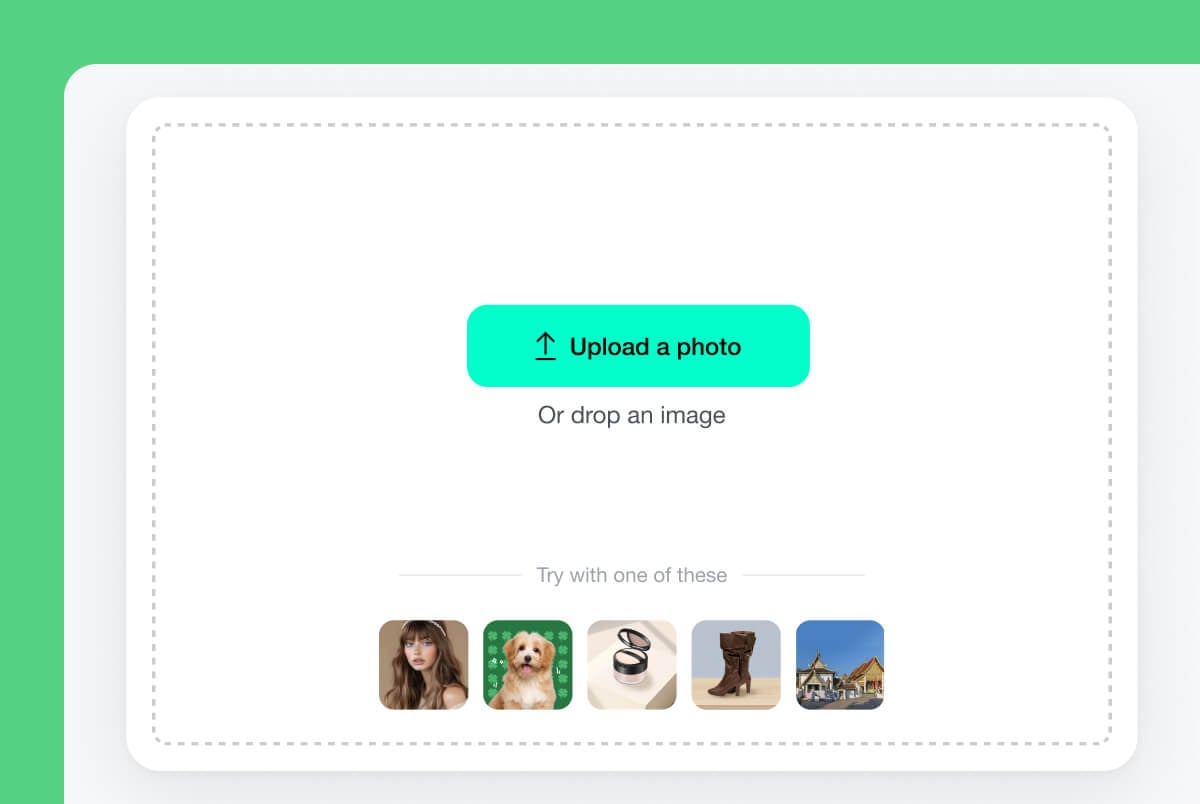
1 Upload Your Photo or Pick a Template
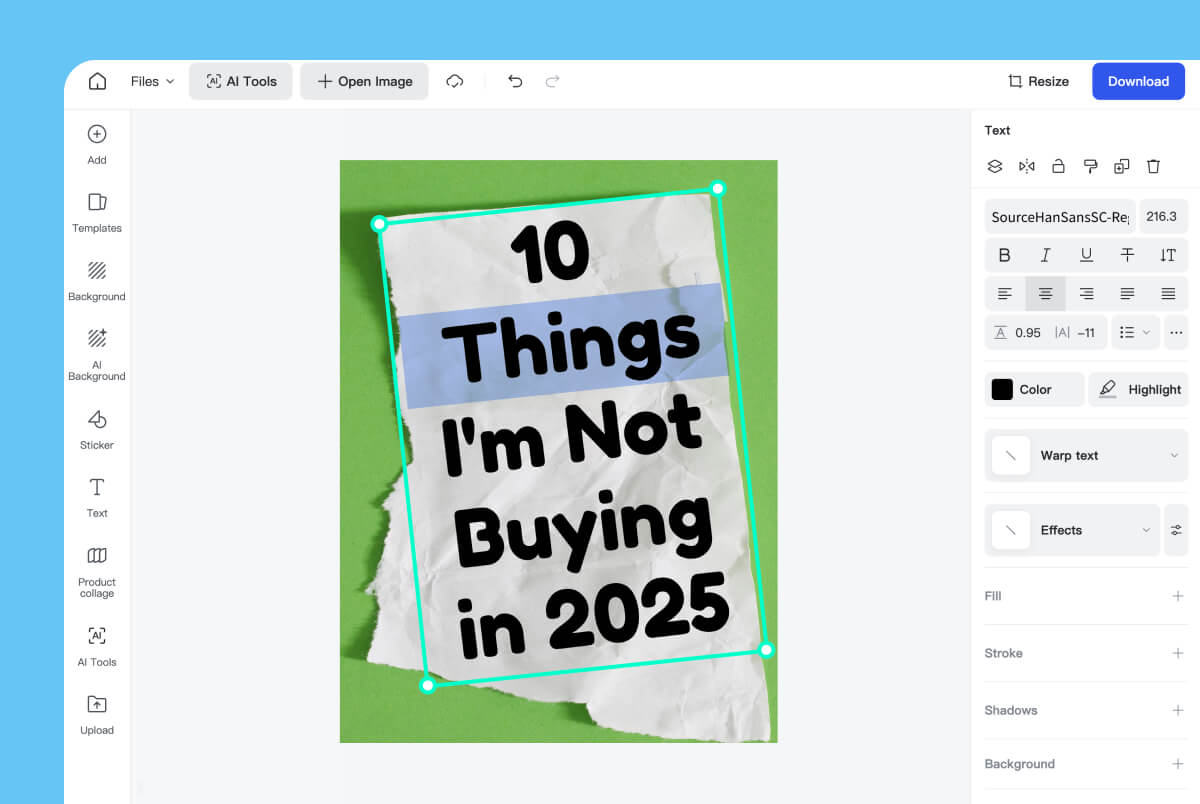
2 Select Your Desired Text
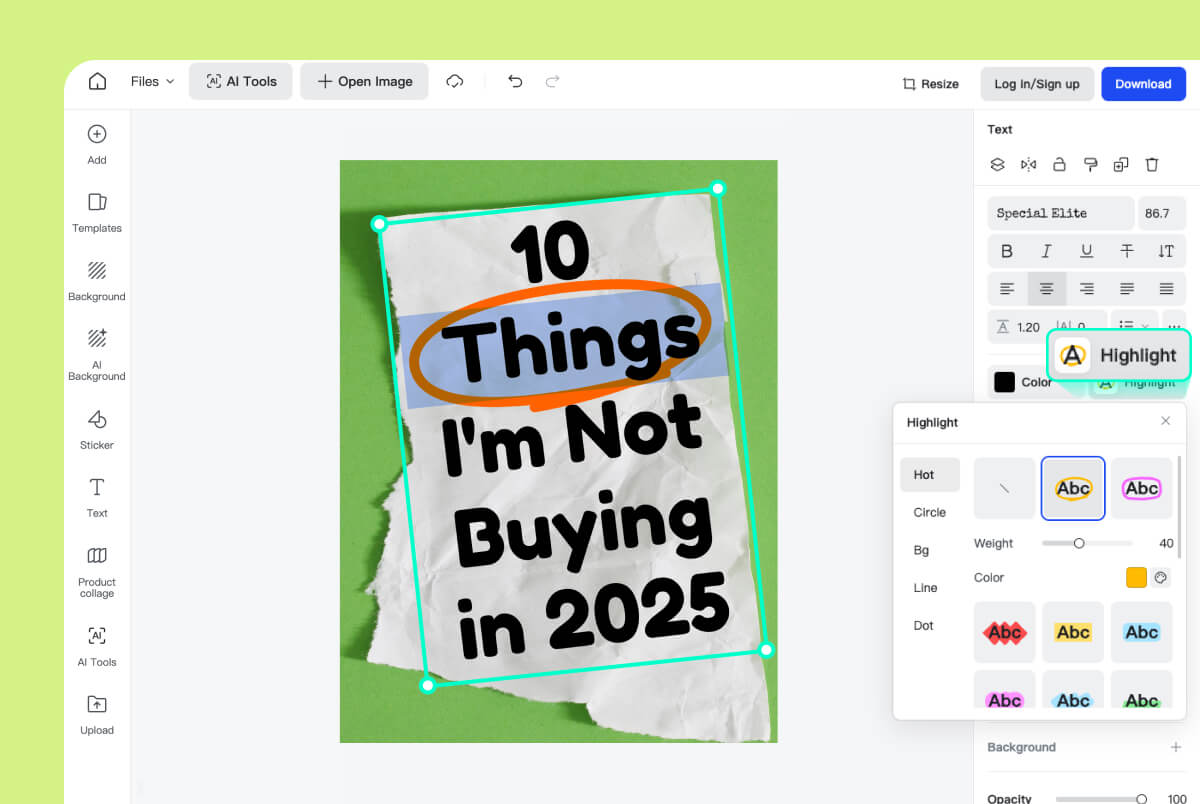
3 Highlight the Text
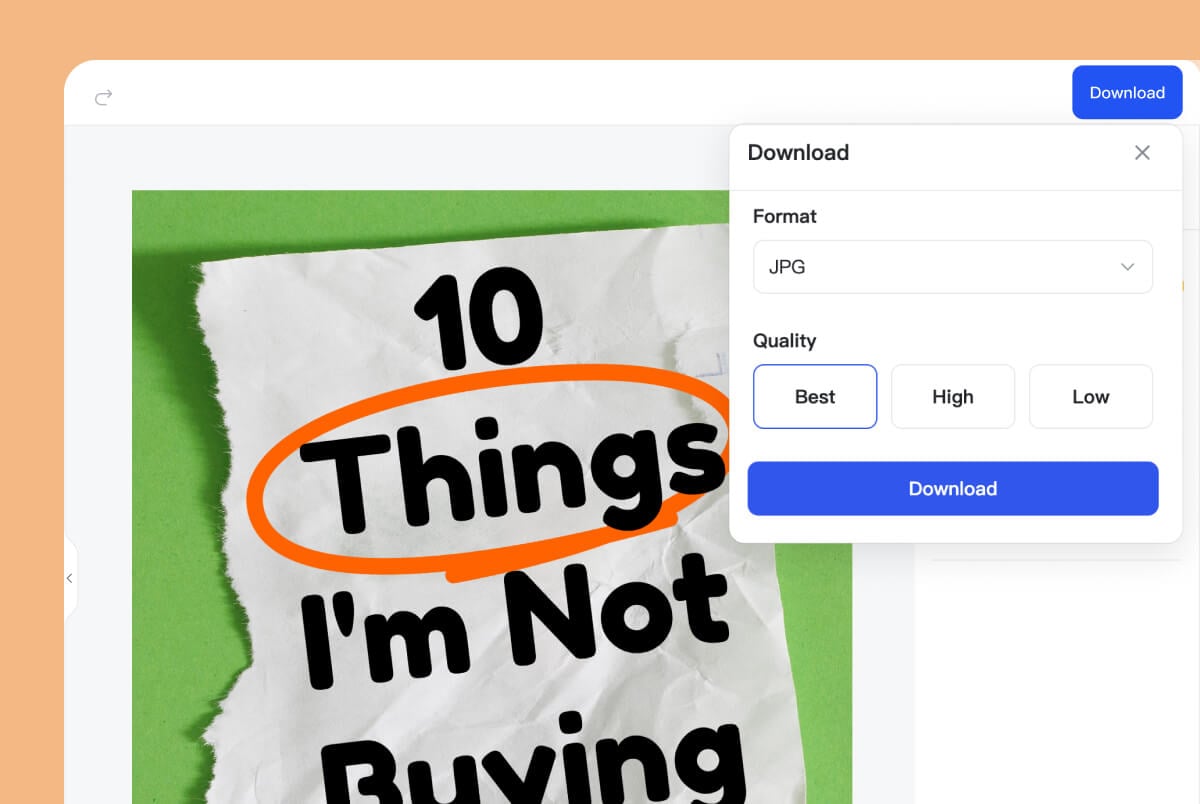
4 Download Your New Photo
The Best Photo Annotation and Markup Tools for Any Task
Whether you want to mark up details, create eye-catching social media posts, or add notes, insMind's annotation tool offers extensive features to handle any task effortlessly.

Highlight Text in Xiaohongshu Cover
With millions of users on Xiaohongshu, you always need to stand out. With our tool, you can add annotations to your Xiaohongshu cover, adding a sense of personalization to your cover.
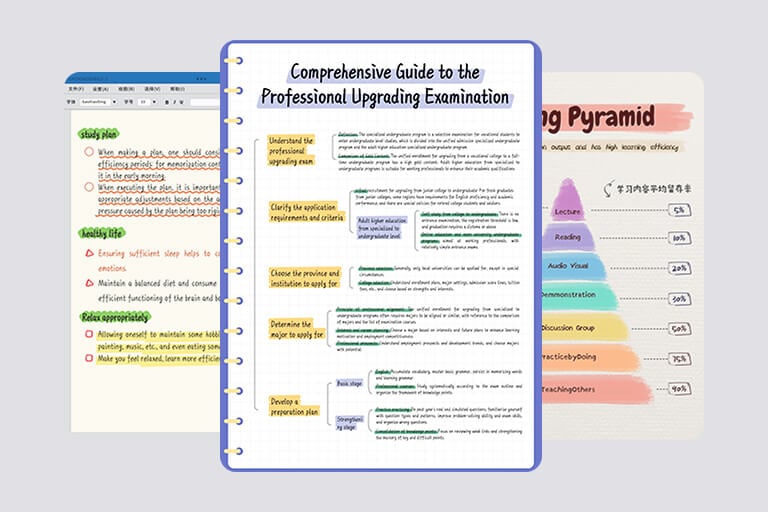
Add Notes to Mindmap Pictures
Add notes directly to your mind maps, highlight key information, and avoid getting overwhelmed by unnecessary details. With our AI assistant, you can emphasize important content instantly, making it easy to share with clients and colleagues.

Markup Quick Facts
When reading and studying, it's essential to markup facts that provide the most value. With resources such as stickers, labels, and text, you won't need to waste time finding details. Instead, your learning process becomes faster and more efficient.
We Support All Kinds of Markup Tools

Line

Circle

Highlight

Rectangle

Strikethrough

Squiggly Line

Dotted

Sticker
Why Choose insMind's Photo Annotator?

Various Markup Tools
insMind provides numerous high-quality markup tools that you can use to annotate images. These range from lines, highlights, and circles, all the way to stickers, labels, texts, and more!

Flexible Thickness & Color Palette
You can easily adjust the thickness and color palette of your annotations and markups, allowing for more personalized designs.

AI Annotations
One of insMind's most unique features is its AI assistant, which helps you annotate photos automatically in seconds—eliminating the need for manual work.
FAQs About Picture Annotation & Image Labeling
What is image annotation?


How do you annotate a photo with insMind?
What are the benefits of annotating an image?
Can AI help me annotate images?
Is insMind's picture annotator free to use?
You might be interested in
Make your pictures pop with creative AI tools you can explore during a free trial.
Add Captions to Photo
Add Stickers to Photo

RedNote Post Creator

Add Text to Photo

AI Filter

AI Image Generator

"Surprisingly, insMind helped me in creating high-quality designs and I could talk better with my team and clients during the feedback process of my work. I highly suggest it!"
@Lyka Nguyen, Designer