
Add Caption to Photo – Online Caption Editor

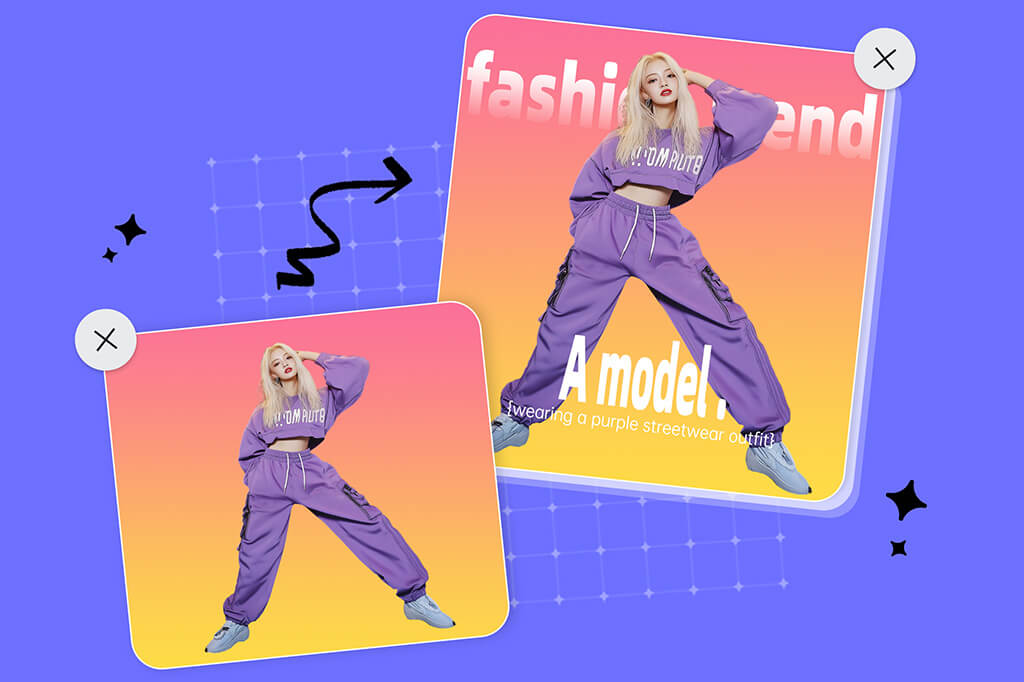
Add Captions to Photo for Better Context and Storytelling
A well-written caption on photo ensures your audience instantly understands your message. With insMind, you can easily add text to your photos, providing context and guiding your audience's perception.
Use captions to enhance the story your image is telling. Just a few words can transform a silent image into a captivating story. Try the insMind photo editor and make your captioned photos truly stand out.

Various Styles and Effects to Personalize Your Captions
Get creative with a variety of text styles and effects for your photo captions. Experiment with different font styles, colors, and sizes, etc. Add special effects, like 3D text, to give that feeling of detail and depth to your photo.
You can also adjust the position of the text, add a border, or even curve it into a unique shape. All these styles and effects help your captions stand out, making your message clearer and more attractive.
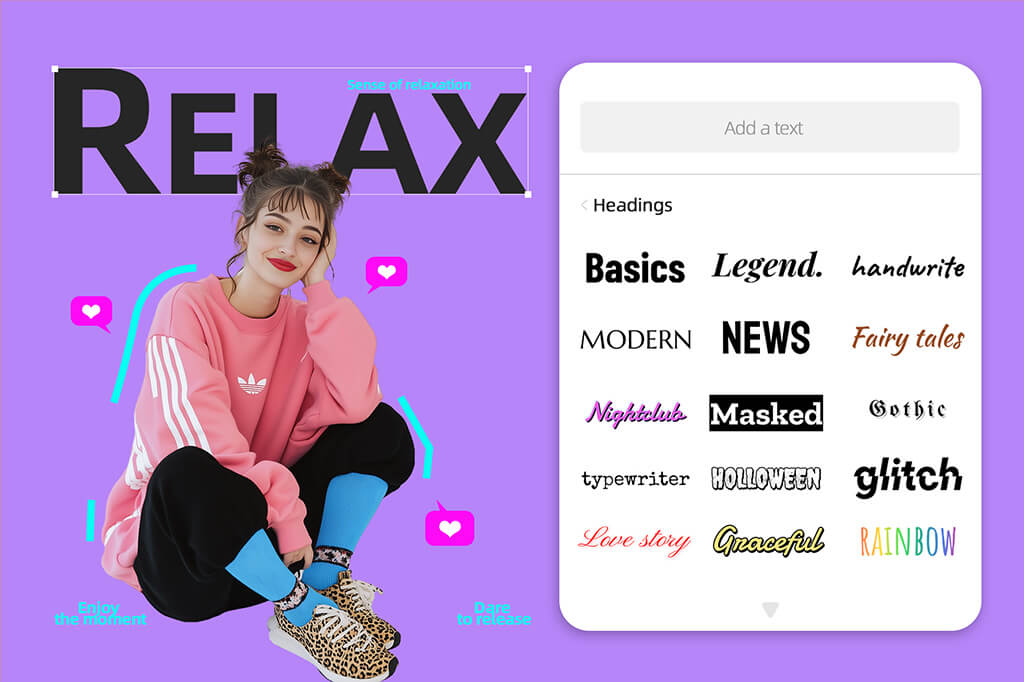
Ready-to-Use Caption Templates Right at Your Fingertips
insMind offers a variety of pre-made text caption templates, from traditional to cutting-edge designs that bring lively energy to your photos. Browse this creative library of caption ideas and add style to your images with just a few clicks. All templates are ready to use anytime—free to try.
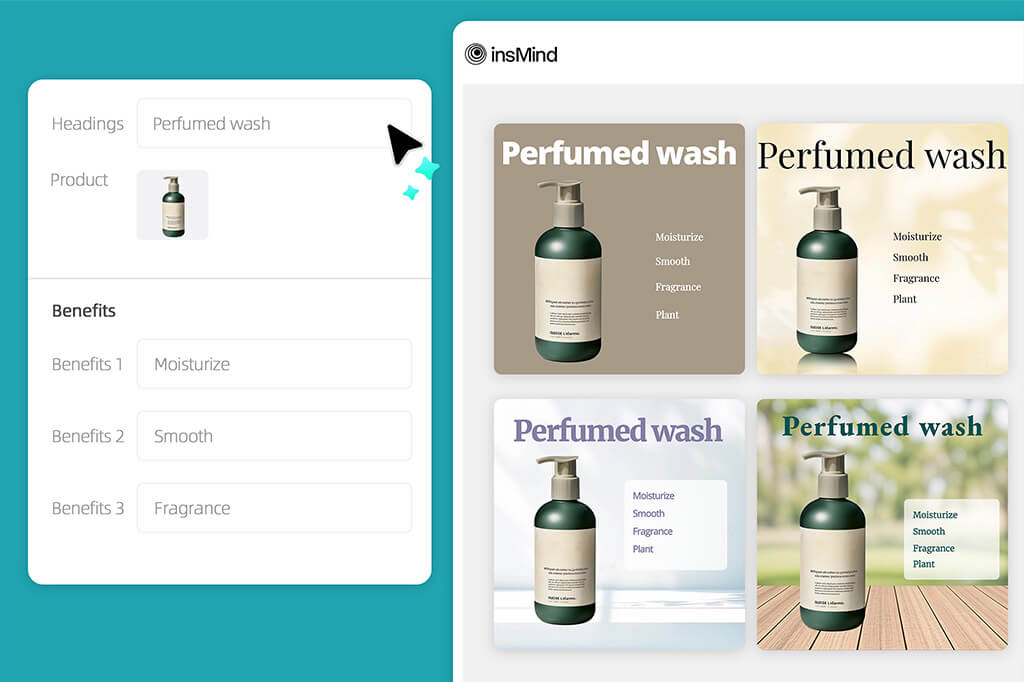
Smart AI Layouts for Adding Captions to Photos
It's time to use AI to add captions to your photos! insMind AI design generator quickly creates multiple design options with minimal effort. Simply upload your image, add a heading and key highlights, and let our intelligent AI generate various design choices. Choose the one with striking captions to enhance your visual. No design skills are required – the entire process takes just one click.
Explore More Photo Editing Features
How to Add Captions to Photos in 4 Steps
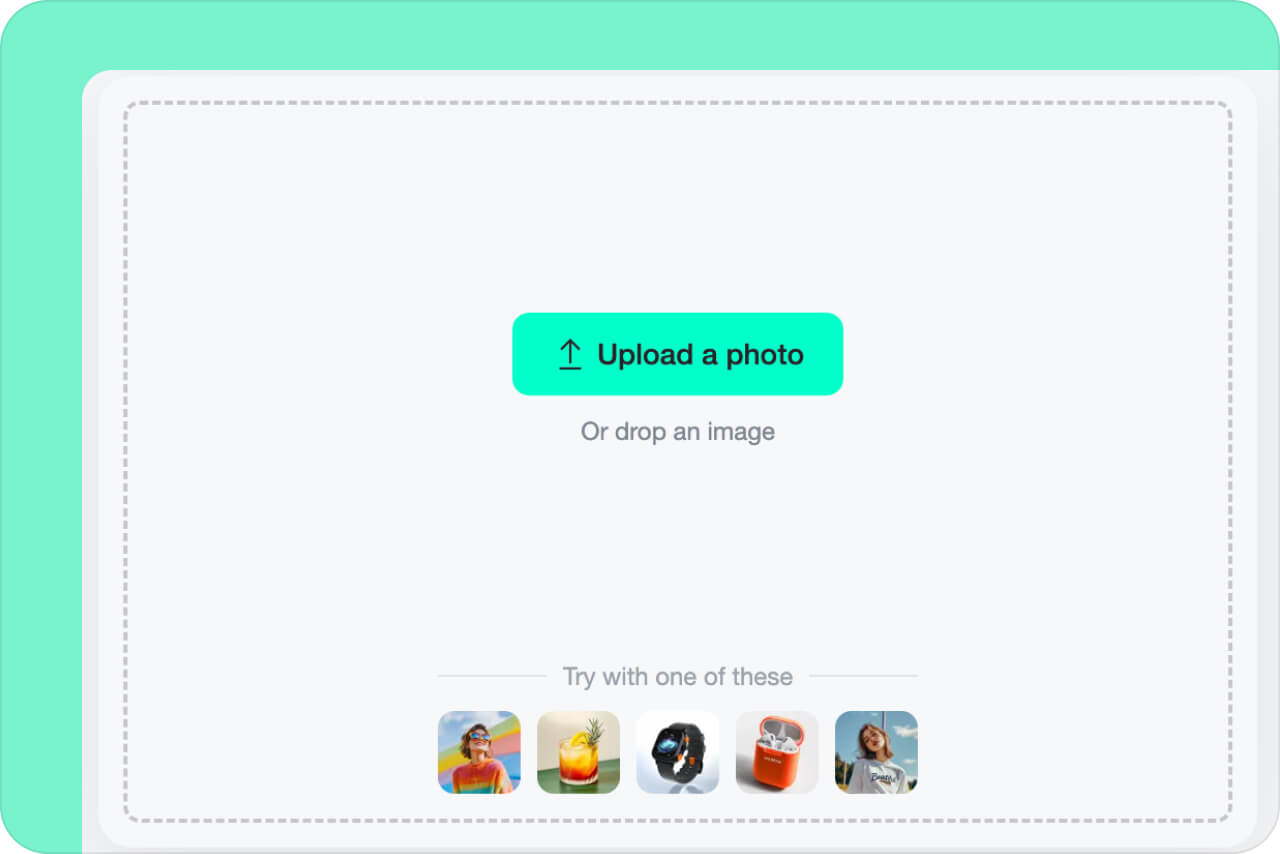
1 Upload Your Photo
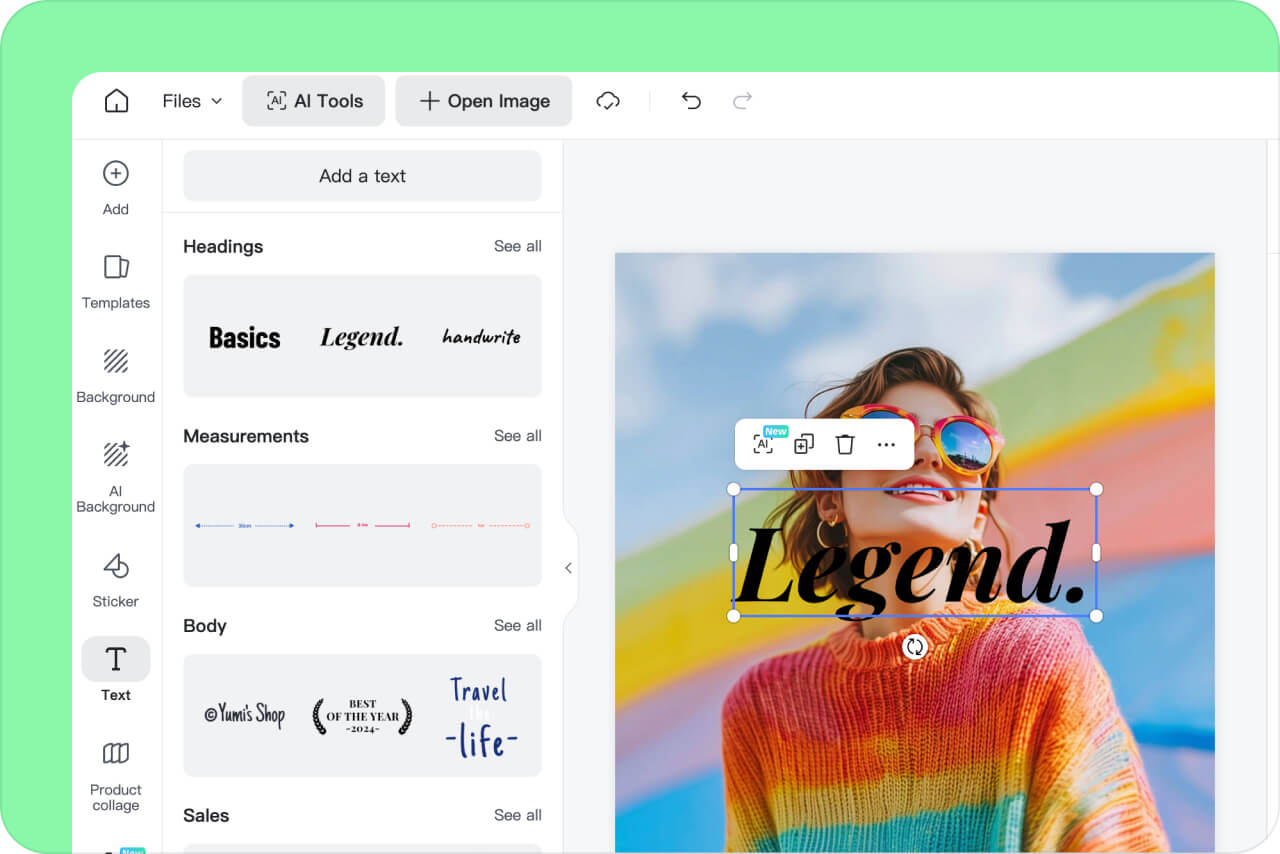
2 Add a Caption to Photo
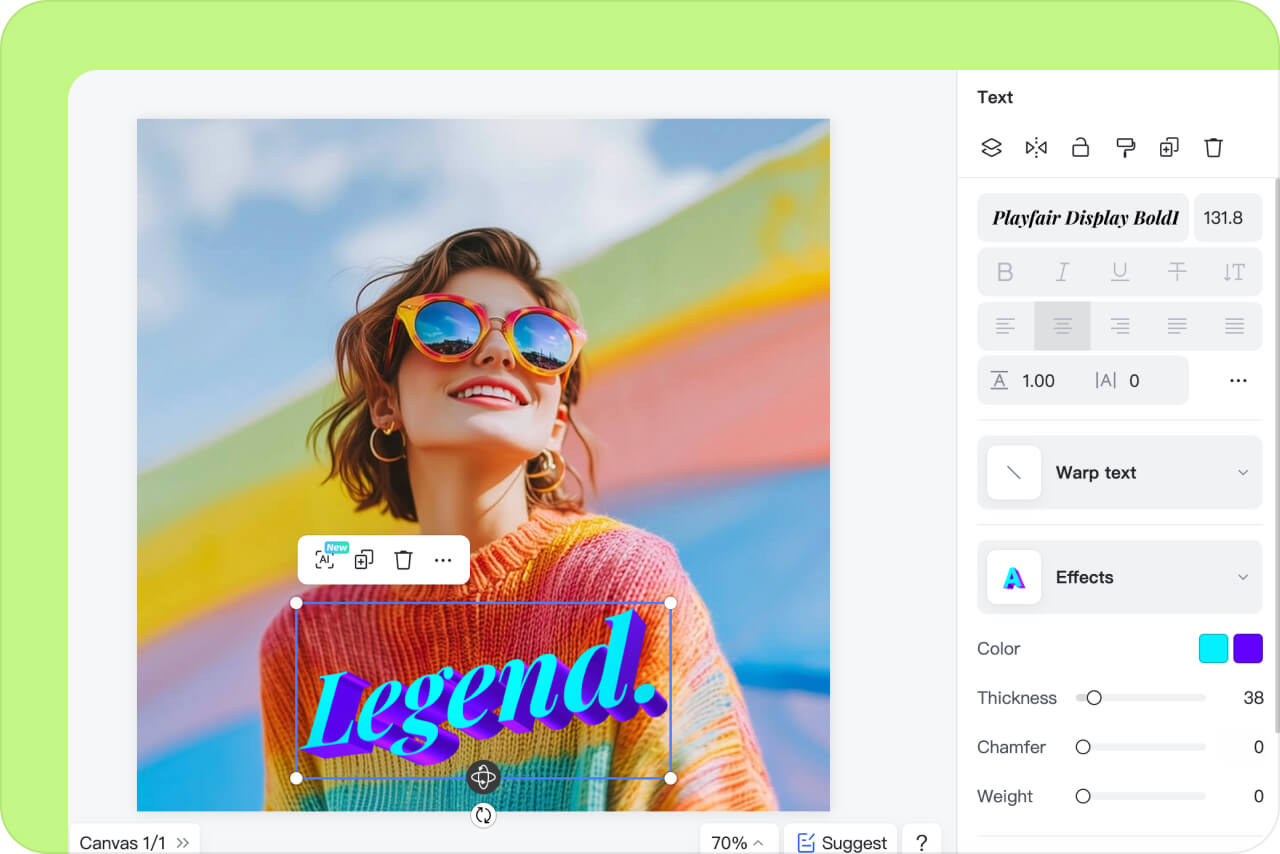
3 Customize the Caption
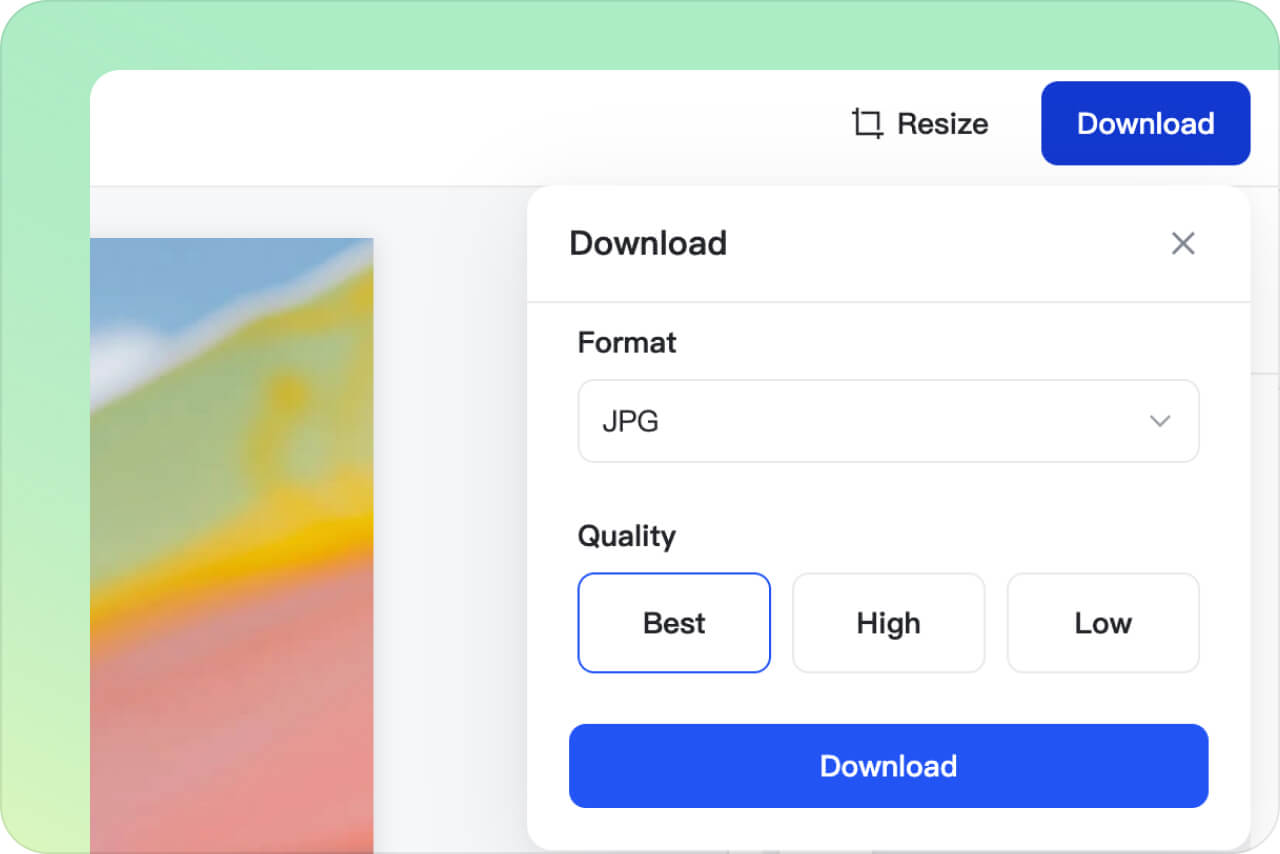
4 Download Your Photo
Enhance Every Marketing Campaign by Adding Captions to Photos
Weaving captions into your photos can increase the power of your visual content and deliver better results. Captions offer essential context, captivating audiences and solidifying your core message, making them a vital element for dynamic marketing on any digital and print platform.
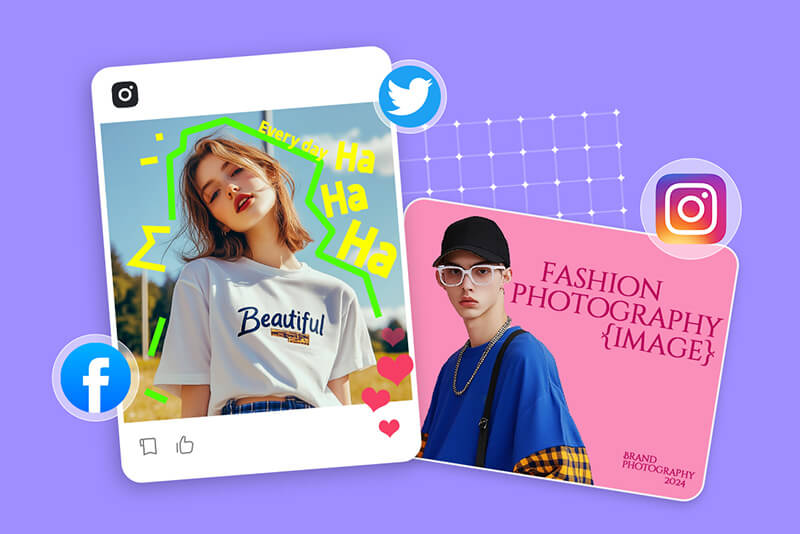
Social Media
Level up your social media with a caption that talks. Captions bring context to your social media images and catch attention while motivating people to comment on your post, from a call to action, or storytelling, captions bridge gaps between your brand and its audience.

E-Commerce
Do you want better sales? Then, convert product images into irresistible calls to action. Add captions on them and focus on outstanding features and benefits. Answer the questions, offer sizing advice, or provide ideas for usage with a perfect caption. It will inspire trust in your customers and increase their sense of satisfaction.

Marketing
Captioned images can catch the viewer's eye and improve marketing. From header websites and email campaigns to print advertising, captions deliver your key message and get viewers moving. Use them to create urgency, highlight sales, or facilitate clicking. Any action caption can breathe life into your marketing assets and make them influential.
Reasons to Choose insMind to Add Captions to Photo

Easy and Accessible
No downloads or installations are needed. You can access insMind from any browser with an internet connection, and you're good to go. Our interface is designed for effortless use. Upload your photos, add captions, style your text, and create fascinating visuals within minutes.

Various Text Resources
We have the most extensive library of text caption options in insMind. Whether it's a rich palette of fonts, vivid colors, or design styles, you can always find something suitable for your taste.

AI-Powered
The future of photo captions lies in AI design. Let our advanced AI transform your images. Simply add keyword information and receive multiple design suggestions. Save time, reduce effort, and achieve professional results with insMind AI.
FAQs about Inserting Caption into Photos
Can I add a caption to my photo?


Why should you add captions to images?
Is insMind free to insert captions to photos?
What is a good caption for a photo?
You might be interested in
Make your pictures pop with creative AI tools you can explore during a free trial.

AI Background

Smart Resize

AI Expand

AI Image Enhancer

AI Filter

AI Shadows

"I used to spend hours making marketing visuals. But now, insMind is my secret weapon. It produces almost professional results in under a minute."
@Lucy Green, Marketing Manager