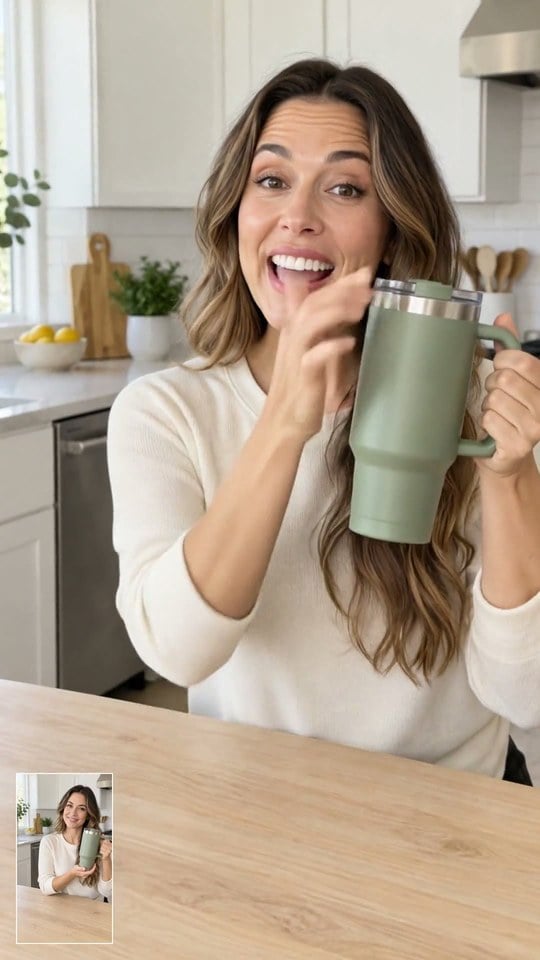
Give your product a place in an everyday scene. Upload a clear photo, describe who should present it and how it should be used, and generate a short demo around one visible benefit. Start with the product you already sell, then explore a more personal style of product video.

AI UGC Video Generator for Product Ads
Create UGC-style product videos from photos and prompts, with AI voiceovers for TikTok, Instagram Reels, and ads.
00:00
00:00
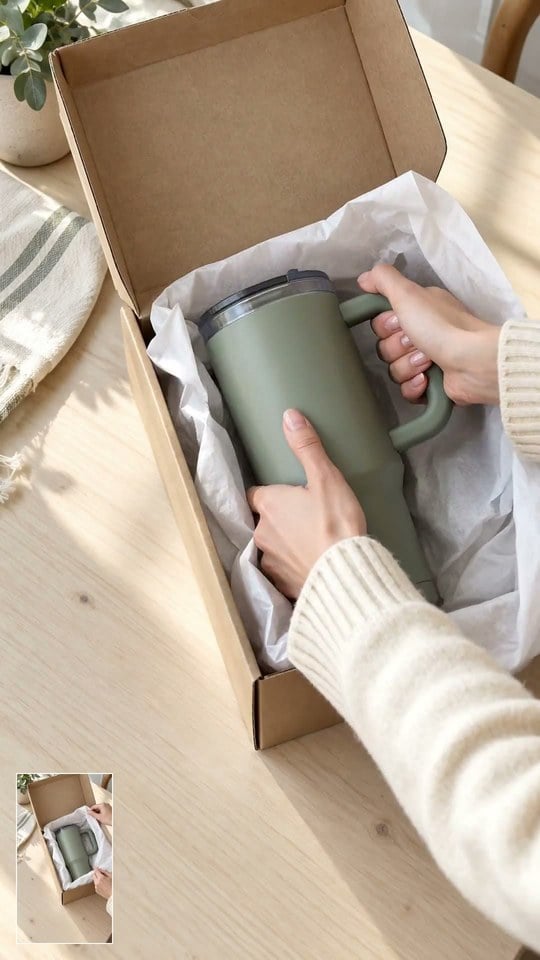
Turn a Product Photo into a Creator-Style Demo
00:00
00:00
Explore Different Hooks for the Same Product
Try a question-led opening, a product close-up, or a familiar everyday problem. Change one part of your brief at a time to create separate ad concepts and compare their opening moments. Use these UGC video prompts to find a starting point for your next variation.
00:00
00:00
Make the Product Part of the Story
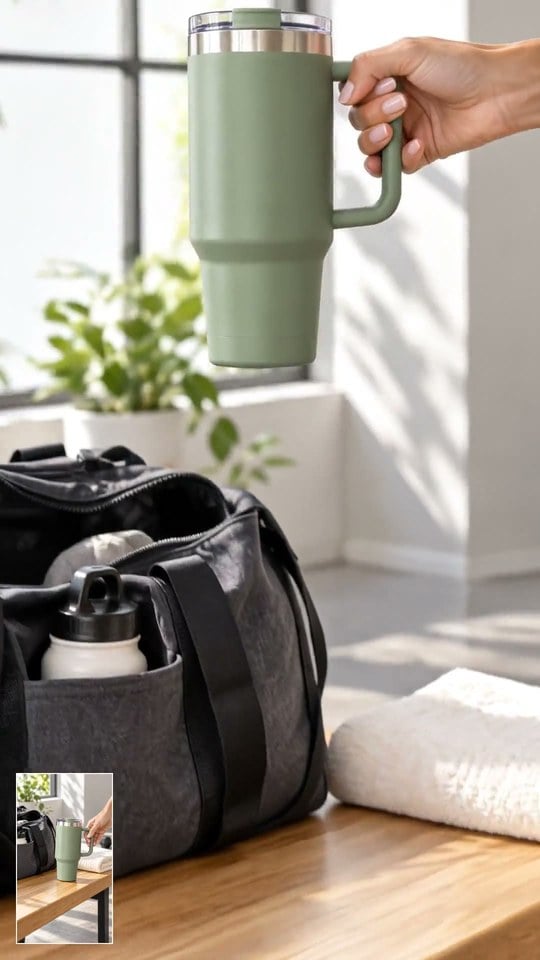
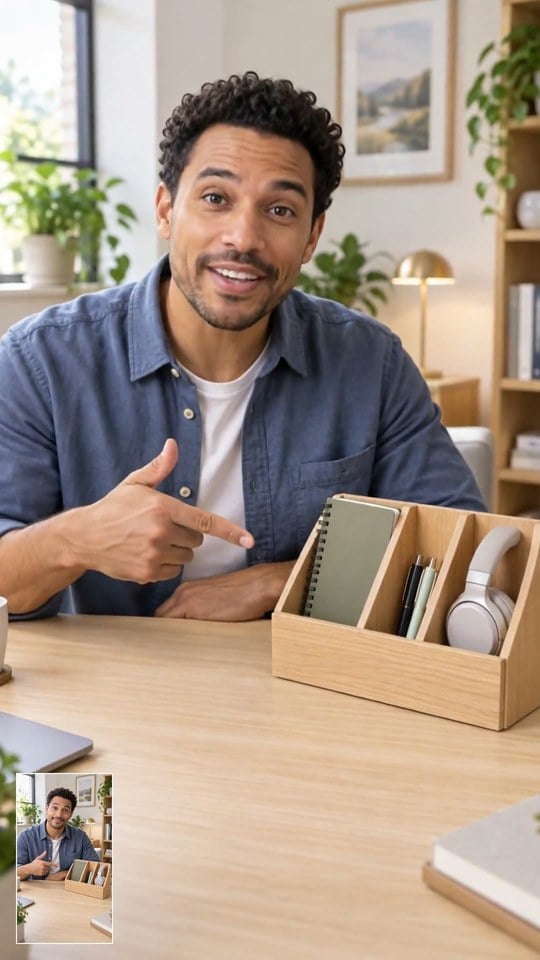
A useful product scene shows what happens, not just what the item looks like. Describe a simple action, such as placing a bottle in a gym bag or using a desk accessory during work. Keep the brief focused so viewers can understand the product's role at a glance.
00:00
00:00
Direct the Presenter and the Setting
How to Create a UGC-Style Video with AI
Step 1: Add a Clear Product Photo
Choose a photo that shows the product's shape, colors, and key details. Start with the task card closest to the video you want to make.
Step 2: Write a Focused Brief
Describe the presenter, scene, and product benefit. Add your dialogue or ask AI to generate a voiceover in your preferred language.
Step 3: Choose the Available Video Settings
Select a supported model, duration, and aspect ratio. Use a vertical format for TikTok or Reels, and check the credit cost before generating.
Step 4: Generate, Review, and Download
Review the product details, movement, and any spoken words. Adjust the brief if needed, then download the result and prepare it for your campaign.
UGC-Style Video Ideas for Your Next Campaign
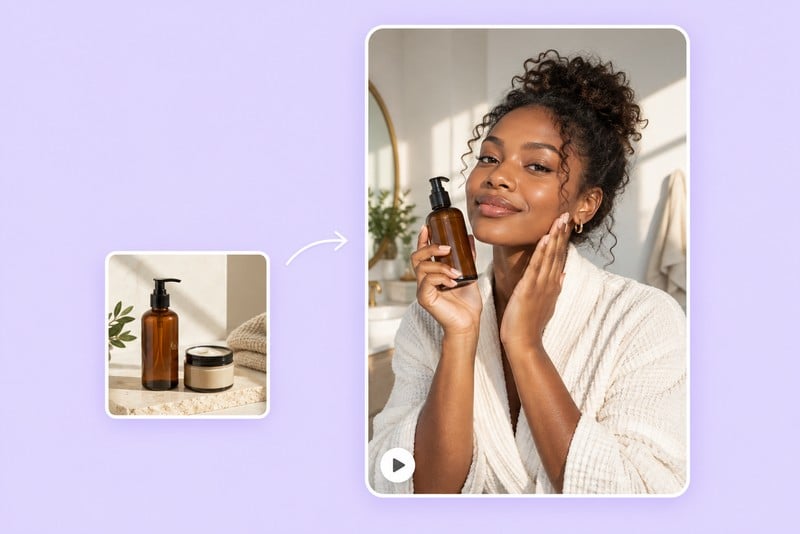
Introduce a New Product on TikTok or Reels
Have a product photo but no launch footage? Create a short, vertical scene built around one reason to stop and look. Show the product early and give the opening a clear focus, such as a recognizable use case or an interesting detail.
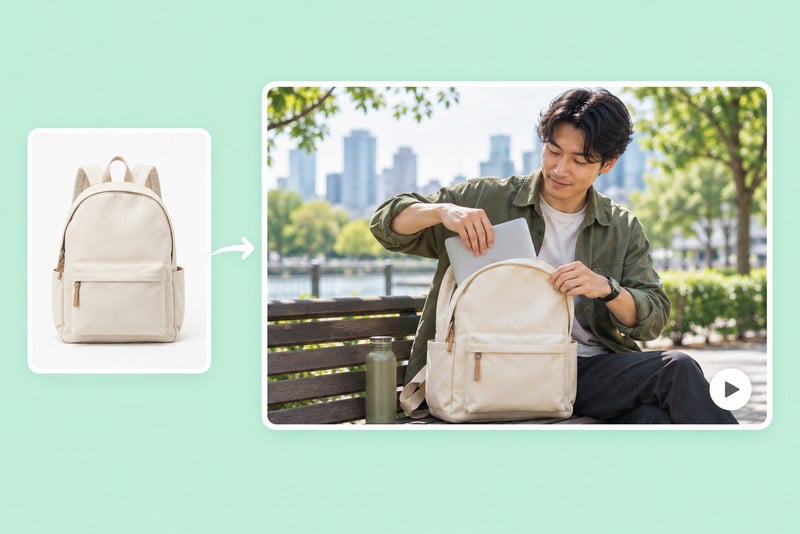
Show a Product in an Everyday Setting
Help shoppers picture a product on a desk, in a kitchen, or in a gym bag. Create a scene that complements your real product photos, then check that the generated details match the item you sell before adding it to a product page.
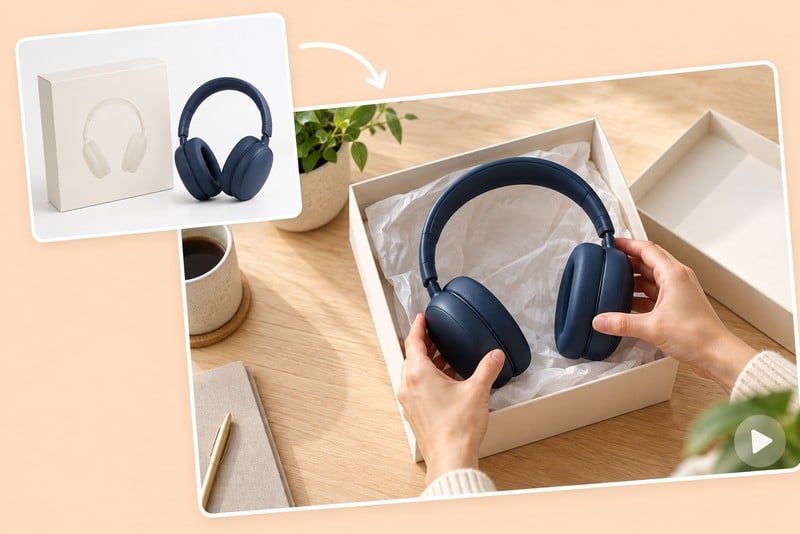
Build an Unboxing-Style Reveal
Use a reveal to draw attention to the product's shape, packaging, or finish. Start with accurate reference images and keep the sequence simple. For a reveal-focused brief, explore the AI unboxing video generator.
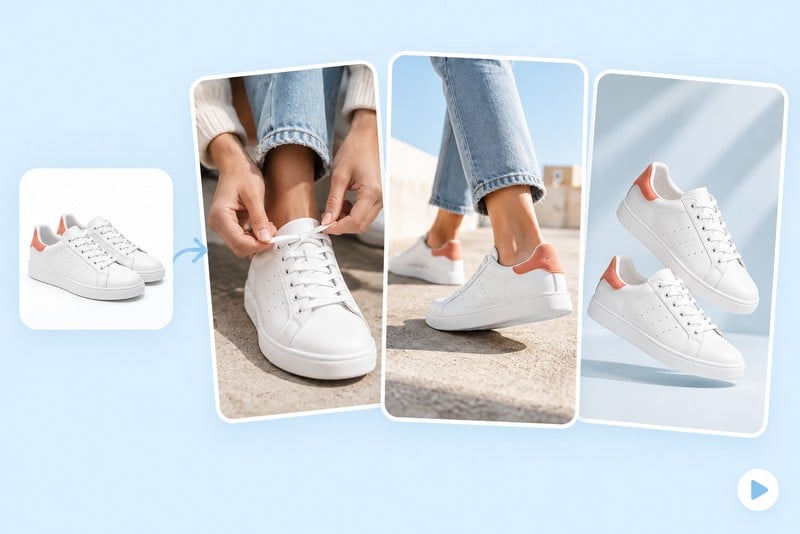
Develop Fresh Creative for an Existing Campaign
When you need a new direction, change the opening, setting, or demonstration while keeping the product and core message fixed. Use the resulting clips as separate creative candidates for your own campaign tests.
Why Choose insMind for AI UGC Videos?

No Camera or Studio Required
Create UGC-style product scenes without arranging a shoot. Product photos and AI-generated visuals give you a way to develop ad creative when filming is not an option.

An Accessible Starting Point for Small Teams
A product photo and a plain-language brief are enough to get started. Sellers and marketers can explore video ideas without a background in video production.

More Creative Possibilities from One Product
The same product image can inspire different hooks, settings, and demonstrations. Separate generations give you more creative options to consider for your next campaign.

Flexible Creative Direction
Your brief guides the presenter, setting, action, and tone. That flexibility leaves room for different brand styles, from a casual home demo to a focused product close-up.

Formats for Social Campaigns
Supported vertical formats make it easier to develop product videos for TikTok and Instagram. Choose an available aspect ratio that fits your intended placement.

Image and Video Tools in One Place
From preparing product photos to exploring video concepts, insMind offers image and video tools on the same platform to support different parts of your creative work.
AI UGC Video Generator FAQs
What is an AI UGC video generator?


It creates videos with the informal, creator-led style often associated with user-generated content. With insMind, you can describe a scene and use a product image to develop a short UGC-style clip. The result is AI-generated creative, not a real customer's review.
How do I make a UGC-style video from a product photo?
Upload a clear product image, describe one benefit and the scene you want, and choose the available video settings. Generate a clip, review the product details and movement, and refine your brief if needed.
Do I need to film myself or hire a creator to start?
You can start an AI-generated scene from a product image and a written brief without uploading footage of yourself. If your campaign needs a real person's endorsement or experience, use that person's authorized content instead.
Can I create videos for TikTok and Instagram Reels?
Yes. Choose a supported vertical format and keep the product and main action easy to see. Review the final crop and add any campaign-specific text or other finishing touches before posting.
Can I add dialogue or voice to the video?
Yes. insMind can automatically generate dialogue and voiceovers for your UGC videos. Include your script or describe what you want the presenter to say, then specify the language and tone in your prompt.
Can I make UGC-style videos in different languages?
Yes. Create UGC videos with dialogue or voiceovers in different languages. Specify your target language in the prompt and adapt the message for each audience, from product introductions to localized ads.
Can I generate several ad variations from one product image?
Yes. Use the same product photo to create multiple videos with different hooks, presenters, settings, or voiceovers. Generate separate versions to compare creative ideas and find the right direction for your campaign.
Will the product look exactly like my photo?
insMind uses your photo as a visual reference to guide the product's appearance. A clear image and focused prompt help preserve recognizable details. Small details can vary, so check labels, colors, and proportions before publishing.
Is the AI UGC video generator free?
You can try this tool online for free. Available features and usage limits may vary by account and permissions.
Can I use the videos in ads or on a product page?
Before publishing, check the current service terms and your rights to any uploaded assets. Confirm that the video accurately represents your product and meets the rules for your intended placement. Present AI-generated scenes as advertising creative rather than genuine customer testimonials.
More Tools for UGC Ads and Product Videos
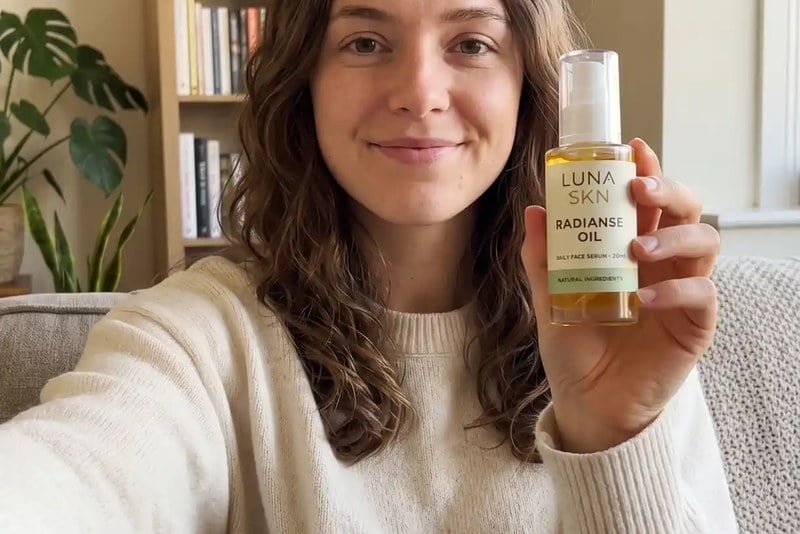
00:00
00:00
AI Ad Video Generator
Explore other visual styles for your next advertising concept.

00:00
00:00
AI Product Demo Video Generator
Focus your next clip on showing a product in action.
00:00
00:00
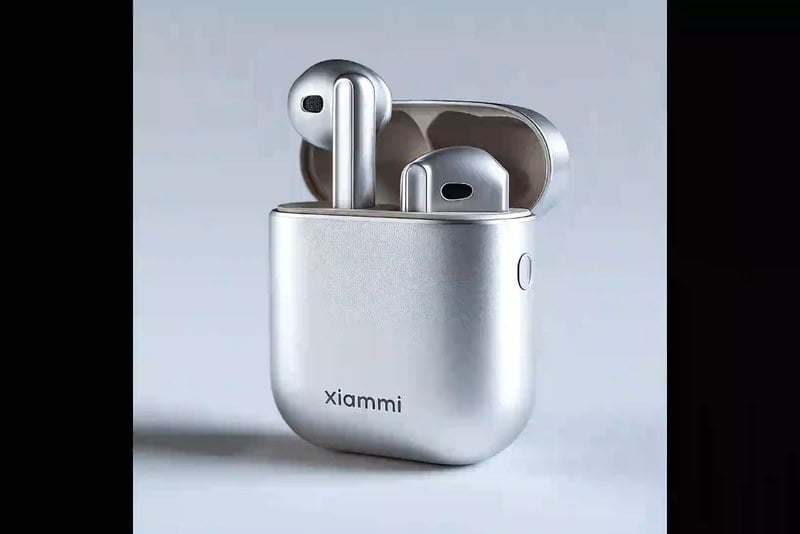
AI Commercial Video Generator
Develop a more polished commercial-style scene.
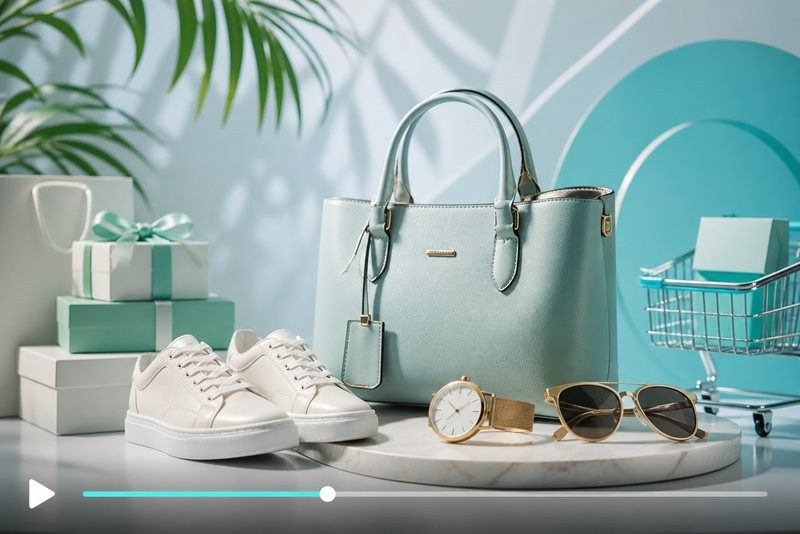
AI Promo Video Generator
Create a short visual concept for a promotion or announcement.
00:00
00:00
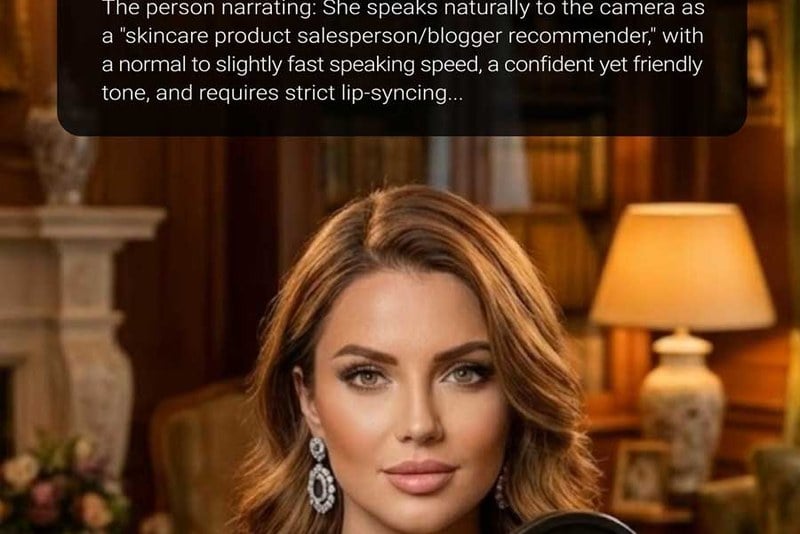
AI Avatar Video Generator
Explore videos centered on an AI-generated presenter.

00:00
00:00
Image to Video
Use an existing image as the starting point for a video.
00:00
00:00
Text to Video
Describe a scene and explore a video from your prompt.

00:00
00:00
AI Video Editor
Explore tools for refining existing video footage.