AI Ad Video Generator
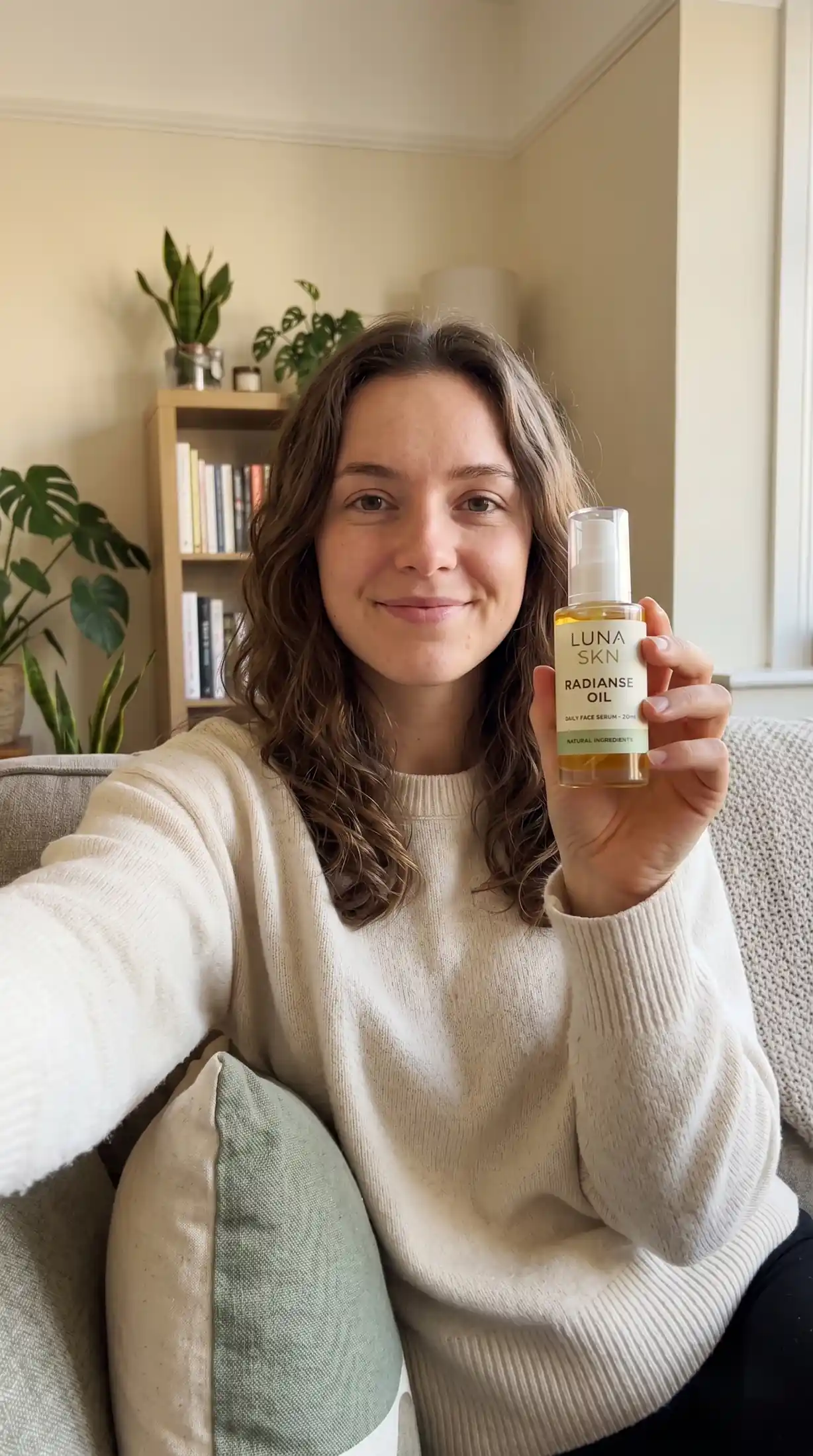
Create UGC-Style Ads with AI
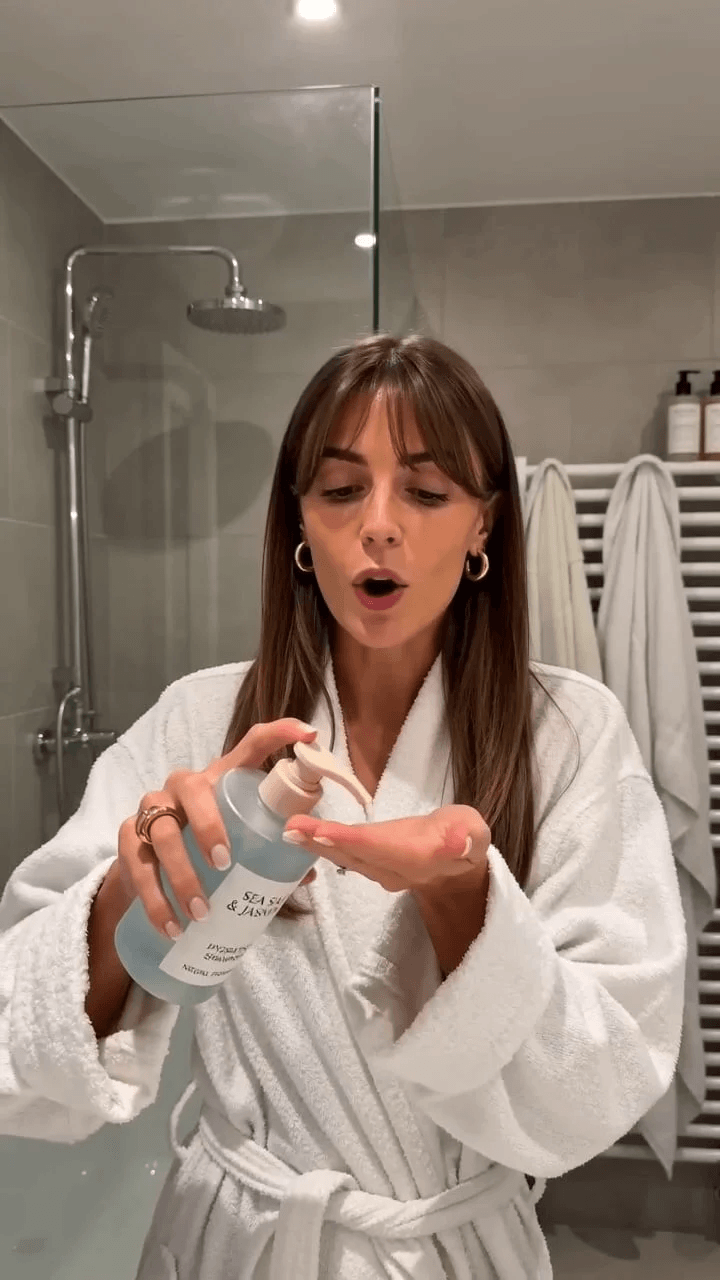
Upload one product photo and get a creator-style ad video in seconds. insMind AI generates authentic-looking UGC content—talking-head reviews, testimonial clips, and lifestyle footage—without hiring real creators or booking studio time. Output is TikTok-, Reels-, and paid-social-ready the moment it's done.
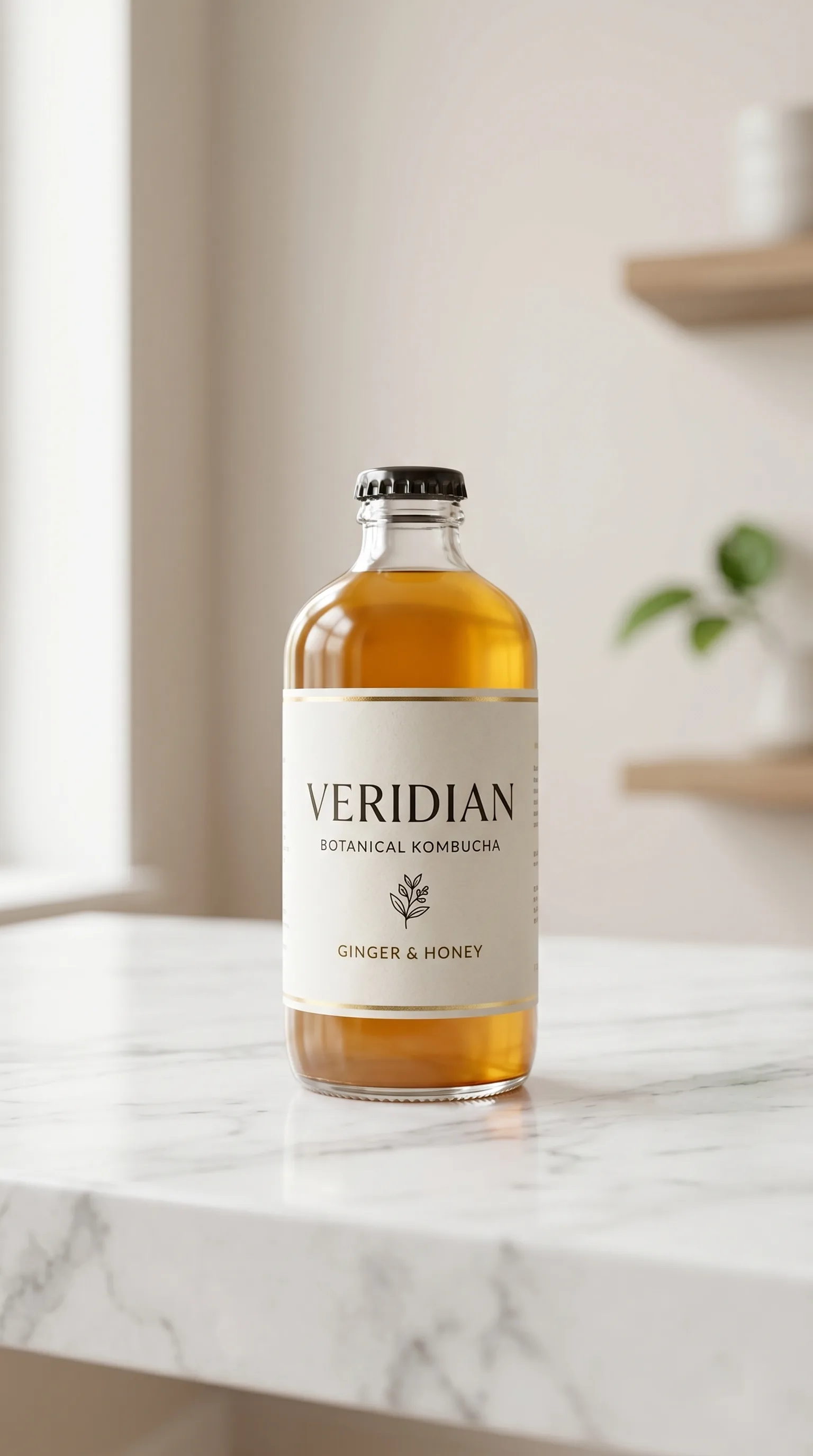
Turn Product Images into Demo Videos
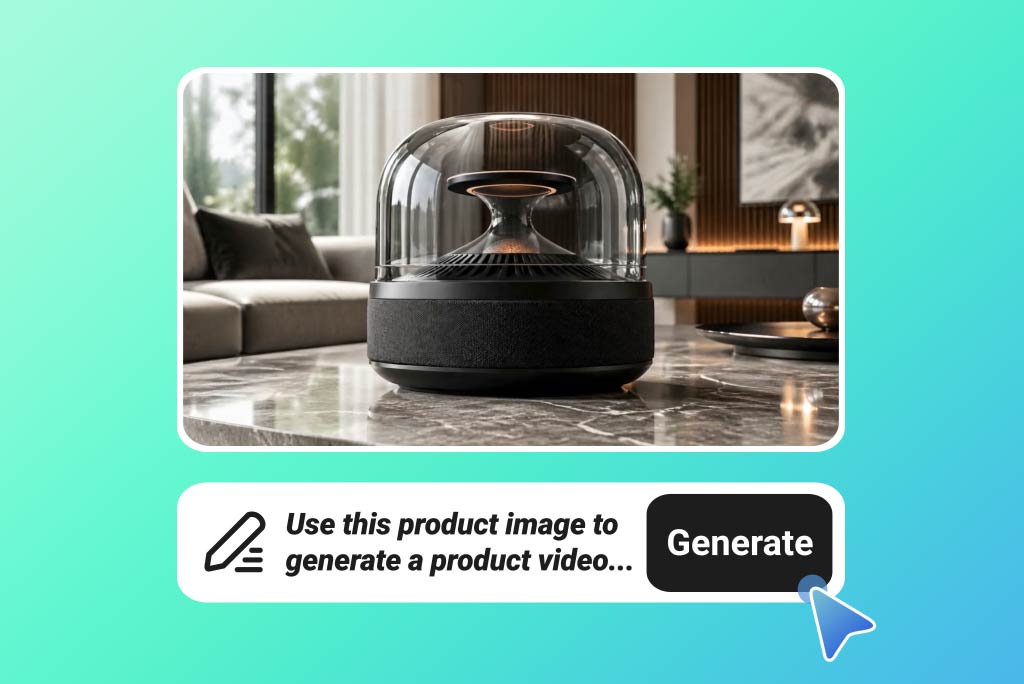
Go from a single product photo to a polished demo video that shows your product in action. insMind AI animates your image, adds realistic motion, and produces a scroll-stopping ad ready to run on any platform—no editing skills, no footage, no production team required.
How to Create Ad Videos with insMind AI
Step 1. Upload Your Product or Marketing Assets
Add the visuals you want to build the ad around, including product images, product videos, logos, and brand assets. insMind reads the product selling points, likely usage context, and overall brand style so the ad starts with a stronger creative base.
Step 2. Enter an Ad Script or Prompt
Describe the ad concept you want to create, such as a high-converting TikTok ad for a skincare product with before-and-after framing, a fast hook, and a strong CTA. Your prompt can guide the ad structure, tone, and visual style.
Step 3. Choose the Ad Type and Platform Format
Select the ad format that matches your campaign, whether you need product ads, UGC ads, testimonial ads, or promo ads. Then choose the output ratio that fits the placement, such as 9:16 for TikTok, 1:1 for Meta, or 16:9 for YouTube.
Step 4. Generate and Download the Ad Video
Click generate and insMind builds the ad scenes, applies motion and messaging emphasis, and renders a ready-to-use ad video. Download the final video and launch it across paid ads, social campaigns, or landing pages.
Why Choose insMind for AI Ad Video Creation?

Turn existing product assets into ad creatives
Many teams already have the visuals. What they lack is a fast way to convert them into campaign-ready ads. insMind closes that gap without requiring a new shoot.

Support multiple ad styles in one workflow
You can create product ads, UGC-style ads, testimonial ads, and promo ads from the same asset set, which makes testing easier.

Adapt the same creative to multiple platforms
The same campaign idea can become a TikTok ad, Meta ad, and YouTube ad with fewer extra steps.

Reduce manual editing for faster production
If you need more ad volume, manual timelines become the bottleneck. insMind helps teams move faster from asset to output.

Make ecommerce promotion more visual
insMind helps product benefits become easier to communicate in motion, which is more useful for paid acquisition than relying on still images alone.

Help lean teams create more ads
For founders, marketers, and ecommerce operators, the main advantage is throughput: more creatives, less production overhead.
FAQs About insMind AI Ad Video Generator
What is an AI ad video generator?


Can I create video ads with AI from product images?
Can I create TikTok ad videos with AI?
Can I make Meta ads videos with AI?
What assets can I upload for ad video creation?
Can I control the ad structure with a prompt?
What ad types can I create?
Can I create video ads for ecommerce?
Is this useful for Shopify ads?
Can I create UGC-style ads with AI?
Can I use this for Instagram ads?