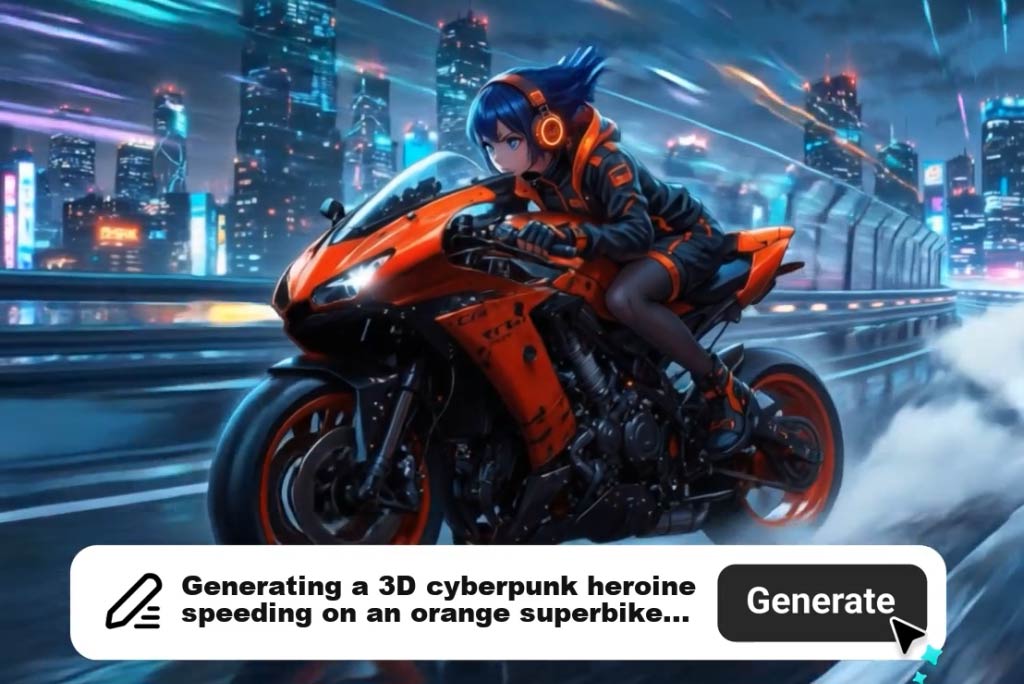
Paste your script or outline and let AI break it into scenes, match visuals, and build a complete animation sequence automatically. The script to video AI engine analyzes your text structure to assign timing, transitions, and visual cues to each segment.
No storyboarding or timeline editing required. The AI animation video generator handles scene composition so you can go from written content to a finished animated video in one workflow.

AI Animation Maker: Create Animation Video Online
00:00
00:00
00:00
00:00

Turn Scripts into Structured Animation Videos
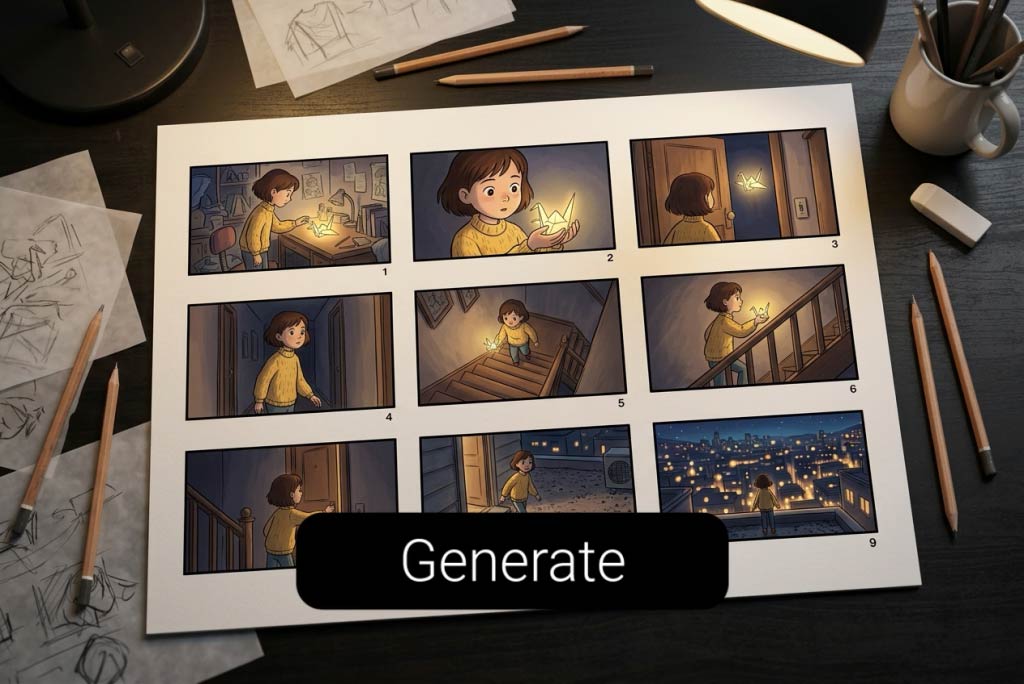
00:00
00:00
Convert Ideas into Visual Storytelling Animations
Describe a concept, product walkthrough, or story arc — the AI animated video generator translates your input into a coherent visual narrative with matched scenes, characters, and motion. Every generated clip follows a logical flow built around your core message.
This works for explainers, social media content, product demos, and educational material. Upload reference images via the image to video tool to guide the visual direction, or let AI interpret your text from scratch.

Customize Animation Style and Motion Effects
Select from multiple animation styles including 2D, 3D, cartoon, and more — each rendered through style-transfer models that repaint your content to match the chosen aesthetic. The AI cartoon video generator mode is ideal for playful or brand-friendly visuals.
Fine-tune camera angles, panning speed, scene transitions, color palettes, and pacing to match your content goals. Whether you need cinematic motion for a product launch or simple transitions for a tutorial, every visual parameter is adjustable.
How to Create Animation Videos with AI

1
1 Step 1: Enter Your Script and Upload an Image(Optional)
Type or paste your script, outline, or concept, and optionally add reference images, brand assets, or character visuals. The AI analyzes your input, structures it into scenes, and aligns visuals for consistent animation output.

2
2 Step 2: Customize your animation style and Motion
Describe your animation format — 2D, 3D, or cartoon. Adjust camera movement, scene transitions, color tone, and pacing to match your project's visual direction.

3
3 Step 3: Generate and Download the Video
Click generate and the AI animated video creator renders your full animation. Preview each scene, make edits if needed, then export in high resolution.


What You Can Create with AI Animation
From marketing explainers to educational content — generate animation with AI for any project.

Marketing Explainer Videos
Turn product features and service workflows into animated explainers for landing pages, ads, and social media. Drive higher engagement and conversion rates with visual storytelling that replaces static graphics.

Educational & Training Content
Create animated lessons, onboarding walkthroughs, and compliance training clips that simplify complex topics. Students and employees retain more information through visual demonstrations than text-heavy slides.

Social Media Short-Form Content
Generate eye-catching animated clips for Instagram Reels, TikTok, and YouTube Shorts. Stand out in crowded feeds with polished motion graphics that take minutes to produce instead of hours.

YouTube Channel Videos
Produce full animated episodes, channel intros, and faceless videos for YouTube without a camera or studio. Scale your content output while maintaining consistent visual quality across every upload.
What Users Say About insMind AI Animation Maker
Why Choose insMind AI Animation Video Generator

Script-to-Animation Workflow
Converts written scripts directly into structured animation sequences — no storyboarding, no manual keyframing, no design software needed.

Multiple Animation Styles
Switch between 2D, 3D, cartoon, and whiteboard formats in one tool instead of learning separate software for each style.

AI-Powered Scene Composition
Automatic scene detection, visual matching, and transition generation that most competing tools require manual setup to achieve.

No Design Skills Required
Built for marketers, educators, and content creators — not animation professionals. Produce broadcast-quality results without any technical training.

Fast Turnaround Time
Generate complete animation videos in minutes rather than days. Outpace traditional animation pipelines and freelancer timelines by 10x or more.

Integrated Image-to-Video Pipeline
Upload reference images and blend them into your animation seamlessly — a feature most text-only AI video generators lack entirely.
Frequently Asked Questions
What is an AI animation video generator?


An AI animation video generator is a tool that converts text, scripts, or images into animated videos automatically. Instead of frame-by-frame manual work, AI handles scene composition, character movement, transitions, and styling. You provide the content direction and the tool produces a ready-to-use animated video.
What animation styles does insMind support?
insMind supports 2D animation, 3D animation, cartoon style, and more animation. Each style uses AI models that repaint and render your content to match the selected aesthetic. You can switch styles before generating or create multiple versions of the same project in different formats.
Do I need animation or design experience to use this tool?
No. The AI animation maker is designed for non-designers including marketers, educators, and content creators. You type a script or upload images, choose a style, and the tool handles all the technical animation work. No software installation or training is required.
Can I use my own images in the animation?
Yes. You can upload photos, illustrations, brand assets, or character images. The tool processes them through its image-to-video pipeline and integrates them into your animation with matched motion, framing, and style consistency. This is especially useful for brand-specific or product-focused content.
How long does it take to generate an animation video?
Most animations are generated within 2–5 minutes depending on video length and complexity. This is significantly faster than traditional animation workflows that typically require days or weeks. You can preview results and regenerate specific scenes without restarting the entire project.
Can I edit the animation after it's generated?
Yes. After generation you can preview each scene, adjust timing, swap styles, and regenerate individual segments. The non-destructive workflow lets you iterate on specific sections without re-rendering the full video, saving time on revisions and fine-tuning.
Unlock More AI Video Creation Options

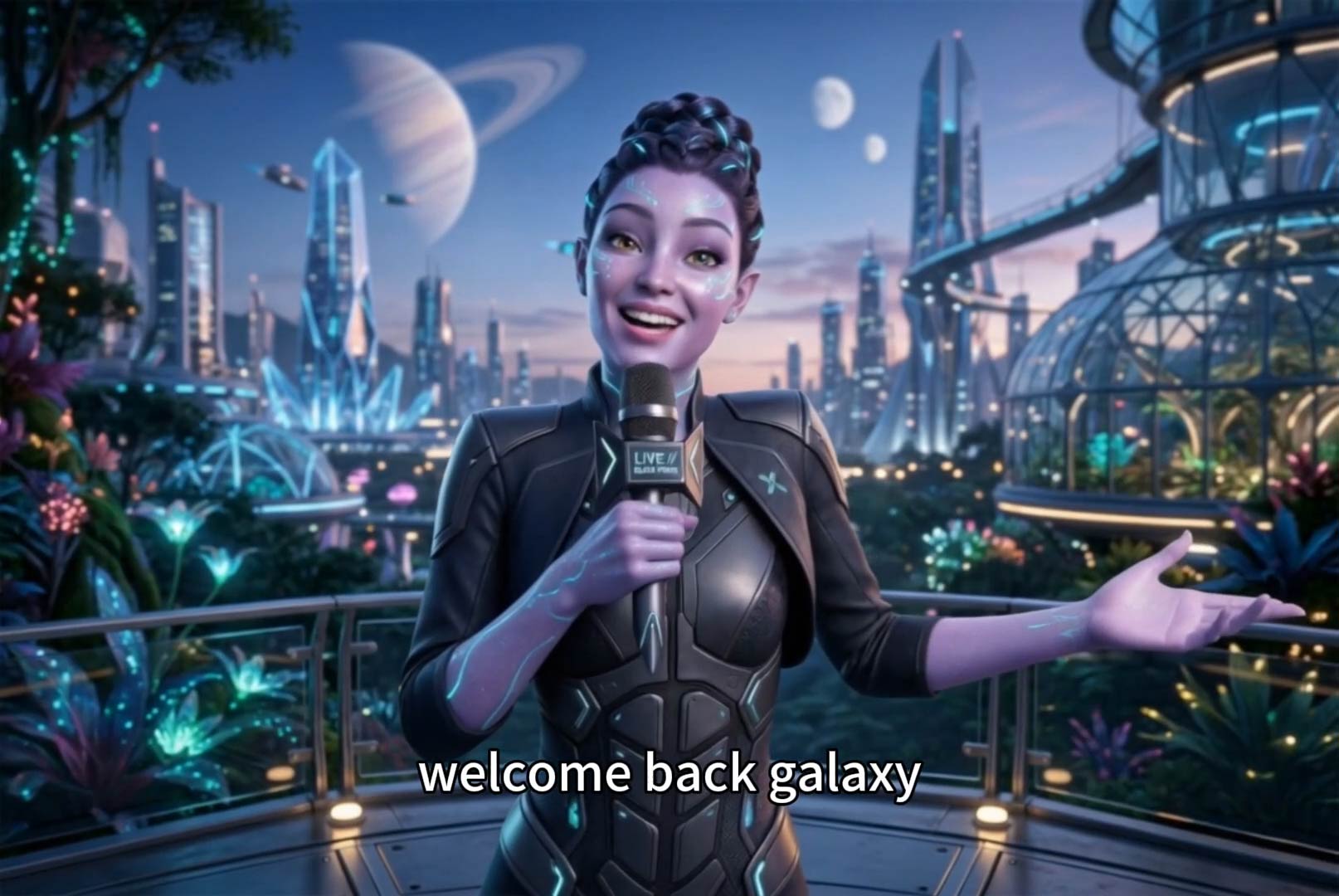
Script to Video AI
Turn written scripts into videos with AI instantly.
00:00
00:00
AI Faceless Video Generator
Create engaging videos without appearing on camera using AI.

00:00
00:00
Ghibli AI Video Maker
Turn text and images into Ghibli-style animations instantly.
00:00
00:00
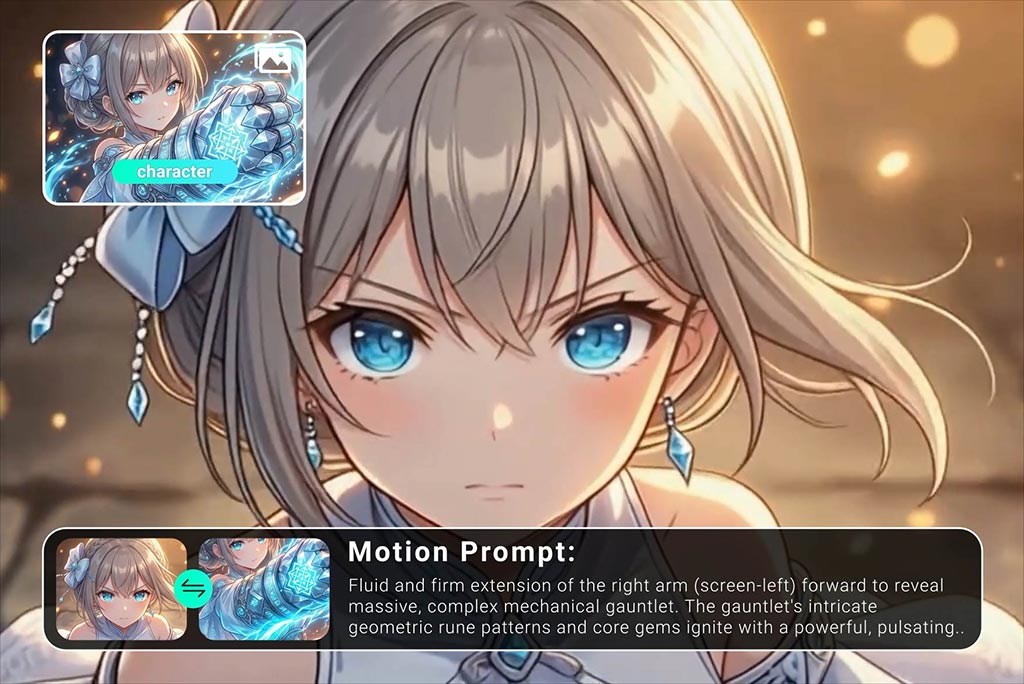
AI Anime Video Generator
Animate anime images into smooth, consistent character videos.

AI Cartoon Video Generator
Generate high-quality cartoon videos from text or images.

00:00
00:00
Image to Video
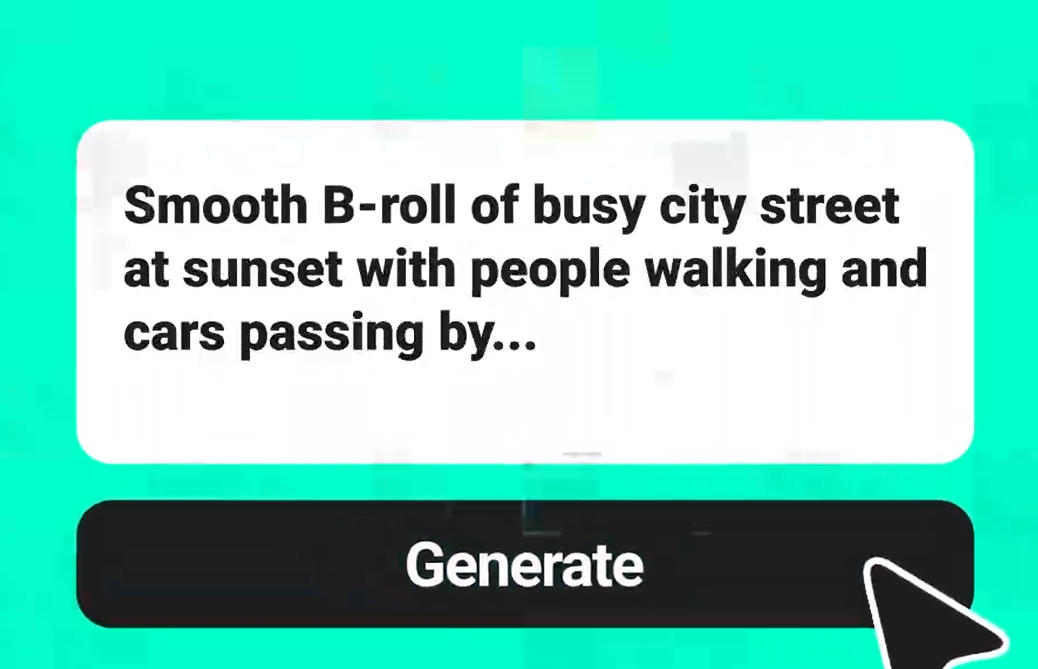
Create custom videos from your photos with AI.
00:00
00:00
Text To Video Generator
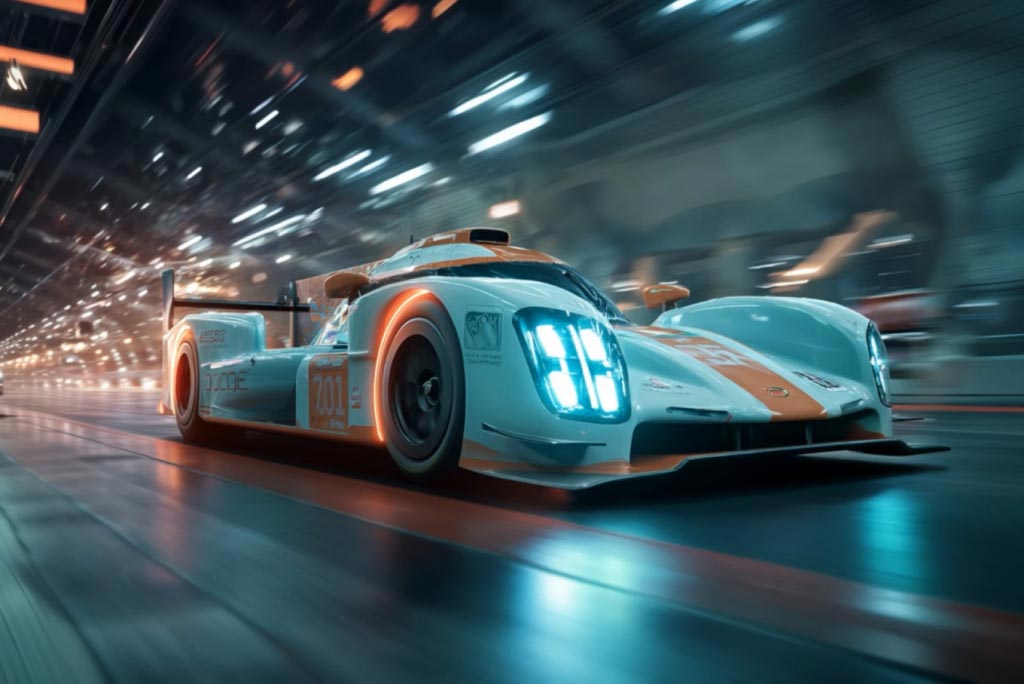
Turn any text prompt into high-quality videos in minutes.
00:00
00:00
AI Video Generator
Create high-quality videos from text and images with AI tools.
"Our team creates animated explainers for every product launch now. Way cheaper than hiring an animation studio for each campaign."
@Brooklyn Walsh, Social Media Manager