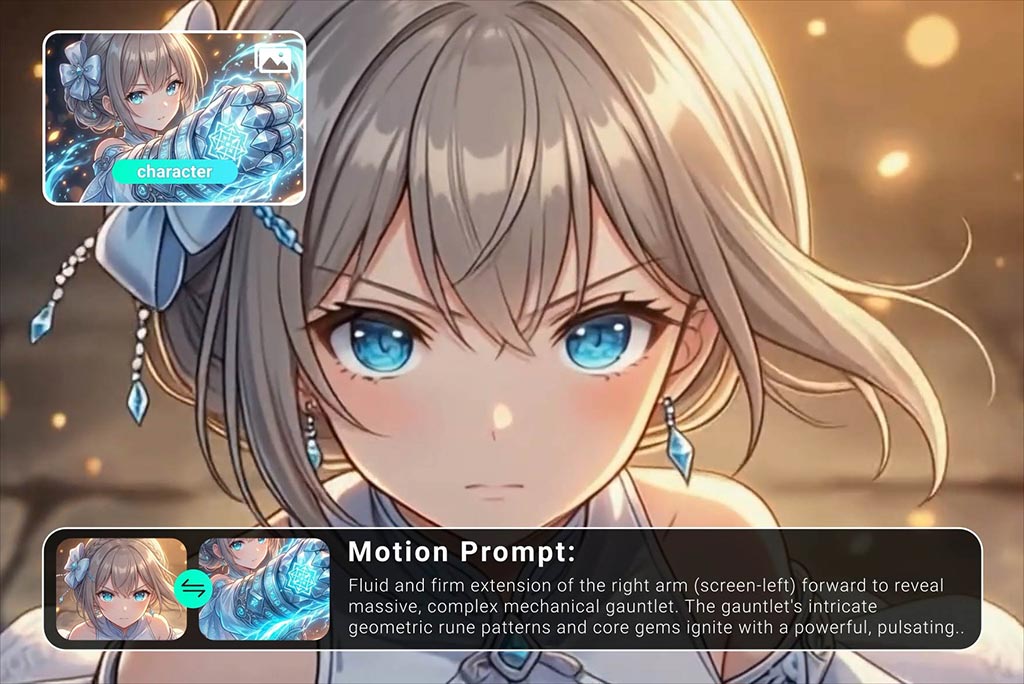
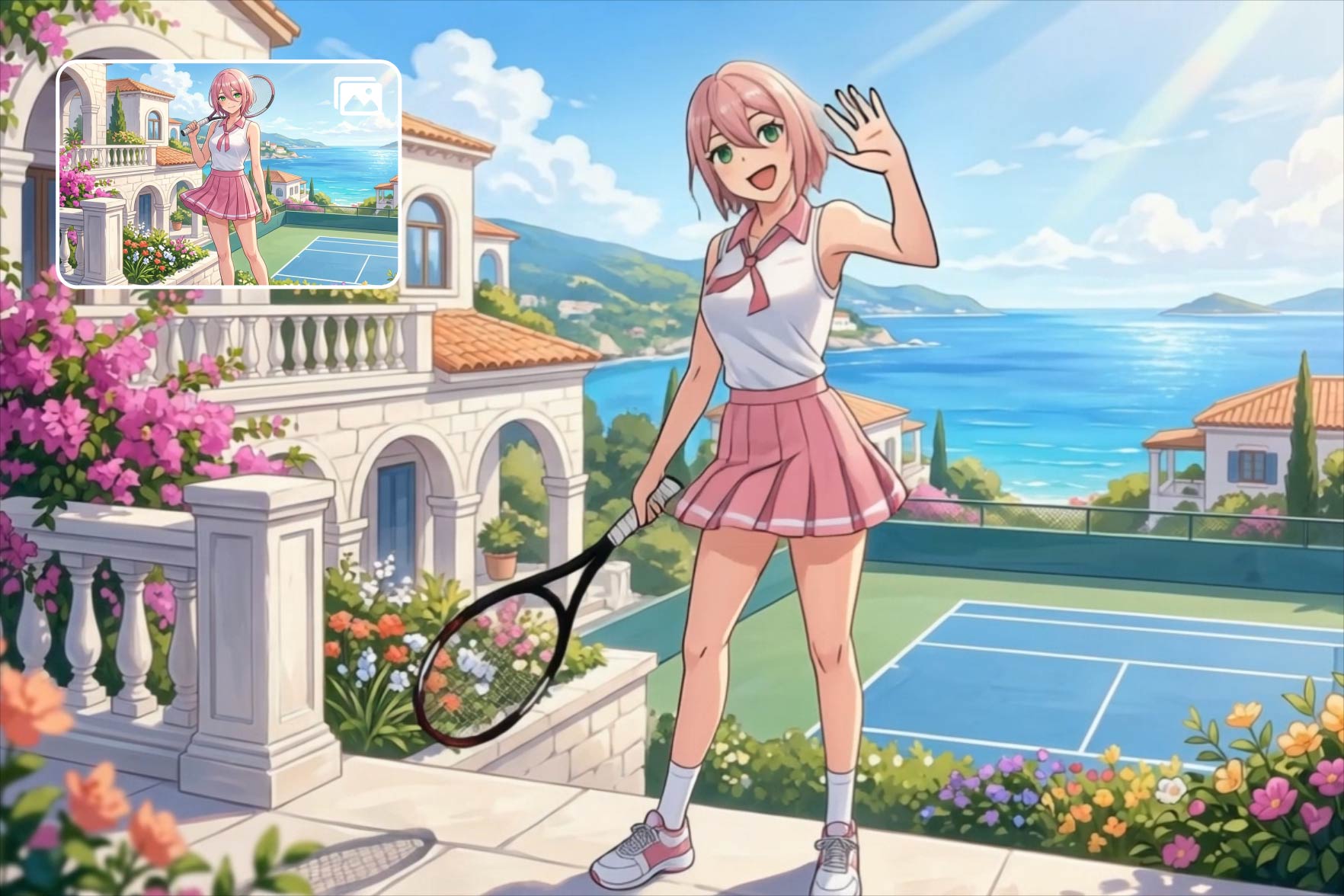
Upload your anime illustration or character sheet and the AI video generator analyzes body structure, facial features, and pose to produce natural movement. Actions like blinking, head turns, hair sway, and subtle gestures are generated automatically.
The output works well for fan-made content, character showcases, and short-form video platforms. Each image to video conversion preserves the original art style, so your animation stays true to the source material.

AI Anime Video Generator — Bring Your Characters to Life
00:00
00:00
00:00
00:00
00:00
00:00
Animate Anime Images into Smooth Character Motion

Maintain Consistent Anime Characters Across Frames
A common problem with AI-generated anime videos is character drift — where facial features, hair color, or outfit details shift between frames. insMind's anime AI video maker locks onto key visual traits and maintains them throughout the clip.
This means your character looks the same from the first frame to the last. Whether you're building a Ghibli-style animation or a fast-paced action sequence, visual continuity stays intact across every scene.

Generate Anime Videos from Text Prompts
Describe what you want — a character walking through a neon-lit city, a samurai drawing a sword — and the text to video generator creates it in anime style. Models like Kling support style transfer, so the output matches specific visual aesthetics.
This text-to-anime path lets you build scenes without any source images. Combine it with AI character animation tools for full creative control over your project.
How to Create AI Anime Videos with insMind

1
1 Step 1. Upload Your Anime Image
Go to the insMind anime video generator page and upload your anime illustration, character art, or AI-generated image. Supported formats include PNG, JPG, and WebP.

2
2 Step 2. Enter a Prompt
Add a text prompt to guide the animation. Describe the motion you want — walking, waving, turning around — or let the AI decide based on the image content.

3
3 Step 3. Generate Anime Video with AI
Select your preferred AI model and resolution, then click Generate. The AI processes your input and returns a smooth anime-style video clip within seconds.

4
4 Step 4. Download Your Video
Preview your anime video and download it in MP4 format. Share it directly to TikTok, Instagram, YouTube Shorts, or use it in your editing timeline.


Popular Use Cases for AI Anime Video Generator
From character showcases to social media content — see how creators use this tool.

Animate Anime Character Art
Upload original character designs or fan art and turn them into short animated clips. Perfect for sharing on ArtStation, Pixiv, or portfolio sites to showcase your characters in motion.

Create Anime TikTok Videos
Turn trending anime art into vertical video clips optimized for TikTok and Reels. Add motion to static images to boost engagement and stand out in algorithm-driven feeds.

Produce Anime Music Video Visuals
Generate animated anime sequences synced to music tracks. Create visual loops, scene transitions, or full AMV segments without manual frame-by-frame animation work.

Build Animated Storyboards for Anime Projects
Convert static storyboard panels into rough animated previews. Pre-visualize pacing, camera movement, and scene flow before committing to full production resources.
What Users Say About Our AI Anime Video Generator
Why Choose insMind AI Anime Video Generator

Anime-Specific Motion Models
Unlike general video AI tools, insMind uses models trained on anime art to produce movement that respects 2D proportions and style.

Character Consistency Technology
Most AI generators change character details between frames. insMind locks visual traits like face, hair, and outfit across the entire clip.

Built for Short-Form Content
Output is natively formatted for TikTok, Reels, and Shorts — vertical and horizontal ratios, optimized duration, and platform-ready resolution.

Multiple Anime Style Options
Choose from cel-shaded, watercolor, chibi, and realistic anime styles. Switch between aesthetic presets without changing your source material.

Text-to-Anime Generation
Where other tools require reference images, insMind can generate anime video from a written prompt alone — no source artwork required.

No Animation Skills Required
Traditional anime animation demands years of training. insMind delivers broadcast-quality character motion with zero manual keyframing needed.
FAQs About insMind AI Anime Video Generator
What is AI anime video generator?


An AI anime video generator is a tool that uses artificial intelligence to create animated videos in anime style. You can upload an anime image or type a text description, and the AI produces a short video clip with natural character motion, scene dynamics, and consistent visual style — no manual animation skills required.
Can I convert anime pictures into videos with AI?
Yes. Upload any anime illustration, character art, or AI-generated anime image to insMind, and the tool animates it into a video. The AI detects character structure — face, body, hair — and generates natural motion like blinking, head turns, or walking while preserving the original art style throughout.
Does the tool keep the same anime character consistent?
Yes. insMind is built to maintain character consistency across all frames. It locks onto key visual features — facial structure, hair color, clothing details — so your character looks the same from start to finish. This is especially important for multi-clip projects, serialized content, or any workflow requiring visual continuity.
Can I create anime videos from text prompts?
Absolutely. Type a description like 'a girl with blue hair running through a rainy street' and insMind generates a matching anime video. Select models that support style transfer — such as Kling — to control the visual aesthetic. Adjust prompt details to fine-tune character appearance, scene composition, and mood.
What types of anime videos can I create?
You can create character animations, scene transitions, AMV-style clips, looping backgrounds, and short narrative sequences. The tool supports multiple anime aesthetics including cel-shaded, watercolor, chibi, and semi-realistic styles. Output is optimized for TikTok, Reels, YouTube Shorts, and portfolio showcases.
Can I control camera movement?
Yes. insMind lets you add camera effects like zoom, pan, tilt, and orbit through prompt-based controls. Describe the camera behavior in your text prompt — for example, 'slow zoom into the character’s face' — and the AI applies it to the generated video for cinematic results.
Is the AI anime video generator free to use?
insMind offers free credits for new users so you can test the anime video generator at no cost. Free usage covers standard resolution and shorter video clips. For higher resolution output, longer durations, batch processing, and priority queue access, paid plans are available with flexible pricing options.
Find More AI Tools for Video Creation
00:00
00:00
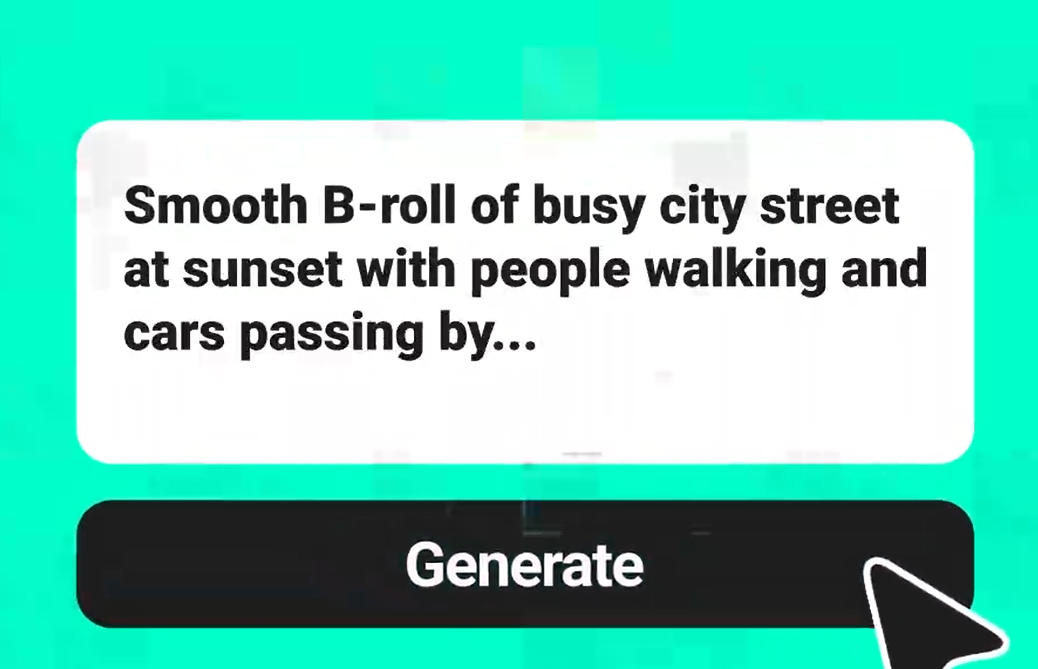
Text To Video Generator
Turn any text prompt into high-quality videos in minutes.
00:00
00:00
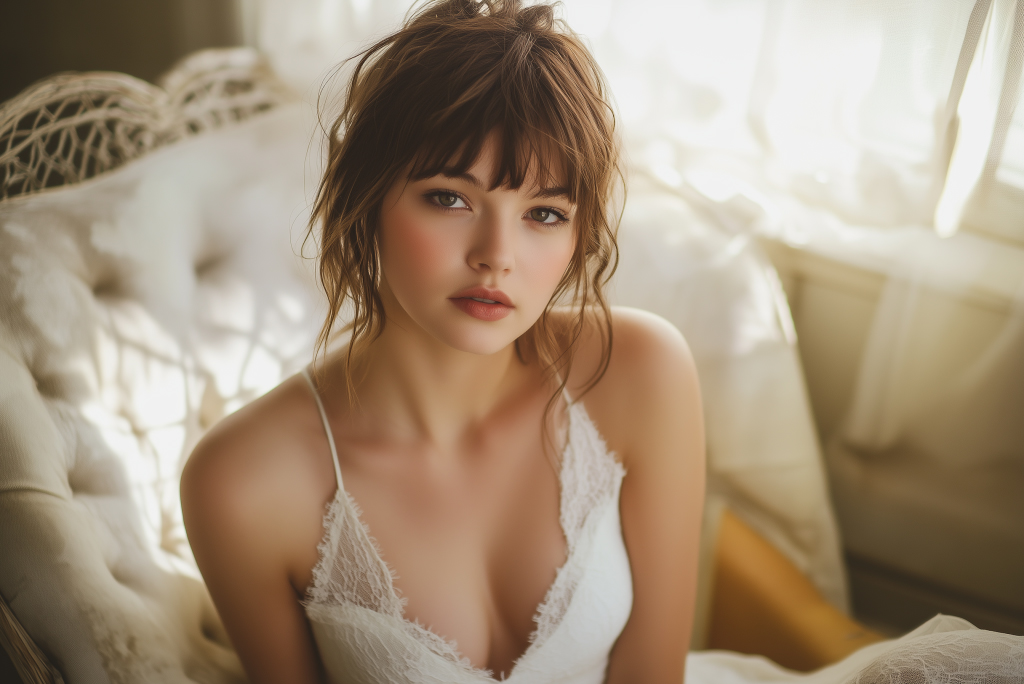
AI Face Animator
Bring photos to life with realistic face animation.

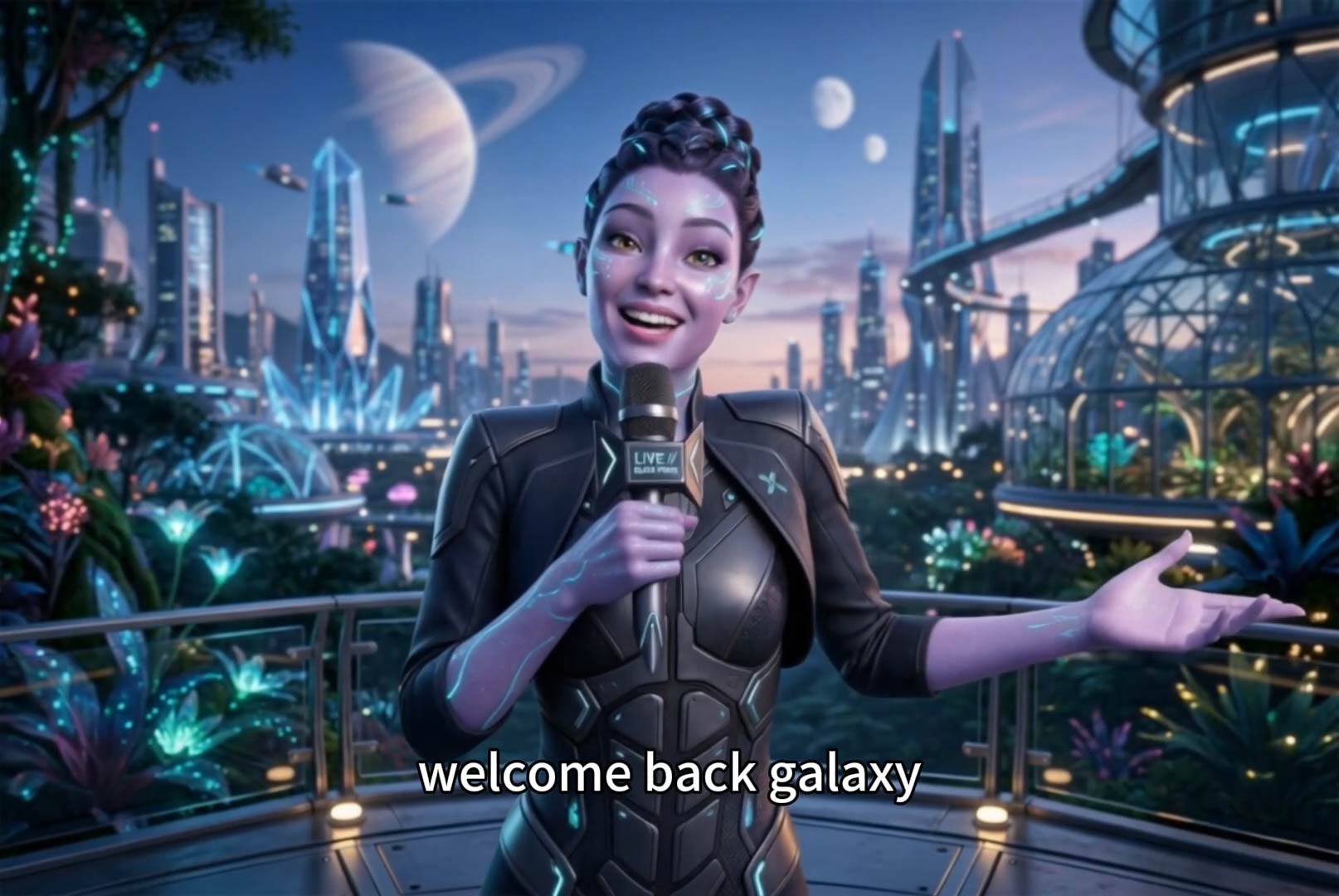
AI Cartoon Video Generator
Generate high-quality cartoon videos from text or images.
00:00
00:00
AI Faceless Video Generator
Create engaging videos without appearing on camera using AI.
00:00
00:00
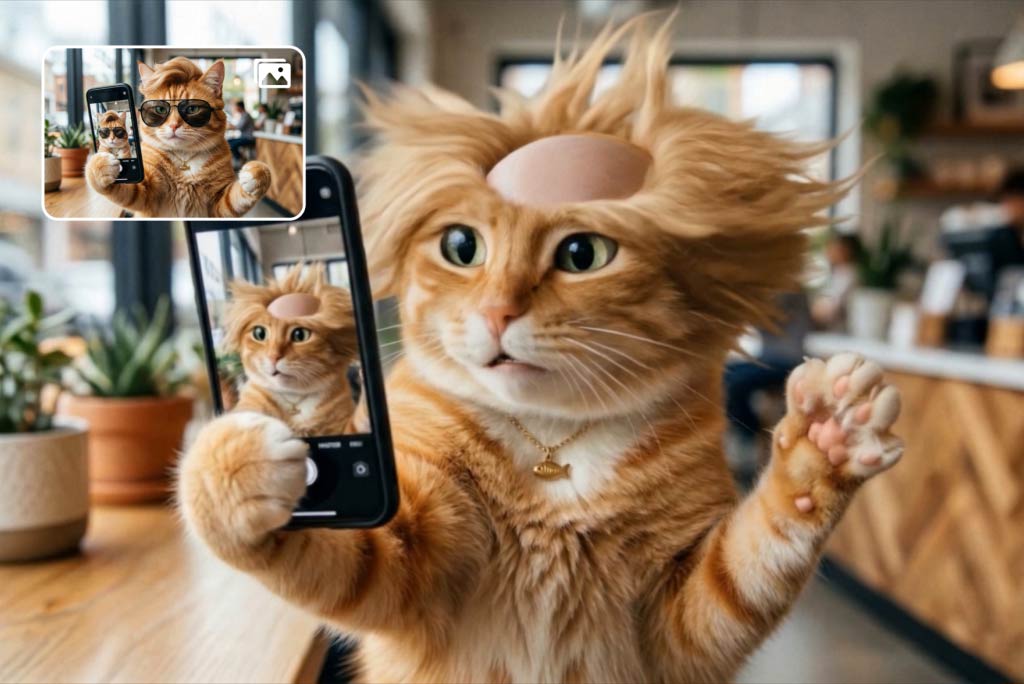
Funny Video Generator
Create hilarious AI funny videos from text and images instantly.
00:00
00:00
Image to Video
Create custom videos from your photos with AI.
00:00
00:00
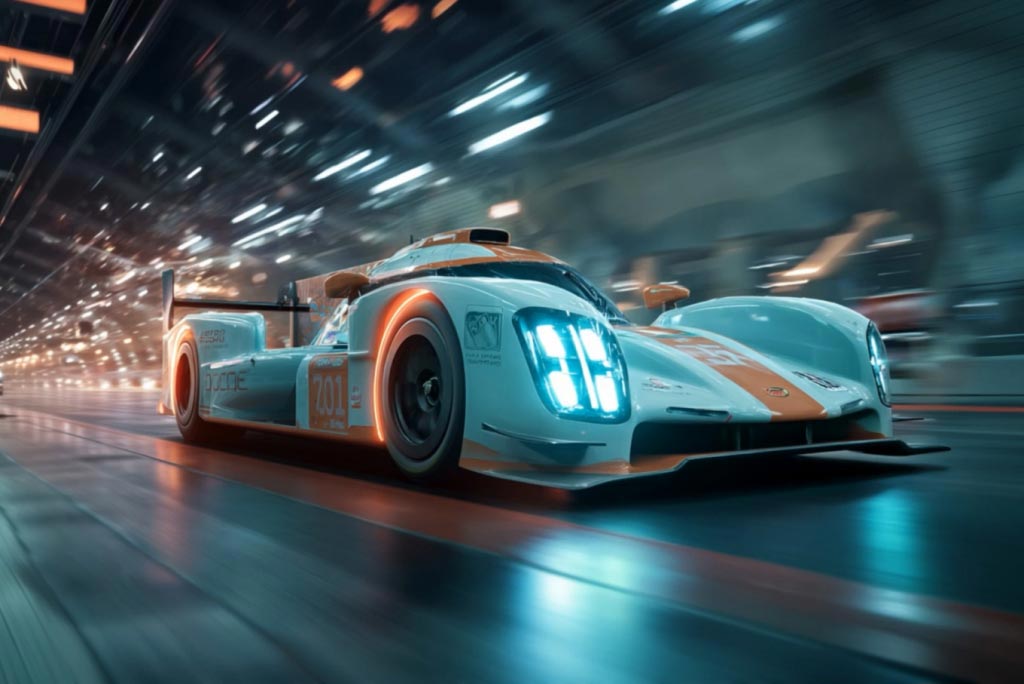
AI Video Generator
Create high-quality videos from text and images with AI tools.
"The text-to-video feature is incredible. I describe a scene and get an anime clip that matches exactly the vibe I wanted."
@Priya Nakamura-Wells, Animation Student