
Crying Filter – Add Sad Face Effects to Any Photo
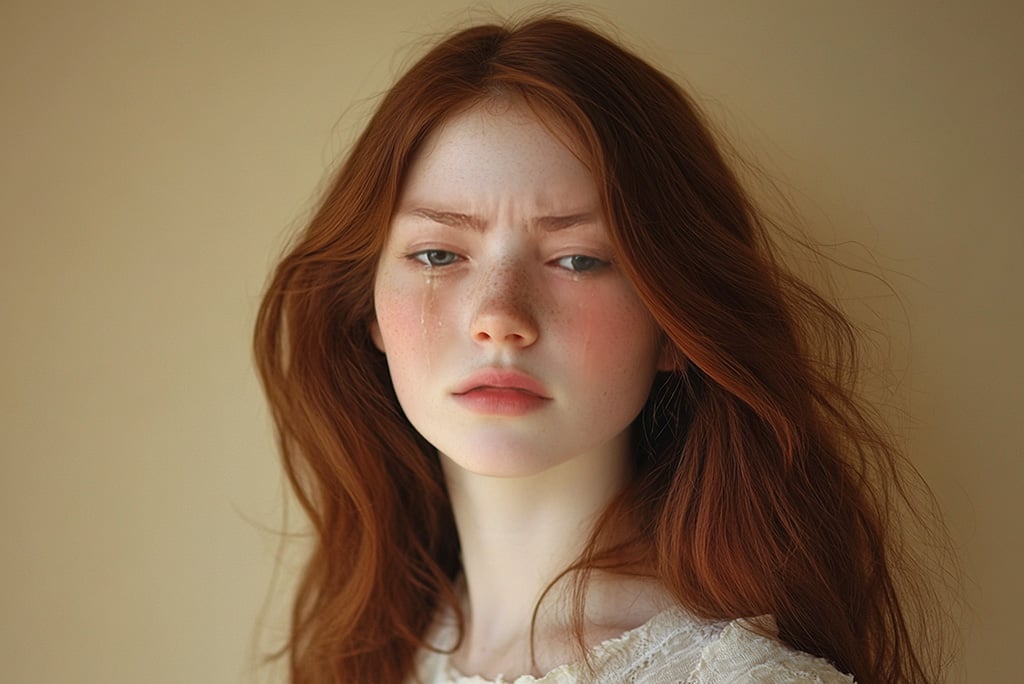



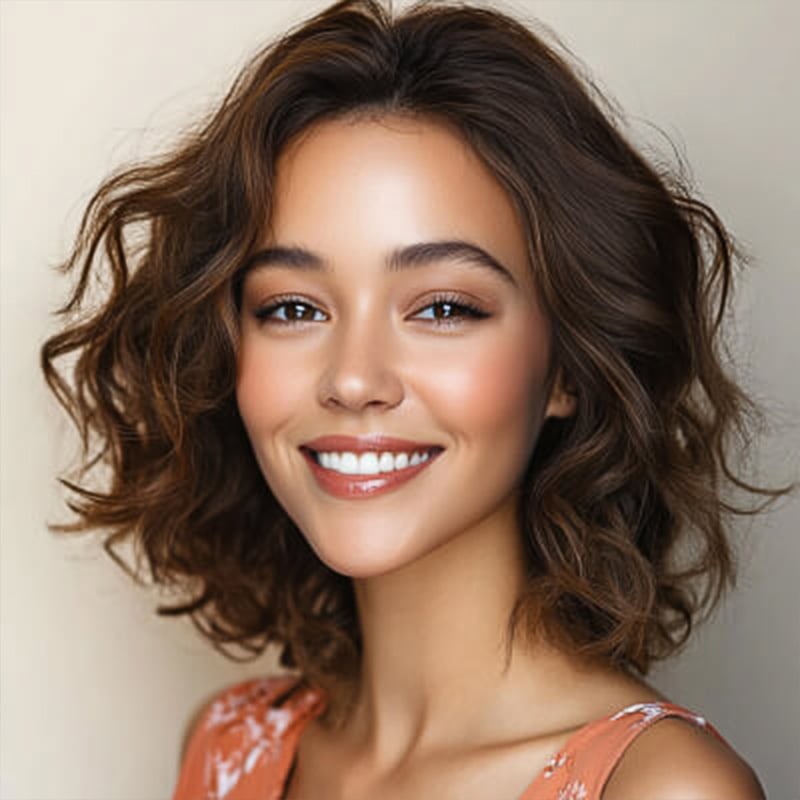

Instantly Add Crying Face Effects to Your Photo Online
Want to create a dramatic or funny sad face image in seconds? With insMind's crying filter online, you can easily add tears to your photo using advanced AI technology. Try it for free to turn any normal expression into a tear-filled, emotional face — perfect for memes, reaction images, and viral posts.
The AI-powered crying photo editor adds realistic tear trails, puffy eyes, and subtle facial changes to reflect a sorrowful mood. Whether you're editing a selfie, a group photo, or a meme, it's never been easier to express emotion digitally.

Transform Any Expression with Our AI Cry Filter
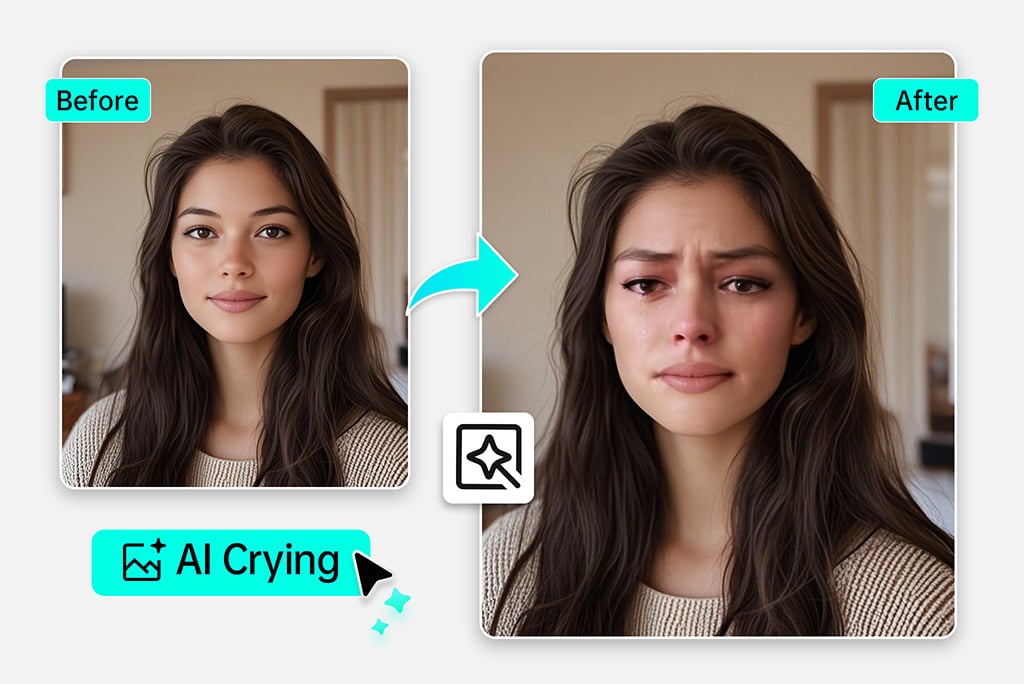
Any facial expression you make is automatically turned into a sad photo using the AI cry filter. Even when you smile, the cry face filter changes your image to look sad, with swollen eyes and plenty of tears. You continue to see your images as they once were, only their emotions become a real visual expression.
No matter if you’re with friends, starting a new video, or simply wanting to see what a frown looks like, the AI crying filter can show it to you. All you must do is upload a photo and select your preference, and the AI handles everything else. You can also pair it with other fun AI photo effects to make things even funnier.
Add Realistic Tears to Any Photo with Our Cry Maker
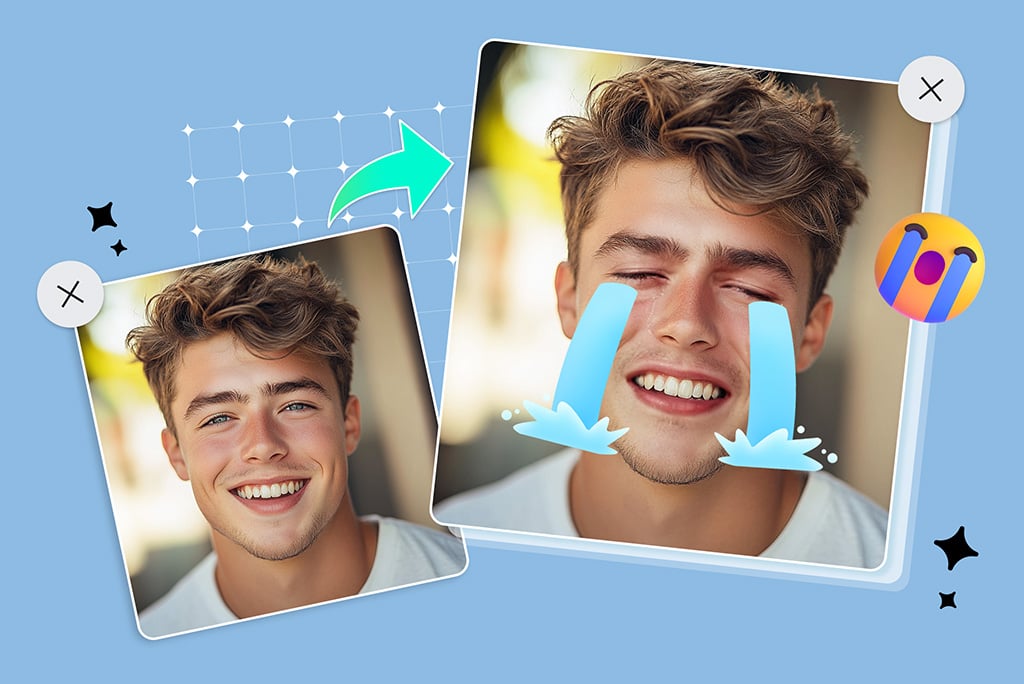
Need to show a little emotion in your photo? Our cry maker lets you easily add tears to a photo with just one click. Choose from two filters: one with subtle sadness, and one with dramatic crying effects. These sad face filters give your images a visual emotional touch—perfect for edits, memes, or stories.
Want more? Use the built-in editor to add crying emojis, stickers, and sad-themed decorations after applying the filter. Make your image eye-catching and fully personalized.
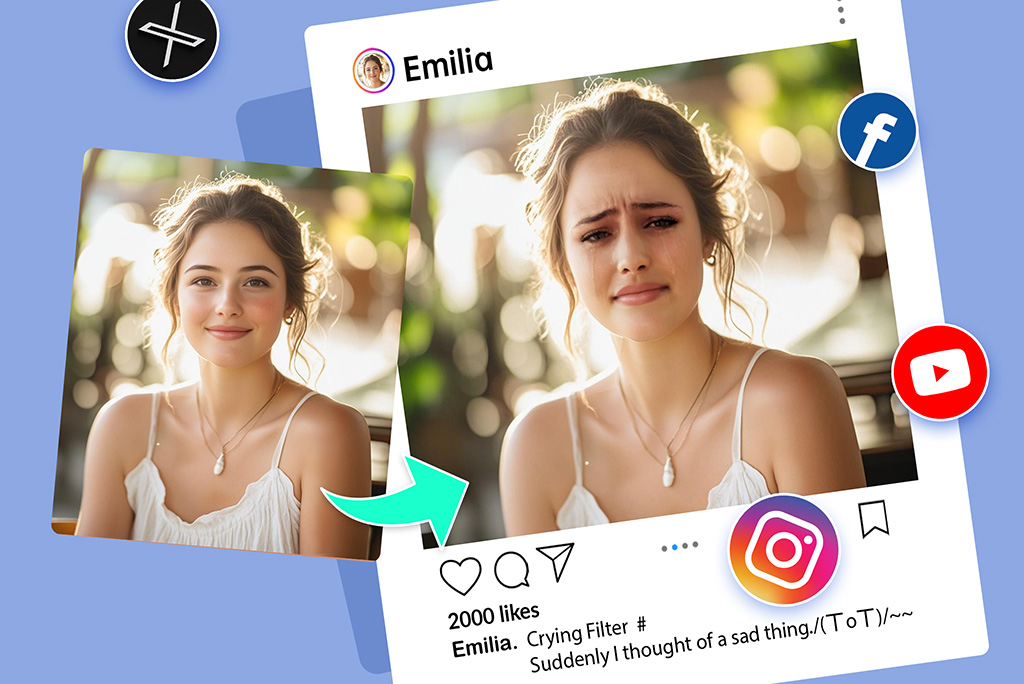
Create Viral Memes and Content with the Sad Face Filter
Jump on trends and stand out on TikTok, Instagram, YouTube, or Reels using our sad face filter online. Many creators use the crying filter look to make funny reels, memes, or thumbnails. You don't need any professional software — just a browser.
It's fun, it's emotional, and it works perfectly for creating trending videos, storytelling, and relatable content. You can even turn your sad face image into animation using our AI Face Animator tool.
Discover More Crying Filter Features
How to Add Sad Face to Photo with a Crying Filter?

1 Step 1: Upload your photo

2 Step 2: Choose the right crying or sad face filter
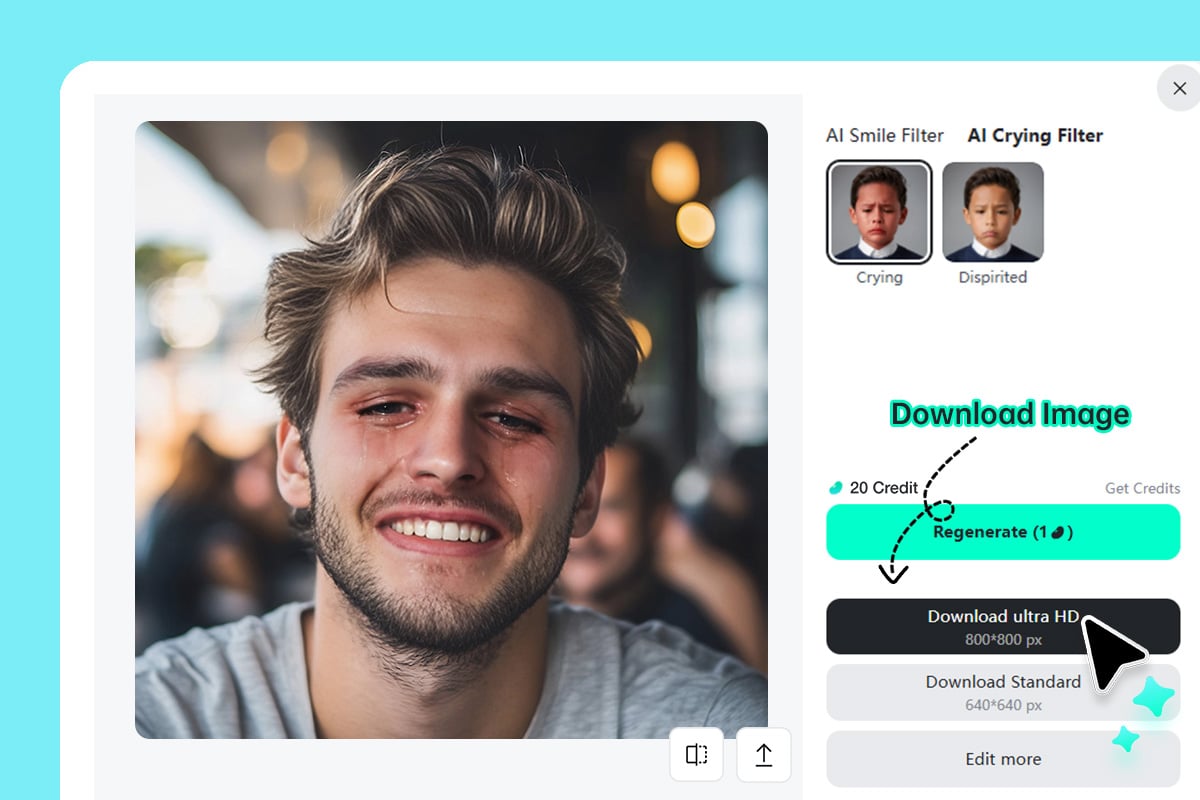
3 Step 3: Generate and download your sad face image
Why Choose insMind Sad Face Filter?

AI-Powered Realism
insMind uses facial recognition techniques to create faces that look like they are crying and are sad.

Mobile-Friendly
No app needed. Use the crying filter online on any browser—desktop or mobile.

No Skills Needed
It is accessible to anyone. Choose your picture, apply a filter, and you have your finished photo after just a few seconds without any special skills.
FAQs About insMind AI Crying Filter
Is the crying filter free to use?


Can I use this crying filter on my phone?
How realistic are the crying effects?
Can I download the photo after editing?
Is this sad face filter tool safe to use?
What kind of sad face filters are included?
Do I need to download an app to use this crying face filter?
You might be interested in
Make your pictures and videos pop with features available during the free trial.
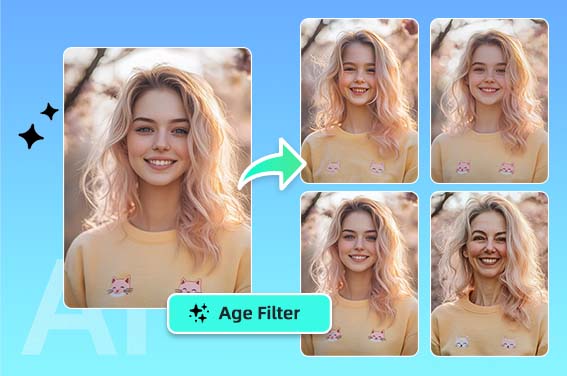
AI Age Filter
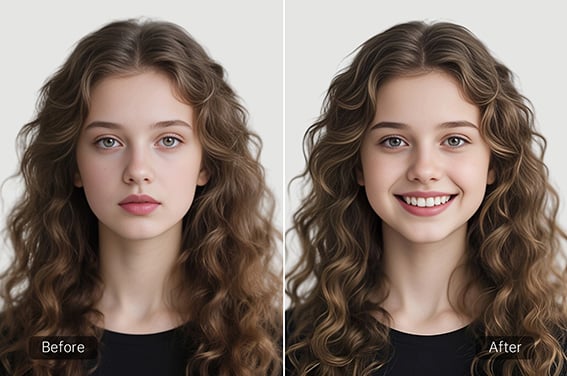
Smile Filter
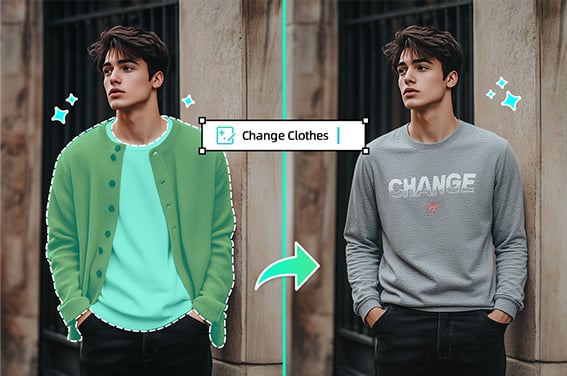
Virtual Try On Clothes
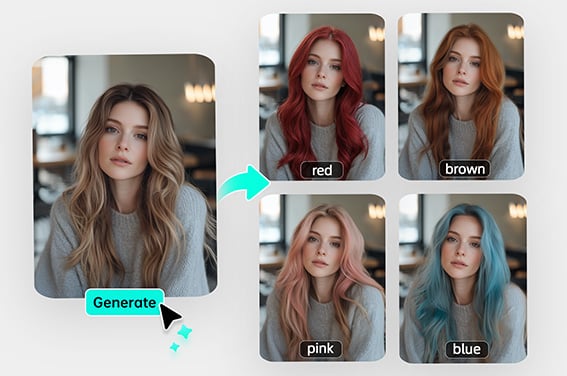
Virtual Hair Color Try On
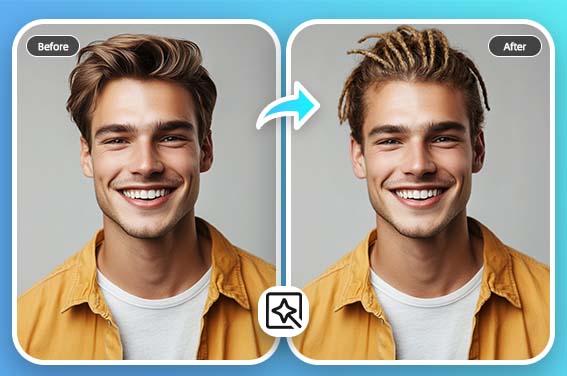
Virtual Hairstyle Try On
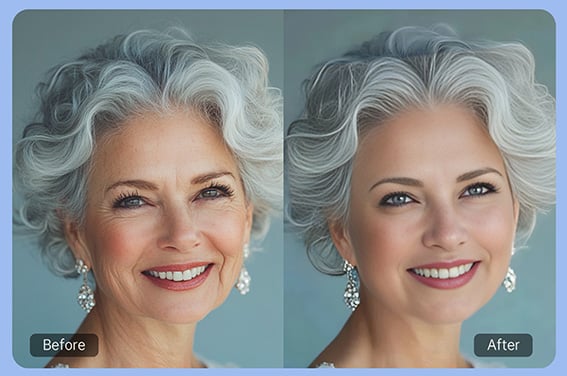
AI Wrinkle Remover
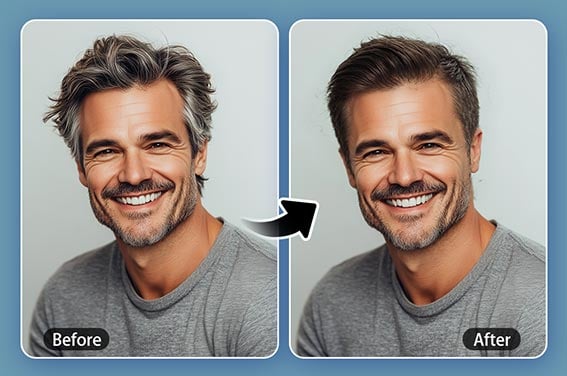
Crew Cut Filter
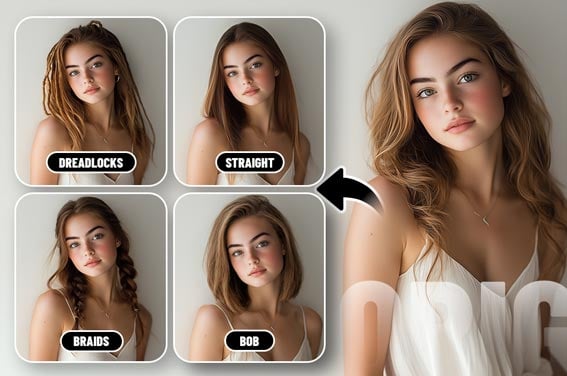
Female Hairstyle Changer
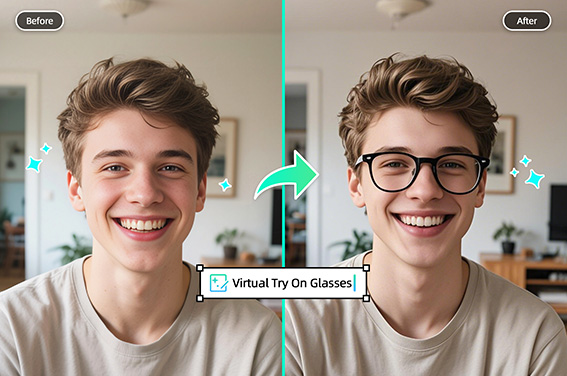
Virtual Glasses Try-On
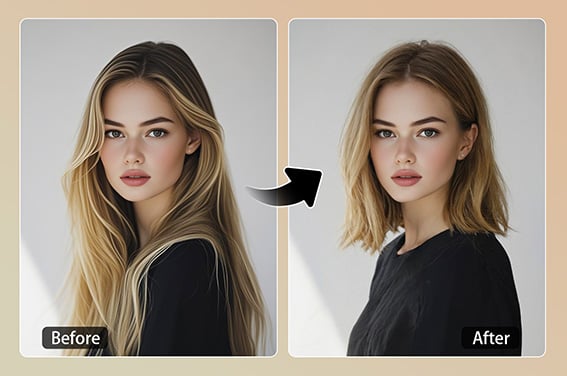
Short Hair Filter
“My meme page saw a lot of likes because of insMind.”
@Sophie