
Virtual Glasses Fitting: Preview Eyewear Online
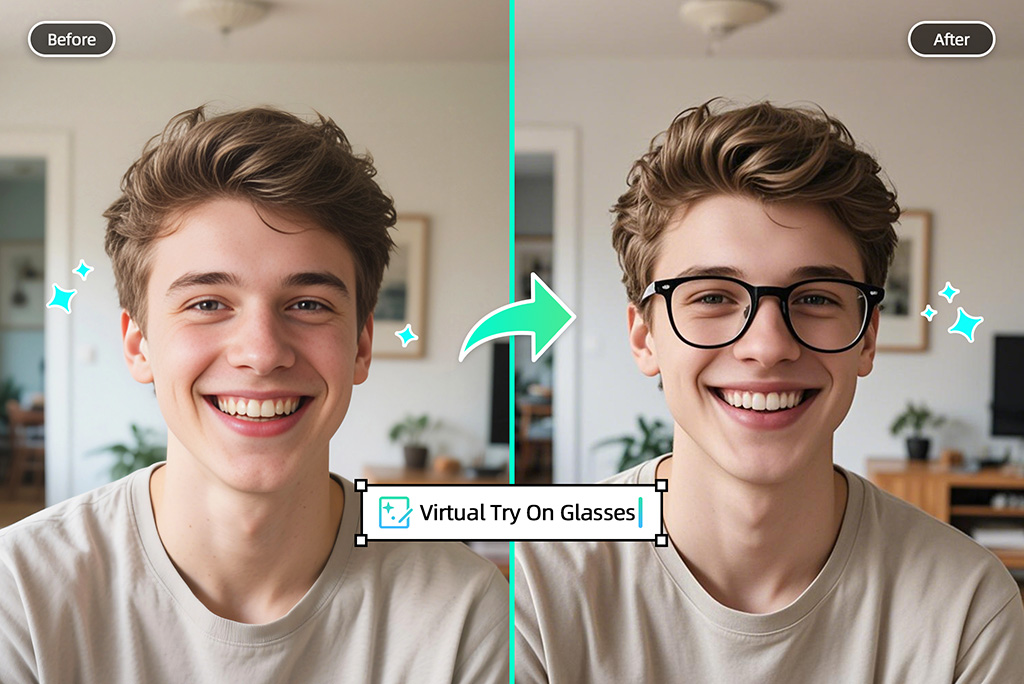





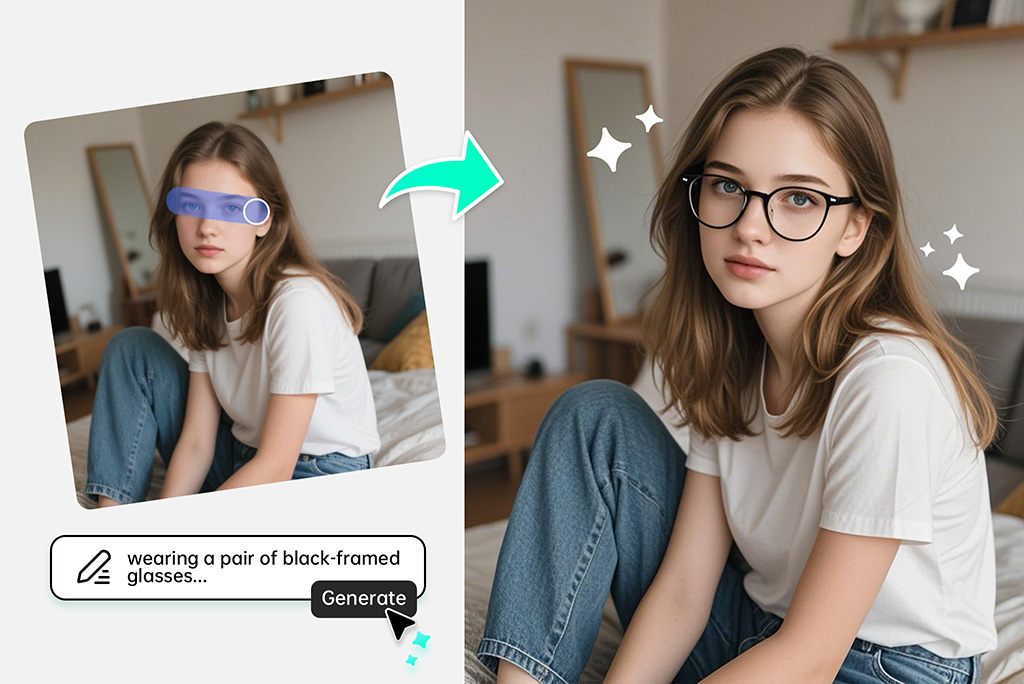
Try On Glasses Virtually With a Photo
A front-facing photo is enough to preview a new frame idea. Upload your selfie, brush over the eye area, and describe the glasses you want: round metal frames, black square eyeglasses, clear acetate, aviators, or sunglasses.
This photo eyeglass AI online workflow is useful when you want to compare styles before shopping, refresh a profile photo, or test a look without opening a full design editor. It gives you a visual preview, not an optical prescription or exact frame measurement.
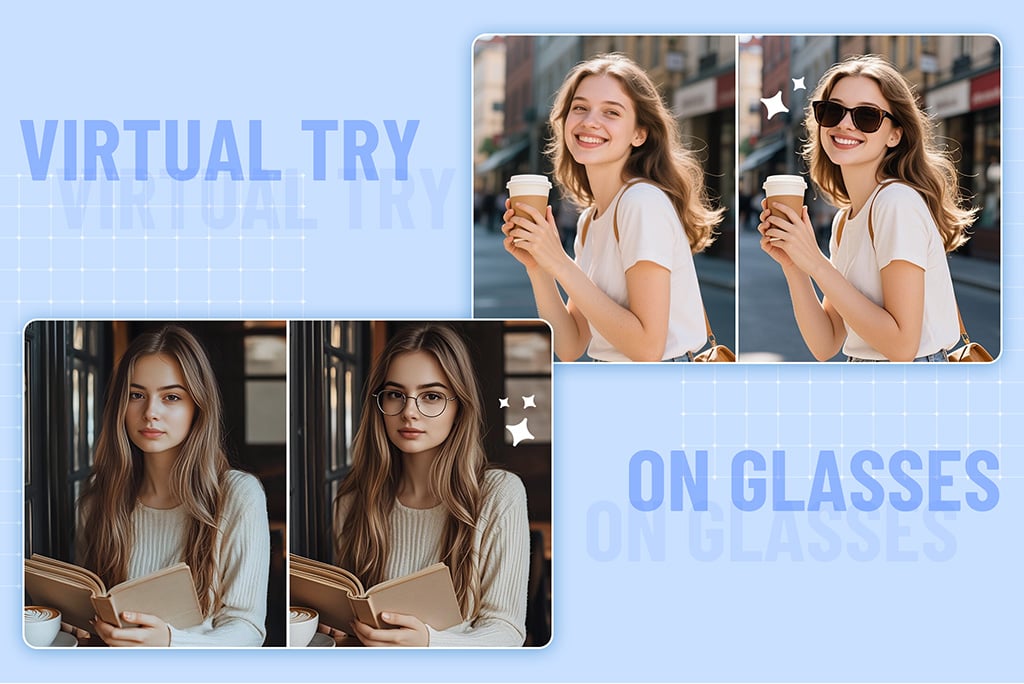
Add Sunglasses or Eyeglasses to Any Picture
Use insMind when you already have a portrait but want to put glasses on the photo. Brush the area around the eyes, write a short prompt such as “thin gold round glasses” or “black sunglasses,” and let the AI blend the frames into the image.
For a cleaner result, choose a photo where the face is visible, the head is not heavily tilted, and the eyes are not covered by hair or strong shadows. Small details like frame color, lens tint, and style keywords help the tool generate a more useful preview.
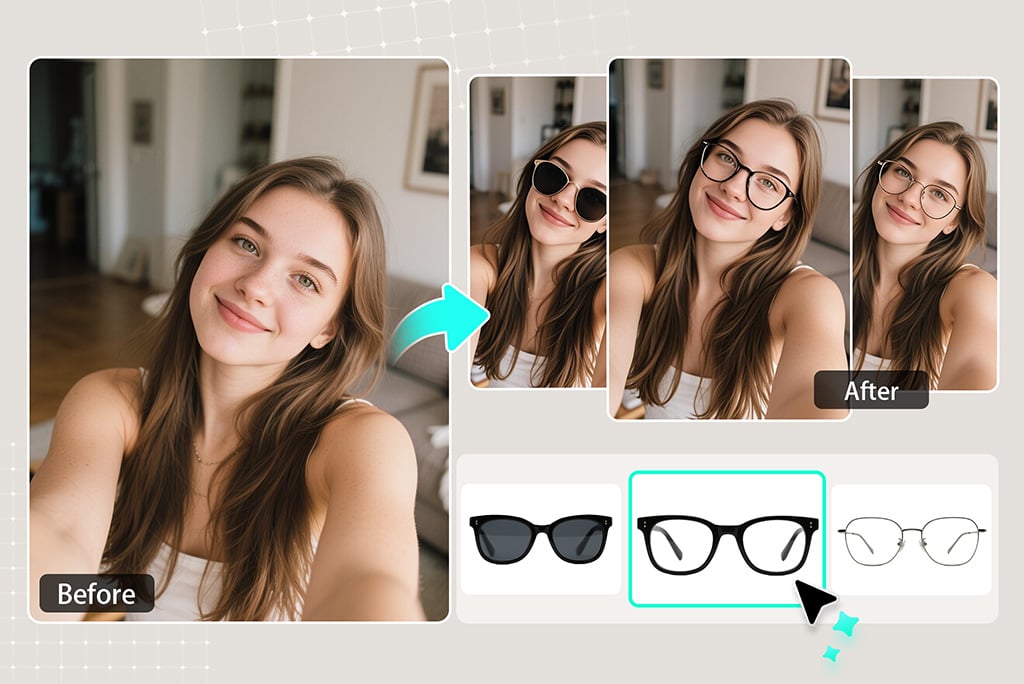
Compare Frame Styles Before You Buy or Post
If you are asking “what glasses suit my face,” start by testing a few different frame shapes on the same photo. Try one subtle option for everyday wear, one bold pair for fashion content, and one pair of sunglasses for outdoor photos.
The tool does not replace an optician or a real fit check, but it helps you narrow down the look you like before ordering frames, updating a profile picture, or sharing a style idea with a friend.
More Try-On and Portrait Editing Tools
How to Try On Glasses Virtually Online
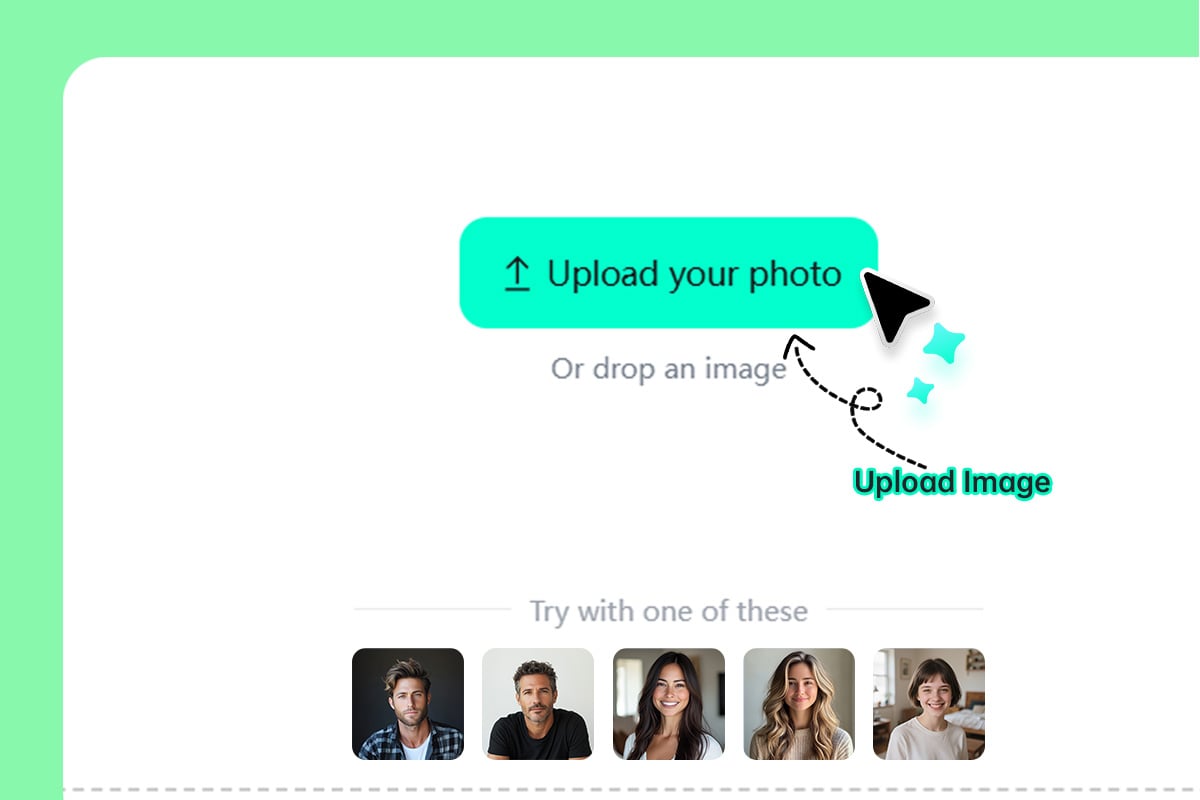
1 Step 1: Upload a Clear Face Photo
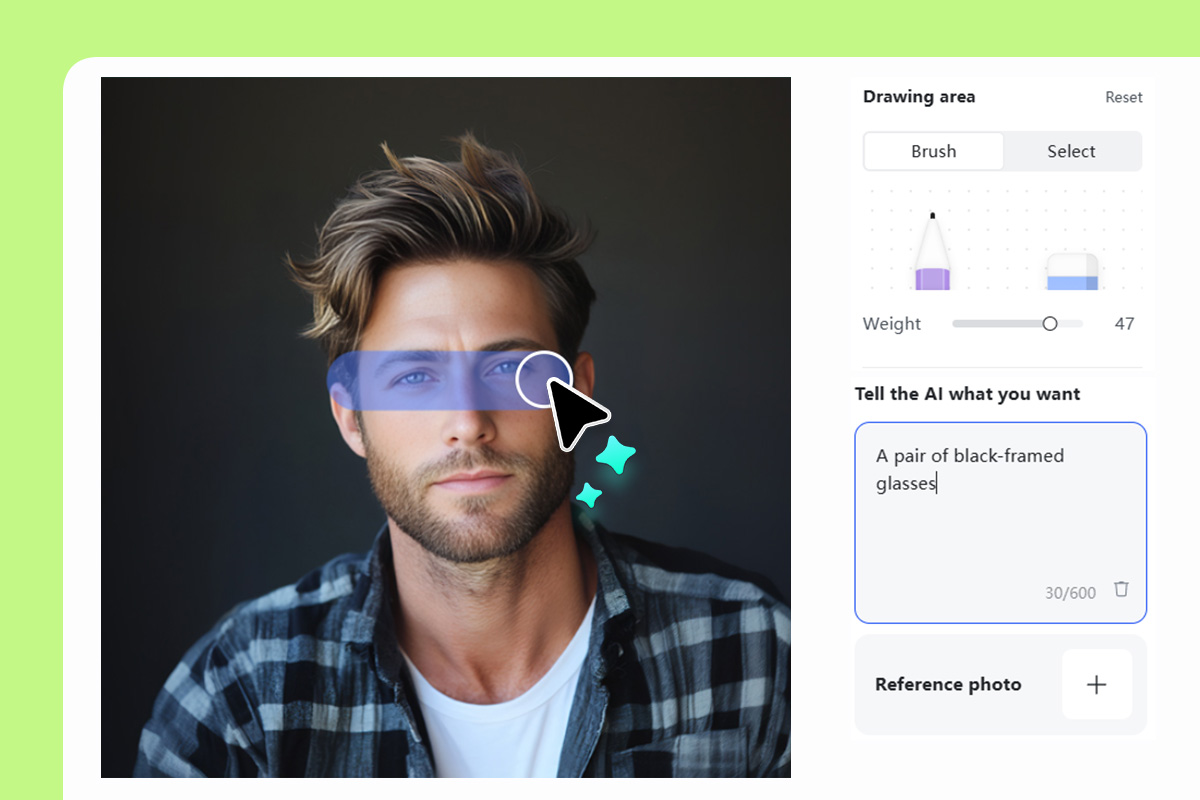
2 Step 2: Mark the Frame Area and Describe the Glasses
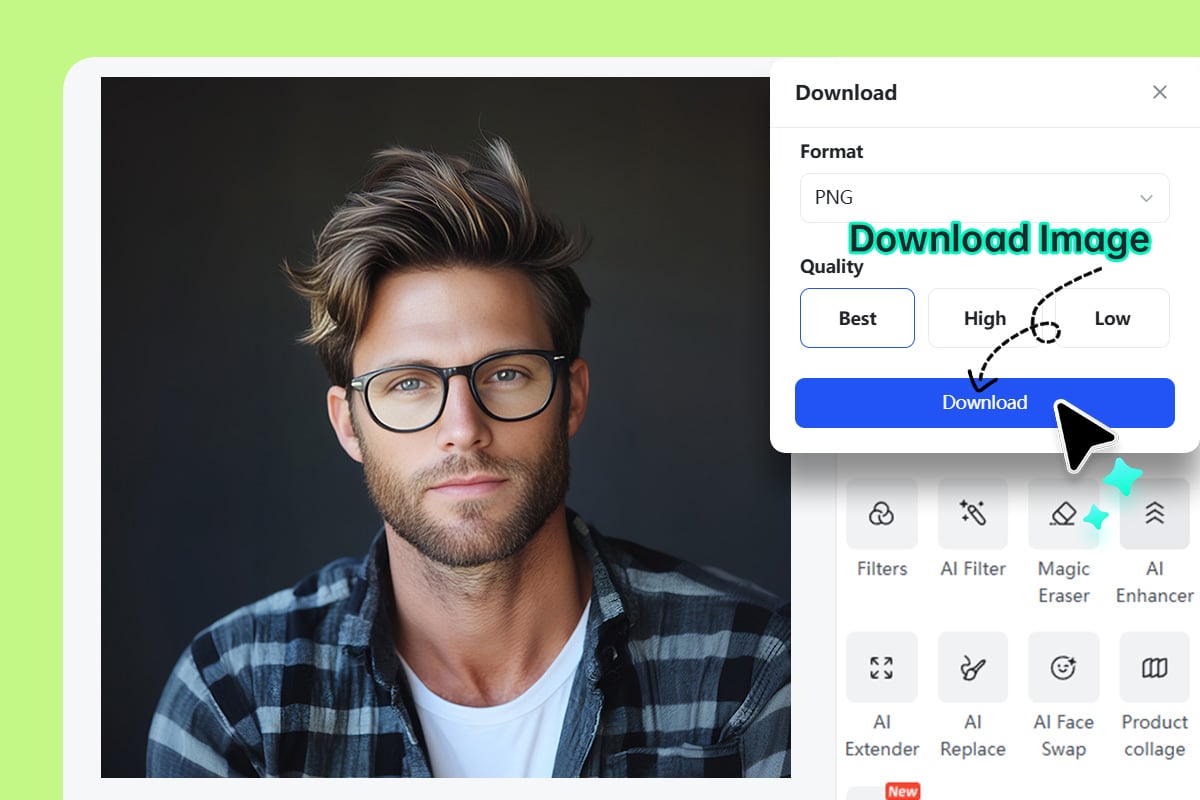
3 Step 3: Generate, Compare, and Download
When to Use a Virtual Glasses Try-On Tool
Use the tool for quick style decisions, photo edits, and profile updates where a realistic visual preview is more useful than guessing from a product thumbnail.
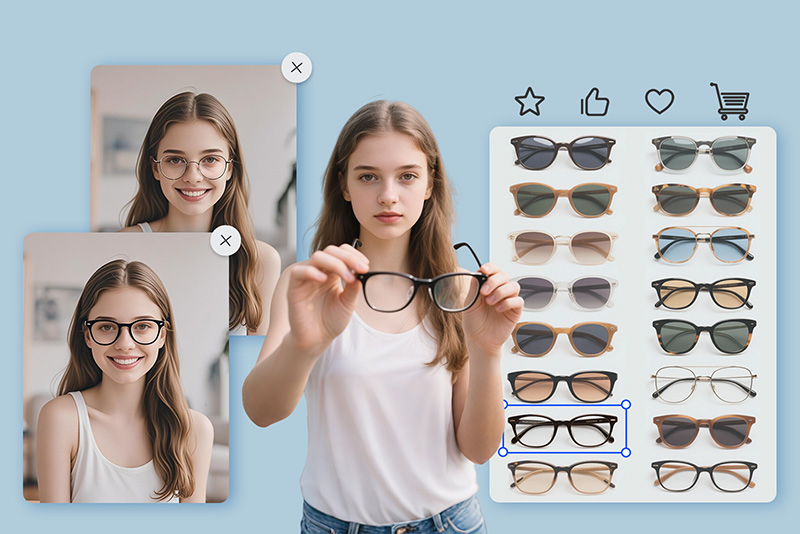
Online Frame Shopping
Test round, square, cat-eye, aviator, or transparent frames on the same photo before you shortlist a pair. It helps you compare the overall look, color, and face balance before buying.
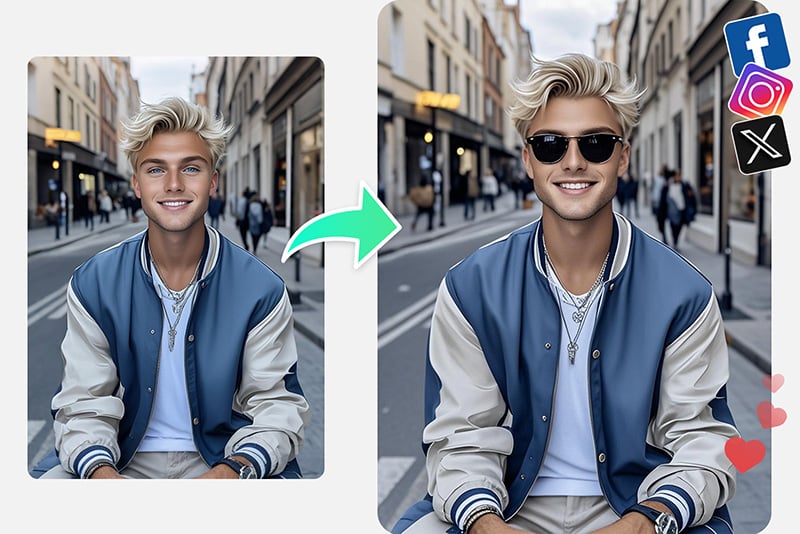
Social Posts and Creative Edits
Add sunglasses to photos for travel posts, campaign visuals, or playful profile updates. A short prompt lets you change the frame style without re-shooting the image.
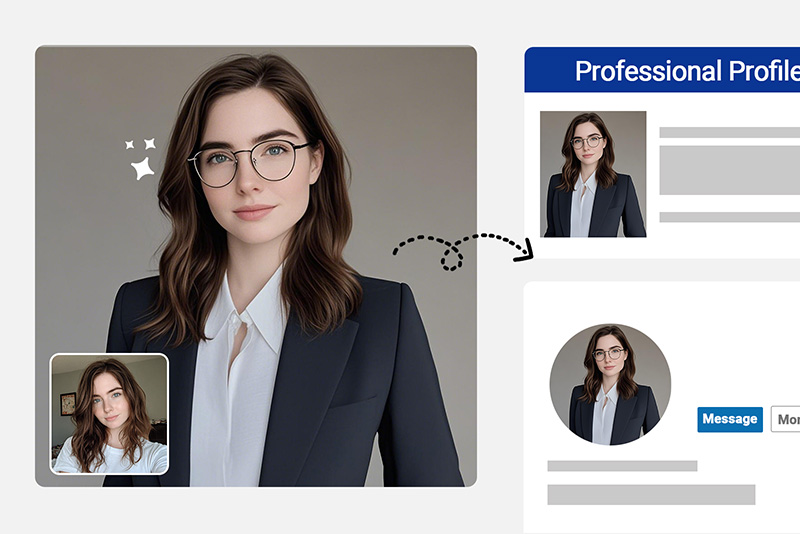
Profile Photo Refreshes
Try subtle eyeglasses on a headshot before using the photo on LinkedIn, resumes, creator bios, or team pages. Keep the result natural and avoid changing identity details.
Why Use insMind for Virtual Glasses Try-On?

Photo-Based Frame Placement
Upload the portrait you actually want to use, then guide the AI with a brush and prompt. This keeps the preview tied to your face angle, lighting, and image style.

Eyeglasses and Sunglasses Prompts
Test everyday eyeglasses, bold fashion frames, or sunglasses by changing a few words in the prompt. You can compare several looks without rebuilding the whole photo.

Works in a Browser
Use the online tool from desktop or mobile when you need a quick preview. No store visit, app install, or design software is needed for a simple glasses-on-photo edit.
FAQs About Virtual Try-On Glasses
Is the virtual glasses try-on tool free to use?


Can I try on glasses using my own photo?
Can I add sunglasses to a photo?
Can AI tell which glasses suit my face?
What kind of photo works best?
Can I put glasses on a picture for a profile photo?
How do I make the glasses look more natural?
Try More Photo Style Tools
Preview outfits, hairstyles, colors, and profile edits after you test your frames.
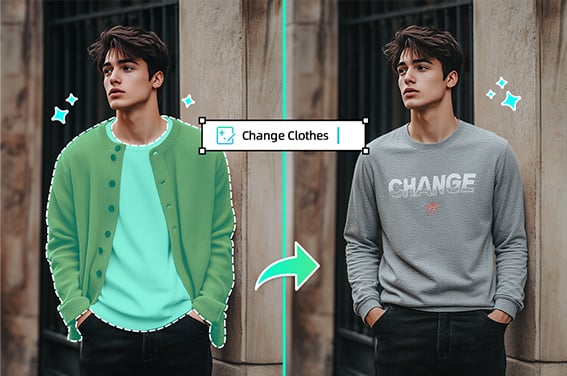
Virtual Try On Clothes
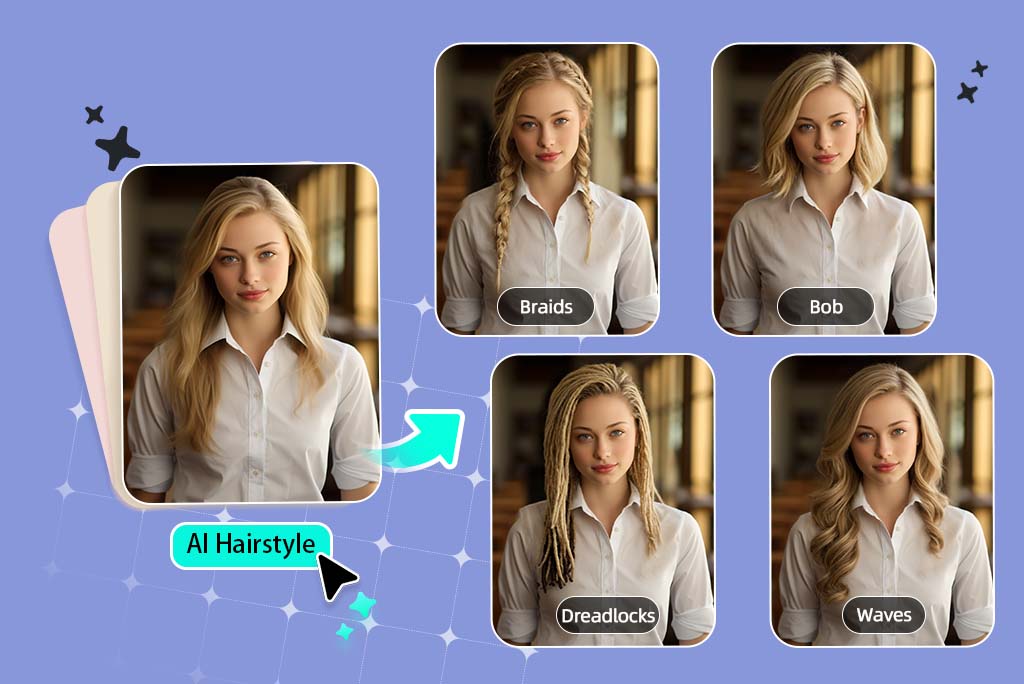
Virtual Hairstyle Try On
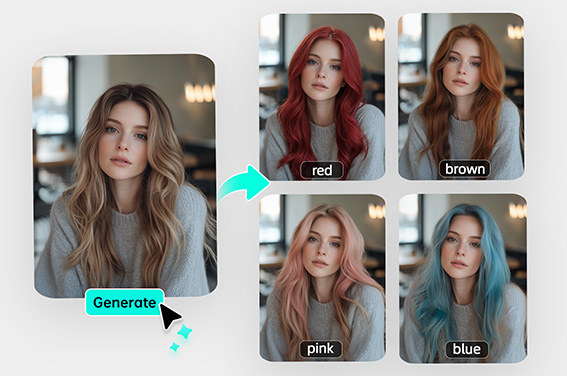
Virtual Hair Color Try On
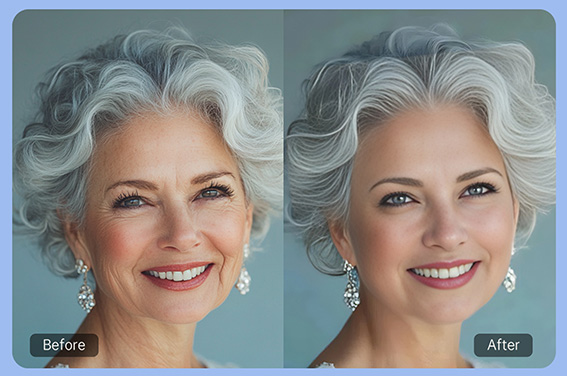
AI Wrinkle Remover
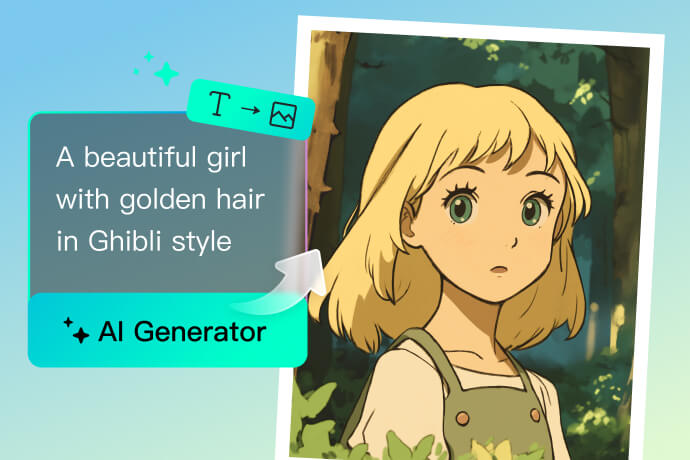
Text to Ghibli AI Generator
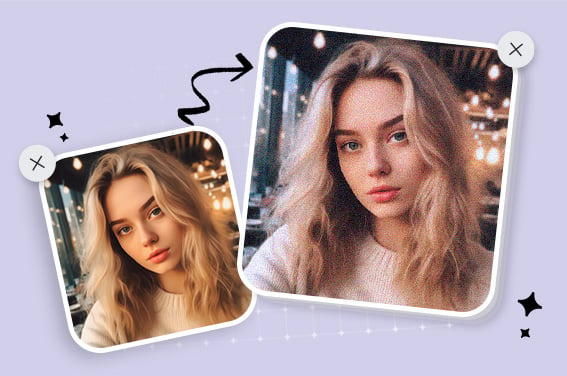
Film Grain Filter
Black and White Filter
Add Quote Text to Photo
“For a profile photo, I wanted a subtle pair of glasses without booking another shoot. The result gave me a useful preview before I made the final edit.”
@Marcus