
AI Travel Video Maker
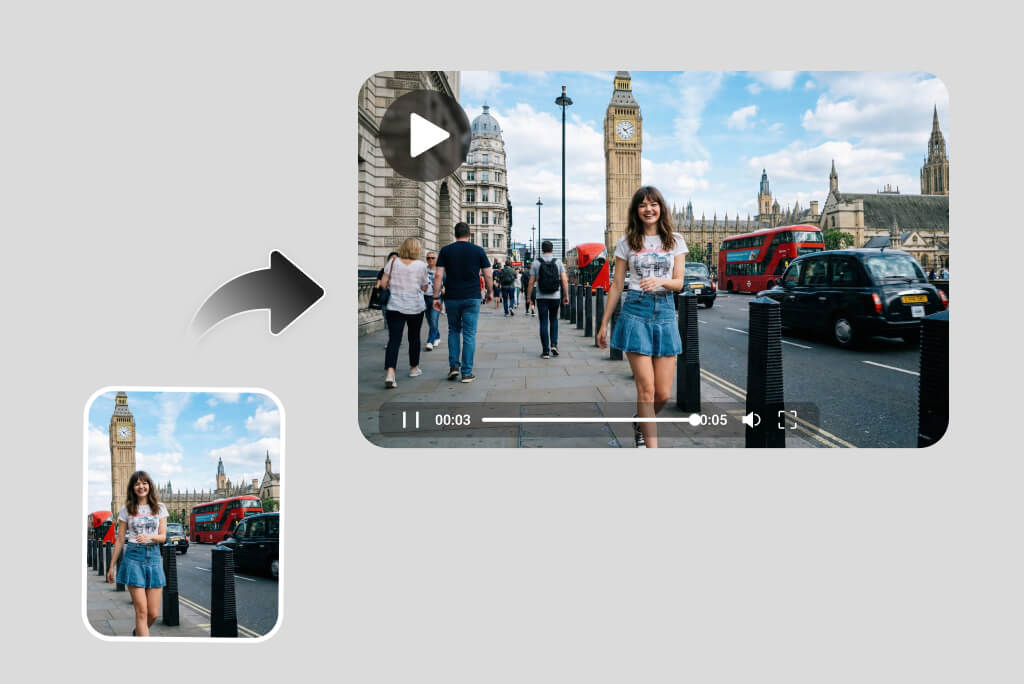
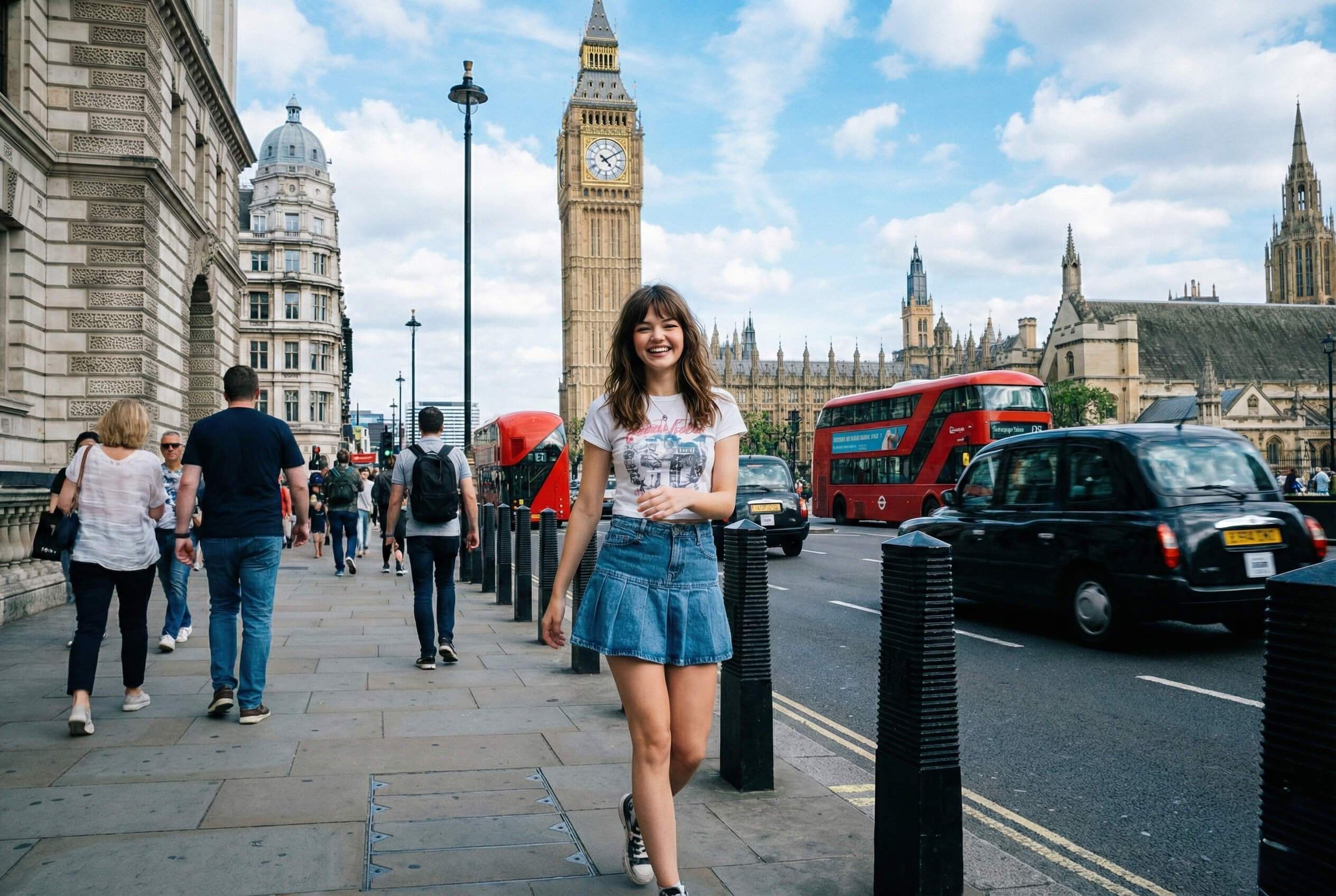
Transform Travel Photos into Cinematic Videos
insMind makes it easy to create travel videos with music from photos—no complex editing required. Upload a single travel photo, add a short prompt, and the AI generates natural motion, depth, atmosphere, and background music automatically.
This photo-to-video workflow is ideal for capturing moments like walking through city streets, scenic viewpoints, or iconic landmarks—instantly transforming still memories into living travel stories.
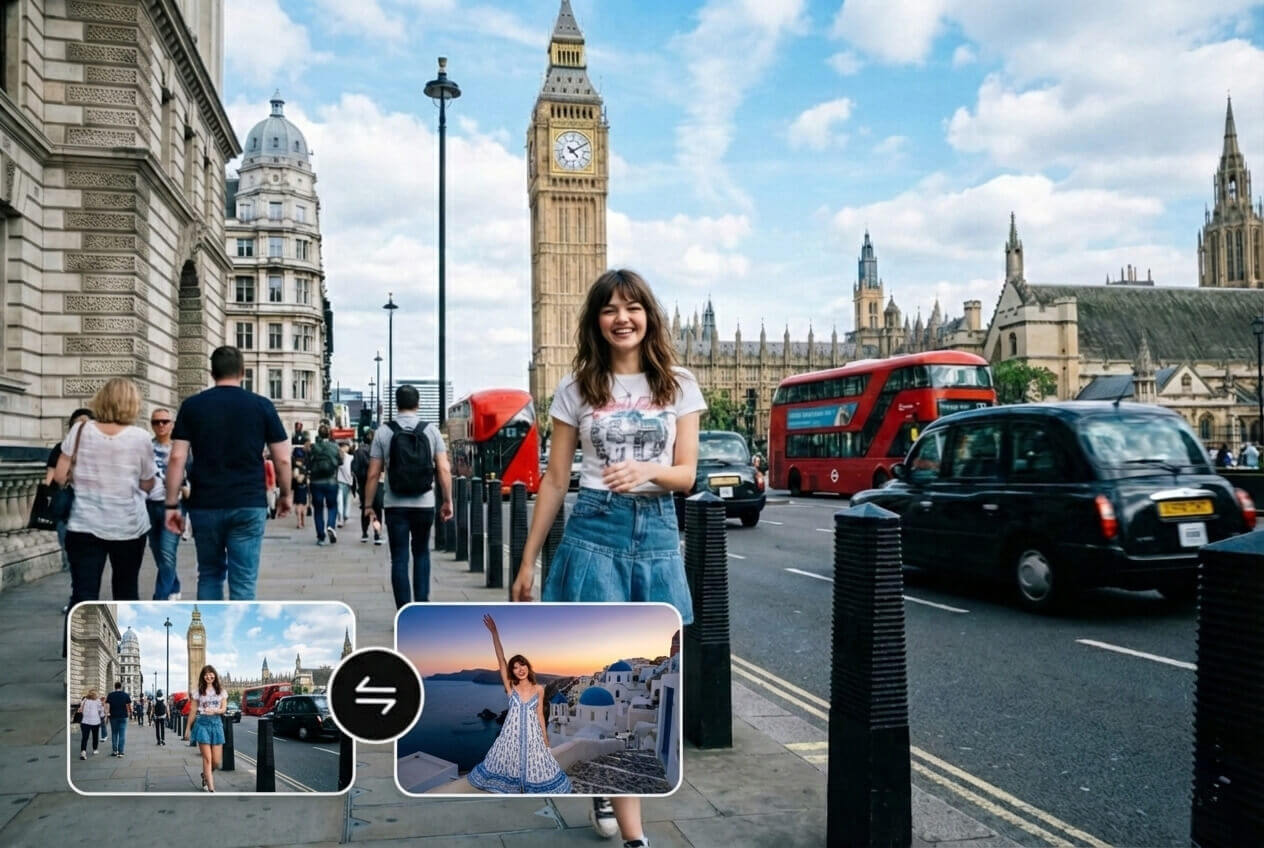
Create Smooth Travel Transitions Between Destinations
Upload two destination photos and generate a cinematic journey between them. The AI travel video generator creates a smooth visual transition that feels like real movement through space, not a hard cut or slideshow.
Perfect for storytelling travel routes, before-and-after locations, or multi-city trips using the start-end frame video workflow.

Edit Travel Videos with Simple Text Prompts
Already have a short travel clip? Use insMind's AI travel video editor to refine it with simple text prompts. Remove tourists, change backgrounds, adjust lighting, or enhance colors—all without timelines or complex tools.
This AI video editor helps you clean up and refine footage quickly, making it ideal for vacation videos, social posts, and travel vlogs.

Turn Everyday Photos into Travel-Style Videos
Not every travel video needs a real trip. With insMind's AI travel video maker, you can transform an ordinary photo into a convincing travel-style video—complete with motion, depth, atmosphere, and music.
Upload a casual street photo, indoor shot, or portrait, then describe a travel scenario. The AI creates cinematic movement and environmental details that feel like a real vacation moment. It's perfect for creative storytelling, social content, mock travel reels, or visual inspiration—without packing a suitcase.
How to Create a Travel Video Online with insMind?
Step 1: Upload Travel Photos or Clips
Upload a single travel photo, two destination images, or a short vacation video clip. This supports creating a travel video from photos, start–end frame transitions, or editing an existing travel video online.
Step 2: Input Your Prompt
Choose how you want to make your travel video:
Photo to Travel Video – turn a still image into a cinematic travel scene
Start–End Frame Video – generate smooth travel transitions between locations
AI Travel Video Editor – edit travel videos using text prompts, no timeline needed
Step 3: Generate a Travel Video with Music
Click Generate. The AI travel video maker automatically adds motion, transitions, and travel-style background music to your video.
Step 4: Download Your Travel Video
Export your travel video in high quality, watermark-free, and share it on Instagram, TikTok, YouTube, or save it as a vacation memory.
What Users Say About Our Travel Video Maker
Why Choose insMind Travel Video Maker?

Built for Travel Storytelling
Designed specifically for travel photos, destinations, and journeys—not generic video templates.

Multiple Creation Modes
Supports photo-to-video, ai transitions, and AI-based video editing.

Music-Enhanced Videos
Create travel videos with music that fits the mood and atmosphere.

No Editing Experience Required
No timelines, no keyframes—just upload, describe, and generate.

Optimized for Social Sharing
Formats and visuals tailored for Reels, Shorts, and YouTube.

No Watermark Output
Download clean videos ready for sharing or publishing.
FAQs About insMind Travel Video Maker
What is a travel video maker?


Can I make a travel video from photos only?
Does insMind support travel videos with music?
Can I edit existing travel videos?
Will my travel video have a watermark?
What platforms can I share my travel videos on?
Do I need video editing experience?
Can I create destination transition videos?
Who is this travel video creator best for?
Explore Other Hot Video Tools from insMind
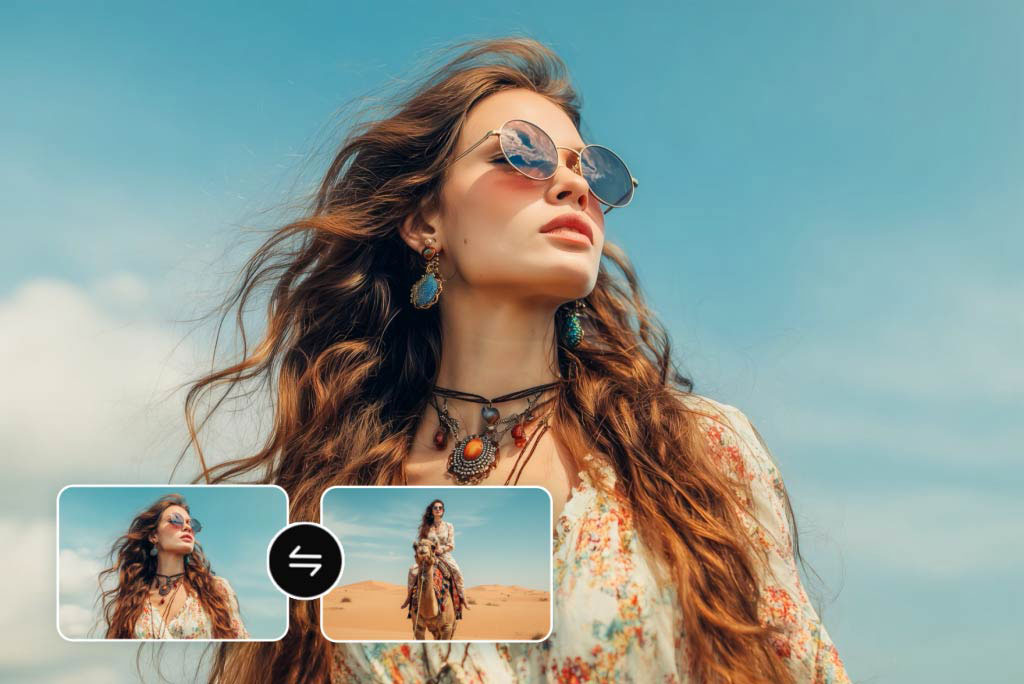
Video Start-End Frame Generator

AI Video Editor

AI Video Enhancer

AI Couple Video Generator

AI Wedding Video Generator
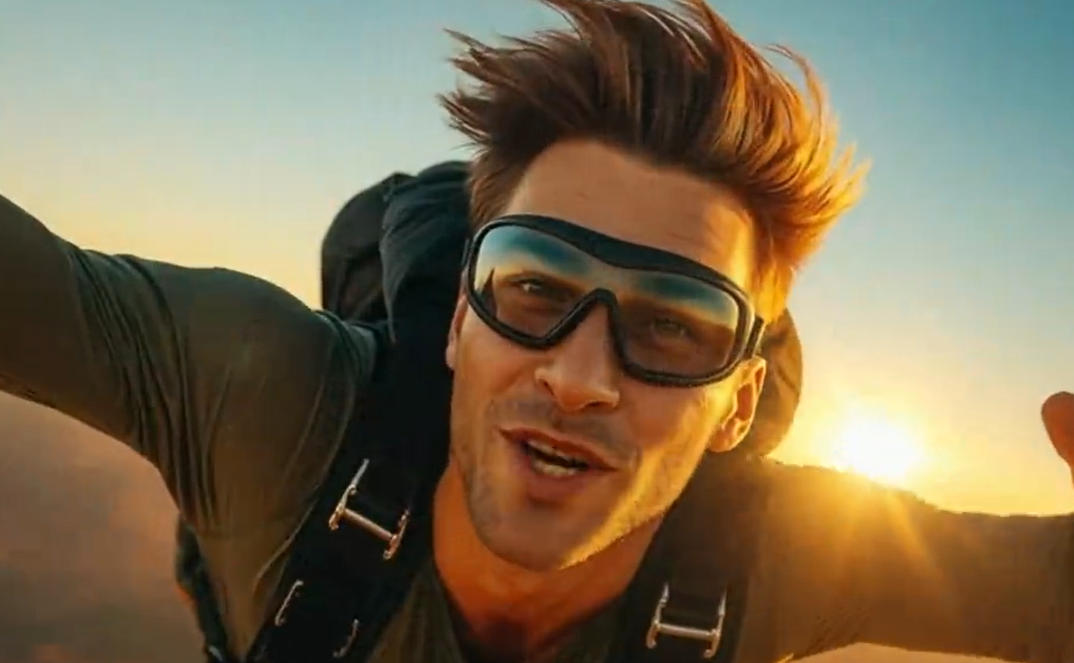
AI YouTube Shorts Generator

Image to Video

Text to Video
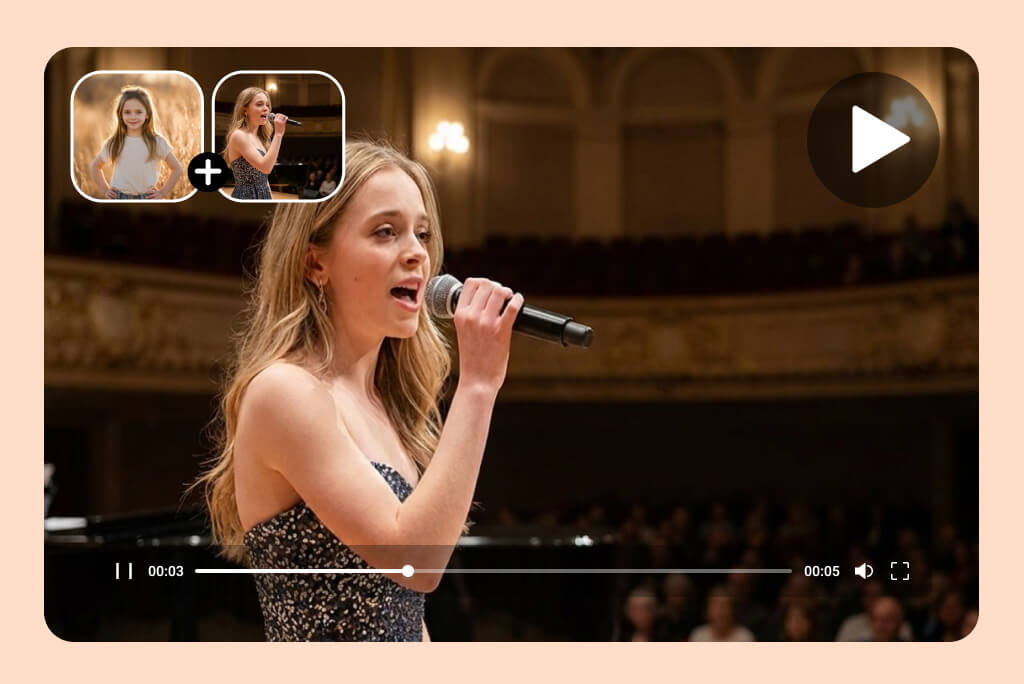
AI Smooth Transitions

“The AI video editing tools are surprisingly powerful. I can clean up travel clips and enhance visuals without touching a timeline.”
@Kevin Anderson, Digital Video Editor