Bring Your Love Story to Life With insMind AI Wedding Video Generator
Generate a Wedding Video from Ready-Made Templates
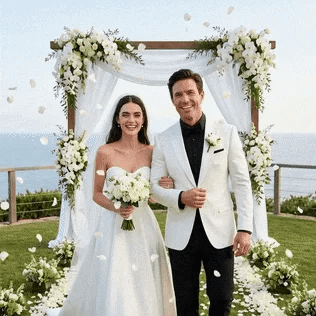
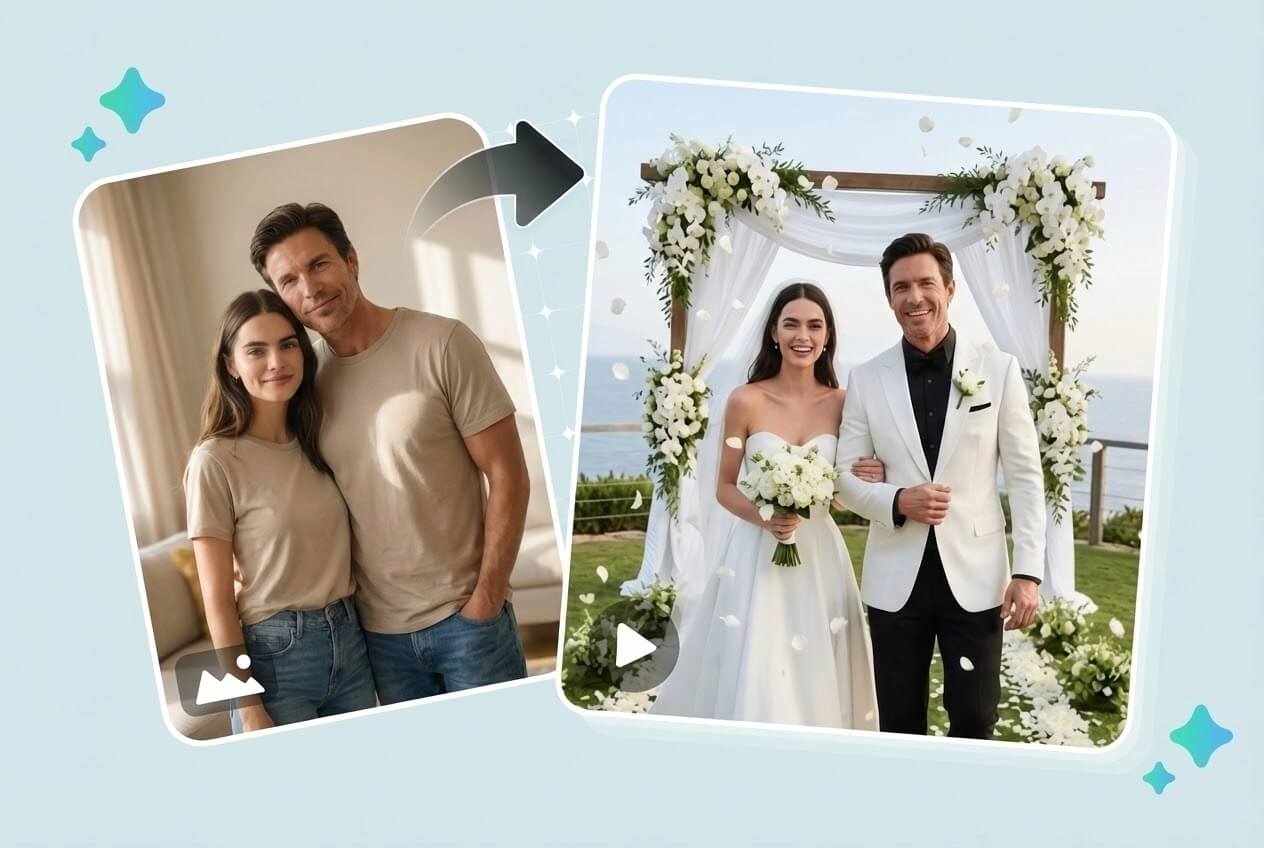
Start with a carefully crafted signature wedding template designed for instant, cinematic results. This AI wedding video generator automatically places the bride and groom into a timeless romantic scene with balanced composition and smooth camera motion.
Featuring an elegant white gown, a classic suit, soft romantic lighting, and floating flower petals, the template delivers a polished wedding video without manual editing or creative decisions—perfect for quick, high-quality results.
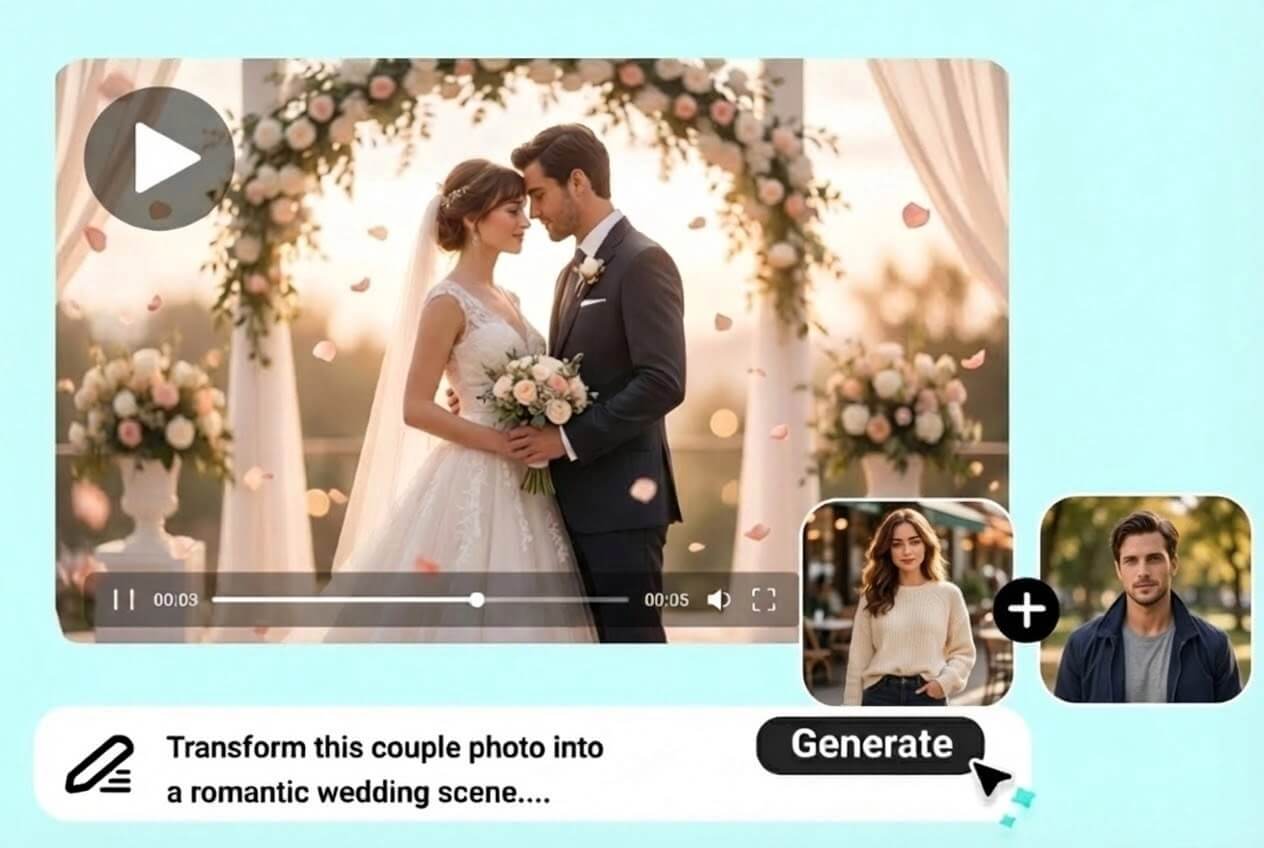
Customize Wedding Videos from Images
Switch to image-to-video mode to design a more personal wedding scene. Upload your photos and guide the AI using visual references or simple prompts.
This flexible wedding AI workflow lets you create videos that feel unique—perfect for couples who want something beyond a standard template.
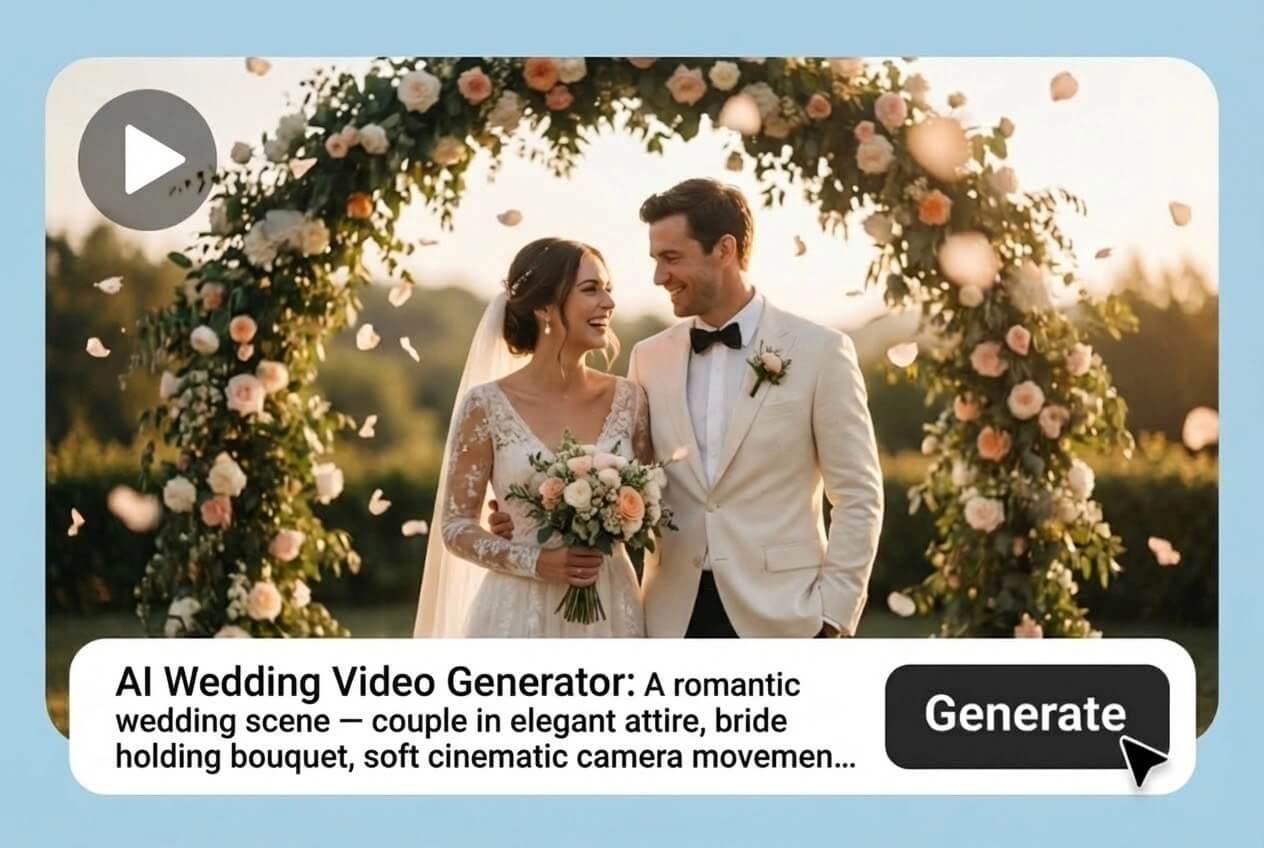
Create Wedding Videos from Text Prompts
Use text-to-video AI to define the mood, setting, or theme of your wedding scene. From beach sunsets to fantasy castles, the AI interprets your description into a seamless cinematic wedding video. Perfect for couples looking to visualize dream weddings.
Why Choose insMind AI Wedding Video Generator

Designed for Romantic Storytelling
Built specifically to create emotional, wedding-style videos.

Template and Custom Creation Options
Start fast with templates or customize scenes freely.

Cinematic Quality Without Editing
Professional lighting, motion, and framing handled by AI.
FAQs About insMind AI Wedding Video Generator
Can I use any portrait photos for AI wedding videos?


Can I customize the wedding scene?
How long does it take to generate a wedding video?
Can I download the video for social media?
Are fantasy wedding styles supported?
Does the AI preserve facial identity?
Can I change the attire in the AI wedding video?
Is there a free version of the AI wedding video generator?
Is the video suitable for professional wedding portfolios?