
Circle Crop Images Online: Effortlessly Create Stunning Circular Designs


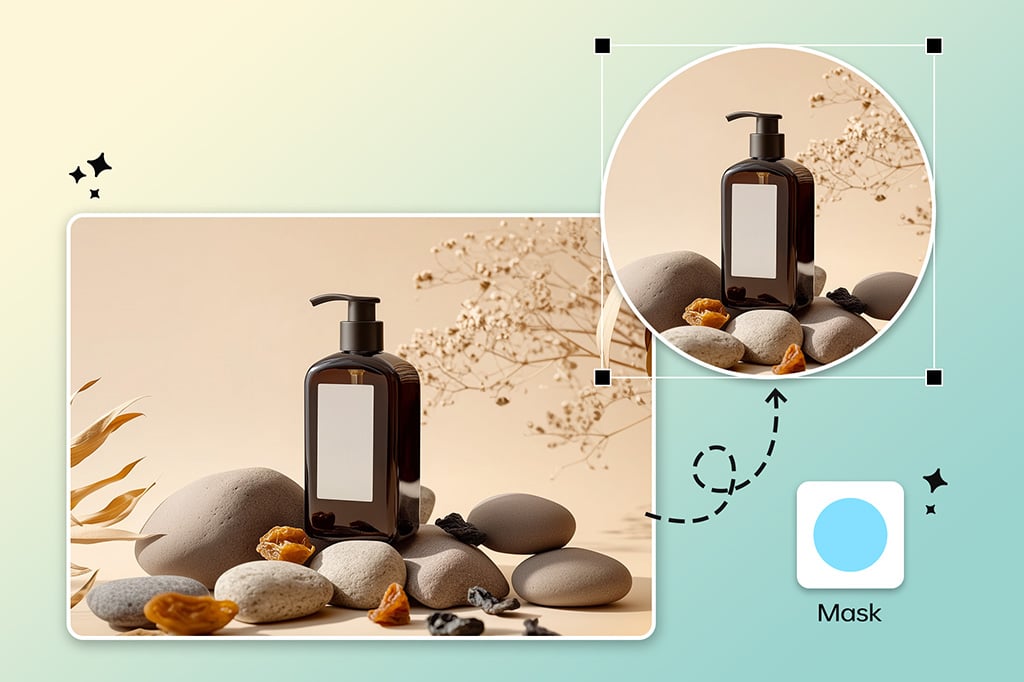
Have Fun Creating Circular Images with Style
Now it's easier than ever to transform your photos into a circle. The Circle Image Cropper from insMind makes circular crops of any shape easy. This tool is really handy for making profile pictures, icons, and decorative graphics that need to be clean and fashionable. The circle crop is intuitive - upload your image, launch the circle crop, and adjust it to get exactly what you are looking for.
If you want to make a social media profile or design some crazy stickers, insMind's platform is ready to help you. With its slick, advanced AI to crop, it's super simple, and even when you have a funky background, it'll crop cleanly, polished, and professionally every time. This tool is available without any technical skills and can be accessed by anyone who has nothing to do with technical skills or is a seasoned designer.
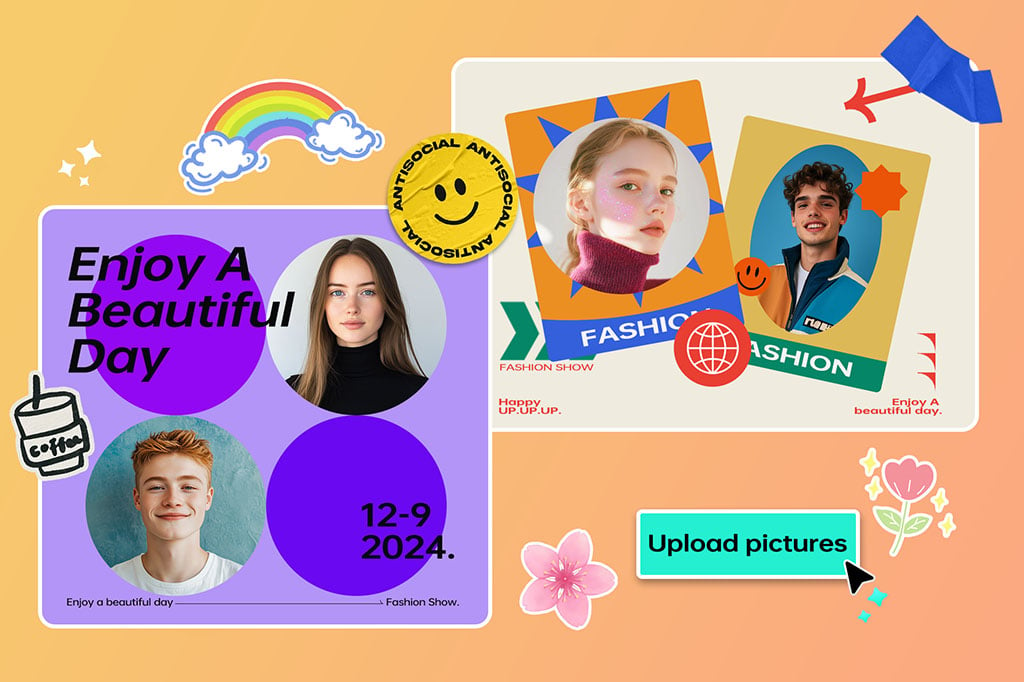
Use Stickers and Text to Add Creativity to Your Images
With creative additions such as stickers and text, take your circle-cropped images to the next level and do so with ease thanks to insMind. We provide several sticker sets and typography for you to personalize your designs to any style or occasion. Add stickers or emojis for playful or elegant fonts for a professional appearance.
They're great for standing out on social media with these enhancements or with this functionality to create memorable branding items. The platform is as easy to use as there isn't any other layout-creating platform. It means that even first-time users can create impressive visuals when they need to add text to photos. insMind is not just image cropping but a way to create customized designs that stay in the memories.
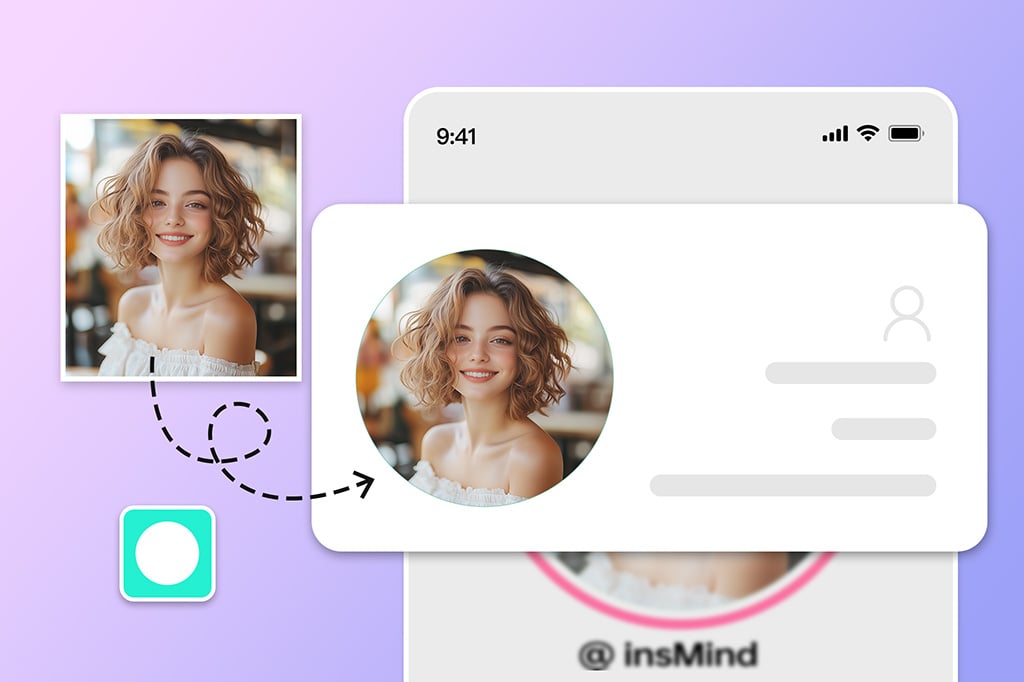
Create Circle Profile Pictures, Best for Social Media
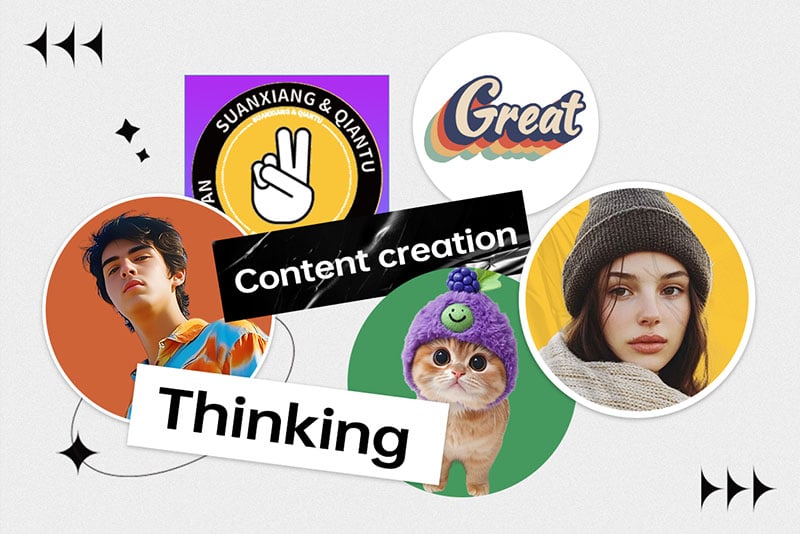
Some social media platforms like Instagram, Twitter, and LinkedIn, use a cohesive aesthetic of circular profile pictures. Using Circle Cropper, insMind means you can make sure your photos fit into these formats properly. By using the tool, you can precisely center your image and make it look balanced and professional.
That's not just cropping, insMind allows you to change photo backgrounds to match your brand or personal style. You can change colors, gradients, or point texture in your profile picture. This simple but powerful feature guarantees your social media presence in its most beautiful and impact-bearing form.
Explore More Circle Cropper Features
How to crop a picture into a circle?

1 Access Image Circle Cropper in insMind

2 Upload your photo

3 Circle Crop the Image

4 Download your designs


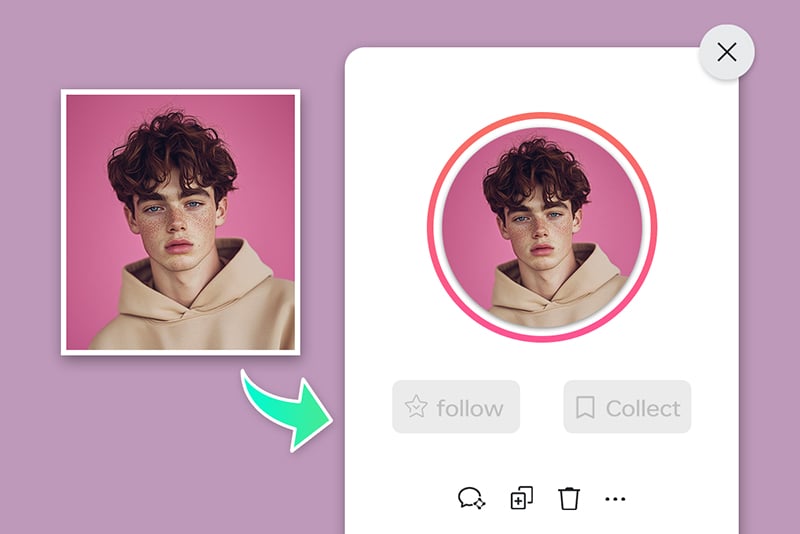
Social Media Profile Pictures
For most social media platforms like Instagram, Twitter, and LinkedIn, you will need to have circular profile pictures. With insMind, you can do this by cropping your photos into circles.
Creating Stickers or Icons
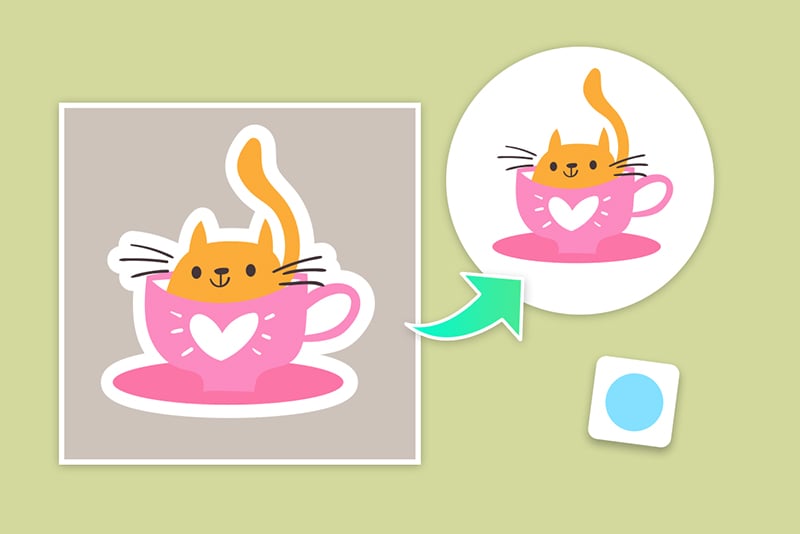
Circular stickers or icons are often required by graphic designers when they work on digital or print projects. We make it easy with insMind's Circle Cropper to create professional-grade visuals that you are ready to use.
Business Branding and Marketing
Circular branding and advertising are trending these days. With insMind, you can design polished visuals that are great for your business identity.
Why Choose insMind Image Circle Cropper?

Crop Photos into Circles Online
While the Circle Cropper by insMind offers a free trial, it is a professional-grade tool accessible to everyone.

Easy circle cropping
The platform allows get intuitive which means that both beginners and experts can set up without any confusion.

High accuracy in cropping
Keeping it high-res for both digital and print use means always having polished results.
Frequently Asked Questions
What is a circle crop tool?


How can I crop a photo into a circle for social media?
Can I crop a photo into a circle on my phone?
Can I crop a photo into different shapes with insMind?
You might be interested in
Make your pictures pop with creative AI tools you can explore during a free trial.

AI Background

Smart Resize

AI Expand

AI Image Enhancer

AI Filter

AI Shadows

“I love that insMind made creating perfect circulars for my marketing projects easy.”
@Noel