Try Our Braces Filter Online to Instantly Preview Your Smile





See What You Would Look Like with Braces
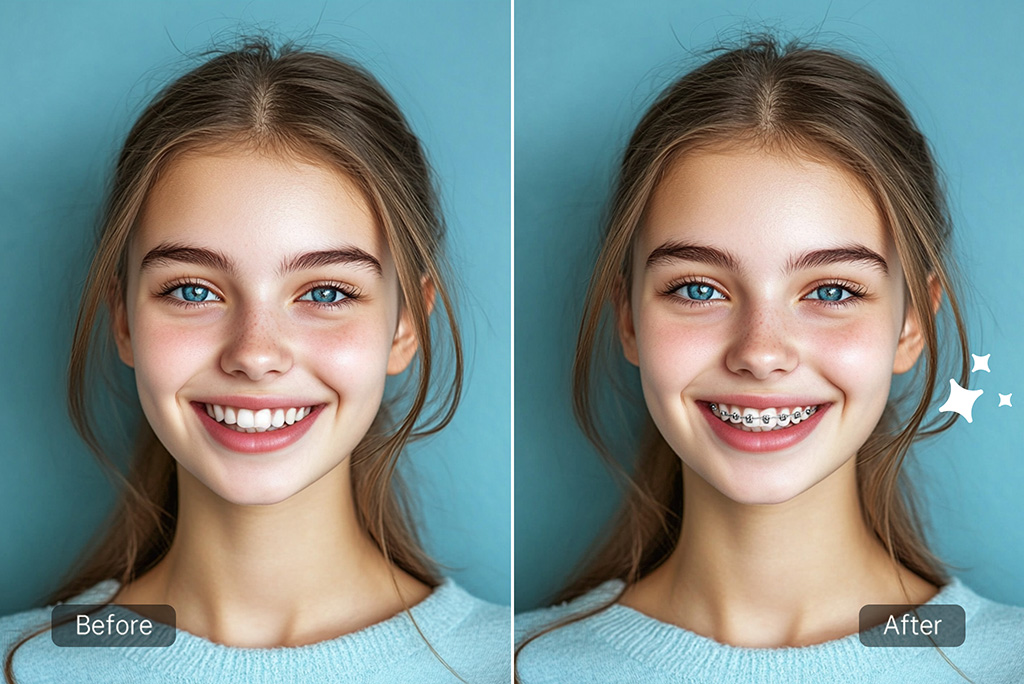
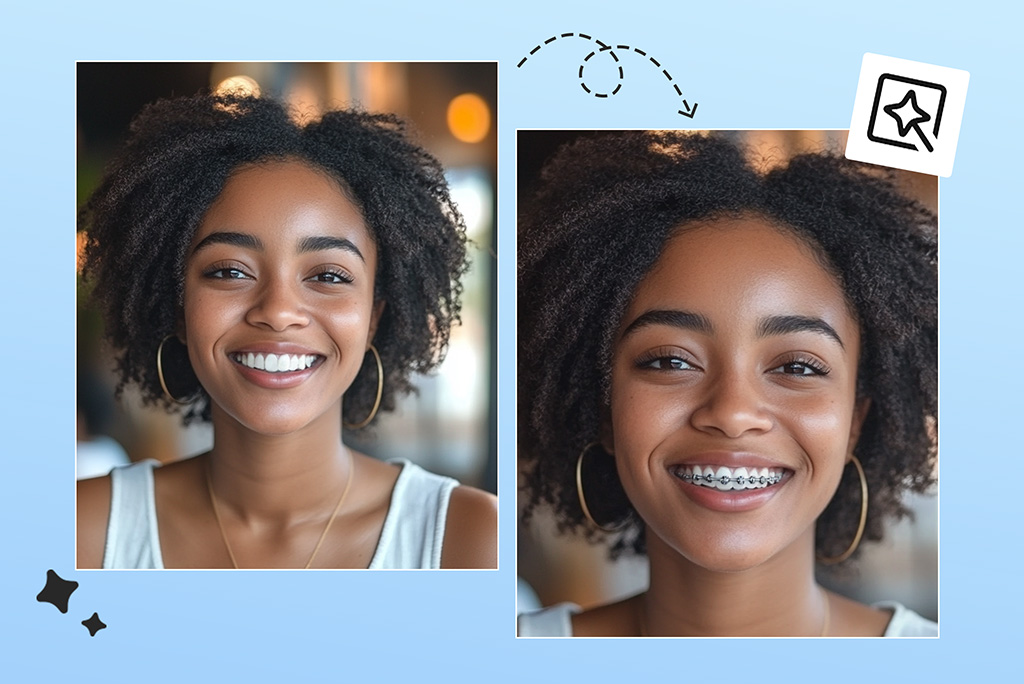
Have you ever asked yourself what would I look like with braces? Now it's clear what to answer. You can use our braces filter to visualize what braces would look like on your teeth, all from the comfort of your own home. Simply upload a good selfie and the system will apply virtual braces to your photo so you can visualize how you'll look when the braces come off.
This try on braces online tool works well for teenagers, adults thinking about treatment, and parents who want to know more about their child's appearance. Whether you're planning for Invisalign-style braces or traditional metal ones, you can preview multiple versions. Our Virtual Teeth Whitener lets you notice how much better your result will be with a brighter smile before you get any permanent dental treatment.
Create Funny Braces Edits for Memes or Social Posts
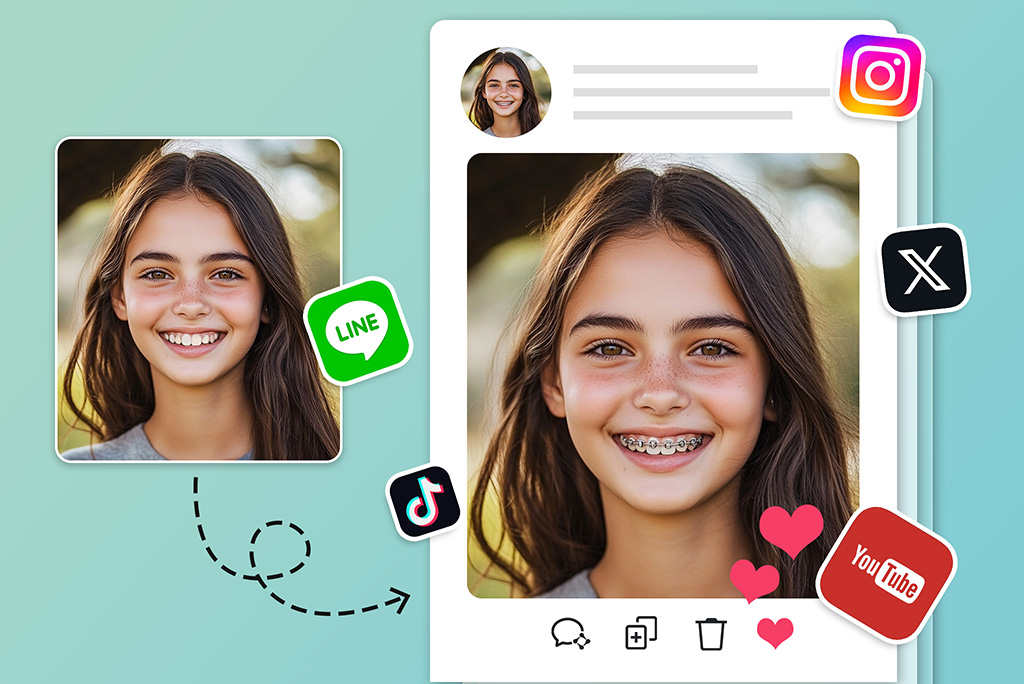
Wondering what braces would look like on you? Use our braces filter online with a free trial, even if you're not planning dental work. It's great for creating memes, videos, or fun posts. Choose styles inspired by the past, shiny metals, or anime-themed accessories popular on TikTok or Instagram.
A lot of funny transformation, prank and cosplay footage gets popular thanks to this feature. Simply snap a photograph, Use our AI Replace feature to enter a prompt describing the type of braces style you like. The AI will generate that exact look for you—then you can save the result and share it on social media.
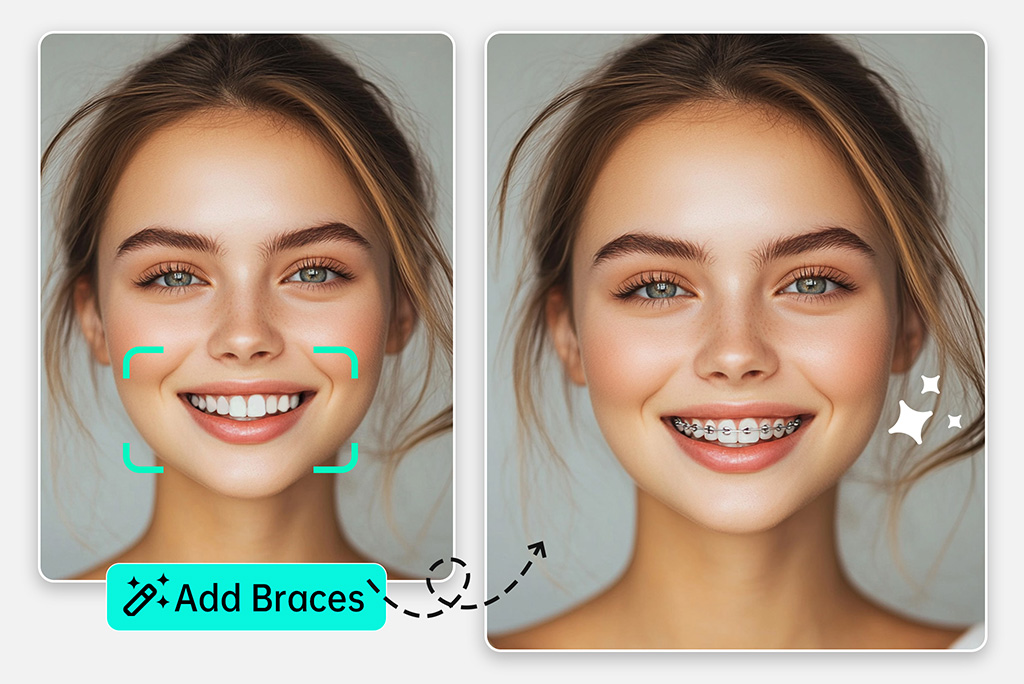
Simulate Braces New Way with Our Online Braces Simulator Now
Want a reliable tool that will allow you to examine different cosmetic braces? Thanks to our online braces simulator, you can see early images of braces to ensure you make a confident decision before starting treatment. People who wonder how to try on braces or wish to compare several options will find this simulator useful.
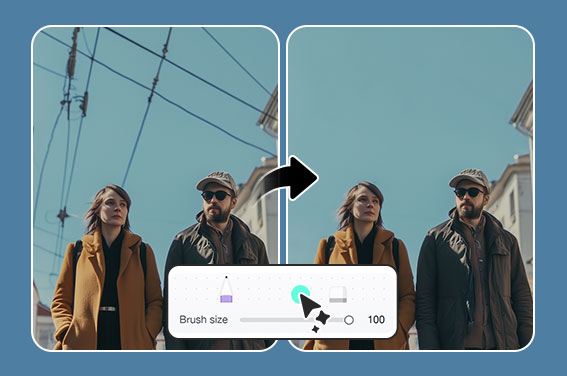
Just upload your photo and give a prompt with options like material or colored bands. Mark the teeth area and enter the style you'd like to replace it with. You can use it quickly and you don't need any extra skills. Do you think you could look great with a whole new hairstyle along with braces? Use our Virtual Hairstyle Try-On to complete your whole makeover in one step.
Discover More Braces Simulator Features
How to Try on Braces Online with Braces Filter?
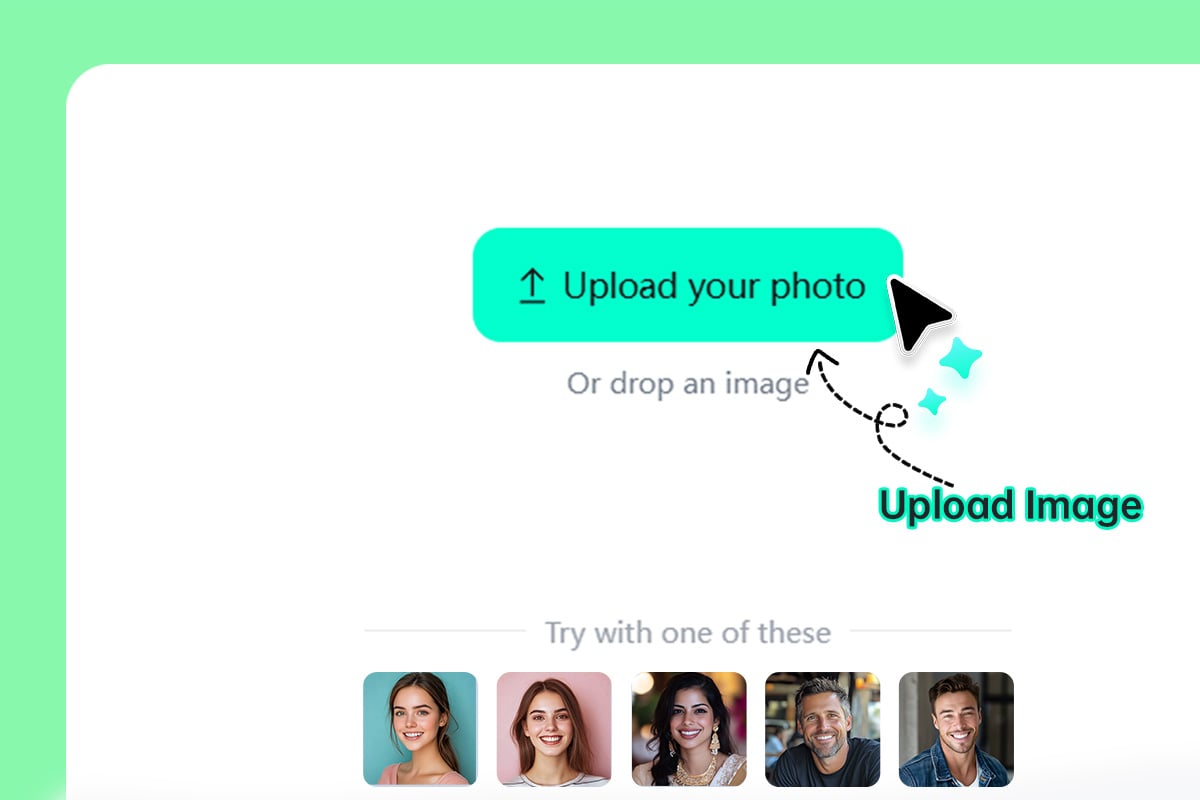
1 Step 1: Upload a clear photo
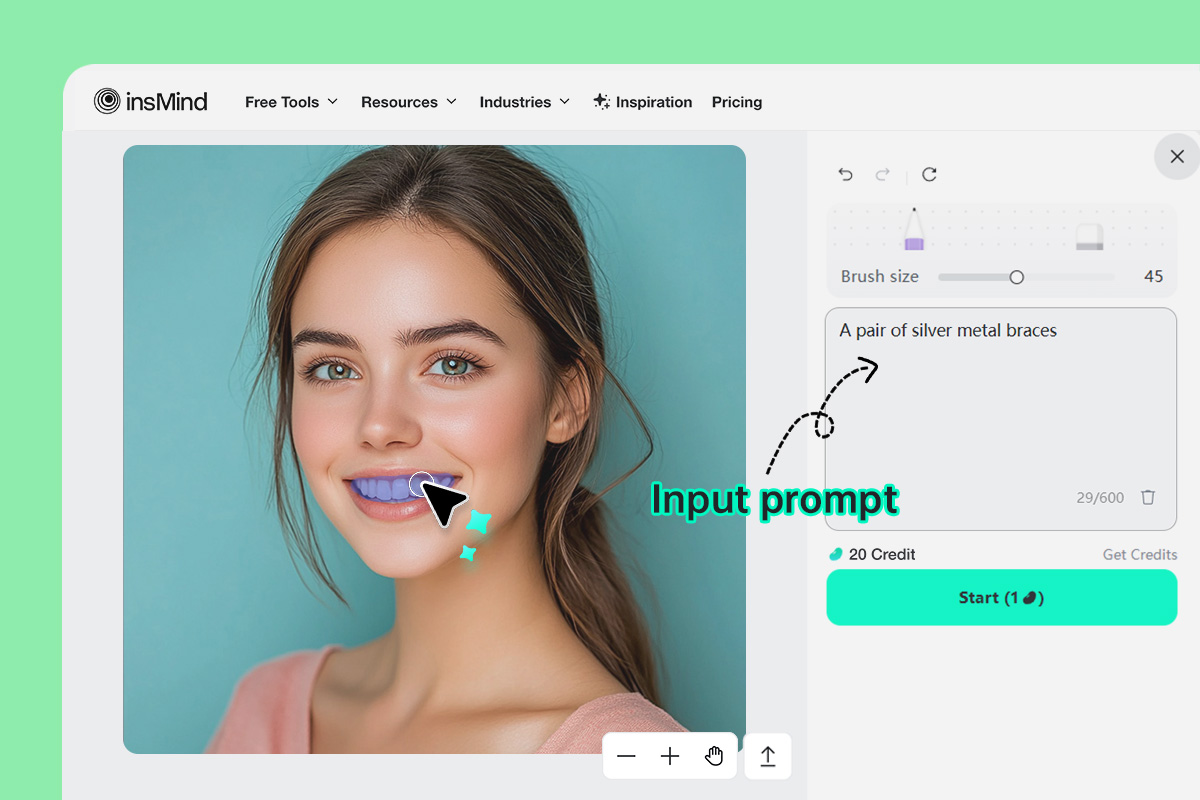
2 Step 2: Use the brush to mark your teeth area and describe the braces you want
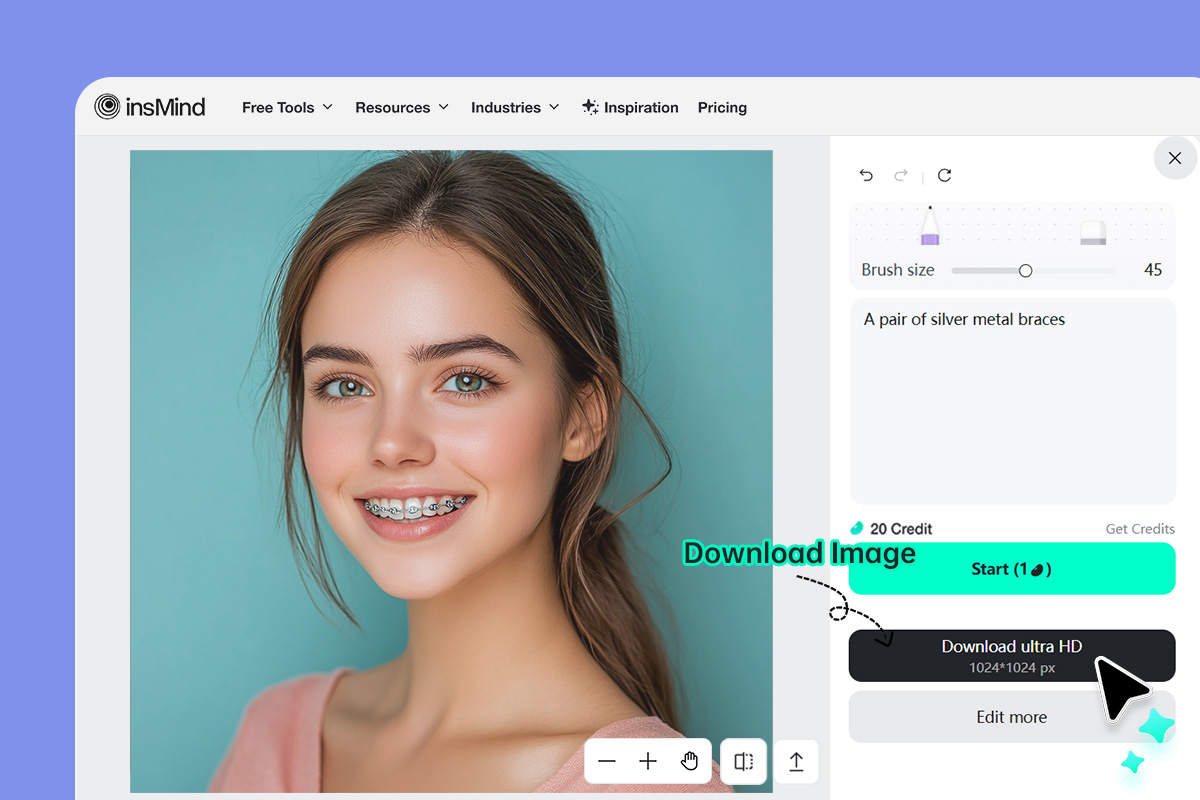
3 Step 3: Generate and Download
Why Use insMind's Online Braces Filter?

Instant, Realistic Previews
You don't have to guess what to do anymore. In a few seconds, our AI technology can show you how you'd look with a different look.

Works on All Devices
If you are on your phone, tablet, or computer, you don't need an app to use our braces simulator online feature. It works on every device without any issues.

Multiple Braces Styles
You have the option to choose anime, 3D, comic or fantasy styles for either serious or fun previews. With the right prompt you can bring you imagine to life in the form of unique braces.
FAQs About insMind Braces Simulator
Is the braces simulator free to use?


Can I simulate different types of braces?
Will the braces look real?
Is this braces filter mobile-friendly?
Can I choose different types of braces?
You might be interested in
Make your pictures pop with creative AI tools you can explore during a free trial.
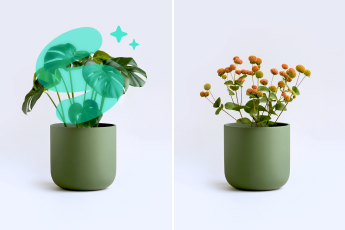
AI Replace
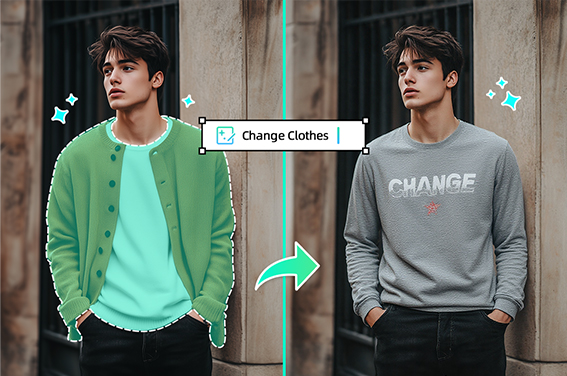
Virtual Try On Clothes
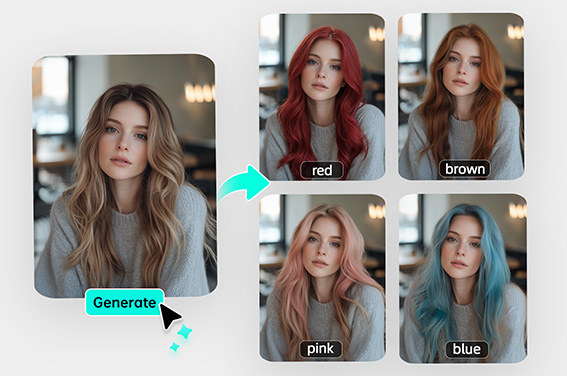
Virtual Hair Color Try On
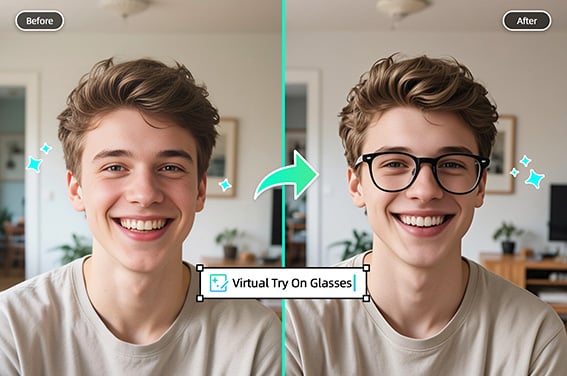
Virtual Glasses Try-On
Remove Tattoo From Photo
Portrait Retoucher
Teeth Whitening Photo Editor
Photo Restoration