
AI Clothes Changer – Change Outfits in Photos
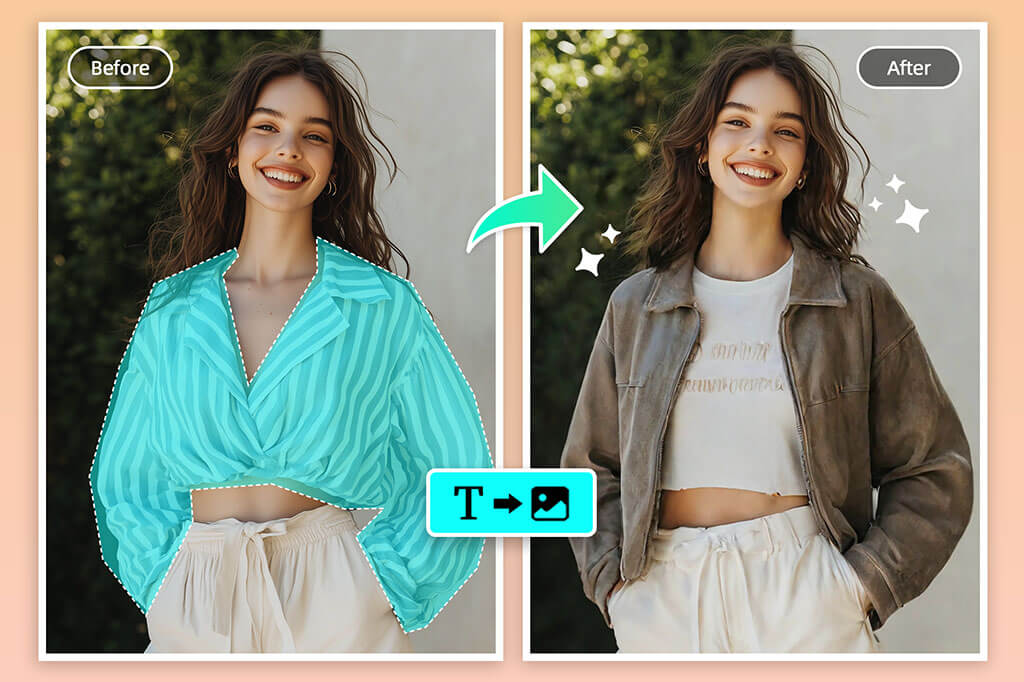
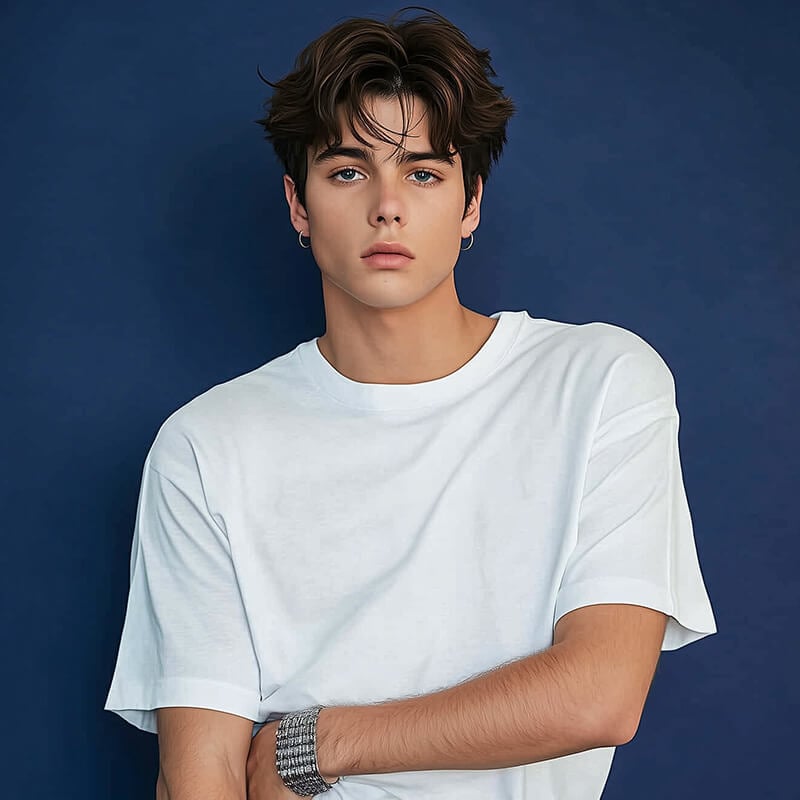
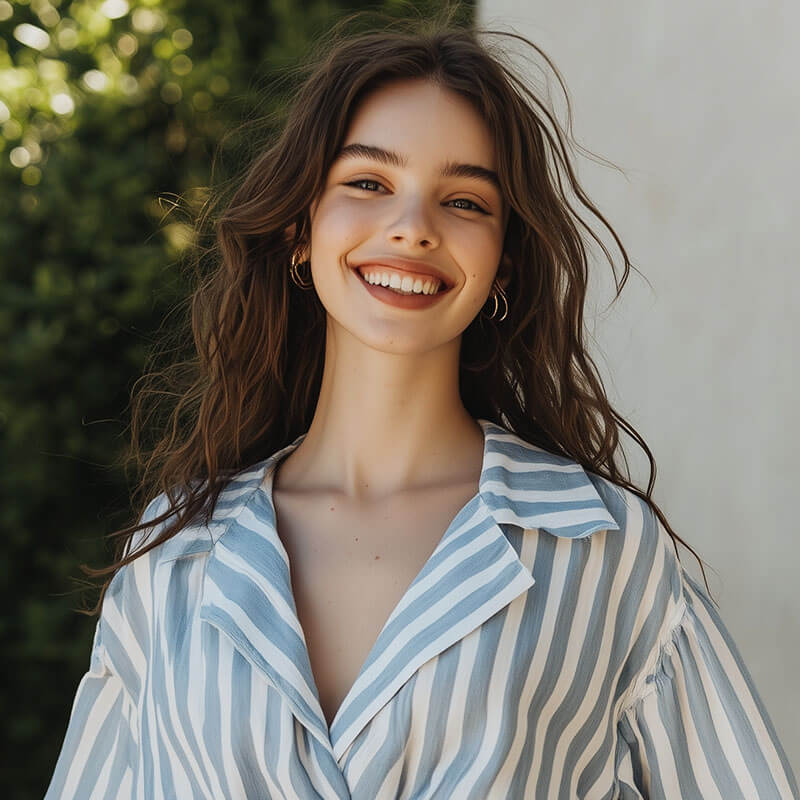
How to Change Clothes in a Photo with AI

1 Upload a Clear Portrait
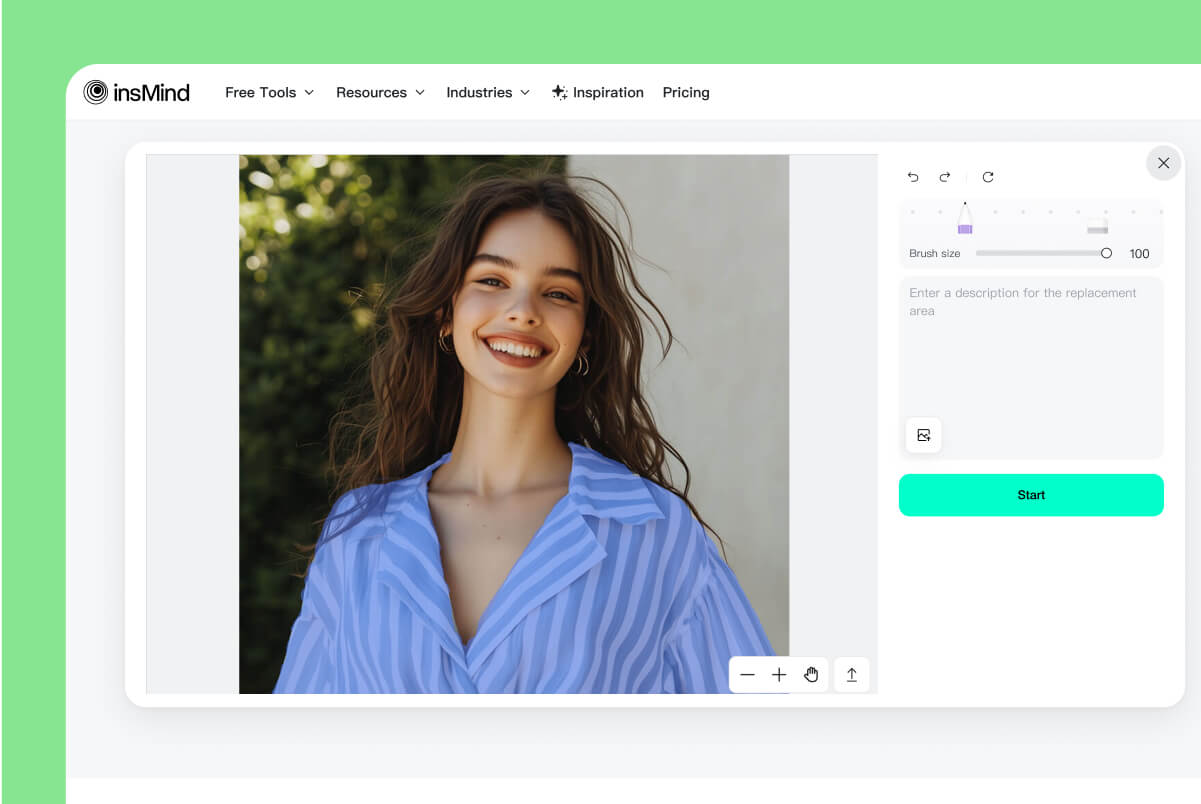
2 Brush Over the Clothes to Replace
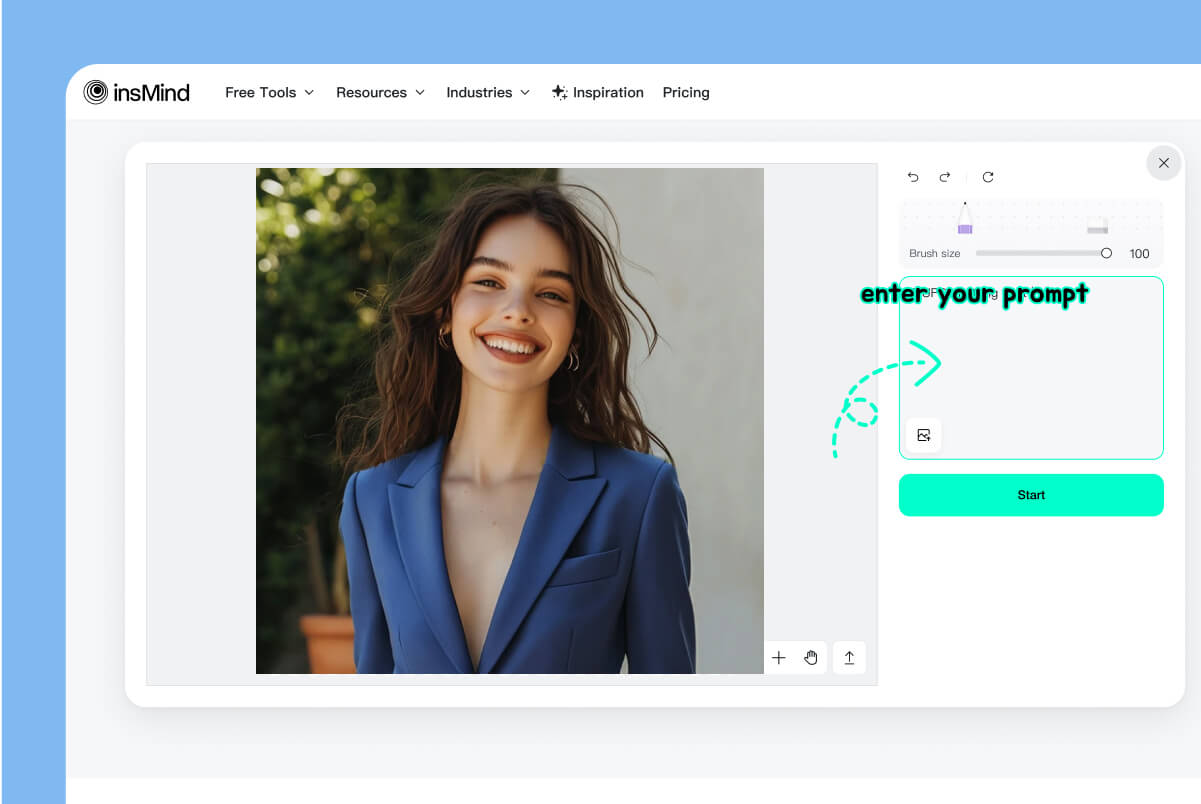
3 Describe the New Outfit
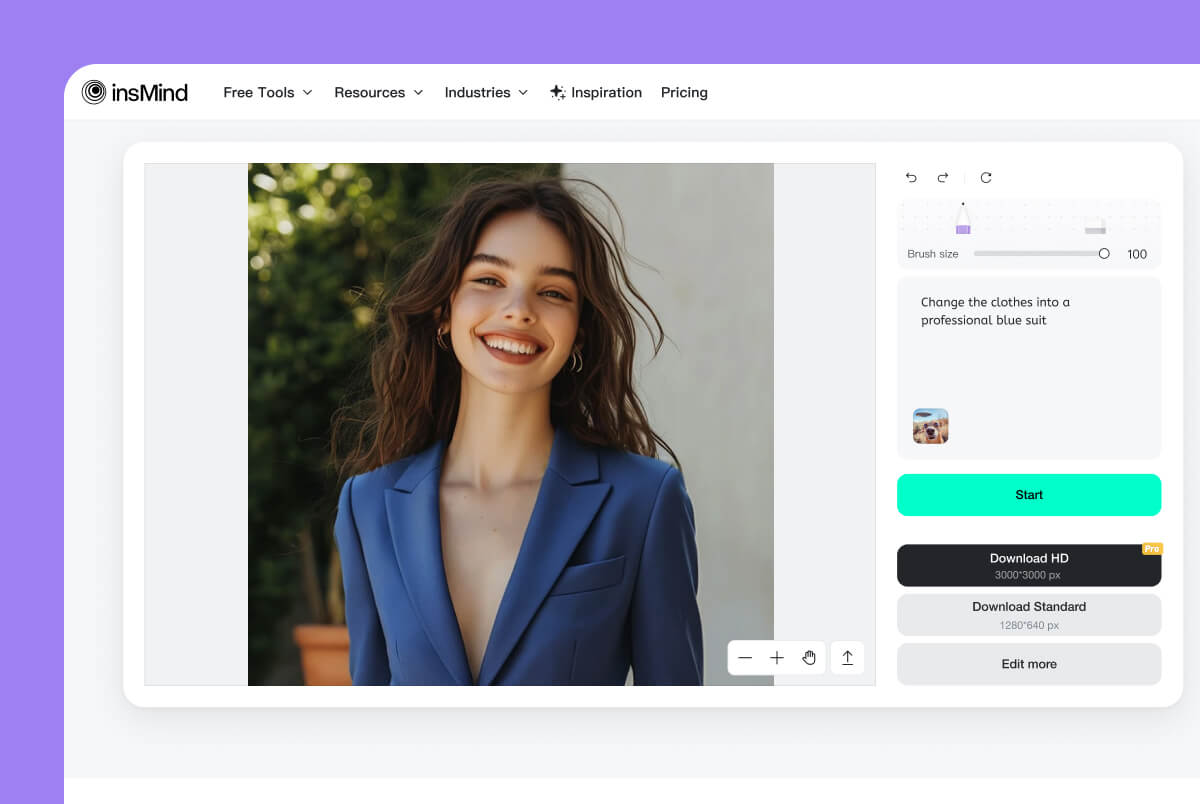
4 Generate, Inspect, and Download

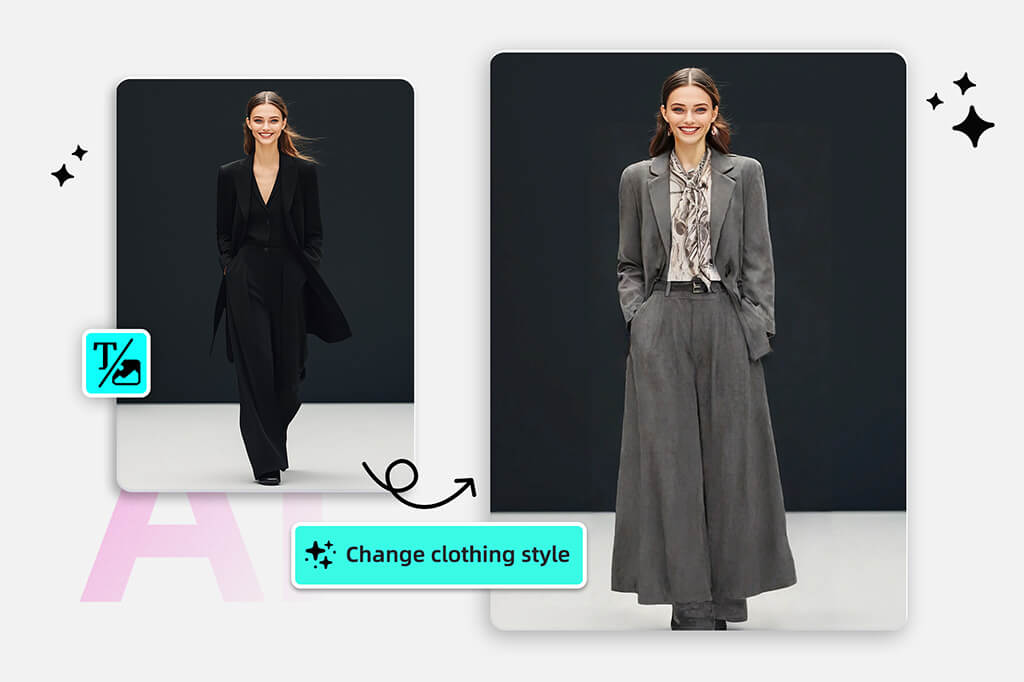
Change a Shirt, Dress, Jacket, or Full Outfit
Use the brush to replace one visible garment or cover a larger clothing area for a complete outfit change. The person, pose, and unselected parts of the photo remain the visual reference while the new clothing is generated from your prompt.
If the garment already works and you only need a different shade, use the clothes color changer instead of replacing the whole design.
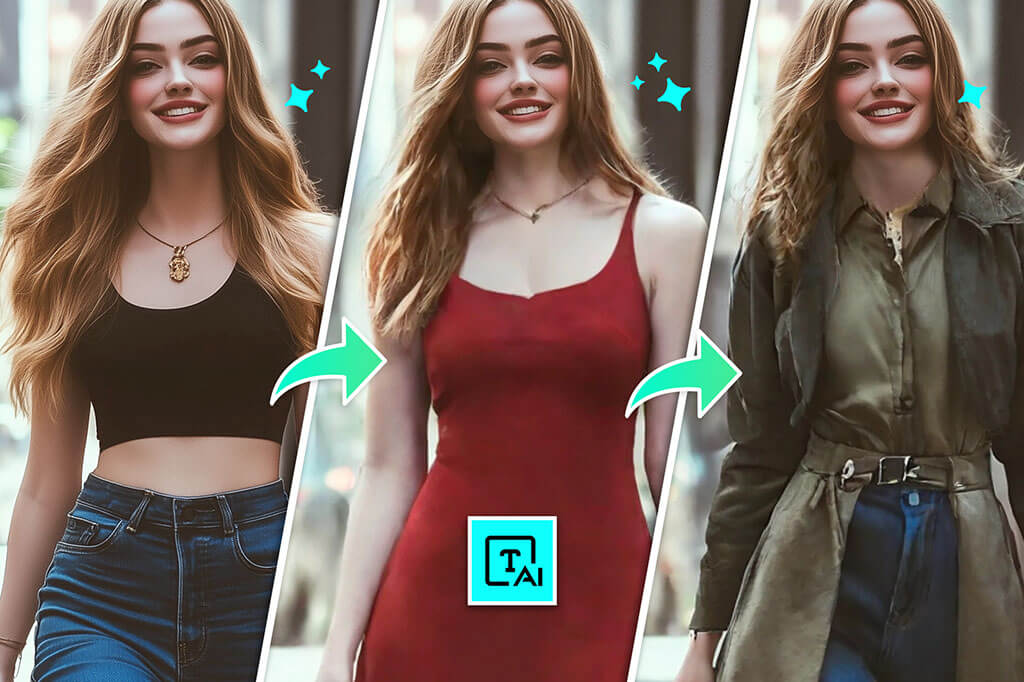
Use a Photo Dress Changer to Explore New Styles
Turn the same portrait into dress, streetwear, vintage, formal, or seasonal variations without rebuilding the entire image. Describe concrete details such as silhouette, sleeve length, fabric, print, and color so each version has a distinct direction.
Need an outfit concept before editing a portrait? Start with the AI outfit generator, then use this page when you want to change clothes in an existing photo.
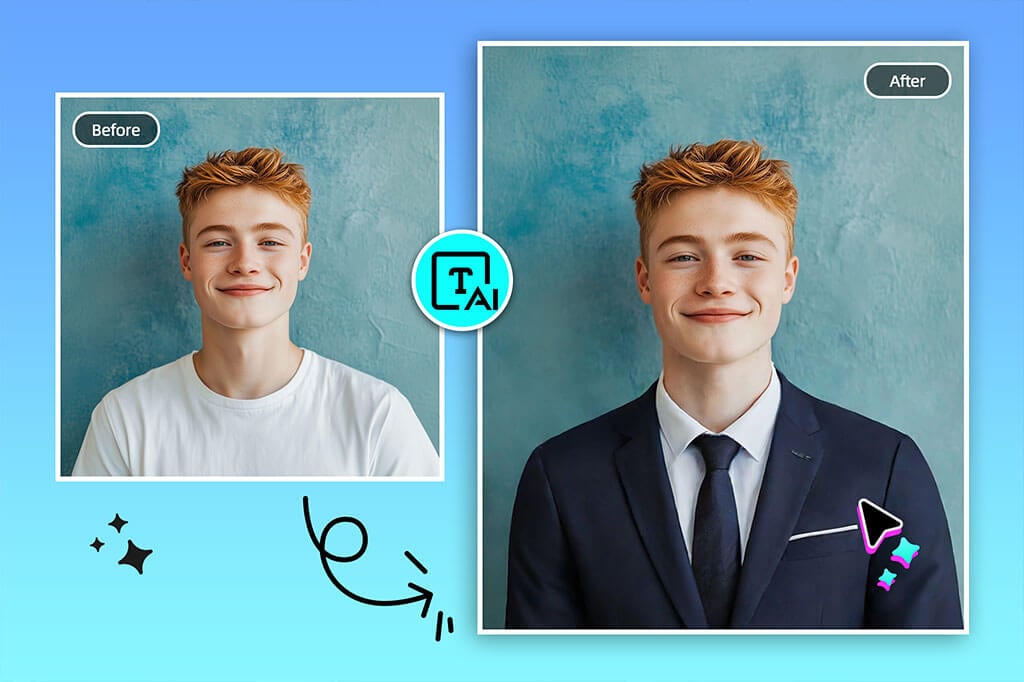
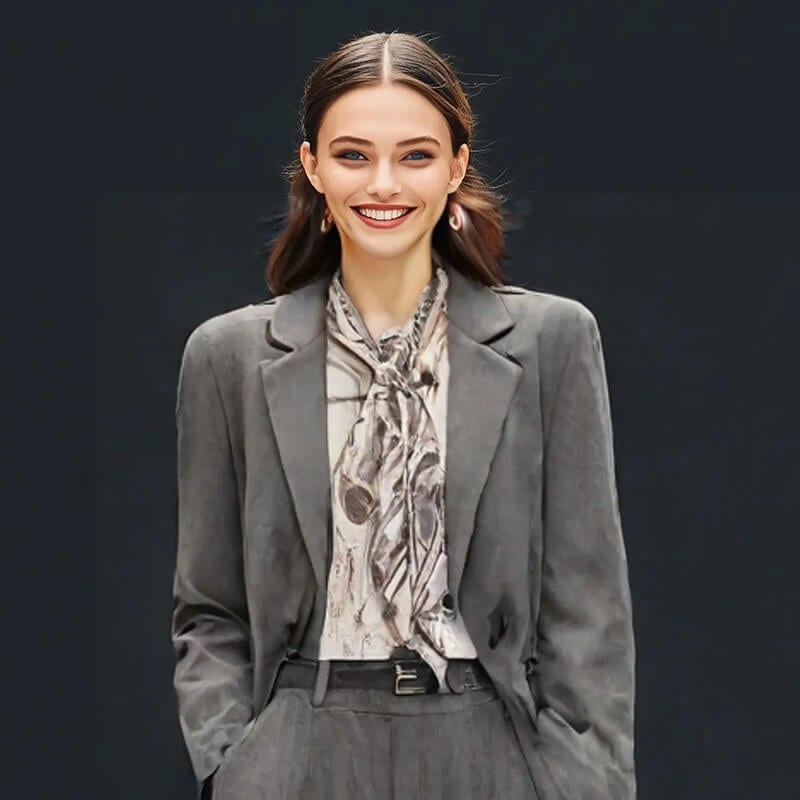
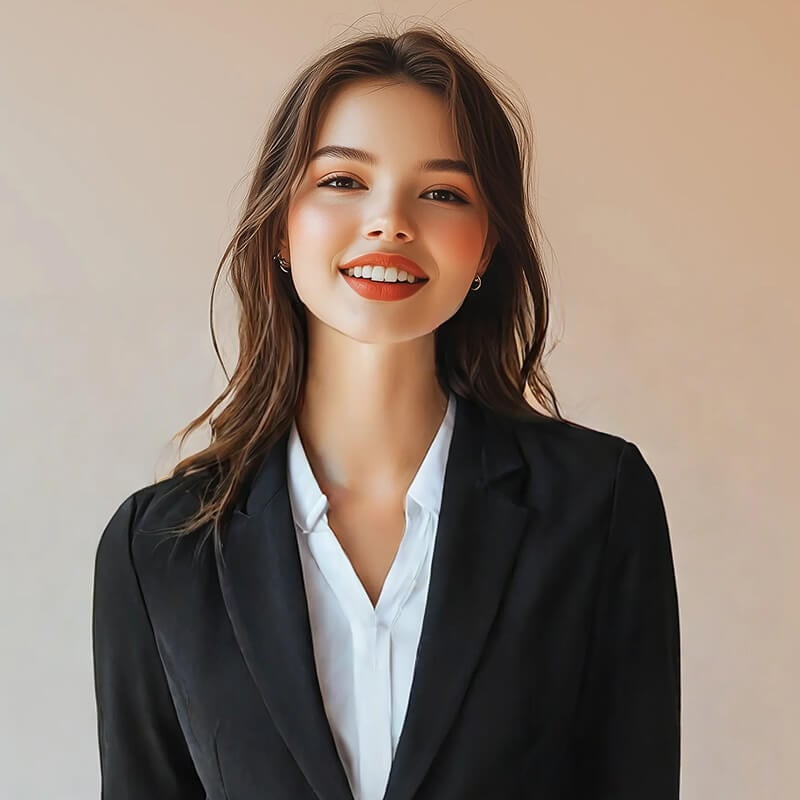
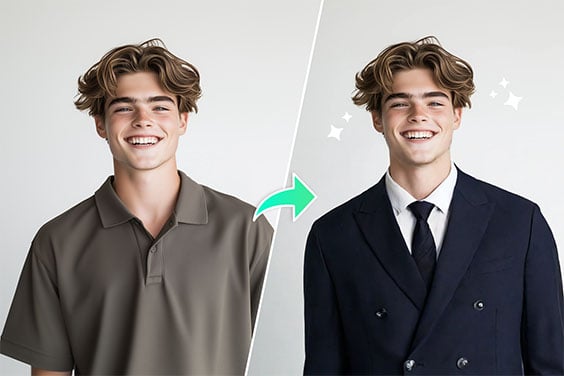
Change Casual Clothes to Formal Attire
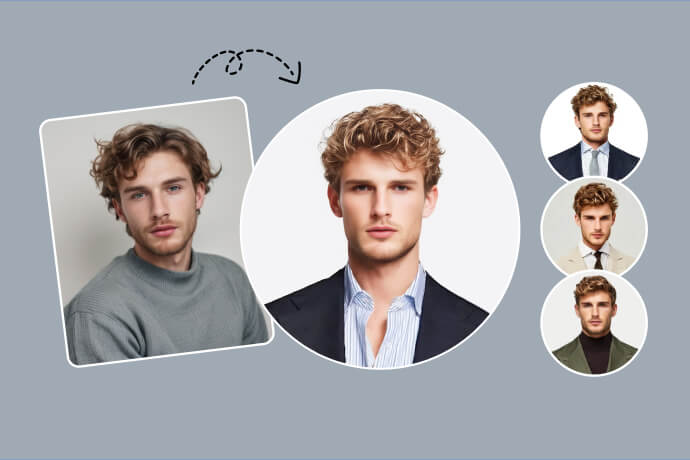
Replace a T-shirt or casual top with a blazer, dress shirt, suit, or other formal attire for a profile image, resume photo, staff introduction, or event preview. Prompts work better when they name the color, cut, shirt, tie, and level of formality.
For a complete business portrait treatment rather than a clothing-only edit, use the AI headshot generator. Always check the image rules before using an edited photo for an official document.
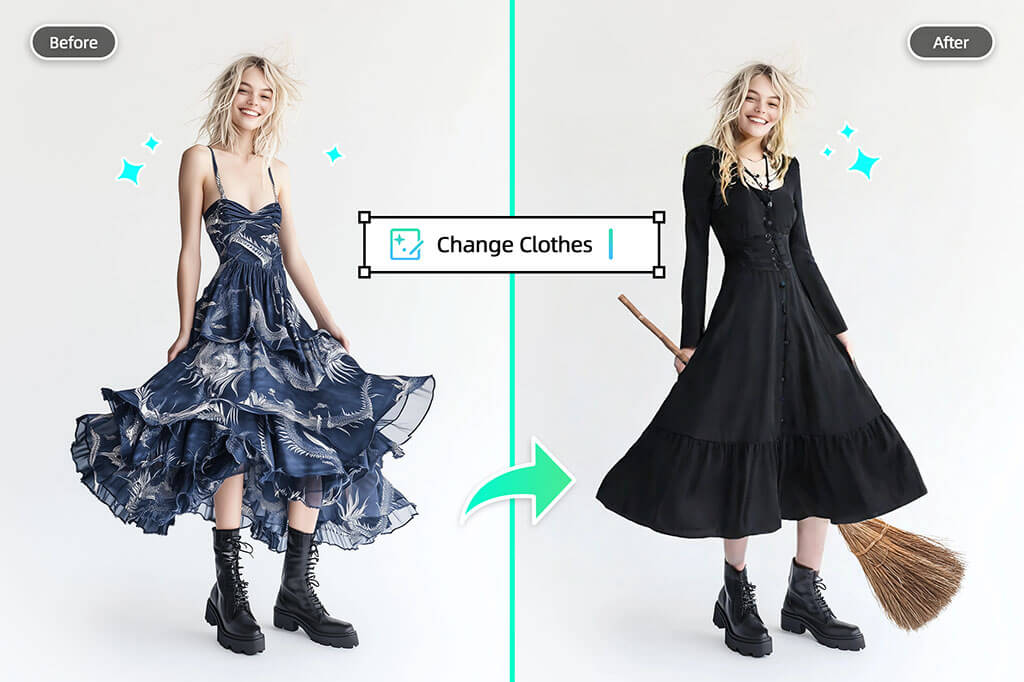
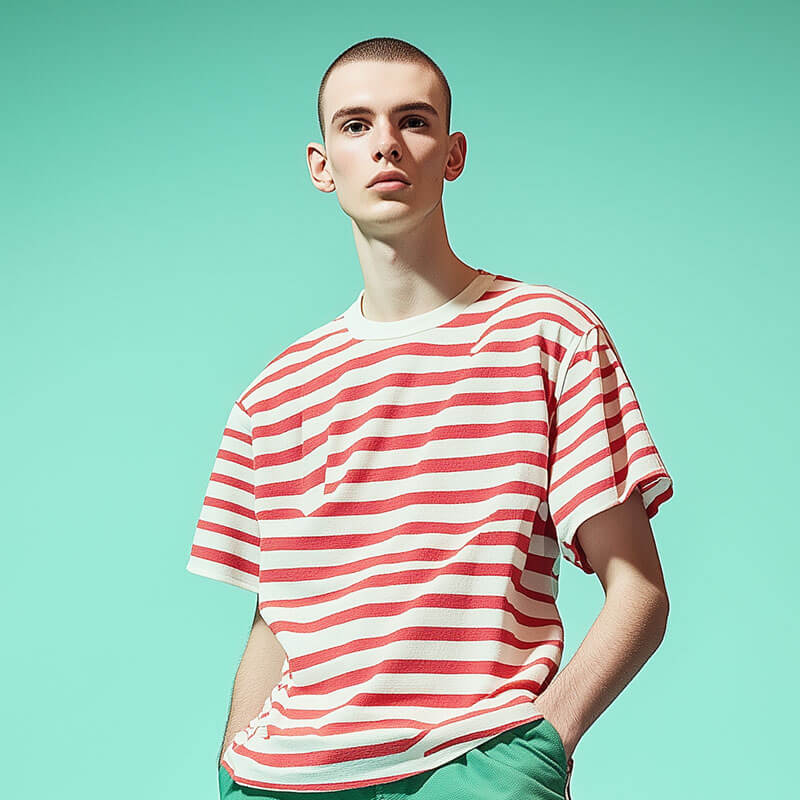
Create Costumes and Social Photo Variations
Change ordinary clothing into a Halloween costume, cosplay-inspired look, themed party outfit, or playful social post. Include the character type, colors, materials, and mood in the prompt while keeping protected logos or copyrighted designs out of commercial work unless you have permission.
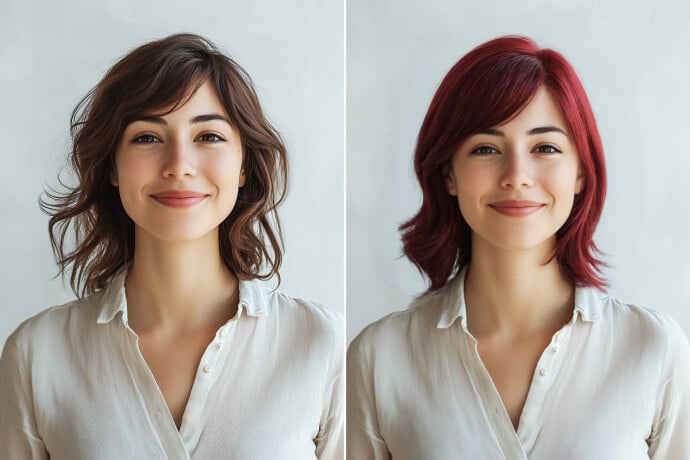
Complete the look with the AI hairstyle changer, but make one major edit at a time so it is easier to compare results.
Ways to Use an AI Clothing Changer
Preview a style direction, prepare a formal-looking portrait, or create themed content. Treat the result as a visual edit rather than a guarantee of real-world garment fit, size, or fabric behavior.
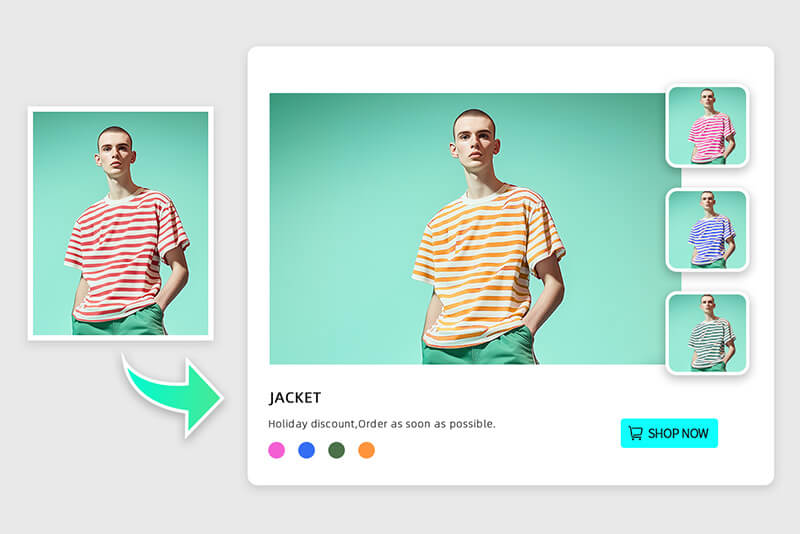
Fashion and E-commerce Concepts
Create outfit concepts or on-model style variations for mood boards, campaign drafts, and creative testing. Review garment edges, patterns, logos, and product accuracy before using an AI-edited image in a listing or advertisement.
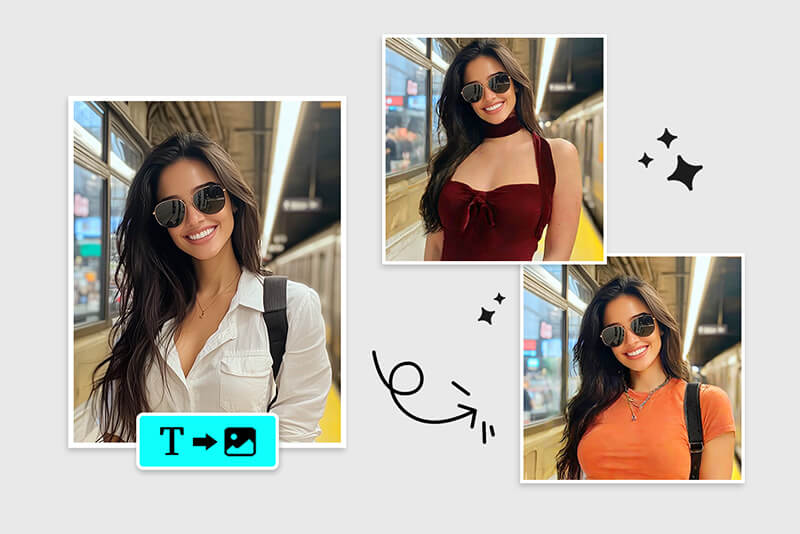
Personal Style and Outfit Planning
Compare colors, silhouettes, and dress codes on the same photo before an event, trip, or wardrobe update. An edited picture can help evaluate the overall look, but it cannot confirm real sizing, comfort, drape, or physical fit.
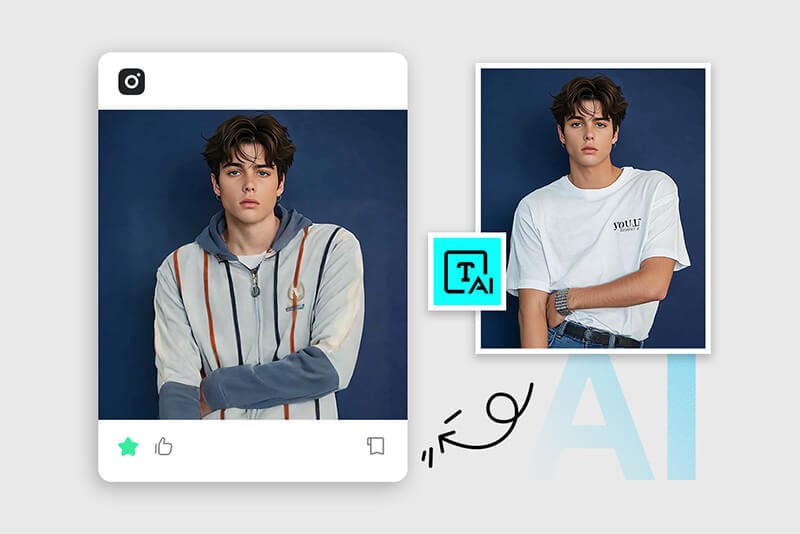
Formal Portraits, Costumes, and Social Posts
Test a suit for a profile image, a themed outfit for a party, or a costume for a social post. Use a clear prompt and inspect face, hair, hands, and clothing boundaries before publishing the result.
Why Use insMind to Change Clothes in Photos?

Brush Control for Specific Clothing Areas
Choose the visible garment area you want to replace instead of applying a style filter to the entire photo. A careful selection helps preserve the face, hair, hands, pose, and surrounding scene.

Prompt-Based Outfit Direction
Describe a shirt, dress, suit, jacket, costume, color, fabric, or pattern in plain language. More specific prompts make it easier to create purposeful variations and compare them.
Online Editing with a Review Step
Open the tool in your browser, generate an outfit change, and inspect the result before downloading. Difficult overlaps, tiny logos, transparent fabric, or complex poses may benefit from a refined selection and another pass.
Related Tools for Outfit and Portrait Editing
Frequently Asked Questions About AI Clothes Changers
What is an AI clothes changer?


How do I change someone’s clothes with AI?
What photos and clothing types work best?
What should I do if the outfit change looks unnatural?
Can I use the insMind AI clothes changer for free?
Keep Editing Your Outfit Photo
Choose a focused next step for the outfit, portrait, hairstyle, or final image quality.
AI Headshot Generator
AI Hairstyle Changer
AI Replace
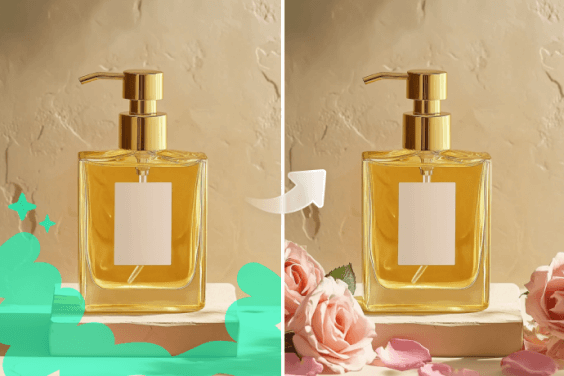
AI Generative Fill
AI Outfit Generator
"I swapped my casual look for a suit in seconds with this clothes changer. It is perfect for my business profile pic super impressed with how realistic it looks. High recommended!"
@Liam