Seedance AI Video Generator for Audio-Visual Clips

Choose the Right Seedance AI Workflow
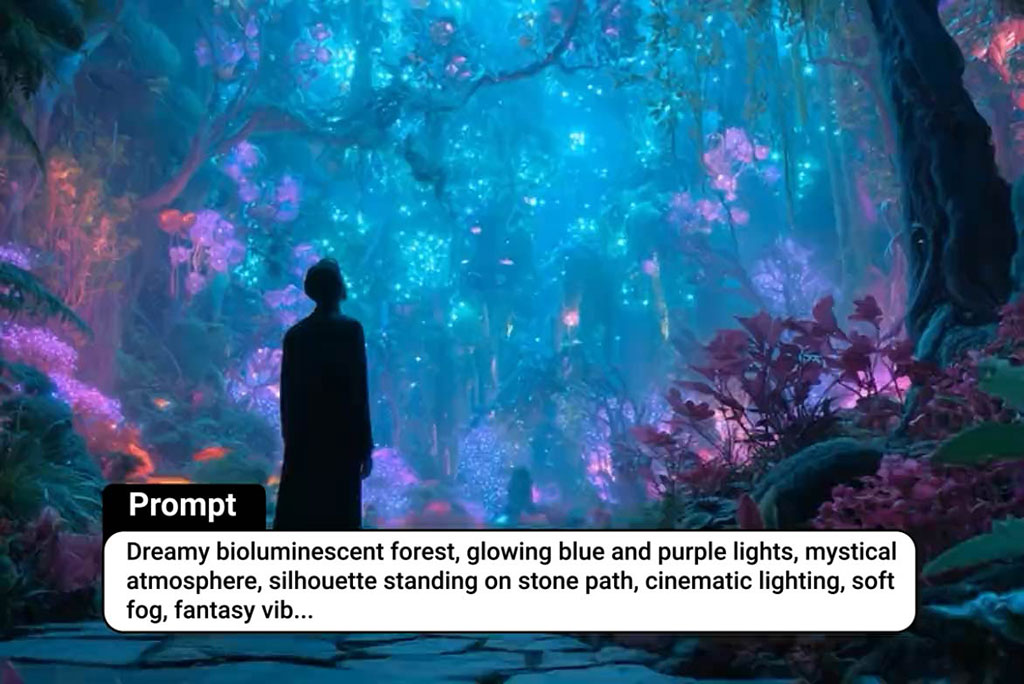
Use this page to match prompt-only generation, image animation, and frame-guided motion with the task instead of treating every AI model page the same.
See Seedance AI Inputs Before You Generate
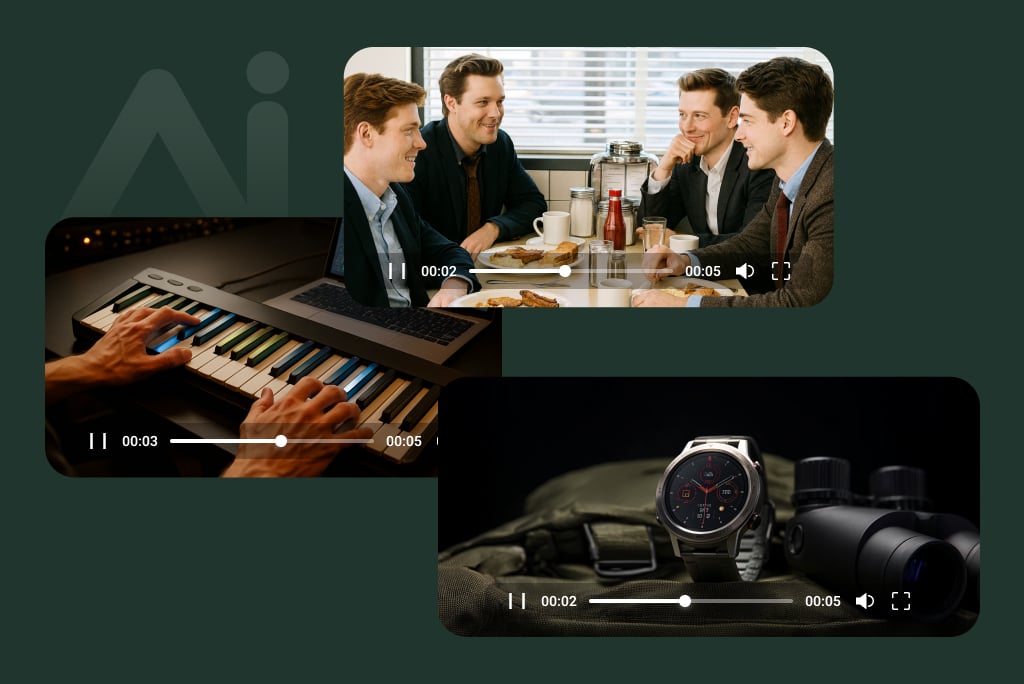
The rebuilt output examples now show exact input shapes, prompts, and output videos so users can understand what the page supports before clicking create.
Compare Seedance AI with Nearby Model Pages
This page now links naturally to the Seedance AI workflow and adjacent model pages so it supports model-selection intent instead of repeating generic AI video copy.
Why Choose insMind for Seedance AI Video Generation

Real Model Differentiation
Seedance AI now has a model-specific compare table and output examples instead of another reused generic video block.

Input Shapes Are Visible
Users can now see prompt-only, single-image, and two-image frame workflows directly in the table instead of guessing from reused assets.

Cleaner Module Order
The page order has been normalized so tables, how-to steps, FAQs, and related model links appear in the intended reading flow.
FAQs About Seedance AI
What is Seedance AI?


Can I create text-to-video clips with Seedance AI?
Can I use Seedance AI for image-to-video?
Does this page support start and end frame examples?
How is Seedance AI different from other AI video models?
What images work best for AI video generation?
Can I use the generated videos for TikTok, Reels, or product pages?
Can I try Seedance online for free?
Explore More AI Video Models
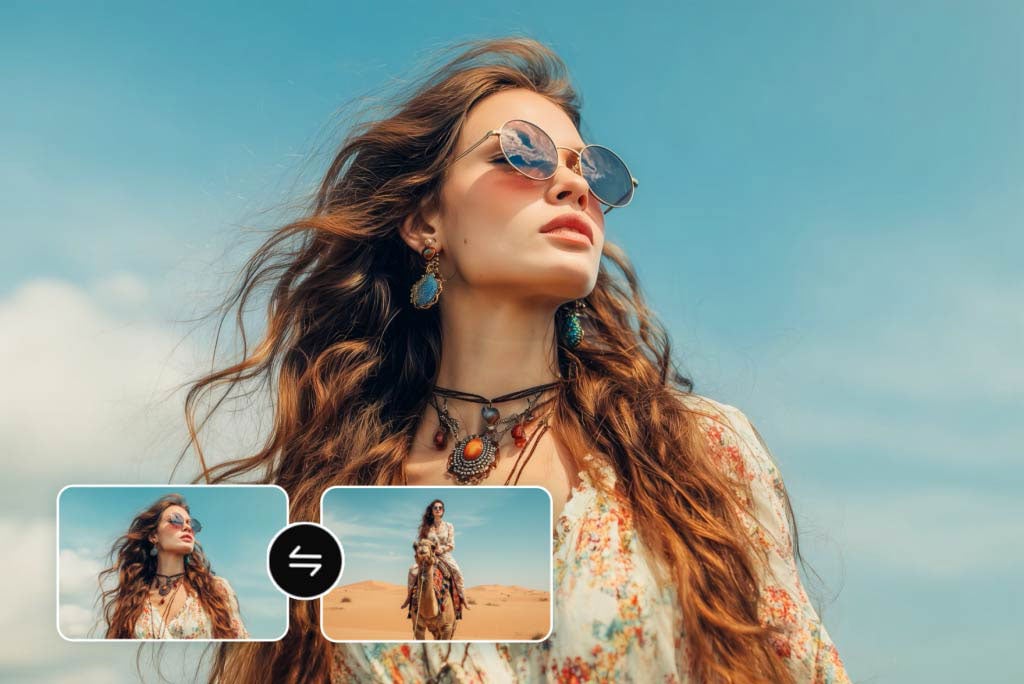
Video Start-End Frame Generator

AI Video Generator

Image to Video

Text to Video
HD Video Converter