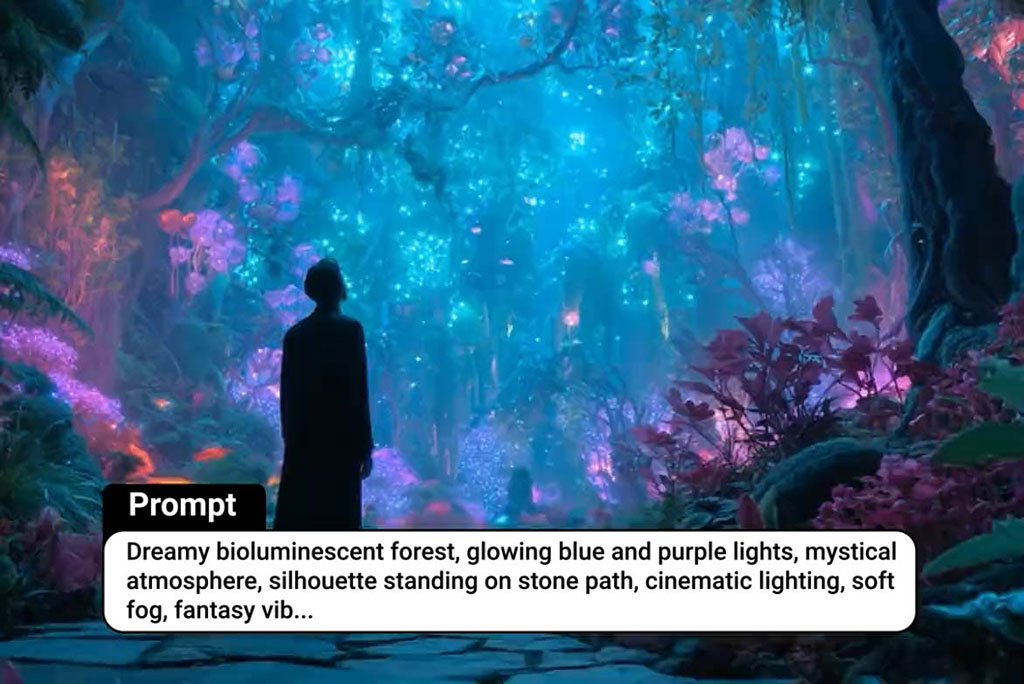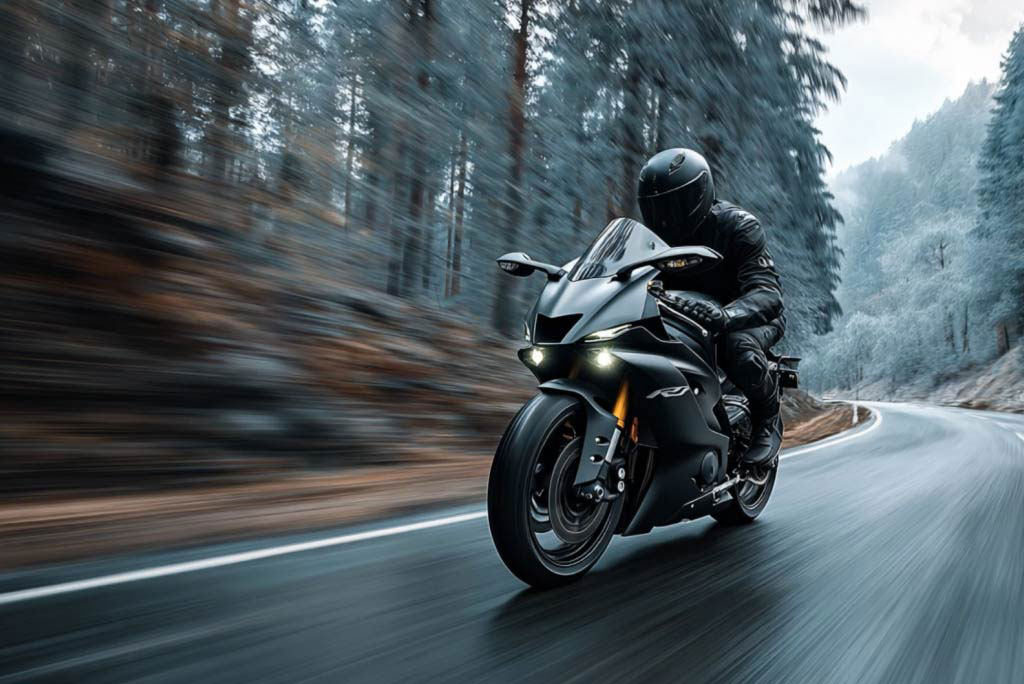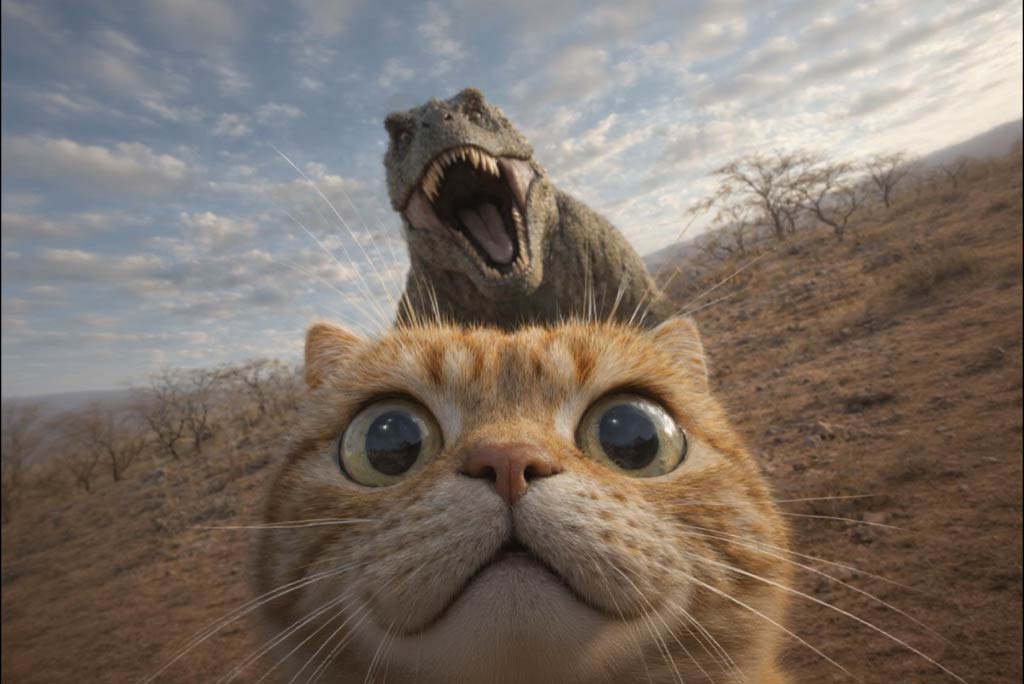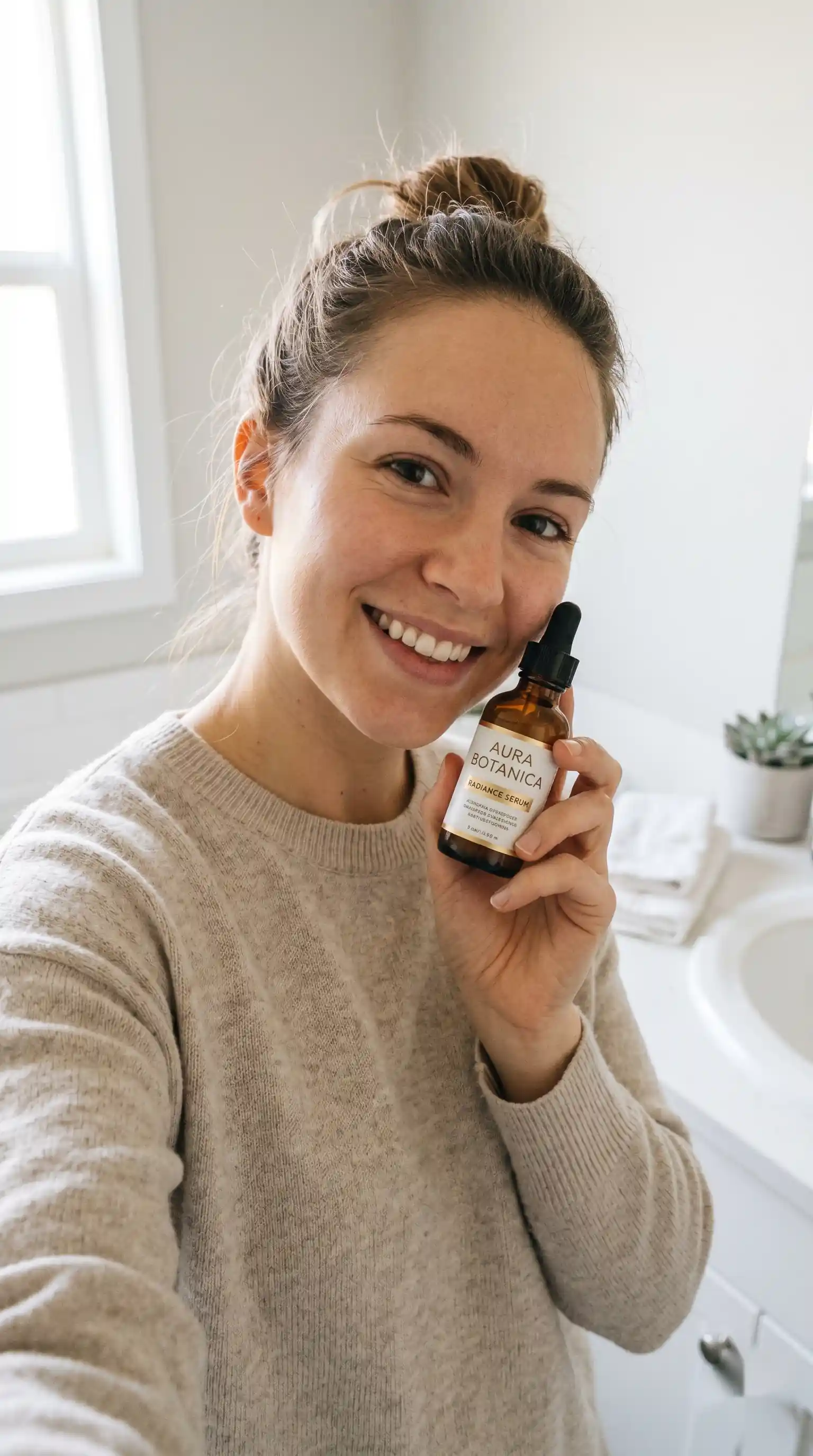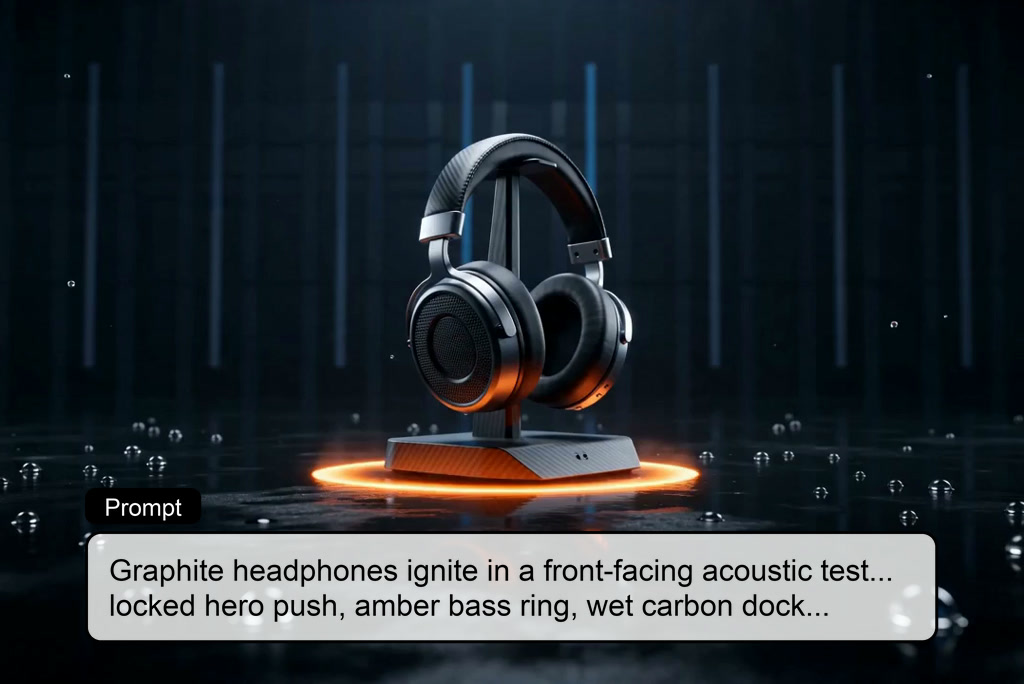
Wan 2.7 AI Video Generator: Bring Your Vision to Life

Generate stunning, multi-shot cinematic videos from text and images. Built for the full creative pipeline, Wan 2.7 gives you complete control over motion, style, and consistency—no editing skills required.

00:00
00:00
00:00
00:00

How to Generate Videos with Wan 2.7 on insMind

Step 1. Open insMind AI Video Generator

Go to insMind’s AI Video Generator and choose Wan 2.7 when you want longer shots, higher detail, and more natural motion. This is the best starting point if your project needs stronger cinematic flow, reference control, or richer scene quality.

Step 2. Choose Text-to-Video or Image-to-Video

Use text-to-video when you want Wan 2.7 to build the scene from your prompt alone, or choose image-to-video when you already have photos, designs, anime art, or visual references and need better subject stability across the clip.

Step 3. Add Prompt Details That Improve Control

For better Wan 2.7 results, include the subject, action, camera direction, and style in the prompt. A stronger prompt gives the model clearer instructions for motion, framing, and visual tone, which usually leads to better first-pass video quality.

Step 4. Generate and Download the Video

Click generate and insMind will interpret the prompt, build the scenes, apply motion and camera logic, and render the final video. Download the output once the clip is ready, then continue with editing or enhancement if needed.

Why Choose insMind for Wan 2.7 Video Generation

Cinematic Multi-Shot Videos

Cinematic Multi-Shot Videos

Break free from single-scene limitations. Produce highly dynamic, multi-shot sequences that tell a complete story with professional-grade cinematic flow.

Seamless Audio-Visual Sync

Seamless Audio-Visual Sync

Achieve perfect harmony between visuals and sound. Supports 40+ nuanced facial expressions with dialogue generation that matches emotion, lip movement, and voice tone perfectly.

1080P High-Resolution Output

1080P High-Resolution Output

Say goodbye to blurry AI generations. Wan 2.7 text to video quality ensures crystal-clear 1080p resolution, ideal for big screens and professional campaigns.

Multi-Subject Reference Control

Multi-Subject Reference Control

Keep your cast consistent. Lock in character identities across multiple frames using advanced reference tools, ensuring your story remains visually stable and cohesive.

First-to-Last Frame Control

First-to-Last Frame Control

Take charge of your narrative arc. Define the exact starting and ending frames, guaranteeing your generated video aligns perfectly with your creative vision.

9-Grid Image-to-Video

9-Grid Image-to-Video

Maximize your visual impact. Transform multiple images into a synchronized 9-grid video layout, perfect for dynamic social media posts and lookbooks.

FAQs About insMind Wan 2.7 Video Generator

What is Wan 2.7?

insmind expand icon
Wan 2.7 is a newer Alibaba Wan-family AI video model positioned for generation, editing, continuation, and reference-based workflows. Public descriptions emphasize stronger quality, motion, control, and more full-pipeline coverage than earlier Wan versions.

How is Wan 2.7 different from Wan 2.6?

insmind expand icon
Wan 2.7 is commonly described as improving visual quality, motion smoothness, consistency, stylization, and workflow depth while adding first-and-last-frame generation, multi-image input, and instruction-based editing.

What output length does Wan 2.7 support?

insmind expand icon
Wan 2.7 is commonly described as supporting clips up to 15 seconds, with many platforms offering 5s, 10s, and 15s options depending on the workflow.

Does Wan 2.7 have native audio?

insmind expand icon
Public descriptions of Wan 2.7 frequently mention native audio or synchronized audio support, especially in newer hosted implementations.

What is first-and-last-frame control in Wan 2.7?

insmind expand icon
It is a workflow where you guide how the clip begins and ends using defined frame conditions. This helps the model build motion toward a clearer target state.

Can Wan 2.7 use multiple references?

insmind expand icon
Yes. Wan 2.7 is commonly described as supporting multi-reference generation, including multi-image input and stronger subject consistency workflows.

Is Wan 2.7 good for camera-controlled prompts?

insmind expand icon
Yes. Wan 2.7 is particularly useful when prompts include shot language like push-in, pan, track, or reveal, because it is marketed around stronger professional camera control.

What kinds of projects fit Wan 2.7 best?

insmind expand icon
Wan 2.7 fits cinematic short scenes, ads, storyboards, product videos, stylized image-to-video clips, and edit-based revisions where quality and control matter more than simple prompt generation.