
Remove Unwanted Objects from Photos with AI Magic Eraser








Remove the details that make a photo feel unfinished
A small distraction can change how a photo reads: a passerby behind the subject, a logo on a product shot, glare on glass, or a mark on an old scan. The Magic Eraser gives you a quick way to remove those problem areas without opening a full photo editor.

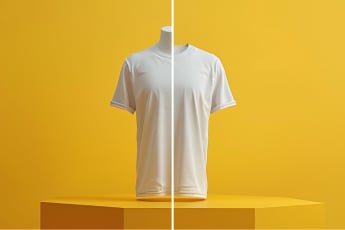
Clear out background clutter, props, cables, trash cans, table marks, or other objects that draw the eye away from the subject.

Take out a passerby, stranger, or extra person from a travel shot, event photo, or group image while keeping the main subject in focus.

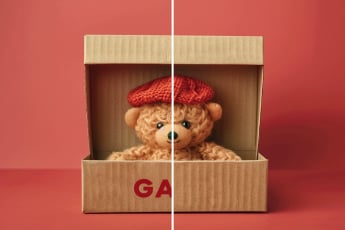
Remove Text, Logos & Watermarks
Brush over unwanted text, labels, logos, tags, or watermarks when they sit on top of the image and need to be cleaned from the final photo.

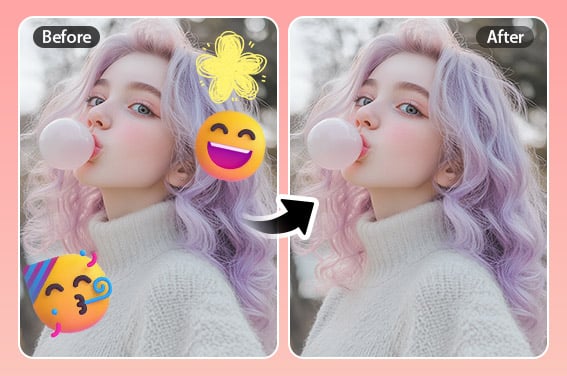
Remove Emojis & Stickers from Photos
Remove stickers, emojis, filters, or overlays that cover a face, product, sign, or background detail.

Lighten distracting shadows on faces, objects, walls, or flat-lay photos so the subject looks clearer.

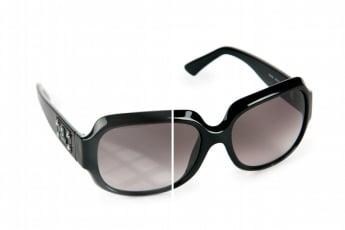
Remove Glare & Reflections from Images
Reduce glare, reflection marks, or light streaks on glass, shiny products, screens, and scanned photos.

Remove Scratches & Stains from Old Photos
Repair scratches, stains, dust spots, and small marks on old photos while keeping the people and important details intact.

Remove Clutter Lines from Photos
Erase wires, fence lines, scribbles, drawn marks, and other thin distractions that cut through the image.

Remove Blemishes, Spots & Face Marks
Retouch small portrait distractions such as blemishes, spots, acne marks, or fine wrinkles without changing the whole face.

A Magic Eraser made for quick photo erasing
Some edits are too small for a full design project but too noticeable to ignore. insMind's AI Magic Eraser is built for those fixes: remove one object, clean a product photo, clear text from a picture, or tidy up a portrait before posting.
Upload your image, mark the area, and check the result before you save it. If the edge is detailed, zoom in and use a smaller brush. If the object is large, cover the full shape so the background fill has enough room to blend.

Remove more than one distraction in the same edit
A photo often has several small problems: a cable near the product, a shadow across the table, and a label in the corner. Mark the areas together instead of repeating the same edit one by one.
This is useful for e-commerce photos, social posts, travel pictures, and marketing images where one clean version needs to be ready quickly.

Edit from desktop, mobile browser, or the app
You can open the Magic Eraser online from Windows, Mac, iPhone, or Android. For frequent mobile edits, use the insMind app to clean and refine photos while you are away from your desk.
The workflow stays simple across devices: upload the photo, mark the unwanted area, preview the result, and download the cleaned image.
How to use the AI Magic Eraser
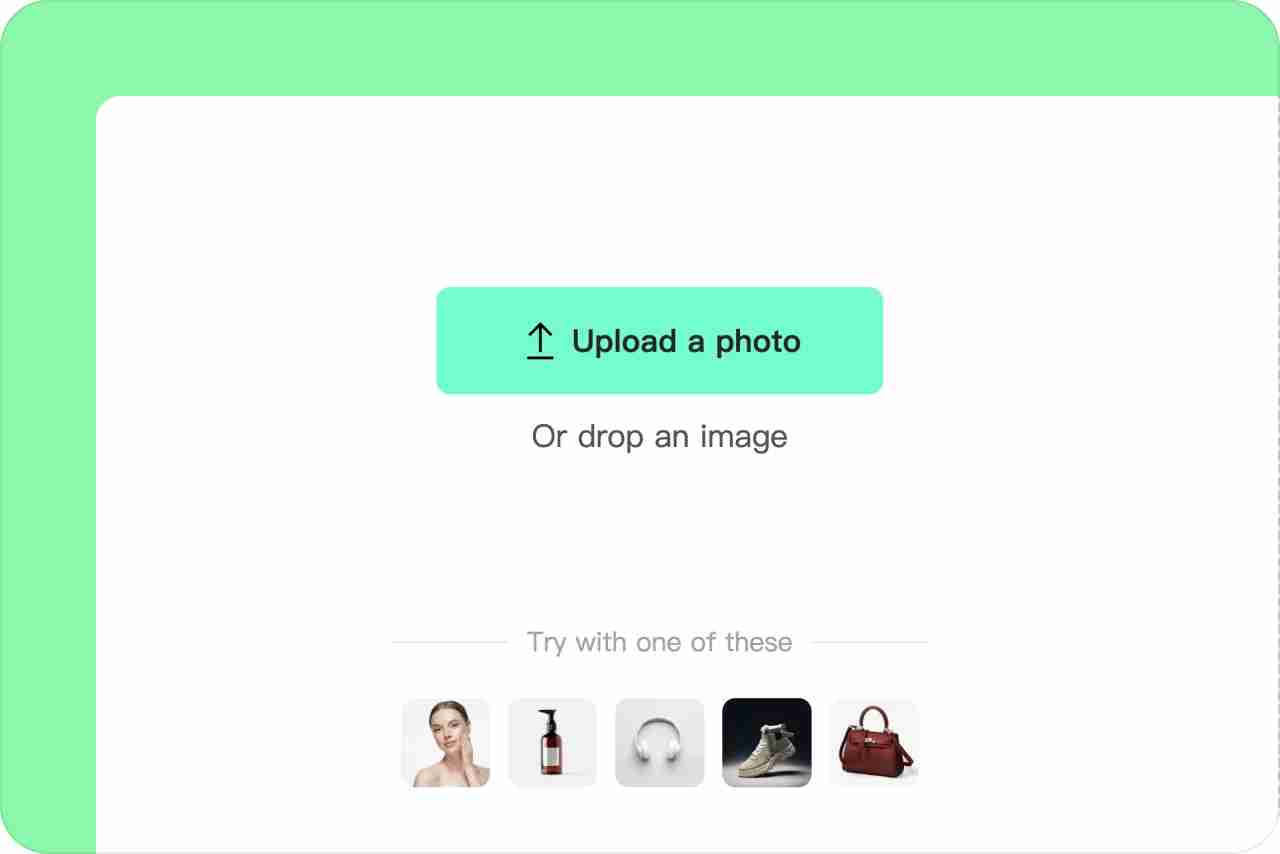
1 Upload your photo
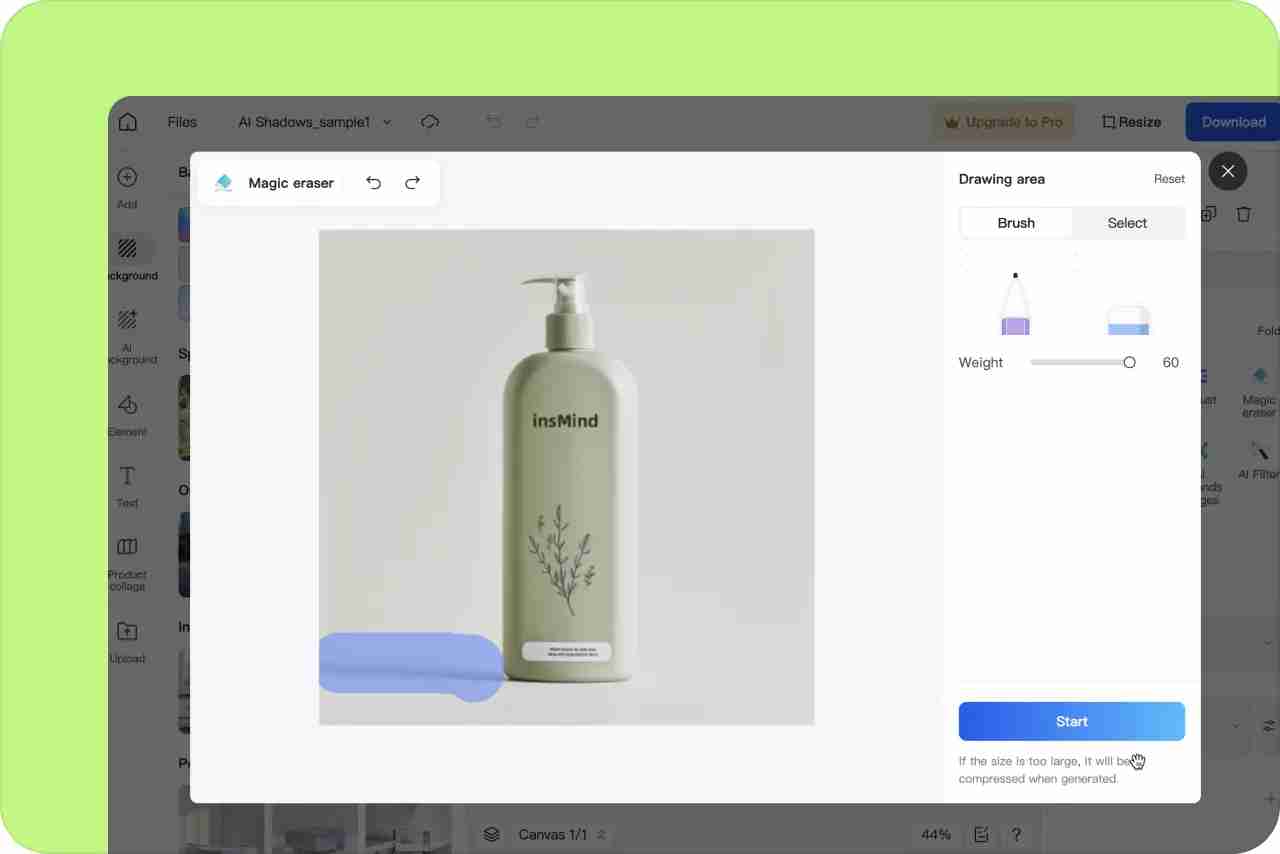
2 Mark the unwanted area
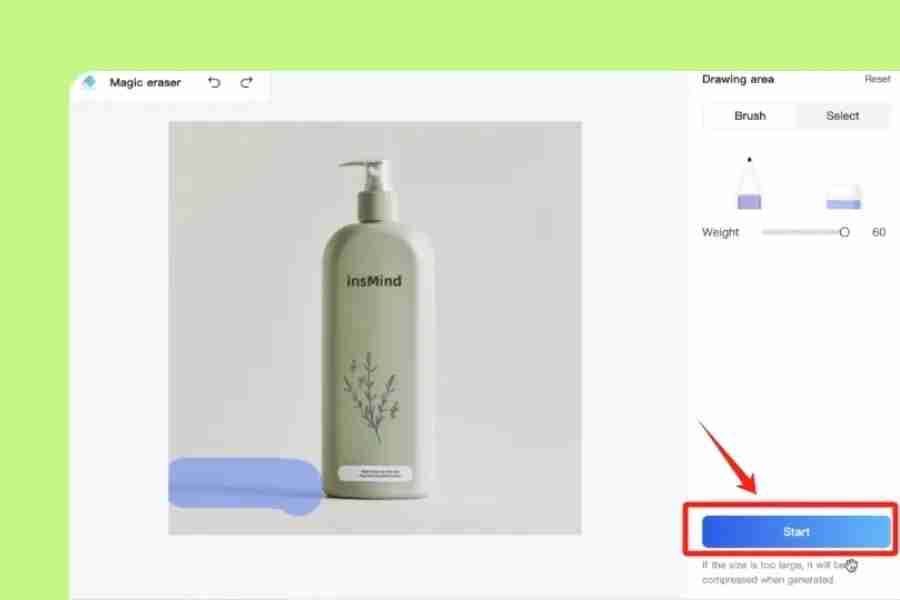
3 Start erasing and preview the result

4 Download the edited photo
Where a photo eraser helps most
Magic Eraser is most useful when the photo is already good, but one detail gets in the way. These are the photo fixes that come up most often.
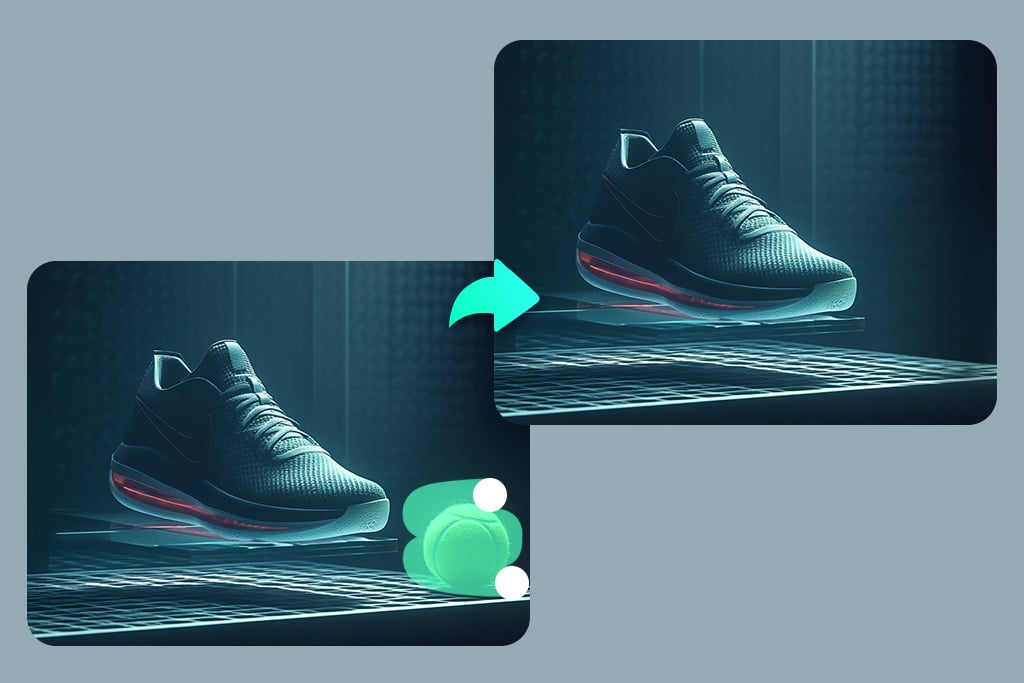
Product Photos & E-commerce
Clean product photos by removing props, labels, cords, dust, or background clutter before adding the image to a store, marketplace, or ad.

Social Media Content
Keep the focus on the subject in social posts by removing clutter, photobombers, stickers, or small marks that make the image feel busy.

Event Photos
Remove strangers, bags, chairs, signs, or wires from wedding, party, and event photos without reworking the whole image.
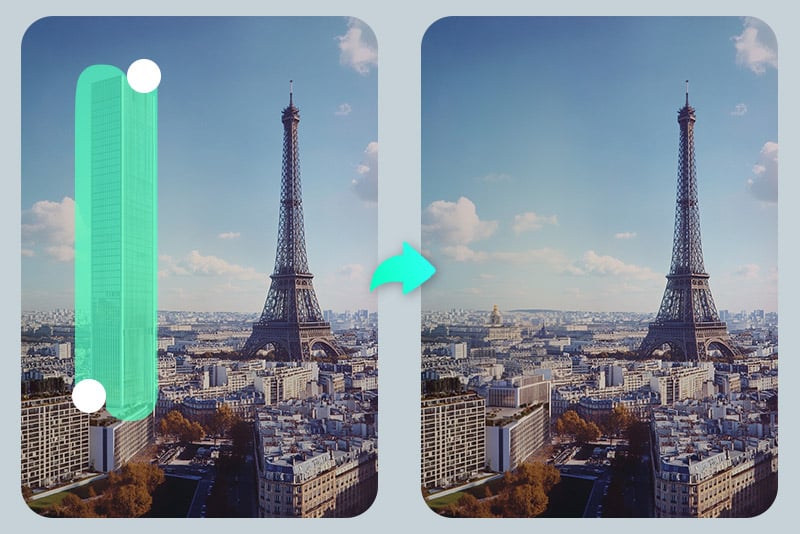
Real Estate & Interior Photos
Tidy interior and real estate photos by clearing trash, cables, personal items, floor marks, or temporary objects before publishing the listing.
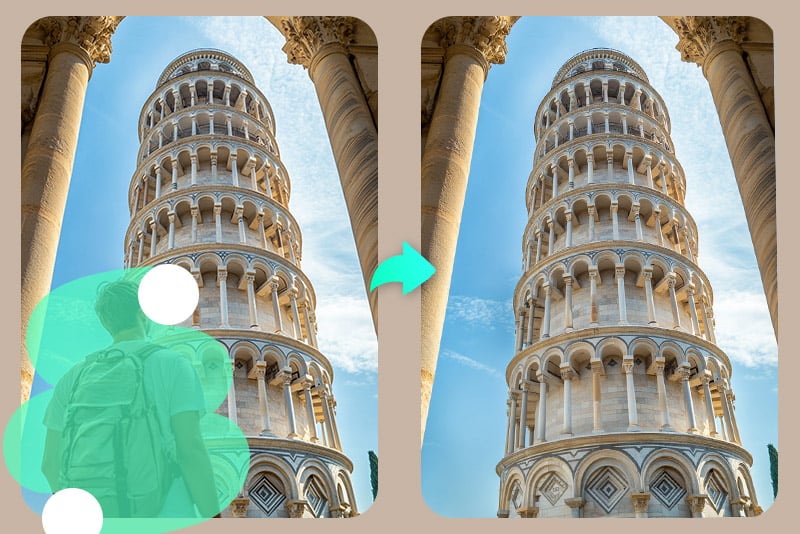
Travel & Landscape Photos
Erase power lines, people in the background, signs, or other details that pull attention away from a travel or landscape shot.
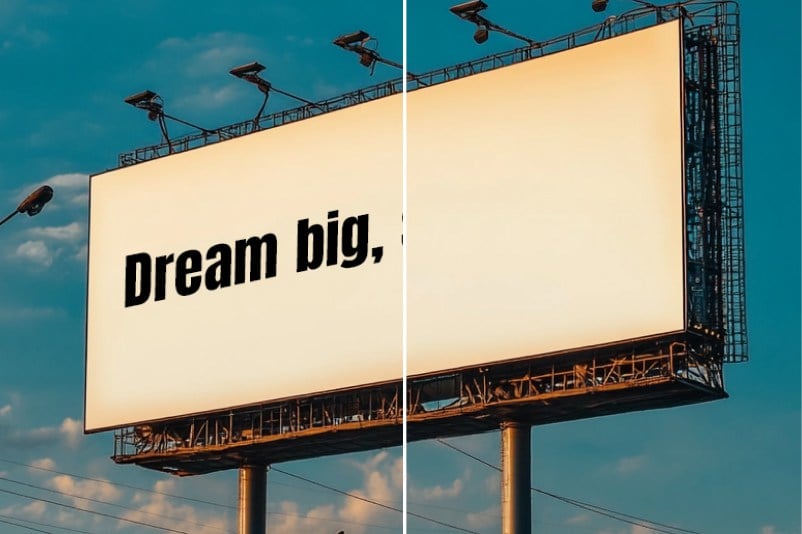
Polish Marketing Materials
Prepare more focused banners, ads, thumbnails, and digital promos by removing old text, labels, product marks, or background distractions.
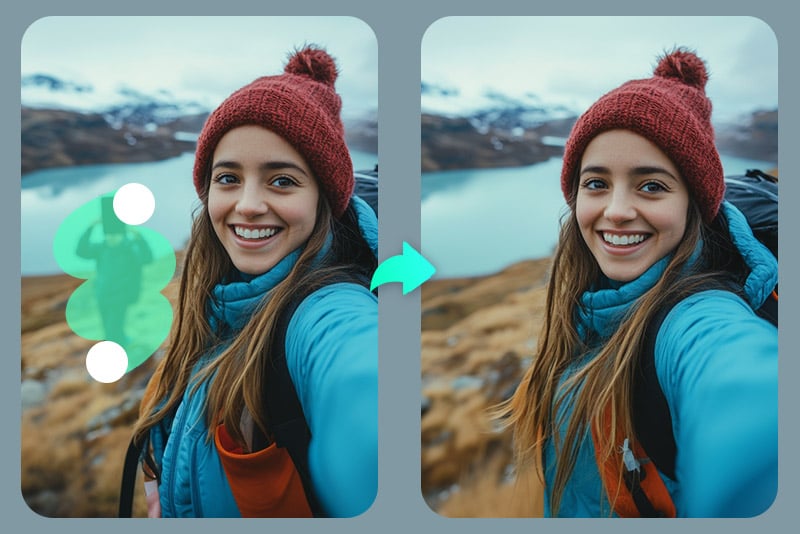
Portraits & Selfies
Make portraits and selfies look more natural by retouching small blemishes, spots, glare, or stray marks without changing the face.

Remove studio stands, props, background marks, or equipment from professional photos before using them for LinkedIn, resumes, or business profiles.
Why use insMind AI Eraser?

Simple area selection
Brush over the part you want to remove and keep the rest of the photo untouched. No layers or manual cloning needed for basic erasing.

Cleaner background fill
The eraser fills the selected area by reading nearby colors and textures, so small removals look more natural.

Beginner-friendly editing
The workflow is made for quick fixes: upload, mark the area, review the edit, and save the cleaned photo.

Manual brush and auto-selection
Choose the brush for free selection, or use auto-selection when the object has a clear shape.

Zoom and brush-size control
Zoom into small areas and adjust the brush size when working around edges, faces, text, or product details.

Clean output without heavy blur
The tool is designed to remove the selected area while keeping the surrounding image clear. For detailed backgrounds, refine the selection before downloading.
FAQs about AI Photo Eraser
What is an AI Magic Eraser?


How do I use the AI photo eraser?
Is insMind Magic Eraser free?
Can I use Magic Eraser online without installing software?
What can I remove with the photo eraser?
Can I remove text or a watermark from a picture?
Can this AI eraser remove people from a photo?
Can I preview and fine-tune the result before downloading?
When should I use AI Magic Eraser instead of manual editing?
More tools for cleaning up photos
Continue editing with tools that handle text, people, shadows, glare, backgrounds, and image quality.

Remove Watermark From Photo
Remove Text From Image

Remove People From Photo
Remove Glare From Photo

Remove Shadow From Photo
Remove Emoji & Sticker from Photo

Edit Text in Image
Cleanup Pictures

AI Replace

Background Remover
AI Image Expand
It is fast and efficient. I can erase distractions from multiple images in minutes.
@Ryan Yates