
Remove People from Photos Online with AI Effortlessly
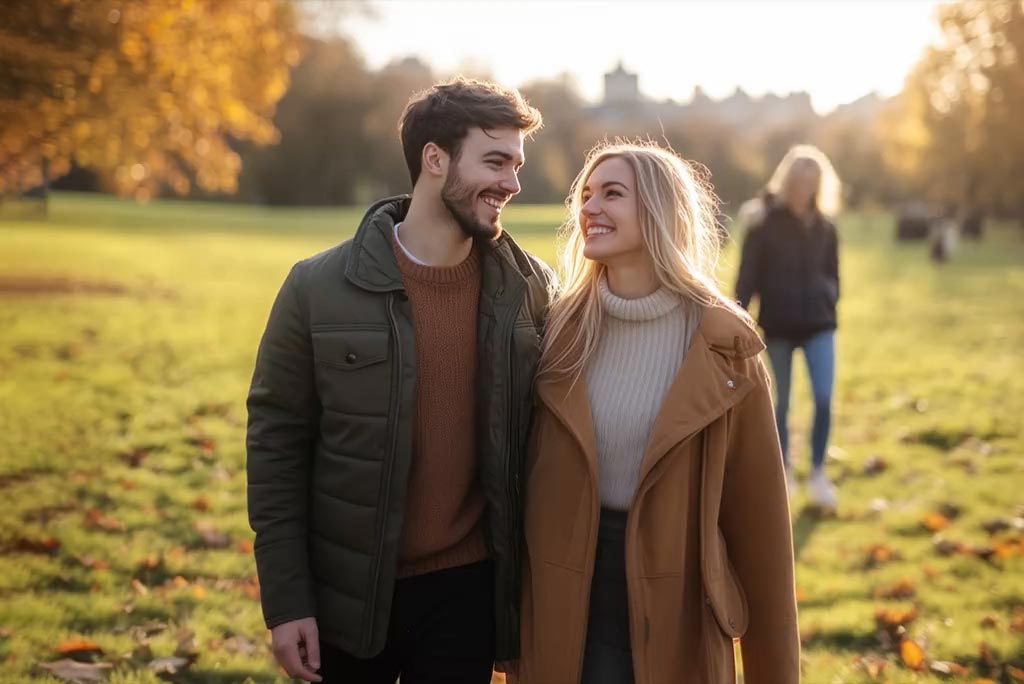



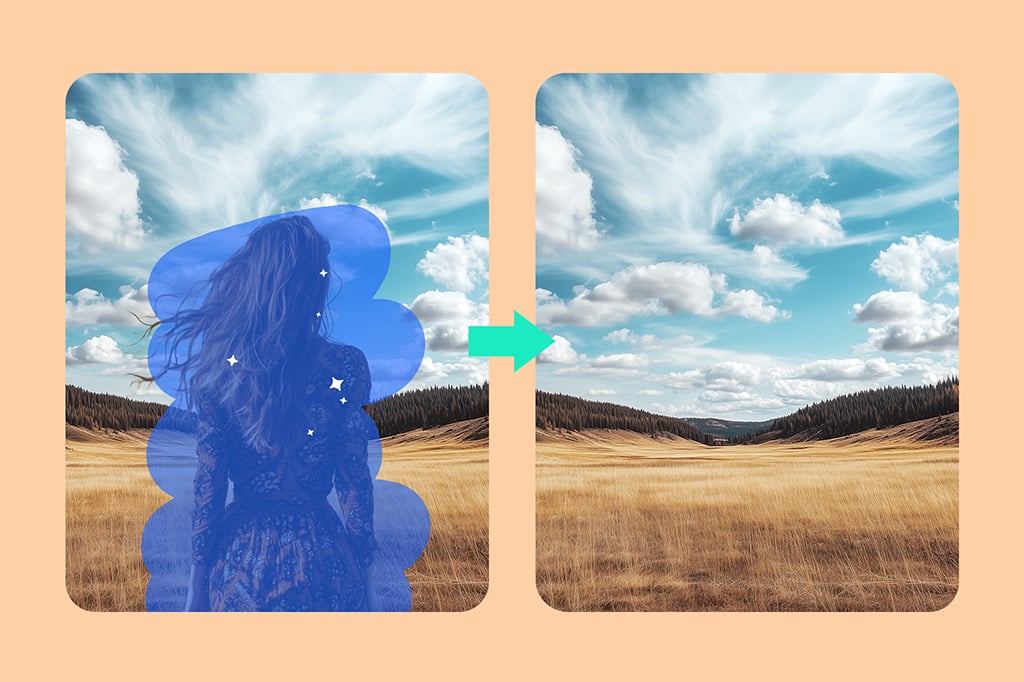
Remove People from the Background Seamlessly
Looking for an easy AI person remover? insMind is the best online tool to help you remove someone from a photo. It ensures a seamless output without affecting the original background. With advanced AI technology, it detects the person you want to delete and fills in the background with a natural result.
Whether you need it for social media posts or professional product photos, it is a great helper for your everyday tasks. Start removing people from the background of your picture instantly.
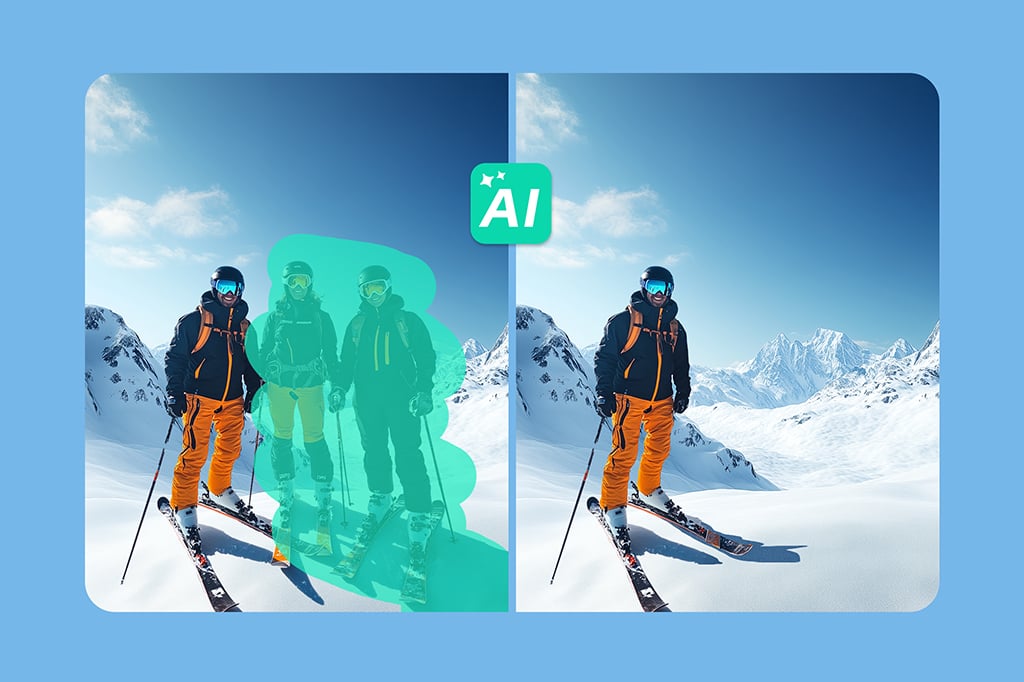
Edit out Person in Photo Automatically
Want to cut someone out of your picture? This photo editor removes person from pictures with an automatic process. No manual photoshopping is needed; just upload and let AI help you. It can cut people out of the picture precisely and naturally.
Whether you want to erase people for better street photography, protect the privacy of a person in your photo, or simply focus on the main subject—you've found the right tool!
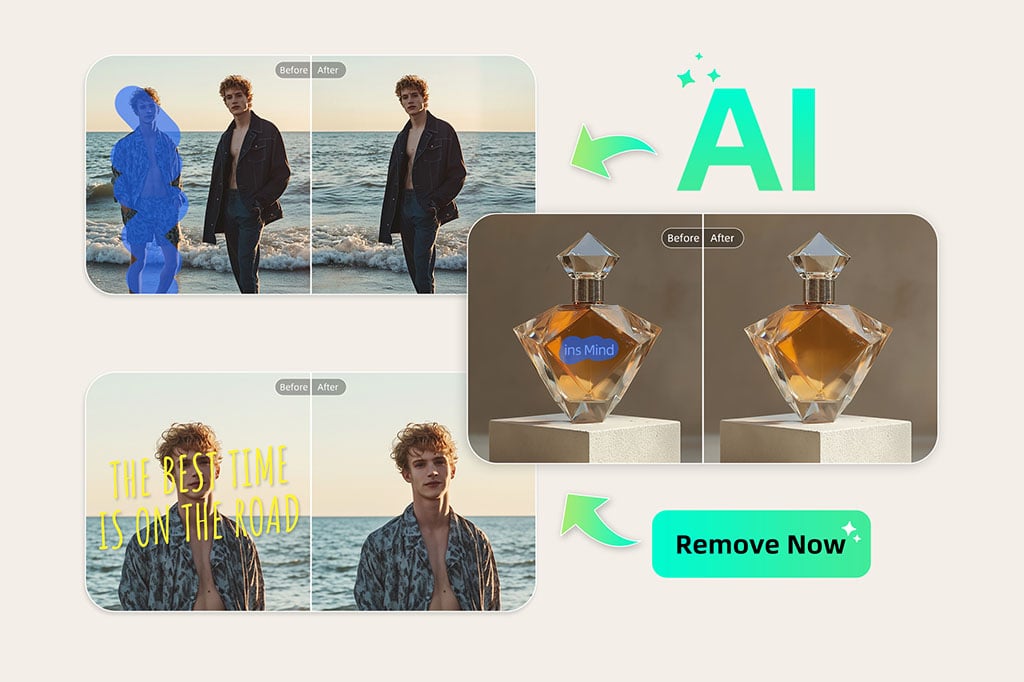
Erase Anyone from Any Photo with AI
Whether you want to remove the person beside you, the crowd in the background, or the person next to the product, our tool can help. Our AI person remover can erase anyone from your photos easily.
Whether it is a travel photo, a wedding photo, a landscape photo, or a family portrait, it is easy for you to erase someone. You can truly erase anyone from any photo. Start using our magic eraser now.
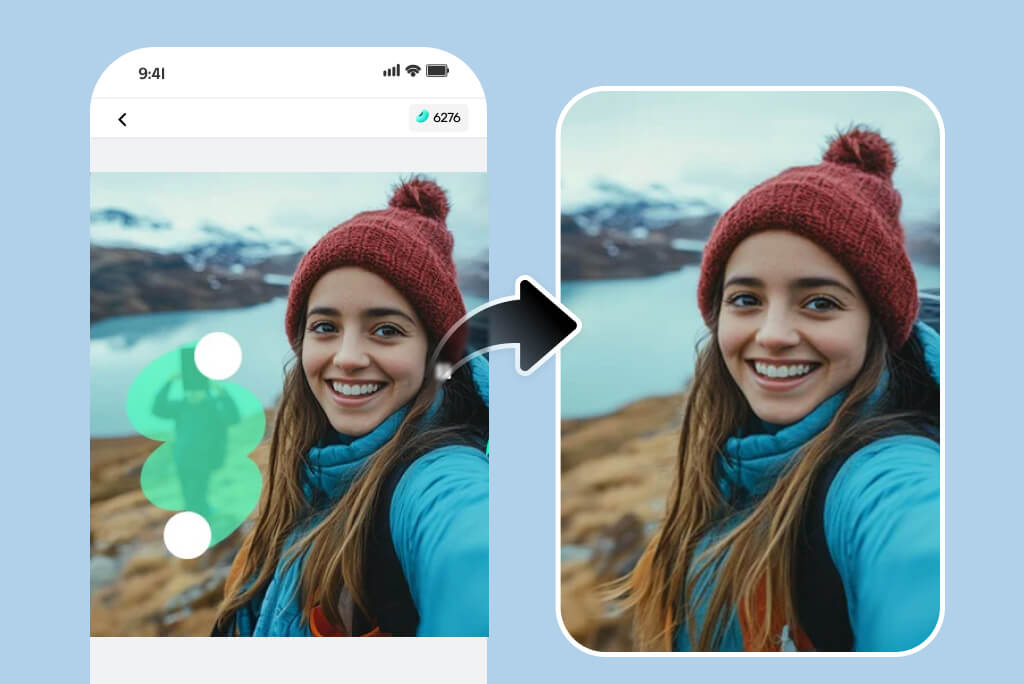
Delete Someone from Picture on the Go
Our AI background people remover empowers you to deal with photos anytime, anywhere. When you are not on a desktop, you can also use your mobile phone to delete person from photos easily.
Mobile use is becoming more and more popular now. You may take a picture on your phone and retouch your photo directly without having to transfer it to your desktop. You can delete people from pictures by using our tool on your mobile browser, or you can download our iOS and Android apps.
Explore More People Removal Features
How to Remove People from Pictures with AI — Step-by-Step Guide

1 Step 1. Upload your image

2 Step 2. Mark the person

3 Step 3. Erase the person

4 Step 4. Download the edited image


What Can You Erase with AI People Remover?
Remove passersby from photos
Passersby often appear when you take pictures outdoors. Don't worry—you can easily delete them and let the main subject stay in focus.
Remove crowds from the background
Our AI tool can remove not only a single person but also entire crowds with precision. Best of all, it preserves the original background perfectly.
Remove your ex from a photo
Want to erase your ex-partner from your pictures? Yes, you can. Simply upload your photo, mark your ex, and erase. Your photo will be all about you again.
Remove photobombers from travel photos
Got unexpected photobombers in your travel shots? No problem. Erase any distractions and get a clean, perfect keepsake in seconds.
Remove people from product photos for clean listings
Need clean product listings for your online store? Remove any people in the background to meet requirements, keep the focus on your product, and boost sales easily.
Crop someone out of a group photo
Want to crop someone out of a group, event, or family photo? Let our AI person remover help you. Protect privacy and get a clean photo ready to share.
Remove strangers from outdoor photos
Did a random stranger appear in your outdoor pictures? Cleaning up your photos has never been easier. Remove strangers instantly with our AI tool.
Erase reflections of people in mirrors or glass
Sometimes people appear in mirrors or window reflections. We've got you covered—you can precisely erase those reflections in seconds.
Who Is the AI Person Remover For?
It enables users to effortlessly eliminate unwanted individuals from images, resulting in clean, distraction-free photos.
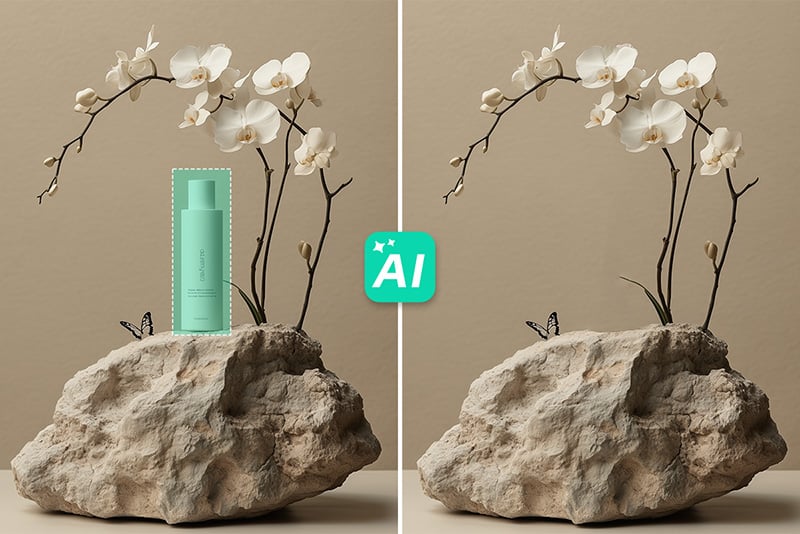
E-commerce Sellers
Improve your product's portrait by erasing all intruding individuals to avoid drawing attention to them other than to your product.
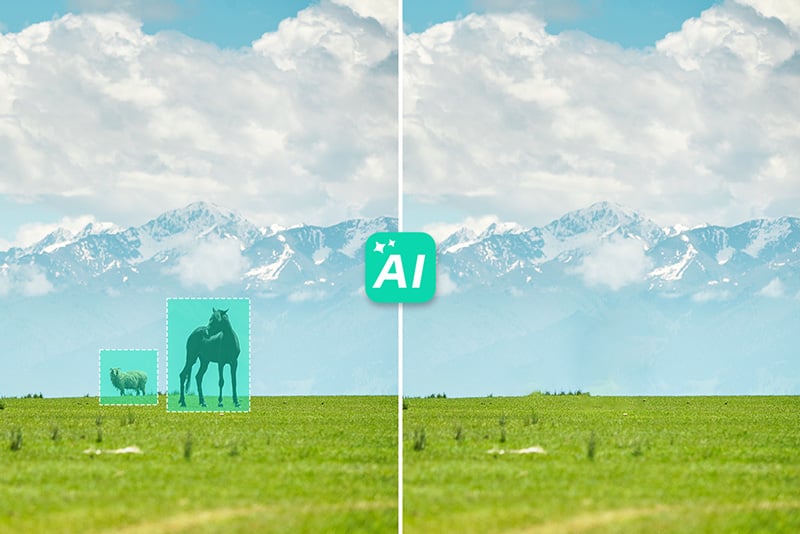
Photographers
Learn how to eliminate people in the background or anything you do not want in your photos when taking landscape photos.
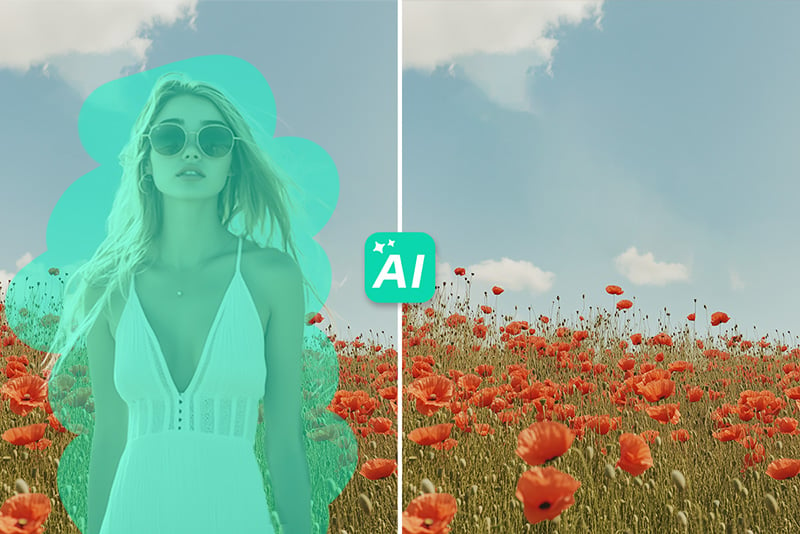
Any Person
Enhance your images by getting rid of those unwanted individuals who invaded your memorable photos.

Social Media Influencer
Delete unwanted people from pictures and create clean posts for your social media. Get more engagement instantly.
Why Choose insMind People Remover?

Efficient and Easy

High-Quality Results

Versatile Editing Options
FAQs about Removing Soneone frm Pictures
Is it easy to remove people from photos with insMind?


Does insMind support removing objects other than people?
Does insMind decrease the image quality after editing?
Do I need to download any software to use insMind People Remover?
Can I use insMind people remover for professional requirements?
You might also be interested in
Make your pictures pop with creative AI tools you can explore during a free trial.
Remove Text From Image

Remove Shadow From Photo
Remove Glare From Photo

Remove Watermark From Photo

AI Background

"I needed to remove some people from a photo for a social media campaign, and insMind's tool did an outstanding job. The process was quick, and the final image looked perfect. It's now my go-to tool for editing photos!"
@Rachel M