
Expand and Uncrop Images with AI






Expand Images Online with AI
Need a wider product photo, social post, or banner crop? Upload your image, set the canvas, and let the AI image expander create new surrounding pixels that match the original scene.
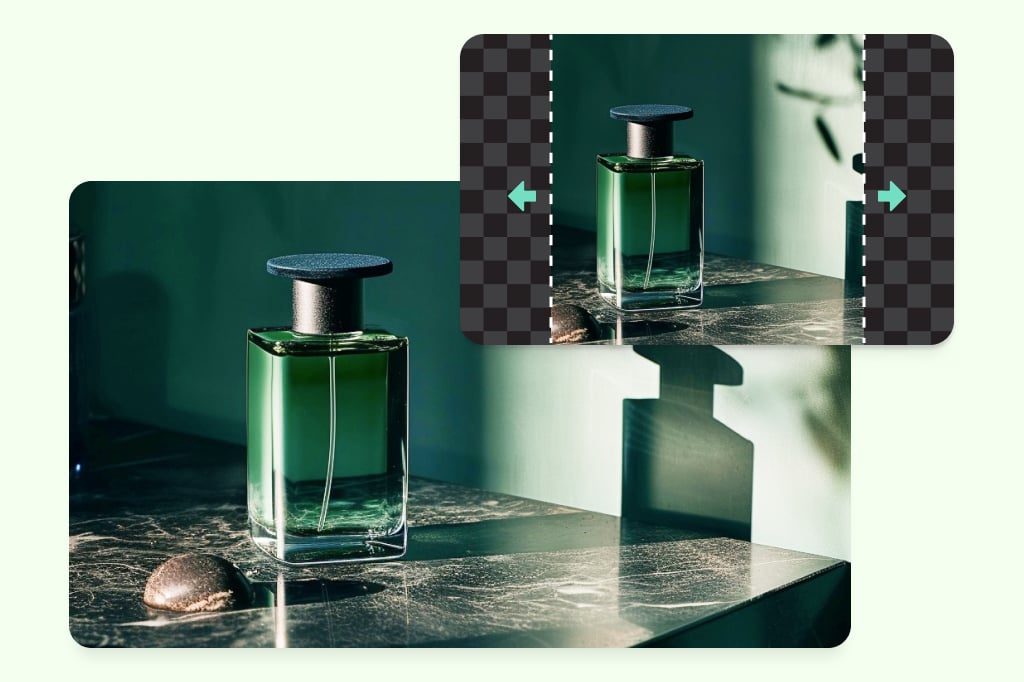
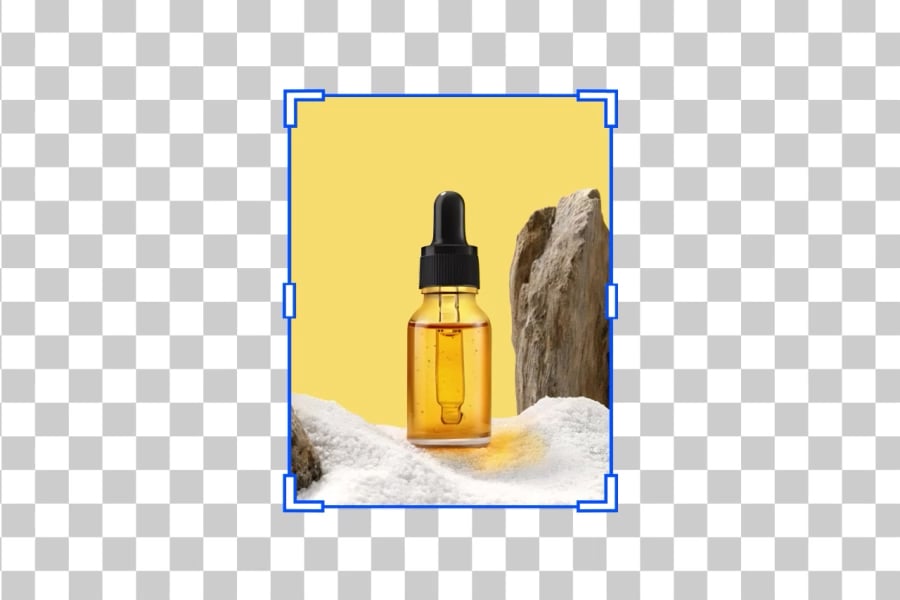
Extend Product Photos for Stores and Ads
Give product shots more breathing room for listings, ads, and marketplace layouts. Use the expanded background to fit square, portrait, or banner formats without manually rebuilding the scene.
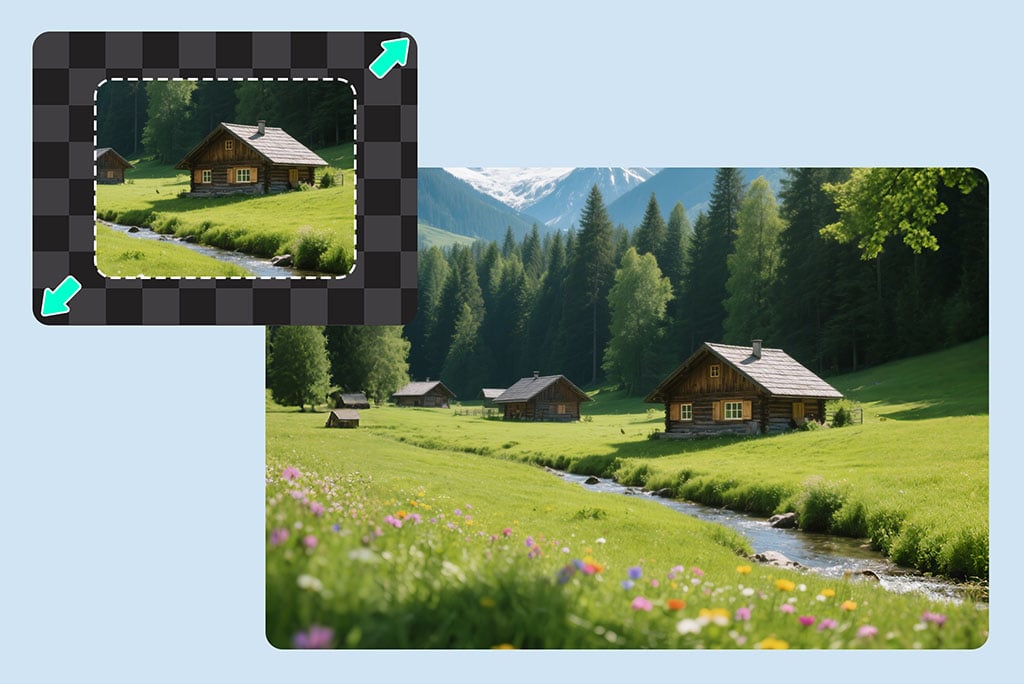
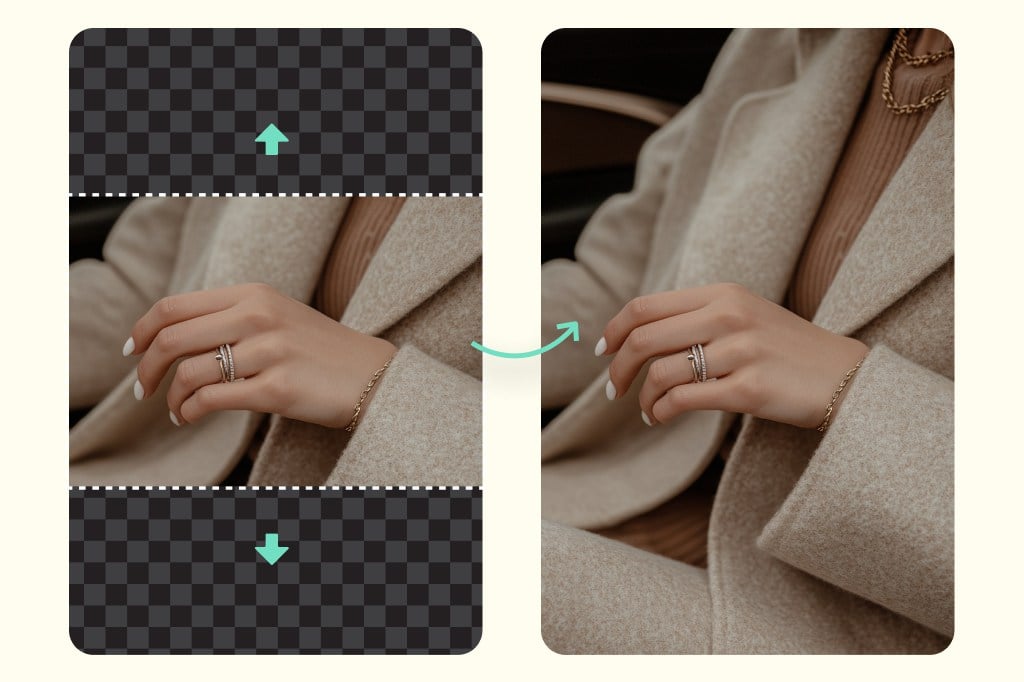
Fill Backgrounds Instead of Stretching Them
The AI background extender adds new visual content around the image rather than pulling the existing pixels out of shape. Check edges, shadows, and repeated textures before downloading.
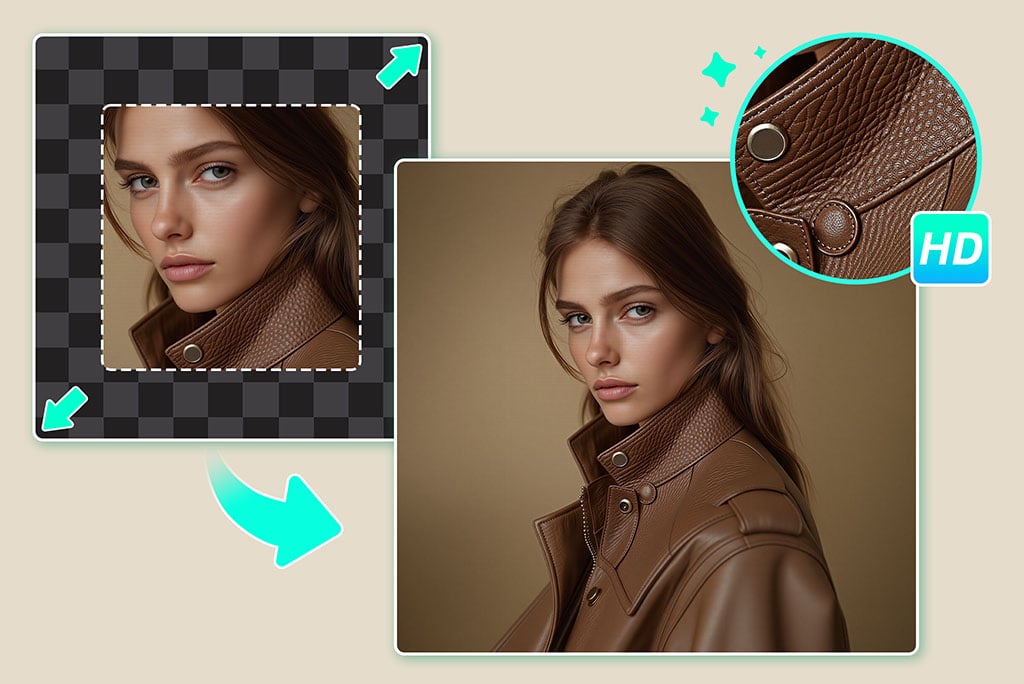
Reframe Photos for Social and Web Layouts
Turn a tight crop into a flexible image for stories, thumbnails, headers, and posts. Choose the ratio first so the extended result fits the platform you need.
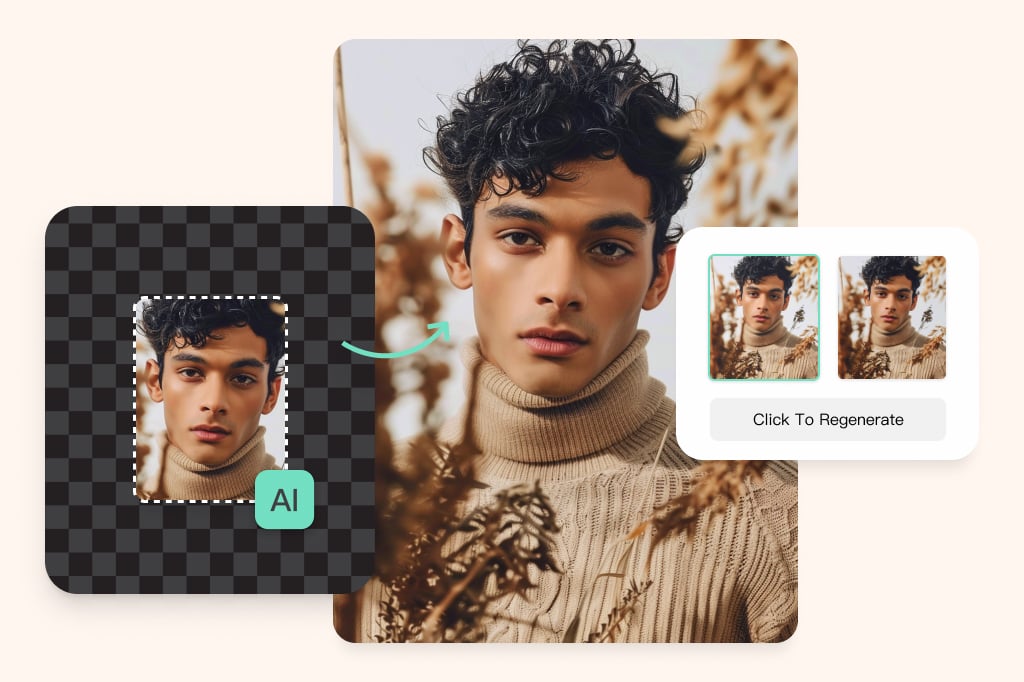
Uncrop Photos with Missing Edges
Use AI uncrop when a subject is too close to the border or part of the scene was cut off. The tool works best when the visible background gives the AI enough context to continue.
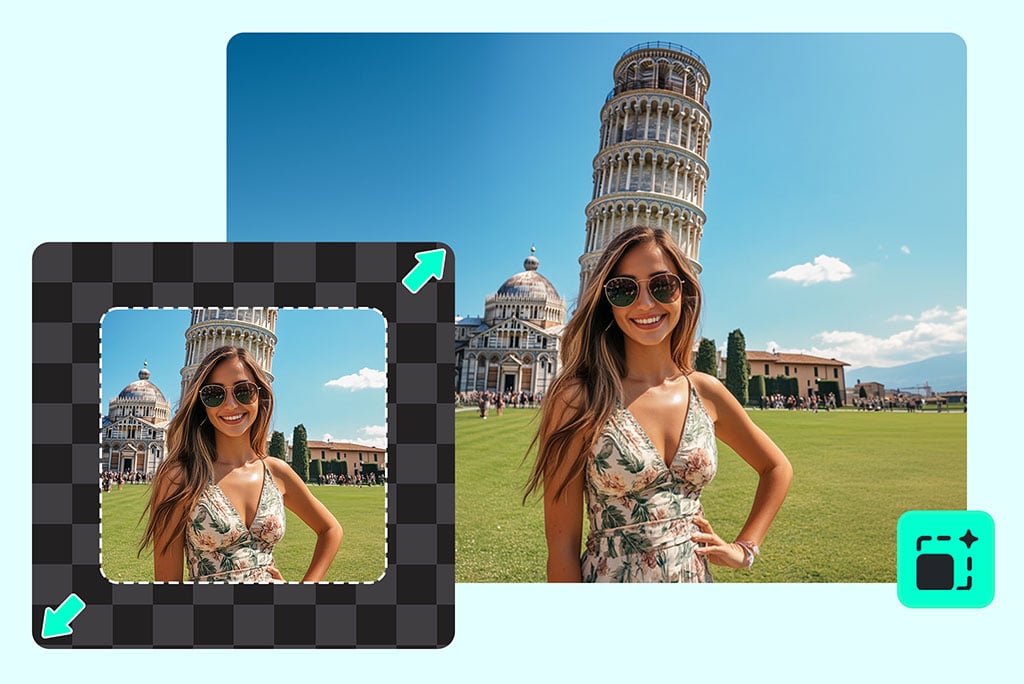
Expand Landscapes and Travel Photos
Add sky, ground, or side space to landscape shots when the original frame feels too narrow. Review the generated areas carefully if the scene has buildings, text, or detailed patterns.
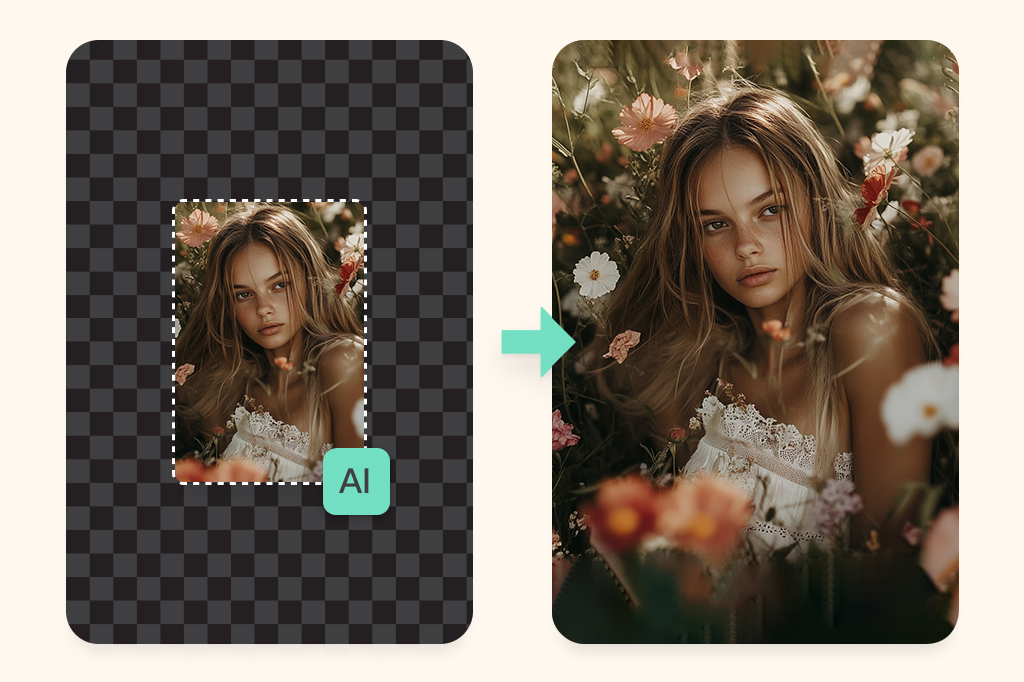
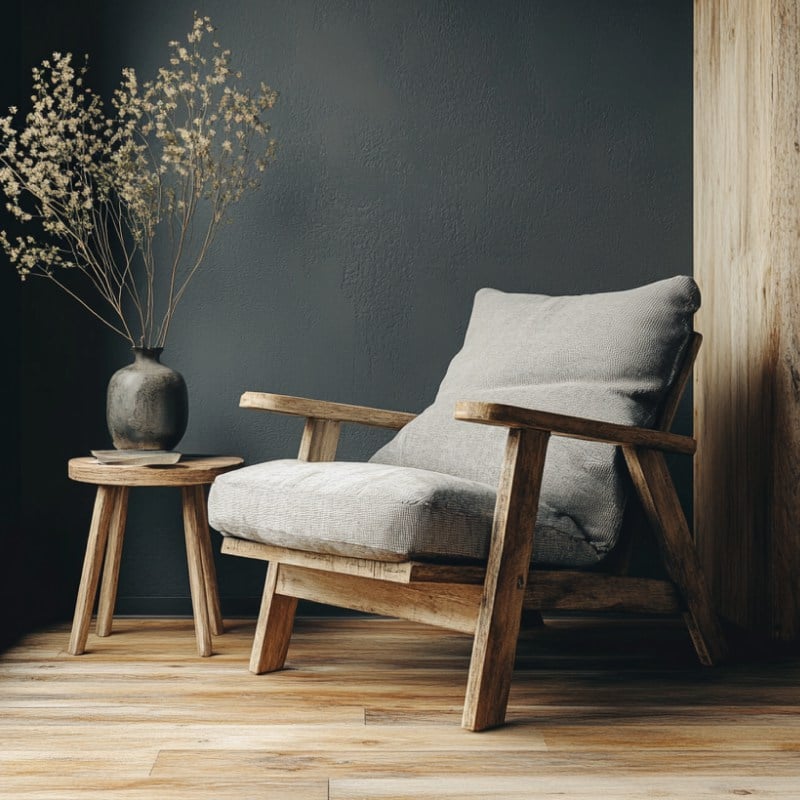
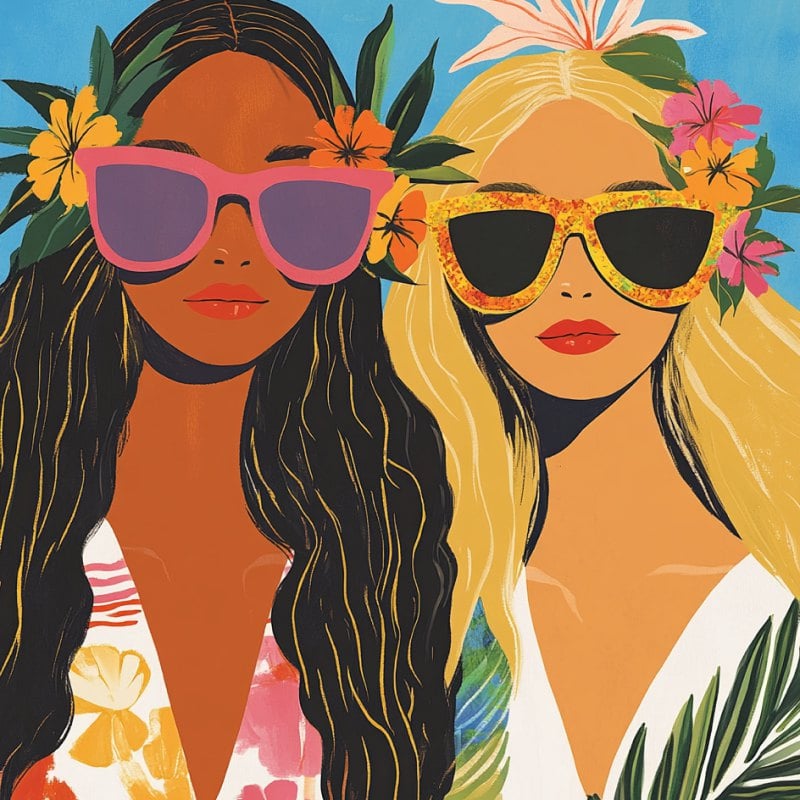
Use AI Outpainting for Creative Compositions
Create more room around portraits, products, artwork, or design drafts. For complex images, run another pass or adjust the crop when the first result needs cleaner edges.
Explore More AI Image Extender Features
How to Expand an Image with AI
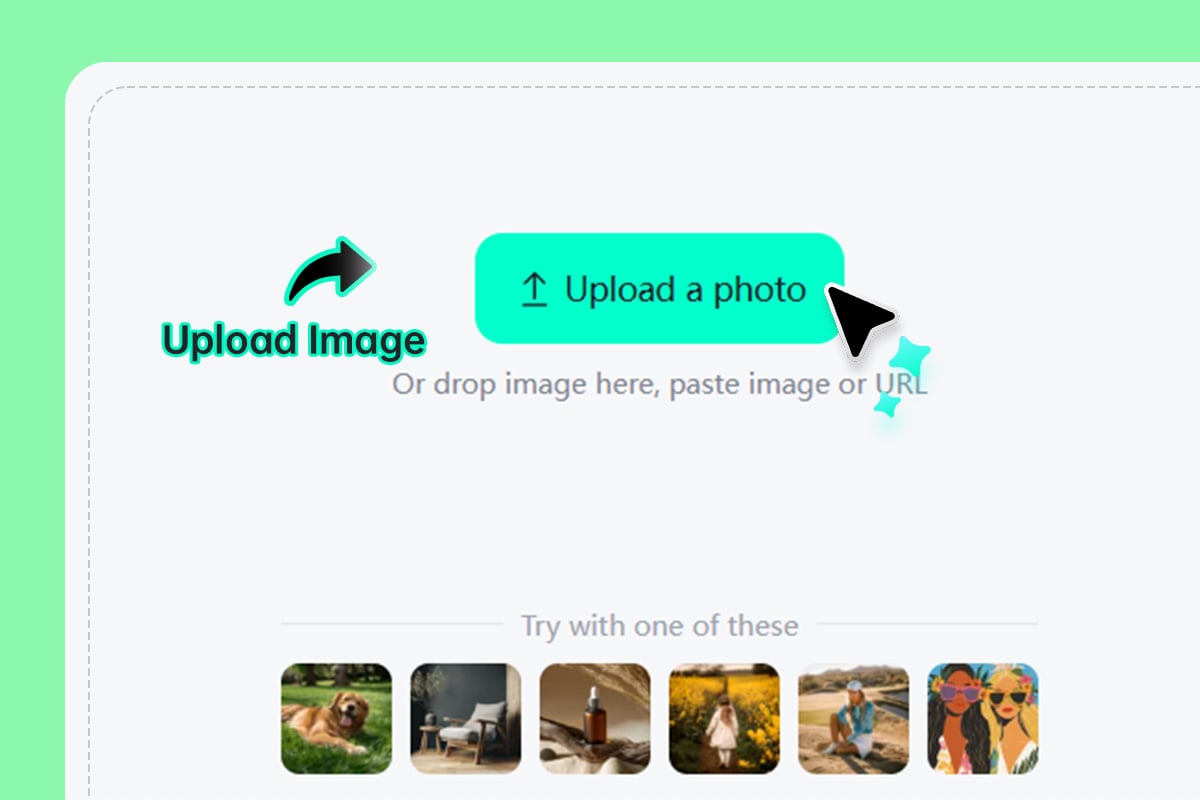
1 Upload your image
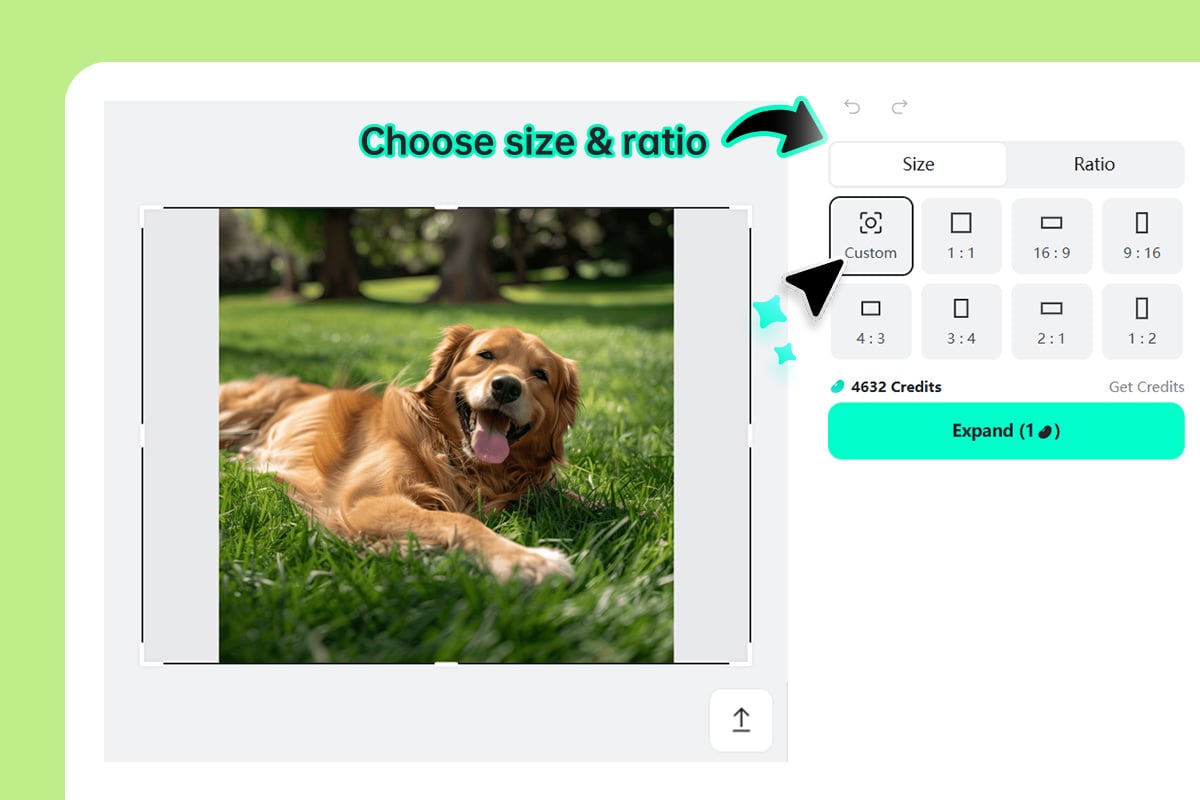
2 Choose the new size or ratio
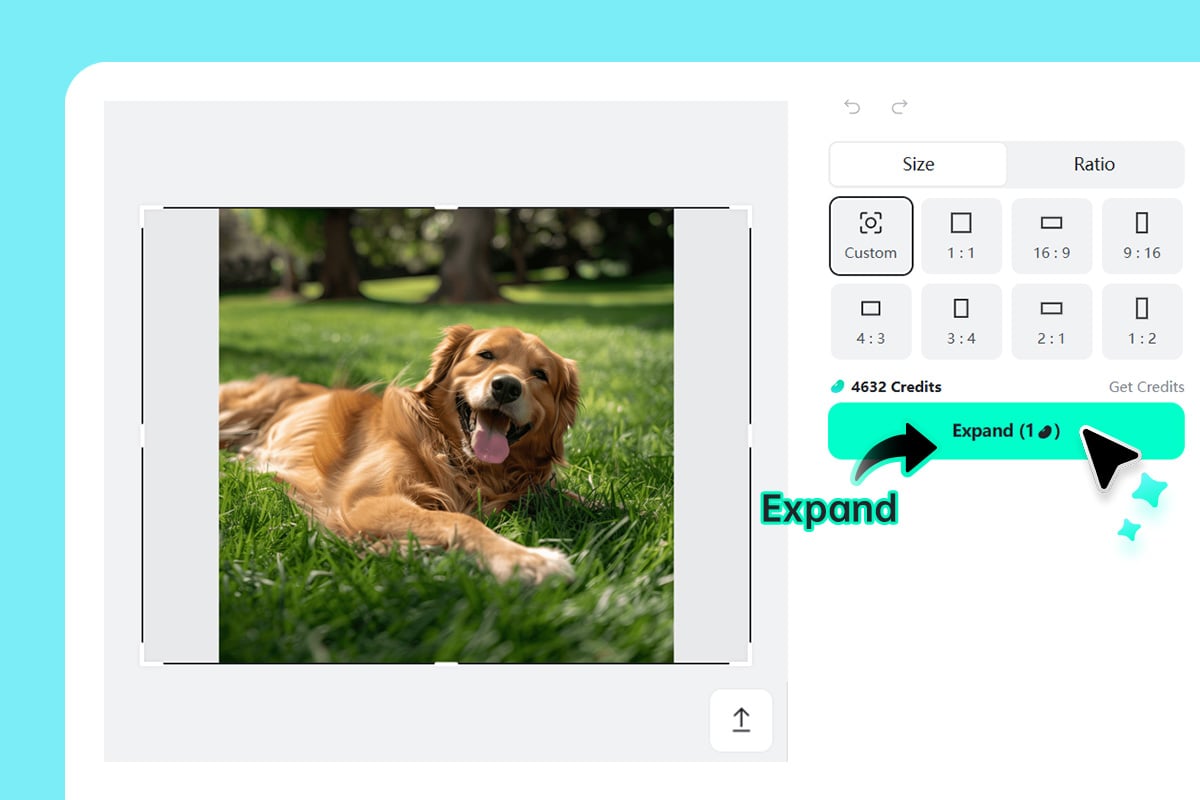
3 Generate the expanded image
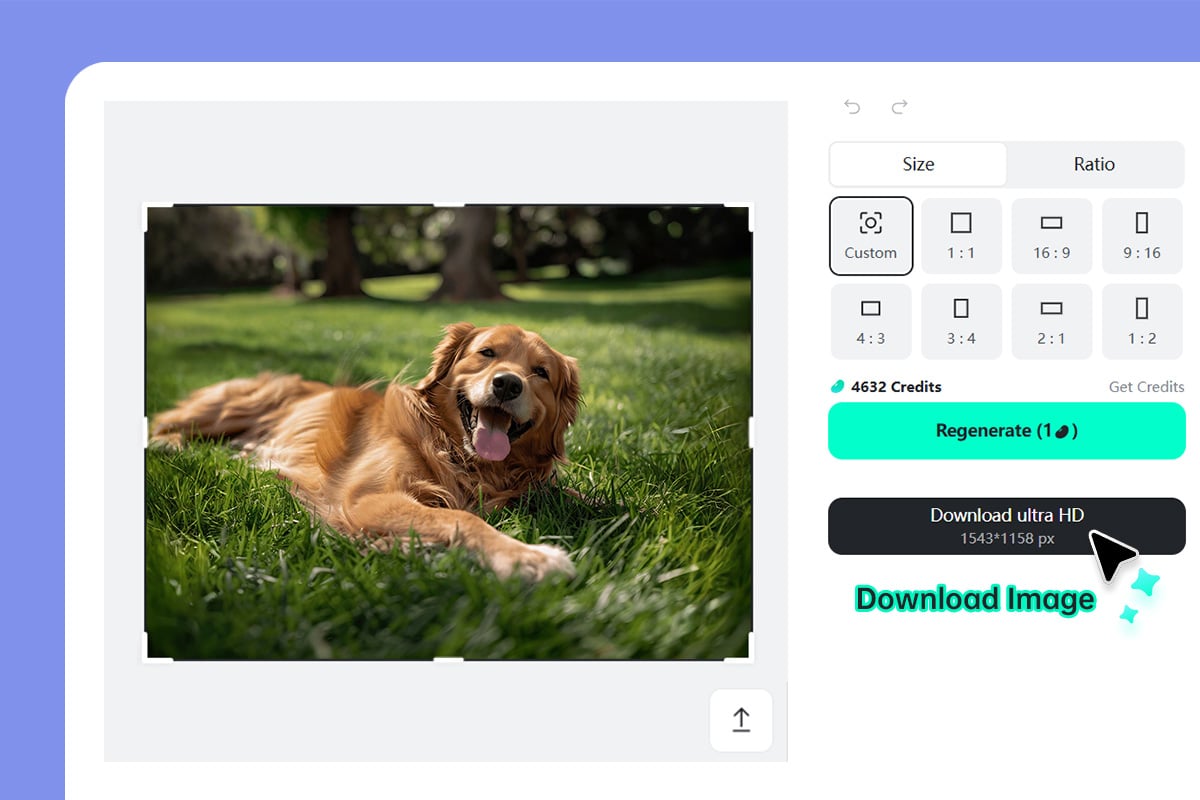
4 Download or try another pass
Use AI Image Expander for Layouts, Products, and Crops
Extend photos when the original frame is too tight, the aspect ratio is wrong, or you need more background for a design.
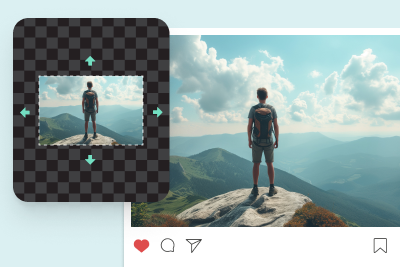
Social media posts
Fit one image into square, portrait, or story layouts without cropping out the subject. Expand the background first, then add text or design elements where there is clean space.
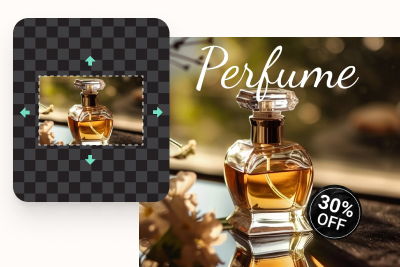
E-commerce product photos
Create extra margin around products for store listings, ads, and marketplace thumbnails. This is useful when the original image is too close-cropped for a clean layout.
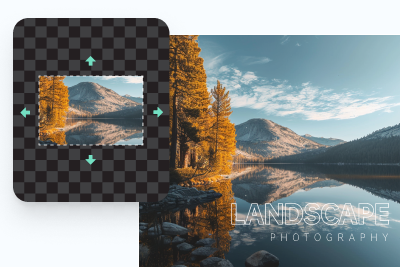
Photography and client edits
Recover framing space, adjust aspect ratios, or give a photo more room for print and web delivery. Keep a careful eye on detailed edges and patterns.
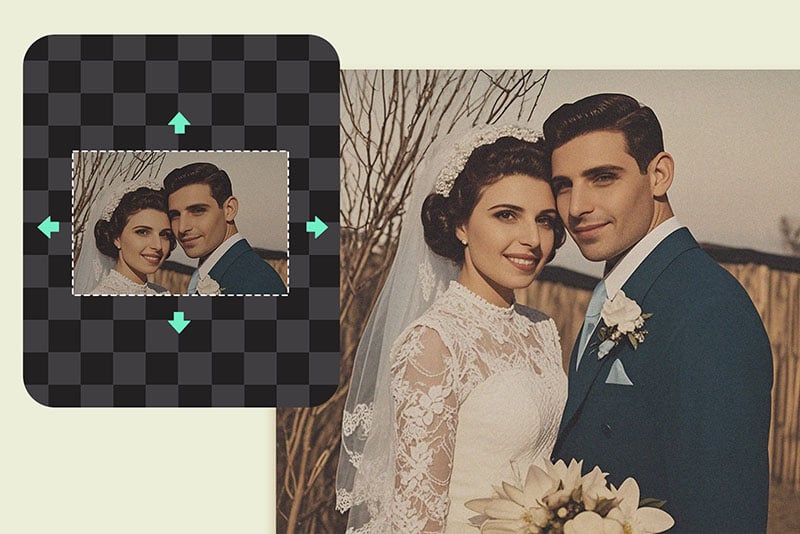
Old or damaged photo edges
Use AI expansion when the sides of an old image are missing or too tightly cropped. For scratches, stains, or face restoration, pair this with a dedicated restoration or enhancer tool.
Why Use insMind AI Image Expander?

Canvas control before generation
Choose the size or ratio you need before AI fills the new area, so the result is built for your final layout.

Useful for non-designers
The workflow is simple: upload, expand, preview, and download. No manual background painting is required for straightforward edits.

Works in the browser
Use the tool online for product images, social posts, portraits, and travel photos without installing a desktop editor.
FAQs About AI Image Expander
What does an AI image expander do?


Can I extend the background of a photo online?
Is this the same as enlarging an image?
Can I use it to uncrop a photo?
Will the expanded image always look natural?
Can I expand product images for e-commerce?
Is insMind AI image expander free to try?
More Tools for Expanding and Improving Images
Try related tools when you need sharper resolution, cleaner backgrounds, or object-level edits after expanding a photo.
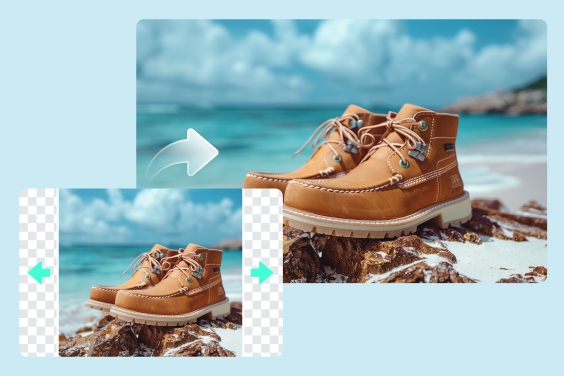
Uncrop Photo
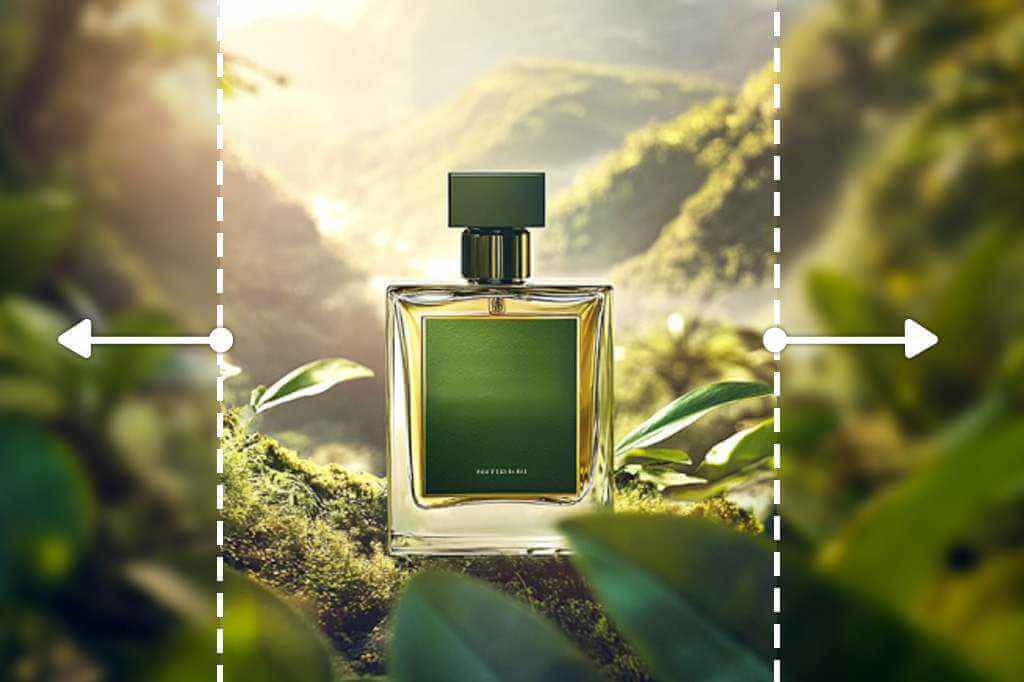
AI Outpainting
AI Replace
AI Image Enhancer
Al Background Changer
AI Photo Filter
Remove Image Background
AI Magic Eraser
Add Shadow to Image
Al Image Generator
“Used it to extend product shots for Amazon. Worked perfectly.”
@Michael