
Uncrop an Image Online with AI




Uncrop a Photo and Add Breathing Room
Use AI uncrop when a portrait feels cramped, a product sits too close to the frame, or a landscape needs more room around its subject. Choose where the canvas should grow, then compare the generated border with the original center of the photo.
Uncropping does not reveal the exact pixels that were cut away from the original file. The tool generates a plausible continuation, so check faces, hands, text, logos, repeated patterns, and straight lines before you keep the result.
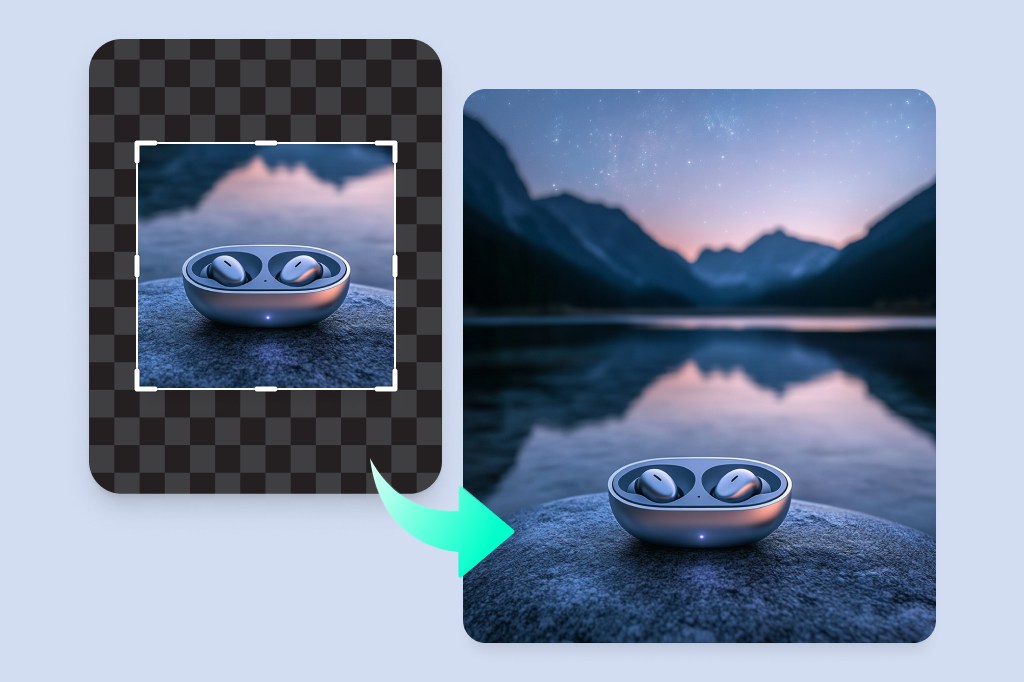
Uncrop Product Photos Without Stretching the Product
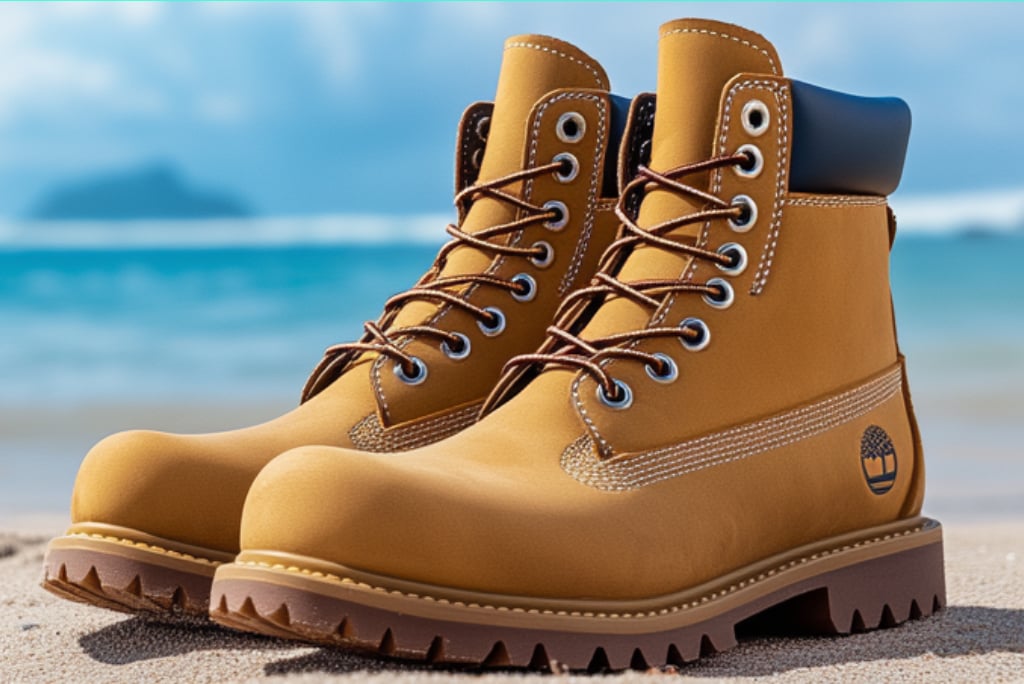
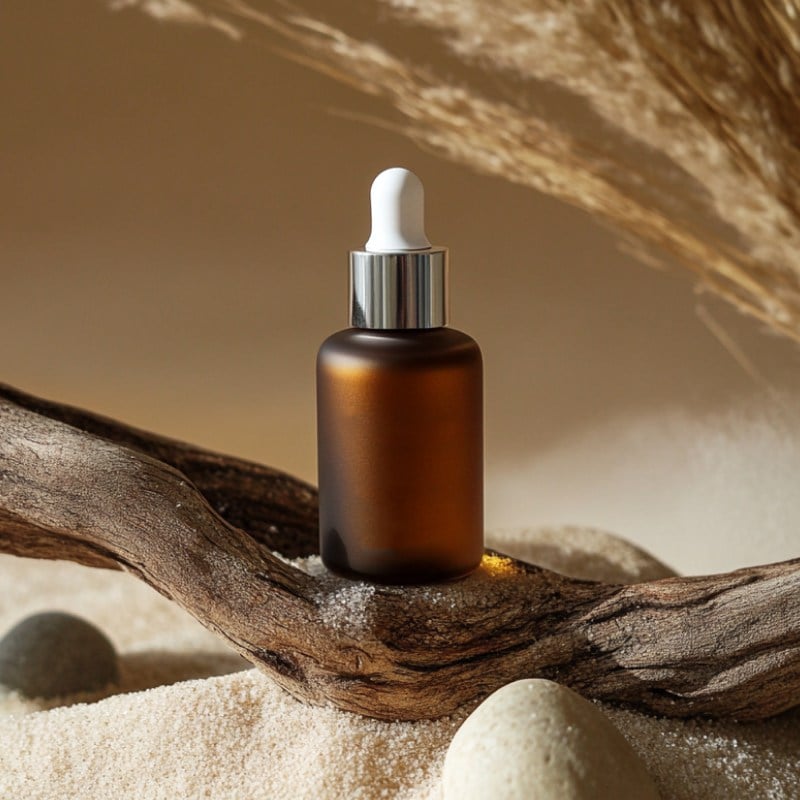
Add margin around a shoe, bottle, bag, or other item when the original crop is too close. Keep the product inside the unchanged center area and generate new surroundings beyond the frame instead of scaling the item wider or taller.
Review packaging text, product edges, shadows, reflections, and surface patterns at full size. If the new border introduces a duplicate object or broken line, reduce the added area or generate another version before using the image in a listing.

Reframe a Photo for a New Layout
A crop that works in one layout may cut off a subject in another. Uncrop the photo first to create more room around the existing composition, then place it in a horizontal, square, or vertical design without zooming the subject into the edge.
If you already have enough scene and only need exact pixel dimensions, use Smart Resize. For broader generative canvas work beyond a cropped-photo fix, use the dedicated AI Image Expander.
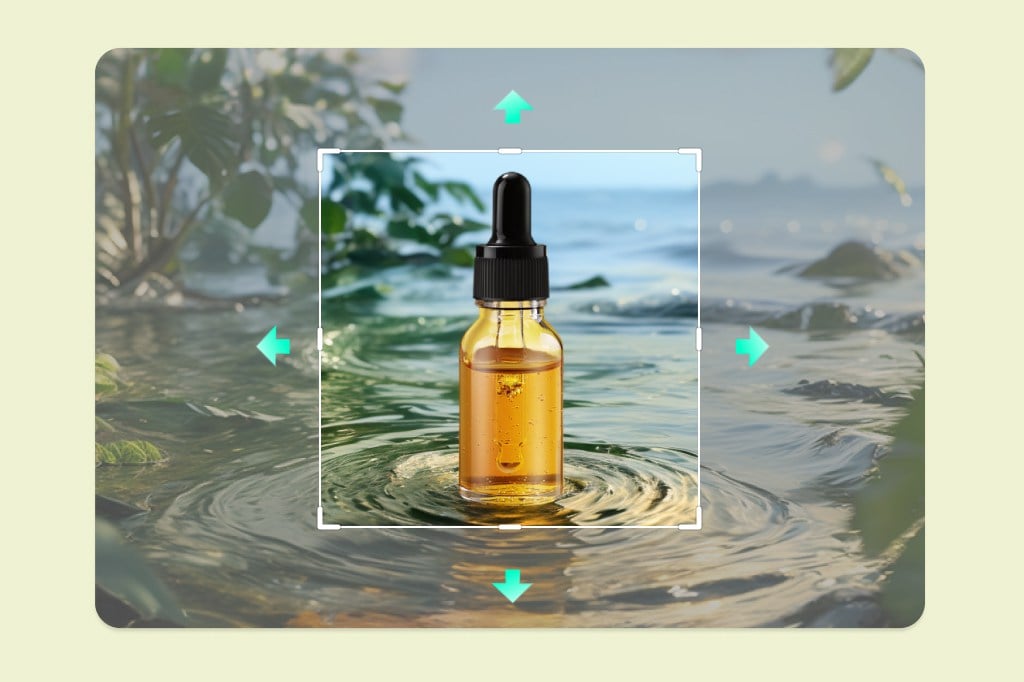
Choose an Aspect Ratio, Then Check the New Edges
Select a preset ratio or adjust the canvas for the space your layout needs. Add only as much border as necessary on the top, bottom, left, or right; a smaller extension is often easier to review than one large generation.
After the composition is fixed, use the image resizer when you need a precise width and height. Resizing changes dimensions; uncropping generates content outside the previous frame.
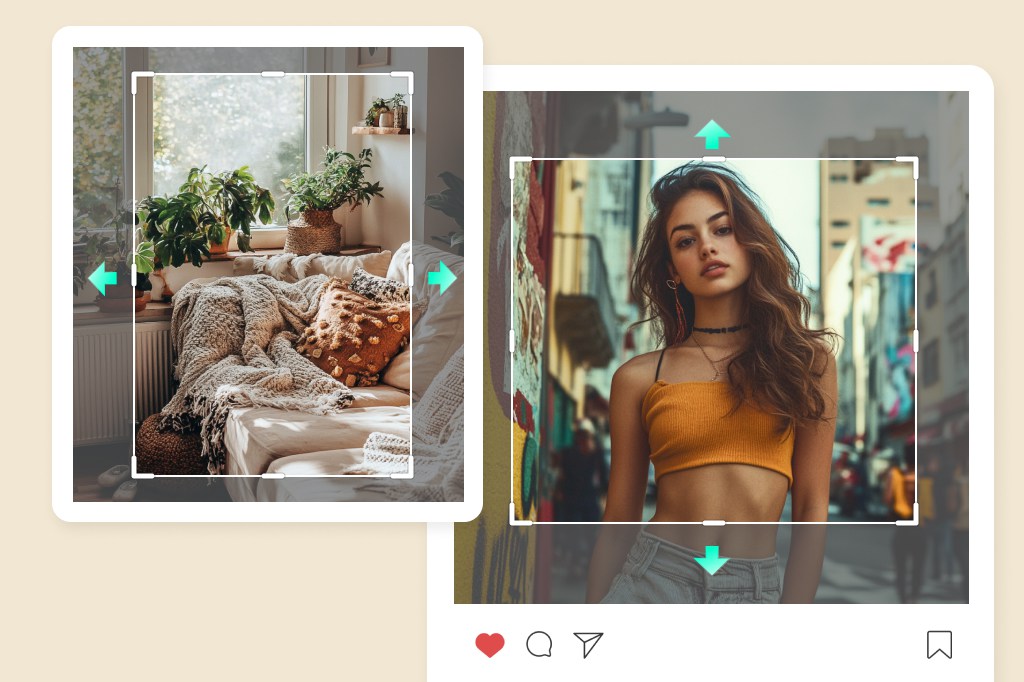
Retry Problem Areas Instead of Accepting the First Result
Look closely where the original image meets the generated border. Horizons should stay level, walls and shelves should remain straight, and textures should not repeat in an obvious tile. Portraits need an extra check around hair, shoulders, fingers, and clothing edges.
If a border looks inconsistent, try a smaller canvas change or generate another version. When the whole photo is soft rather than tightly cropped, finish with the AI Image Enhancer instead of asking the uncrop step to repair sharpness.
Continue Editing After You Uncrop a Photo
How to Uncrop an Image Online with AI

1 Upload the Cropped Image

2 Open the Uncrop Tool

3 Set the New Frame and Generate

4 Inspect, Retry, and Download


When to Uncrop a Photo
Fix a cramped composition, create room around the subject, or adapt a crop for another layout. The generated border should always be reviewed against the original image.
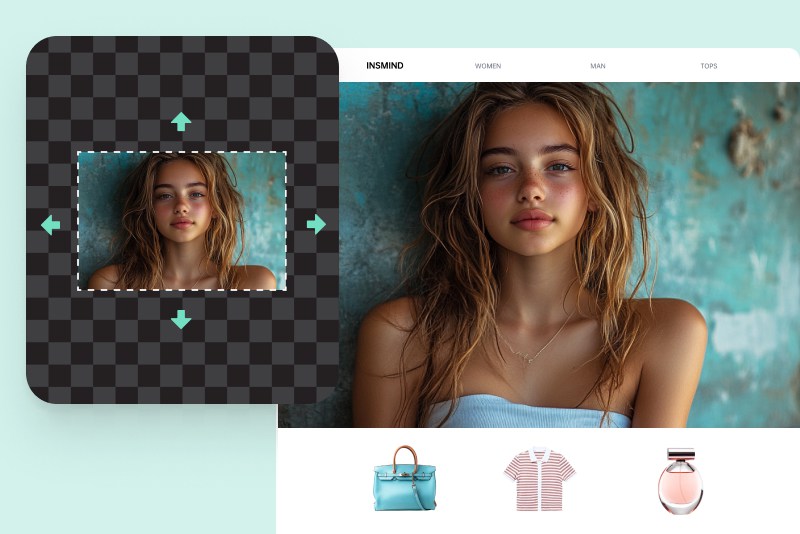
Portraits
Add room above the head or beside the shoulders when a portrait was cropped too tightly. Inspect hair, ears, hands, clothing seams, and background lines before using the new version.
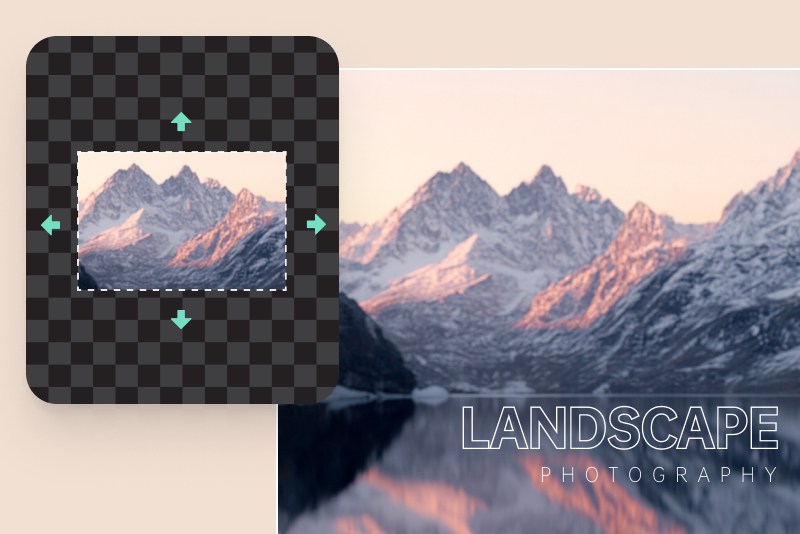
Landscapes
Extend the frame when a horizon, tree, building, or foreground element ends abruptly at the edge. Check that long lines continue in the same direction and that repeated scenery does not form visible patterns.
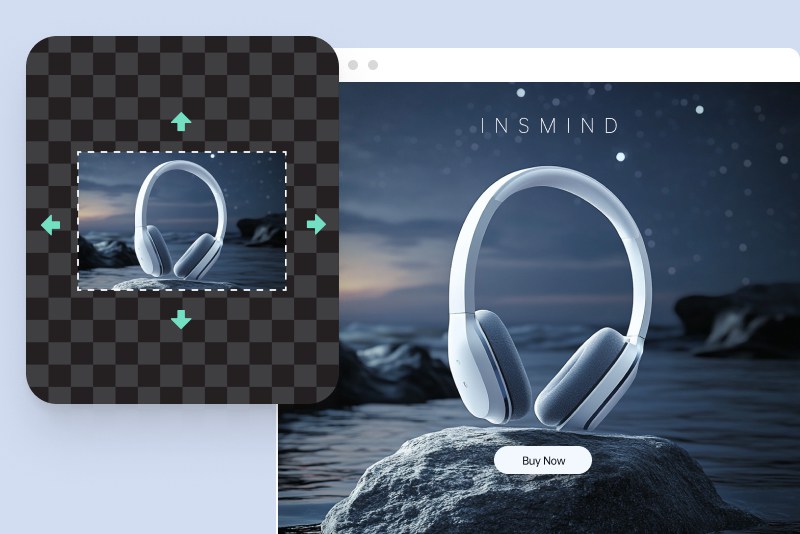
Product Photos
Create cleaner space around a centered item without stretching it. Review product contours, packaging text, shadows, reflections, and any repeated details in the generated area.
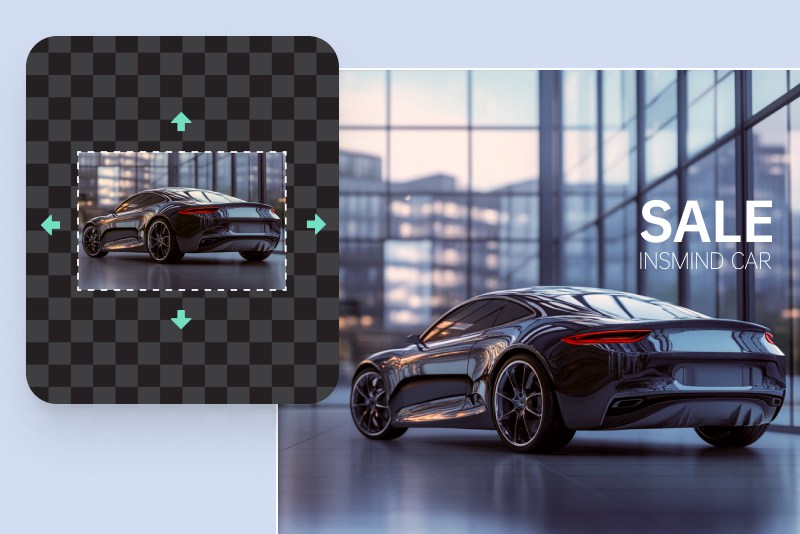
Banners and Marketing Layouts
Recover working space for a headline, logo, or callout when the source photo leaves no margin. Keep important brand elements in the original image area and treat the generated border as supporting space.
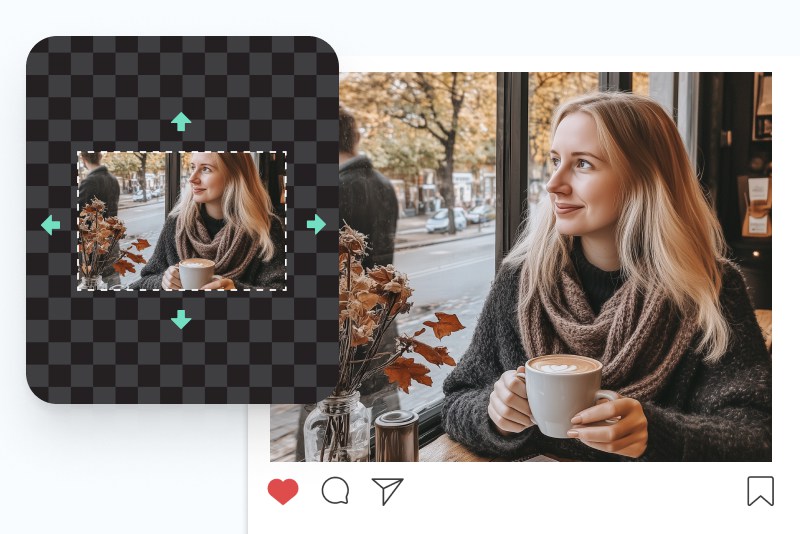
Social Posts
Turn an overly tight crop into a composition with more room for a square, portrait, or landscape post. Once the scene looks right, use a platform-size preset to finish the output dimensions.
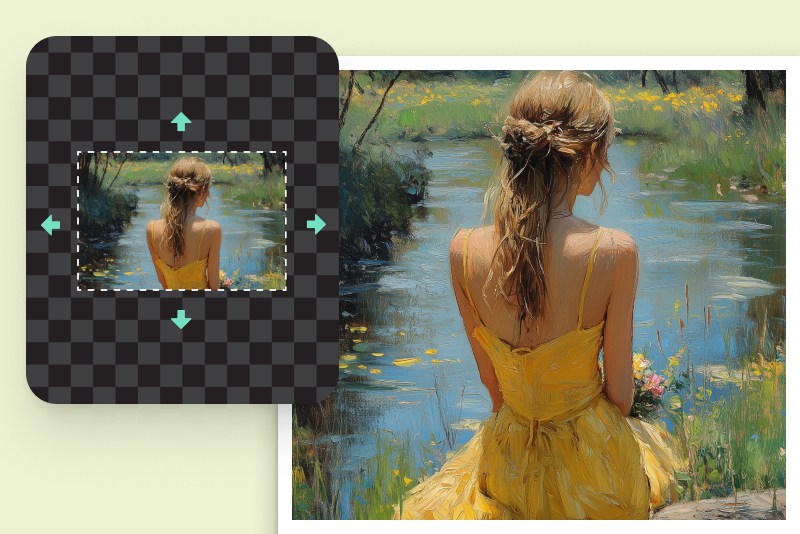
Artwork and Creative Compositions
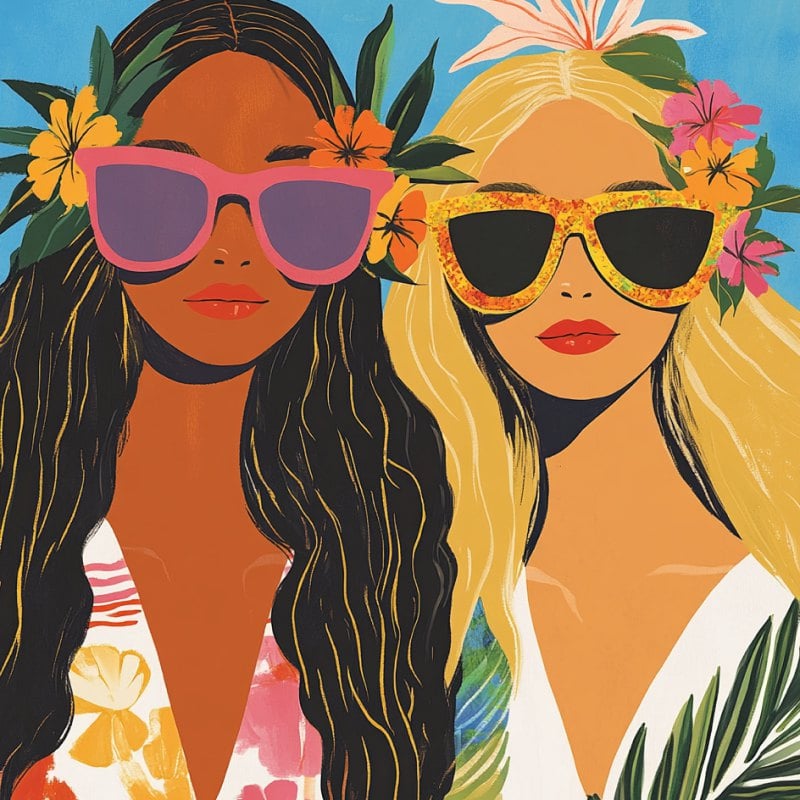
Explore a wider frame around an illustration or concept image. Compare the new color, lighting, perspective, and texture with the source before using the result as part of a finished work.
Why Use insMind to Uncrop an Image?
Control the New Frame
Choose the ratio or direction that needs more room instead of changing the entire composition. The original image remains the reference inside the new canvas.

See the Generated Border Before Downloading
Review how the new area joins the source photo. A visible preview makes it easier to spot broken lines, duplicated textures, altered text, or details that need another pass.

Use One Workflow for Different Crops
The same upload-and-review process works for portraits, products, landscapes, banners, social posts, and artwork. The amount and direction of added space can change with each image.
FAQs About AI Uncrop
What does it mean to uncrop an image?


Can AI recover the exact pixels that were cropped out?
How do I use an uncrop photo tool without stretching the image?
What is the difference between uncropping and resizing?
Can I try AI uncrop for free?
Finish the Photo After Uncropping
Resize the final composition, clean the background, improve clarity, or prepare a product image with a more specific editing tool.

AI Background

Smart Resize

White Background

AI Image Enhancer

Transparent Background

I use insMind AI Image Uncropper for my social media posts. It's quick, offers a free trial, and doesn't require any complex software. The results are smooth, and it's a game changer for enhancing my content.
@David