
Create a Transparent Background Online





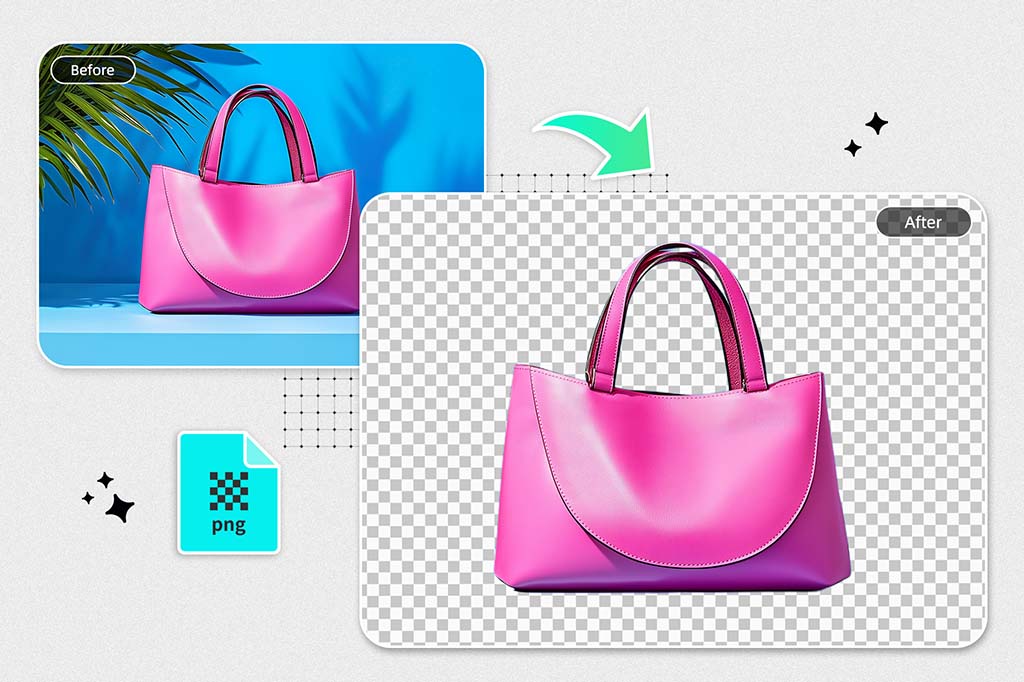
Use a few Taps to Create Transparent Backgrounds
With insMind's easy-to-use tool, you can get a transparent background in seconds. With this feature, it's easy to remove the background of images, and users can easily create transparent photos with little work. This transparent background tool works seamlessly from an image to transparent whether you're editing a personal photo creating a digital product listing or designing a presentation.
The tool's AI technology is simple to use, you just upload your image, and the tool will remove the background automatically leaving a super clean transparent background that is ready to use in many creative projects. The insMind team always guarantees that every transparent background is sharp and of high quality so that it looks professional even with no experience with photo editing.
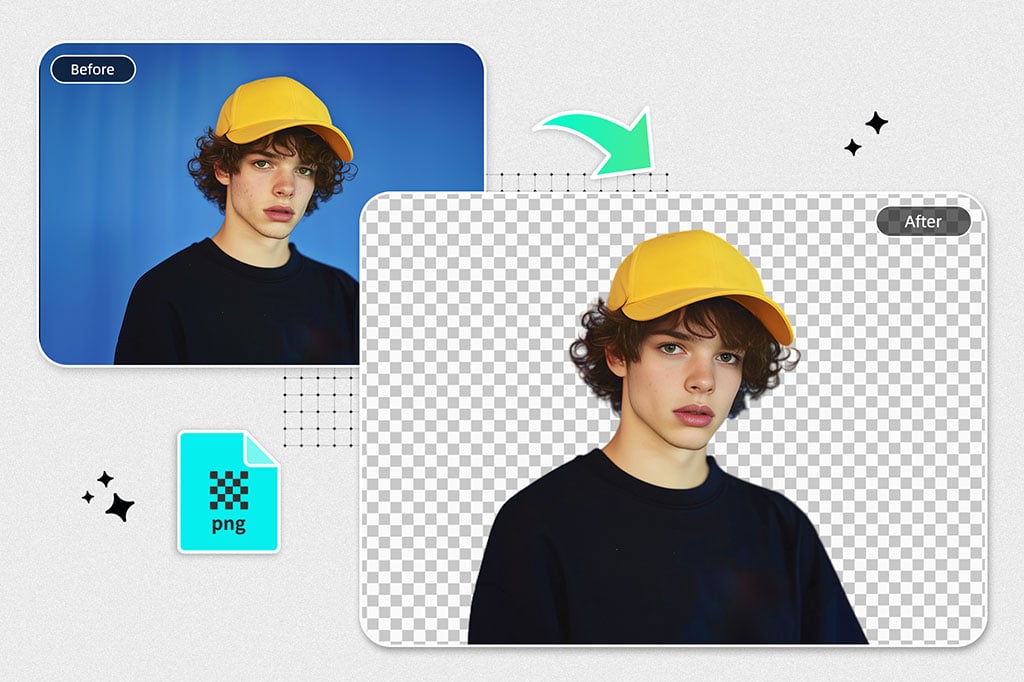
Convert PNG Transparent Without Quality Loss from JPG
insMind Transparent Background Generator makes converting JPGs to transparent PNGs easy. The great thing about this step is that you turn your image into a transparent background format which means you can place your photos however where you like on any design or webpage. Logos, marketing material, social media posts, PNG is perfect for everything.
insMind's tool differs from standard converters in that it preserves the quality of your images rather than struggling to reduce readability. The details are crisp, and the background transparency doesn't take away from the resolution, so it's perfect for digital and print media. If you need great images (no matter how transparent), a transparent background generator will be perfect!
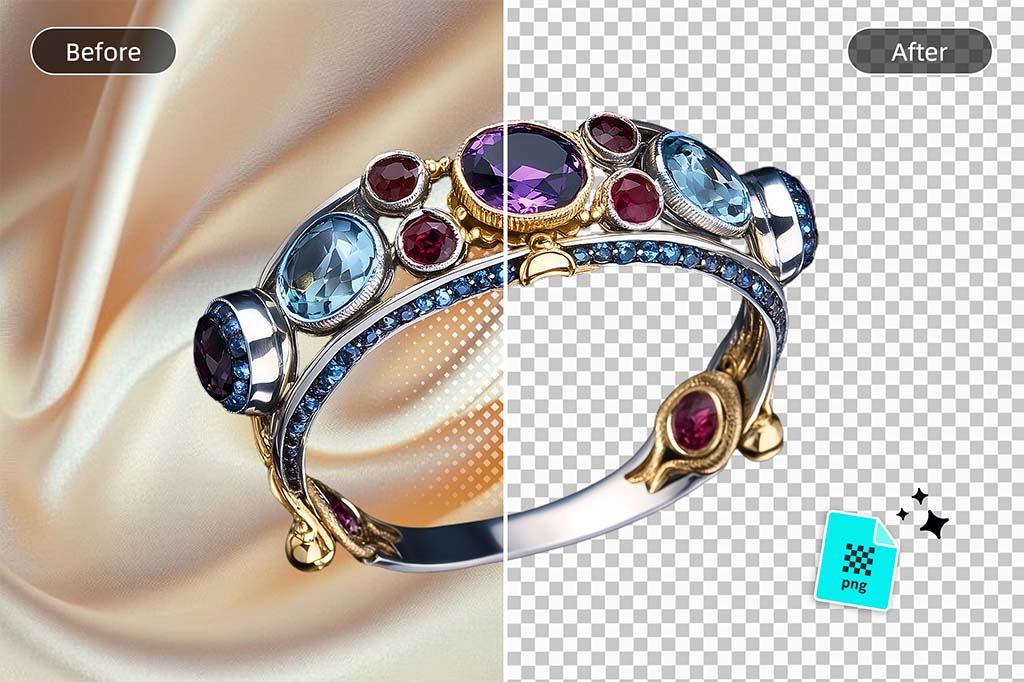
Display your Products with Transparent Backgrounds to Increase Sales
When you display product images with a transparent background, you focus all your attention on the product itself, which can help lift online sales. No distractions please, with the transparent background this item is the center of attention, taking away distraction from any web page background.
insMind's tool gives eCommerce businesses the ability to post photos and get a transparent background overnight so the visuals are clean and polished while engaging with customers. Transparency also makes product images easy to layer on marketing material as well as product pages keeping brand consistency intact.
That makes customers willing to purchase only one product, as opposed to coming here first. Using insMind it is only a few clicks away to produce transparent product images that are professional-looking and attractive.
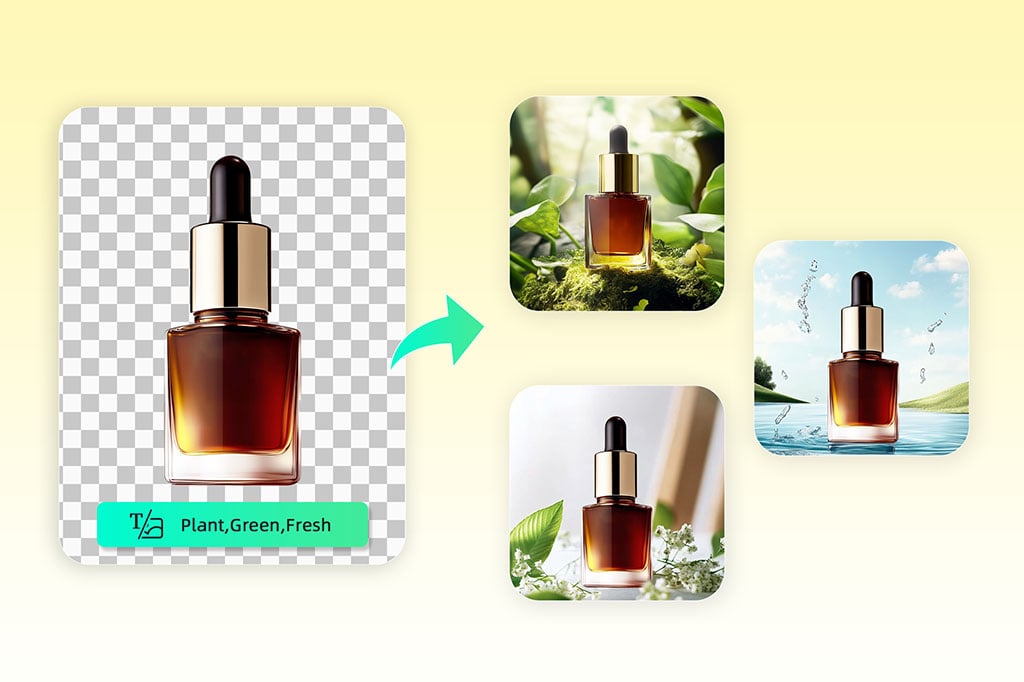
Customize Transparent PNG Backgrounds
You can choose to customize your transparent PNG backgrounds by trying insMind for free.AI Background Changer. Removing the background means users can do more than simply add transparency, such as changing or adding a background to any style, from solid colors to dynamic patterns.
insMind's AI background changer lets users play around with fun background options: from changing opacity to adding a white background or a bold color. This works great for branding/marketing or personal projects as you can customize the transparent background so that the image's background matches whatever project style you are using.With insMind, you can automatically turn your content into a beautifully designed theme, using background adjustments to achieve a unified visual identity across all your content.

Beyond Transparent Backgrounds: Elevate Images with insMind's AI Tools
insMind's AI editing tools allow users to create a lot more than a transparent background. It has advanced features like AI filters to allow users to transform their photos with artistic and visually stunning effects, tools to add shadows to make pictures deep, and an expanded image option that kicks image size up without the loss of quality.
Whether you need image enhancement or wish to edit the background, insMind has a range of tools that will ensure every project shines. If you are looking to create professional-level visuals for your social media or eCommerce images, this is a perfect suite of tools for you. Finally with a few extra touches your transparent background image can shine and look polished, eye-catching, and ready to share.
Explore More Transparent Background Generator Features
How to Make an Image Transparent?

1 Access the Transparent Background Generator in insMind

2 Upload your photo

3 Create a transparent background

4 Download in PNG format


Create Transparent Background for Every Use Case
With insMind's Transparent Background Maker, the background is created so easily that you can use it for multiple different needs.
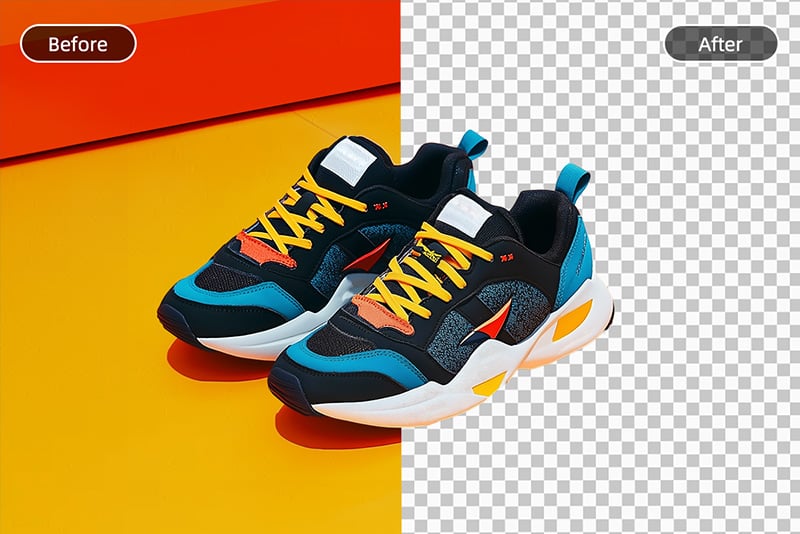
Make product photo background transparent
E-commerce-friendly, transparent backgrounds help products stand out from any platform or site design.
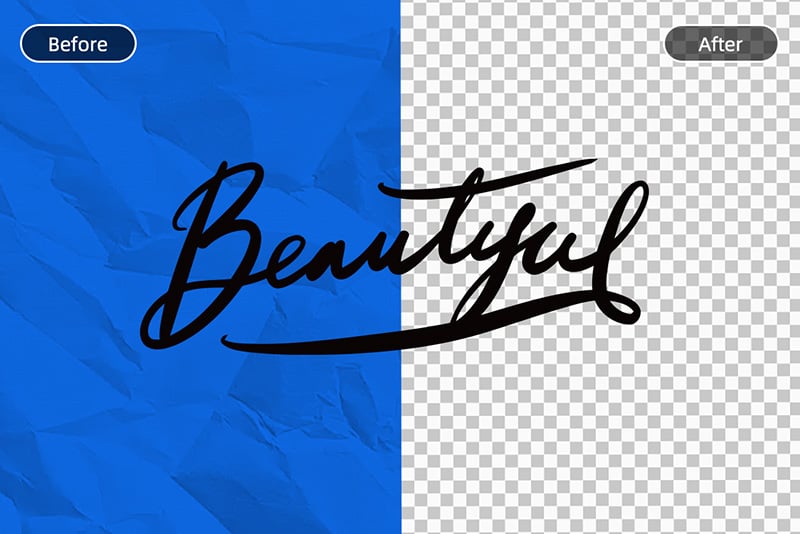
Make the signature photo background transparent
Make the background transparent and create clean, professional-looking signatures for digital documents.

Make the logo background transparent
To use logos across branding you remove logos' backgrounds and make it usable on any color or design.
Why Choose insMind Transparent Background Generator?

Online Background Remover for Transparent Images
Expand backgrounds with no loss in quality and without costly software. Try it for free with available credits.


A Wide Range of Online Editing Tools
With versatile editing tools on insMind, you can remove the background and continue enhancing your image. Try it for free.
Freguently Asked Questions
How to Make an Image Background Transparent?


How does insMind achieve high-quality transparent backgrounds?
Does insMind offer HD export for images with transparent backgrounds?
What are the best tools for removing backgrounds to make them transparent?
Can I make a picture's background transparent for free?
You might be interested in
Make your pictures pop with creative AI tools you can explore during a free trial.

Background Removal

Remove Background From Signature

Remove Background From Logo

Magic Eraser

Blue Background

Red Background

Green Background

Perfect for slides with my image but no need to worry if backgrounds clash.
@Sarah