
Remove Background From Logo Online



Remove Background from Logo with One-Click
Find out how easy it is to remove the background around your logo with insMind's one-click logo background remover. It's designed to remove backgrounds accurately and quickly, making it the perfect tool for quickly removing a background, so to speak, from a logo. With today's advanced algorithms, the system distinguishes the logo outline from the background and leaves a transparent canvas, which is ready for personalization.
Used either for personal or professional branding, this photo editor removes the need for manual editing. Perfect for content creators, small businesses, and designers who need to have polished and versatile logo files, but none of the hours of messing work.
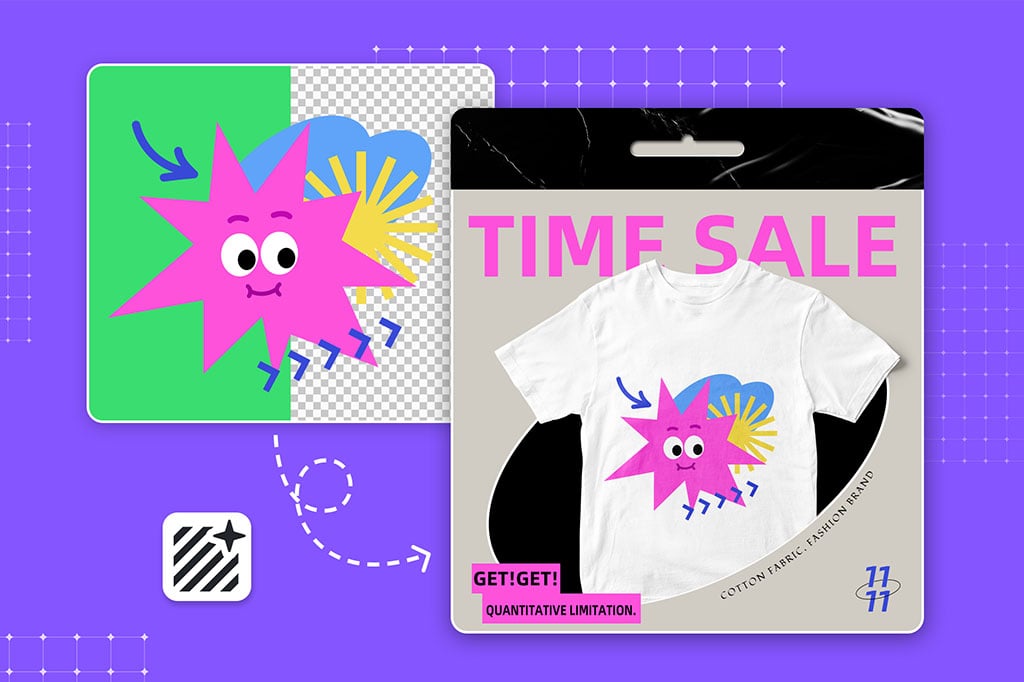
Instantly make your logo transparent Without Losing Quality
When creating transparent backgrounds, logo quality must be maintained at all times. The insMind logo background remover has no compromise on the transparency and clarity aspects. No detail of your logo is lost with the background removal since the tool retains everything. As with all our logos, your logos stay sharp and vibrant. Perfect for use at high resolution on your website, in the product packaging, or anywhere.
With high-definition technology this tool guarantees transparency and details at the same time, making it the ideal way to get a clean high-quality logo with no fine details lost. With confidence, create versatile logos you know won't hurt your brand identity.
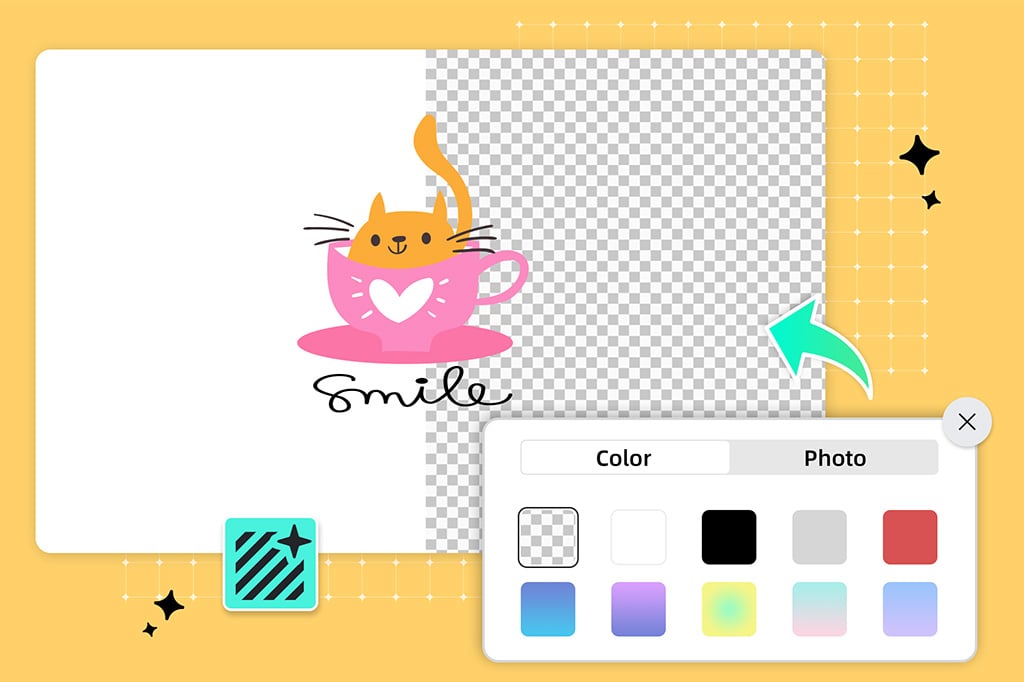
Remove White Background from Logo Effortlessly
Never was the removal of a white background from logos easier. For many logos, the white canvas where they are designed can make for problematic brand presentation when used against other backgrounds. insMind background removal feature helps you to remove the white background from your logo instantly without any additional effort which can then be pasted onto many designs.
This allows users to also change background color if needed, increasing design flexibility. This feature is perfect for logo placement on colored backgrounds, marketing materials, or websites, and causes the logo to appear naturally anywhere you place it. Simple and pain-free; goodbye to background distractions, hello to professional-level customization for all logo types.
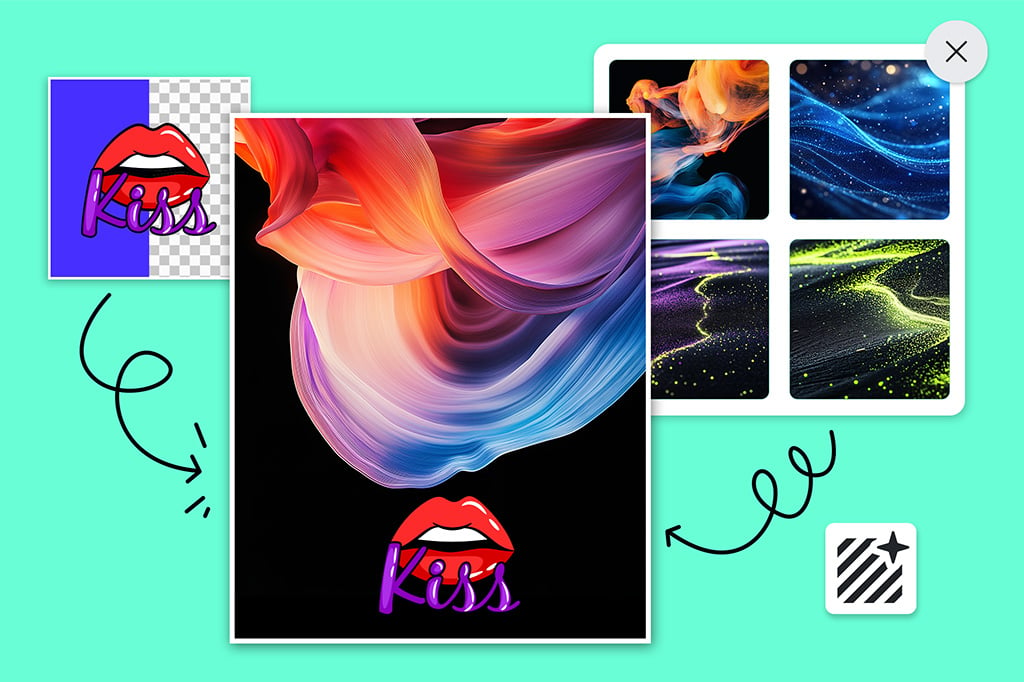
Customize Your Logo Backgrounds for any Project
You can even change your logo background to any need with insMind because it's not only about deleting backgrounds. With the integration of AI background changer technology, you can use the tool to replace the background with any color or image of your choice to maintain total control over your branding visuals.
This is a great feature if you're a company looking to differentiate yourself visually on multiple platforms, or if you're a content creator. It's flexible enough for different creative needs, from creating watermark-free designs to the adaptation of logos for a presentation or a social media graphic and still maintaining quality.

Do More Than Just Making Your Logo Background Transparent
The insMind logo background remover offers much more than just transparency. This tool allows users to adjust the logo's placement and orientation for personalized customization as needed. Additionally, with options to remove background from signature, use the background remover, remove white or black backgrounds from any images, insMind provides flexible solutions for a polished final product.
The tool’s advanced capabilities make it a one-stop shop for all your logo editing needs. insMind’s features support background transparency or customized backdrops, making logos adaptable for any purpose. With these versatile options, you can refine every detail to produce standout logos ready for professional branding.
Explore More Logo Background Remover Features
How to Remove Background from Logo?

1 Access Logo Background Remover in insMind

2 Upload your Logo

3 Remove Logo Background

4 Download your edited logo


Online Logo Background Remover
This logo background remover from insMind is handy for personal projects and professional use. Whether they're placed as product branding or online advertising, backgrounds removed make logos fit right in too many more use cases. It's a great tool for designers, marketers, and small businesses that want to streamline their branding and up their visuals.
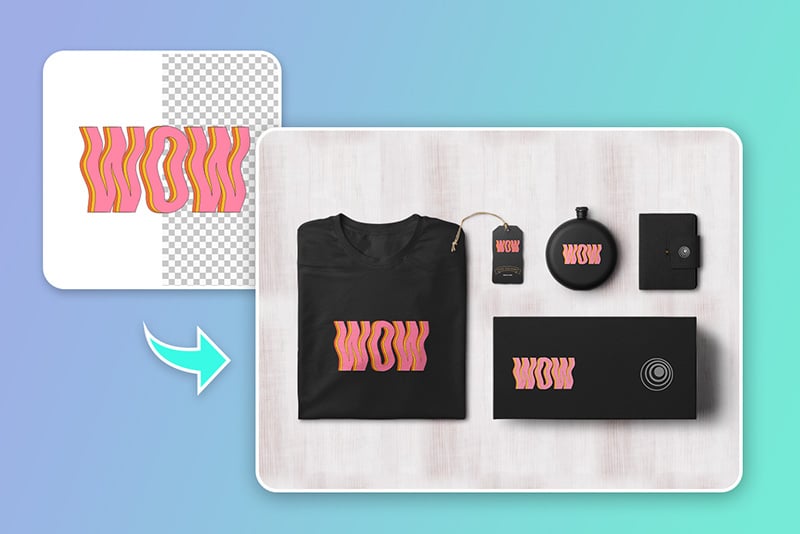
E-Commerce
Logos with clear backgrounds enhance brand visibility across all platforms and help in using logos on all digital and printed material.

Marketing & Advertising
It enables seamless integration of logos in advertising from social media graphics to large-scale promotional content. The transparent background makes it easy to adapt logos to any media.

Photographers
This tool allows designers and photographers to have clean, professional-grade images with their logos. With placeholders where the background should be, leaving each image looking polished and consistent.
Why Choose insMind Logo Background Remover?

Remove logo backgrounds online
Without any kind of skill, anyone can easily remove logo backgrounds using insMind's intuitive tool. Try it for free with available credits.

100% Automatic
AI technology prevents complete manual work of editing by making logo background removal automatic and correct.

High Precision
This background remover keeps your logo intact and can be used for high-resolution use across platforms.
Freguently Asked Questions
How can I make the logo background transparent?


Is the insMind logo background remover free?
Can I remove the photo background on my phone?
What types of images can insMind online background removal handle?
Can I remove backgrounds from multiple images at once?
You might be interested in
Make your pictures pop with creative AI tools you can explore during a free trial.

Black Background Remover

White Background Remover
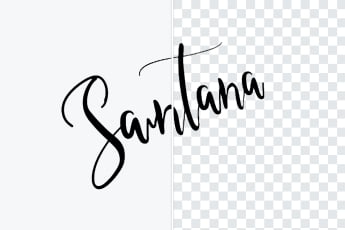
Remove Background From Signature
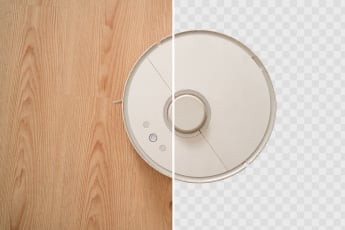
Make Background Transparent

AI Background

AI Image Enhancer

AI Filter

“Using it to sketch out those transparent logos fast. Can be used on ALL design projects!”
@Maya