
Unblur Image Online with AI Blur Remover


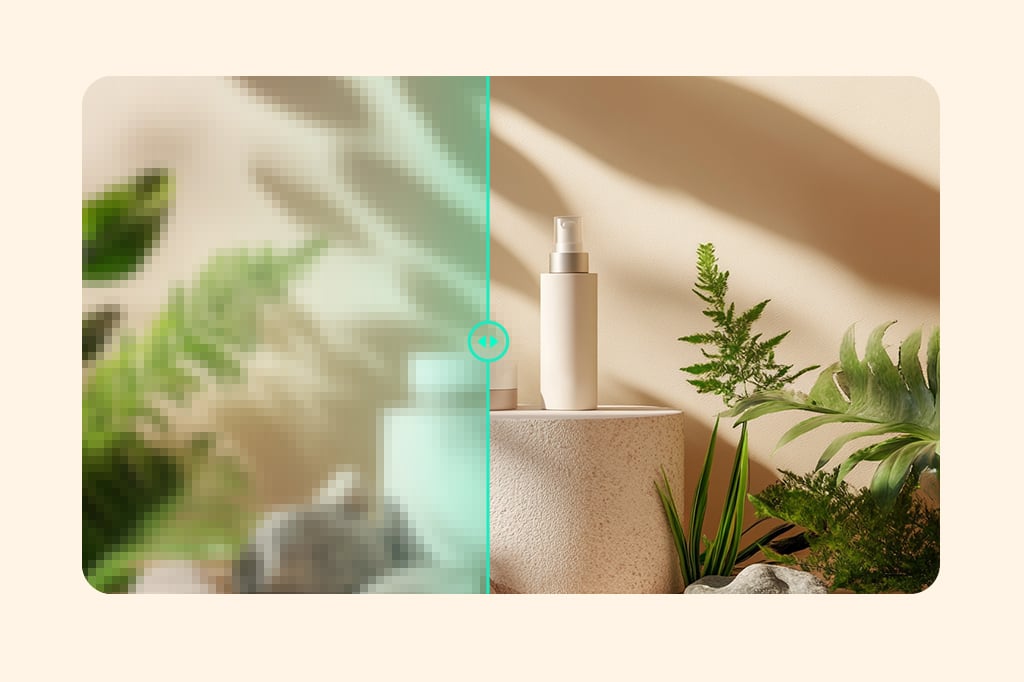
Remove Motion Blur from Photos
Use the AI blur remover when a phone photo looks soft from hand movement or a moving subject. It can improve visible edges and texture when the main subject is still recognizable.
Start with the original file rather than a compressed screenshot. Compare faces, labels, and fine edges after processing because very strong motion blur may not contain enough detail to recover.
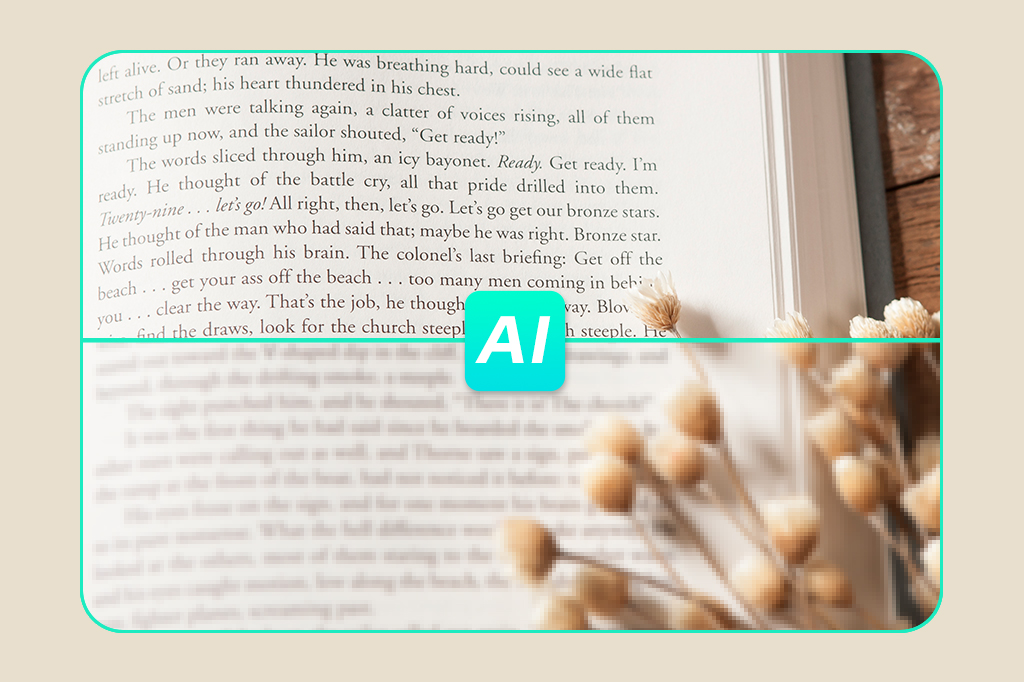
Unblur Text in Images and Screenshots
Make fuzzy text easier to read in screenshots, signs, labels, posters, and document photos. AI can clarify letter edges when the words are visible but softened by focus or compression.
For a text-focused workflow, use the image text unblur tool. Always verify names, prices, dates, and other critical details against the source because AI should not be used to guess missing characters.
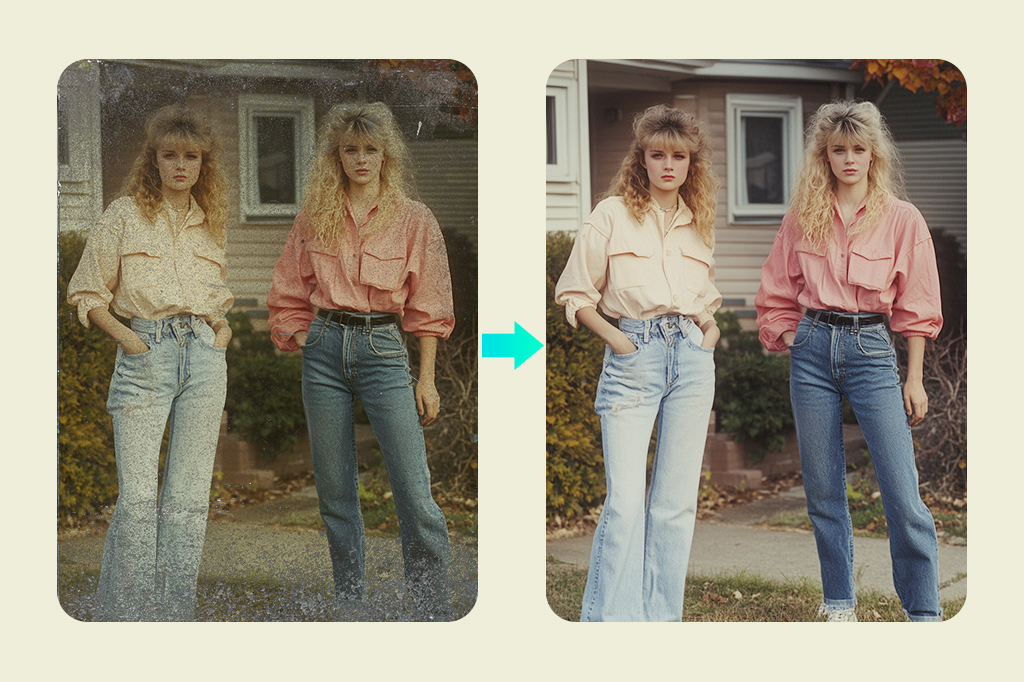
Fix Blurry Old and Compressed Photos
Unblur scanned prints, downloaded pictures, and old family photos that have lost clarity through soft focus or repeated compression. The tool can make recognizable details easier to see without requiring manual sharpening controls.
If the image also has scratches, fading, creases, or missing areas, continue with AI photo restoration after removing blur. Review faces closely so the restored version still matches the original people.
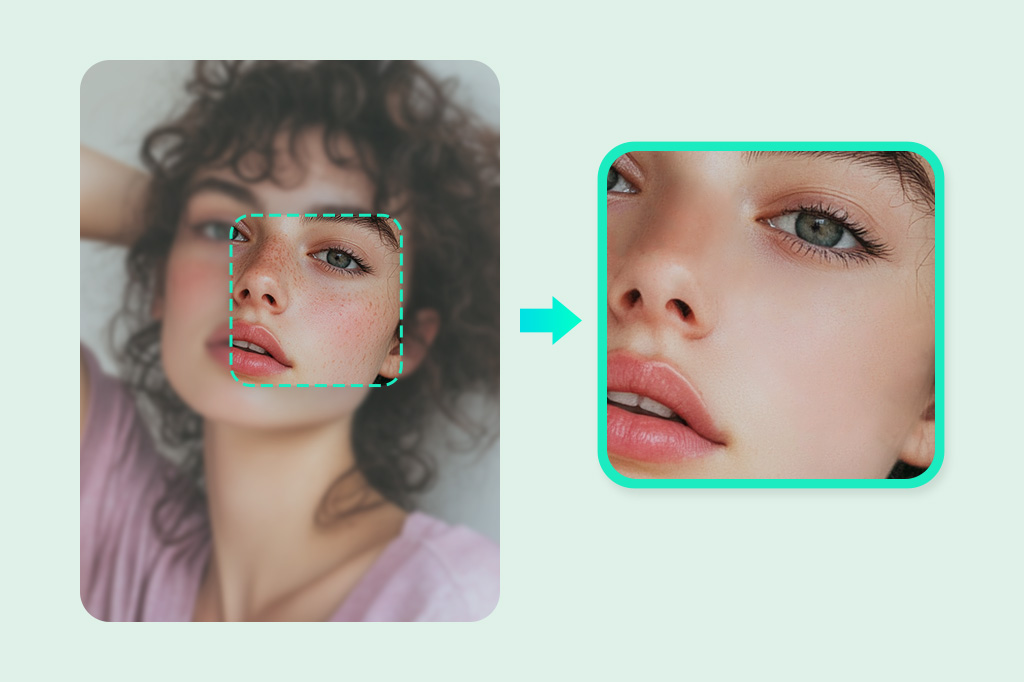
Unblur Faces in Portraits and Headshots
Remove light blur from selfies, profile photos, and headshots when eyes, hair, or facial contours look soft. A well-lit portrait with one clearly visible face gives the AI a stronger source.
Zoom in before downloading and check the eyes, teeth, hairline, skin texture, and glasses. If the face is heavily smeared or extremely small, use a clearer original instead of treating invented detail as accurate.
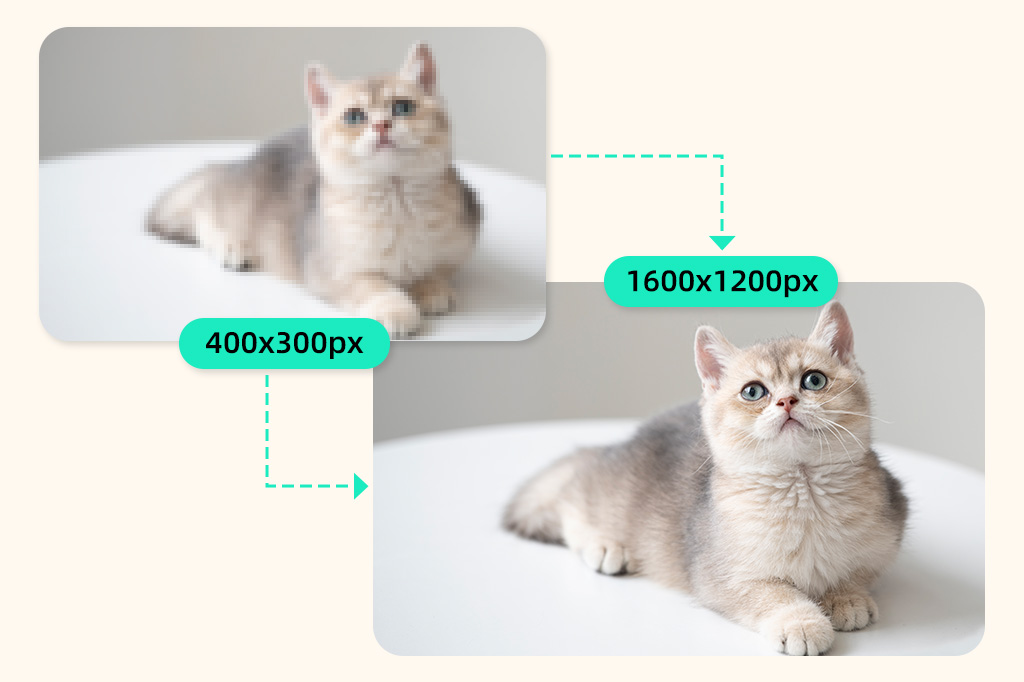
Choose Unblur, Sharpen, or Upscale for the Right Problem
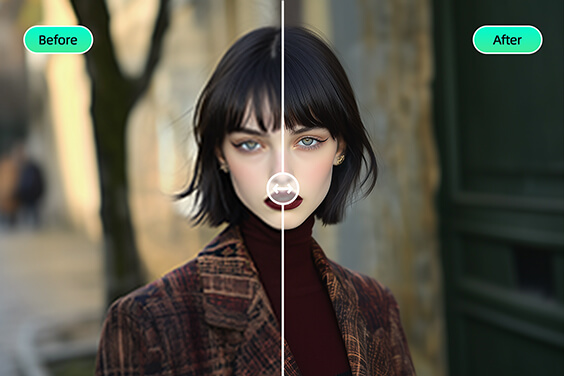
Use this page to remove visible blur. If a photo is already in focus and only needs crisper edges, try the dedicated AI image sharpener instead.
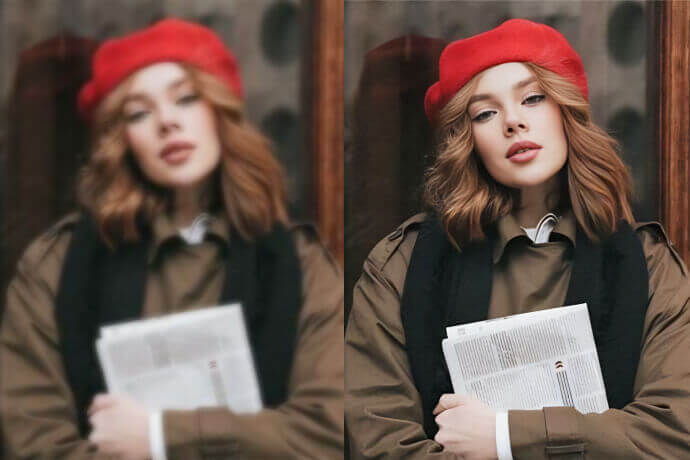
If the image is clear but too small or pixelated, increase image resolution after unblurring. Separating blur removal from enlargement makes each result easier to inspect.
Related AI Tools for Clearer Images
How to Unblur an Image Online
Upload a blurry image, let AI remove blur, review the result, and download.

1 Upload the blurry image

2 Let AI remove the blur
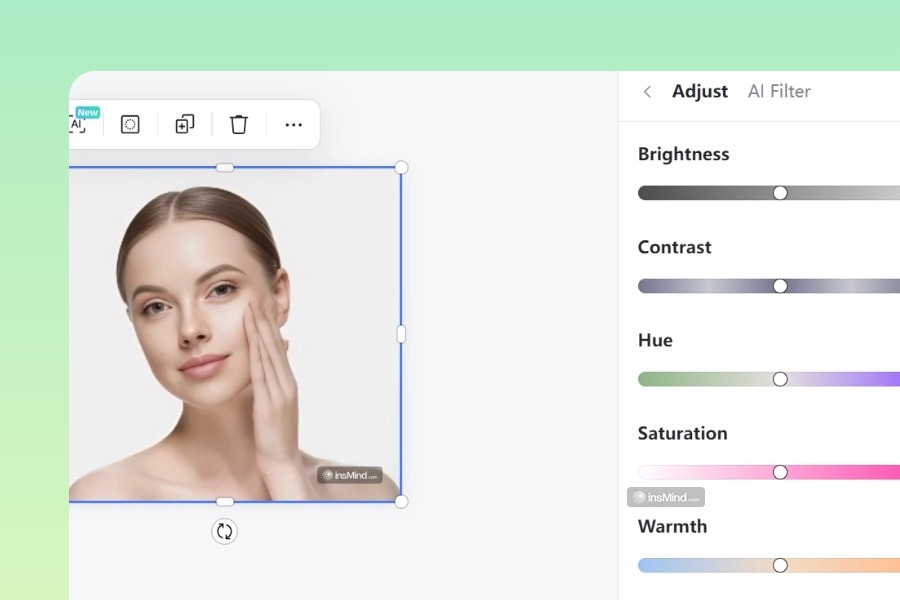
3 Compare the original and unblurred result

4 Download or continue editing


Remove Blurriness from Photos for Everyday Needs
Unblur portraits, products, phone shots, listings, social posts, and memories while checking important details.
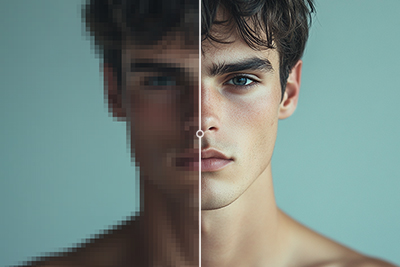
Unblur Portraits and Headshots
Improve a soft selfie, profile photo, resume headshot, or creator portrait. Check facial identity, hair edges, glasses, and skin texture before publishing the result.
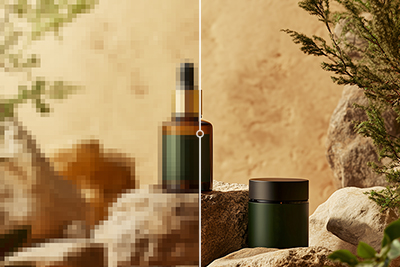
Fix Blurry Product Photos
Recover visible texture and outline clarity in a product image before it goes into a store, catalog, or ad. Confirm logos, labels, seams, colors, and small printed details remain accurate.
Remove Blur from Phone Photos
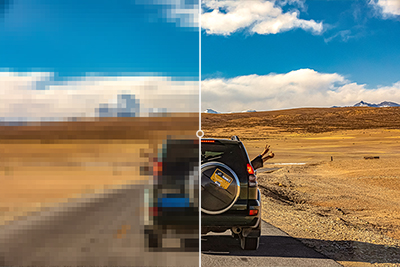
Improve a phone picture affected by light camera shake, missed focus, or messaging-app compression. Use the original camera file when possible for a better starting point.

Clear Real Estate and Interior Images
Unblur rooms, exteriors, and listing photos when softness hides lines or surface details. Inspect windows, furniture edges, signs, and fixtures before using the result commercially.

Unblur Social Media Images
Clean up a slightly blurry thumbnail, post, profile asset, or LinkedIn image before upload. Leave room for platform compression by starting with the highest-quality source you have.

Rescue Travel and Family Photos
Make a soft travel photo, family snapshot, or event memory clearer when you cannot retake it. Compare the result with the original so faces and background details remain believable.
Why Use insMind as an AI Blur Remover?

One-Click Online Blur Removal
Upload a photo and let the online AI blur remover improve clarity without manual radius, threshold, or sharpening settings. The same browser workflow is available on desktop and mobile.

Batch Unblur Multiple Images
Use Batch Edit for a set of similar blurry photos when the option is shown. Process multiple images, then review each result instead of assuming one enhancement level suits every file.
Batch size and availability may vary by account and permissions.

Clear Limits for More Reliable Results
AI works best on mild focus blur, camera-shake softness, and compression blur where the subject is still recognizable. It cannot reliably reconstruct text, faces, or objects that are completely missing.
FAQs About Unblurring Images Online
How can I unblur an image online for free?


Can AI remove blurriness from a photo?
What types of image blur can this tool fix?
Can I unblur multiple images at once?
Can a severely blurred image be made completely clear?
What is the difference between unblurring and sharpening an image?
More Tools for Clearer, Higher-Quality Images
Use a focused follow-up tool for edge sharpness, blurry text, overall enhancement, resolution, or restoration.
Sharpen Image
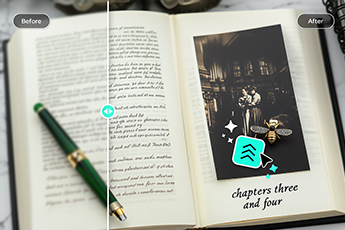
Image Text Unblur

AI Image Enhancer
Increase Image Resolution

AI Photo Restoration

"I've tested several options, but nothing beats this unblur image ai. It's fast, efficient, and the output quality is consistently top-tier. If you need to fix blurry photos without any hassle, I highly recommend giving this a try!"
@Samantha T