
Image Resolution Enhancer: Increase Resolution Online





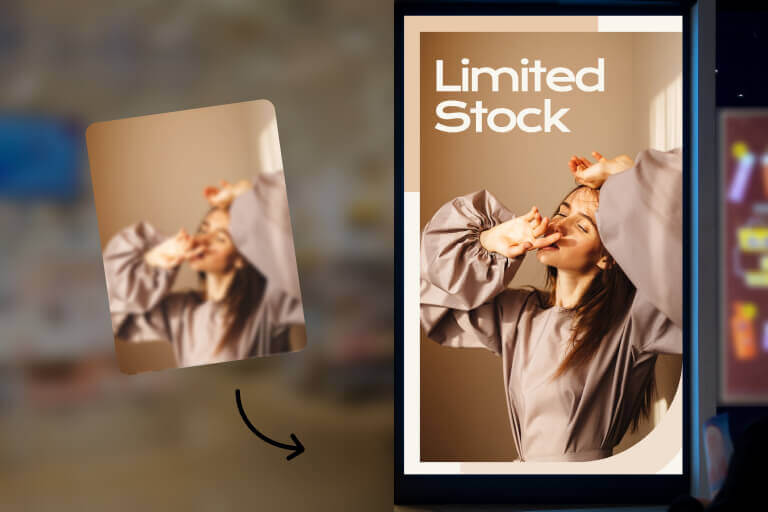
Increase Image Resolution Without Rebuilding the File
Use insMind when a photo is too small, compressed, or soft for a product page, print draft, profile image, or presentation. The AI helps add resolution and recover visible detail, while related AI image upscaler tools can help when you need a larger export size.
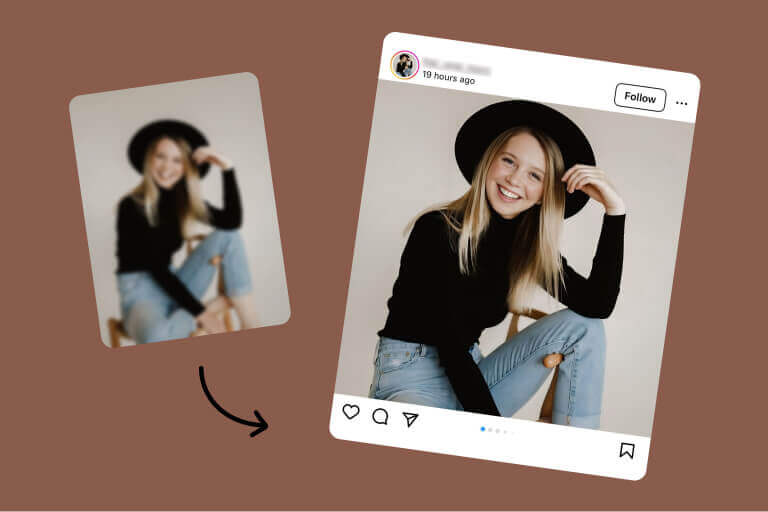
Convert Low-Resolution Images to High Resolution
Upload a low-resolution image and generate a clearer version for everyday use. Product shots, portraits, wallpapers, and social graphics usually work best when the original file still has recognizable edges, lighting, and subject detail.
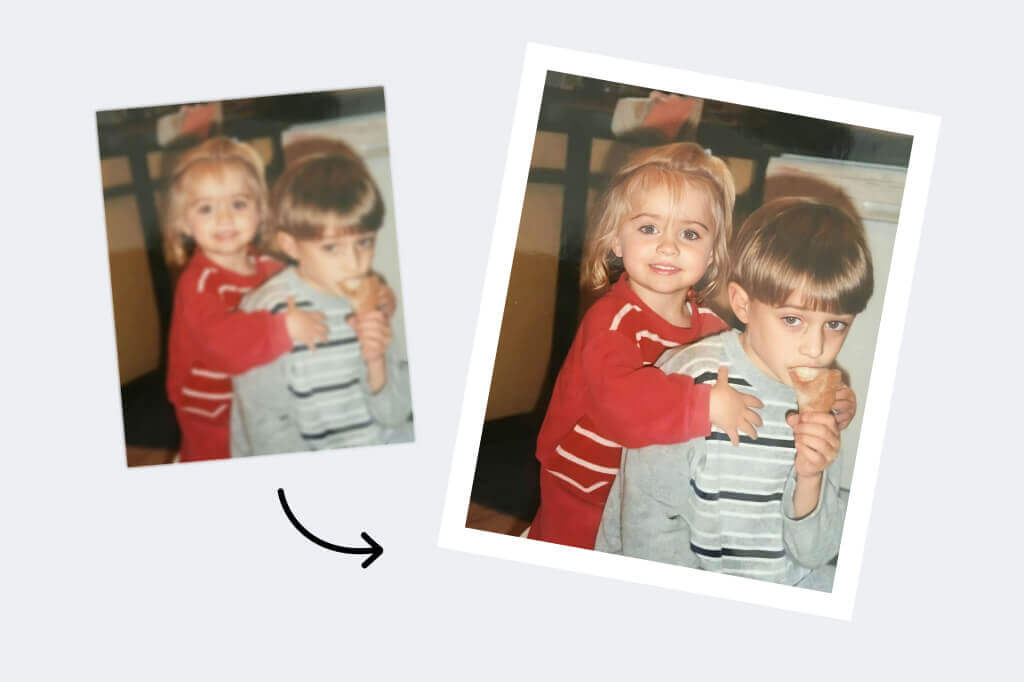
Recover Detail in Old or Compressed Photos
Old photos and compressed downloads can often look cleaner after resolution enhancement. For damaged family photos, pair this page with AI photo restoration when you also need scratch, fade, or age-related repair.
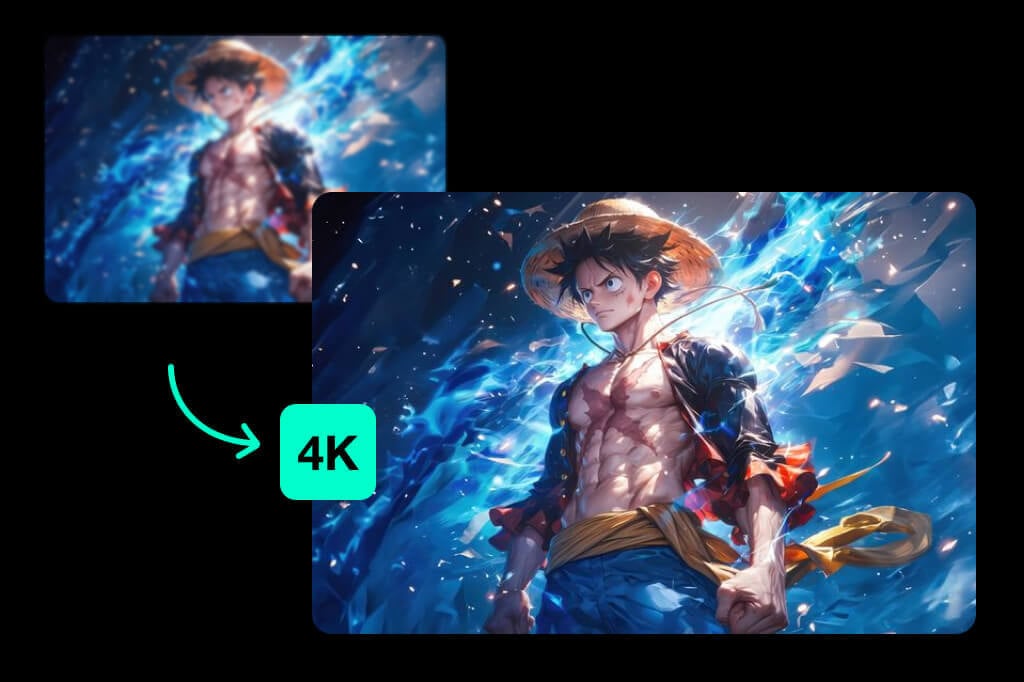
Prepare Anime, Art, and Wallpapers for Larger Screens
Increase resolution before using an anime image, illustration, or wallpaper on a larger display. Check line art, gradients, and small text after processing, because stylized images can show artifacts if the source is heavily compressed.
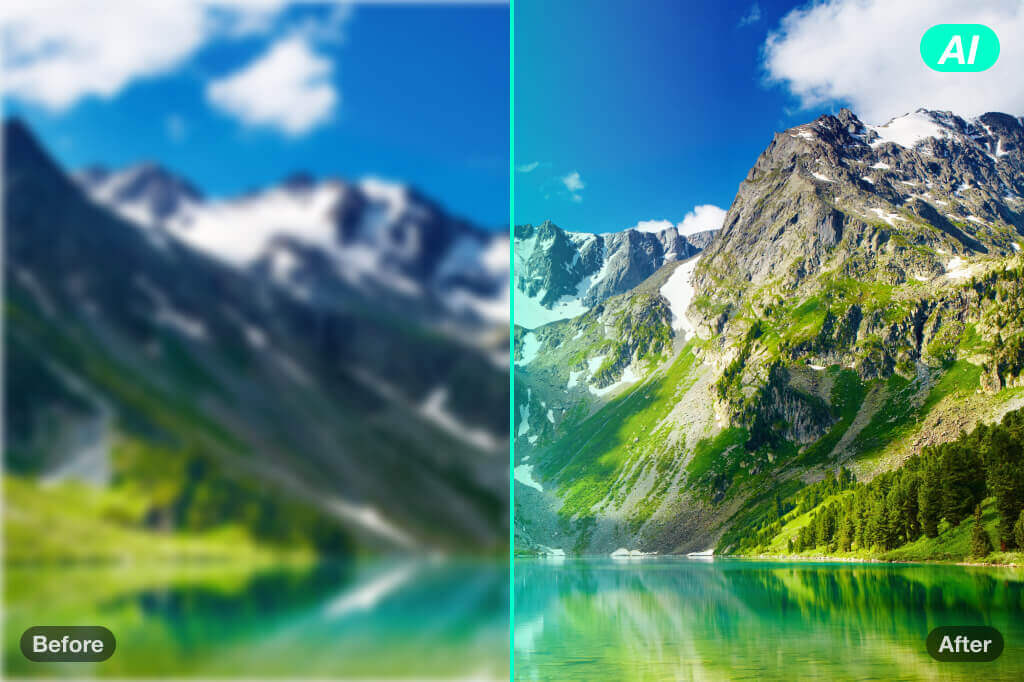
Improve Art and Design Files Before Sharing
Use resolution enhancement for design drafts, art references, and campaign visuals that need a cleaner export. If the image contains fine lettering or logos, zoom in before downloading so you can catch softened edges early.
More Tools to Improve Image Quality
How to Increase Image Resolution Online
Follow these steps to turn a low-resolution image into a clearer, larger file.

1 Upload your low-res image

2 Let AI enhance resolution

3 Preview fine details

4 Download the high-resolution result


When to Increase Image Resolution
Choose the right enhancement path for print, product, social, and design files.
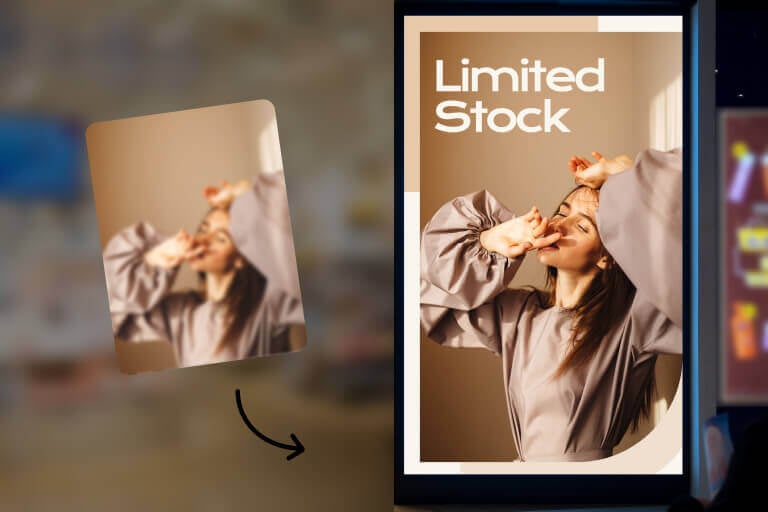
Print and Presentation Drafts
Increase resolution before sending a small photo into a slide deck, flyer, or print draft. Always check the final print size and avoid over-enlarging a file that has almost no detail left.
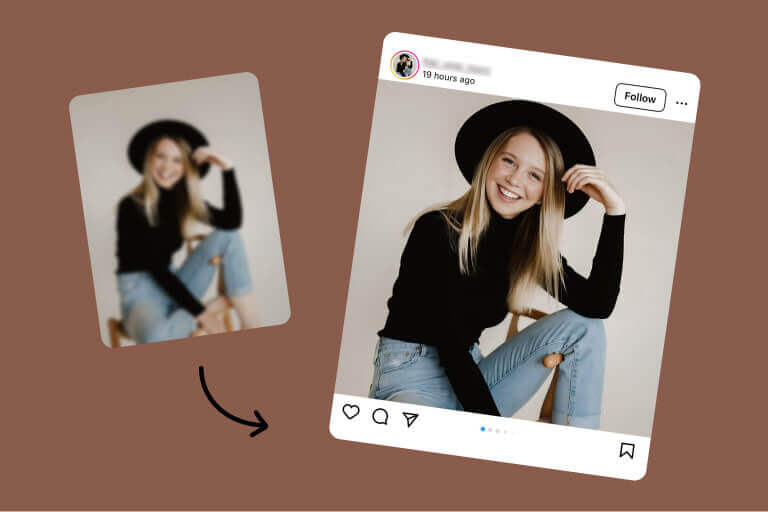
Social and Profile Images
Clean up a soft profile image, post graphic, or creator asset before publishing. A sharper source helps the result survive platform compression after upload.

Product and Marketplace Photos
Improve small product images before adding them to a store, catalog, or ad. Review labels, textures, shadows, and object edges so the product still looks true to the original.
Why Use insMind to Increase Image Resolution

Resolution and Detail Enhancement
insMind helps enlarge low-resolution images and recover visible detail without requiring manual sharpening, masks, or desktop editing steps.

Fast Browser Workflow
Upload an image, preview the enhanced result, and download from the browser. It is useful when you need a quick quality pass before resizing, printing, or publishing.

Works Across Common Image Tasks
Use it for product shots, old photos, profile images, artwork, and social graphics. For very damaged or blurry files, combine resolution enhancement with a more specific restoration or sharpening tool.
FAQs About Increasing the Resolution of Photos
How do I make my image higher resolution?


Can you increase the resolution of a JPEG?
How do I fix low quality resolution?
Is there a free tool to increase image resolution?
More Tools to Improve Image Quality
Upscale, sharpen, restore, or resize images when one resolution pass is not enough.
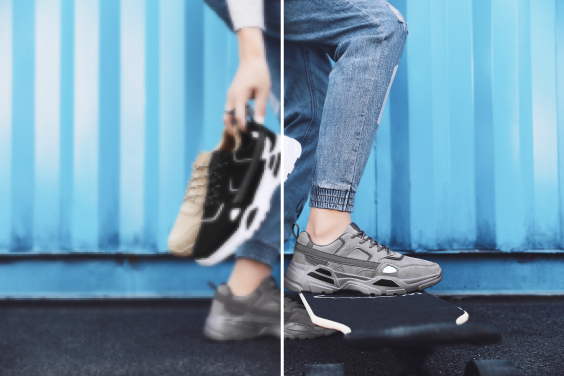
AI Image Upscaler
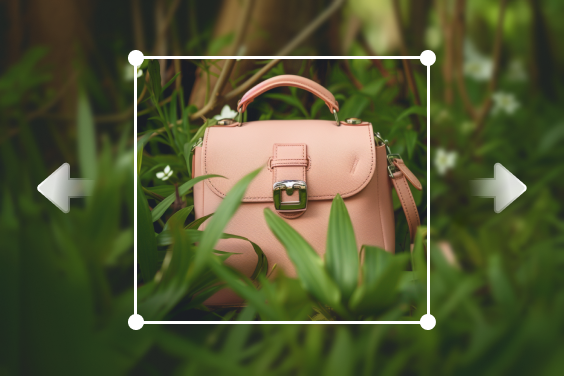
AI Image Expand

Background Remover
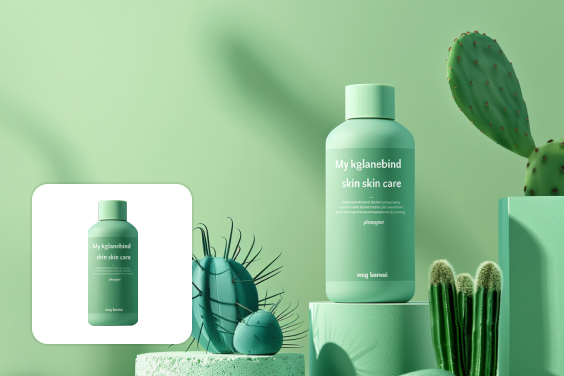
AI Background
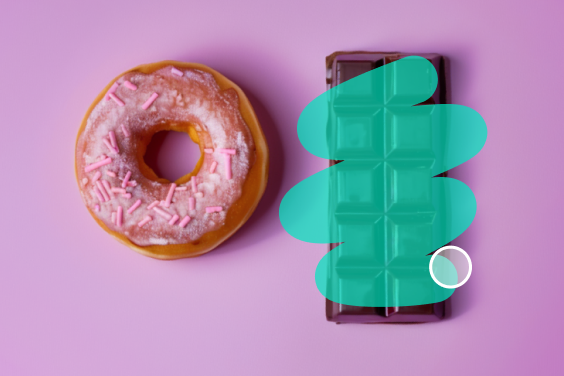
AI Magic Eraser

"I used insMind to enhance my product photos, and the quality boost was fantastic! The images look sharp and professional, which really helped improve my online content on my website. Highly recommend trying it out!"
@Mabel Nixon